Add Song To Photo
Pick a Style That Matches Your Song
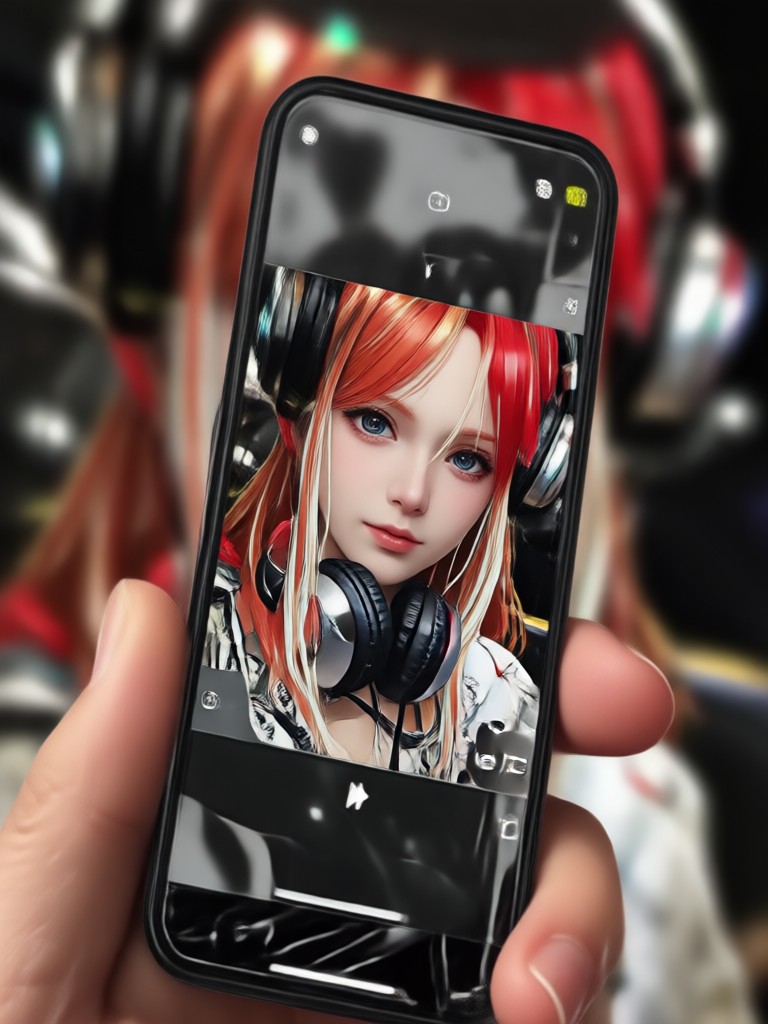
Different tracks call for different visuals. Choose from trending filters that pair perfectly with your music pick.
Why Use an App to Add Song To Photo?
Static photos are great, but photos with music create emotions. Our platform makes the process feel natural and fast.
Effortless Audio Sync
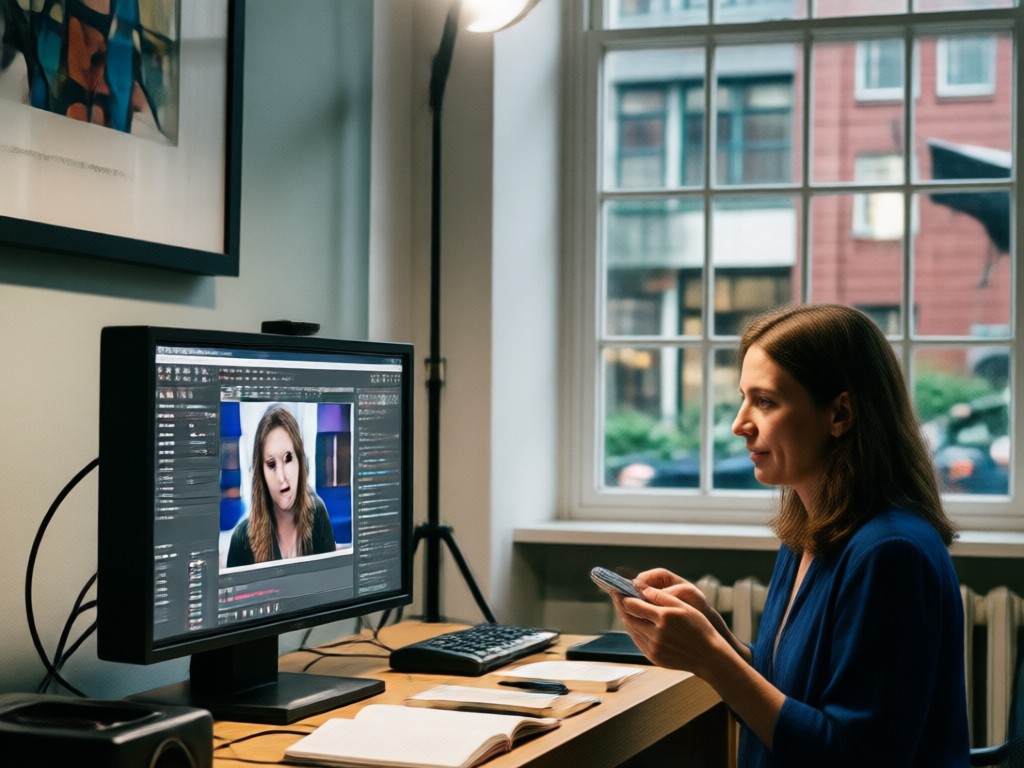
You do not need to line up waveforms or cut tracks manually. The app analyzes the beats and adds gentle motion to your image so it feels like a real music video. Just select the photo, pick the song, and preview the result instantly.
Effortless Audio Sync
You do not need to line up waveforms or cut tracks manually. The app analyzes the beats and adds gentle motion to your image so it feels like a real music video. Just select the photo, pick the song, and preview the result instantly.
Viral Templates
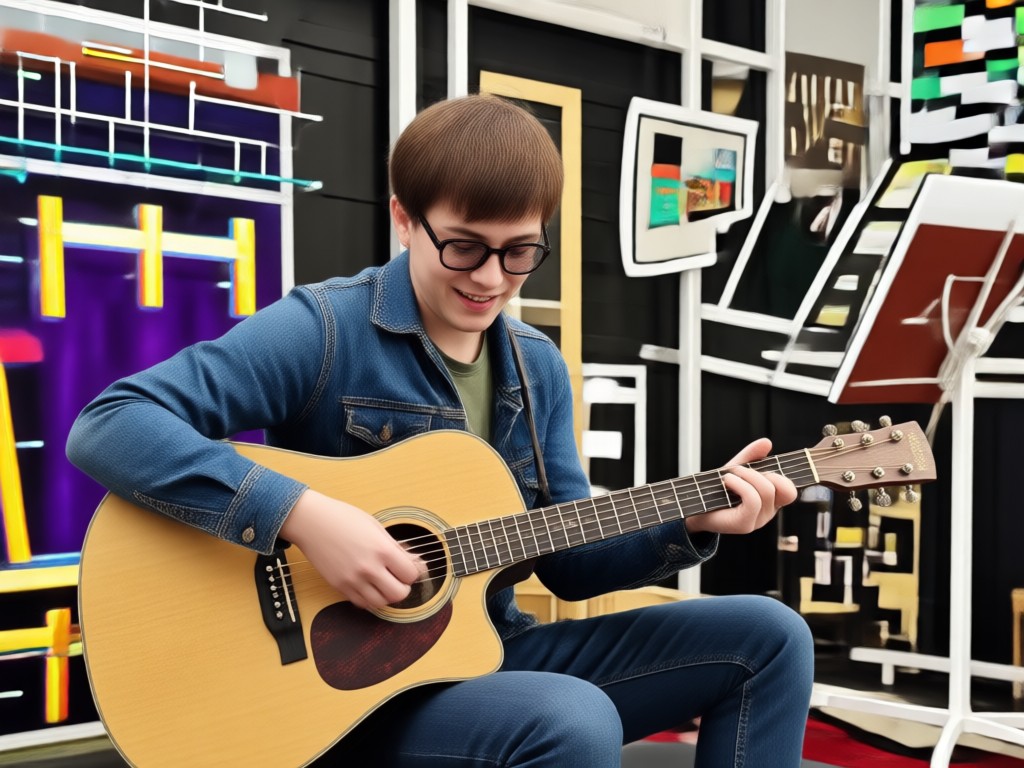
Access a library of trending styles designed for social platforms. Whether you want a dreamy slideshow, a dynamic beat drop, or a nostalgic film grain effect, there is a template ready to match the mood of your chosen track.
Viral Templates
Access a library of trending styles designed for social platforms. Whether you want a dreamy slideshow, a dynamic beat drop, or a nostalgic film grain effect, there is a template ready to match the mood of your chosen track.

High Quality Export
Once you are happy with the preview, save your creation in high resolution. Share it directly to your story, feed, or send it to friends without losing the crisp details of the original photo or the clarity of the audio.
High Quality Export
Once you are happy with the preview, save your creation in high resolution. Share it directly to your story, feed, or send it to friends without losing the crisp details of the original photo or the clarity of the audio.
How to Add Song To Photo in 3 Steps
Creating a musical photo takes less time than making a cup of coffee. Follow these simple steps.

Step 01.
Download the beyo app from Google Play and open it on your phone.

Step 02.
Upload a photo from your gallery and select the music or audio track you want to pair with it.

Step 03.
Preview the synced result, adjust the style if needed, and export it to share with the world.
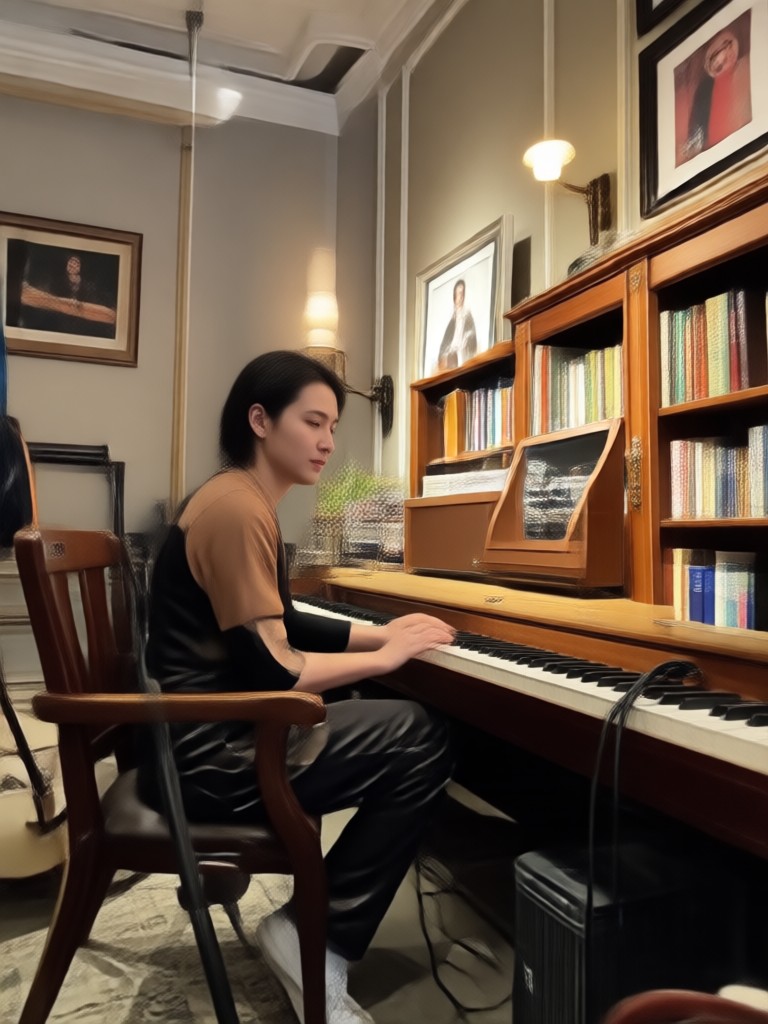
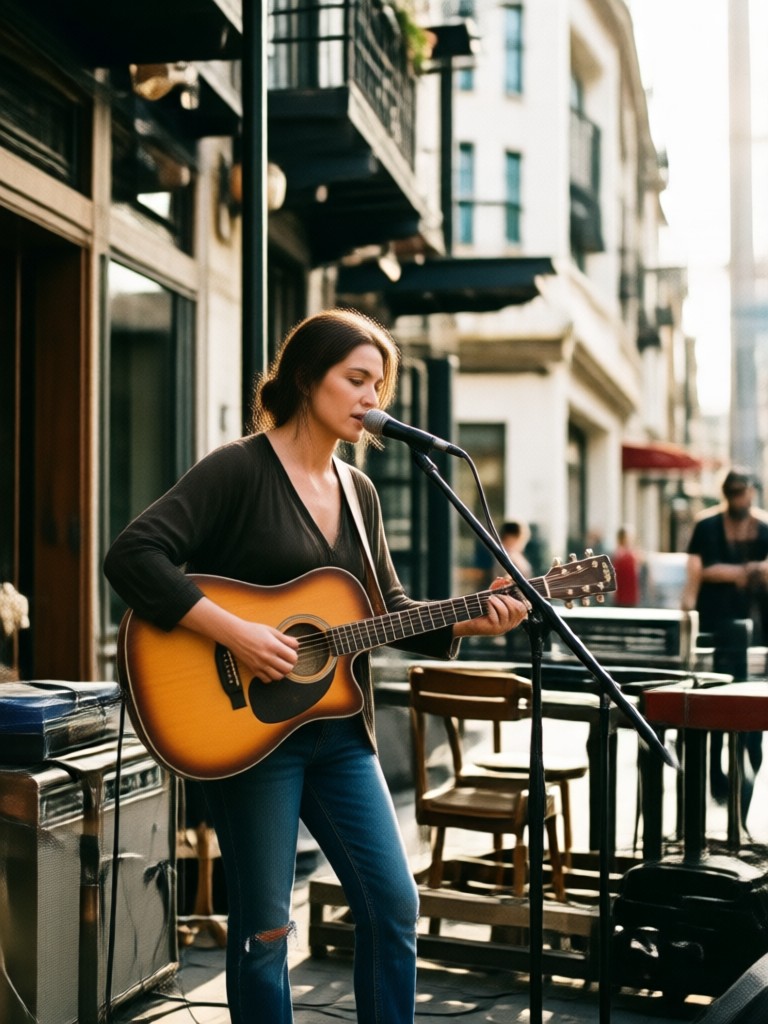
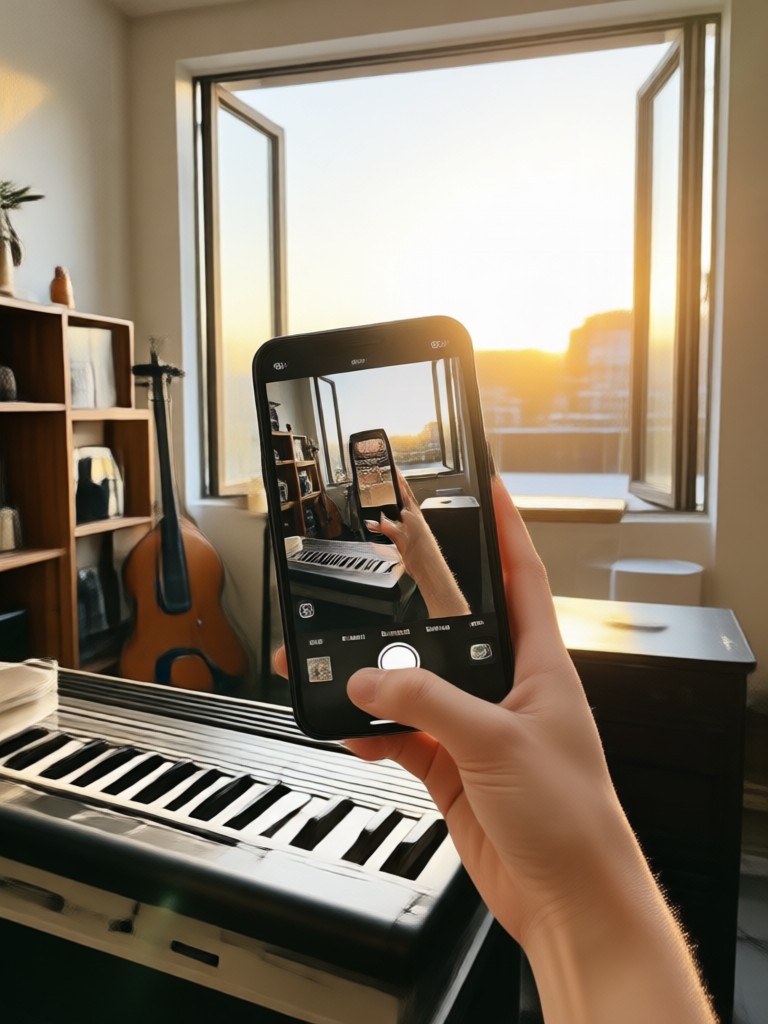
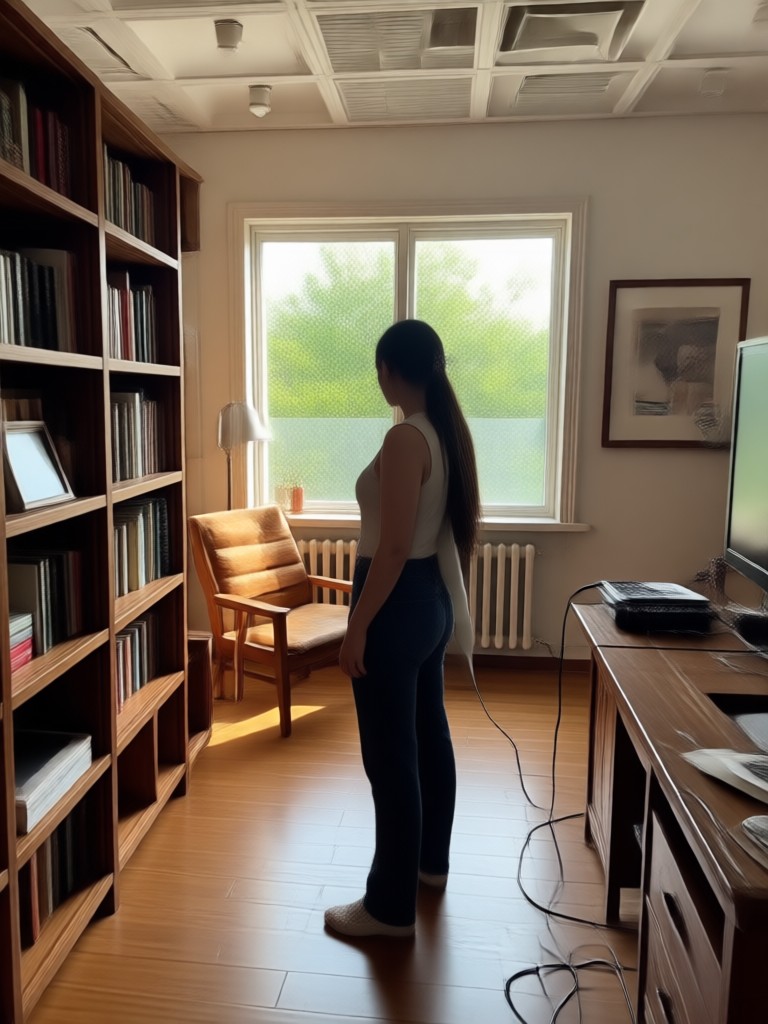
Photo Music Creations Made by Users
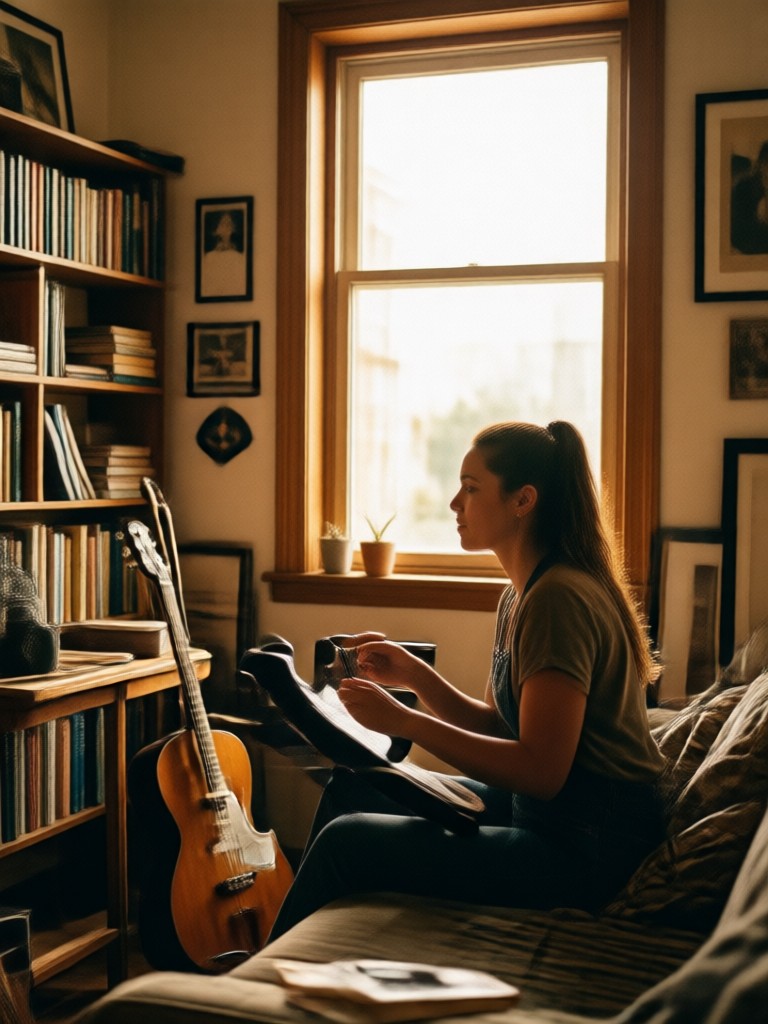
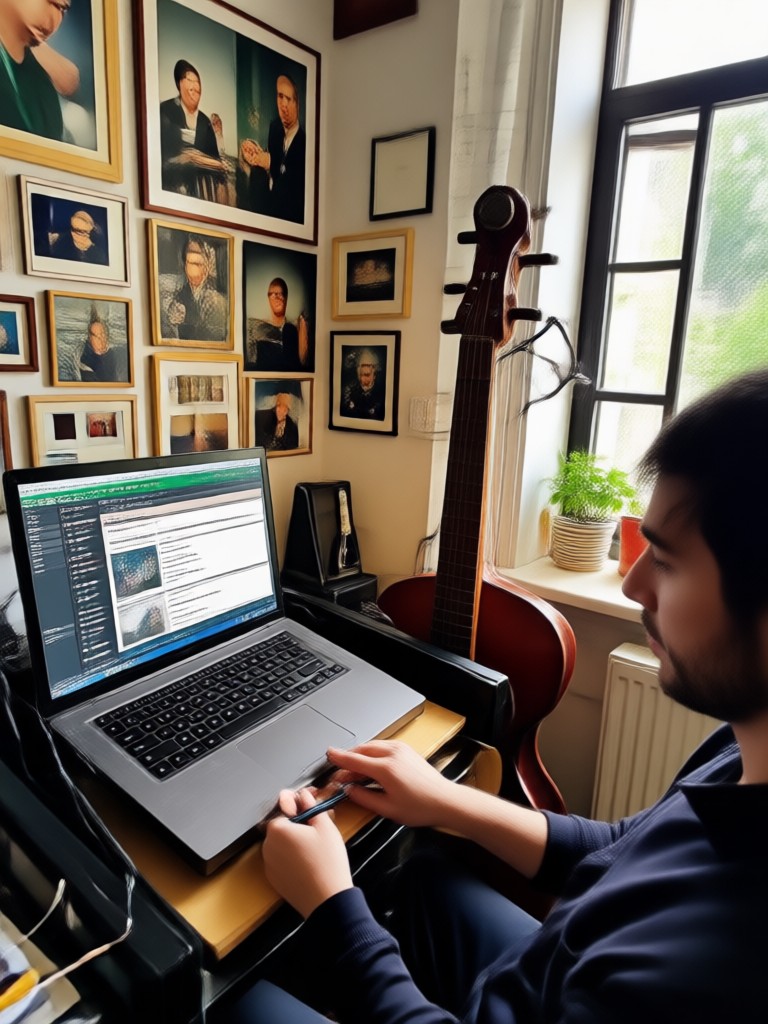
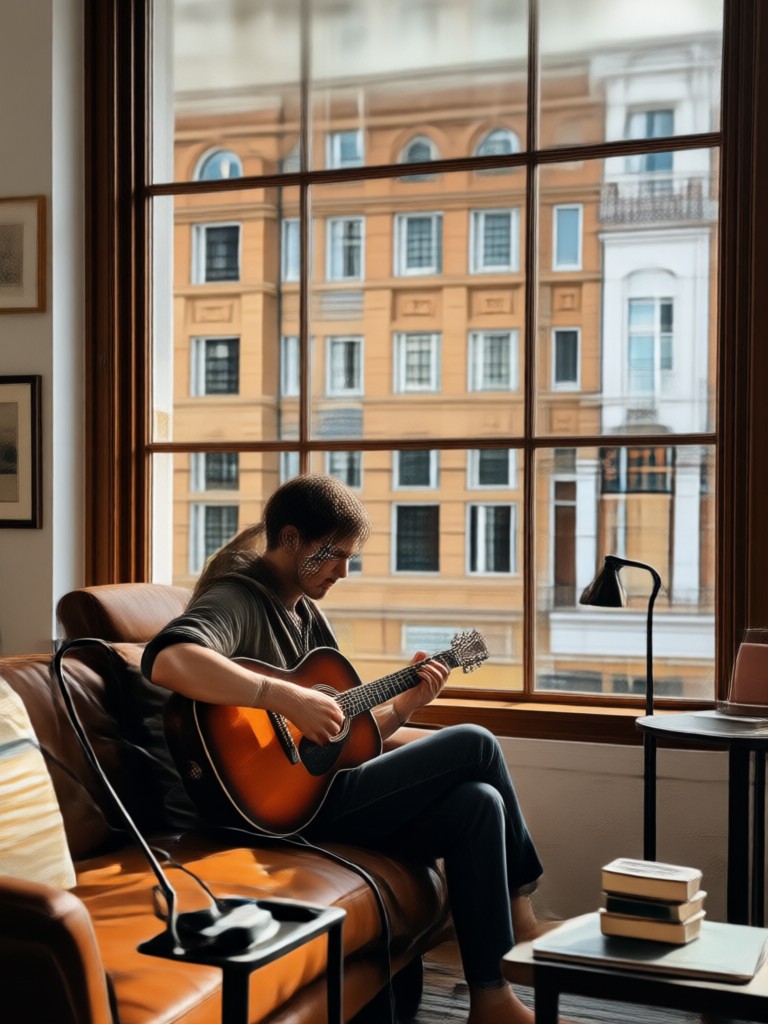
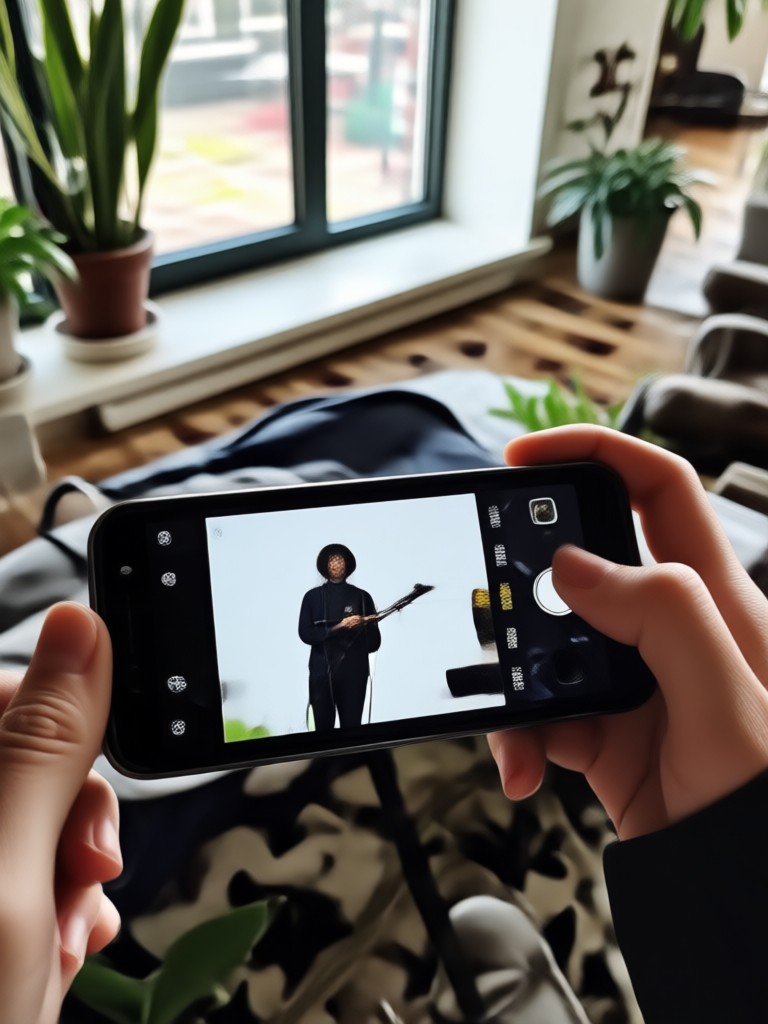
See how others have turned simple snapshots into emotional, music-driven clips using our creative suite.


More Than Just Slideshows
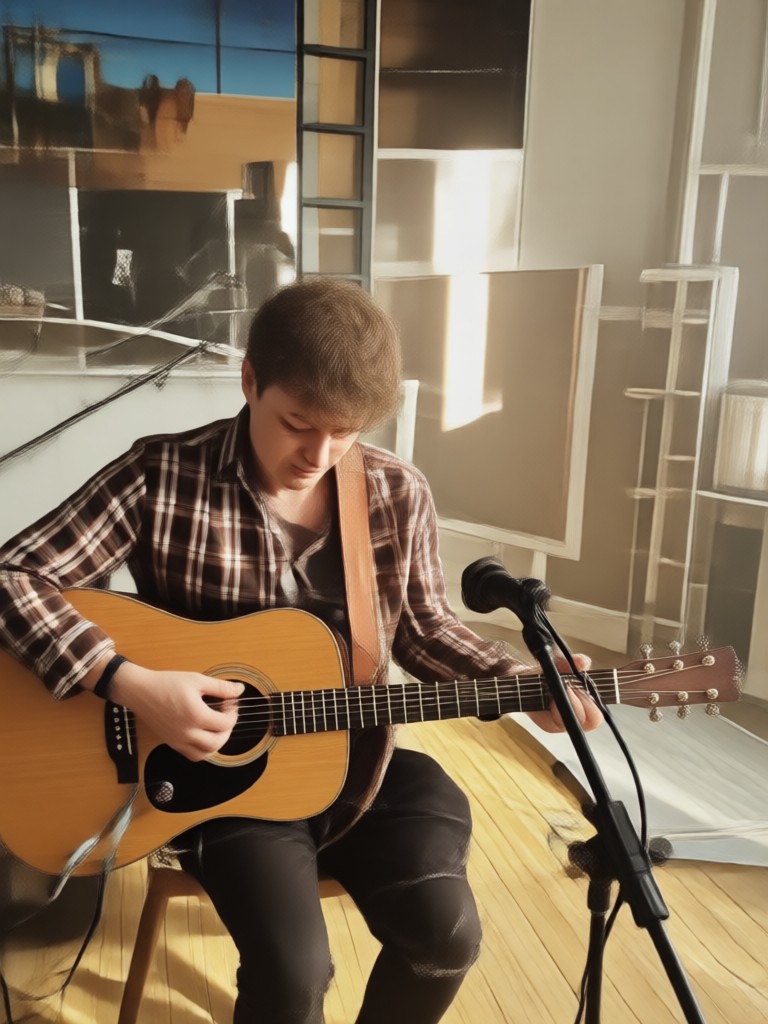
Adding a song to a photo should feel like a moment, not a task.
Emotion Meets Technology
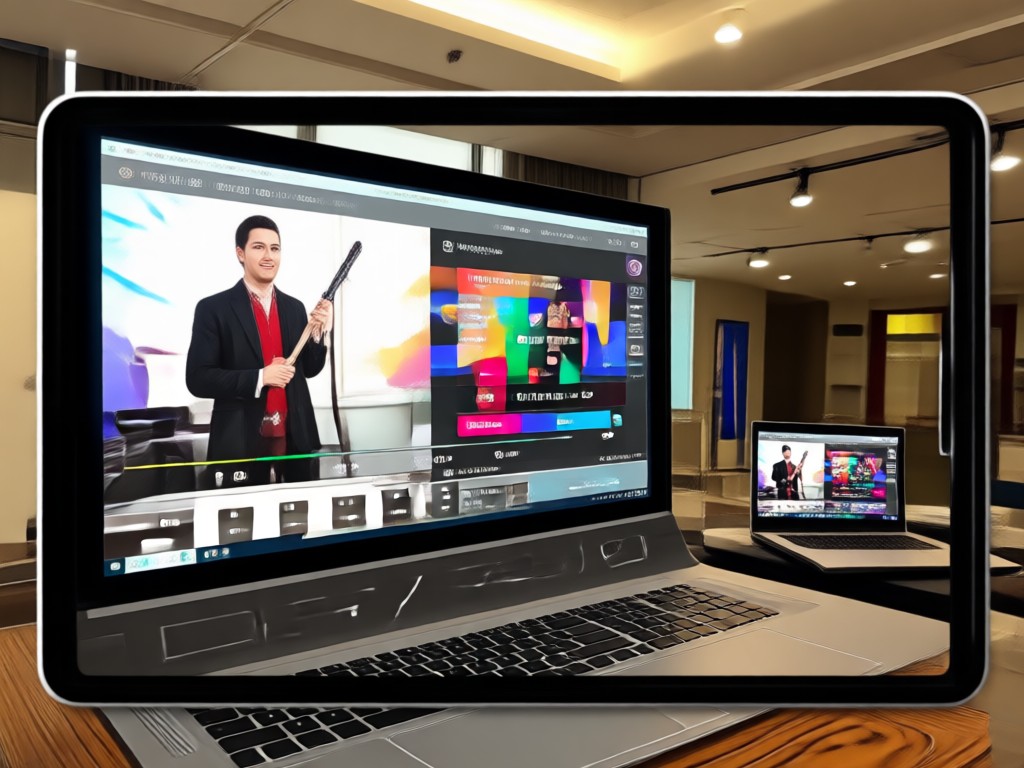
A single photo holds a memory. Adding the right song amplifies the feeling. Our AI does not just slap an audio file onto a static image. It generates subtle movement, like a breeze, a slow zoom, or a smile, that moves with the beat of the music. This creates a bridge between the classic photo slideshow and a full motion video. You get the nostalgia of the still image with the energy of the soundtrack. It is perfect for birthday wishes, anniversary posts, or simply bringing an old family portrait back to life with a favorite tune.
Emotion Meets Technology
A single photo holds a memory. Adding the right song amplifies the feeling. Our AI does not just slap an audio file onto a static image. It generates subtle movement, like a breeze, a slow zoom, or a smile, that moves with the beat of the music. This creates a bridge between the classic photo slideshow and a full motion video. You get the nostalgia of the still image with the energy of the soundtrack. It is perfect for birthday wishes, anniversary posts, or simply bringing an old family portrait back to life with a favorite tune.
Who Uses Add Song To Photo Tools

Louis Yule
I used it to surprise my long distance girlfriend. I took a photo of us, added our song to it, and sent it over. She cried. It was perfect.

Mandy Sander
As a small business owner, I need quick content. I take a product photo, add a trending audio track, and I have a promo video ready for my stories.

Orville Garcia
I hate complex editors. This app lets me pick a photo, hit a button, and the music just blends with the motion. It saves me hours every week.

Sam Green
The templates are great. I used the nostalgic filter for my grandma's old photo. Seeing her picture move to her favorite song was emotional.
Louis Yule
I used it to surprise my long distance girlfriend. I took a photo of us, added our song to it, and sent it over. She cried. It was perfect.
Mandy Sander
As a small business owner, I need quick content. I take a product photo, add a trending audio track, and I have a promo video ready for my stories.
Orville Garcia
I hate complex editors. This app lets me pick a photo, hit a button, and the music just blends with the motion. It saves me hours every week.
Sam Green
The templates are great. I used the nostalgic filter for my grandma's old photo. Seeing her picture move to her favorite song was emotional.
Louis Yule
I used it to surprise my long distance girlfriend. I took a photo of us, added our song to it, and sent it over. She cried. It was perfect.
Mandy Sander
As a small business owner, I need quick content. I take a product photo, add a trending audio track, and I have a promo video ready for my stories.
Orville Garcia
I hate complex editors. This app lets me pick a photo, hit a button, and the music just blends with the motion. It saves me hours every week.
Sam Green
The templates are great. I used the nostalgic filter for my grandma's old photo. Seeing her picture move to her favorite song was emotional.
Frequently Asked Questions
Find clear answers to common questions about adding music to your photos.
Ready to Add Song To Photo?
Download the mobile app on Google Play and turn your favorite still images into moving, musical masterpieces today.

Ready to Add Song To Photo?
Download the mobile app on Google Play and turn your favorite still images into moving, musical masterpieces today.