AI Eyebrow Filter
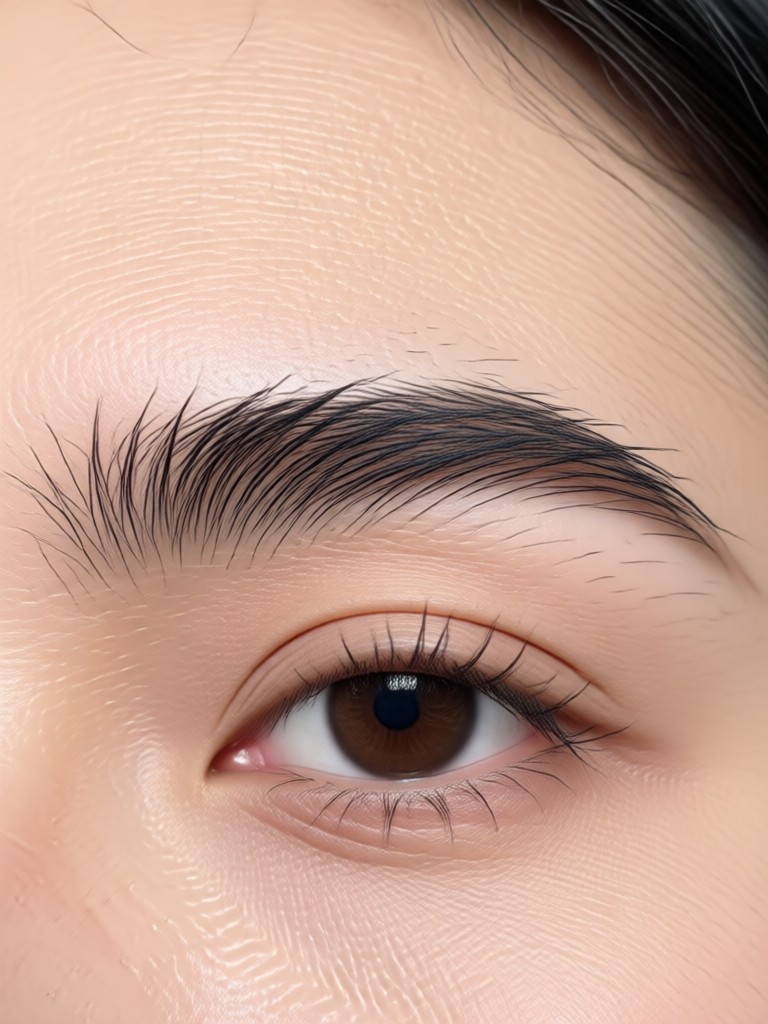
Find Your Signature Eyebrow Style
Browse our most popular eyebrow filter packs, each designed to create different moods and aesthetics. Whether you want a natural daytime look or dramatic evening arches, there's a perfect match for you.
Why Our AI Eyebrow Filter Stands Out
Go beyond simple photo editing. Our tool uses intelligent algorithms to ensure every eyebrow application looks natural, symmetrical, and perfectly suited to your facial structure.
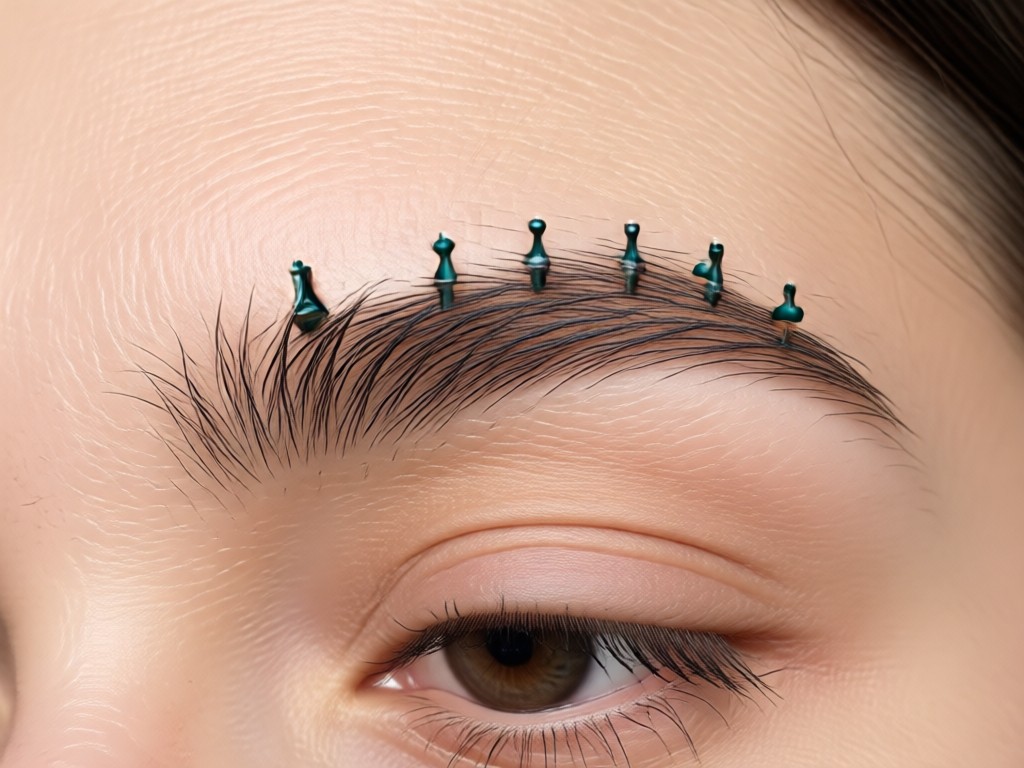
Smart Facial Analysis
AI maps your bone structure, eye placement, and face shape to recommend and apply brow styles that naturally complement your features for a believable result.
Smart Facial Analysis
AI maps your bone structure, eye placement, and face shape to recommend and apply brow styles that naturally complement your features for a believable result.
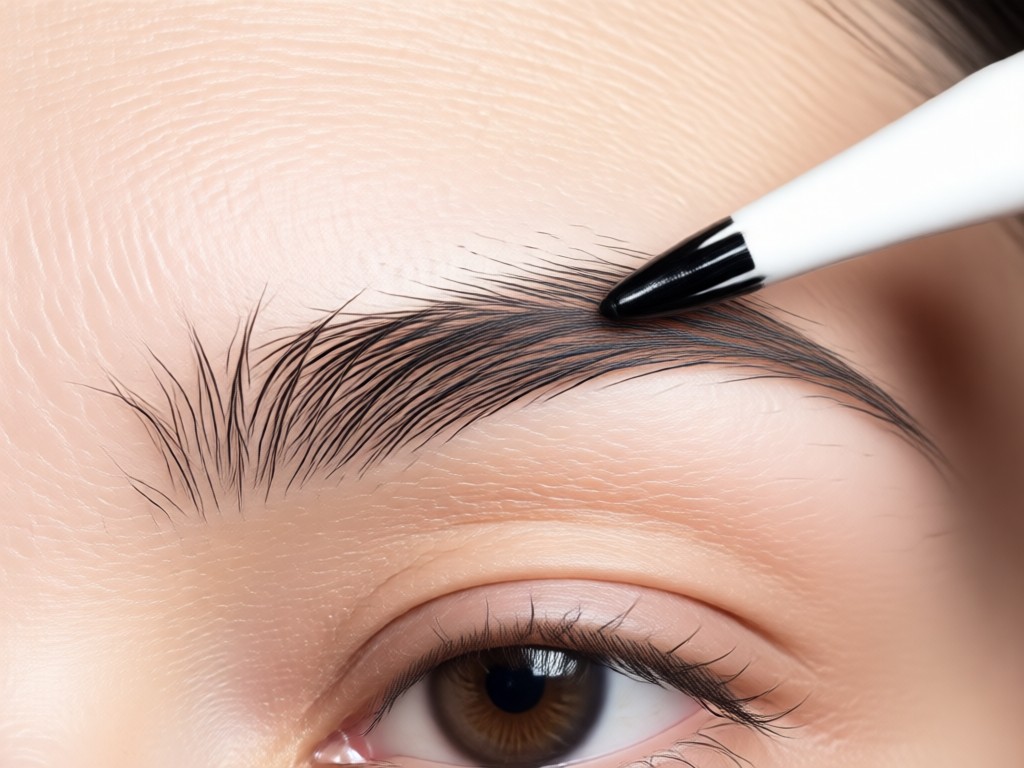
Realistic Texture & Hair Strokes
Filters don't just paint on color. They generate individual, lifelike hair strokes that mimic real eyebrow growth, avoiding that unnatural, blocky makeup look.
Realistic Texture & Hair Strokes
Filters don't just paint on color. They generate individual, lifelike hair strokes that mimic real eyebrow growth, avoiding that unnatural, blocky makeup look.
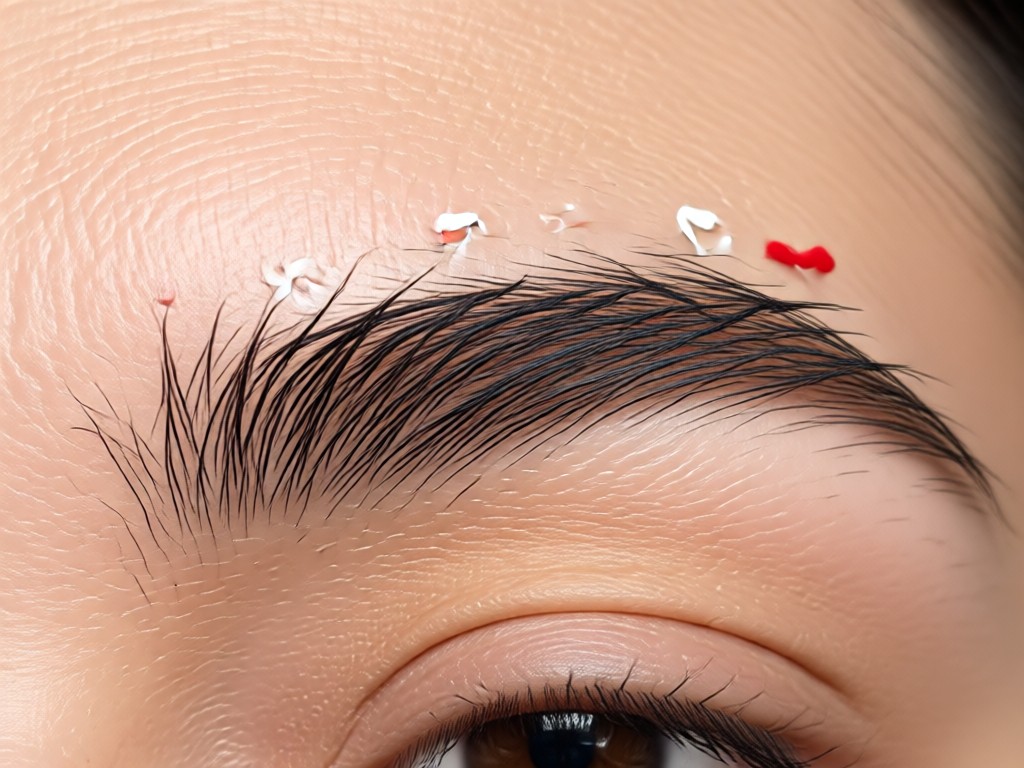
Symmetry & Precision Adjustment
Automatically corrects uneven brows by aligning arch height, tail length, and thickness. You can also manually fine-tune every detail for pixel-perfect symmetry.
Symmetry & Precision Adjustment
Automatically corrects uneven brows by aligning arch height, tail length, and thickness. You can also manually fine-tune every detail for pixel-perfect symmetry.
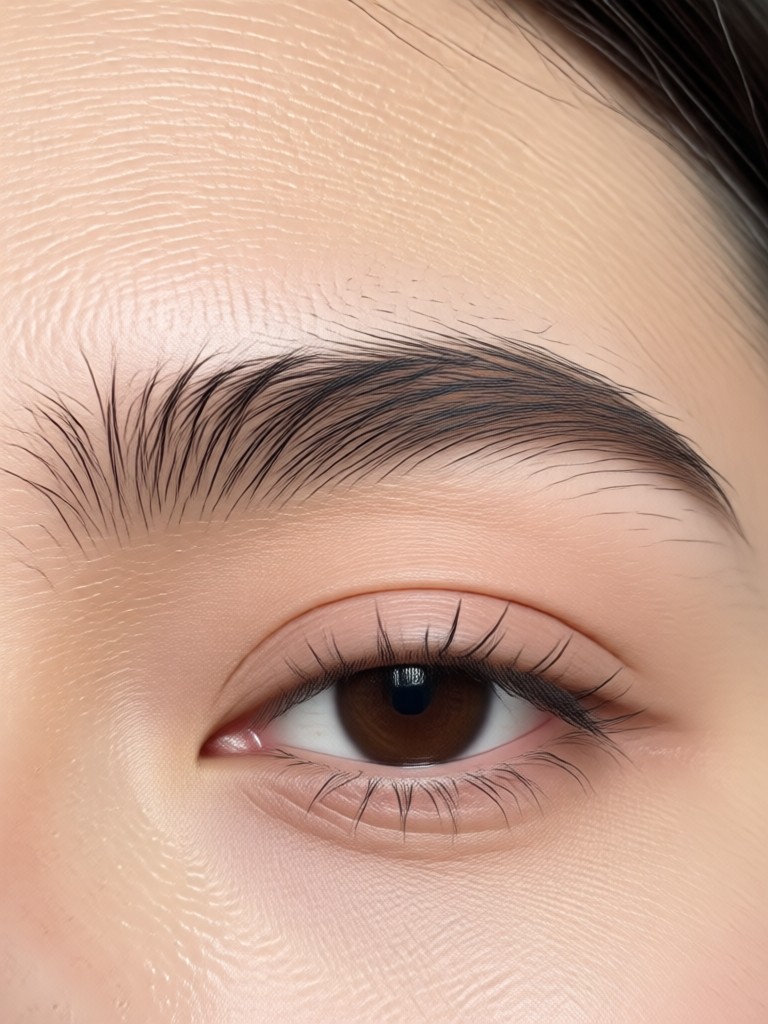
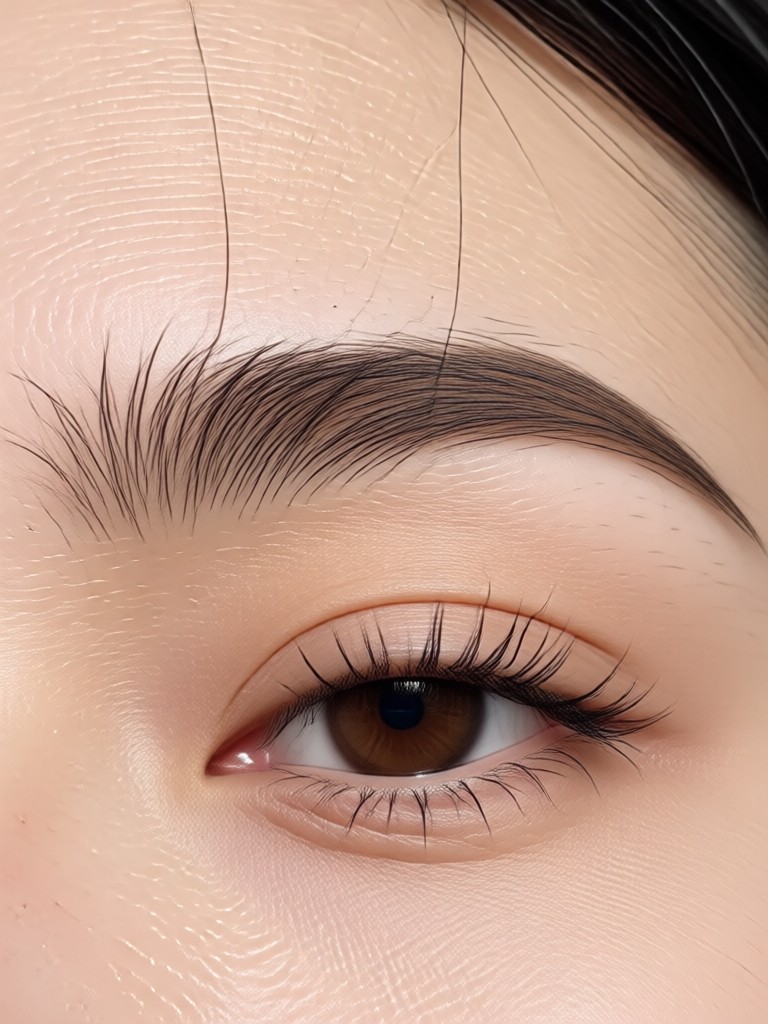
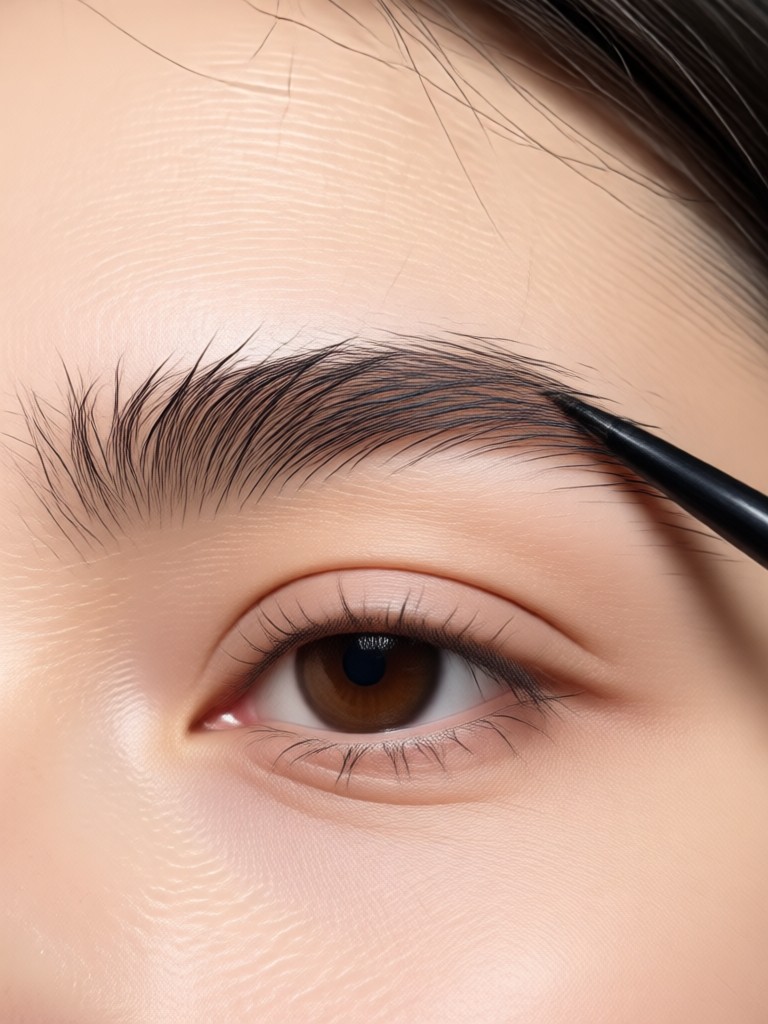
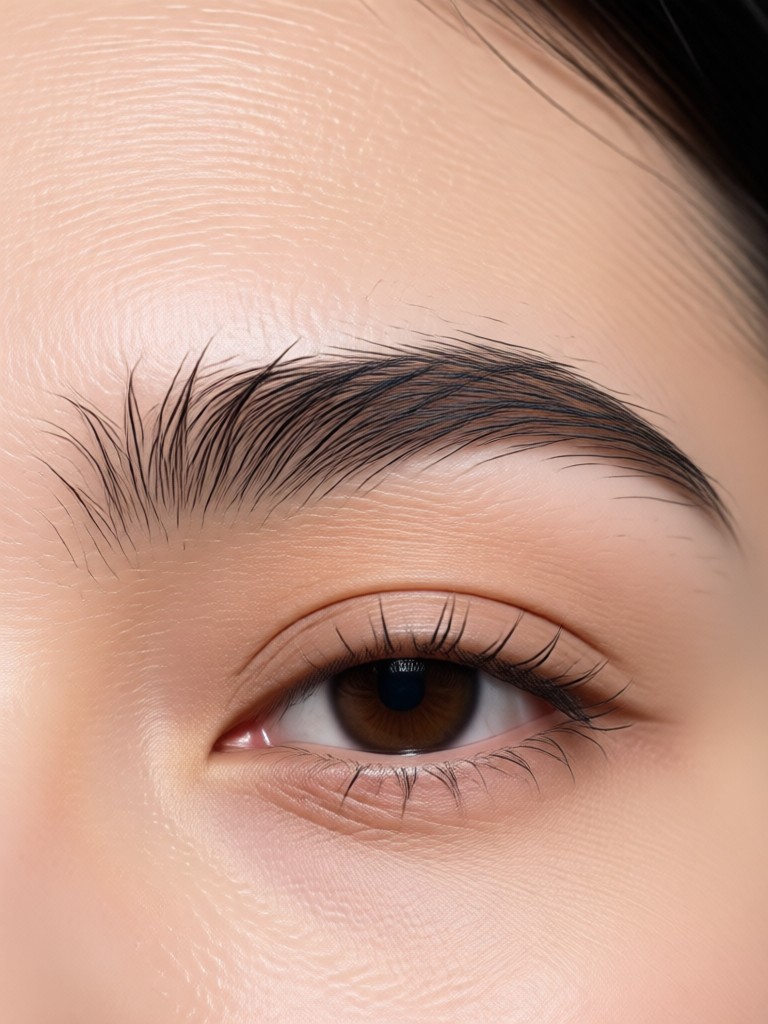
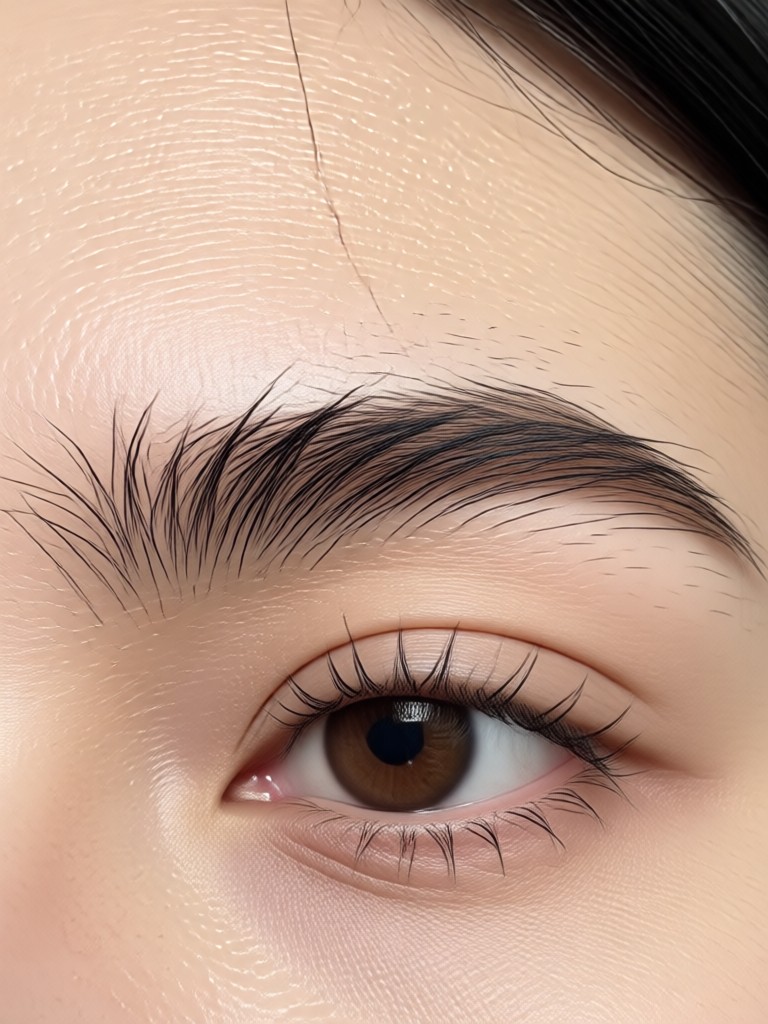
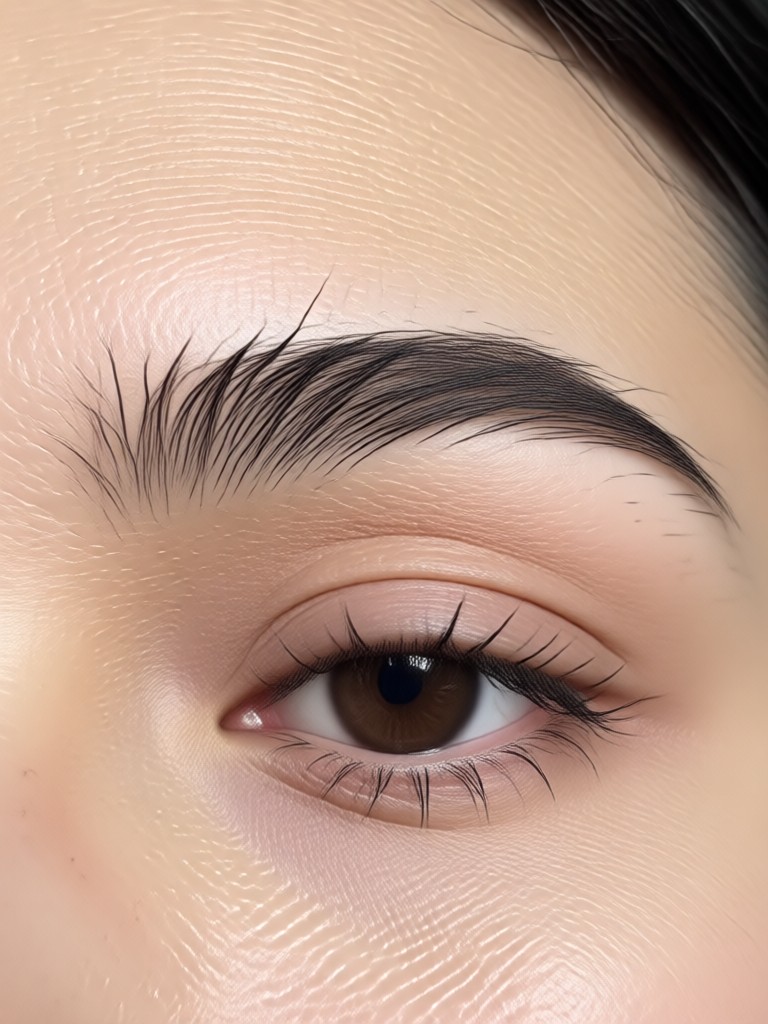
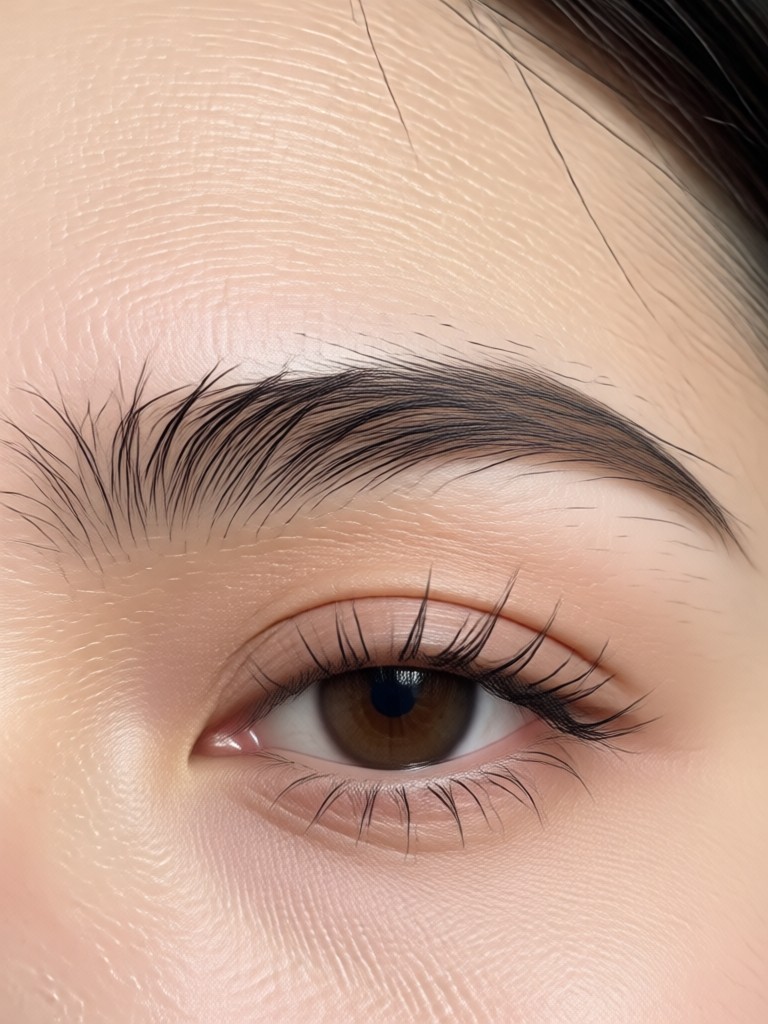
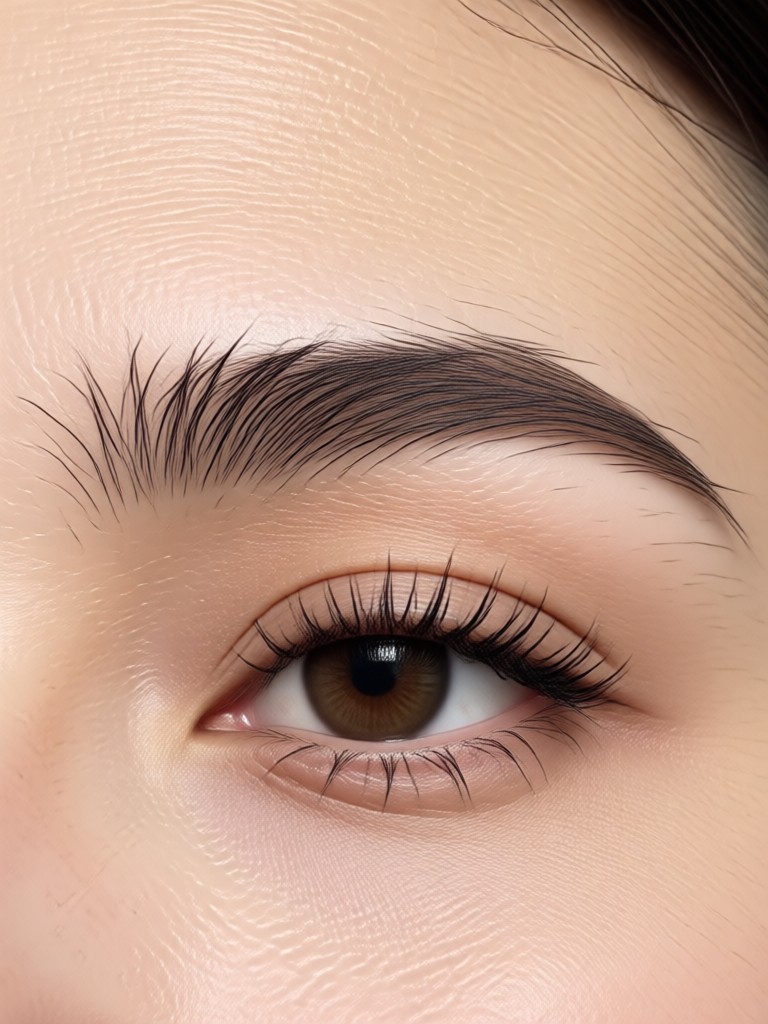
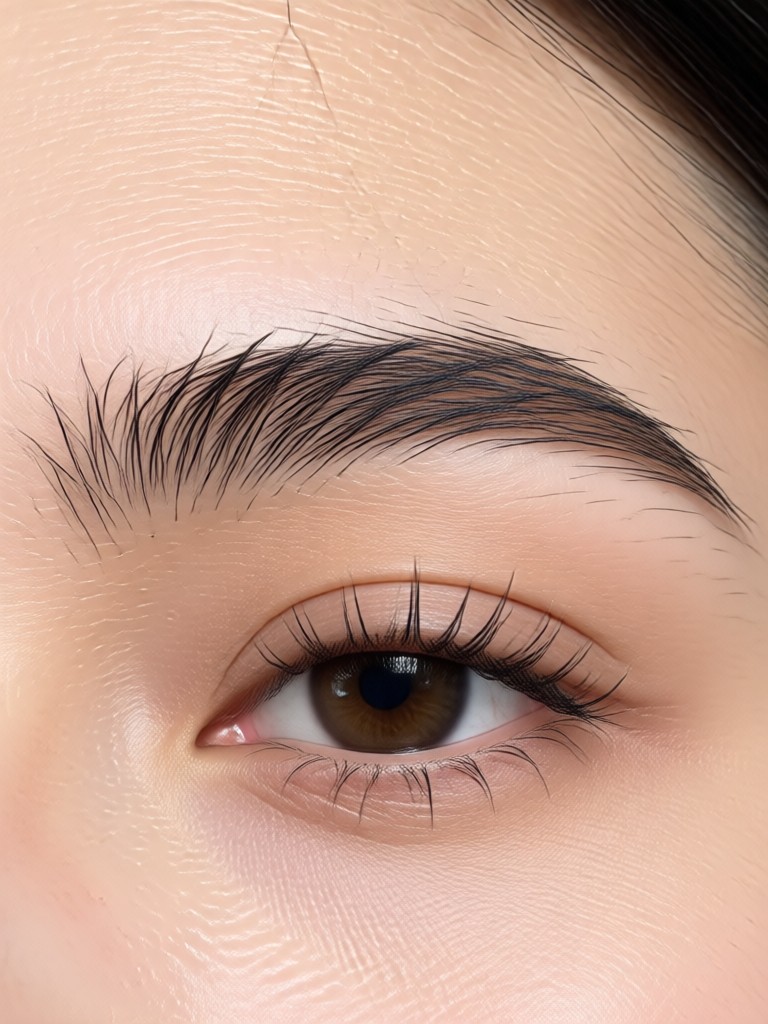
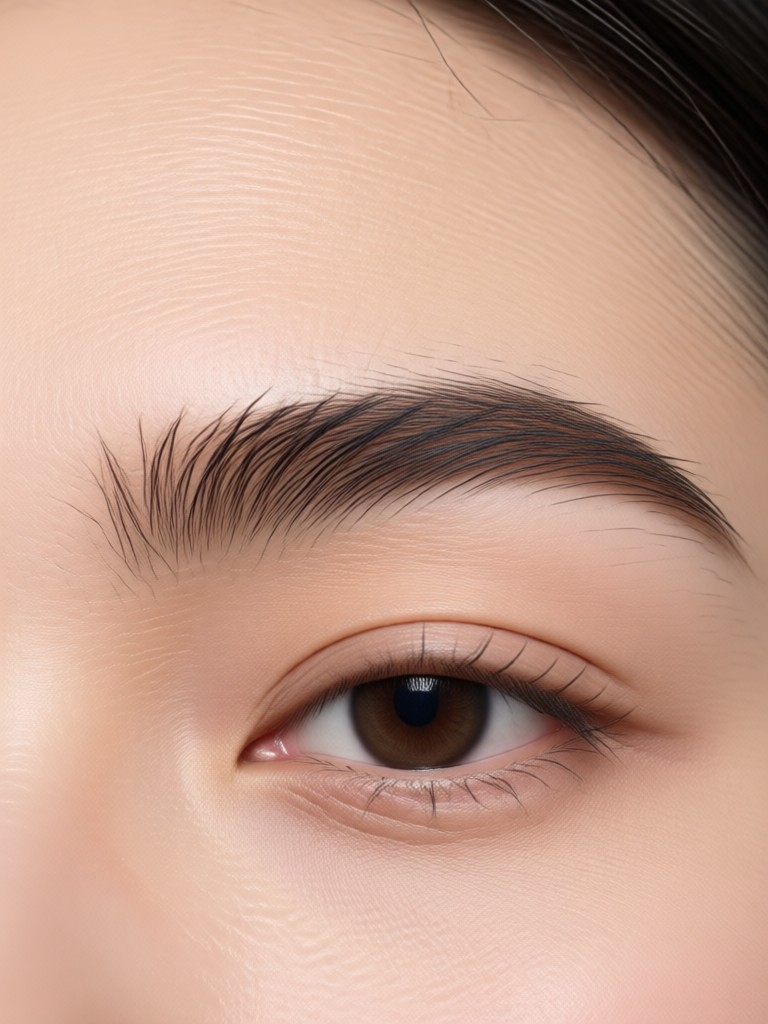
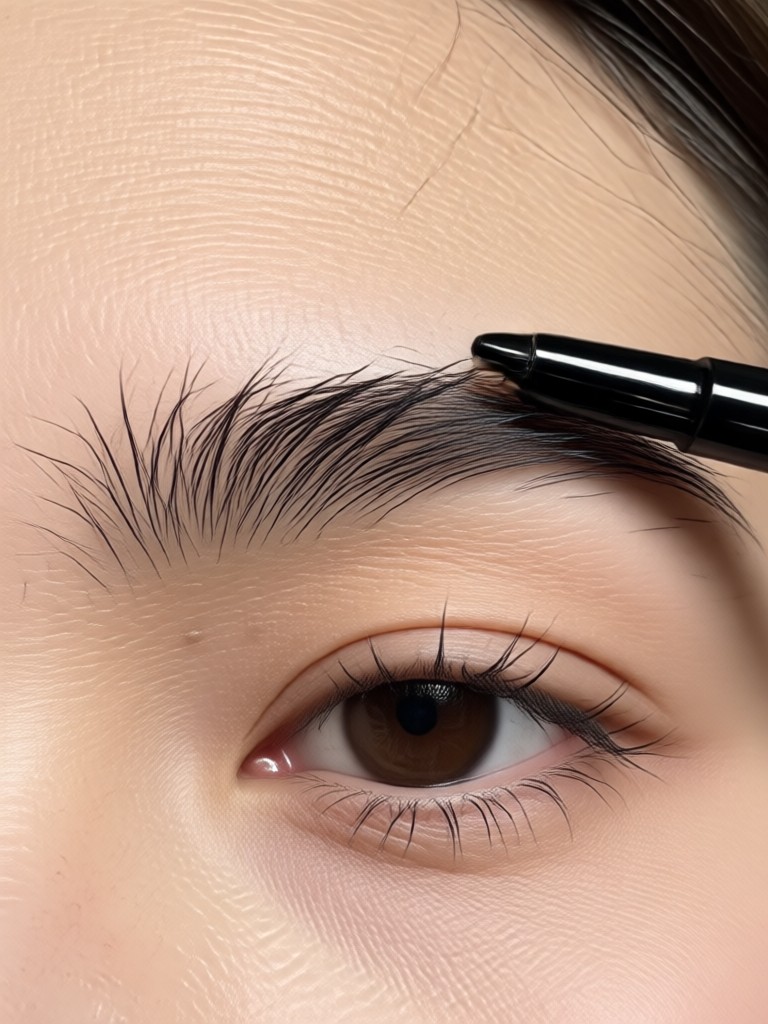
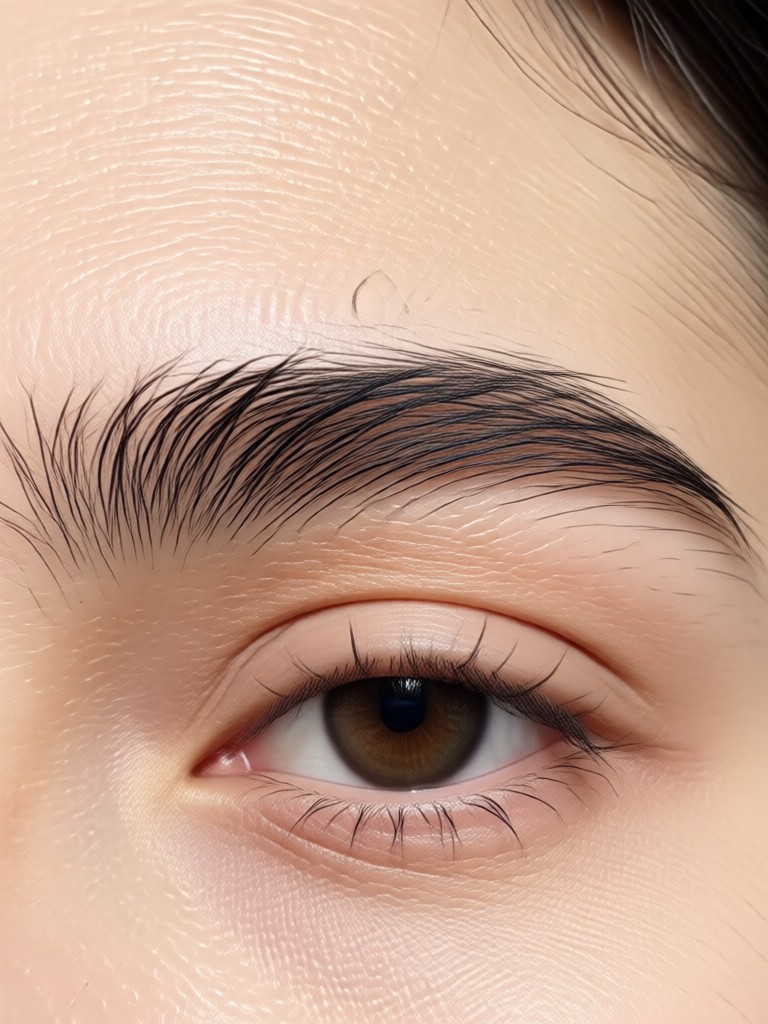
Eyebrow Transformations Gallery
See the incredible versatility of AI eyebrow filters. These real user results show how different shapes, arches, and thicknesses can completely redefine a face, from subtle enhancements to total makeovers.
How to Use the AI Eyebrow Filter?
Creating your ideal eyebrow look takes less than a minute. Follow these three simple steps to visualize your transformation.

Step 01.
Download the beyo app from Google Play. Open it and navigate to the 'Beauty' or 'Filter' section to find the AI eyebrow tools.

Step 02.
Upload a clear, forward-facing selfie. Browse the eyebrow style library and select a filter category, such as 'Natural Arches', 'Bold & Dramatic', or 'Korean Straight Brows'.

Step 03.
The AI applies the style instantly. Use adjustment sliders to tweak thickness, darkness, and arch height. Save your new look or try another style with one tap.
What Users Say About AI Eyebrow Filters
A Game-Changer Before My Microblading Appointment
I was terrified of choosing the wrong shape for my permanent makeup. This filter let me try over 20 styles on my own face. I showed the perfect one to my artist, and we replicated it exactly. Zero regrets.
Perfect for Content Creation and Makeup Tutorials
As a beauty vlogger, I use this to plan my looks and show my audience 'what if' scenarios. It saves me hours of applying and removing makeup. The realistic hair strokes are what make the content believable.
Finally Fixed My Asymmetric Brows
One of my brows naturally sits higher. I used the symmetry tool to see what balanced brows would look like, then used it as a guide for plucking and filling. It's like having a virtual brow artist in my pocket.
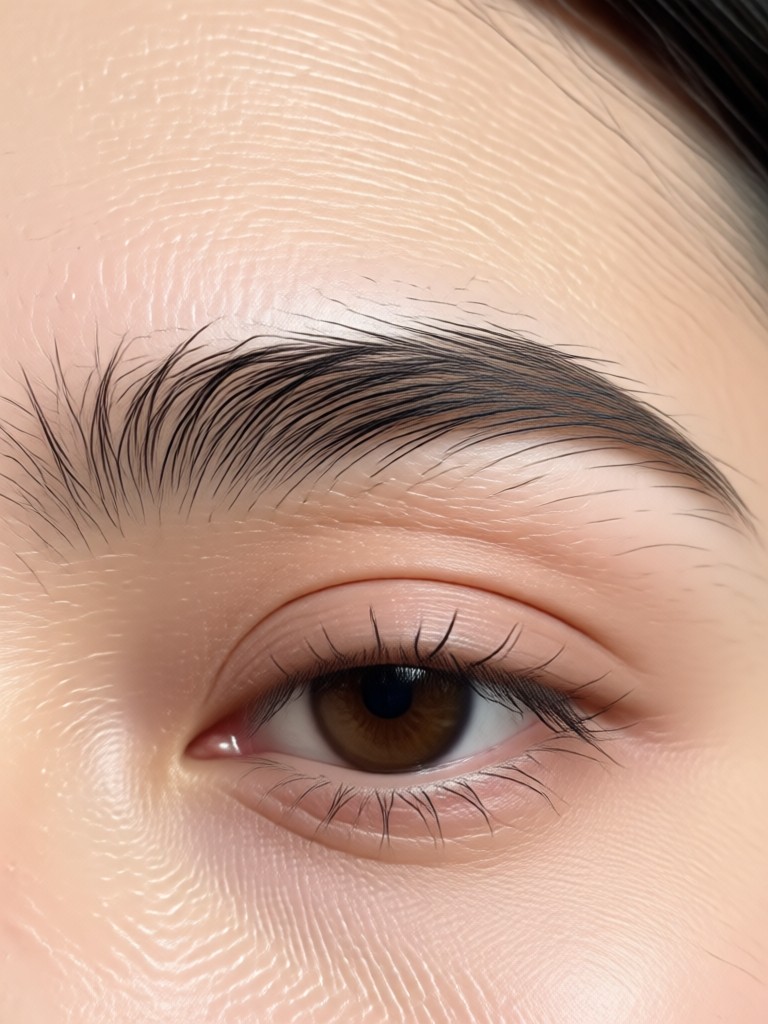
Your Perfect Brows Are One Tap Away
Stop wondering and start seeing. Download beyo now and access the most advanced AI eyebrow filter technology. Experiment freely without any risk or commitment.

AI Eyebrow Filter FAQs
Get answers to the most common questions about using AI to transform your eyebrows, from technical details to practical applications.
More Topics You May Like
Explore more topics you may like and discover fresh ideas tailored to your interests.
Transform Ideas into Art: Your Free AI Drawing Generator
Become a Princess: AI Dress Change & Video Maker
Create Ganpati AI Videos with Magical Effects
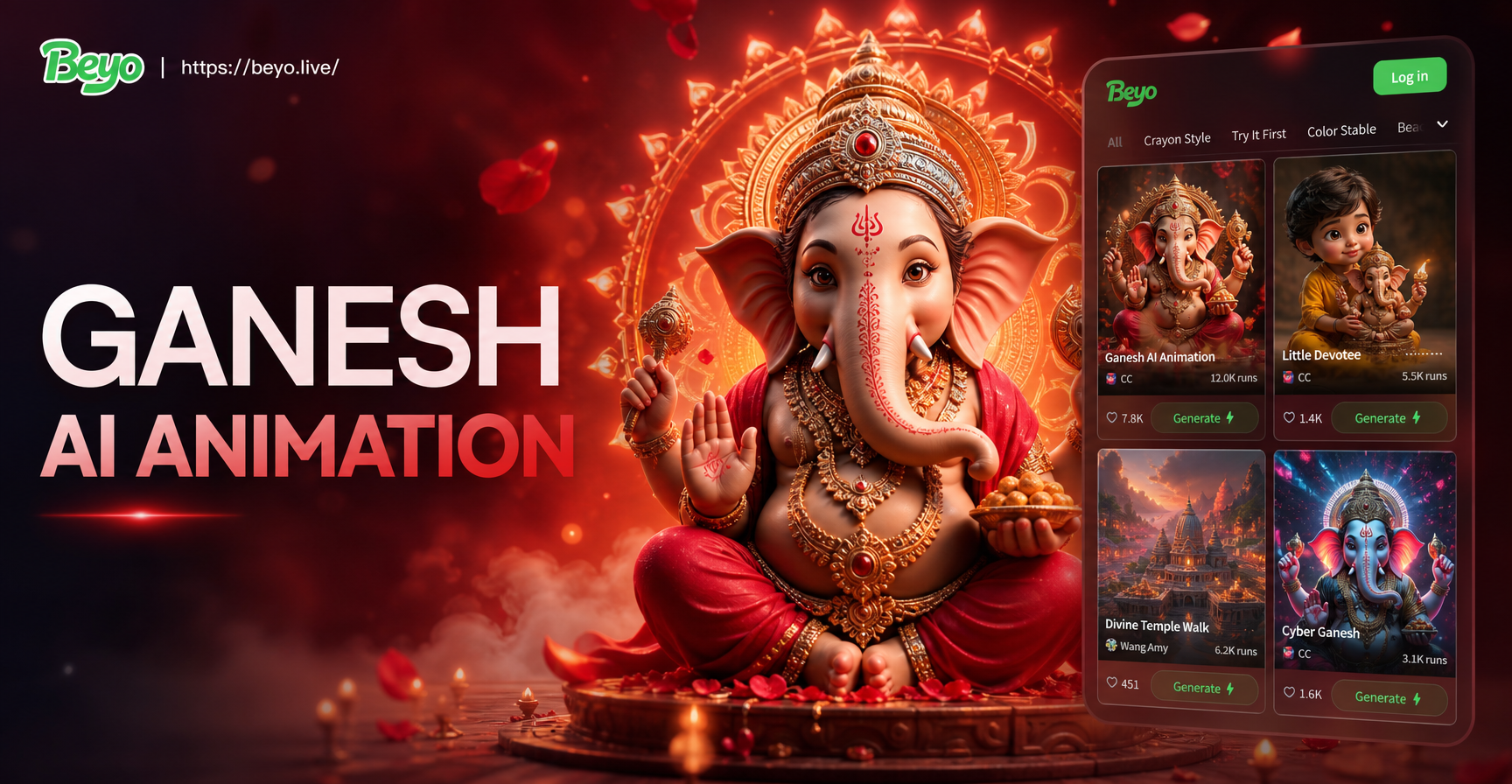
AI Ganesh Idol Animation: Create Moving Deity Videos
Transform Ideas into Art: Your Free AI Drawing Generator
Become a Princess: AI Dress Change & Video Maker
Create Ganpati AI Videos with Magical Effects
AI Ganesh Idol Animation: Create Moving Deity Videos
Redefine Your Look in Seconds
Unlock the power of AI beauty. Download beyo today and explore not just eyebrow filters, but hundreds of AI-powered style transformations for your photos and videos.

Redefine Your Look in Seconds
Unlock the power of AI beauty. Download beyo today and explore not just eyebrow filters, but hundreds of AI-powered style transformations for your photos and videos.