Animate My Logo
Choose the Perfect Logo Animation Style
Discover motion styles that match your brand, from sleek minimal reveals to energetic 3D spins.
Key Features of Animate My Logo
Create stunning logo animations with AI powered tools designed for speed, simplicity, and professional results.

Text to Image Logo Design
Describe your logo idea in words and let AI generate a professional design ready for animation.
Text to Image Logo Design
Describe your logo idea in words and let AI generate a professional design ready for animation.

Image to Video Logo Animation
Upload a static logo and choose a motion template to animate it with smooth transitions and dynamic effects.
Image to Video Logo Animation
Upload a static logo and choose a motion template to animate it with smooth transitions and dynamic effects.
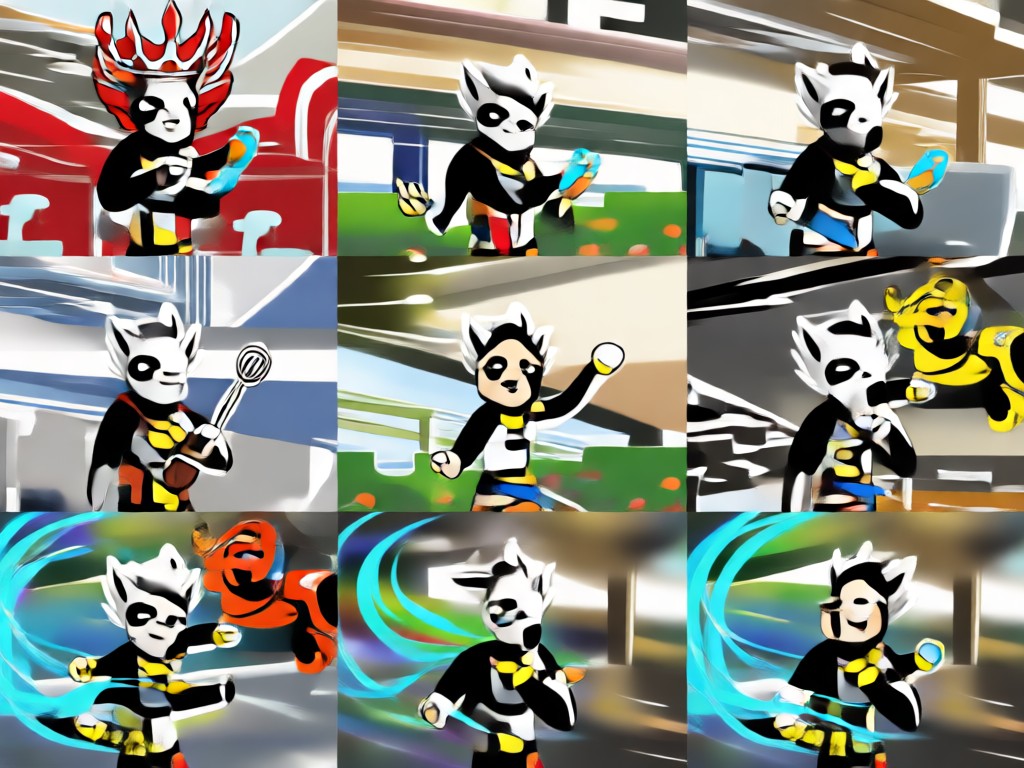
Over 1 Million Style Filters
Access a massive library of filters, from cinematic reveals to playful 3D clay and cyberpunk effects.
Over 1 Million Style Filters
Access a massive library of filters, from cinematic reveals to playful 3D clay and cyberpunk effects.
How to Animate My Logo?
Follow three simple steps to turn your static logo into an eye-catching animation.

Step 01.
Download the beyo app from Google Play and open it on your mobile device.

Step 02.
Upload your logo image and select an animation style from the library, such as logo reveal, spin, or fade.

Step 03.
Generate your animated logo video, then download or share it directly to social media.
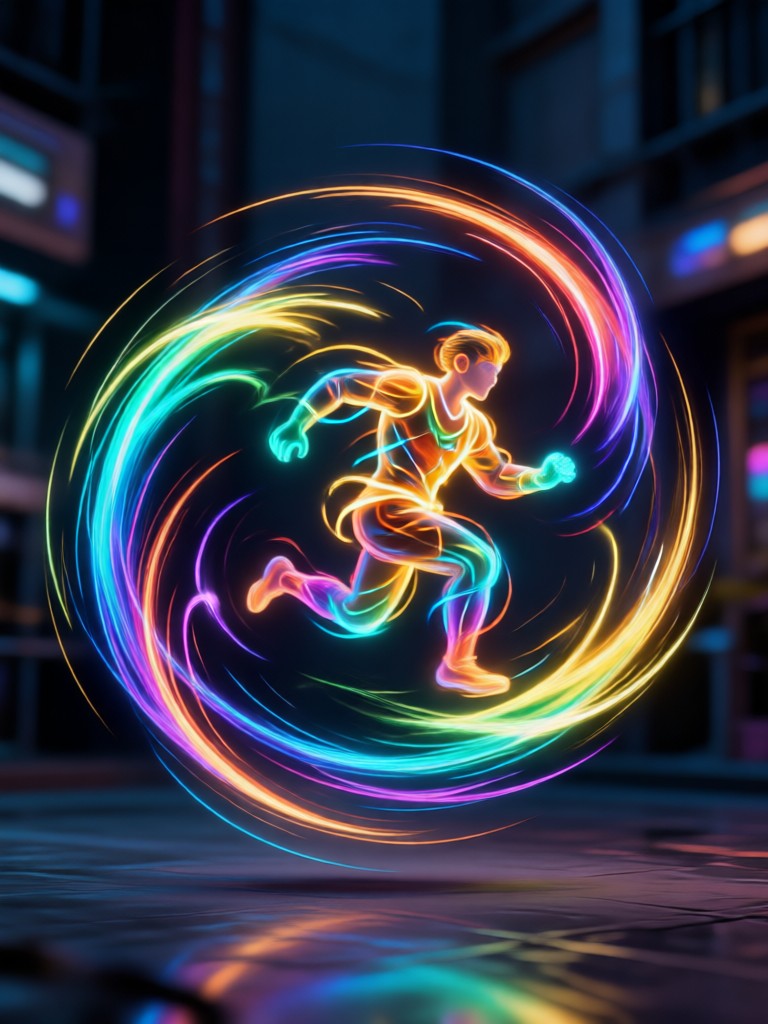
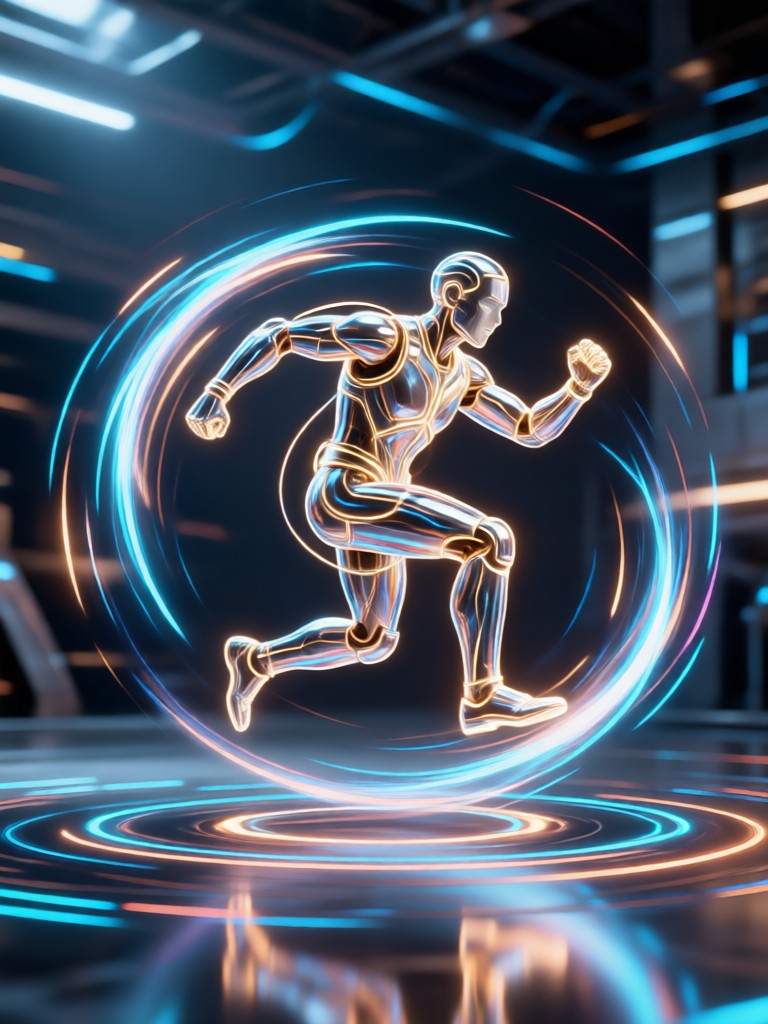
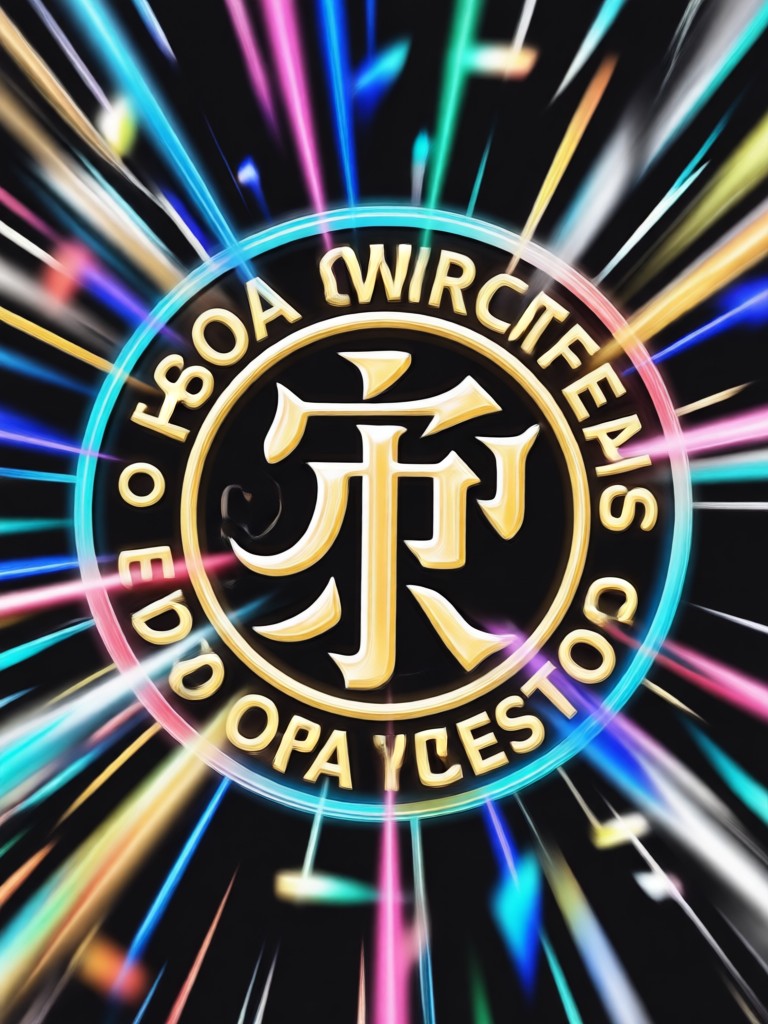
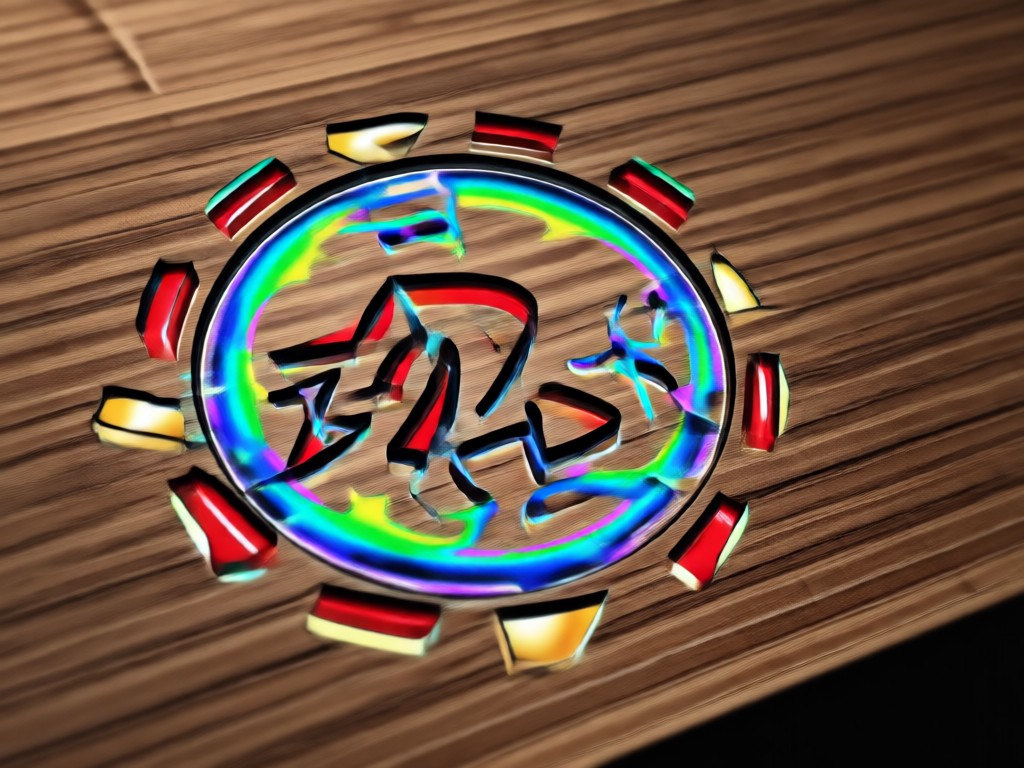
Explore Logo Animation Creations
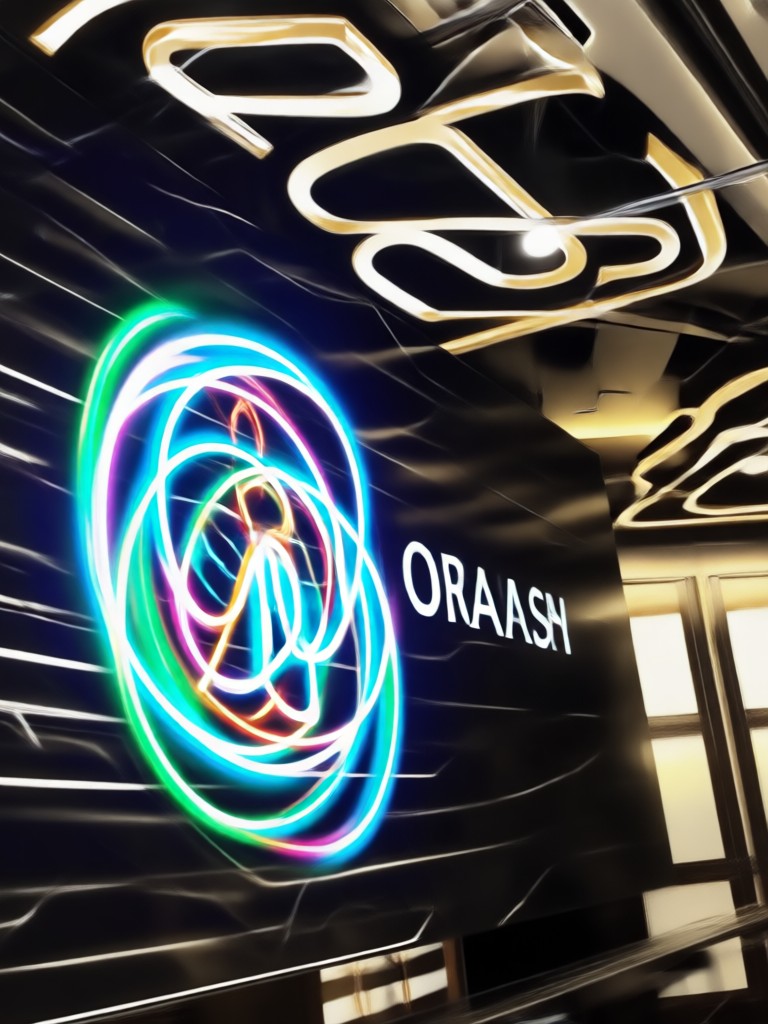
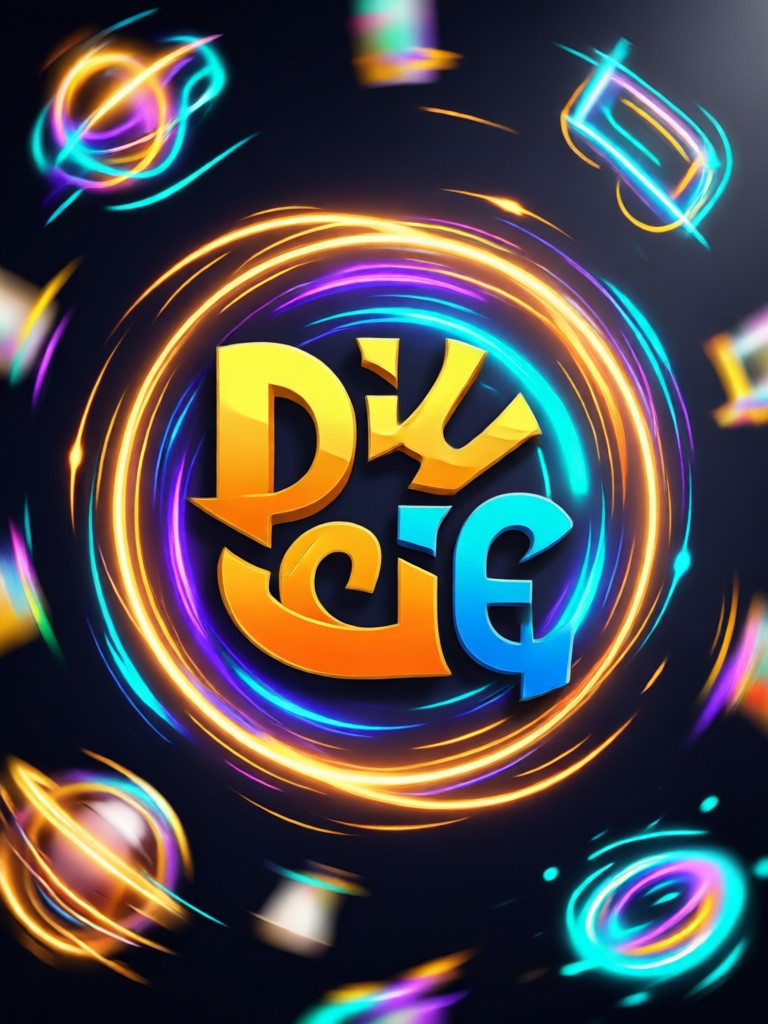
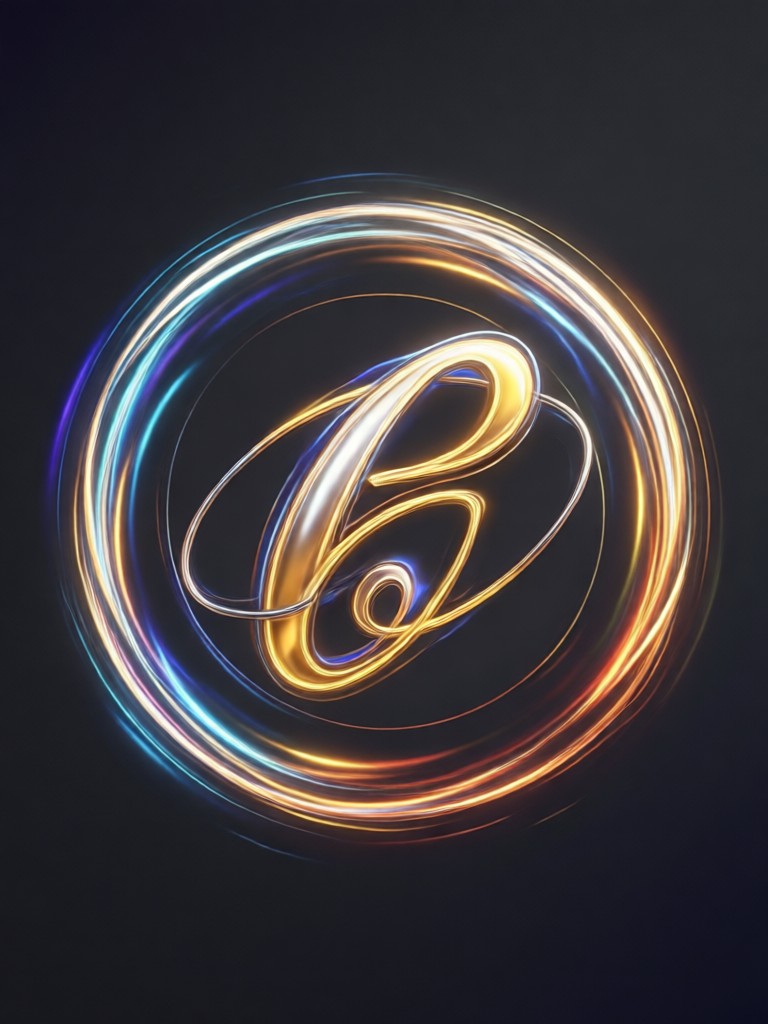
Browse stunning animated logos made with beyo. Discover creative possibilities and start animating your own logo today.


Why Use beyo to Animate My Logo?
beyo combines powerful AI with an easy mobile workflow. Upload a logo, pick a style, and get a polished animation in seconds. No desktop software, no timeline editing, and no design skills required.
Why Use beyo to Animate My Logo?
beyo combines powerful AI with an easy mobile workflow. Upload a logo, pick a style, and get a polished animation in seconds. No desktop software, no timeline editing, and no design skills required.
Here is What People Think About Animating Logos with beyo
Finally an easy way to animate my logo
I have a small online store and needed a quick logo intro for my videos. beyo made it simple. I uploaded my PNG logo, chose a fade style, and had a professional animation in under a minute.
Great for client presentations
As a freelance designer, I use beyo to present logo concepts in motion. Clients love seeing their logos animate with different styles before we finalize. It saves me hours of manual work.
Perfect for social media branding
I run a food blog and needed a short animated logo sting for my Instagram reels. beyo delivered a clean, eye-catching animation that matches my brand's playful vibe. Highly recommend.
Animate My Logo on the Go
Download beyo and turn any logo into a motion graphic right from your phone. Create, save, and share animations anytime.

Frequently Asked Questions
Find clear answers to common questions about animating your logo with beyo.
Ready to Animate My Logo?
Turn your static logo into a dynamic motion graphic today. Download beyo and start animating in seconds.
Ready to Animate My Logo?
Turn your static logo into a dynamic motion graphic today. Download beyo and start animating in seconds.