AI Bike Photo Editing: Make Every Ride Look Epic
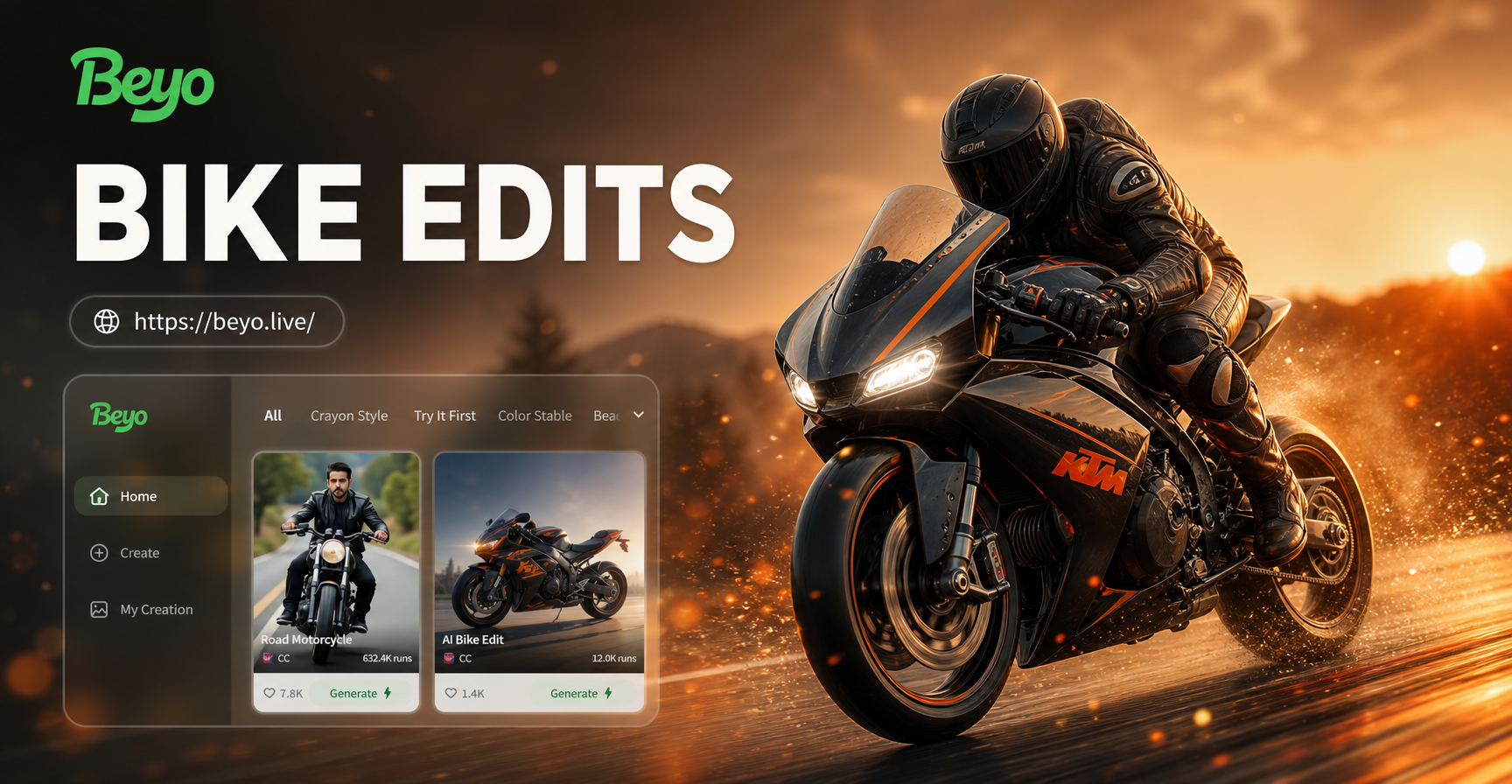
Choose the Best Bike Photo Editing Filter
Discover the perfect filter to enhance your bike photos. From cinematic road trip vibes to urban street style, find the ideal look for your ride.
Powerful Bike Photo Editing Tools at Your Fingertips
Unlock creative possibilities for your motorcycle and bicycle photos with beyo's intuitive AI editing suite.
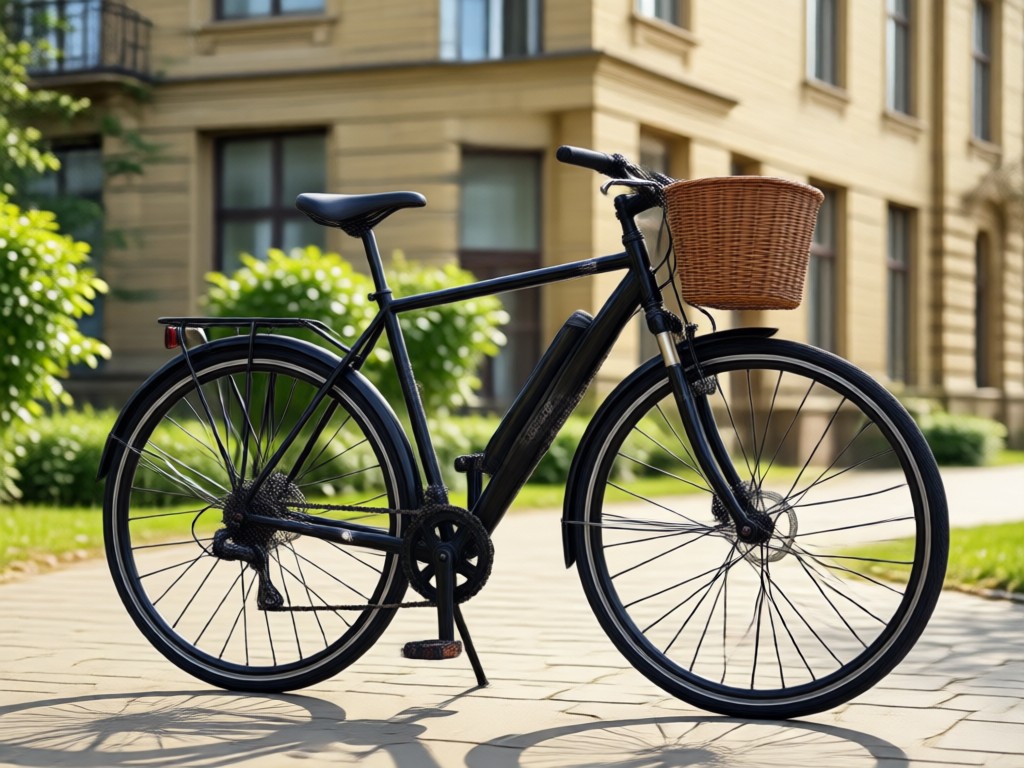
AI Background Replacement
Swap out boring or cluttered backgrounds for epic mountain roads, city streets, or sunset horizons. The AI smartly detects your bike and keeps it perfectly intact.
AI Background Replacement
Swap out boring or cluttered backgrounds for epic mountain roads, city streets, or sunset horizons. The AI smartly detects your bike and keeps it perfectly intact.
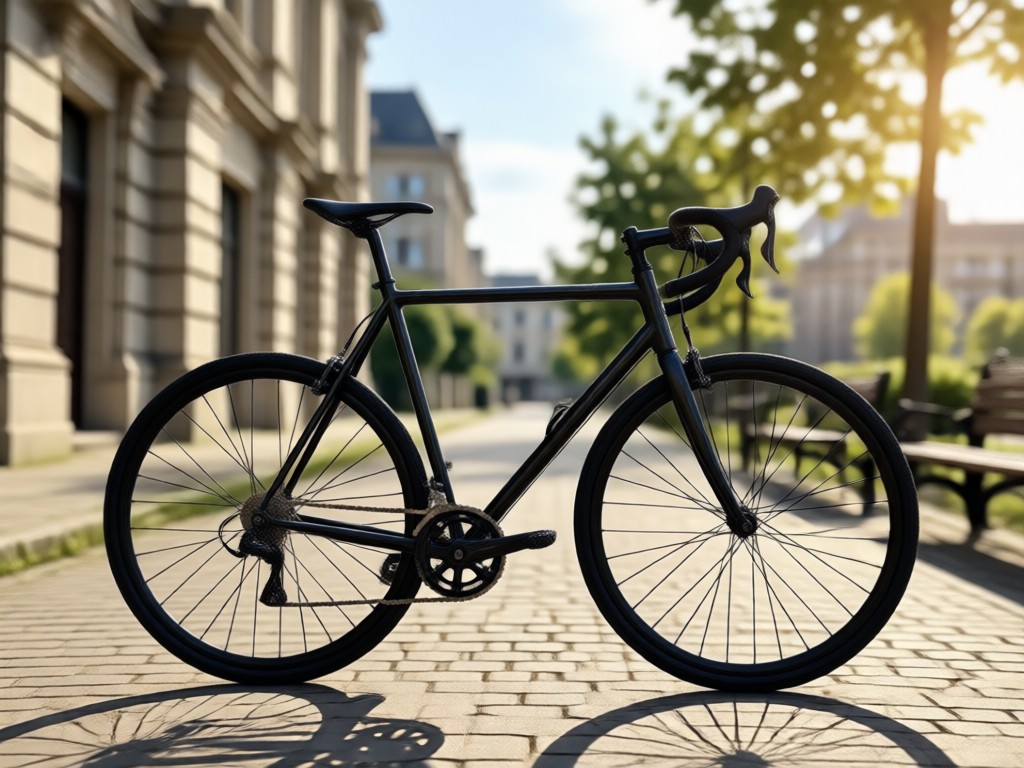
Cinematic Style Filters
Apply dramatic lighting, vintage film tones, or futuristic cyberpunk looks. Choose from over a million style templates designed to make your ride stand out.
Cinematic Style Filters
Apply dramatic lighting, vintage film tones, or futuristic cyberpunk looks. Choose from over a million style templates designed to make your ride stand out.
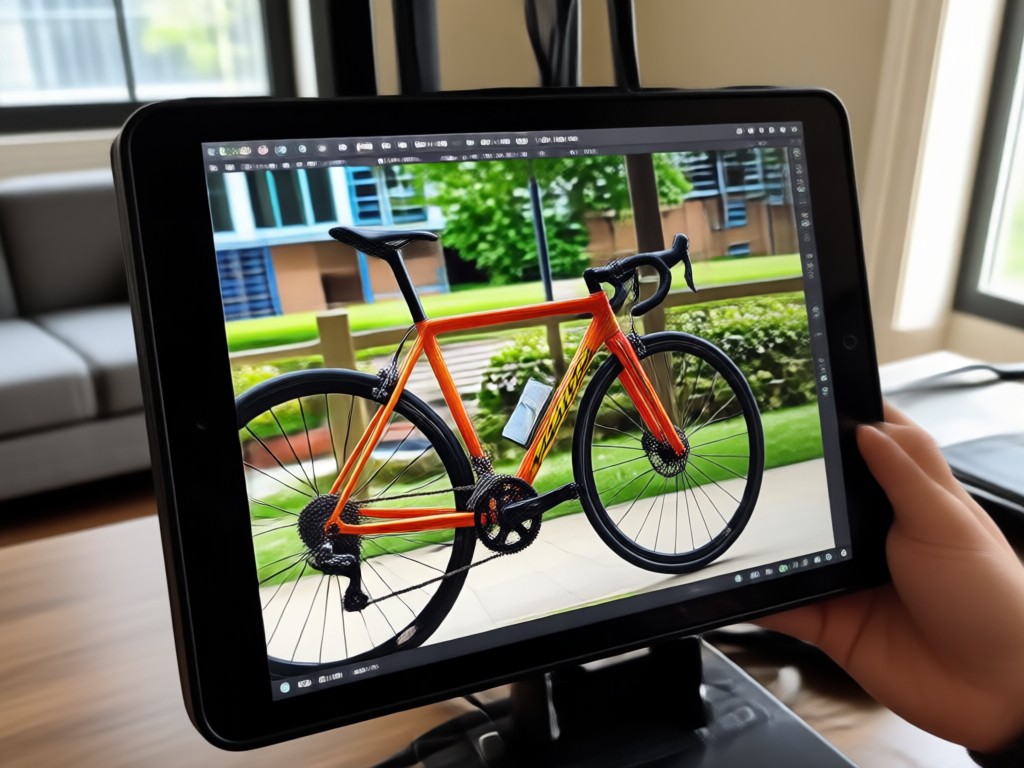
Motion and Speed Effects
Add realistic motion blur or speed lines to your bike photos. Transform a static shot into a high energy action moment without any complex editing.
Motion and Speed Effects
Add realistic motion blur or speed lines to your bike photos. Transform a static shot into a high energy action moment without any complex editing.
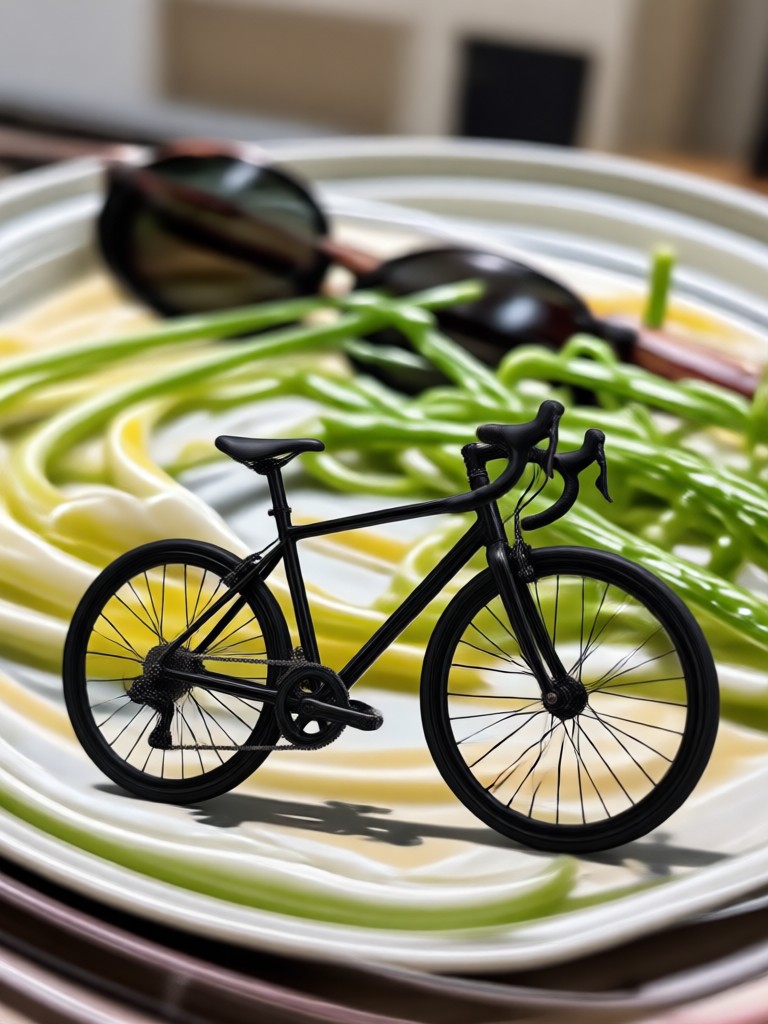
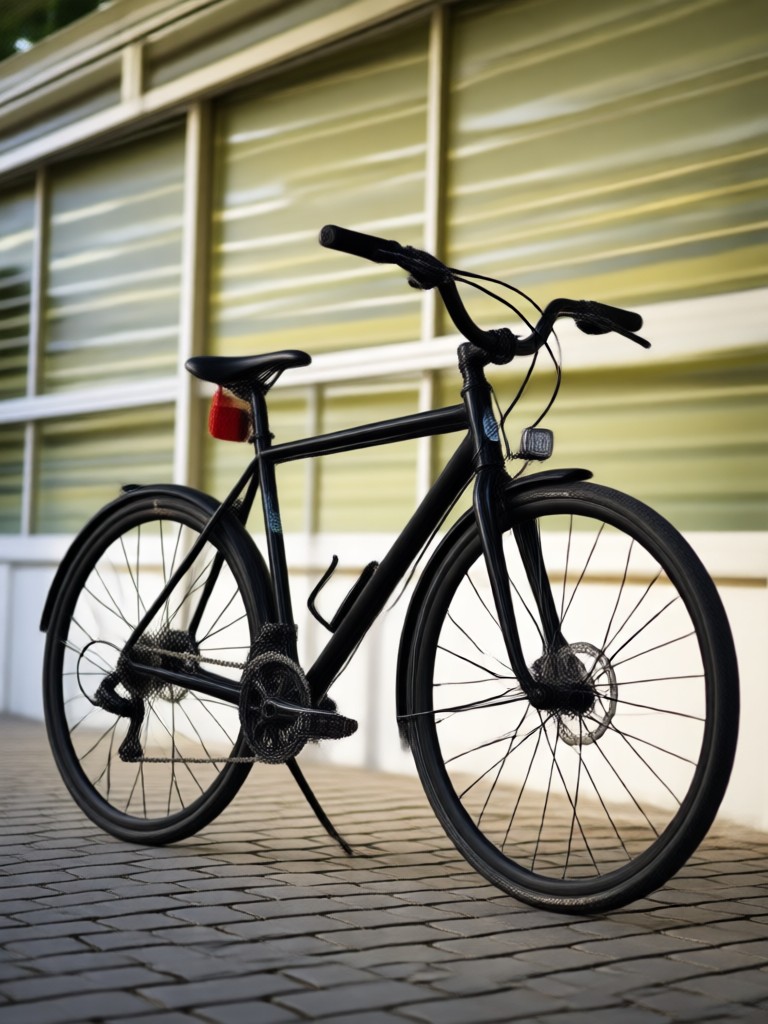
Stunning Bike Photo Editing Results
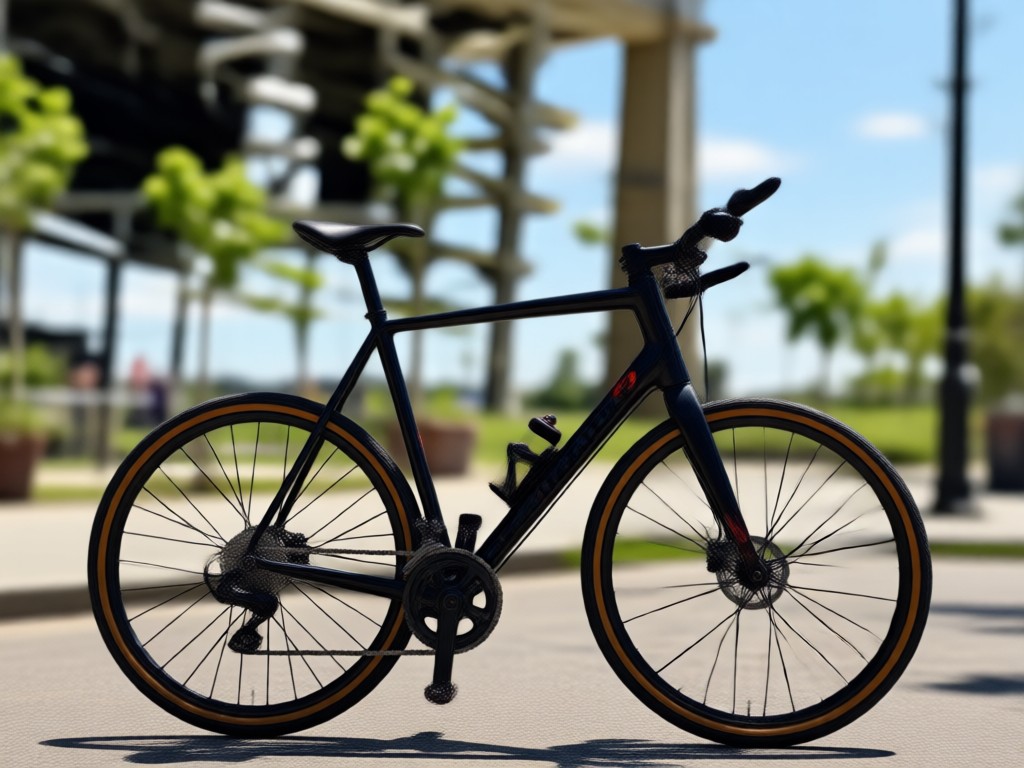
See how beyo transforms ordinary bike photos into extraordinary visuals. Each image shows a different style and mood achieved with simple AI editing.

Why Use beyo for Bike Photo Editing?
Editing bike photos used to require expensive software and hours of learning. beyo changes that. The AI does the heavy lifting, so you can focus on capturing the moment and let the app handle the rest. Whether you ride a motorcycle, road bike, or mountain bike, your photos deserve a professional finish.
How to Edit Bike Photos with AI?
Transform your bike photos in three simple steps using the beyo mobile app.

Step 01.
Download the beyo app from Google Play and open it on your phone. No account setup hassle, just start creating.

Step 02.
Upload your bike photo and choose a style filter. You can pick cinematic, anime, vintage, or any of the million plus templates available.

Step 03.
Let the AI generate your edited image. Download the result and share it directly to Instagram, TikTok, or with your riding group.
What Riders Say About beyo Bike Photo Editing
Finally an easy way to make my bike look amazing
I take tons of photos on weekend rides but they always looked flat. With beyo I can add cinematic filters in seconds. My Instagram page has completely changed.
Perfect for my cycling blog
The background replacement is incredible. I can put my road bike on alpine passes even when I am just riding local trails. The AI keeps the bike sharp.
No learning curve at all
I have never edited a photo in my life. beyo is so simple. Upload, pick a style, done. My friends think I hired a professional photographer.
Bike Photo Editing FAQs
Find clear answers to common questions about editing bike photos with beyo's AI tools.
Ready to Edit Your Bike Photos?
Download beyo now and start transforming your bike photos into stunning visuals. Join thousands of riders who are already creating amazing content with AI.

Ready to Edit Your Bike Photos?
Download beyo now and start transforming your bike photos into stunning visuals. Join thousands of riders who are already creating amazing content with AI.