Cinematic Smoky Portrait
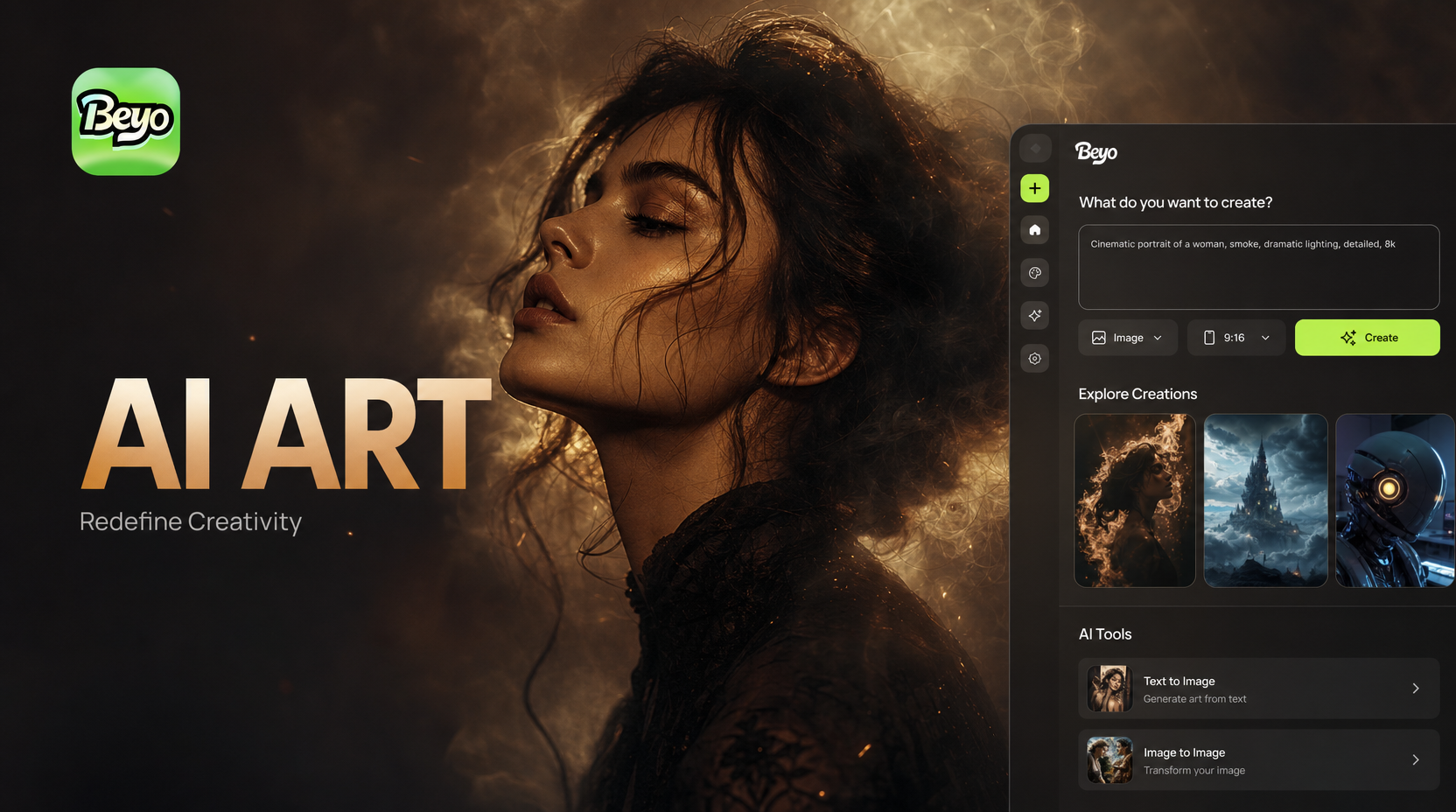
Choose Your Cinematic Smoke Style
Explore our collection of smoky portrait filters designed to create different cinematic moods, from subtle haze to dramatic smoke clouds.
Key Features of Cinematic Smoky Portraits
Our AI technology transforms your portraits with realistic smoke effects, professional lighting adjustments, and cinematic color grading for stunning results.
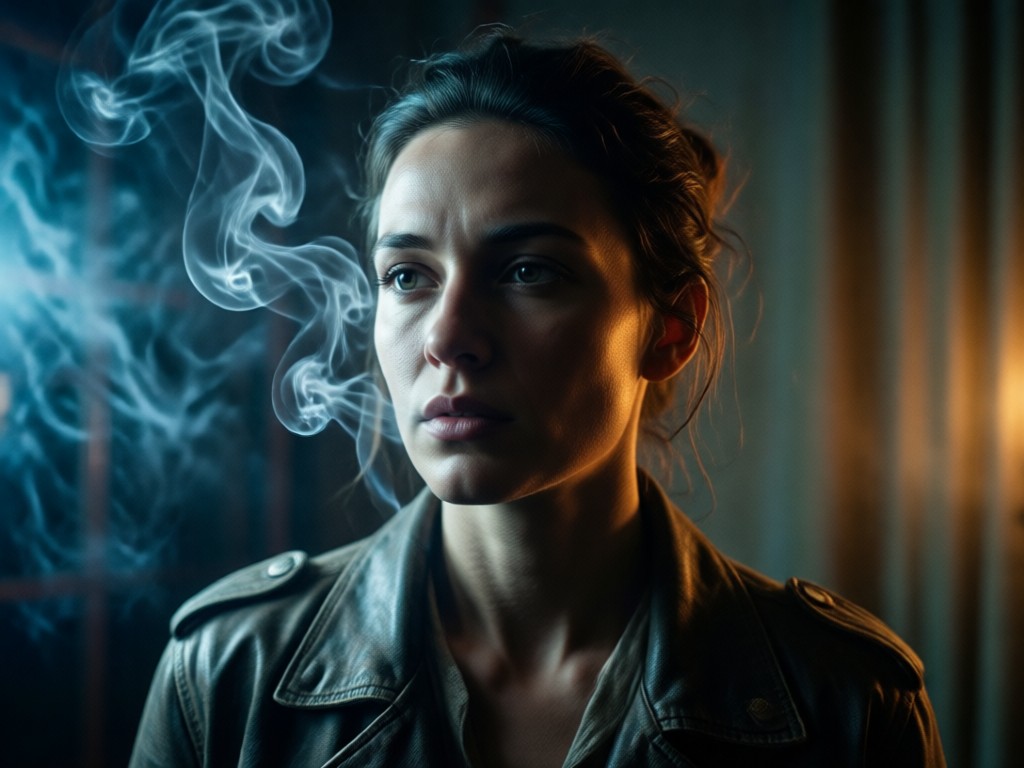
Realistic Smoke Simulation
Generate photorealistic smoke effects that interact naturally with light and shadow. Our AI analyzes facial features and lighting to create smoke that appears to flow organically around your subject.
Realistic Smoke Simulation
Generate photorealistic smoke effects that interact naturally with light and shadow. Our AI analyzes facial features and lighting to create smoke that appears to flow organically around your subject.
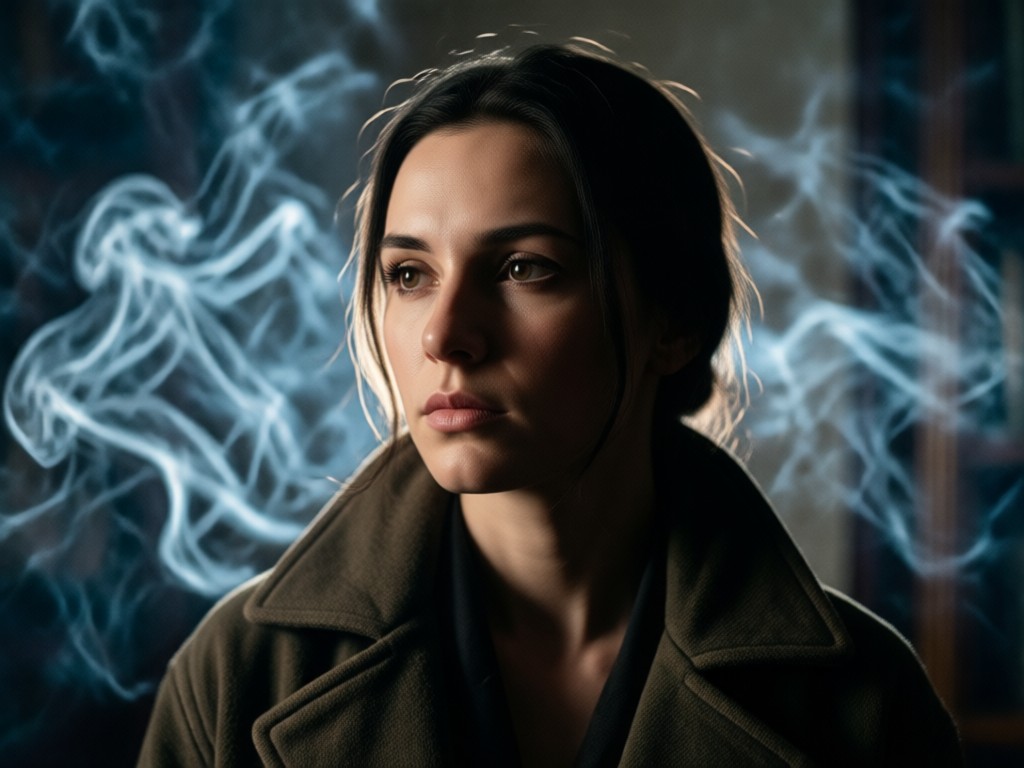
Cinematic Lighting Control
Adjust dramatic lighting effects that complement your smoke effects. Control light direction, intensity, and color temperature to create professional cinematic looks instantly.
Cinematic Lighting Control
Adjust dramatic lighting effects that complement your smoke effects. Control light direction, intensity, and color temperature to create professional cinematic looks instantly.
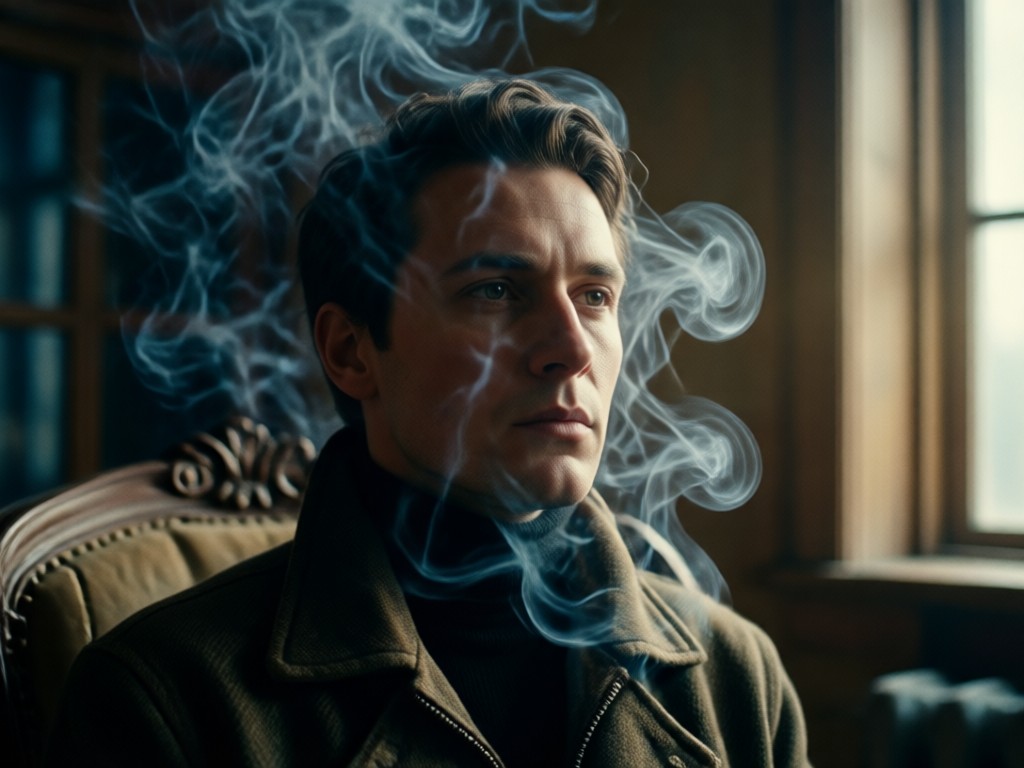
Atmospheric Color Grading
Apply professional color grading presets that enhance the smoky atmosphere. Choose from moody blue tones, warm golden hues, or dramatic monochromatic looks for your portraits.
Atmospheric Color Grading
Apply professional color grading presets that enhance the smoky atmosphere. Choose from moody blue tones, warm golden hues, or dramatic monochromatic looks for your portraits.
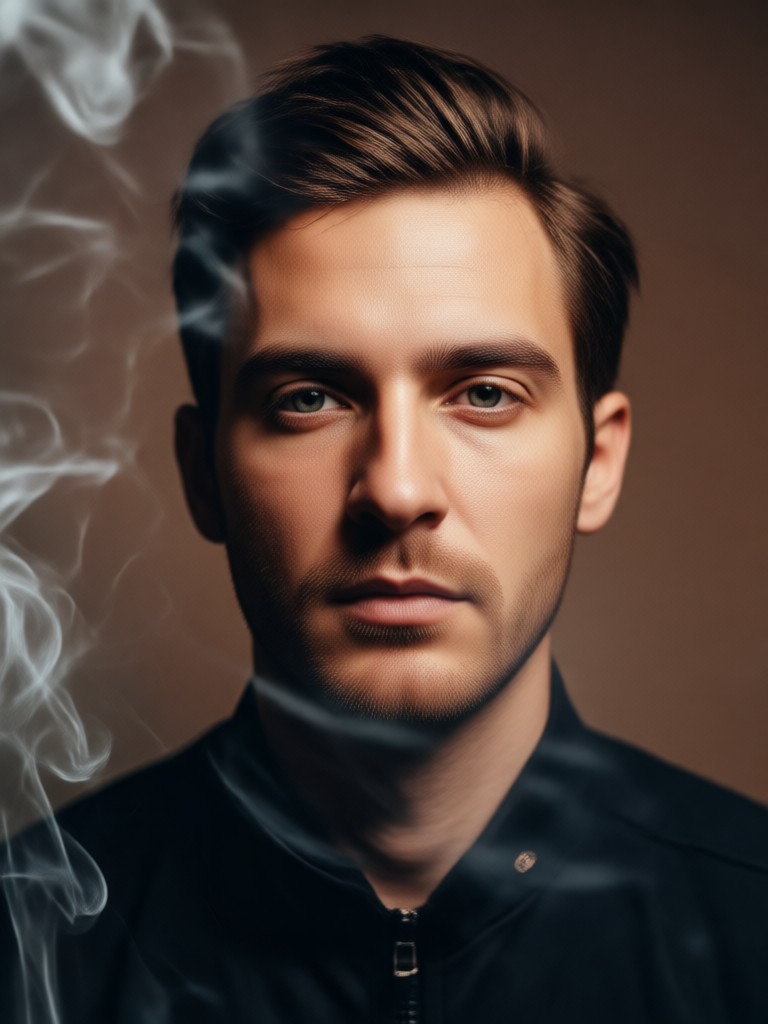
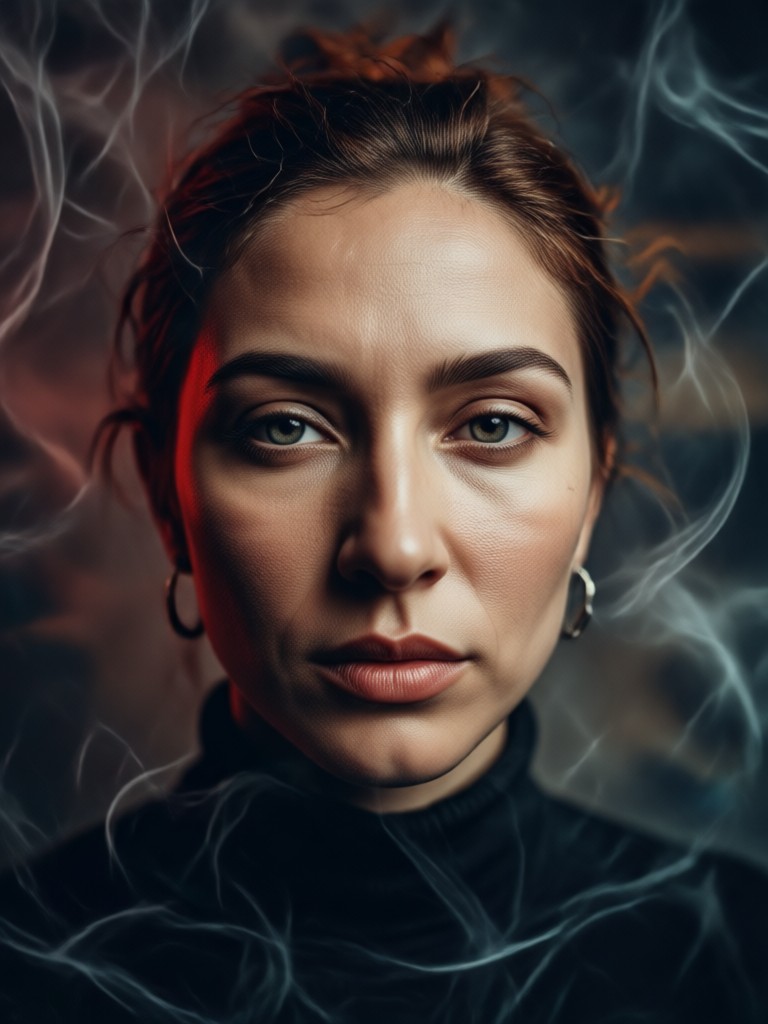
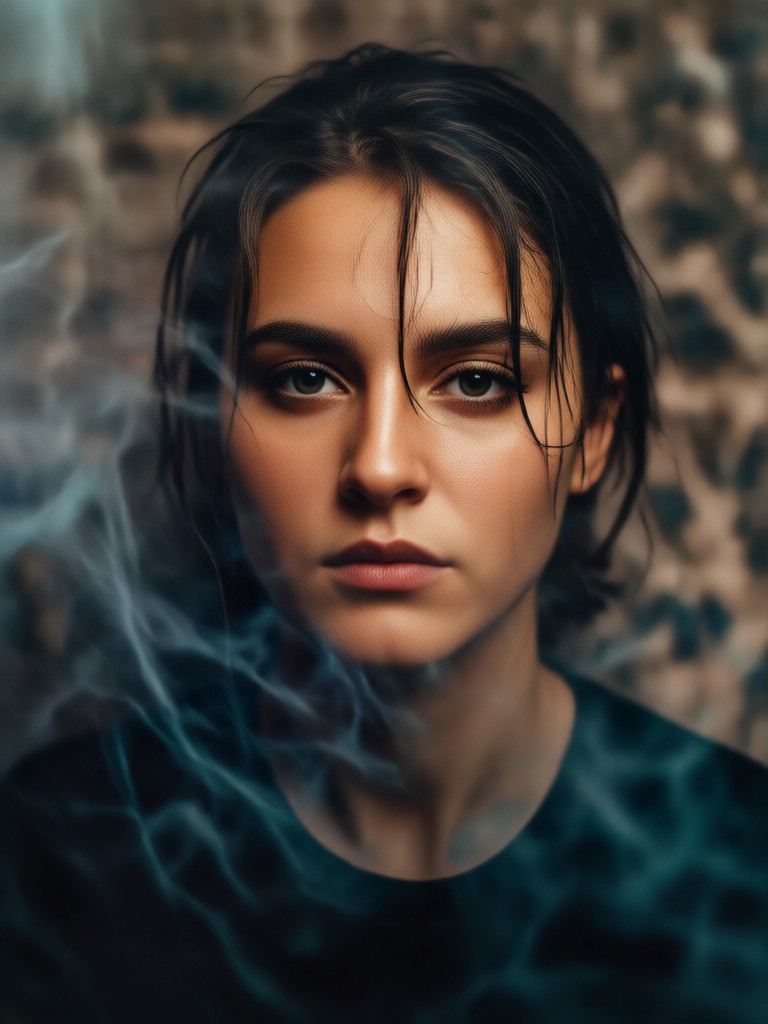
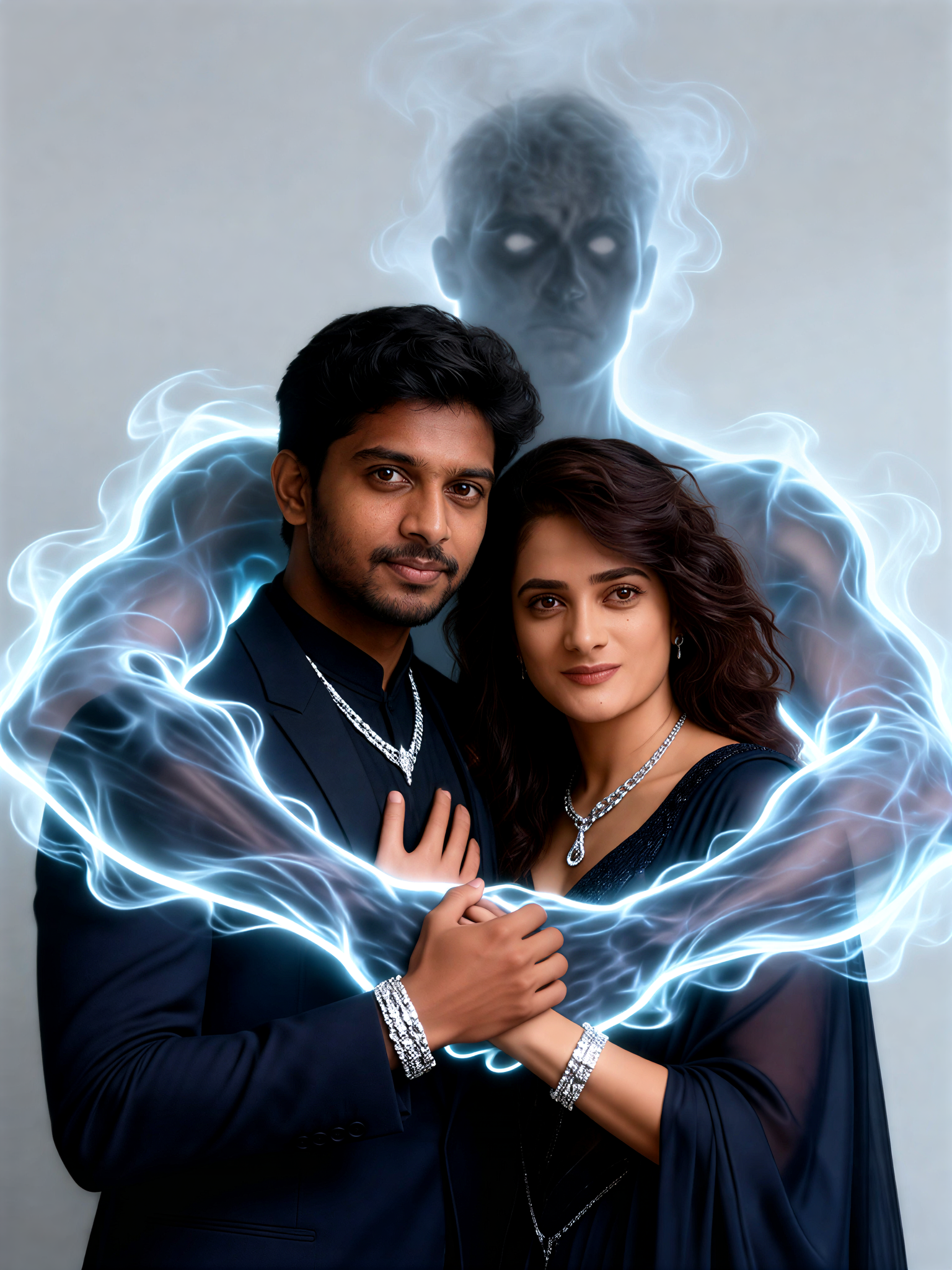
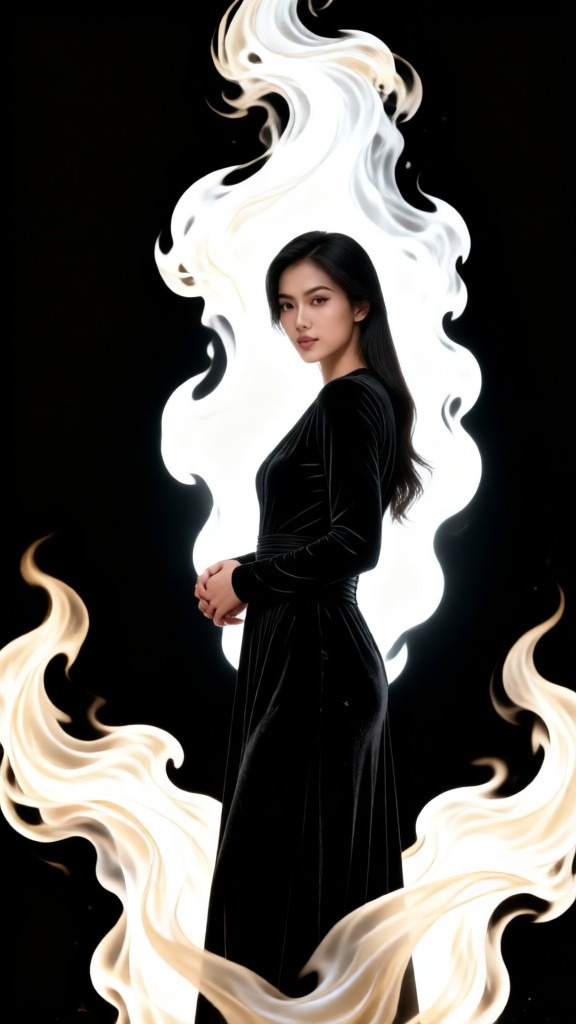
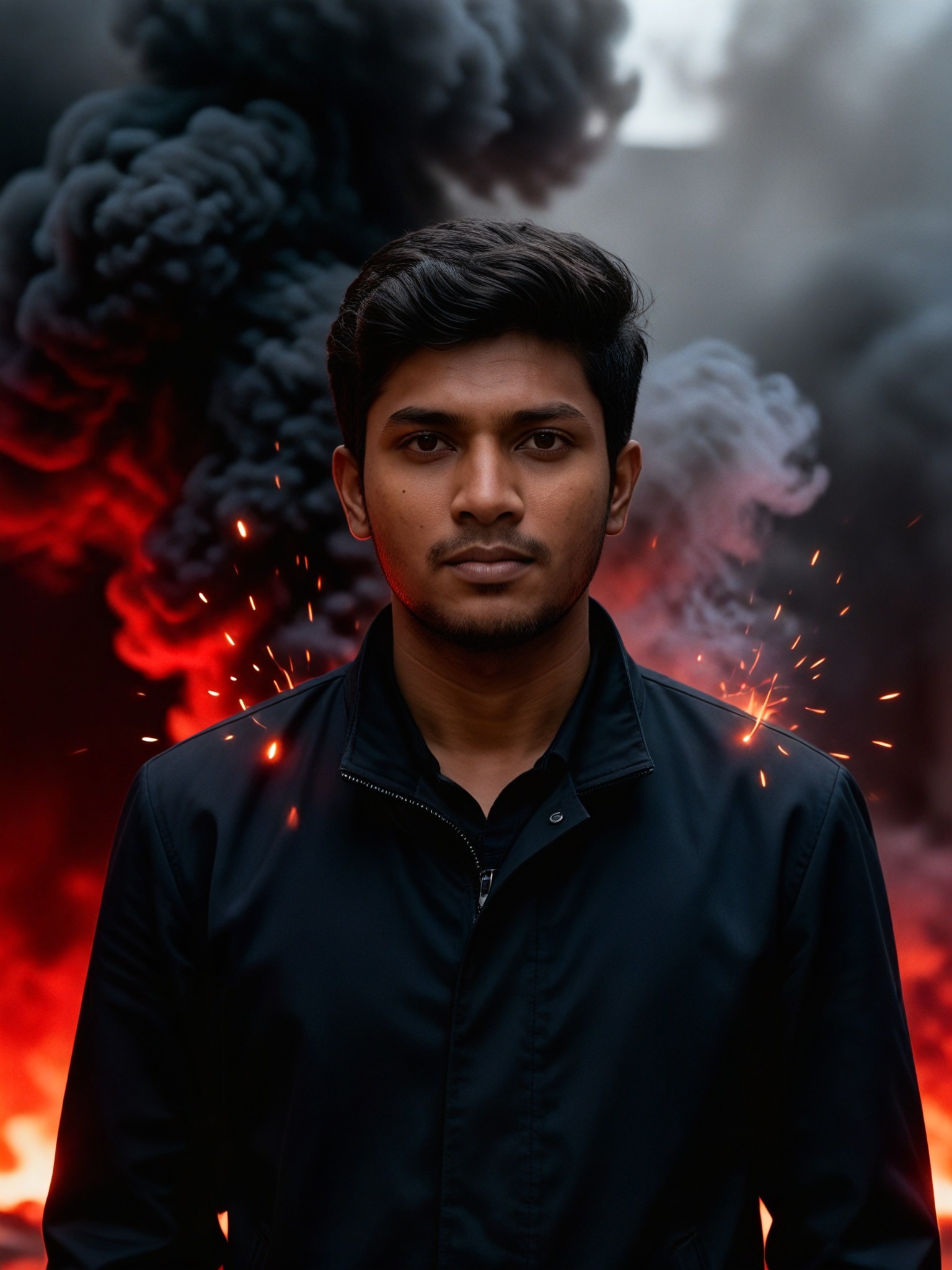
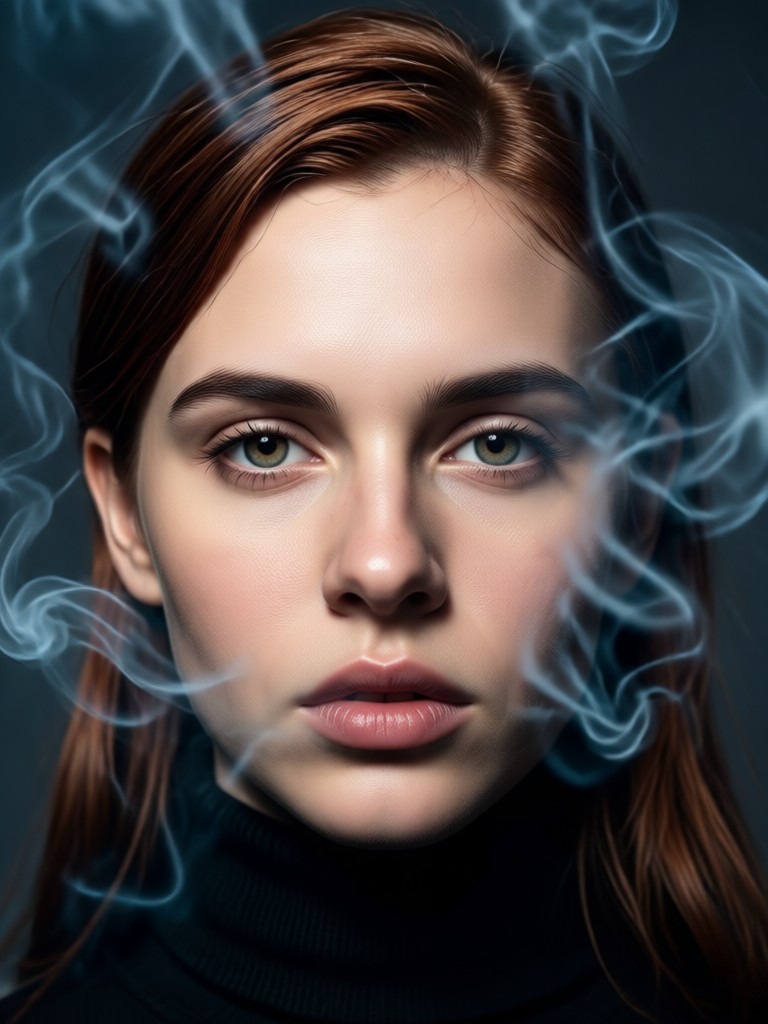
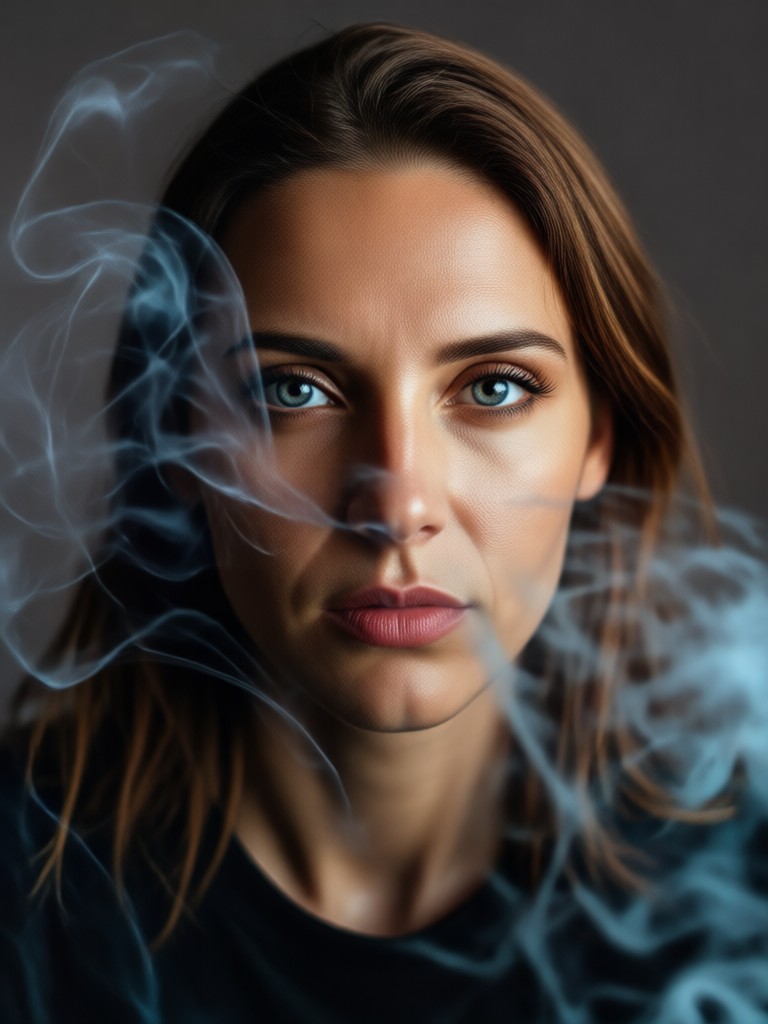
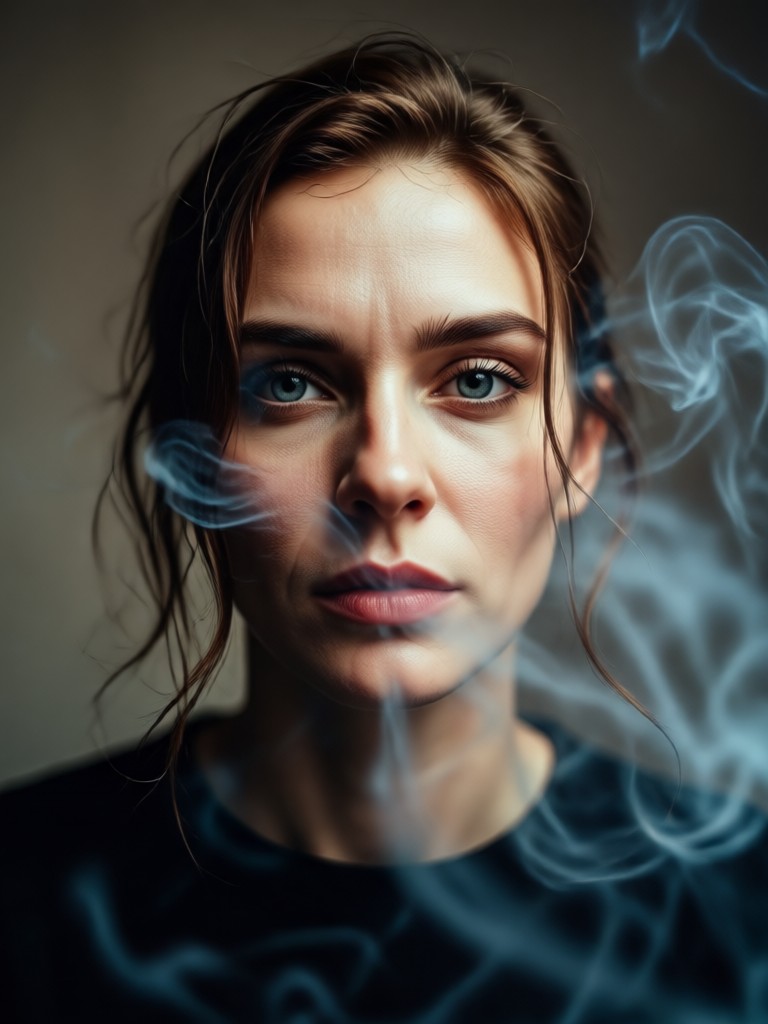
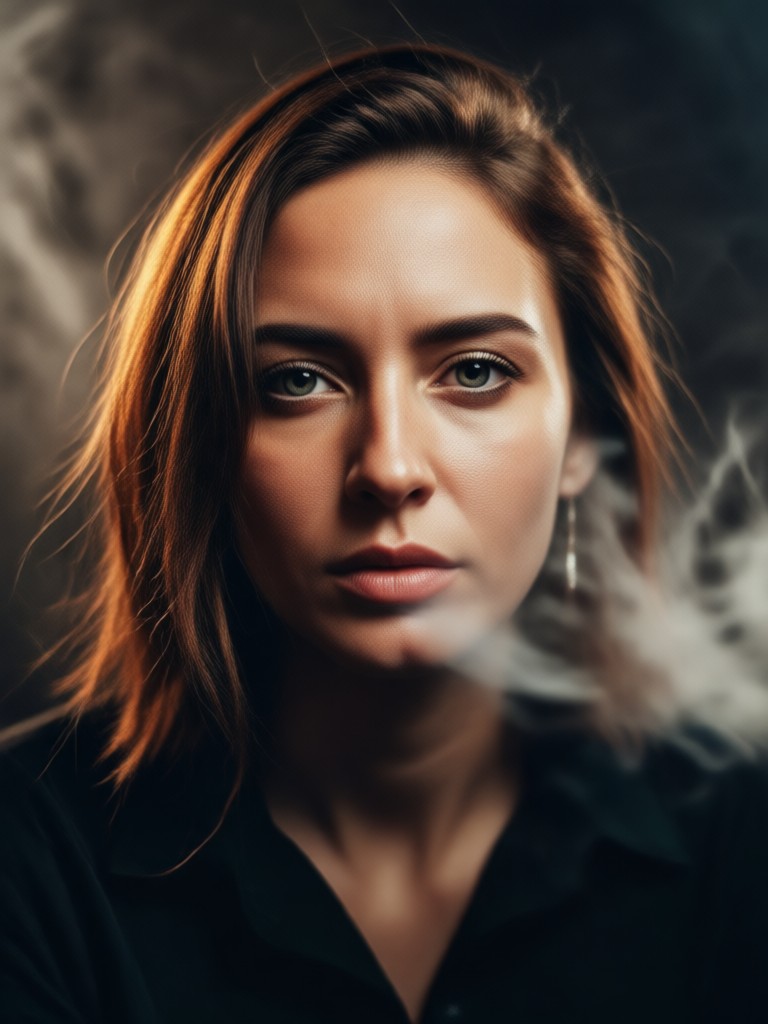
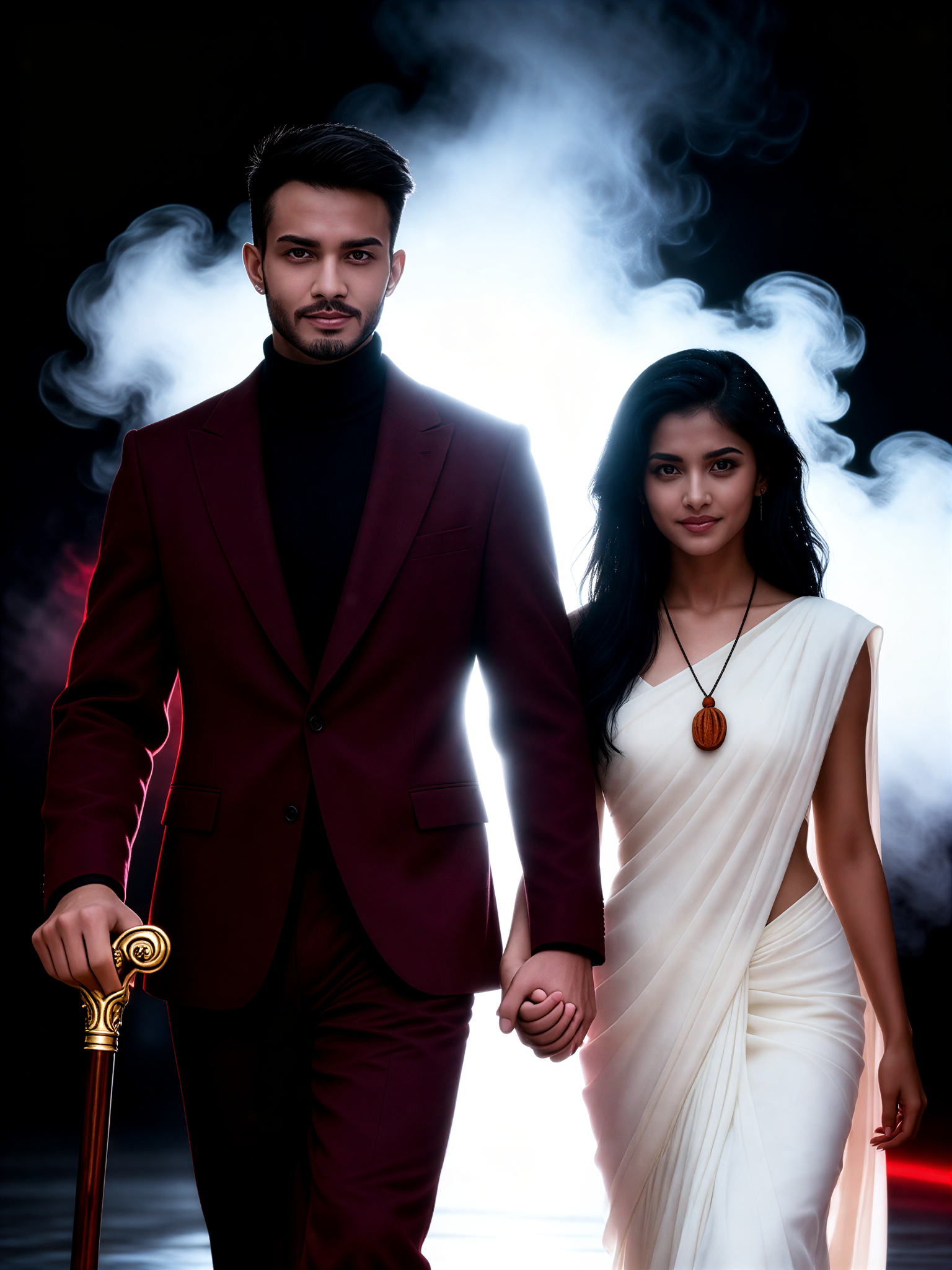
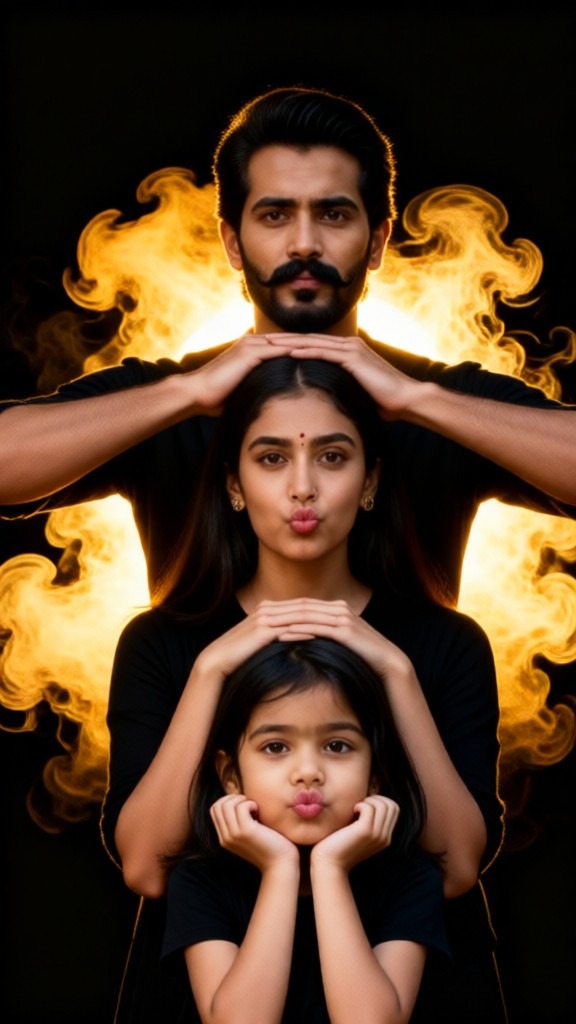
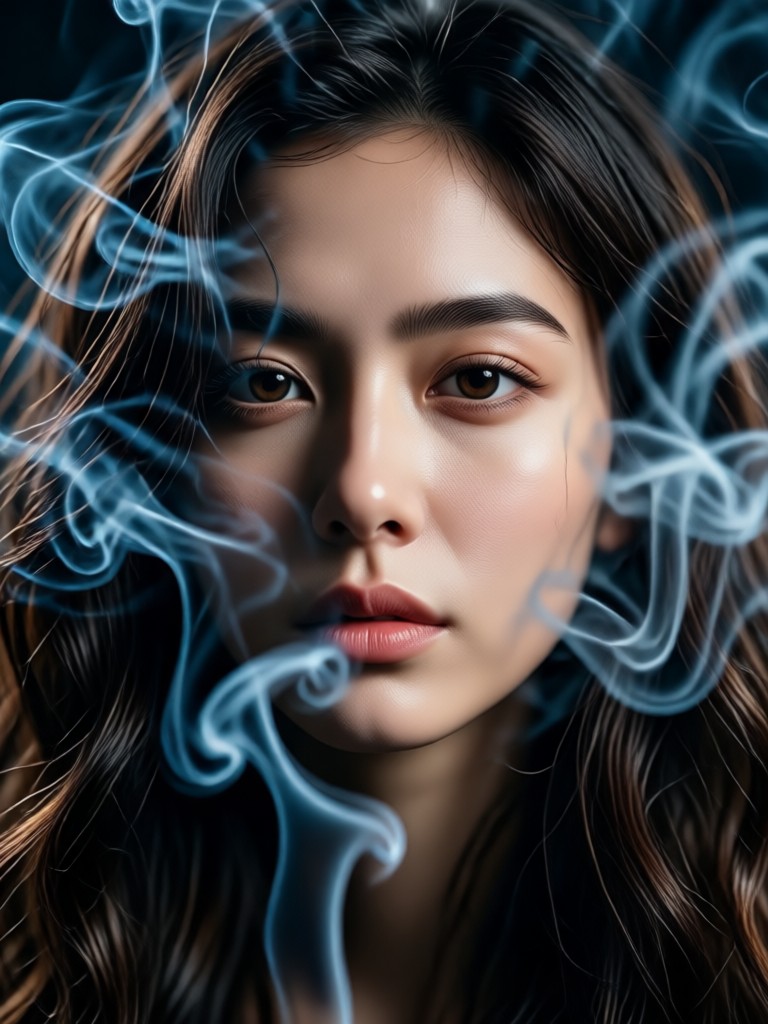
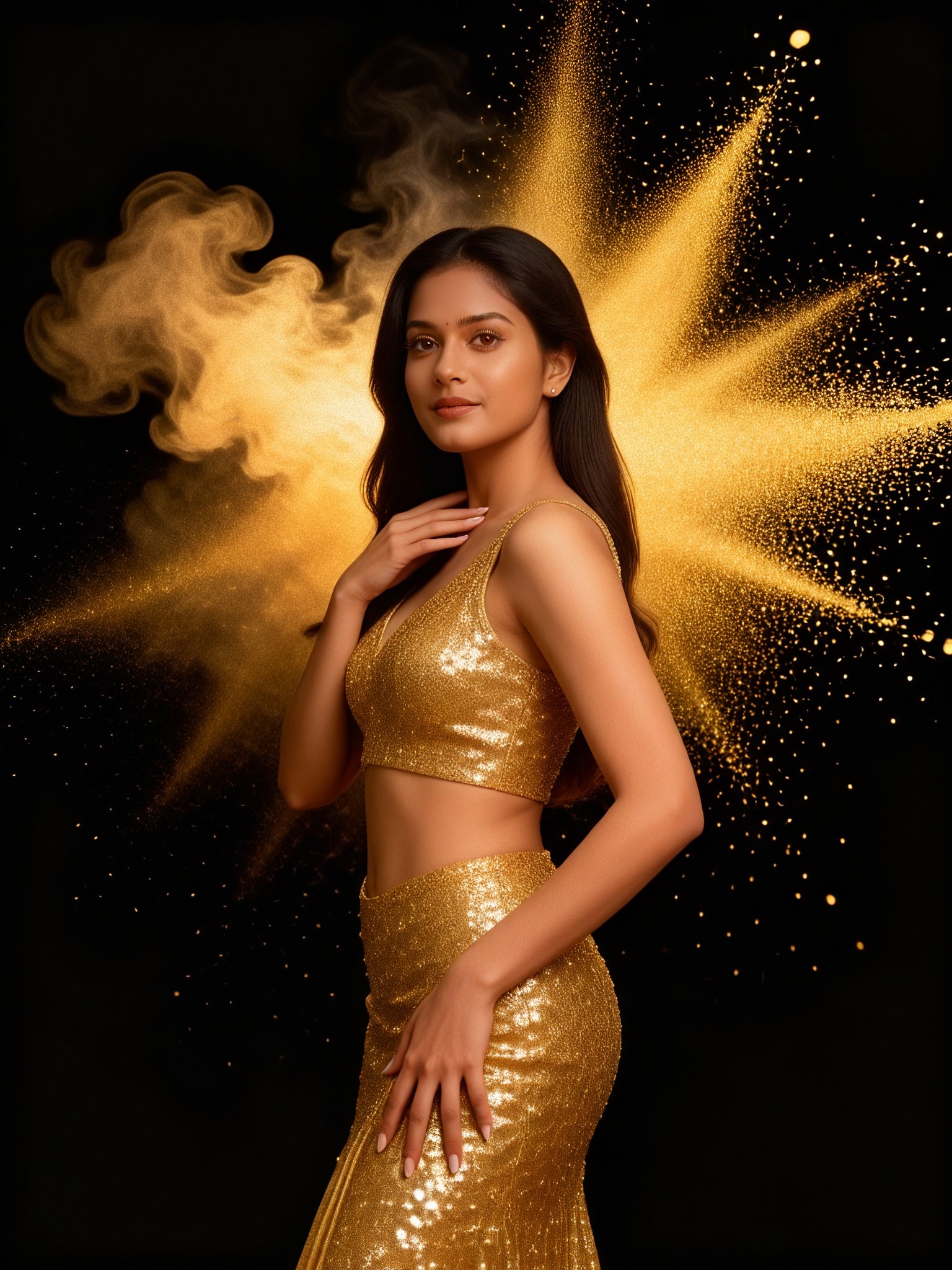
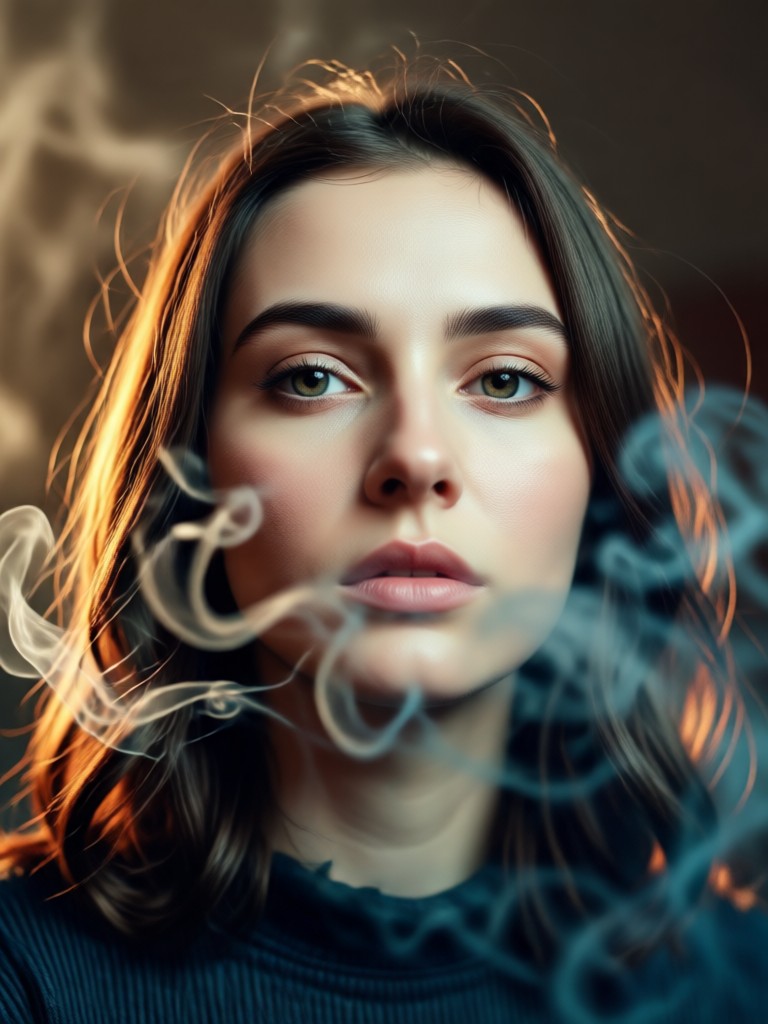
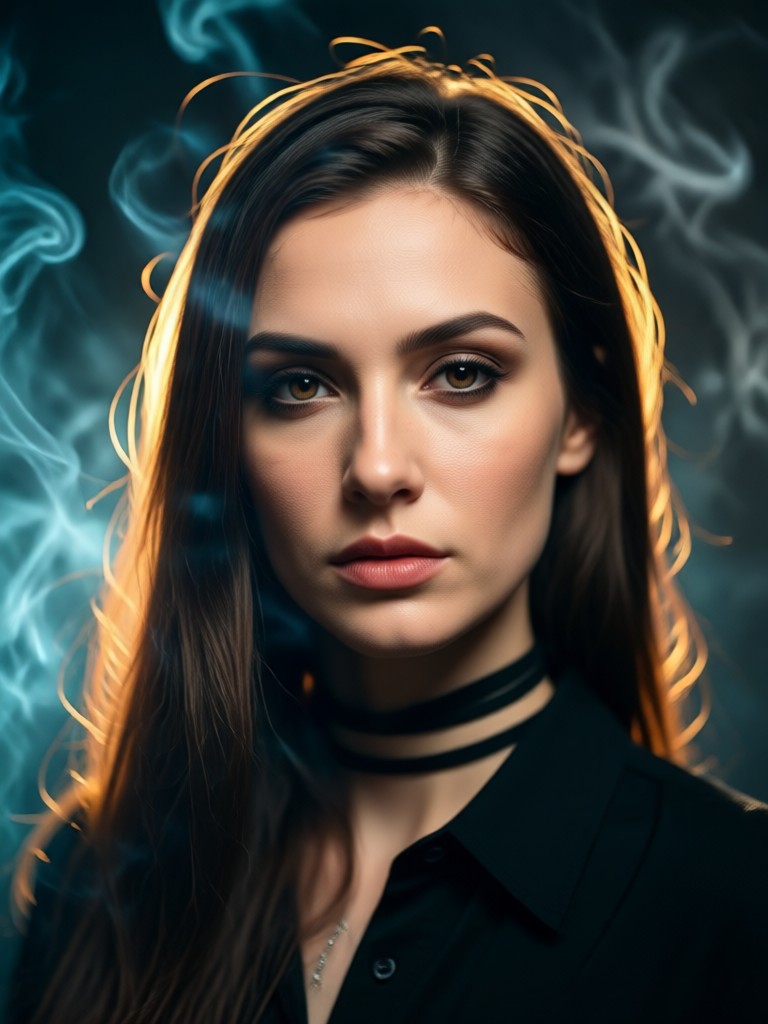
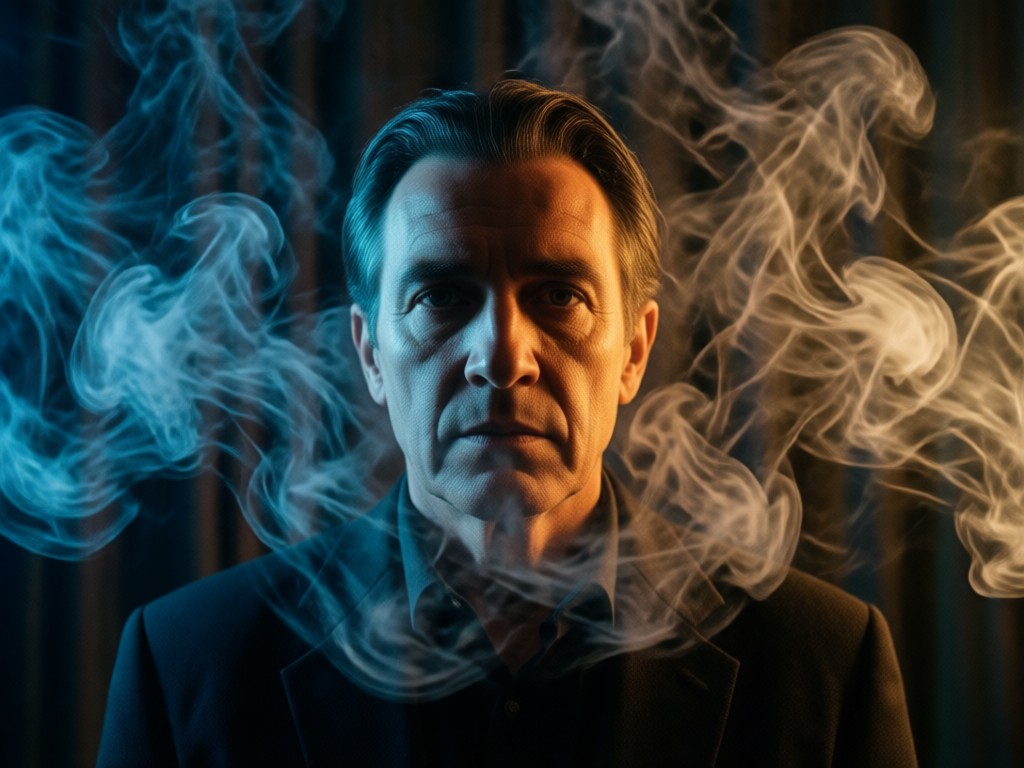
Cinematic Smoky Portrait Gallery
Browse stunning examples of AI-generated smoky portraits. See how ordinary photos transform into dramatic cinematic masterpieces with atmospheric smoke effects.
Why Create Cinematic Smoky Portraits
Smoky portraits add drama, emotion, and professional polish to your photography. They transform ordinary photos into cinematic artworks perfect for social media profiles, professional portfolios, or artistic projects.
Why Create Cinematic Smoky Portraits
Smoky portraits add drama, emotion, and professional polish to your photography. They transform ordinary photos into cinematic artworks perfect for social media profiles, professional portfolios, or artistic projects.
How to Create Cinematic Smoky Portraits
Create stunning smoky portraits in just three simple steps with our AI-powered mobile app. No photography experience or editing skills required.

Step 01.
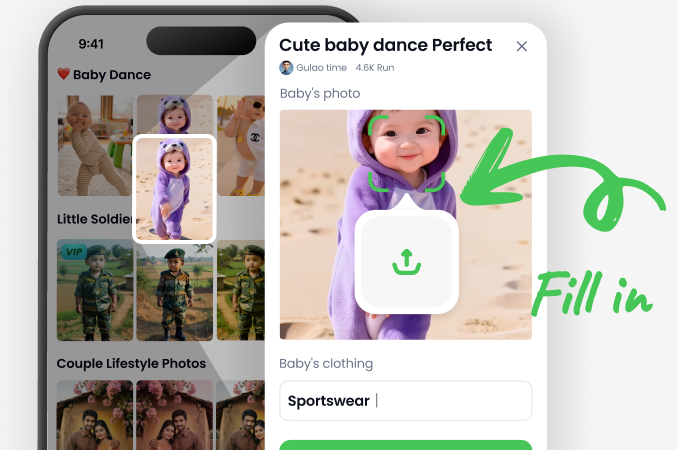
Download the beyo app from Google Play to access all cinematic smoky portrait filters and effects on your mobile device.
Step 02.
Select from various smoky portrait filters including misty haze, dramatic smoke clouds, atmospheric fog, or colored smoke effects.
Step 03.
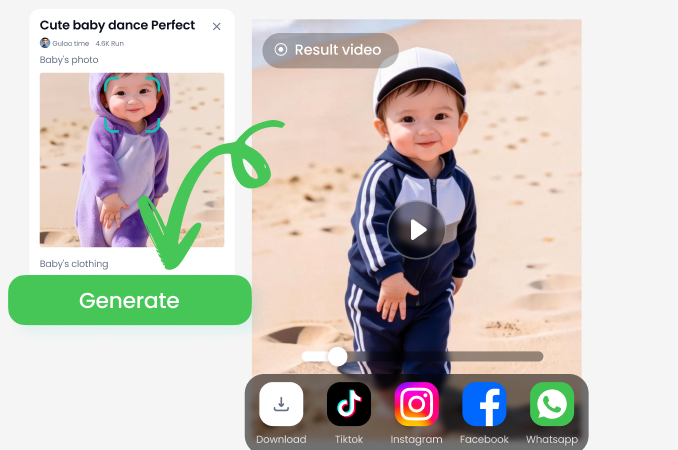
Generate your cinematic smoky portrait, then download and share your creation on social media or save to your portfolio.
Who Uses Cinematic Smoky Portrait Effects
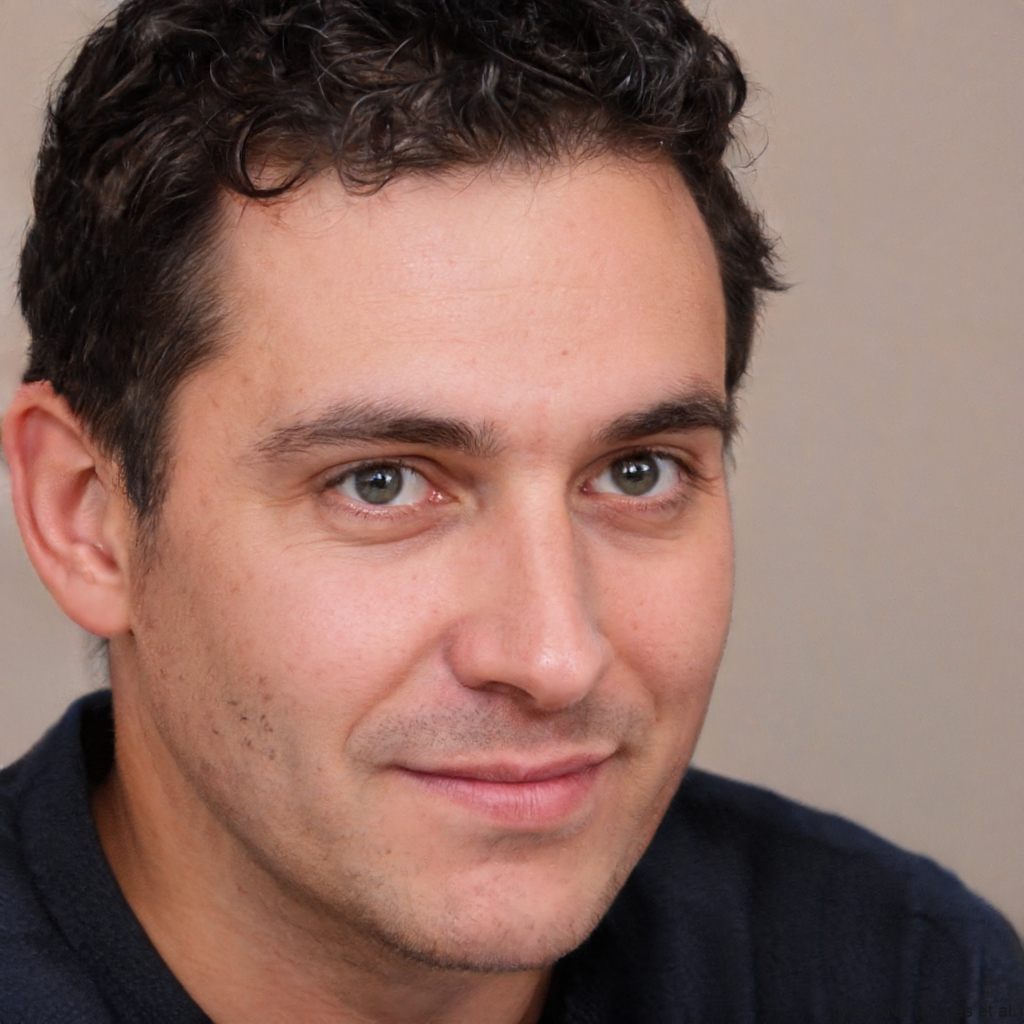
Marcus Chen
As a portrait photographer, I use smoky effects to add drama to client sessions. The cinematic quality helps my work stand out in competitive markets.
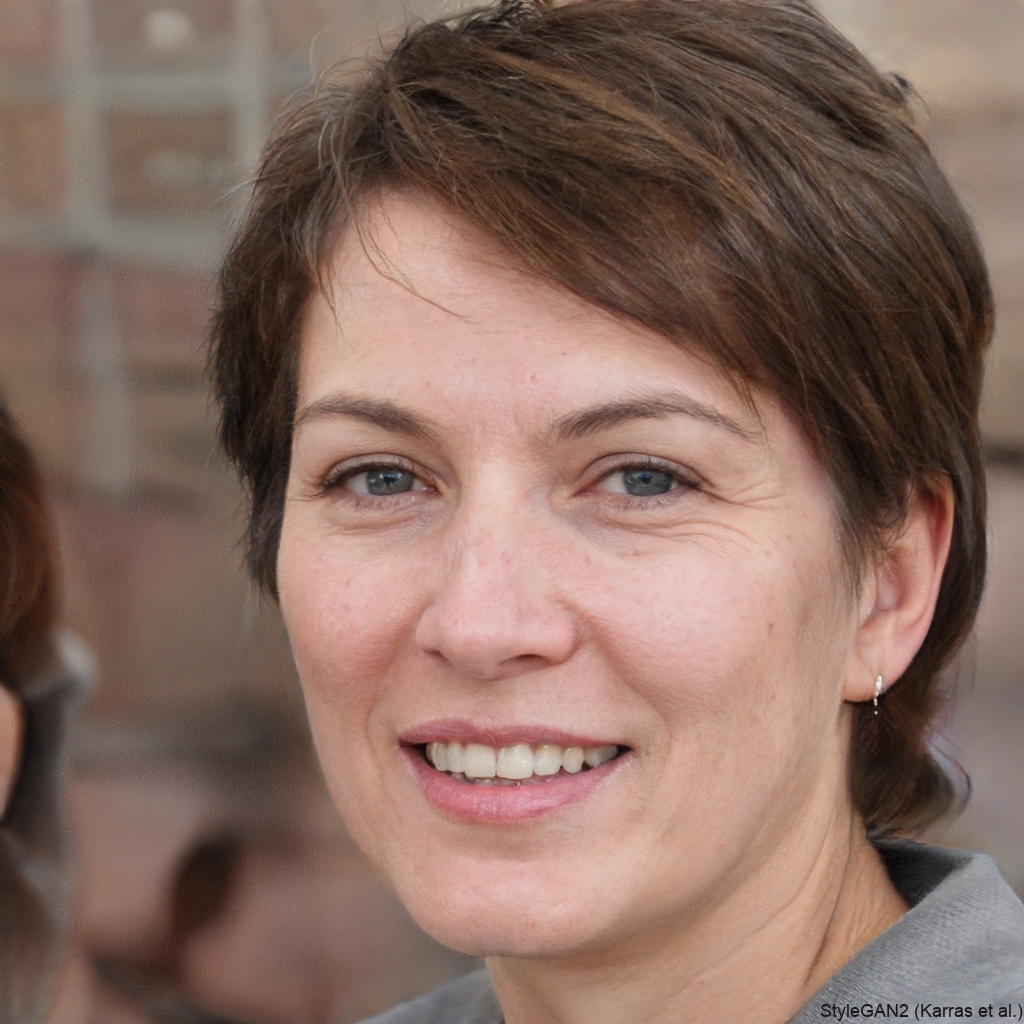
Sophia Rivera
These smoky portrait effects have transformed my Instagram profile. My engagement increased by 300% after using cinematic filters for my content.
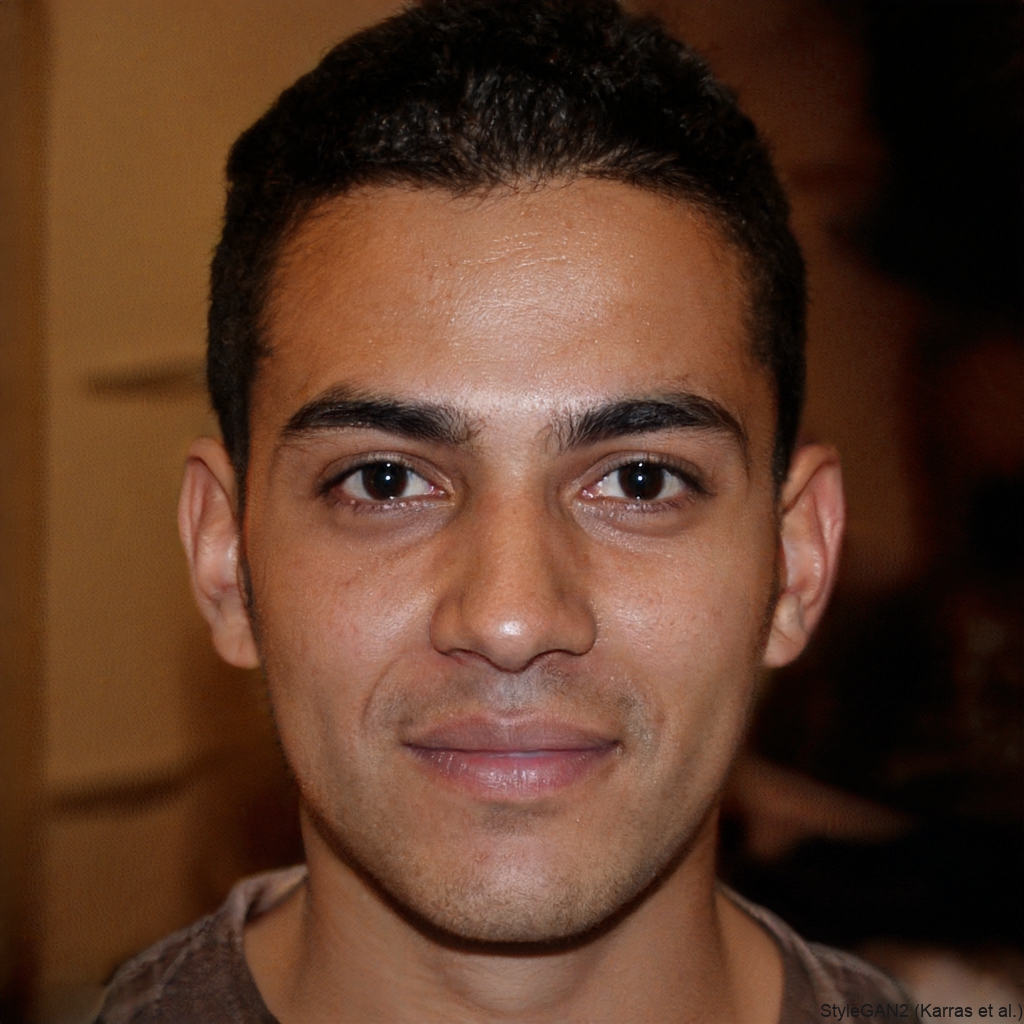
Alex Turner
The atmospheric smoke effects save me hours of manual editing. I can create professional-looking cinematic portraits in minutes instead of days.
Jamie Park
My YouTube channel thumbnails now have that cinematic quality that attracts viewers. The smoky portrait effects make my content look premium and professional.
Marcus Chen
As a portrait photographer, I use smoky effects to add drama to client sessions. The cinematic quality helps my work stand out in competitive markets.
Sophia Rivera
These smoky portrait effects have transformed my Instagram profile. My engagement increased by 300% after using cinematic filters for my content.
Alex Turner
The atmospheric smoke effects save me hours of manual editing. I can create professional-looking cinematic portraits in minutes instead of days.
Jamie Park
My YouTube channel thumbnails now have that cinematic quality that attracts viewers. The smoky portrait effects make my content look premium and professional.
Marcus Chen
As a portrait photographer, I use smoky effects to add drama to client sessions. The cinematic quality helps my work stand out in competitive markets.
Sophia Rivera
These smoky portrait effects have transformed my Instagram profile. My engagement increased by 300% after using cinematic filters for my content.
Alex Turner
The atmospheric smoke effects save me hours of manual editing. I can create professional-looking cinematic portraits in minutes instead of days.
Jamie Park
My YouTube channel thumbnails now have that cinematic quality that attracts viewers. The smoky portrait effects make my content look premium and professional.
Cinematic Smoky Portrait FAQs
Find answers to common questions about creating atmospheric smoky portraits with AI. Learn how to achieve professional results quickly and easily.
More Topics You May Like
Explore more topics you may like and discover fresh ideas tailored to your interests.
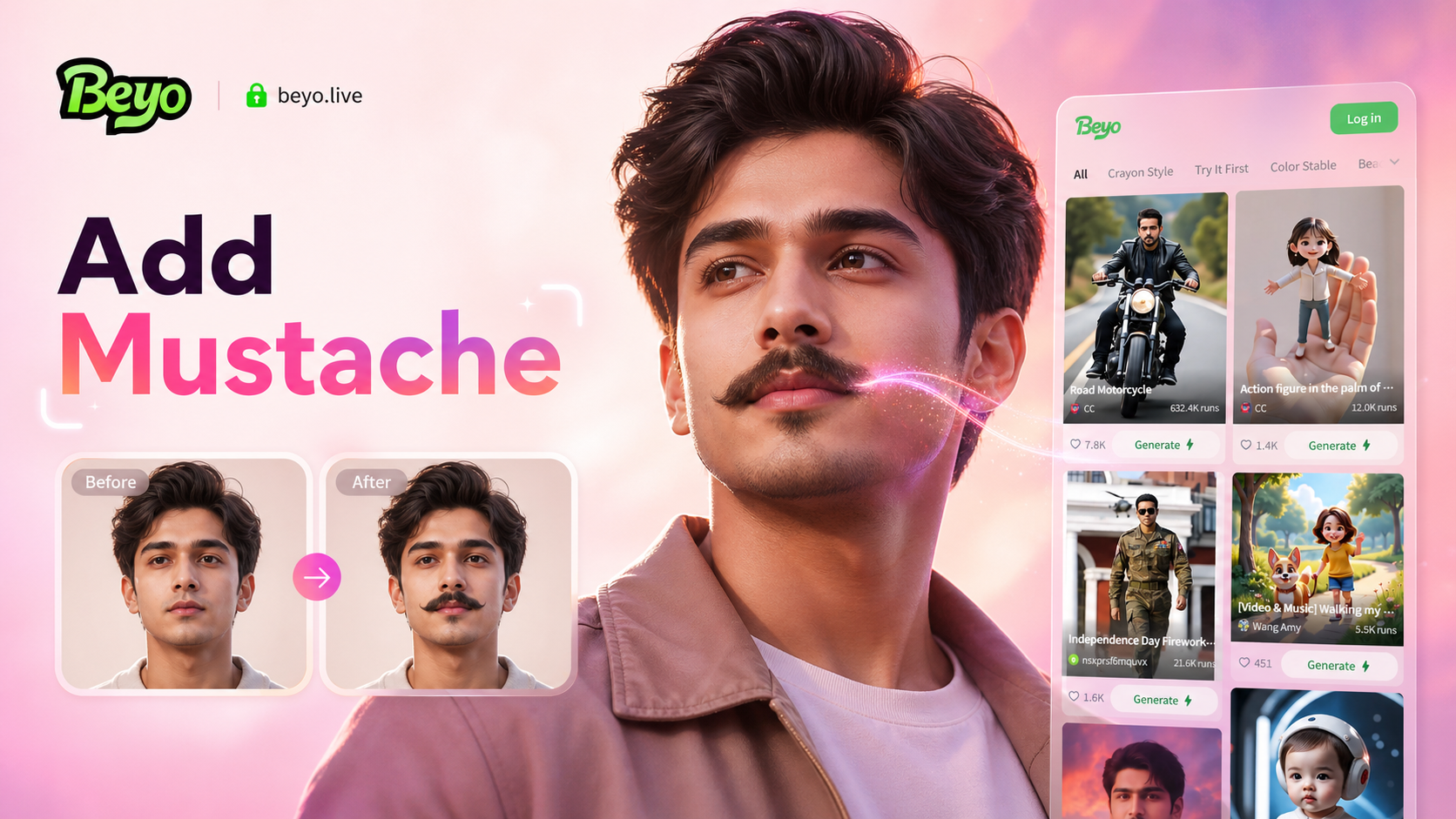
Add Mustache To Photo

Add Christmas Santa To Photo
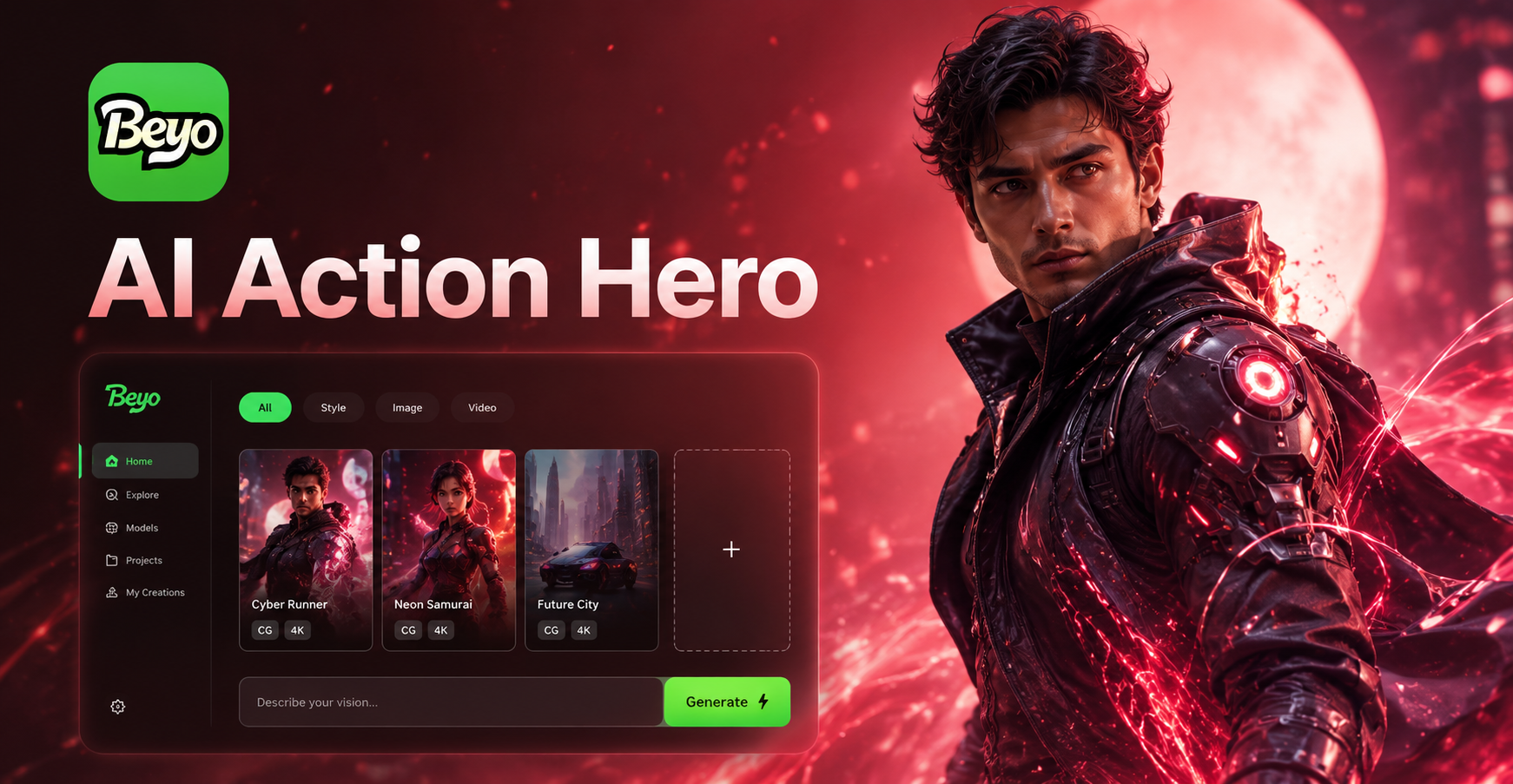
AI action hero
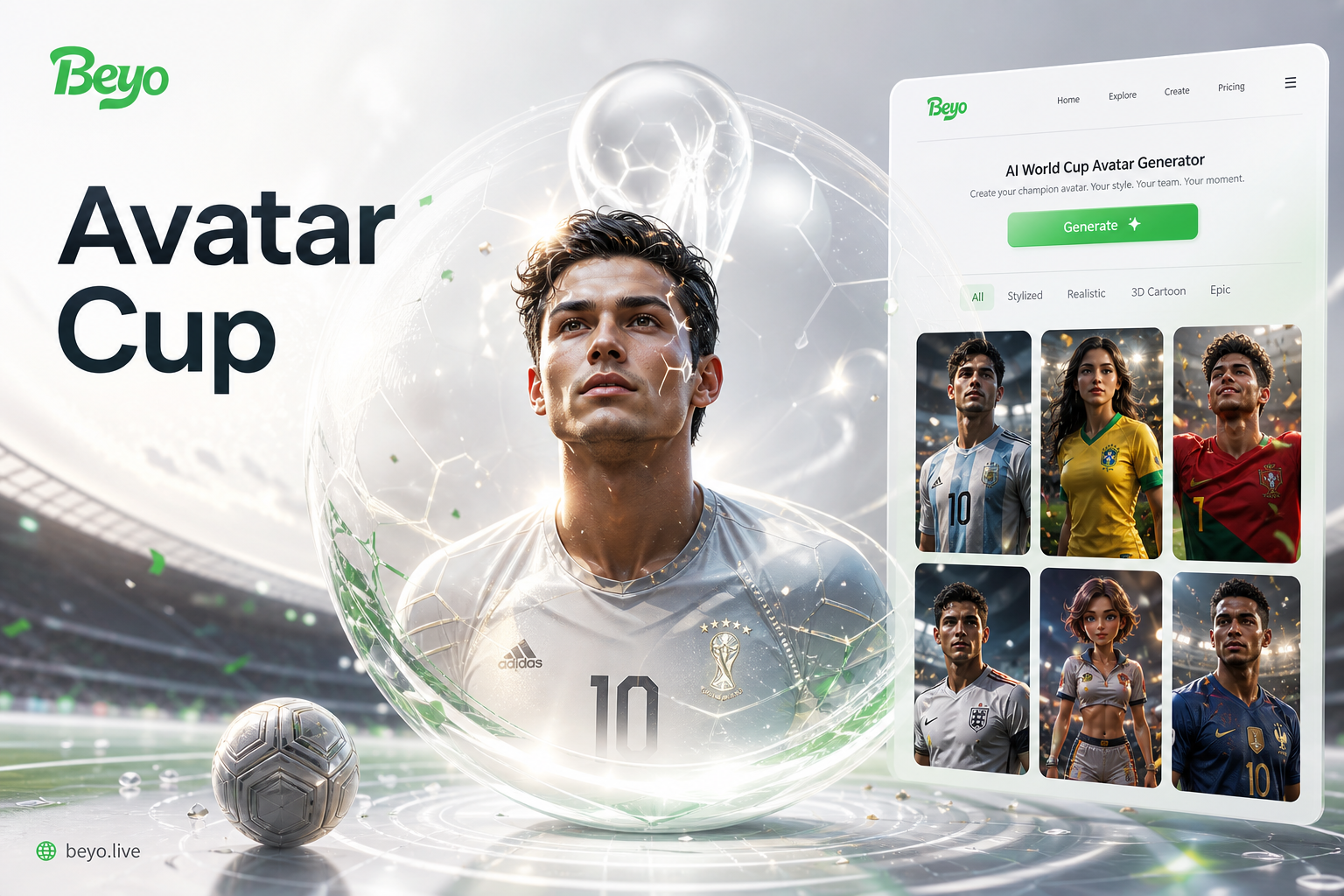
AI World Cup Avatar Generator
Add Mustache To Photo
Add Christmas Santa To Photo
AI action hero
AI World Cup Avatar Generator
Create Cinematic Portraits Instantly
Transform your photos into dramatic smoky masterpieces with AI. Download the beyo app to access professional cinematic effects and create stunning portraits that stand out.

Create Cinematic Portraits Instantly
Transform your photos into dramatic smoky masterpieces with AI. Download the beyo app to access professional cinematic effects and create stunning portraits that stand out.