City Skyline Double Exposure Portrait Generator
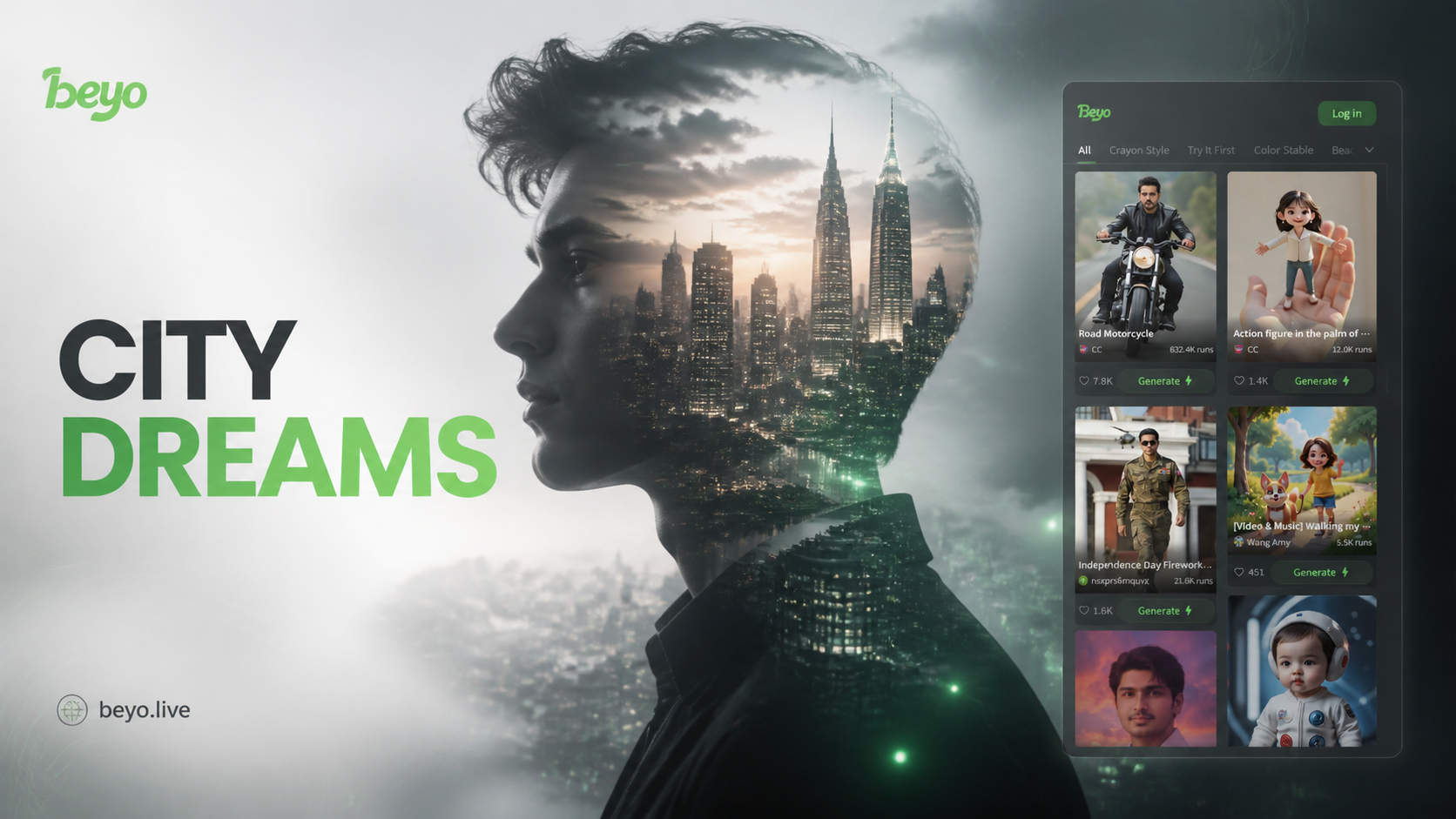
Popular Double Exposure & Photo Effects
Discover the perfect artistic filter to transform your photos. From gritty desert blends to ethereal portrait overlays, find your style.
Cute Figurine
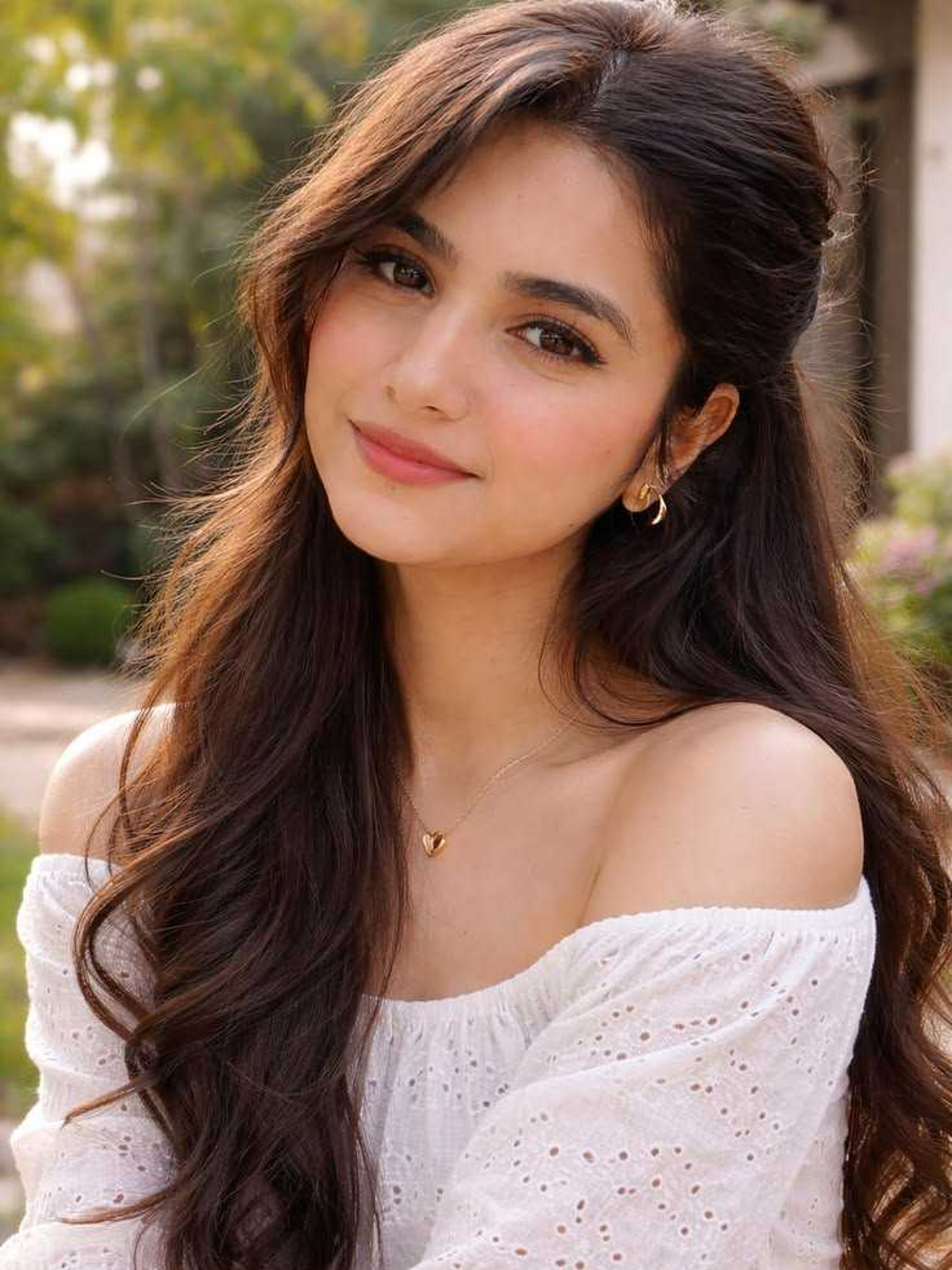
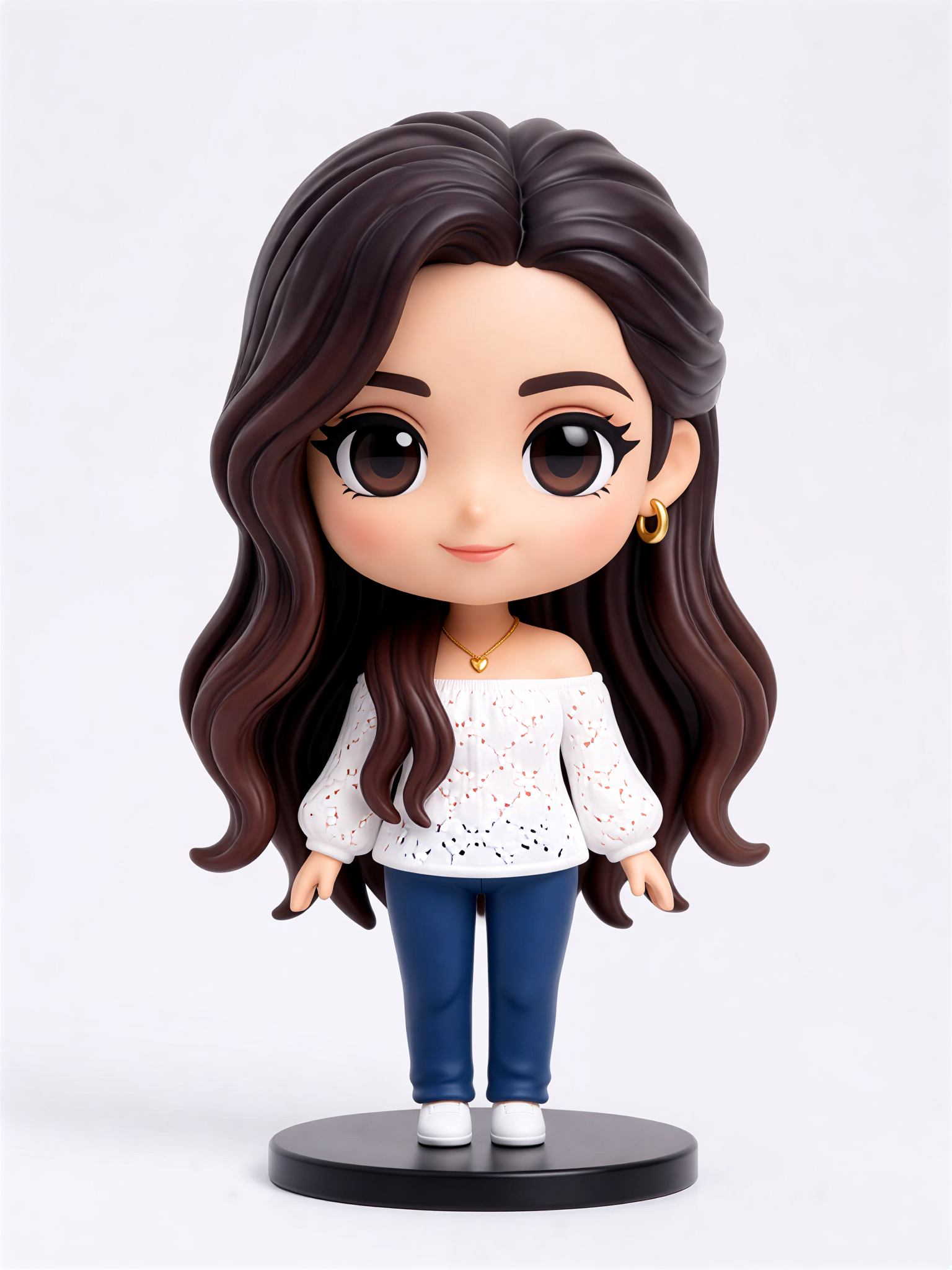

Key Features of the Double Exposure Generator
Our AI powered tool turns a simple photo into a stunning piece of artistic fusion, blending personal portraits with the architectural beauty of the world's most famous cities.
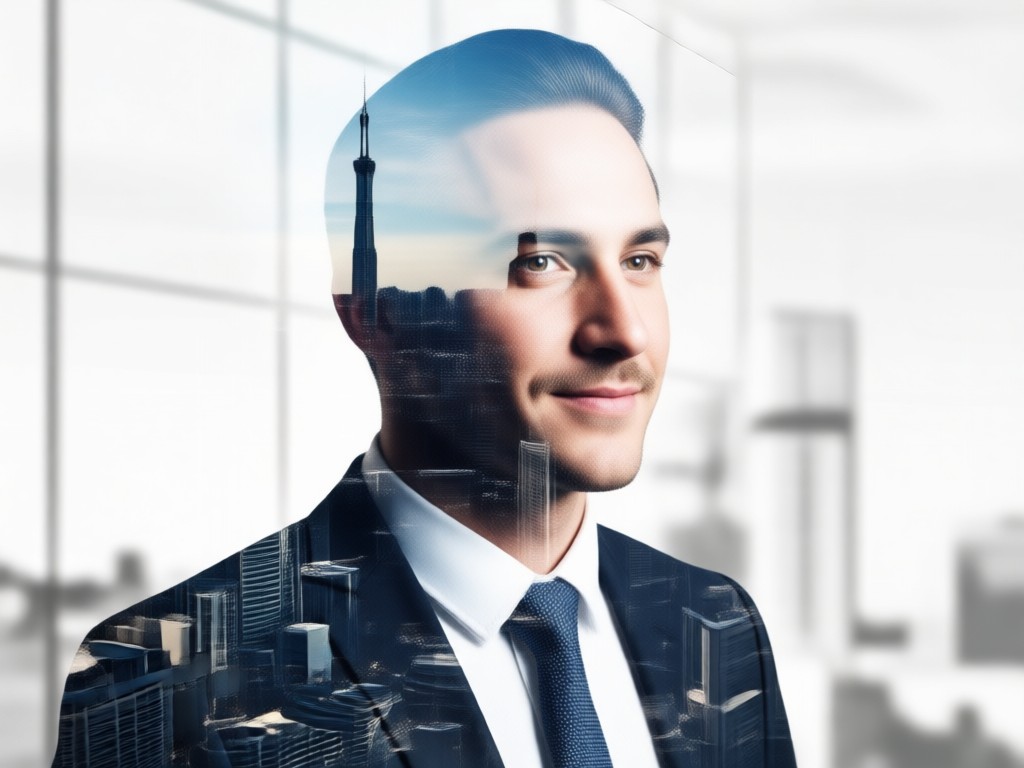
One-Click Urban Fusion
Upload your portrait, select a cityscape template, and watch AI intelligently merge the two. The tool handles transparency, light blending, and composition to create a cohesive double exposure effect instantly.
One-Click Urban Fusion
Upload your portrait, select a cityscape template, and watch AI intelligently merge the two. The tool handles transparency, light blending, and composition to create a cohesive double exposure effect instantly.
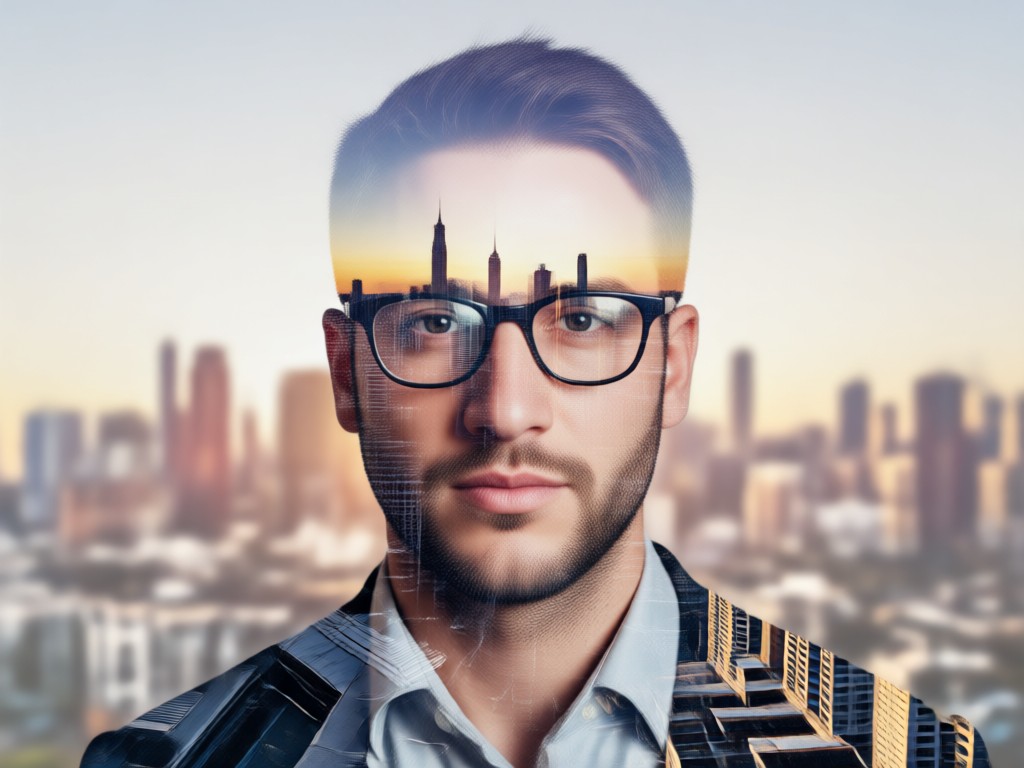
Vast Cityscape Library
Choose from a massive collection of pre-loaded city skylines, from the neon glow of Tokyo to the historic silhouettes of Rome. Each template is optimized for perfect blending with your portrait.
Vast Cityscape Library
Choose from a massive collection of pre-loaded city skylines, from the neon glow of Tokyo to the historic silhouettes of Rome. Each template is optimized for perfect blending with your portrait.
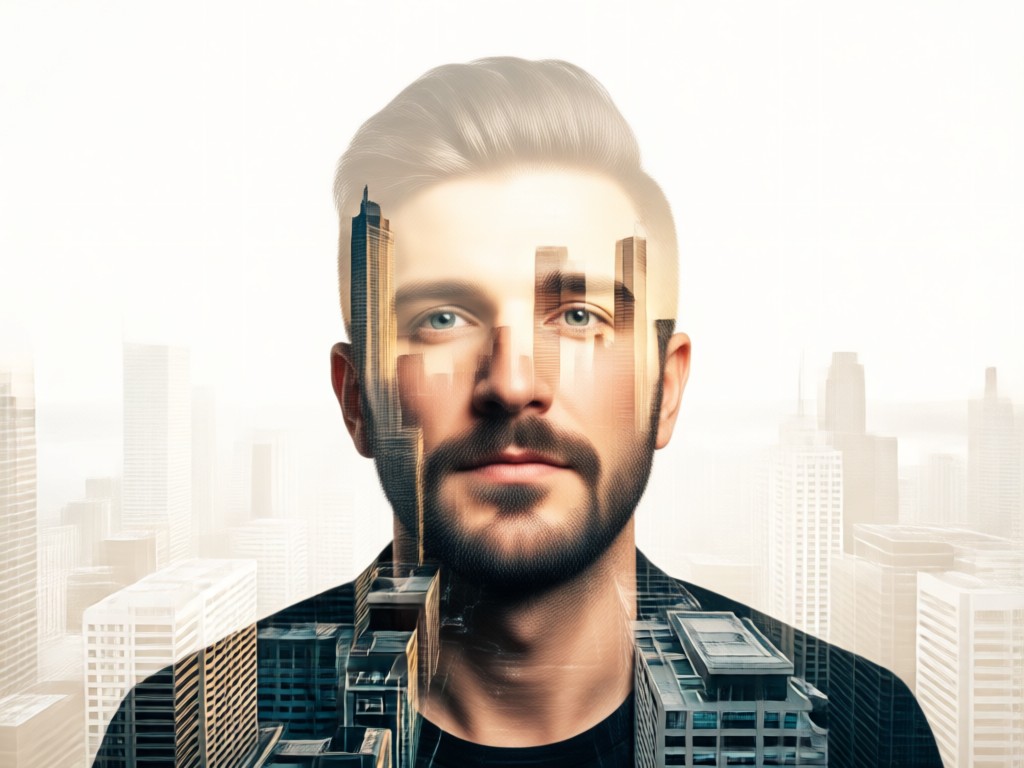
Precise Artistic Control
Fine tune your masterpiece. Adjust blend intensity, contrast, and color balance after generation. You can also swap city backgrounds or re upload portraits to experiment with different artistic outcomes.
Precise Artistic Control
Fine tune your masterpiece. Adjust blend intensity, contrast, and color balance after generation. You can also swap city backgrounds or re upload portraits to experiment with different artistic outcomes.
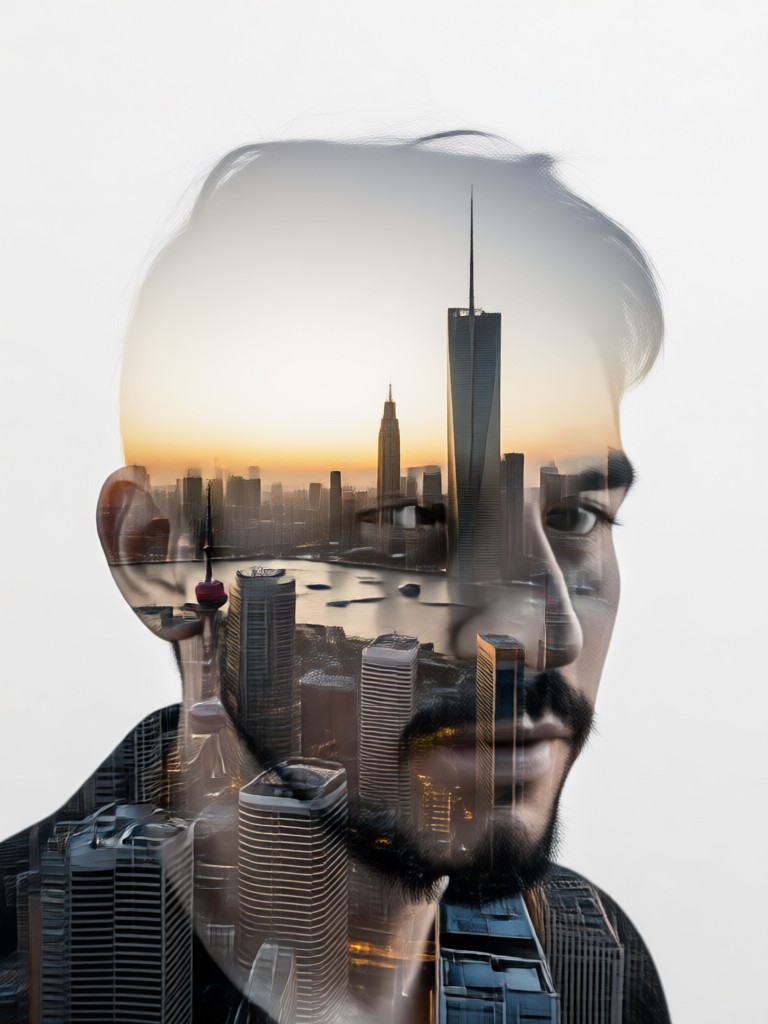
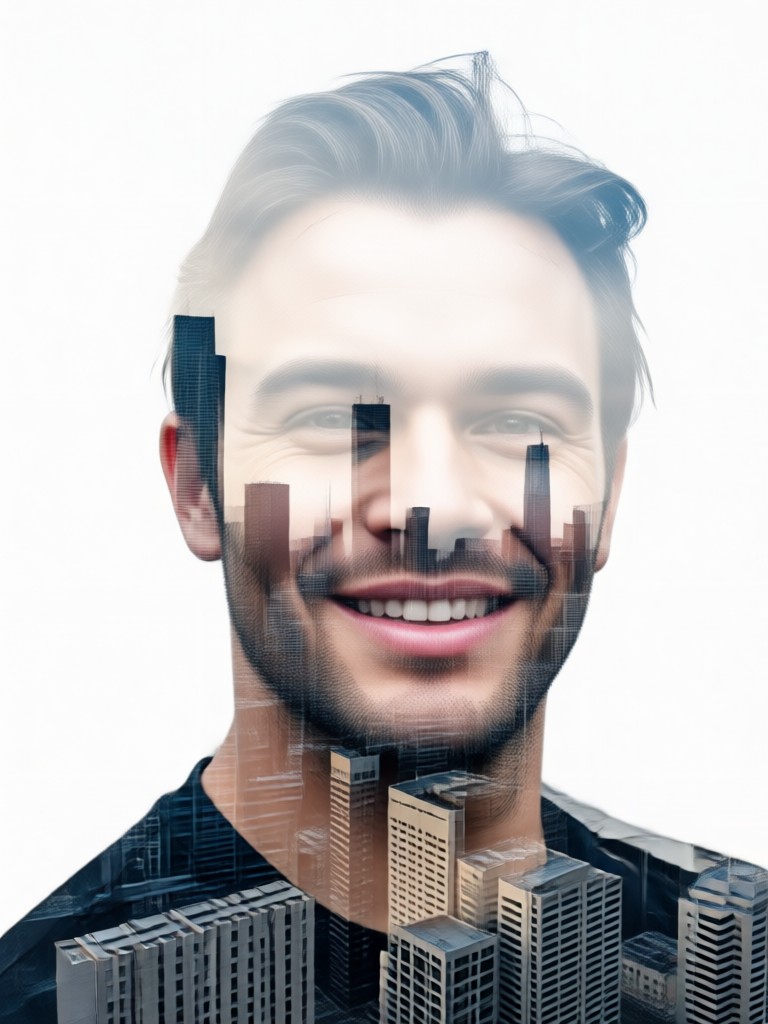
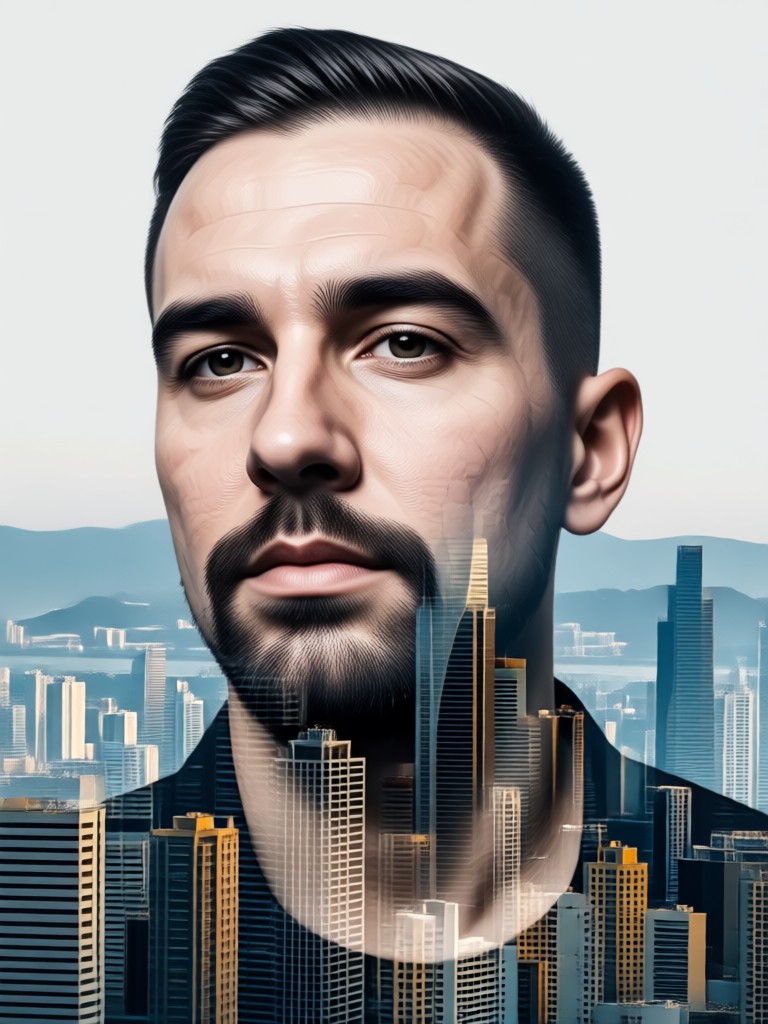
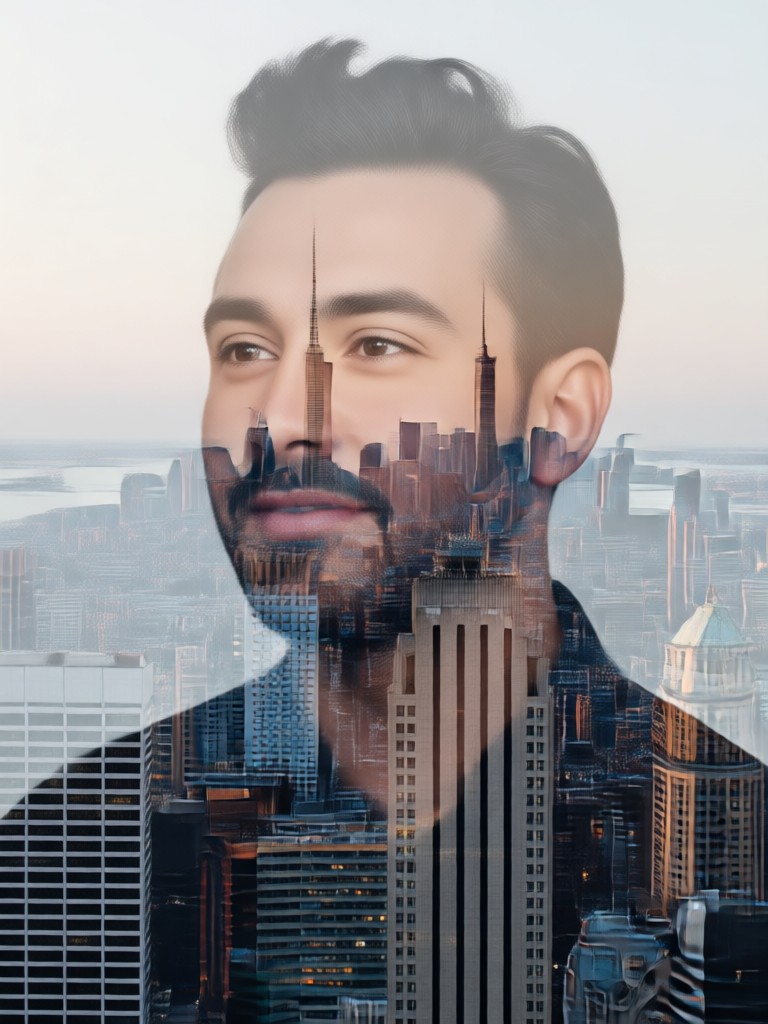
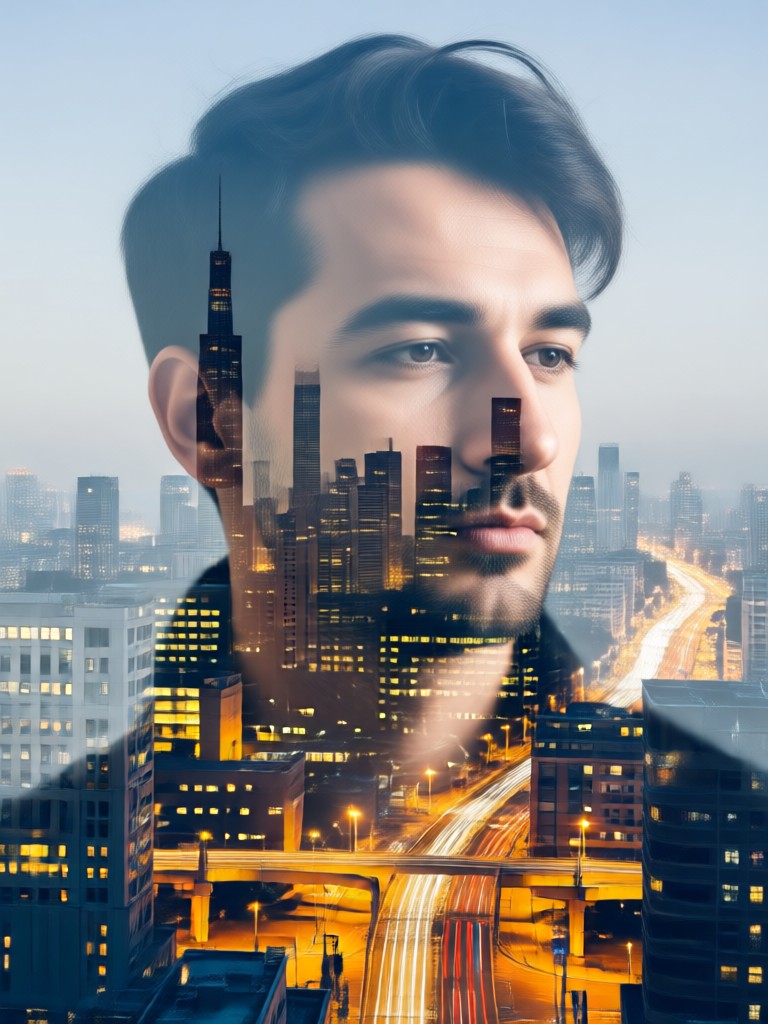
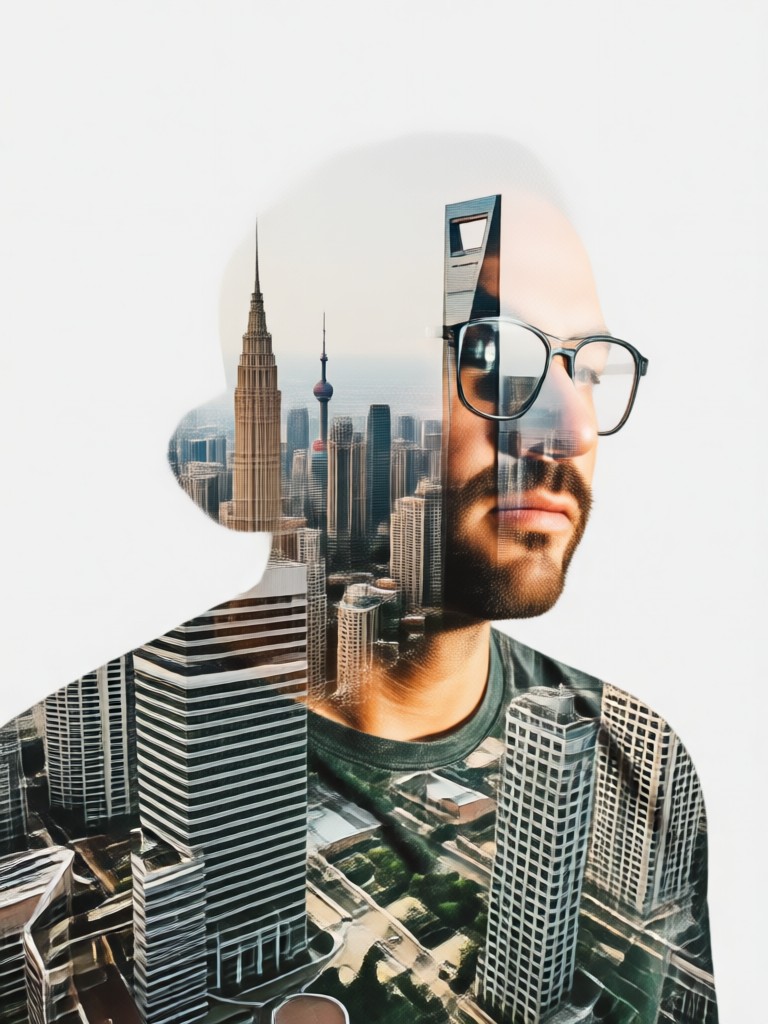
Double Exposure Portrait Gallery
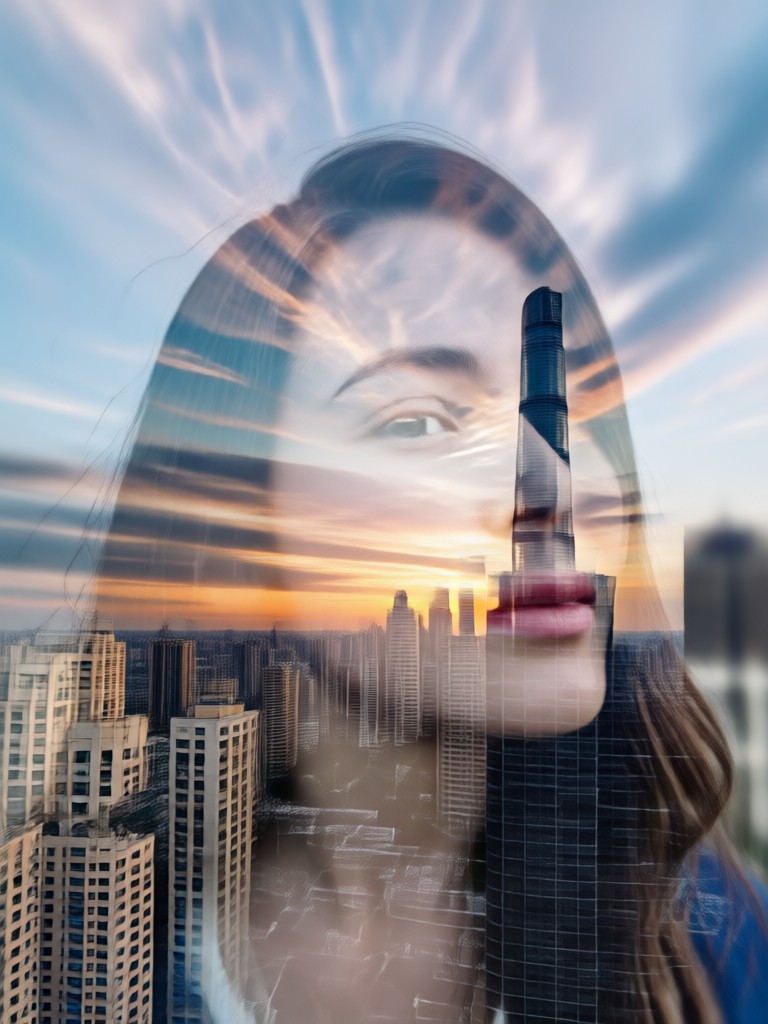
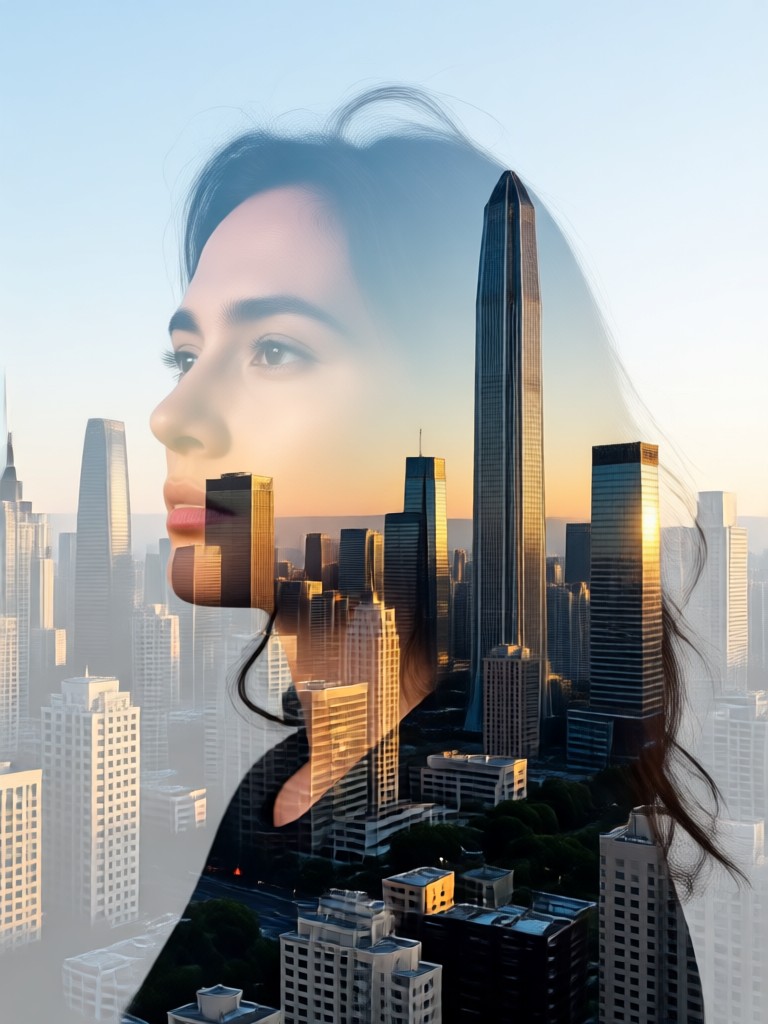
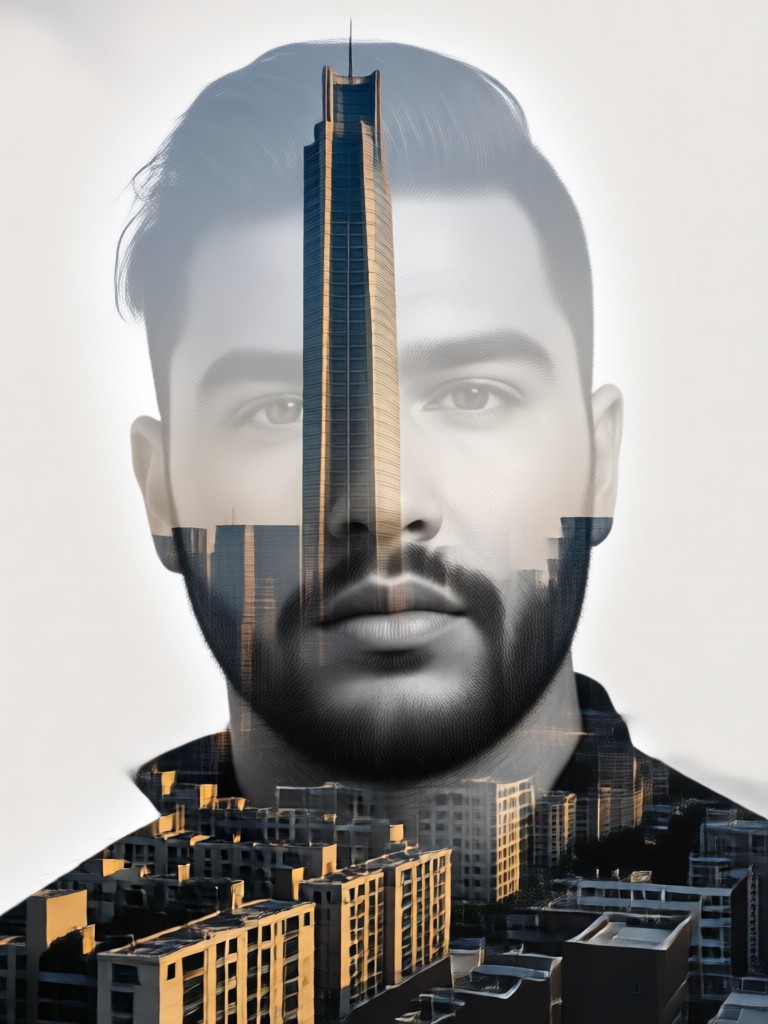
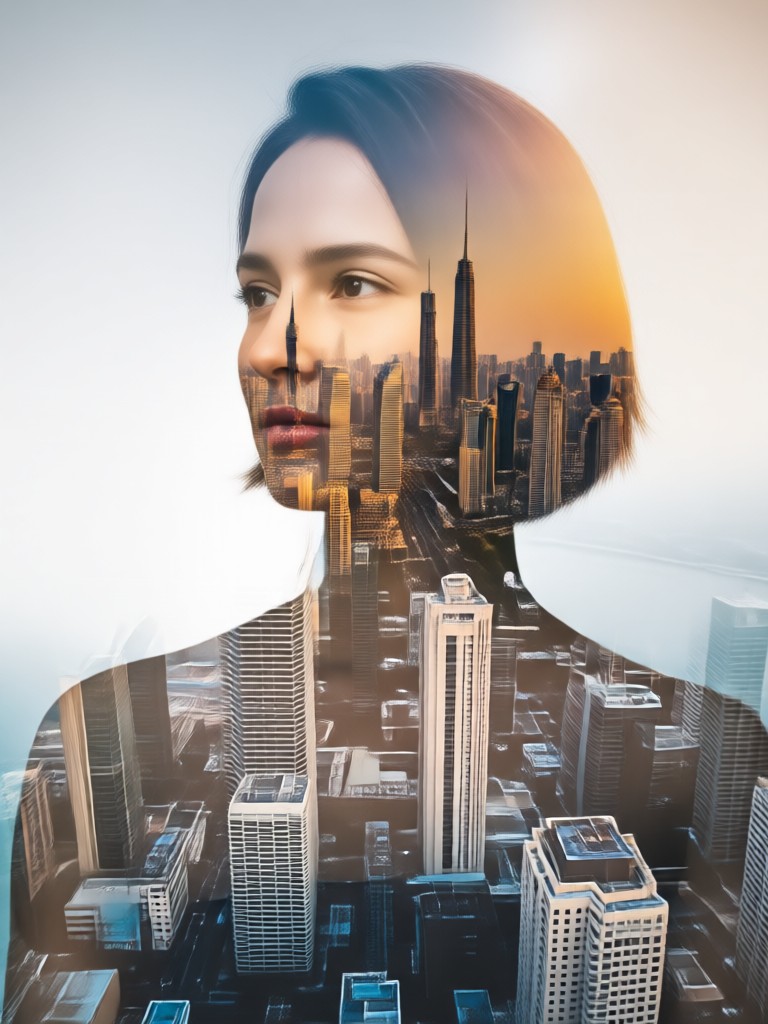
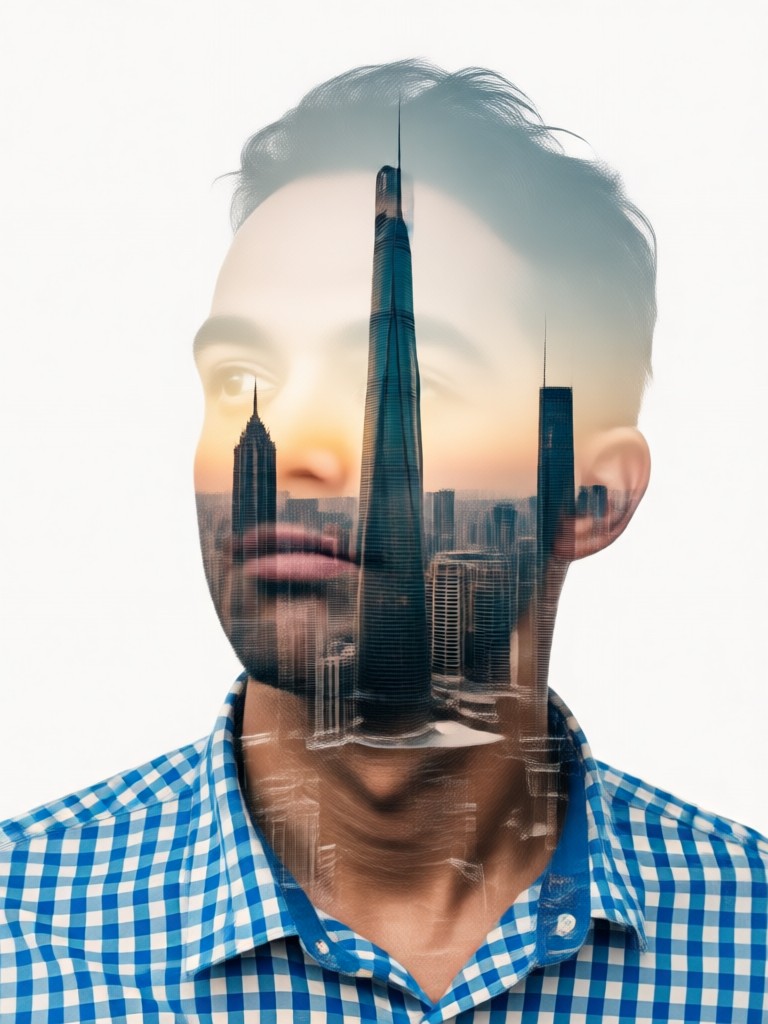
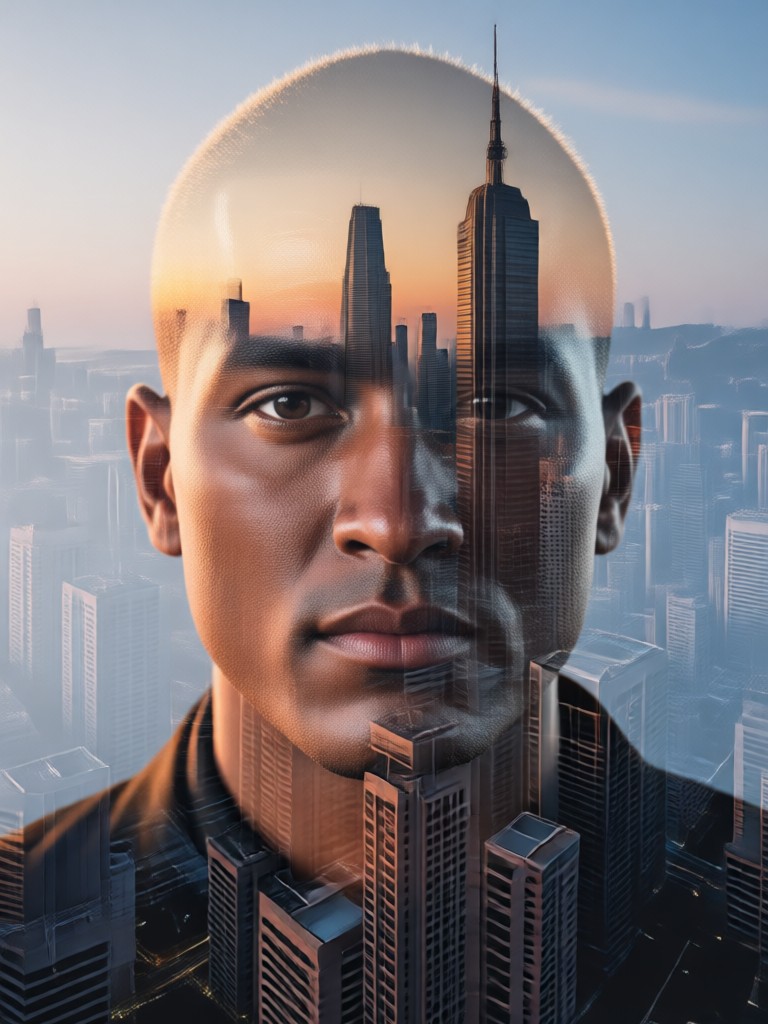
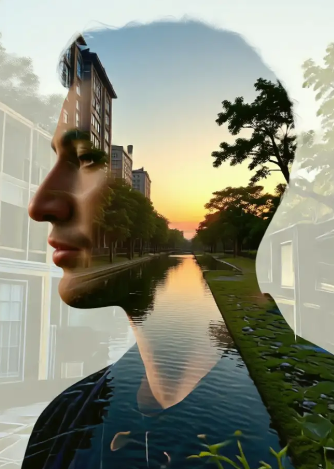
See how portraits transform into urban art. These examples showcase the power of merging human emotion with the structural beauty of city skylines.
How to Create a City Skyline Double Exposure Portrait
Make professional grade double exposure art in three simple steps. No design experience is necessary.

Step 01.
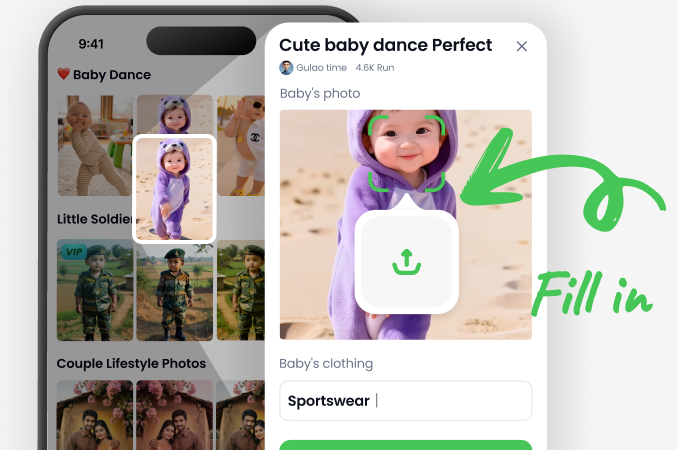
Download the beyo app from Google Play. Open it and navigate to the AI image generation tools to find the double exposure portrait maker.
Step 02.
Upload a clear portrait photo. Then, browse and select your desired city skyline template from categories like Modern Metropolis or Historic Capitals.
Step 03.
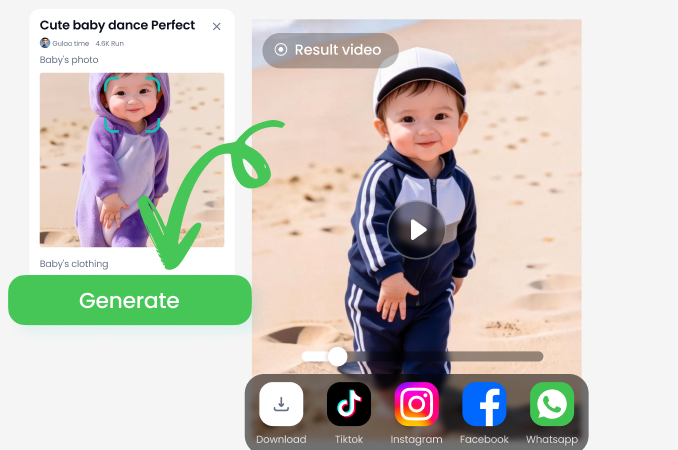
Tap 'Generate'. The AI will merge your images. You can then adjust settings, save your artwork in high resolution, and share it directly to social media.
Why Choose Our AI Double Exposure Tool
Transform ordinary photos into extraordinary art with a tool built for both simplicity and powerful creative expression.
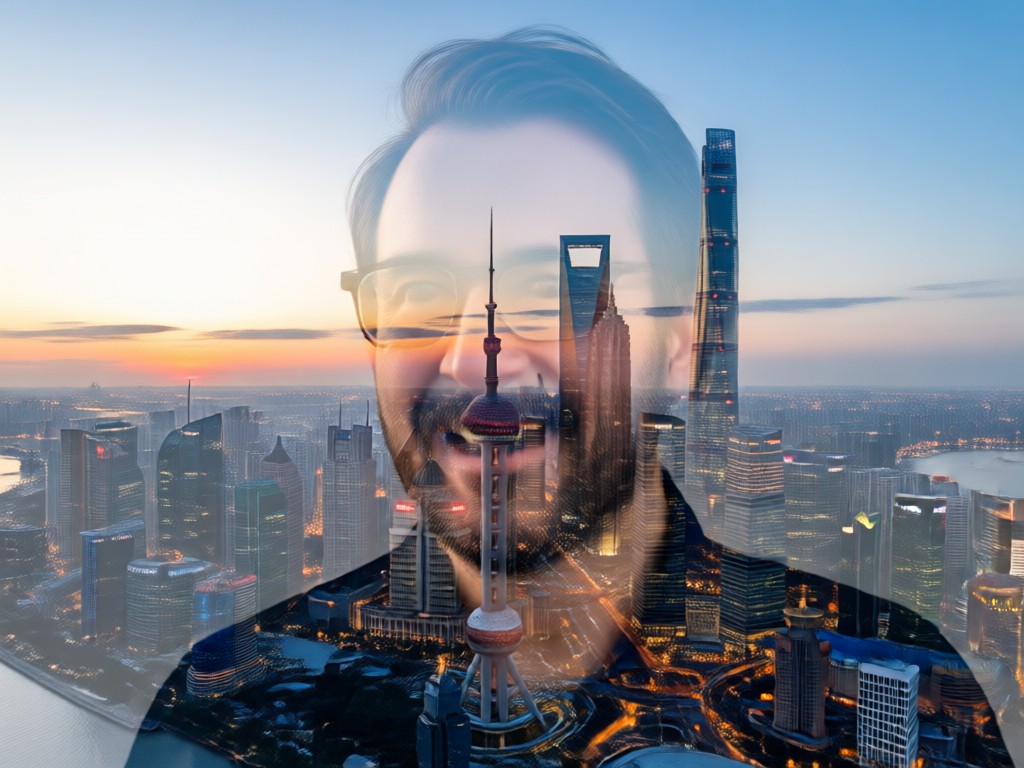
Professional Art, Simplified
Creating a convincing double exposure image traditionally requires advanced Photoshop skills, careful layer masking, and a keen artistic eye. Our AI generator automates this complex process. It intelligently analyzes your portrait's lighting and contours, then perfectly aligns and blends it with the architectural lines and textures of the cityscape. You get a result that looks professionally crafted in seconds, not hours, making sophisticated digital art accessible to everyone.
Professional Art, Simplified
Creating a convincing double exposure image traditionally requires advanced Photoshop skills, careful layer masking, and a keen artistic eye. Our AI generator automates this complex process. It intelligently analyzes your portrait's lighting and contours, then perfectly aligns and blends it with the architectural lines and textures of the cityscape. You get a result that looks professionally crafted in seconds, not hours, making sophisticated digital art accessible to everyone.
What Creators Are Saying
Transformed my photography portfolio
I used to spend hours in Photoshop for double exposure effects. This generator does it in seconds with even better blending. My clients love the urban art style for album covers and branding.
Perfect for unique social media content
As a travel blogger, I'm always looking for ways to stand out. Merging my portrait with the skylines of cities I visit has given my profile a stunning, cohesive aesthetic. It's incredibly easy to use.
Brought my vision to life effortlessly
I had a concept for a book cover but couldn't execute it. This tool understood exactly what I wanted. The AI's interpretation of merging a character with a futuristic city was spot on.
What Makes a Great Double Exposure Portrait?
The best results start with a clear, well lit portrait against a simple background. High contrast between the subject and background helps the AI distinguish edges for a cleaner merge with the intricate details of a city skyline.
Double Exposure Generator FAQs
Get quick answers to common questions about creating city skyline double exposure portraits with our AI tool.
More Topics You May Like
Explore more topics you may like and discover fresh ideas tailored to your interests.
City Rain Kiss Video Maker: Create Cinematic Romance
Cinematic Rain Hug Video Generator | AI Love Moments
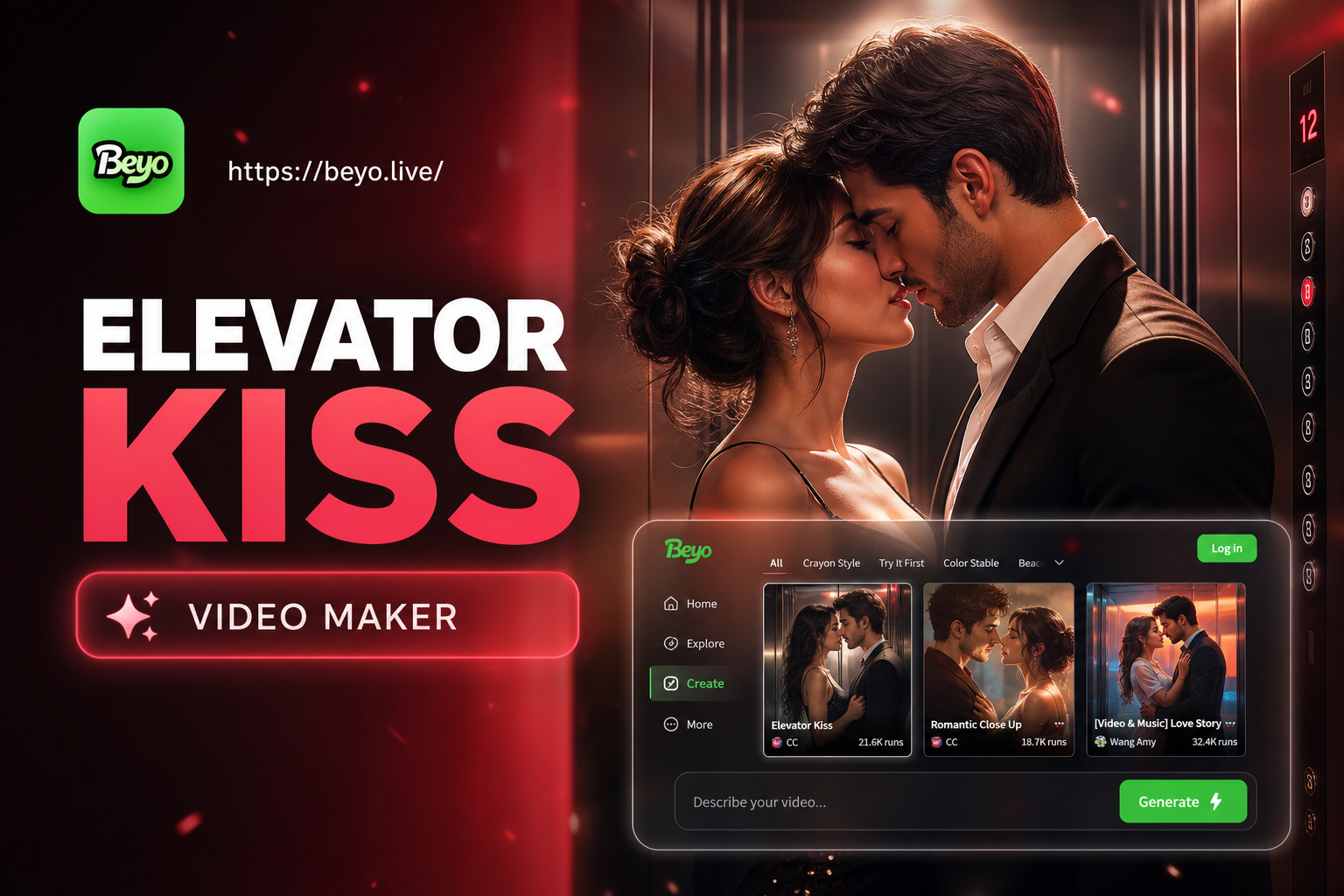
Create Cinematic Elevator Kiss Videos Instantly
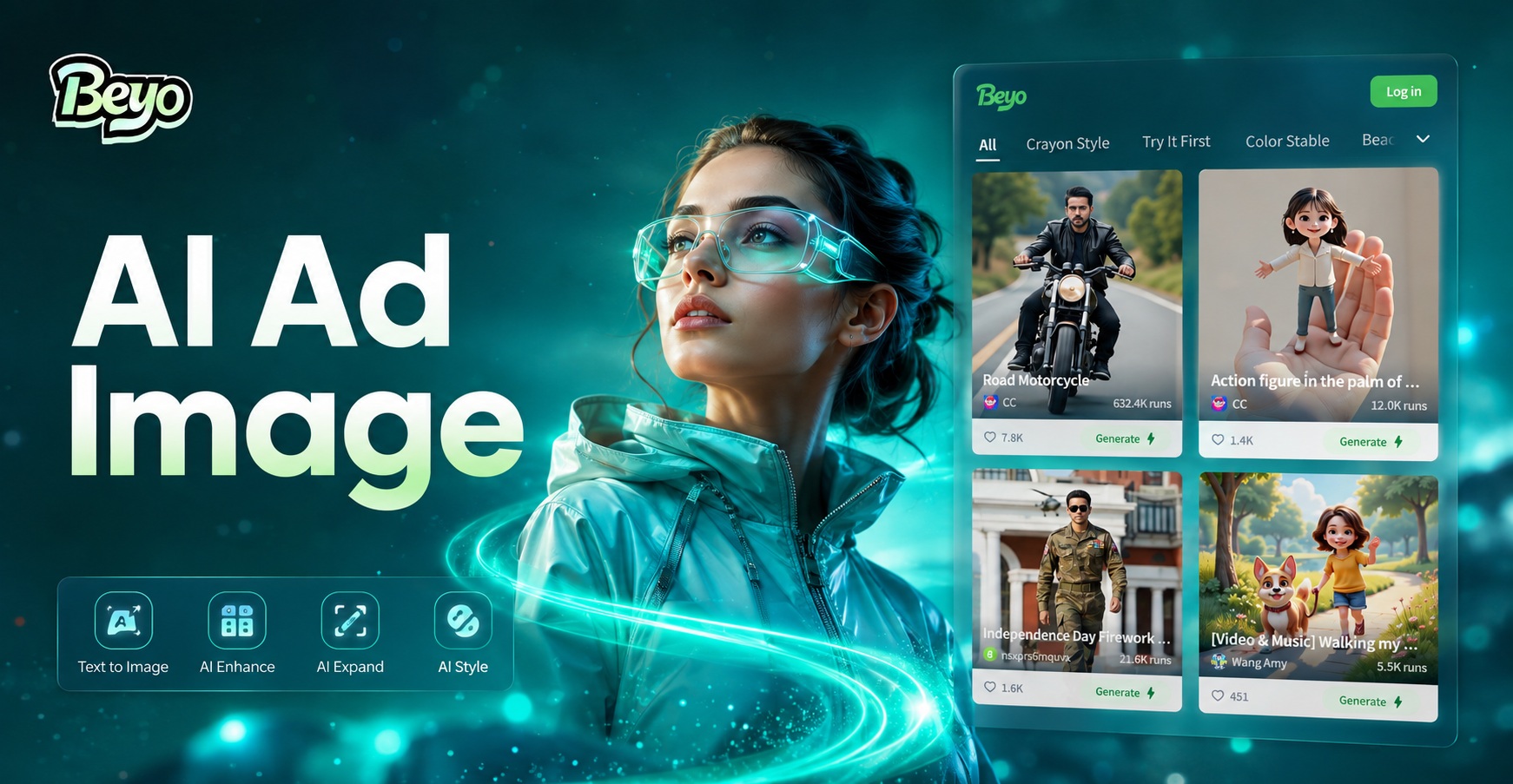
AI Ad Image Generator: Create Compelling Ads in Seconds
City Rain Kiss Video Maker: Create Cinematic Romance
Cinematic Rain Hug Video Generator | AI Love Moments
Create Cinematic Elevator Kiss Videos Instantly
AI Ad Image Generator: Create Compelling Ads in Seconds
Create Your Urban Masterpiece Today
Stop imagining and start creating. Turn your portrait into a stunning fusion of humanity and architecture with the world's easiest double exposure generator.
Create Your Urban Masterpiece Today
Stop imagining and start creating. Turn your portrait into a stunning fusion of humanity and architecture with the world's easiest double exposure generator.