Cloud Double Exposure Portrait Generator
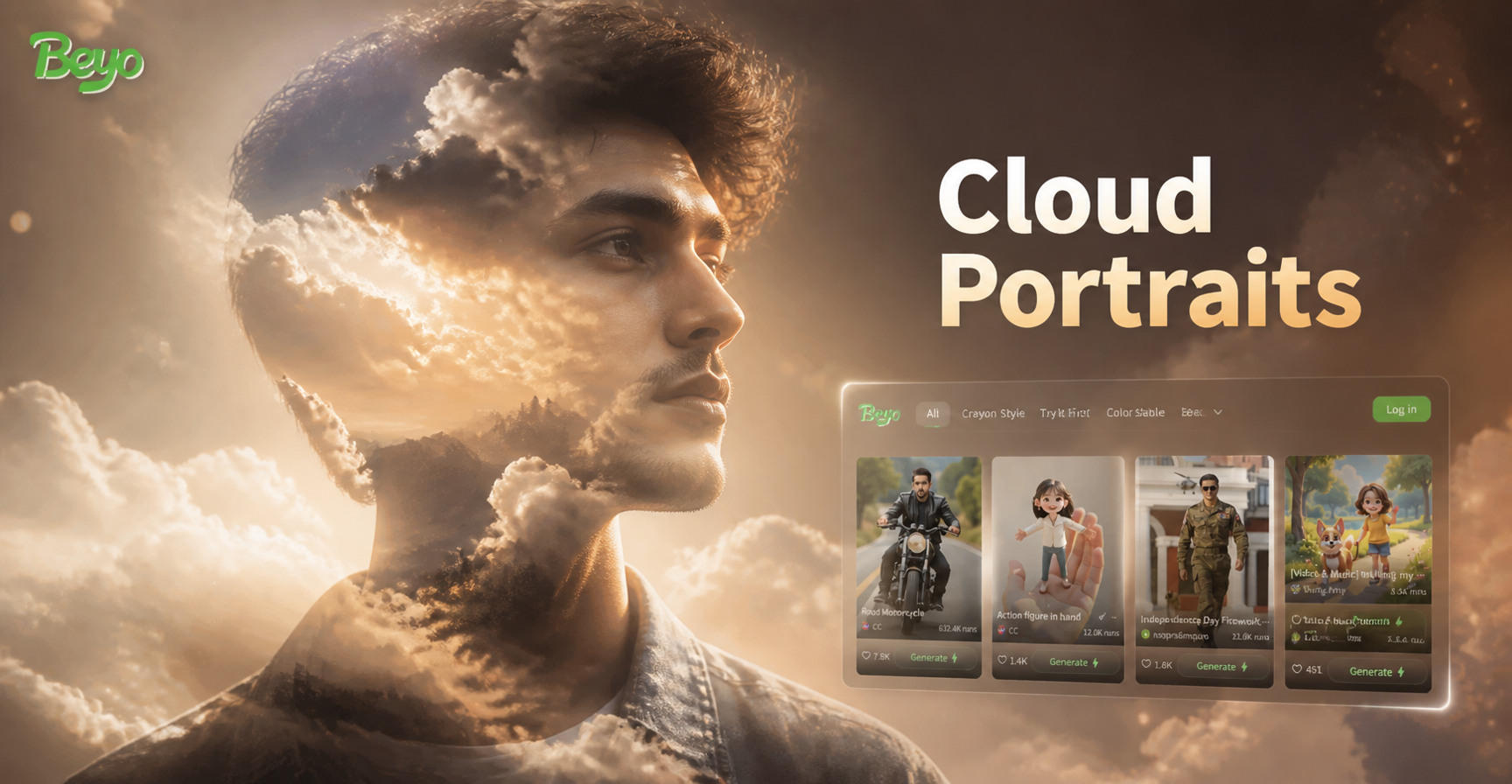
Explore Our Double Exposure Styles
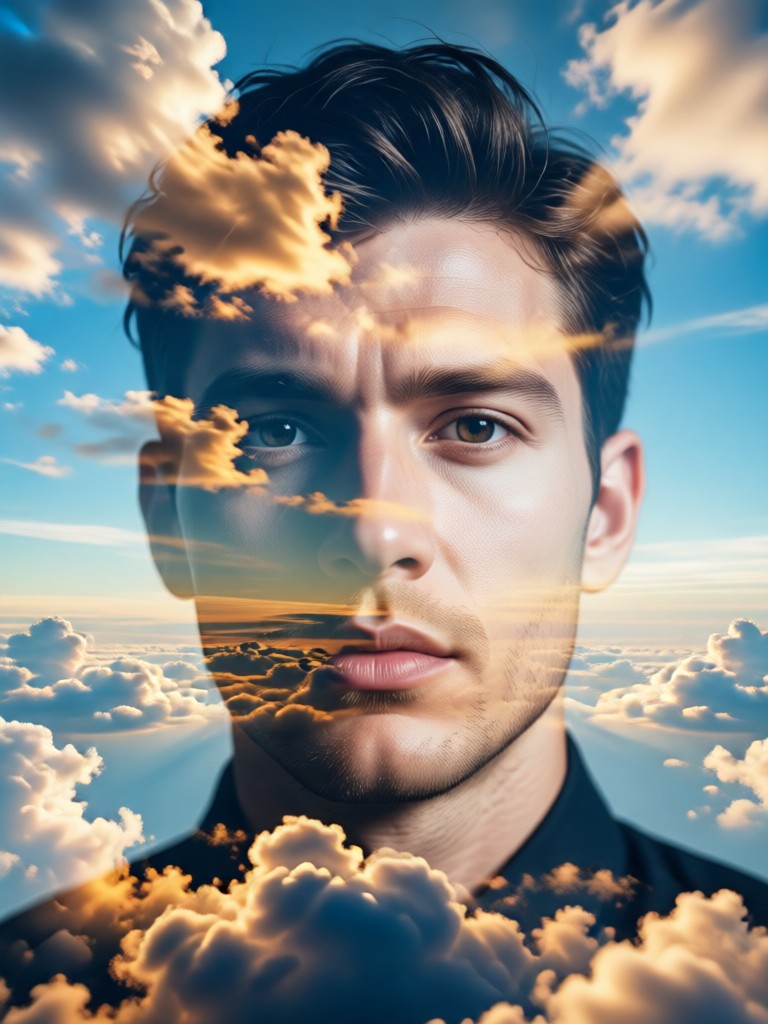
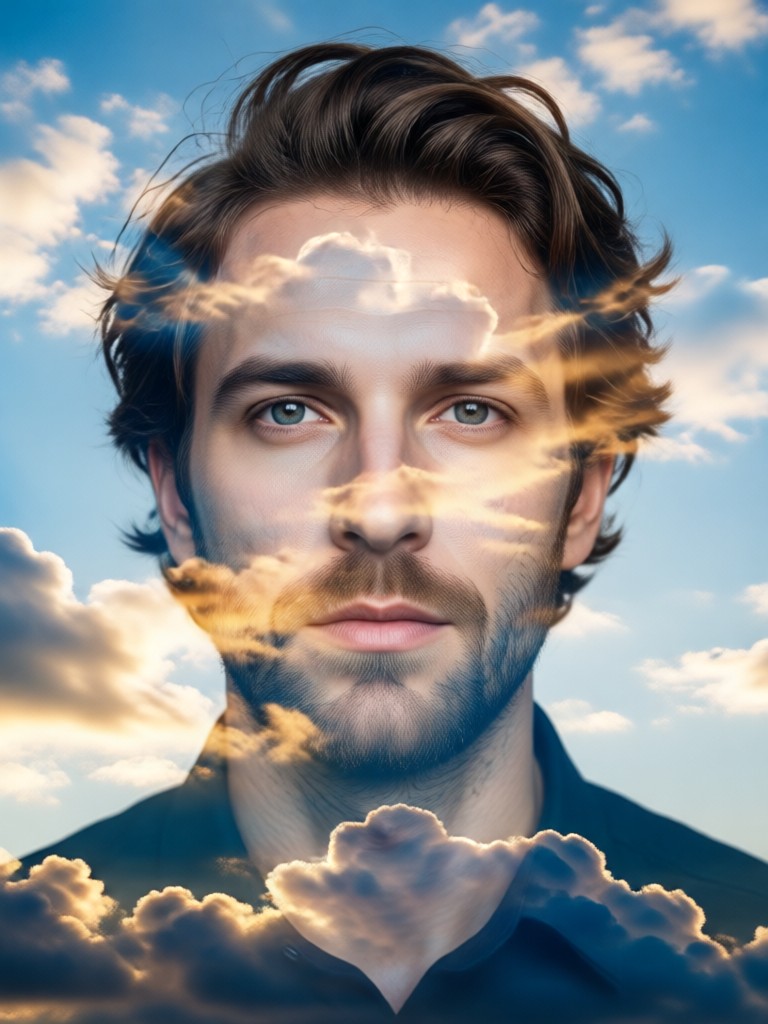
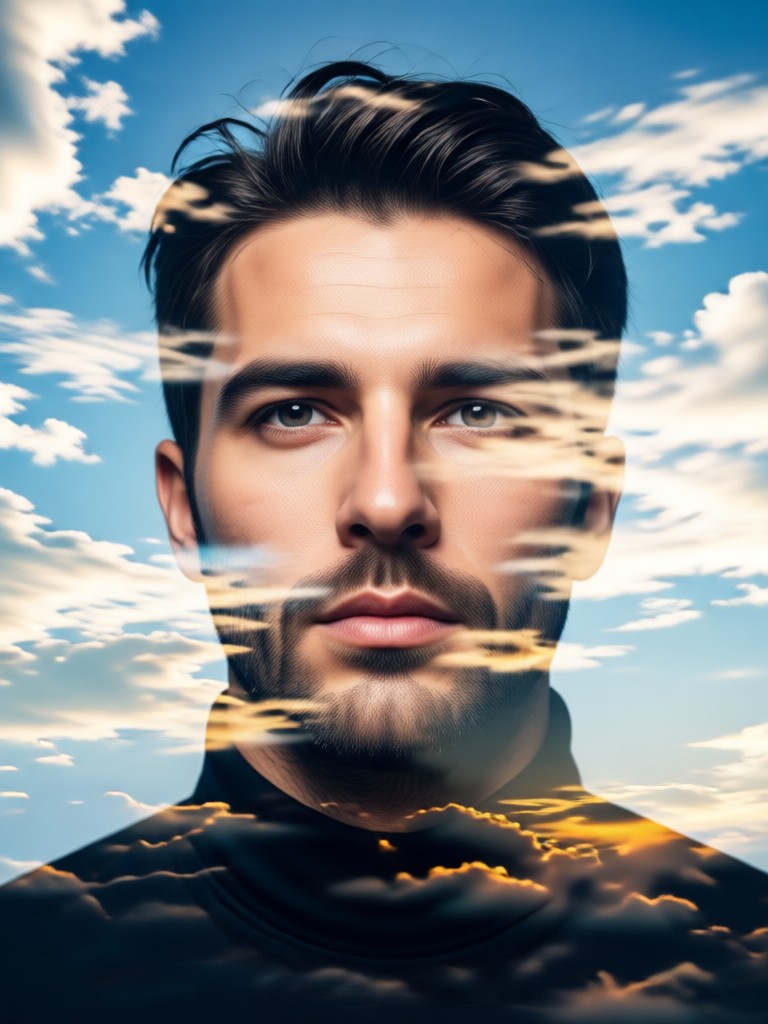
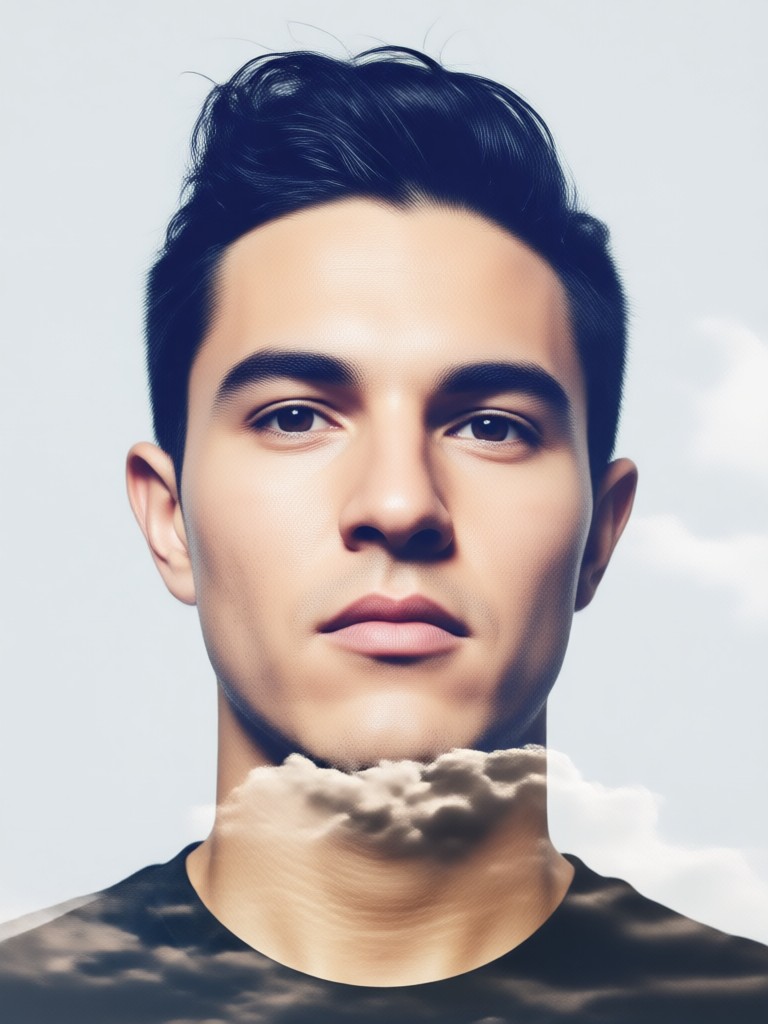
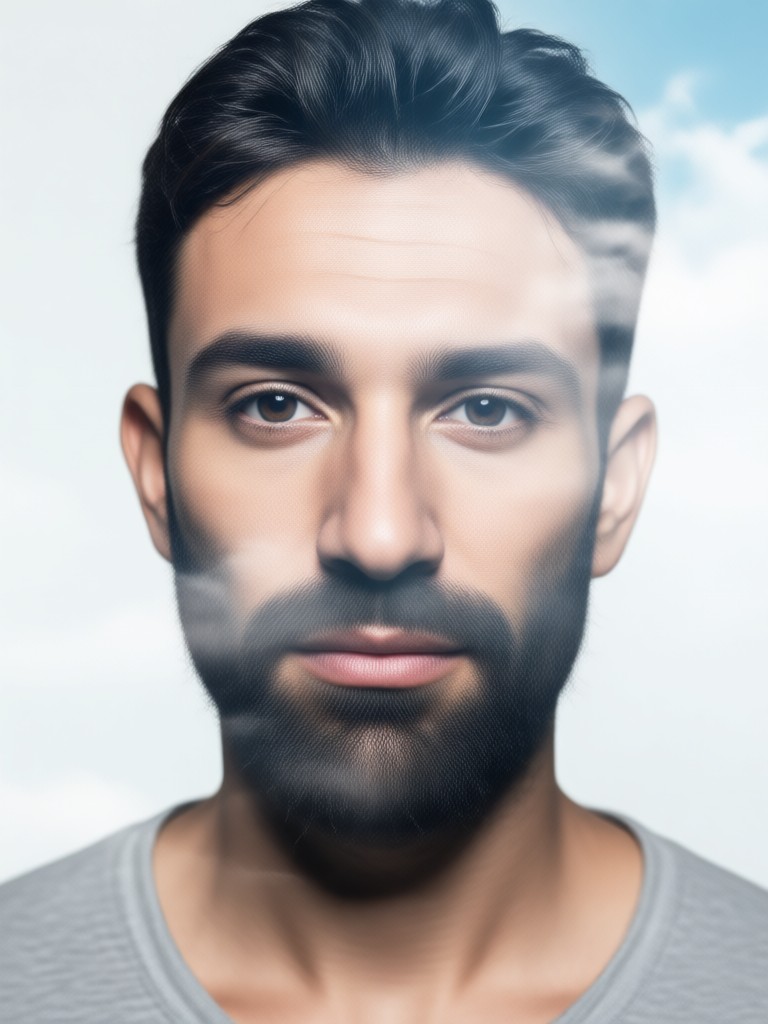
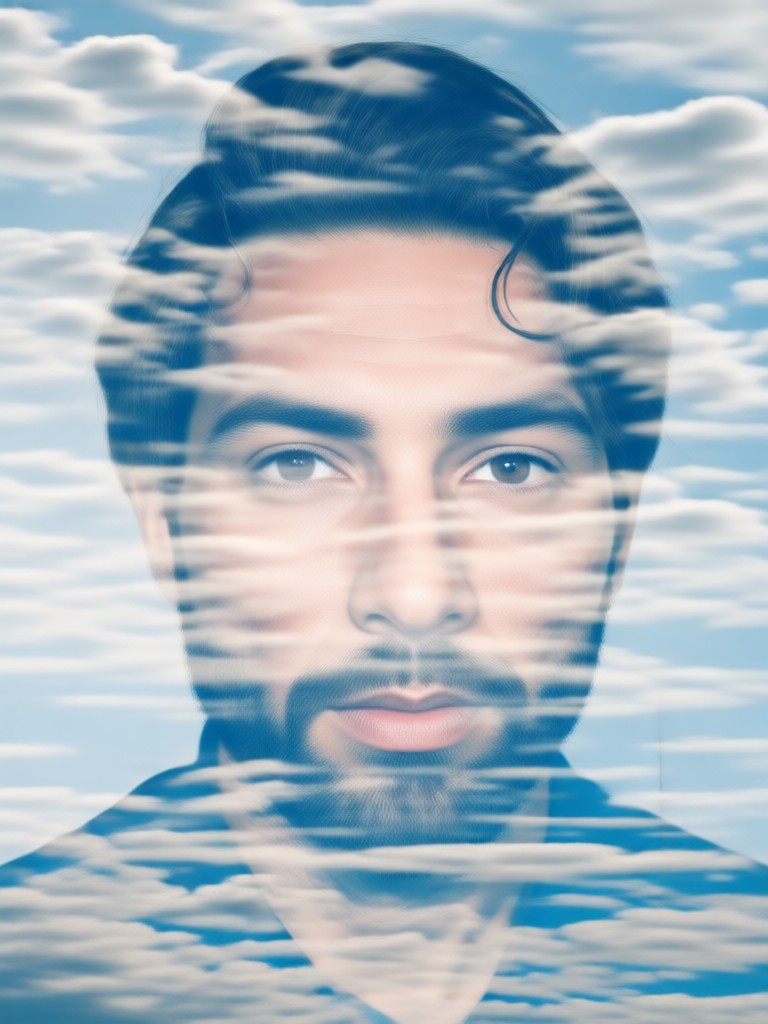
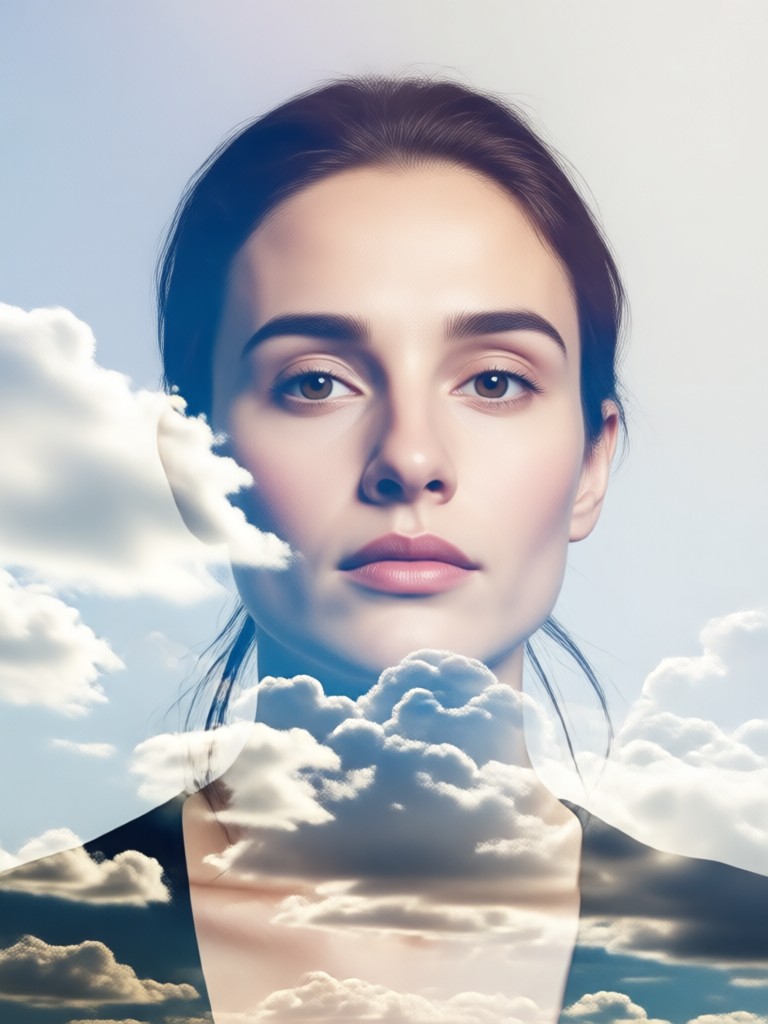
Choose from a variety of moody and artistic cloud double exposure filters. Find the perfect aesthetic to match your vision, from dramatic storm clouds to serene sunset blends.
Why Use Our Cloud Double Exposure Generator
Our AI specializes in creating seamless, artistic blends between portraits and cloudscapes, offering tools that were once exclusive to professional graphic designers.
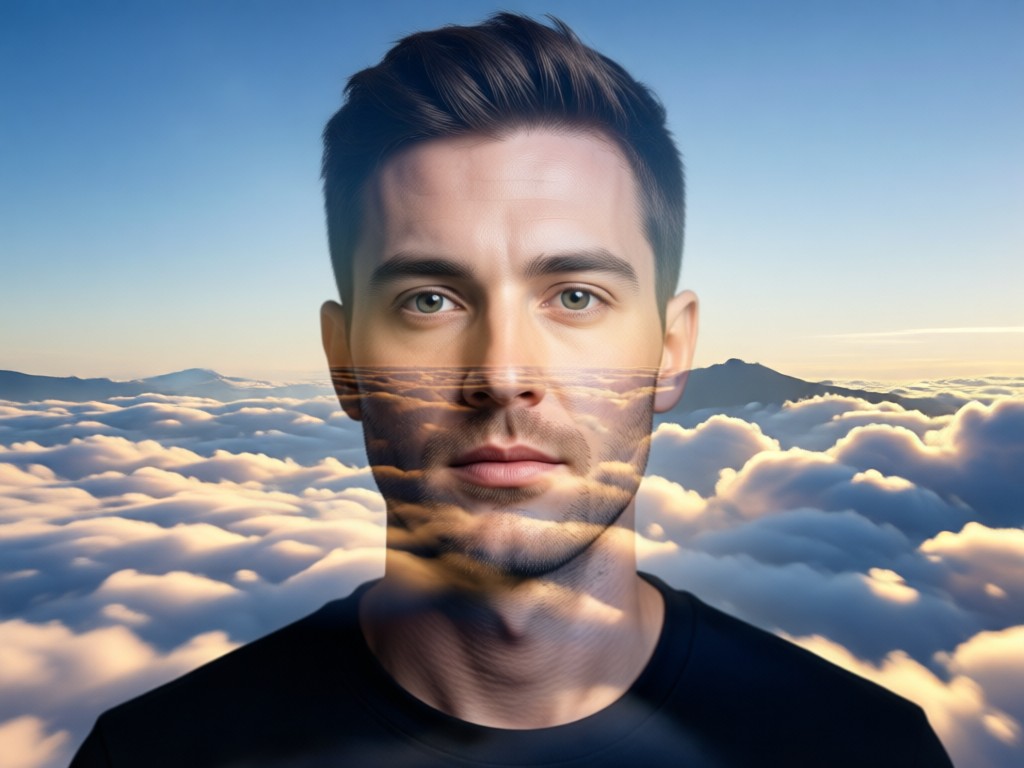
Intelligent Face-Cloud Blending
AI automatically maps your portrait's contours to the cloud texture, creating a natural, layered effect where skin tones and cloud formations merge artistically.
Intelligent Face-Cloud Blending
AI automatically maps your portrait's contours to the cloud texture, creating a natural, layered effect where skin tones and cloud formations merge artistically.
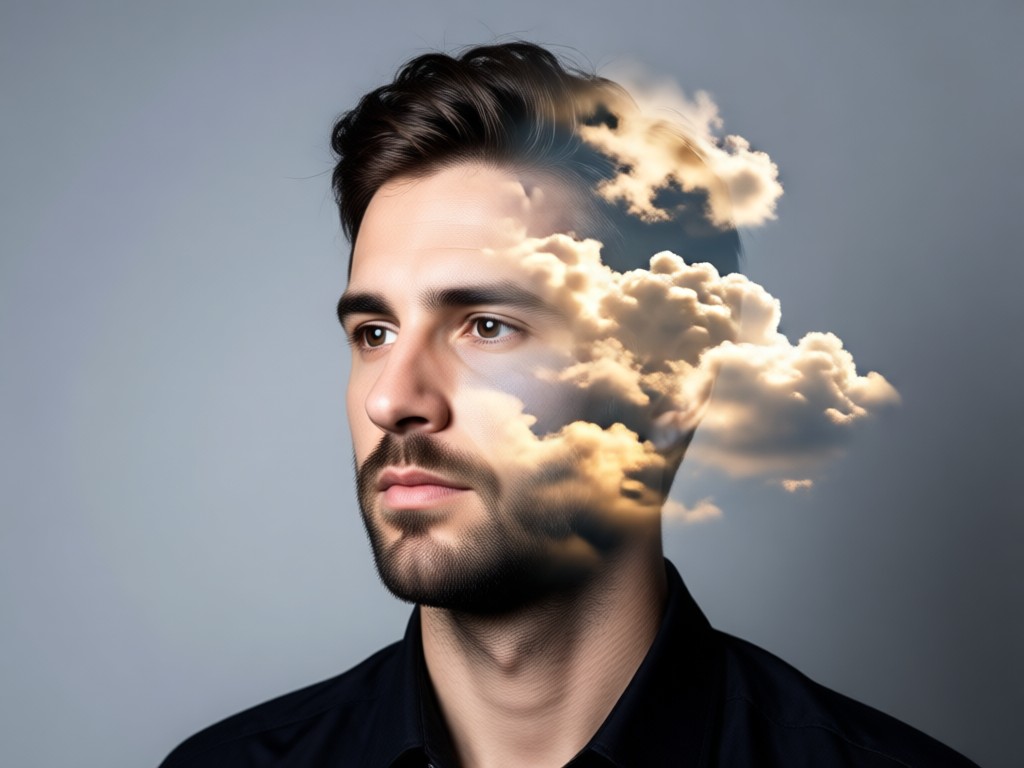
Massive Cloudscape Library
Access thousands of high-resolution cloud backgrounds, from fluffy cumulus and wispy cirrus to dramatic storm cells and colorful sunrise skies.
Massive Cloudscape Library
Access thousands of high-resolution cloud backgrounds, from fluffy cumulus and wispy cirrus to dramatic storm cells and colorful sunrise skies.
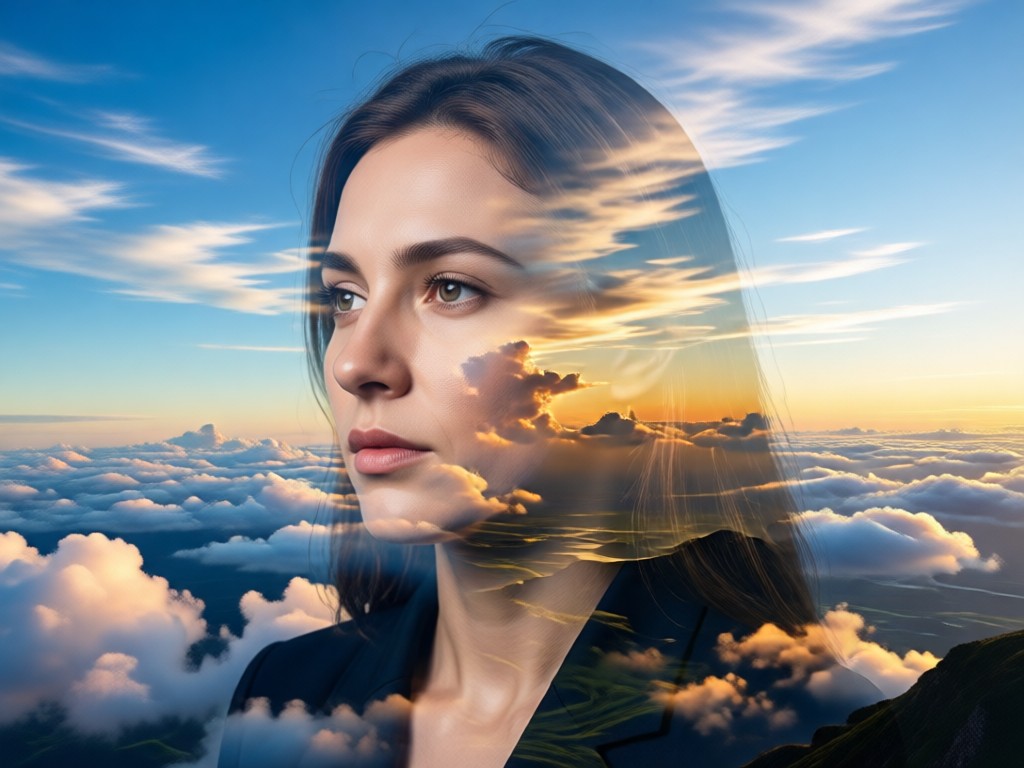
Fine-Tune Your Artwork
Adjust blend intensity, opacity, contrast, and color balance after generation to perfect the mood and emphasis of your double exposure portrait.
Fine-Tune Your Artwork
Adjust blend intensity, opacity, contrast, and color balance after generation to perfect the mood and emphasis of your double exposure portrait.
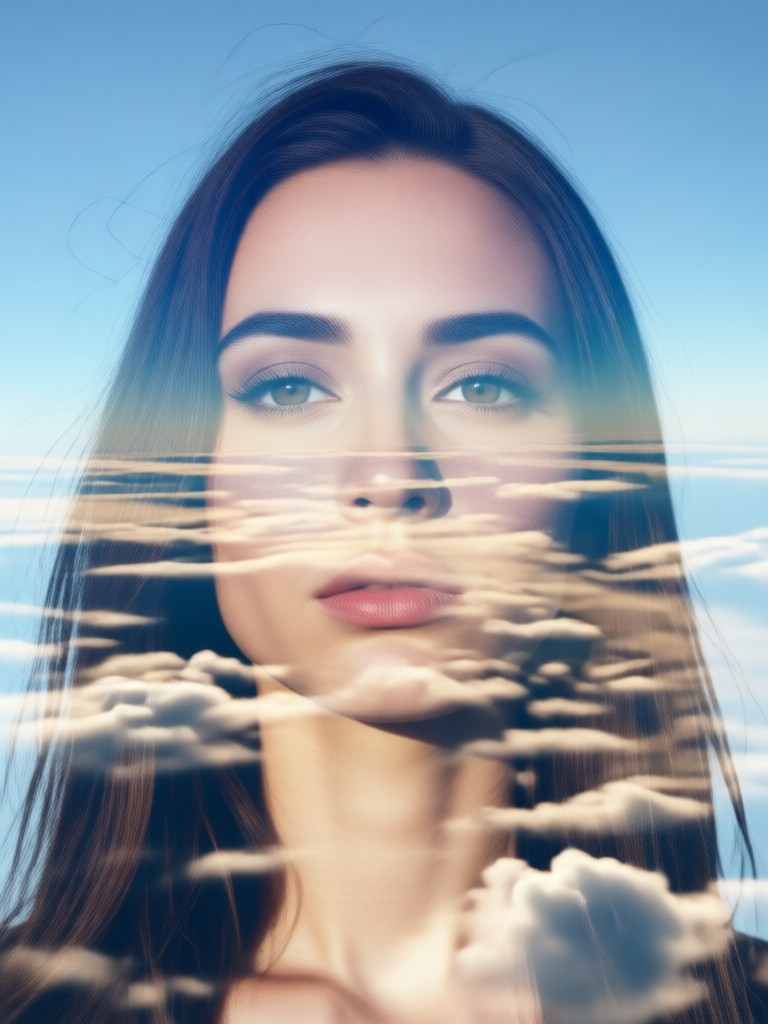
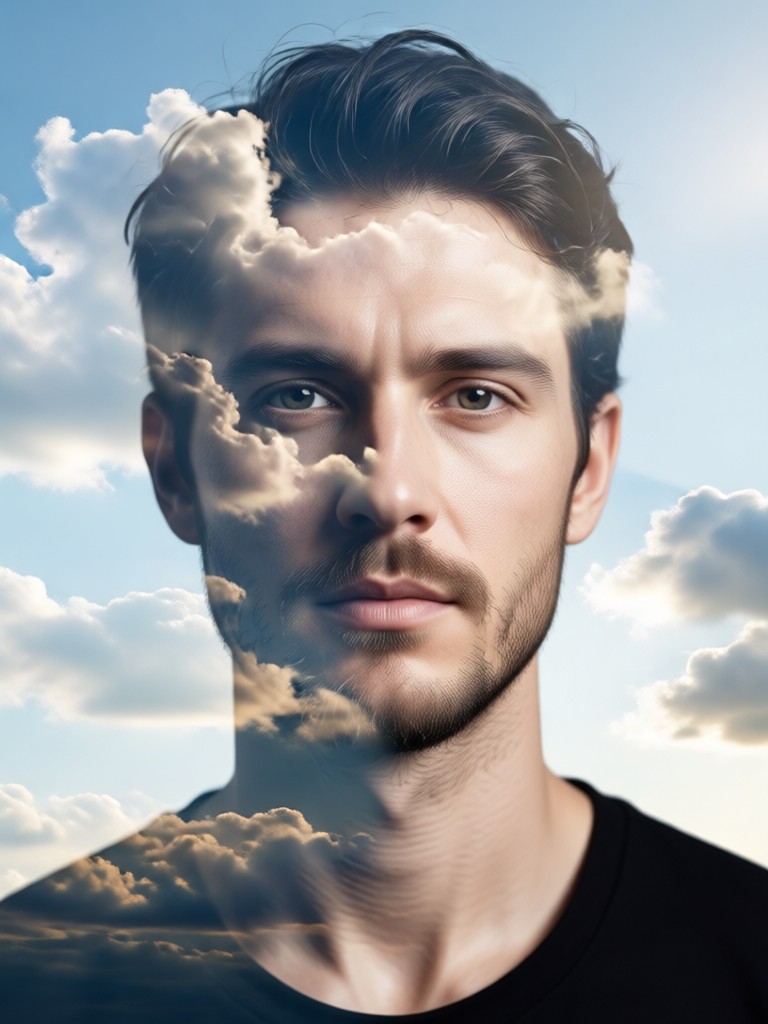
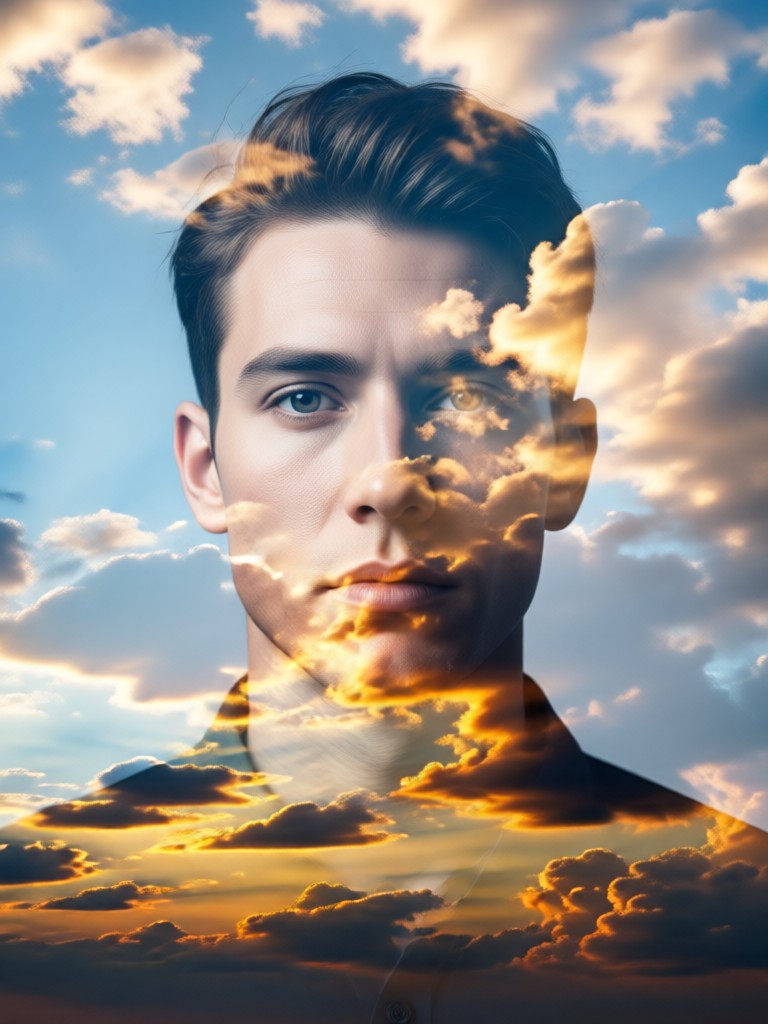
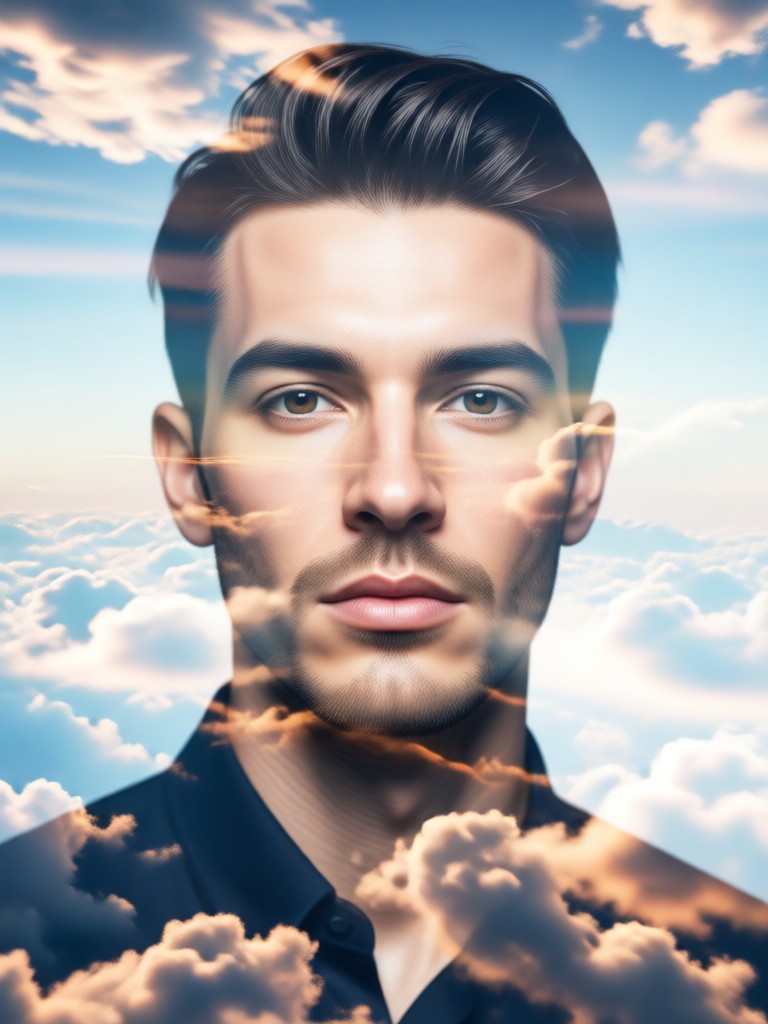
Gallery of Cloud Double Exposure Portraits
See what's possible. Browse a collection of stunning AI-generated double exposure portraits where human emotion meets the vastness of the sky.
How to Create a Cloud Double Exposure Portrait
Make stunning double exposure art in just three simple steps. No technical skills or expensive software needed.

Step 01.
Download the beyo app from Google Play. It's your all-in-one mobile studio for creating AI double exposure art.
Step 02.
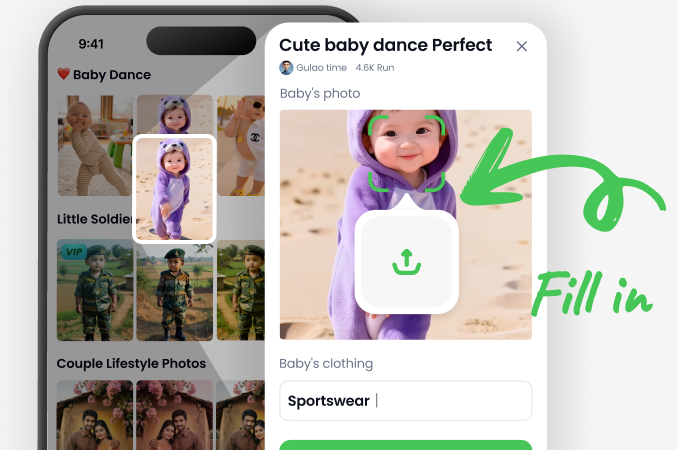
Upload a clear portrait and browse our library to select your favorite cloud double exposure style filter.
Step 03.
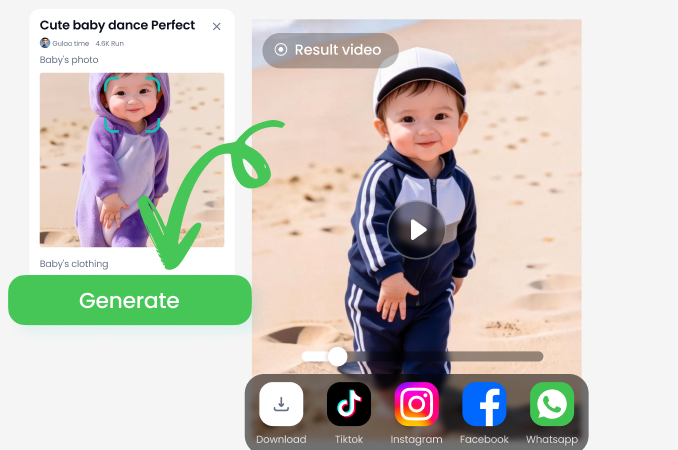
Generate your artwork. Fine-tune the blend, then save and share your unique cloud double exposure portrait instantly.
What Creators Are Saying
Breathtaking results without the Photoshop headache
As a digital artist, I love the concept of double exposure but hated the tedious manual process. This AI generator delivers stunning, gallery-quality blends in seconds. It's become my go-to for creating cover art and promotional visuals.
Perfect for building a unique aesthetic on Instagram
I was looking for a way to make my photography stand out. The cloud double exposure effects give my portraits a deep, moody feel that my followers love. It's incredibly easy to get consistent, professional-looking results.
Turns ordinary selfies into profound art pieces
I'm not a professional, but this app makes me feel like one. I uploaded a simple selfie and merged it with a stormy sky filter. The result was powerful and emotional. It's more than a filter, it's a tool for self-expression.
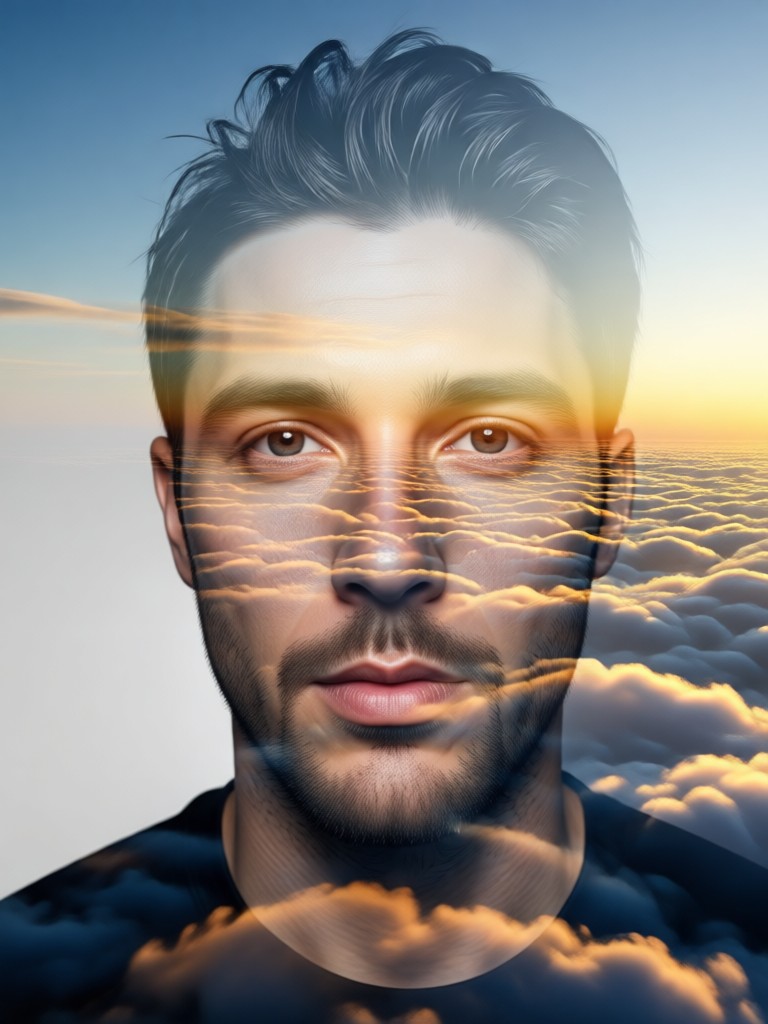
Your Portrait, Reimagined with the Sky
Carry a powerful AI art studio in your pocket. Create limitless cloud double exposure portraits anytime, anywhere. Download beyo on Google Play.

Cloud Double Exposure Portrait FAQs
Get quick answers to common questions about creating AI double exposure art with clouds and portraits.
More Topics You May Like
Explore more topics you may like and discover fresh ideas tailored to your interests.

Create Your Own One Piece Character with AI

AI Video Generator Free: Create Videos from Text or Images
AI Model Girl Creator: Design Your Virtual Muse
Become a Mermaid with AI: Photo & Video Filter Magic
Create Your Own One Piece Character with AI
AI Video Generator Free: Create Videos from Text or Images
AI Model Girl Creator: Design Your Virtual Muse
Become a Mermaid with AI: Photo & Video Filter Magic
Merge Your World with the Sky
Stop scrolling and start creating. Turn your portraits into captivating cloud double exposure art that tells a story. No complexity, just stunning visuals.
Merge Your World with the Sky
Stop scrolling and start creating. Turn your portraits into captivating cloud double exposure art that tells a story. No complexity, just stunning visuals.