Convert Audio To Video For YouTube Free
Choose the Audio to Video Style That Fits Your Channel
Pick from cinematic, anime, 3D clay, watercolor, and more style templates to match your audio content and grow your YouTube channel.
Key Features for Audio to Video Creation
Everything you need to turn plain audio files into visually engaging YouTube content, all inside one free mobile app.
AI-Generated Visuals from Audio
beyo listens to your audio and generates matching visuals automatically. Describe the mood or topic in a simple text prompt, and the AI creates background scenes, abstract motion, or character animations that fit your audio perfectly. No complex editing timeline required.
AI-Generated Visuals from Audio
beyo listens to your audio and generates matching visuals automatically. Describe the mood or topic in a simple text prompt, and the AI creates background scenes, abstract motion, or character animations that fit your audio perfectly. No complex editing timeline required.
No Watermark and No Cost
Export your YouTube videos with zero watermark and zero subscription fees. The core audio-to-video conversion tool is free to use, so you can produce professional looking content for your channel without budgeting for expensive desktop editing software.
No Watermark and No Cost
Export your YouTube videos with zero watermark and zero subscription fees. The core audio-to-video conversion tool is free to use, so you can produce professional looking content for your channel without budgeting for expensive desktop editing software.
One-Tap Caption and Style Filters
Add readable captions and apply one of over a million style filters to your audio-driven video. Choose from realistic photography, anime, cyberpunk, or oil painting to match your channel's aesthetic and keep viewers watching longer.
One-Tap Caption and Style Filters
Add readable captions and apply one of over a million style filters to your audio-driven video. Choose from realistic photography, anime, cyberpunk, or oil painting to match your channel's aesthetic and keep viewers watching longer.
How to Convert Audio To Video For YouTube Free
Follow three simple steps to turn any audio clip into a YouTube-ready video using the beyo mobile app.

Step 01.
Download the beyo app from Google Play onto your Android phone. Open the app and locate the audio-to-video tool from the home screen.

Step 02.
Upload your audio file from your phone. Type a short description of the video you want, then select a style filter such as cinematic, anime, or 3D clay.

Step 03.
Preview the generated video, adjust captions if needed, and export it to your phone gallery. The final file is ready to upload to YouTube immediately.
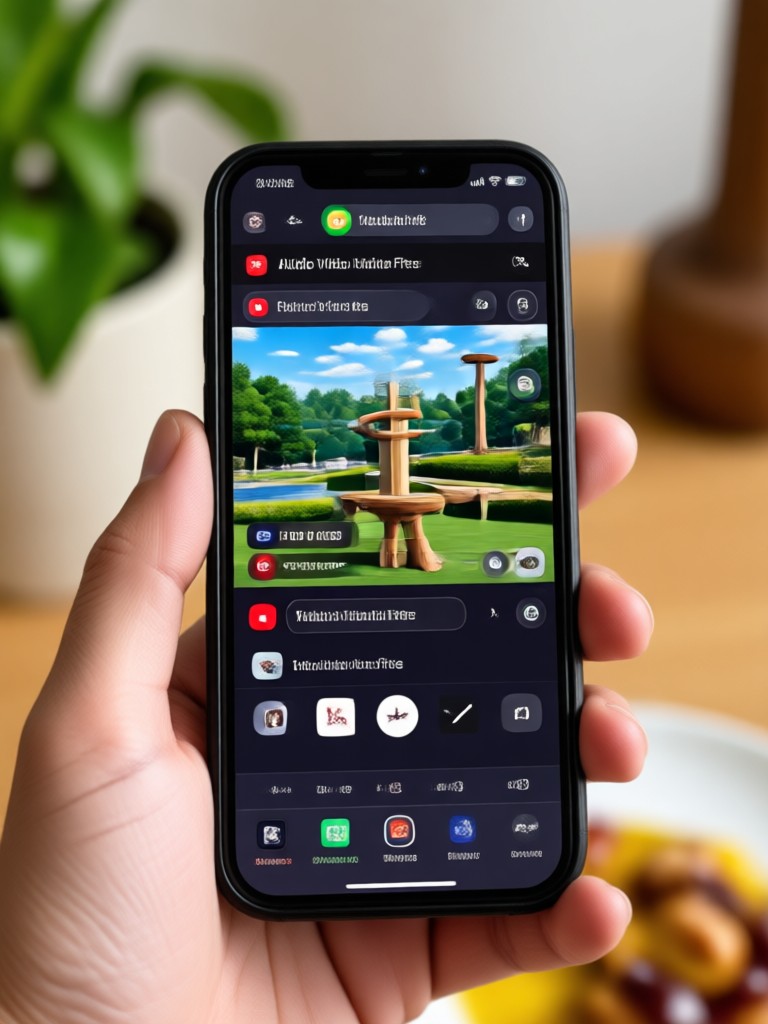
Audio to Video Examples Made with beyo
See how different audio clips become eye-catching YouTube videos using various AI style filters inside the beyo app.
Why Creators Trust beyo for Audio to Video
From quick podcasts to full music visualizers, beyo gives YouTube creators a reliable mobile tool for turning sound into shareable video content.
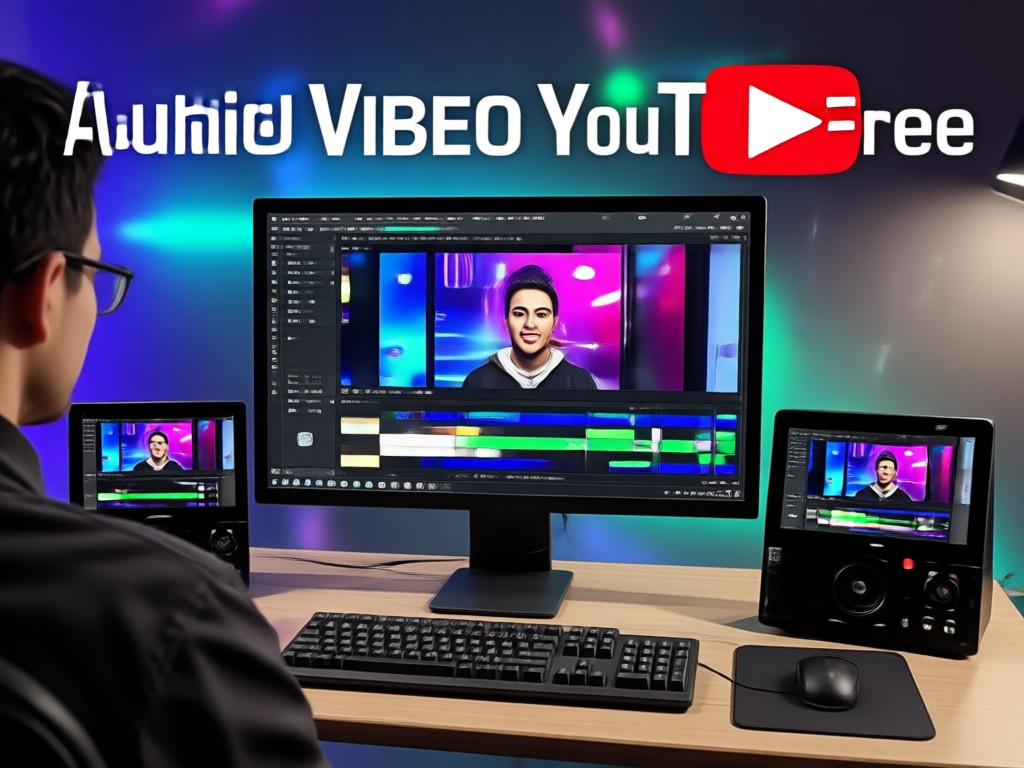
Fast Mobile Workflow
Skip desktop video editors. Record audio on your phone, import it into beyo, and get a shareable video in under two minutes.
Fast Mobile Workflow
Skip desktop video editors. Record audio on your phone, import it into beyo, and get a shareable video in under two minutes.
Matches YouTube Trends
Use trending filters like AI Hug, Ghibli animation, or cinematic quality to make your audio content feel current and attract more clicks.
Matches YouTube Trends
Use trending filters like AI Hug, Ghibli animation, or cinematic quality to make your audio content feel current and attract more clicks.
No Skill Required
No timeline scrubbing, keyframing, or color grading. beyo handles the technical part while you focus on the message in your audio.
No Skill Required
No timeline scrubbing, keyframing, or color grading. beyo handles the technical part while you focus on the message in your audio.
Who Uses Free Audio to Video Conversion

Marcus Lee
I record my podcast on my phone during commutes. beyo turns each episode into a simple visual video so I can publish on YouTube the same day without touching a desktop editor.
Elena Ruiz
My band uploads rough demos. With beyo, I convert our song files into anime and watercolor style videos. It gives our channel a consistent look and the audio stays perfectly intact.
Priya Nair
I teach language lessons. I record audio explanations and use beyo to add captions and visual prompts. Students can follow along on YouTube without needing my face on camera.

Tom Becker
I narrate short horror stories. beyo turns each audio file into a cinematic visual that matches the mood. My channel grew because the videos look far more professional than a static image.
Marcus Lee
I record my podcast on my phone during commutes. beyo turns each episode into a simple visual video so I can publish on YouTube the same day without touching a desktop editor.
Elena Ruiz
My band uploads rough demos. With beyo, I convert our song files into anime and watercolor style videos. It gives our channel a consistent look and the audio stays perfectly intact.
Priya Nair
I teach language lessons. I record audio explanations and use beyo to add captions and visual prompts. Students can follow along on YouTube without needing my face on camera.
Tom Becker
I narrate short horror stories. beyo turns each audio file into a cinematic visual that matches the mood. My channel grew because the videos look far more professional than a static image.
Marcus Lee
I record my podcast on my phone during commutes. beyo turns each episode into a simple visual video so I can publish on YouTube the same day without touching a desktop editor.
Elena Ruiz
My band uploads rough demos. With beyo, I convert our song files into anime and watercolor style videos. It gives our channel a consistent look and the audio stays perfectly intact.
Priya Nair
I teach language lessons. I record audio explanations and use beyo to add captions and visual prompts. Students can follow along on YouTube without needing my face on camera.
Tom Becker
I narrate short horror stories. beyo turns each audio file into a cinematic visual that matches the mood. My channel grew because the videos look far more professional than a static image.
Why Convert Audio To Video For YouTube Free with beyo
Most free converters simply wrap audio in a static image. beyo gives you AI-generated motion, style variety, and caption tools that make your YouTube upload stand out.
More Than a Static Image Video
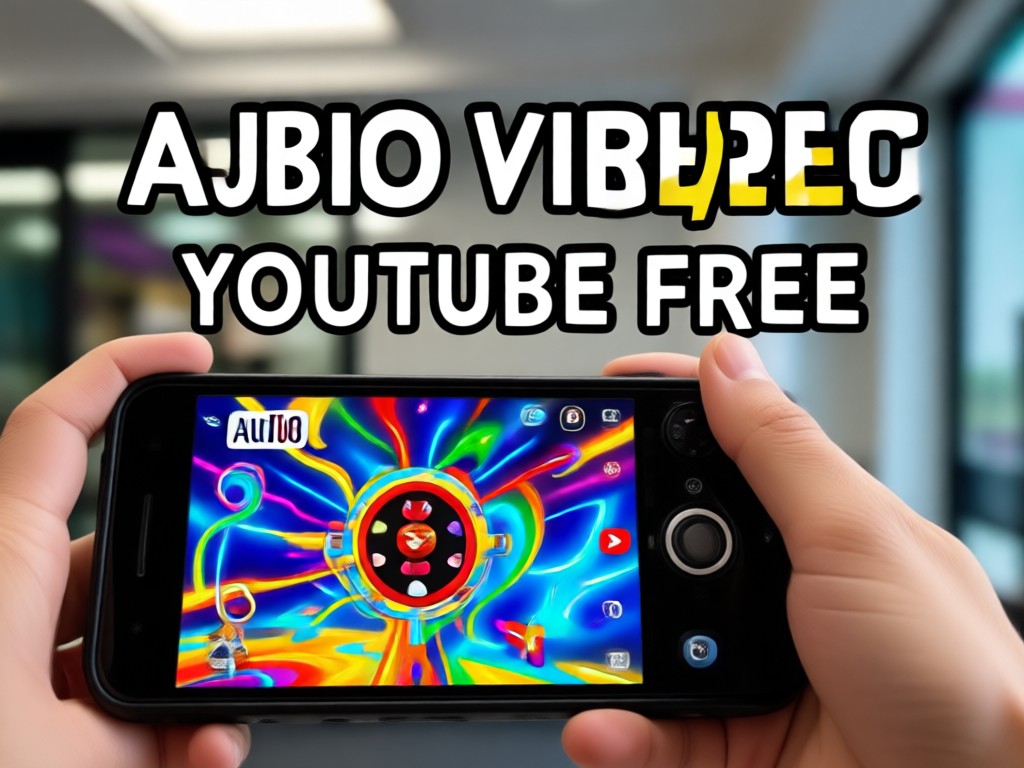
Other free audio to video tools put your sound behind a single photo. beyo uses text-to-image and image-to-video AI to create actual motion based on the mood and topic of your audio. You can generate a background scene from a simple text prompt, apply a style filter like cyberpunk or watercolor, and add animated captions. The result is a video that feels native to YouTube, not like an afterthought. Everything happens on your Android phone, so you can create from anywhere without waiting until you are back at your desk. This makes beyo a practical choice for podcasters, musicians, educators, and anyone who wants to grow a YouTube channel without any editing experience or paid software.
More Than a Static Image Video
Other free audio to video tools put your sound behind a single photo. beyo uses text-to-image and image-to-video AI to create actual motion based on the mood and topic of your audio. You can generate a background scene from a simple text prompt, apply a style filter like cyberpunk or watercolor, and add animated captions. The result is a video that feels native to YouTube, not like an afterthought. Everything happens on your Android phone, so you can create from anywhere without waiting until you are back at your desk. This makes beyo a practical choice for podcasters, musicians, educators, and anyone who wants to grow a YouTube channel without any editing experience or paid software.
Frequently Asked Questions About Converting Audio to Video
Clear answers about using beyo to turn audio files into YouTube-ready videos for free.
Ready to Turn Your Audio Into YouTube Videos?
Download beyo now and start converting podcasts, music, and voice notes into engaging YouTube videos for free. No watermark, no desktop software, and no editing experience required.
Ready to Turn Your Audio Into YouTube Videos?
Download beyo now and start converting podcasts, music, and voice notes into engaging YouTube videos for free. No watermark, no desktop software, and no editing experience required.