Double Color Smoke Portrait Generator
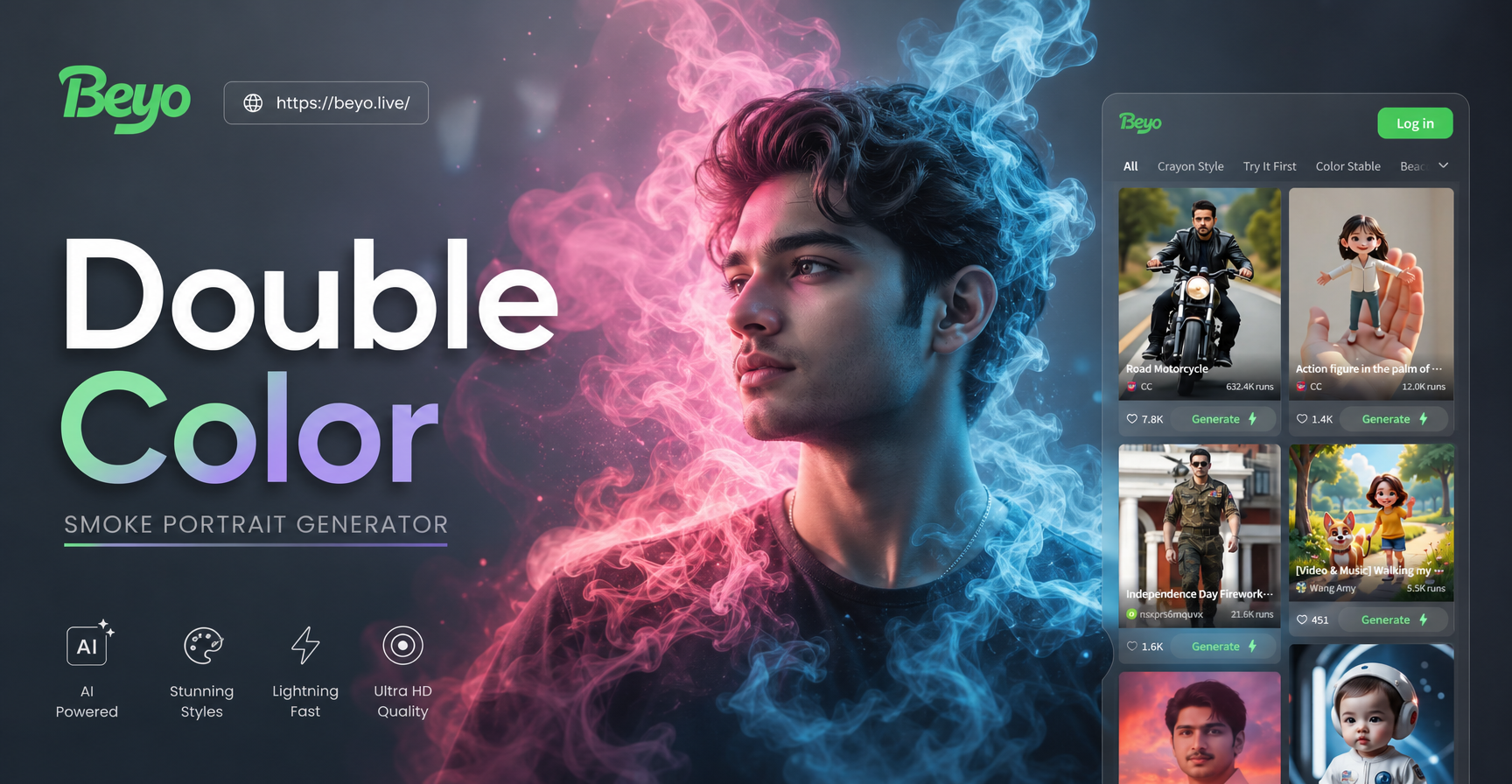
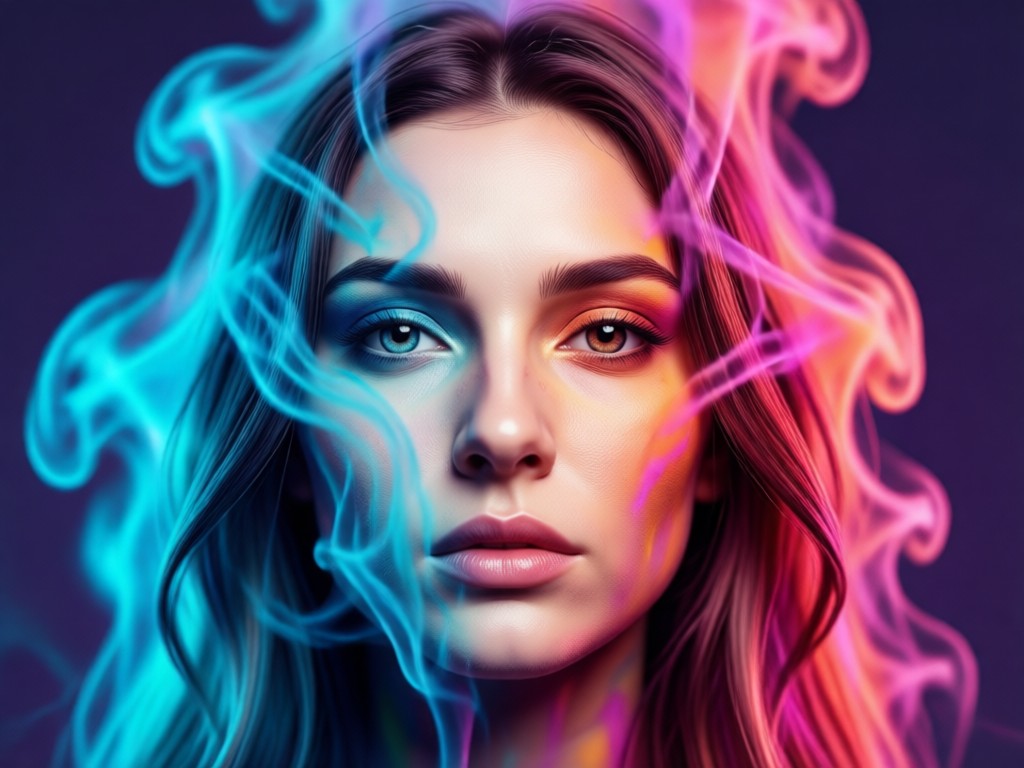
Explore Stunning Smoke Effect Filters
Dive into a curated collection of AI filters designed to add vibrant, layered smoke and atmosphere to your photos. Find the perfect double color aesthetic for your vision.
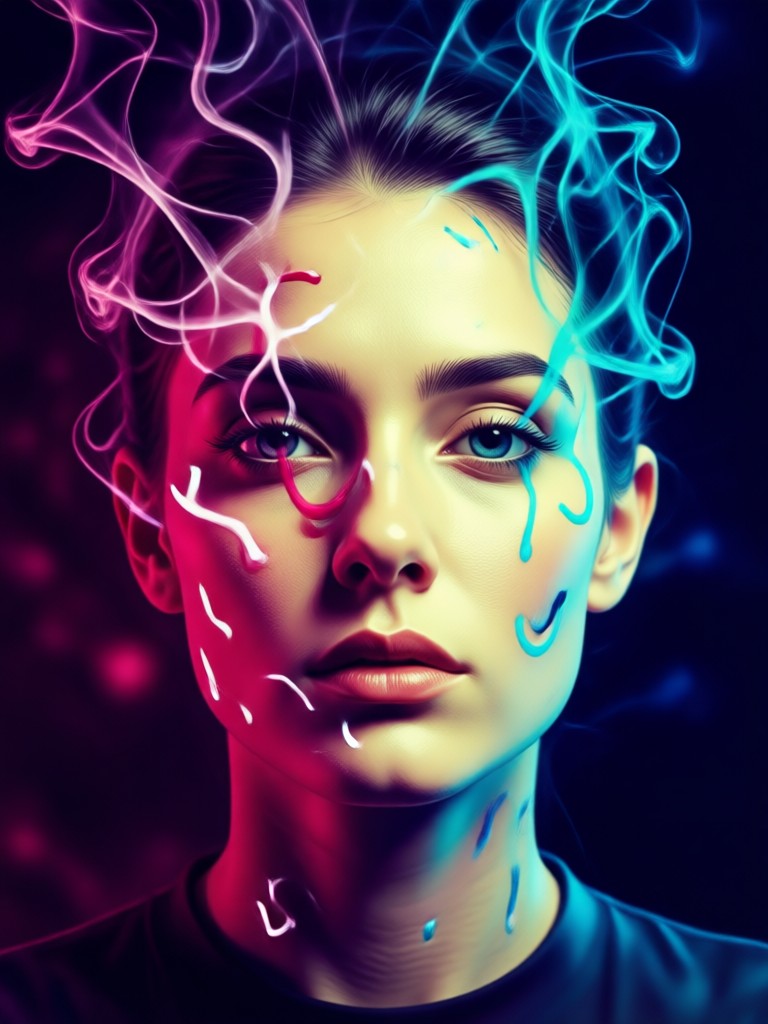
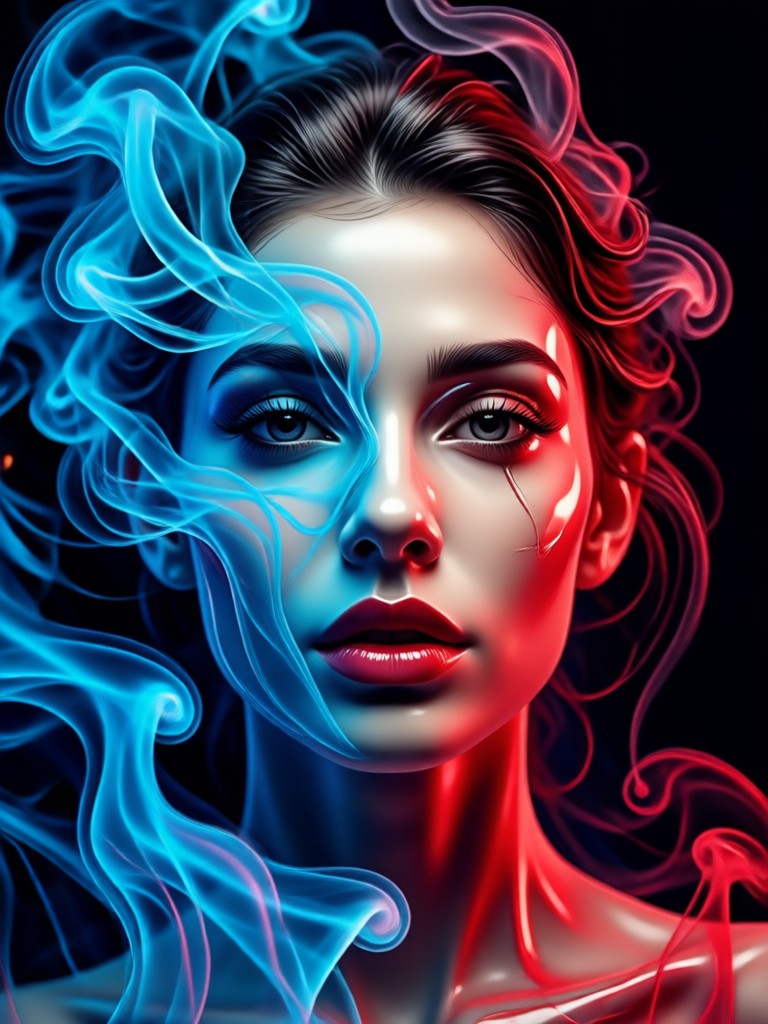
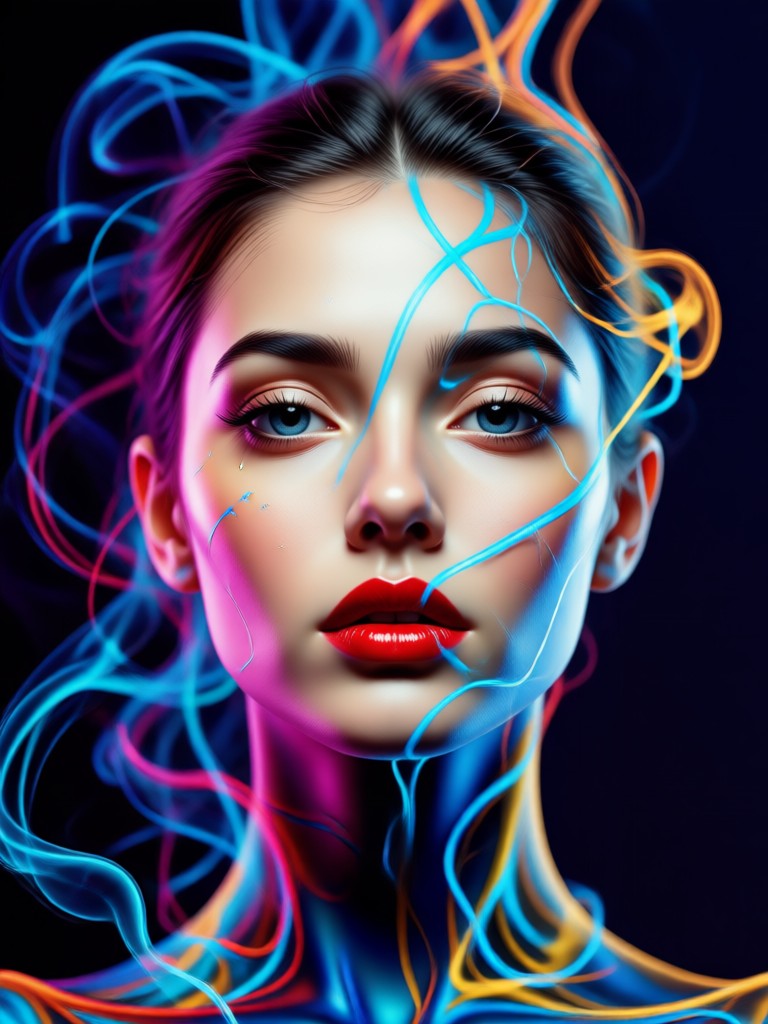
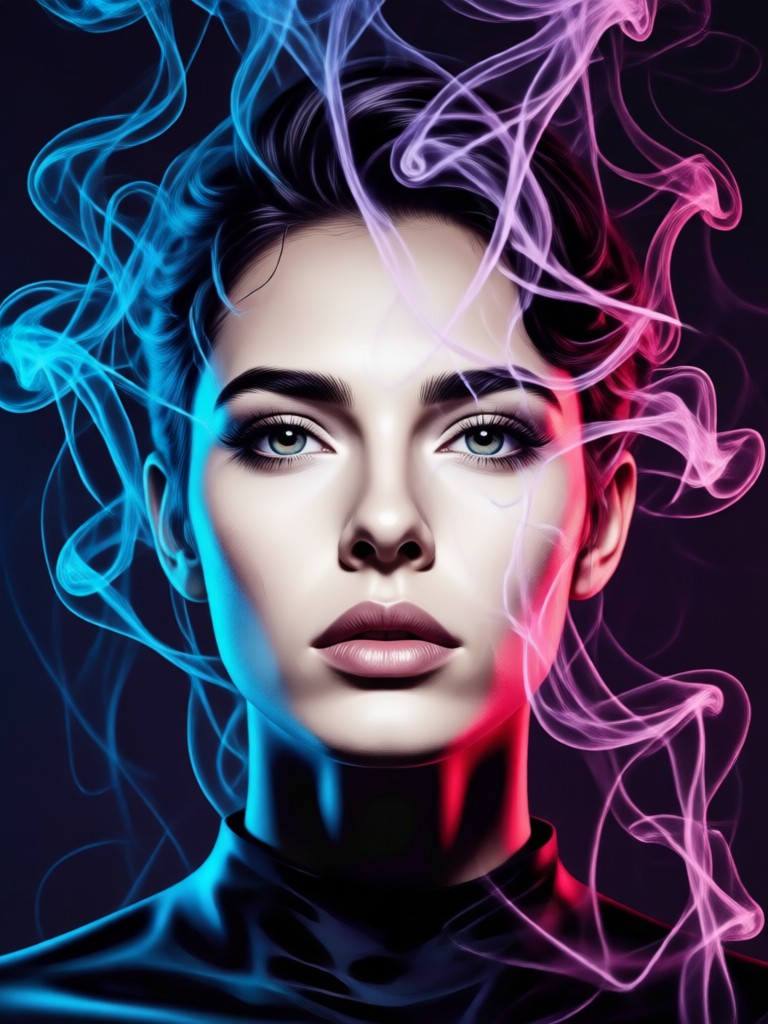
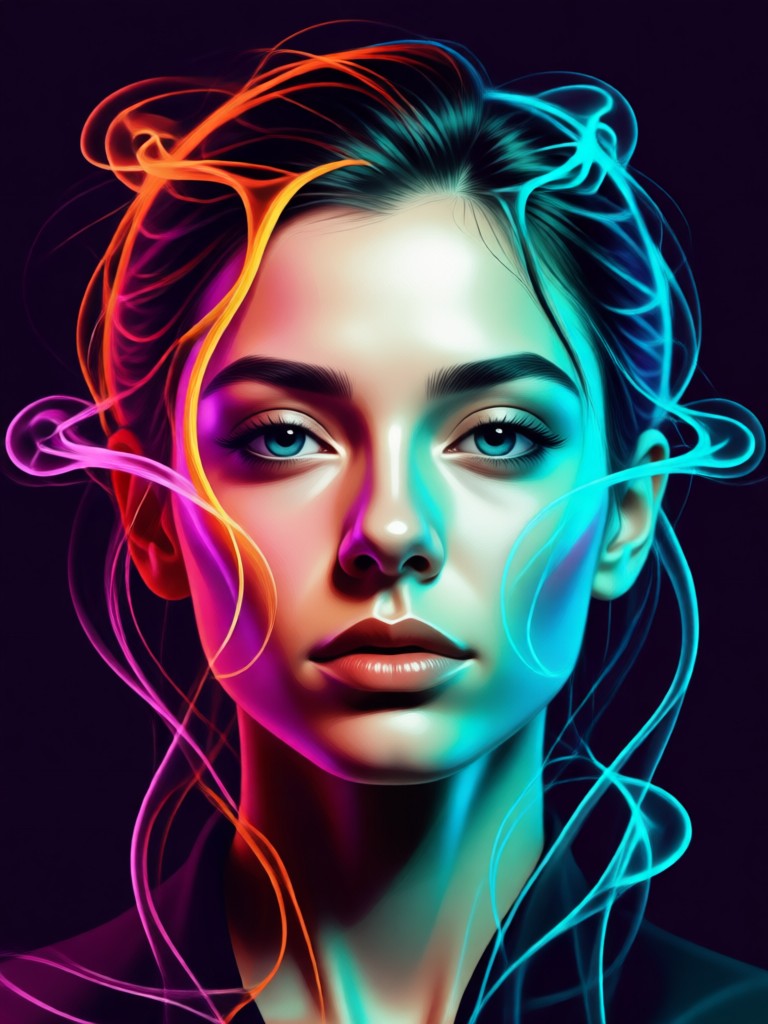
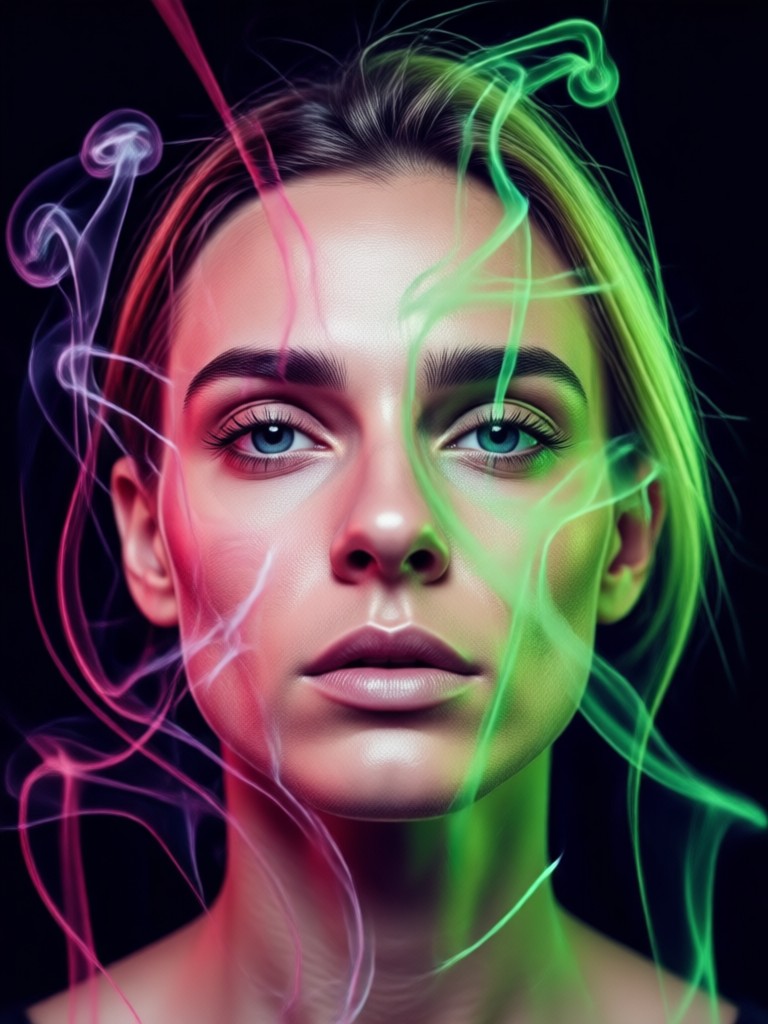
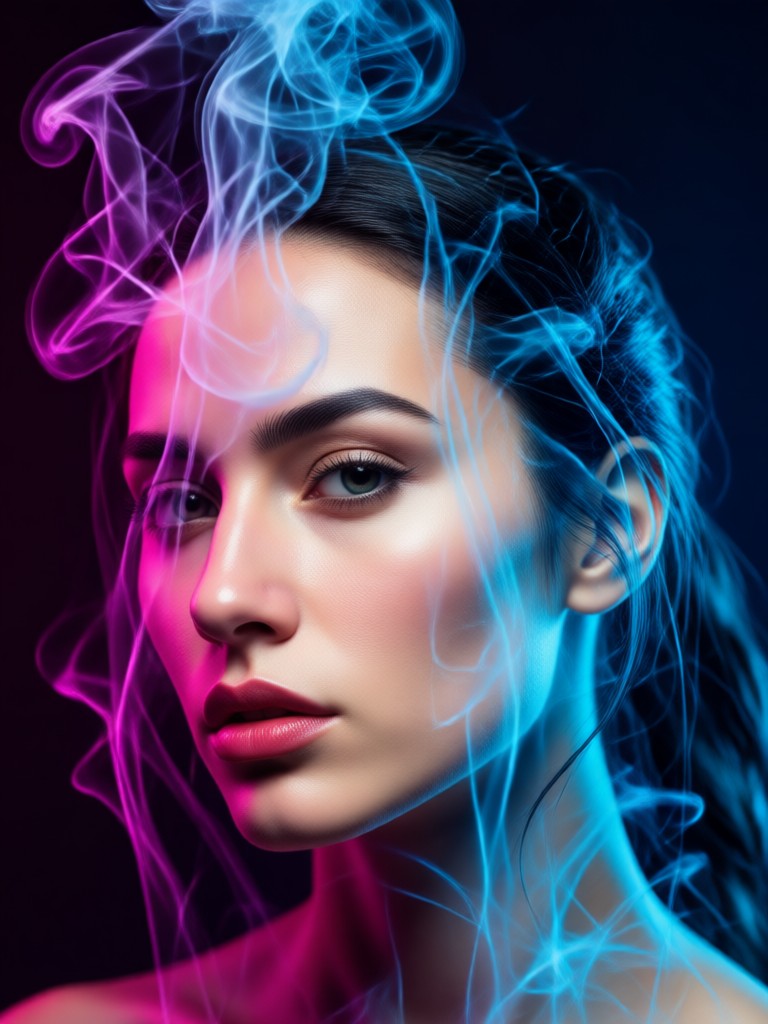
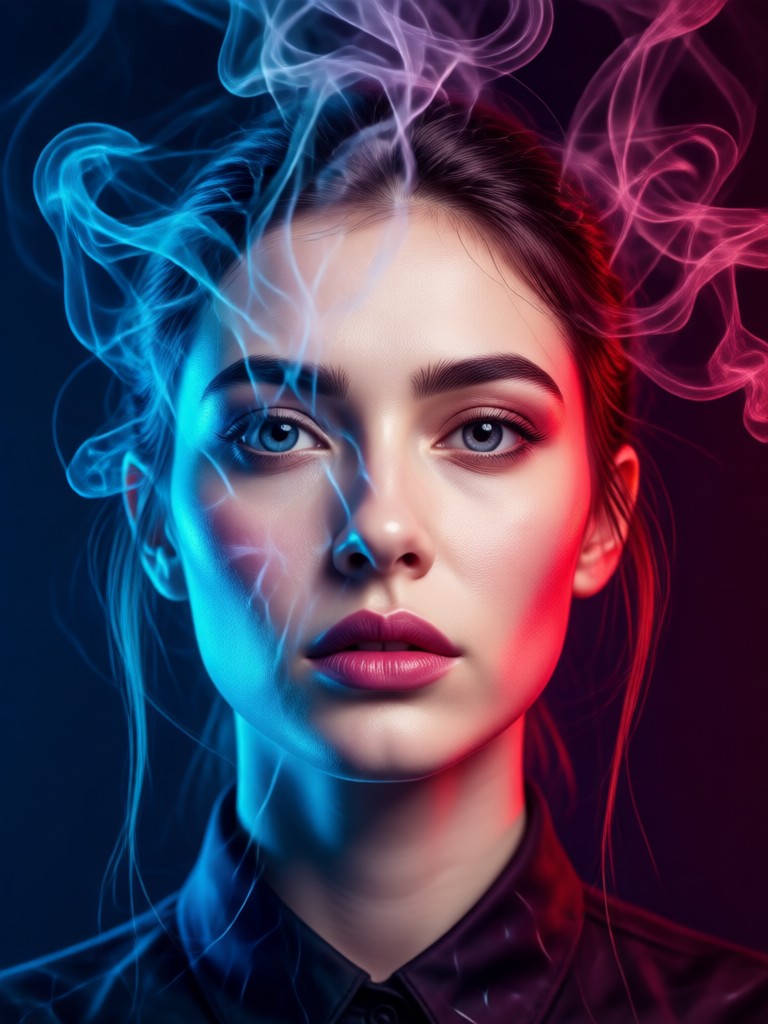
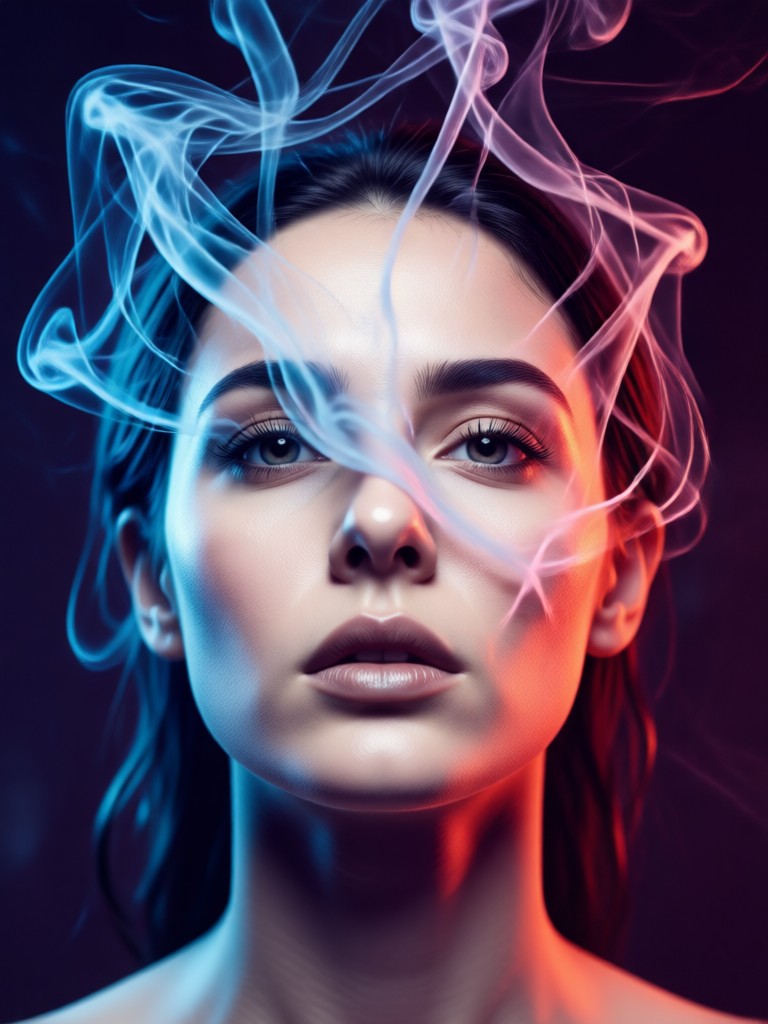
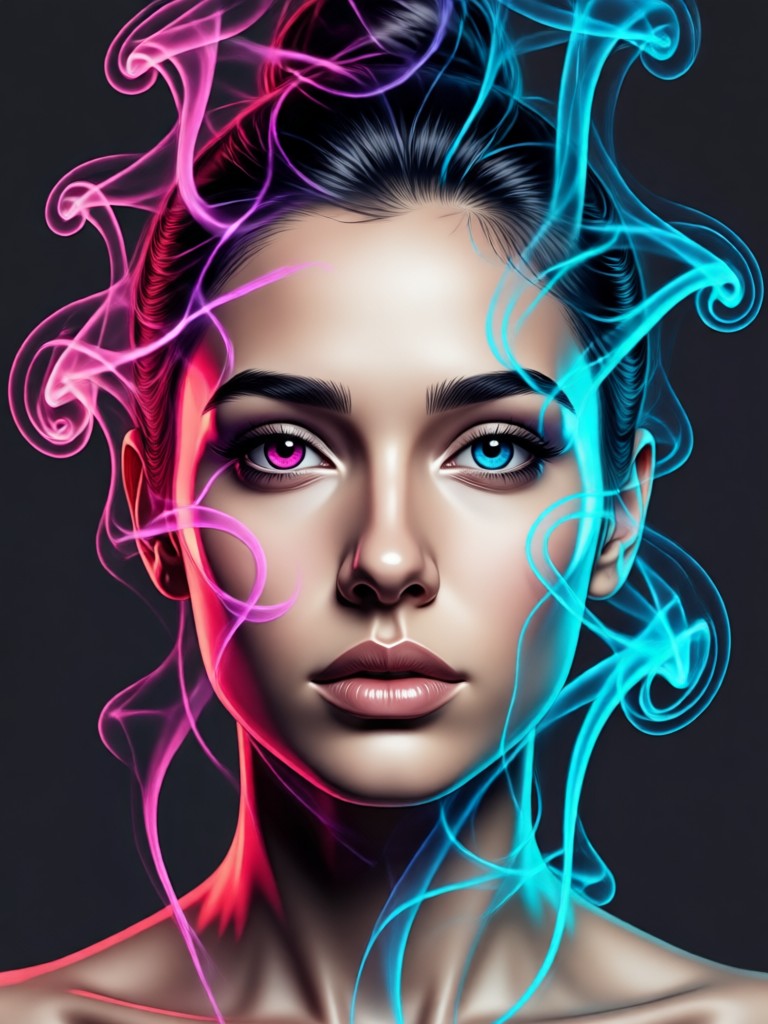
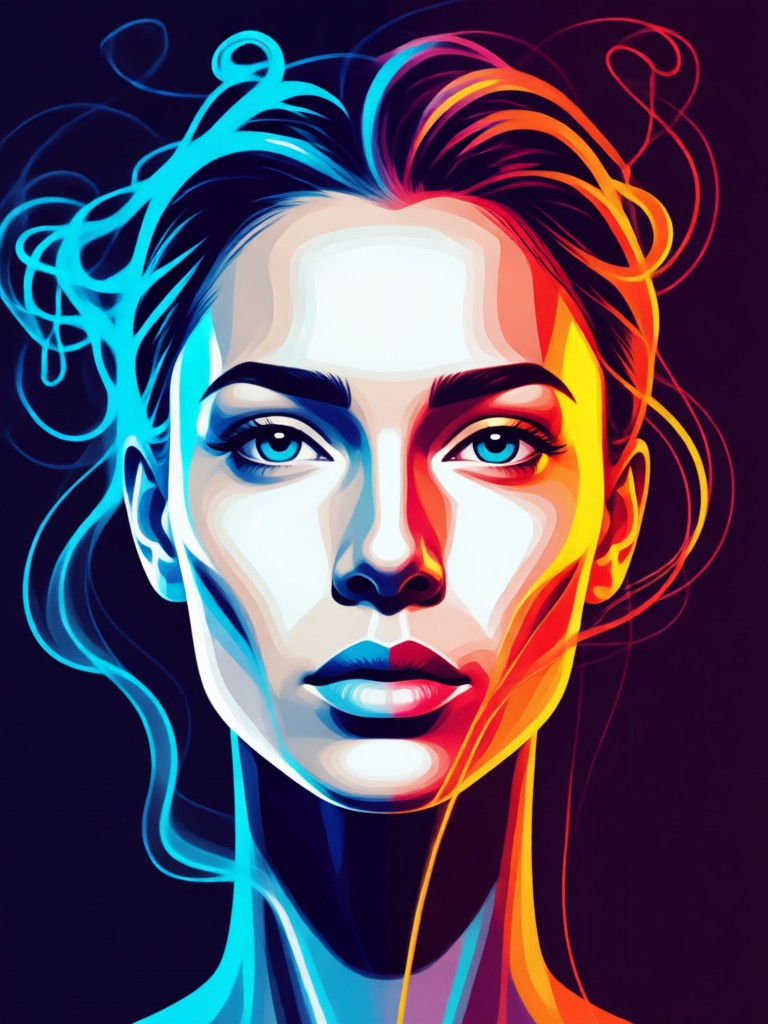
Double Color Smoke Portrait Gallery
Browse our collection of AI generated double color smoke portraits. See how different color combinations and styles can transform a simple photo into captivating art.
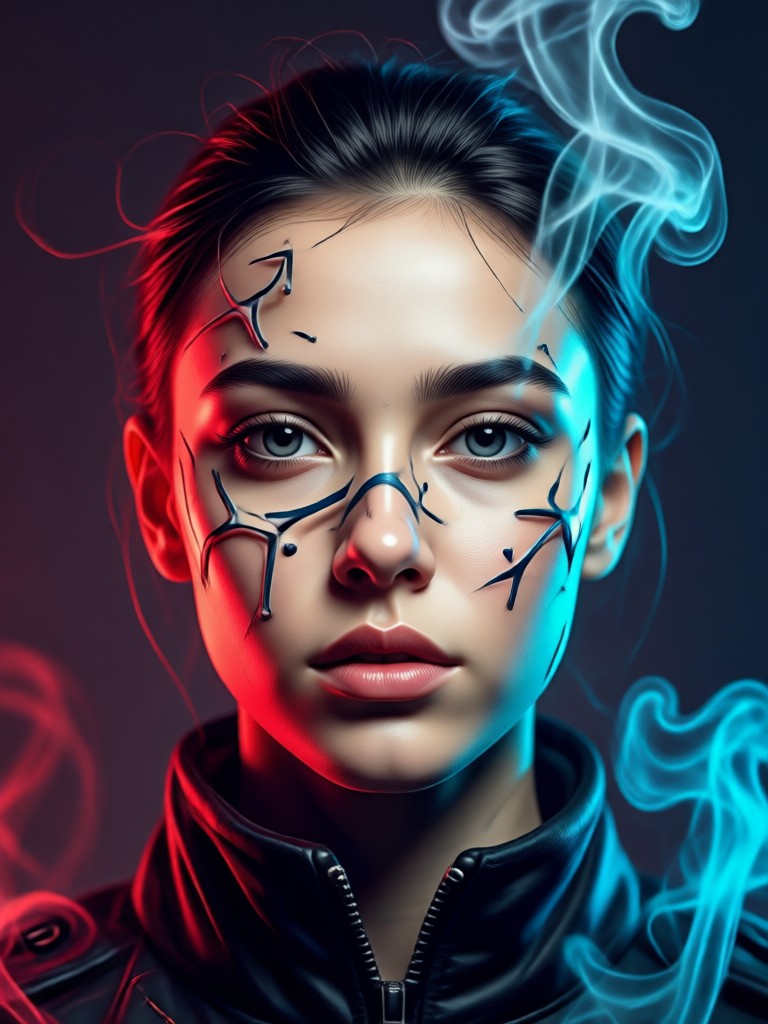
Why Choose Our AI Double Color Smoke Generator
Our specialized AI is built to understand light, composition, and color theory, creating realistic and artistically compelling double color smoke effects that blend seamlessly with your portrait.
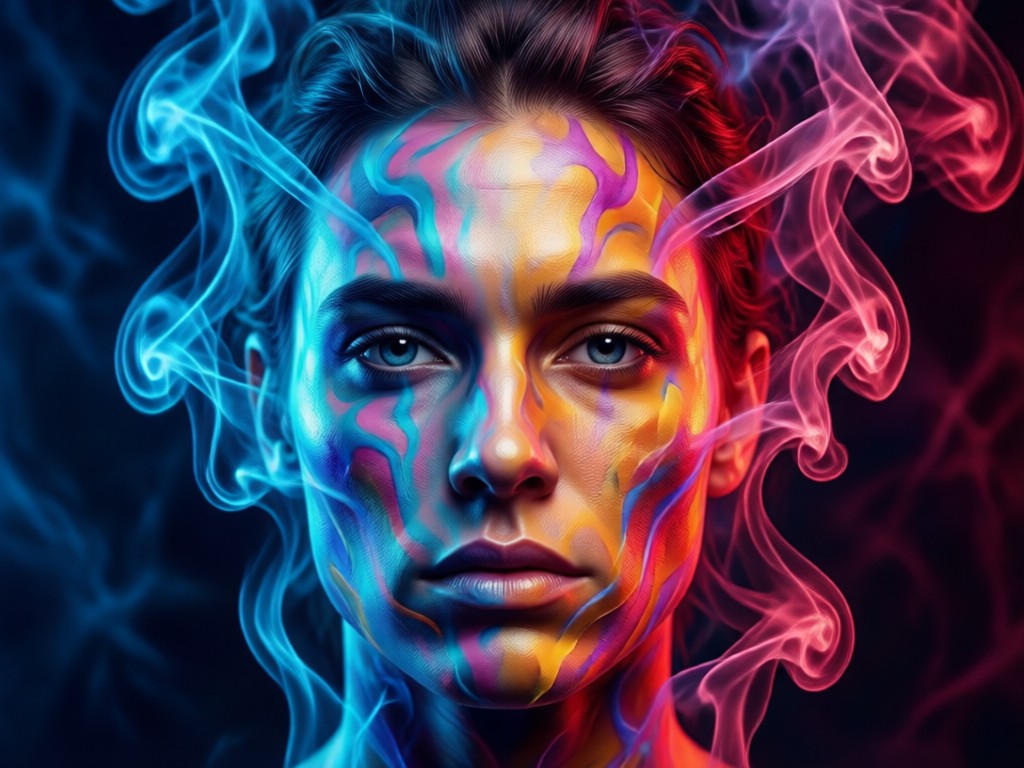
Intelligent Color Pairing
The AI suggests harmonious or contrasting color pairs based on your photo's palette. Choose from presets like complementary or analogous colors, or manually select your two perfect smoke tones for a custom look.
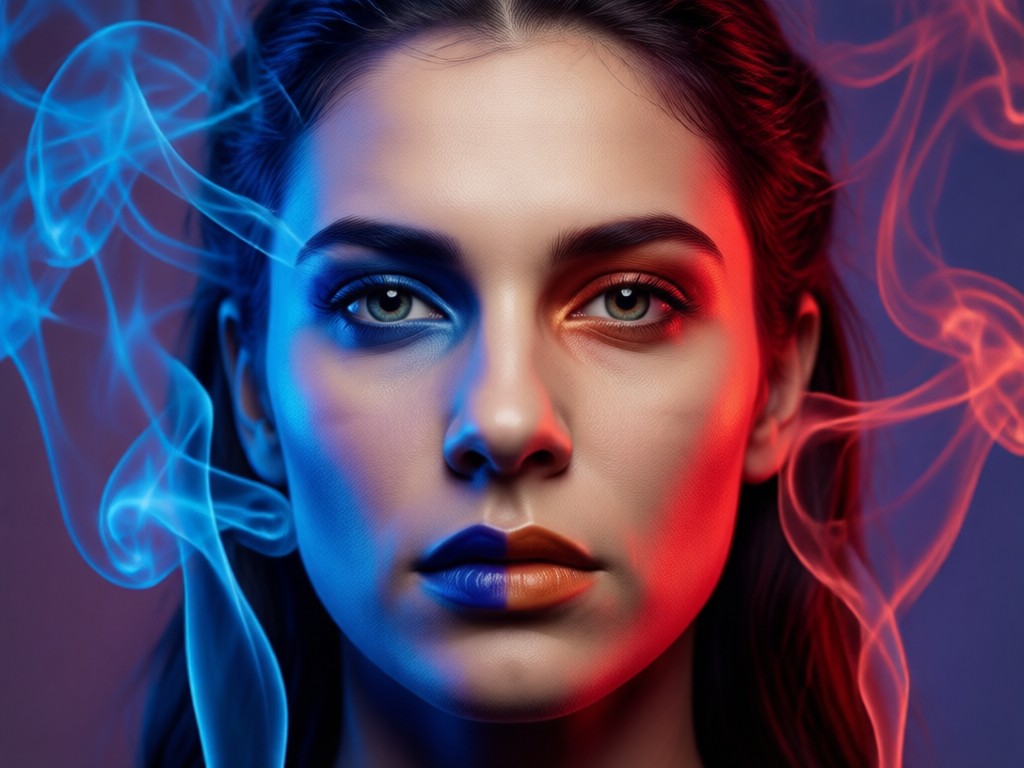
Realistic Smoke Dynamics
Go beyond simple overlays. Our generator creates smoke with realistic density, flow, and interaction with the subject. It wraps around features naturally, adding depth and a three dimensional feel to your portrait.
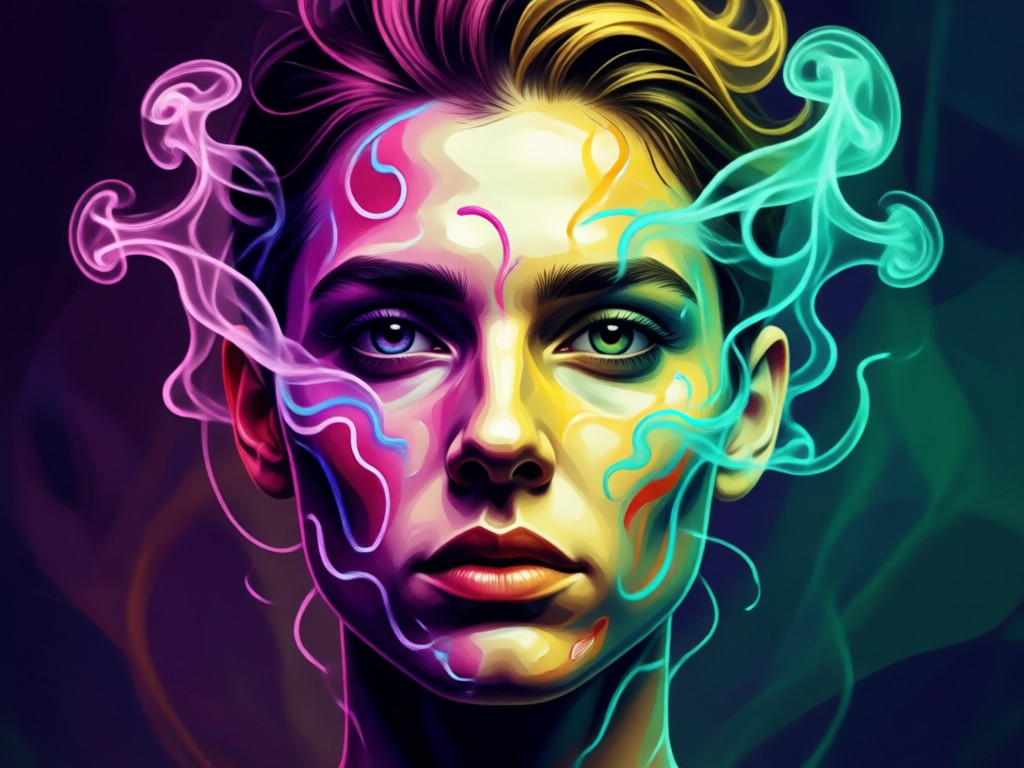
One Click Style Transfer
Apply complex double color smoke styles instantly. Upload your photo, select a style template inspired by digital art and photography trends, and let the AI handle the intricate rendering process in seconds.
How to Create a Double Color Smoke Portrait?
Create stunning AI double color smoke portraits in just three simple steps with the beyo app. No design experience is necessary.

Step 01.
Download the free beyo app from Google Play. This is your all in one mobile studio for creating AI art, videos, and powerful photo effects like our double color smoke generator.
Step 02.
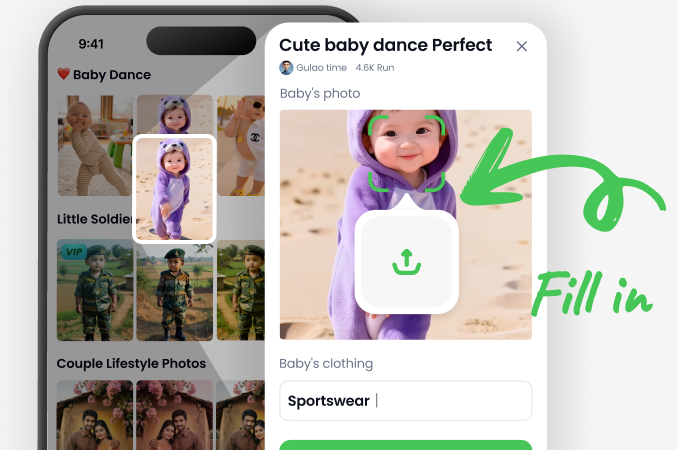
Open the app and find the 'Double Color Smoke' filter. Upload a clear portrait photo. Then, customize your effect by choosing your two smoke colors and adjusting the intensity and blend style.
Step 03.
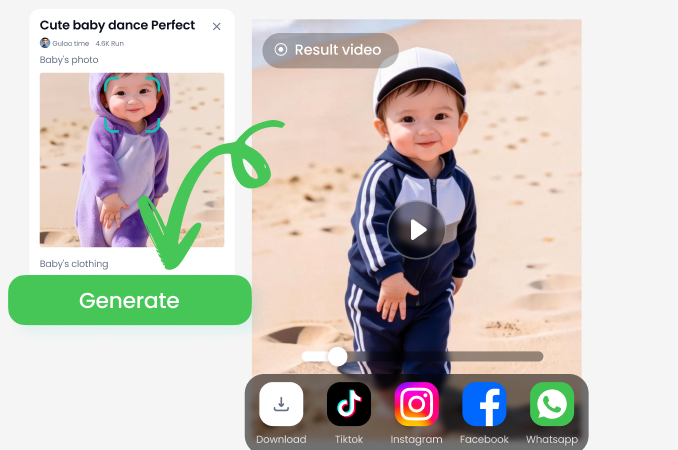
Tap generate. In seconds, your AI enhanced double color smoke portrait is ready. Download it in high resolution directly to your phone and share your unique creation on social media.
Stand Out with a Unique Visual Signature
In a world of similar filters, a double color smoke portrait creates a distinctive and memorable visual identity that captures attention.
More Than Just an Effect
This tool is for creators who want to elevate their personal brand, musicians crafting eye catching album art, photographers exploring digital art forms, and anyone looking to express a mood or concept through color and atmosphere. The dual color smoke adds a layer of professional artistry and emotional depth that simple filters cannot match, making your content instantly more engaging and shareable.
More Than Just an Effect
This tool is for creators who want to elevate their personal brand, musicians crafting eye catching album art, photographers exploring digital art forms, and anyone looking to express a mood or concept through color and atmosphere. The dual color smoke adds a layer of professional artistry and emotional depth that simple filters cannot match, making your content instantly more engaging and shareable.
What Creators Are Saying About Double Color Smoke Effects
Perfect for my music project visuals
I needed unique cover art that felt atmospheric and modern. This double color smoke generator let me create exactly the vibe I wanted. The blue and orange smoke effect became our band's signature visual across all platforms.
Transformed my portrait photography
As a photographer, I'm always looking for ways to offer clients something special. Adding these AI smoke overlays in post has become a popular premium option. It's fast, and the results look like they took hours in Photoshop.
My Instagram engagement skyrocketed
I started using these double smoke portraits for my profile pictures and story highlights. The colors are so vibrant and different. My followers constantly ask which app I use. It's a guaranteed way to stop the scroll.
Double Color Smoke Portrait FAQs
Find answers to common questions about creating, customizing, and using your AI generated double color smoke portraits.
Ready to See Your Portrait Transformed?
Upload your photo and watch as AI crafts a stunning double color smoke masterpiece around it. Experiment with different color combinations, from fiery red and gold to cool purple and blue. Discover the perfect smoky aesthetic that defines your style.
More AI Photo Effects You May Like
Explore more topics you may like and discover fresh ideas tailored to your interests.
Professional AI ID Photo Maker | Passport Pictures in Seconds
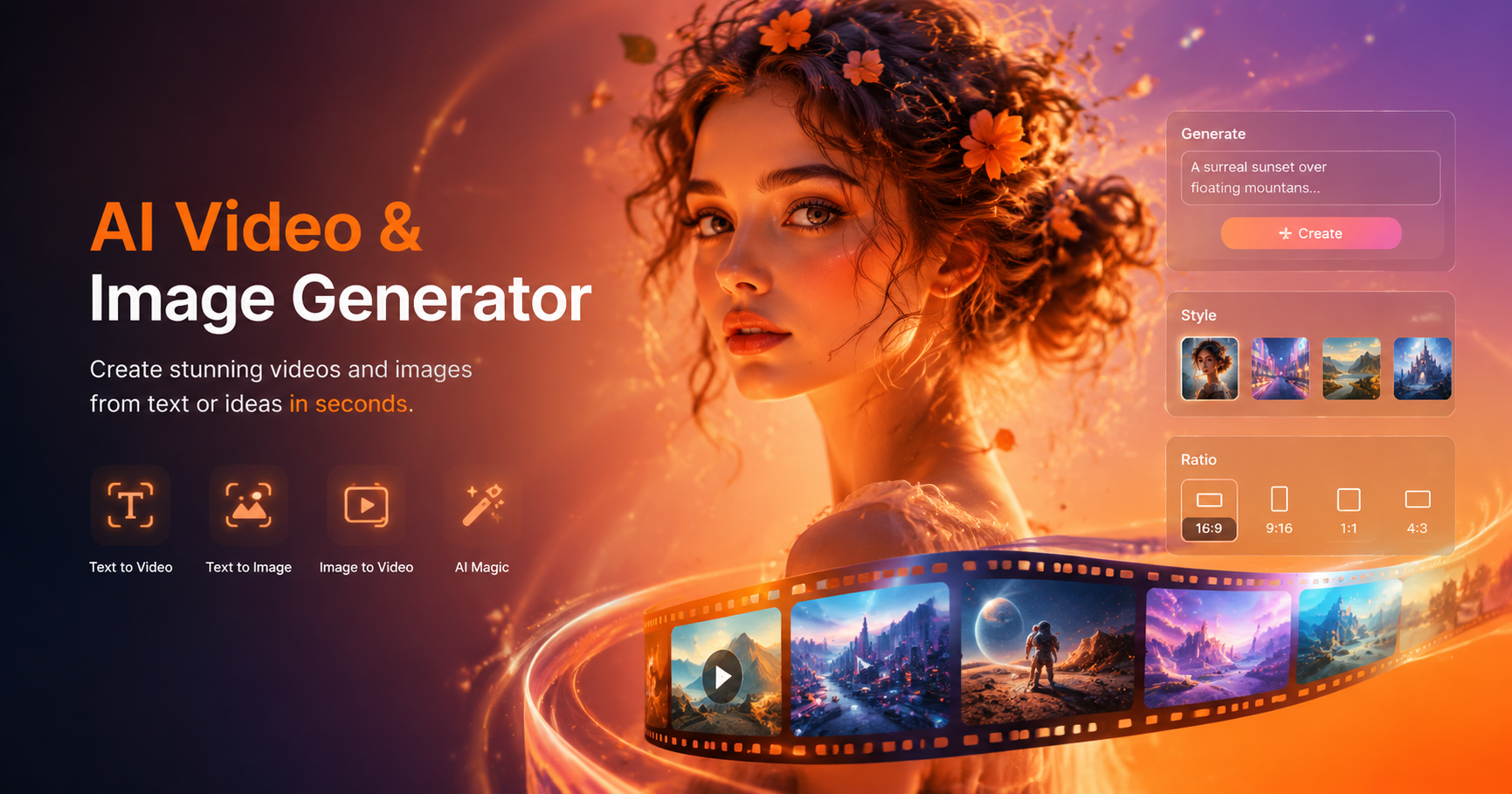
Create Your Own Harry Potter Character with AI
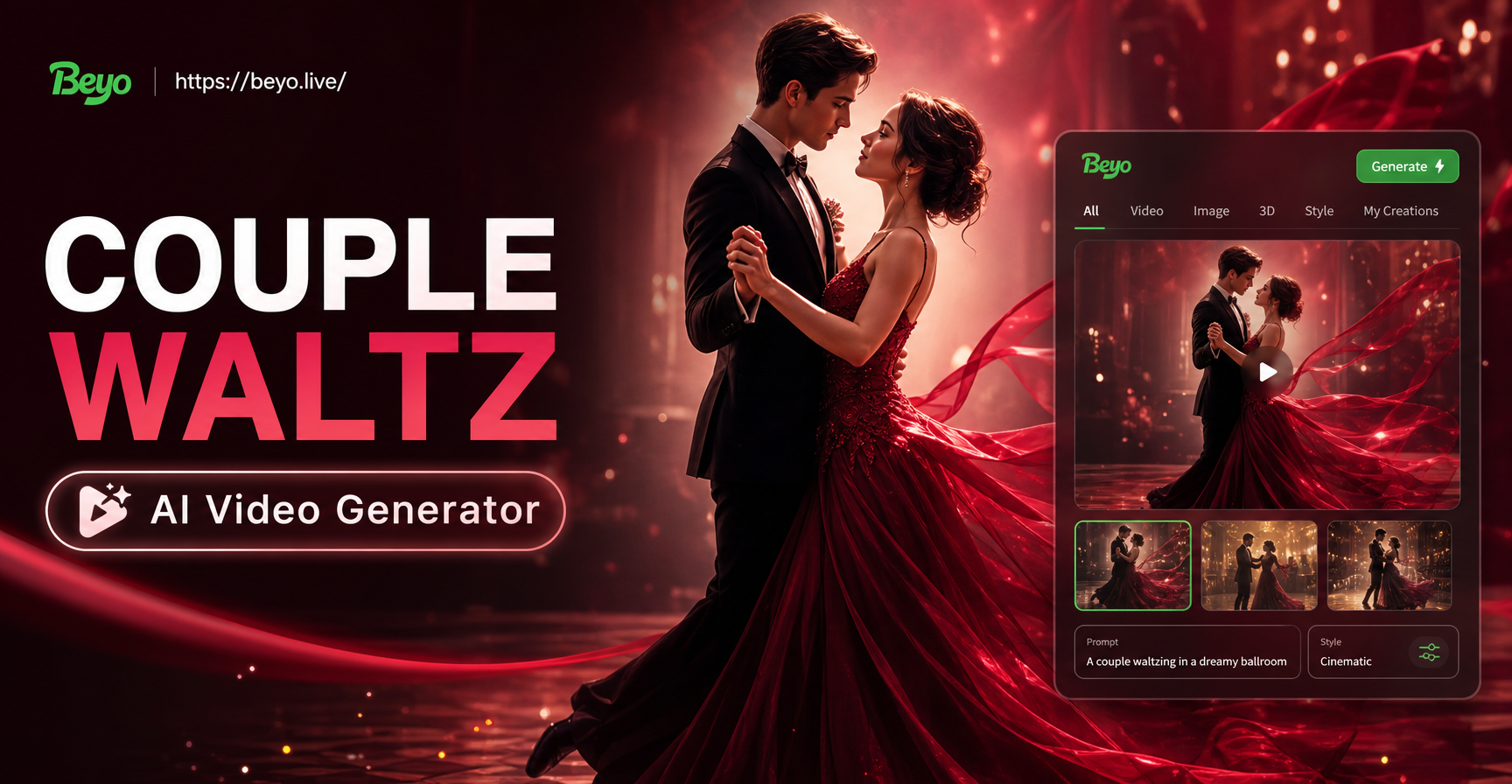
Create Beautiful Waltz Videos for Couples Instantly
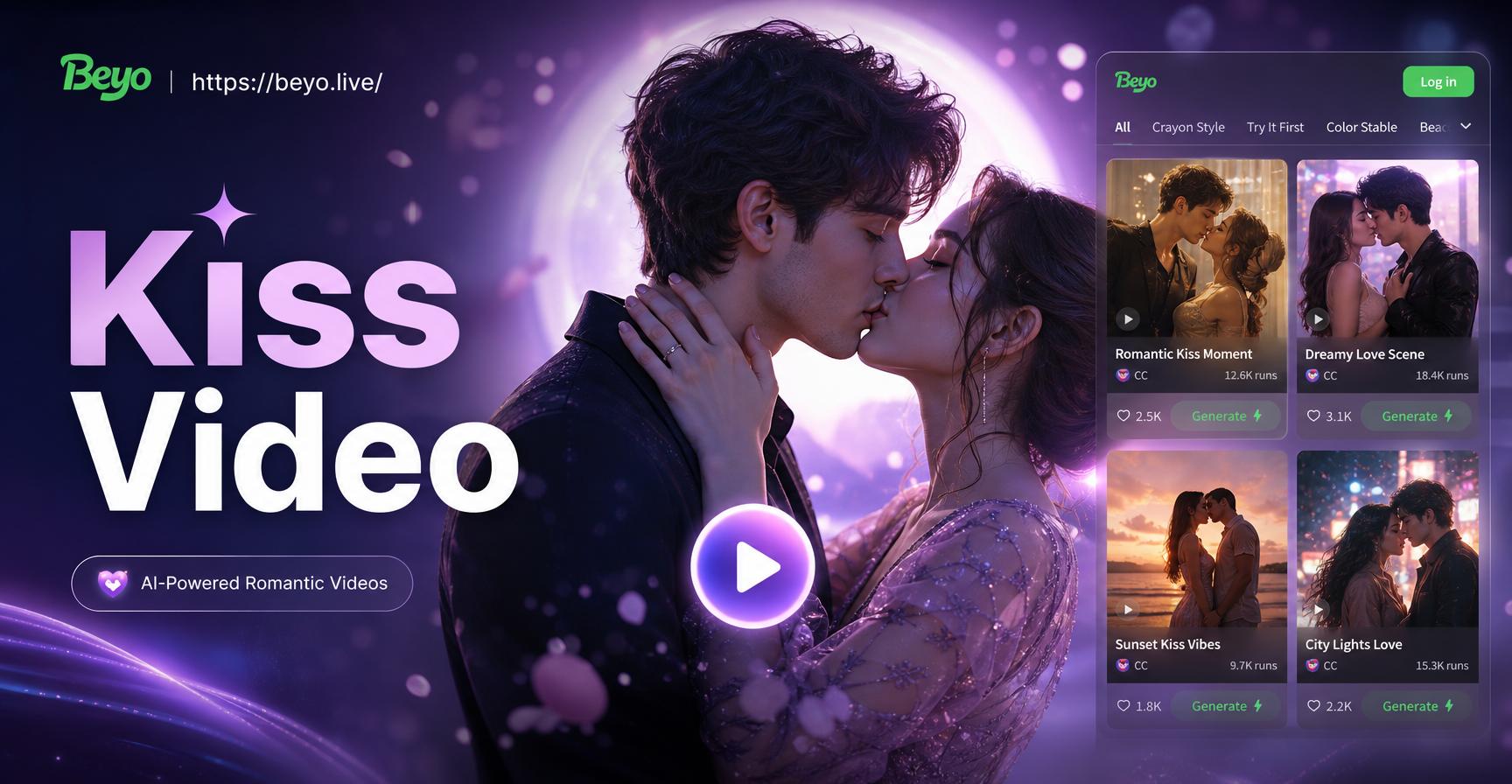
Create Dreamy Kiss Videos With Your Romantic Partner
Professional AI ID Photo Maker | Passport Pictures in Seconds
Create Your Own Harry Potter Character with AI
Create Beautiful Waltz Videos for Couples Instantly
Create Dreamy Kiss Videos With Your Romantic Partner
Create Your Signature Smoke Portrait Today
Download beyo now and access the powerful double color smoke portrait generator, plus millions of other AI styles and effects. Transform your photos in seconds, right from your phone.

Create Your Signature Smoke Portrait Today
Download beyo now and access the powerful double color smoke portrait generator, plus millions of other AI styles and effects. Transform your photos in seconds, right from your phone.