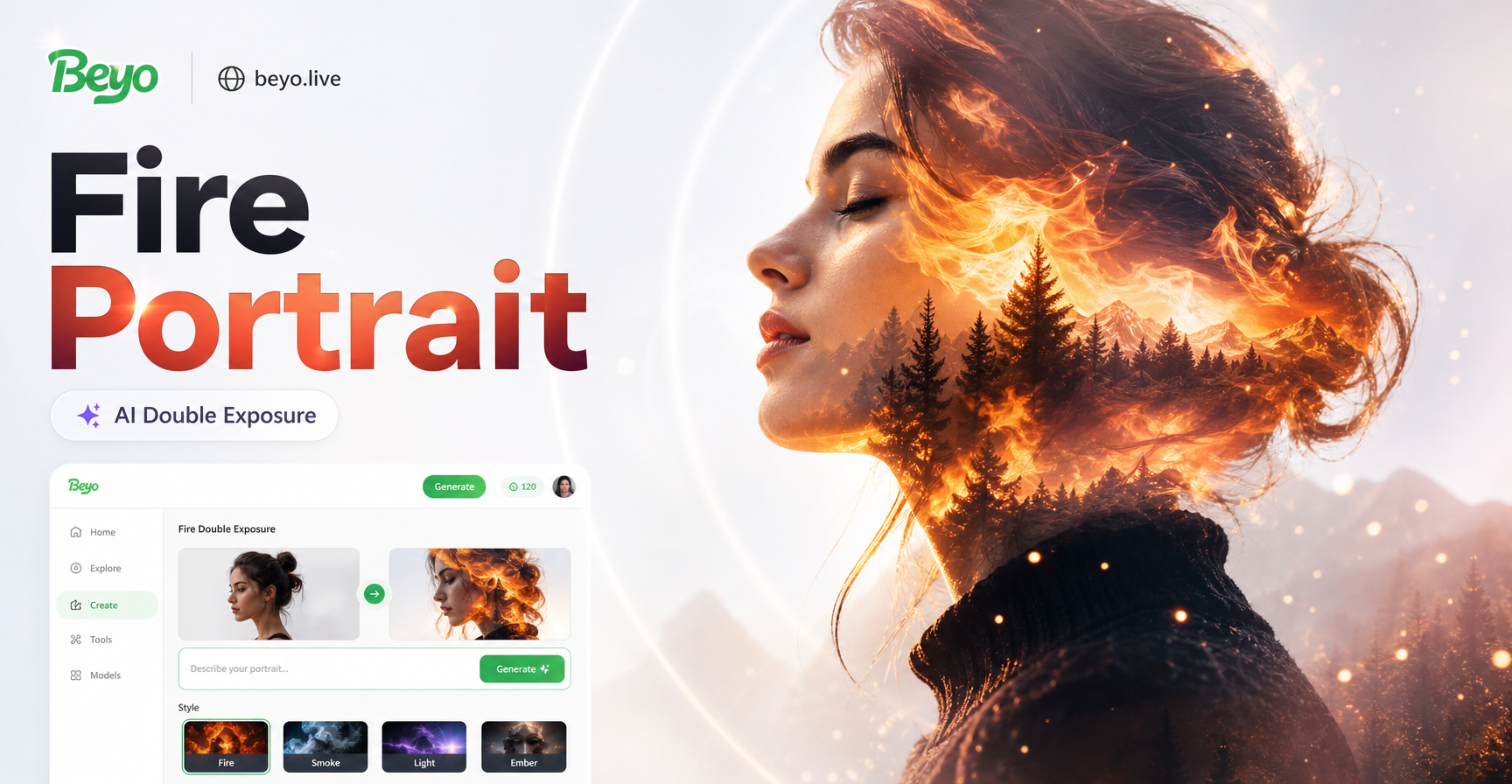
Fire Double Exposure Portrait Generator
Find Your Perfect Fire & Portrait Fusion
Explore our curated collection of fire overlay effects designed specifically for double exposure portraits. From subtle ember glows to raging infernos, find the style that matches your vision.
Why Choose Our AI Fire Portrait Generator?
Go beyond basic filters. Our tool offers intelligent masking, realistic fire blending, and artistic control to create double exposure portraits that feel alive.
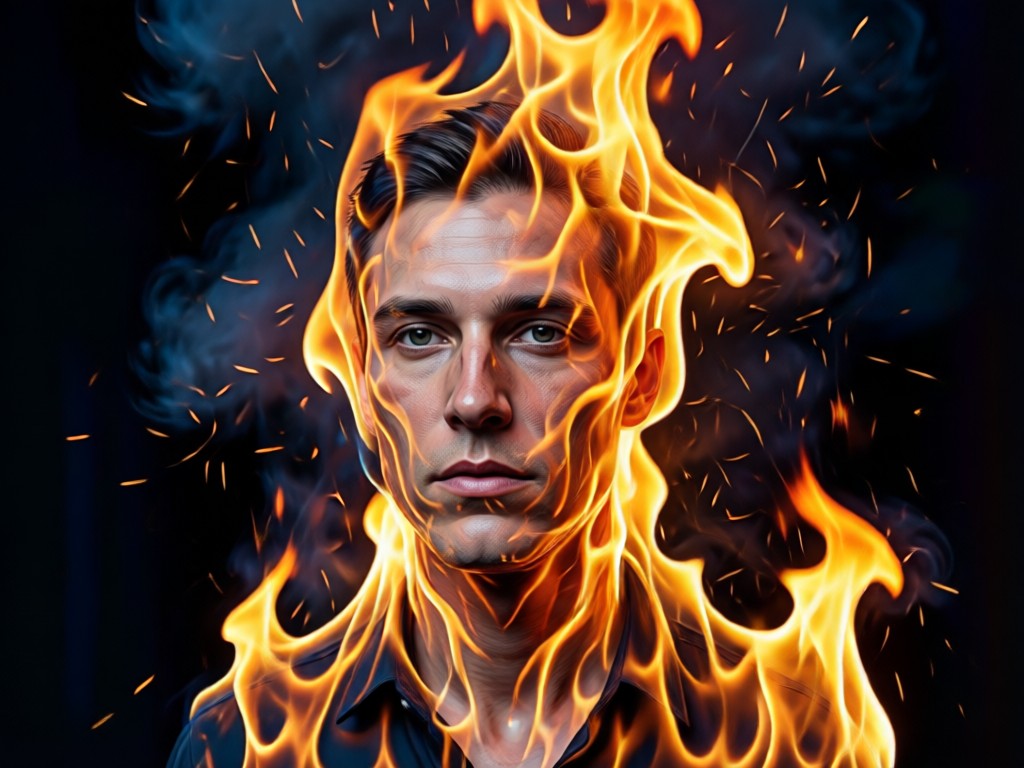
Intelligent Portrait Masking
AI precisely identifies facial contours, ensuring fire overlays wrap around features like eyes, cheekbones, and hair naturally, never looking pasted on.
Intelligent Portrait Masking
AI precisely identifies facial contours, ensuring fire overlays wrap around features like eyes, cheekbones, and hair naturally, never looking pasted on.
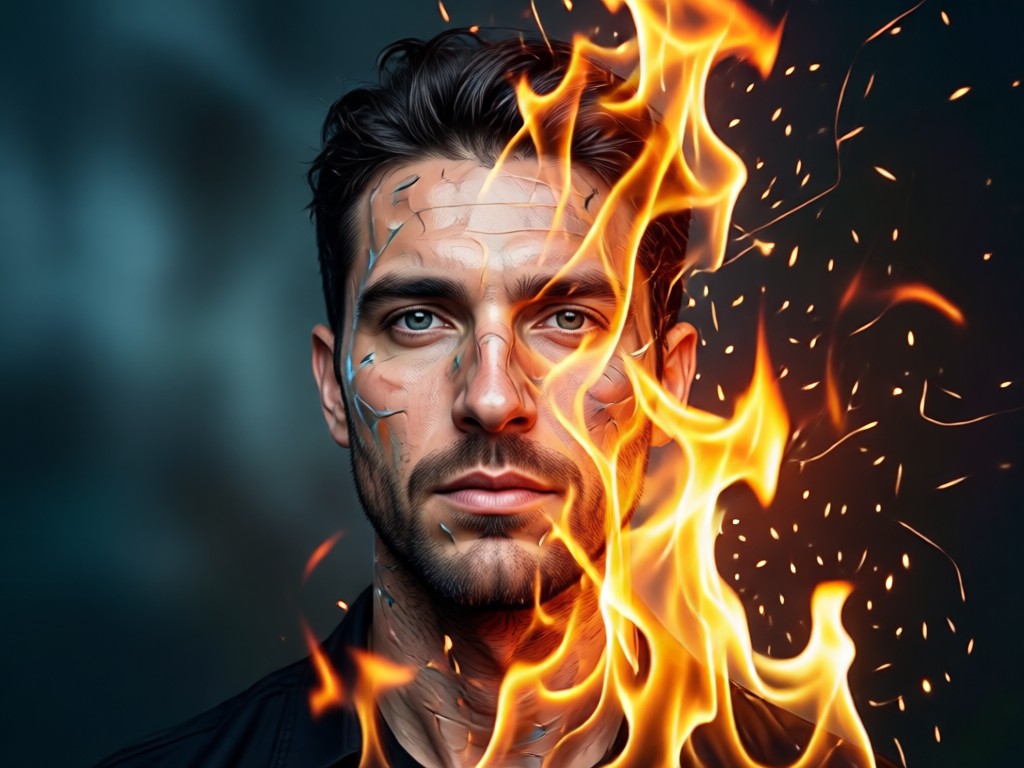
Hyper-Realistic Fire Textures
Access a vast library of fire elements, from delicate candle flames and forest fires to abstract digital fire, all in stunning high definition for a believable blend.
Hyper-Realistic Fire Textures
Access a vast library of fire elements, from delicate candle flames and forest fires to abstract digital fire, all in stunning high definition for a believable blend.
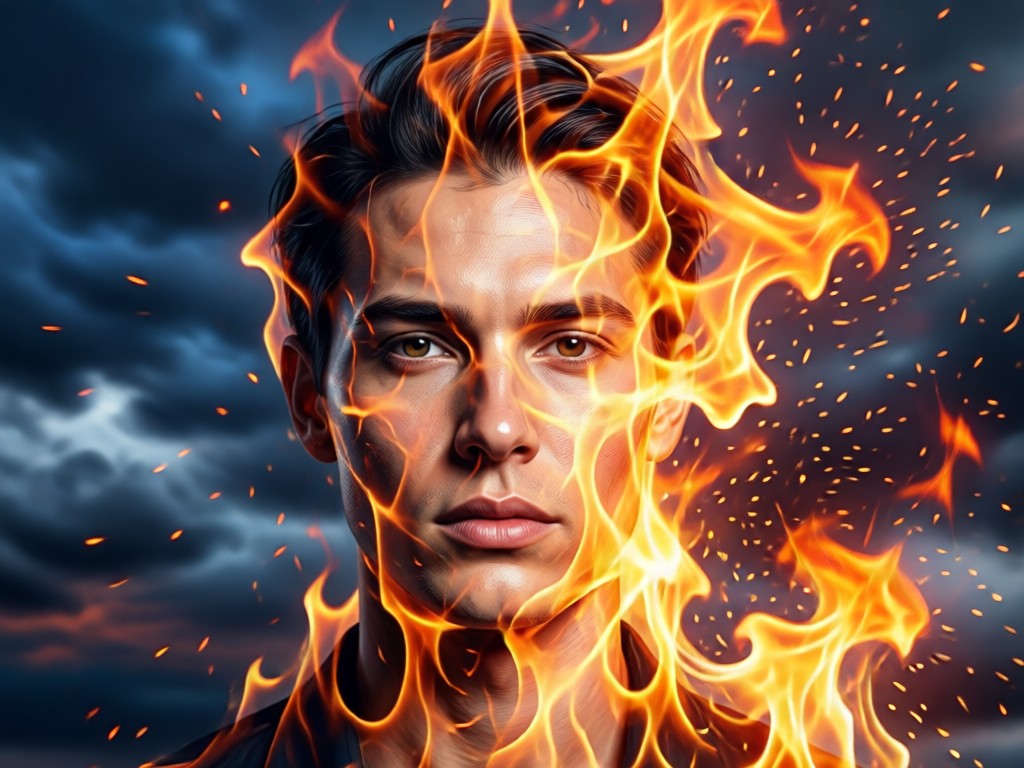
Pro-Level Blending Control
Fine-tune the intensity, color, and overlay style of the fire. Choose from blending modes like Screen, Multiply, and Overlay to achieve the perfect artistic effect.
Pro-Level Blending Control
Fine-tune the intensity, color, and overlay style of the fire. Choose from blending modes like Screen, Multiply, and Overlay to achieve the perfect artistic effect.
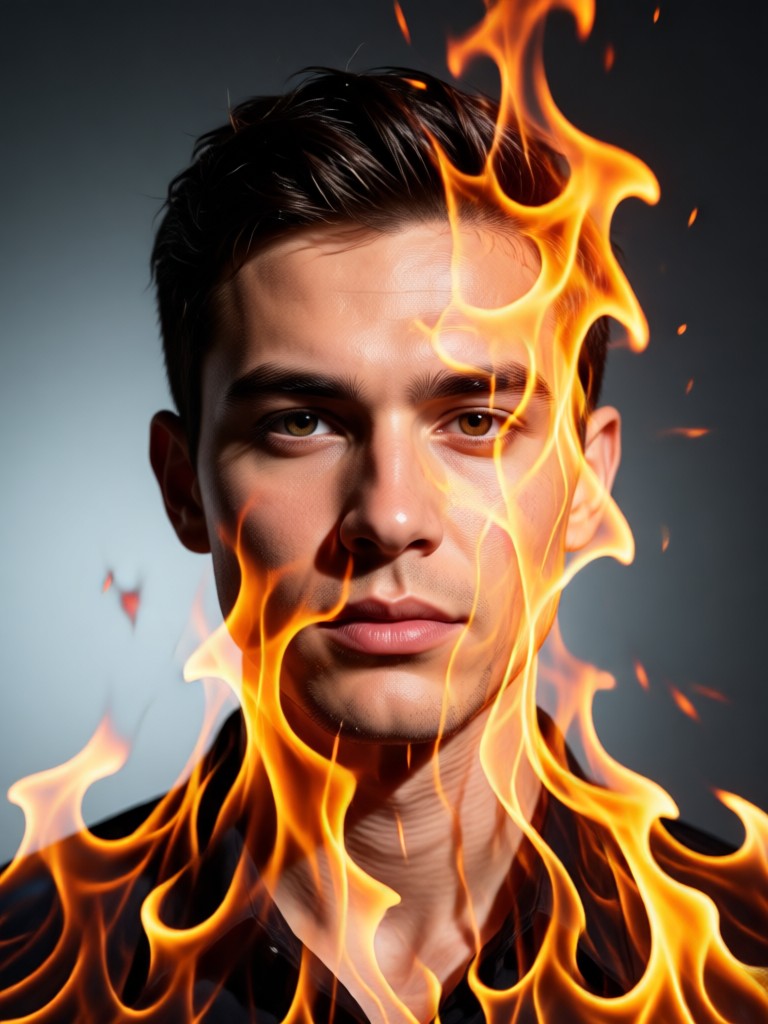
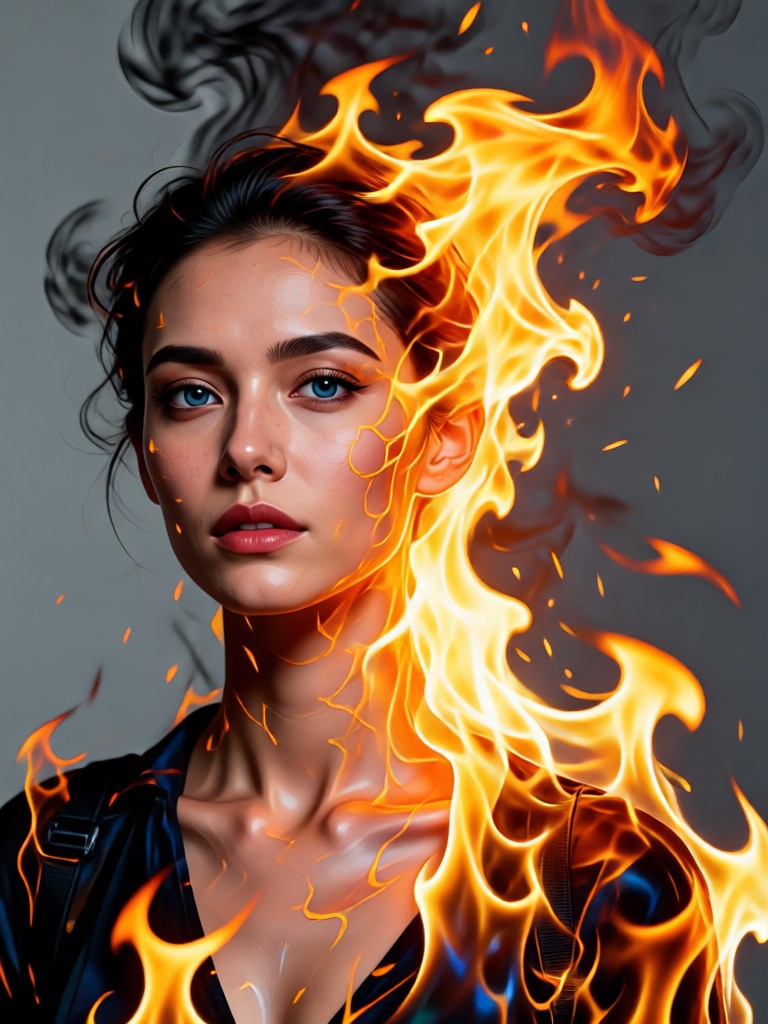
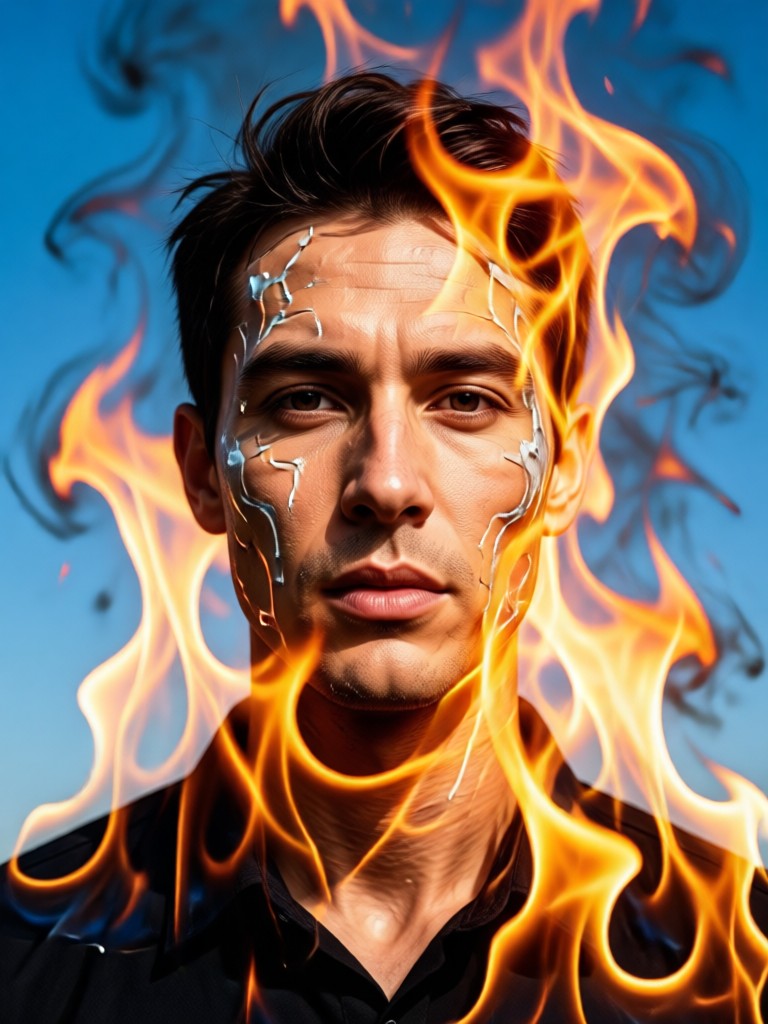
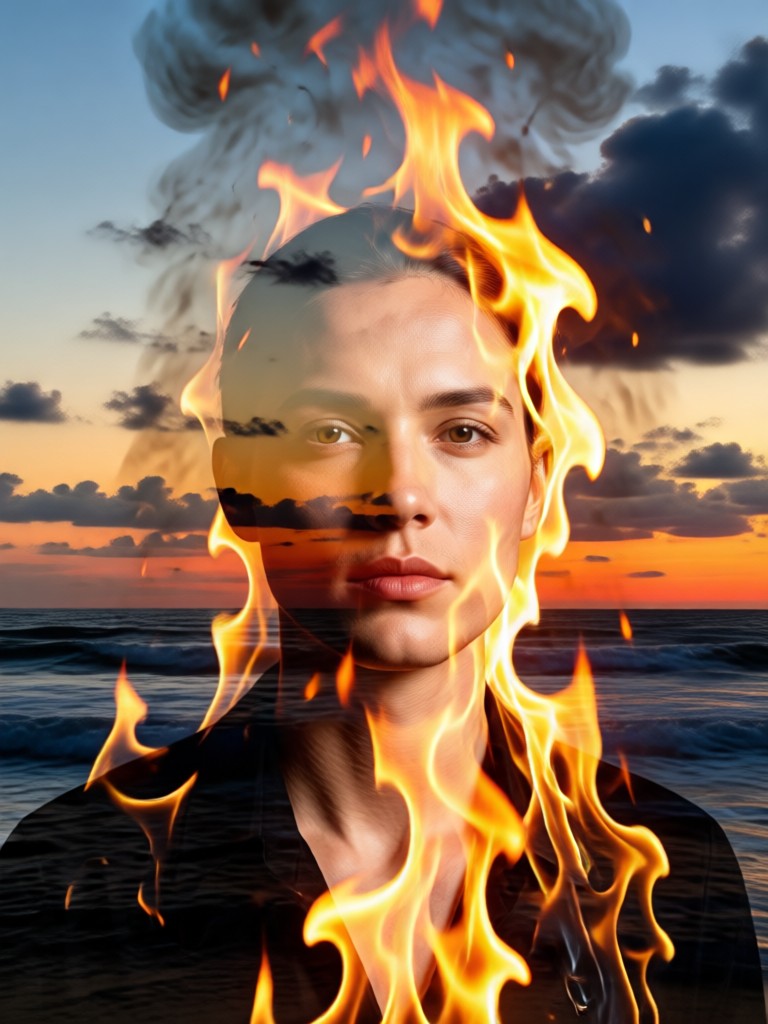
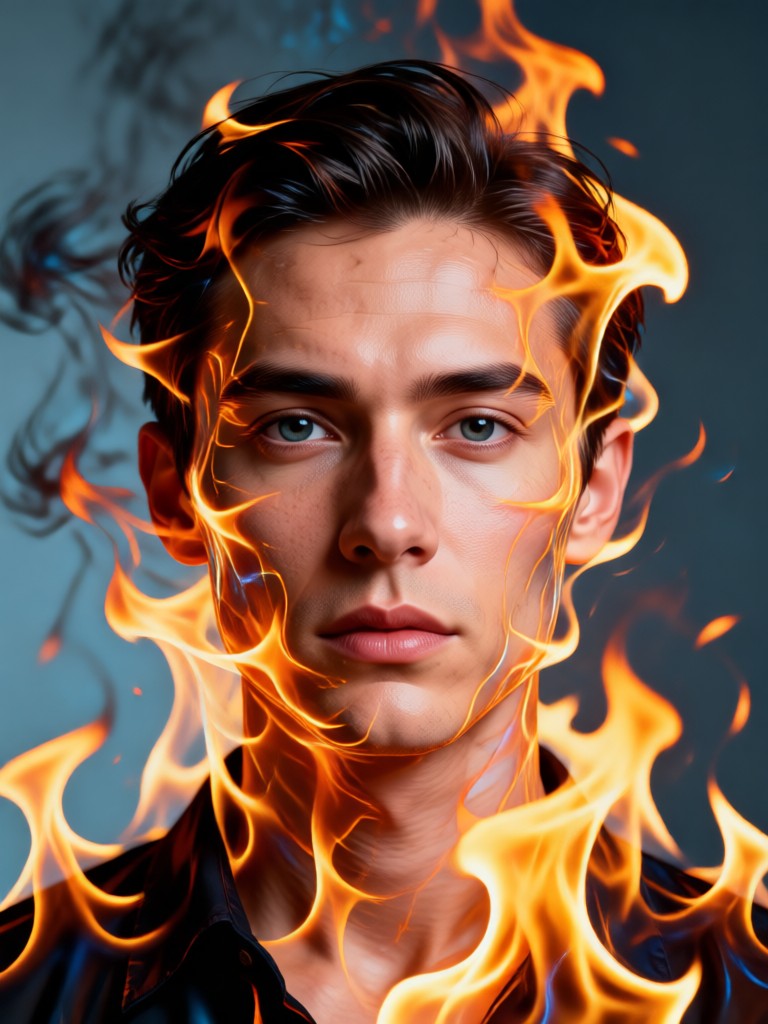
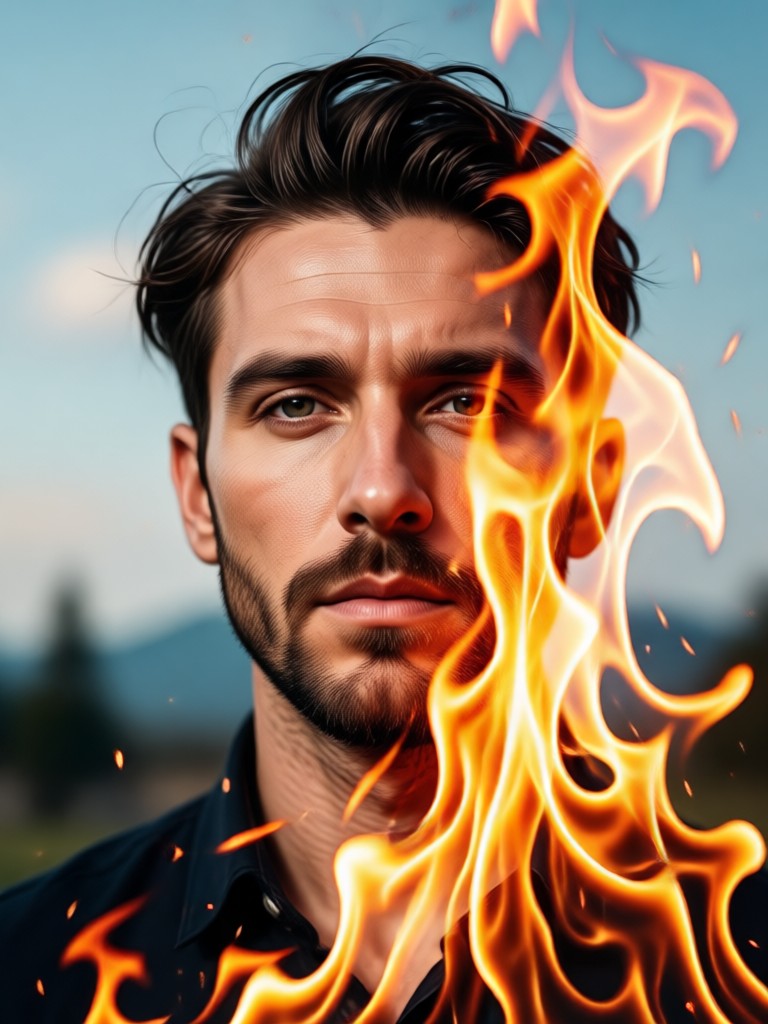
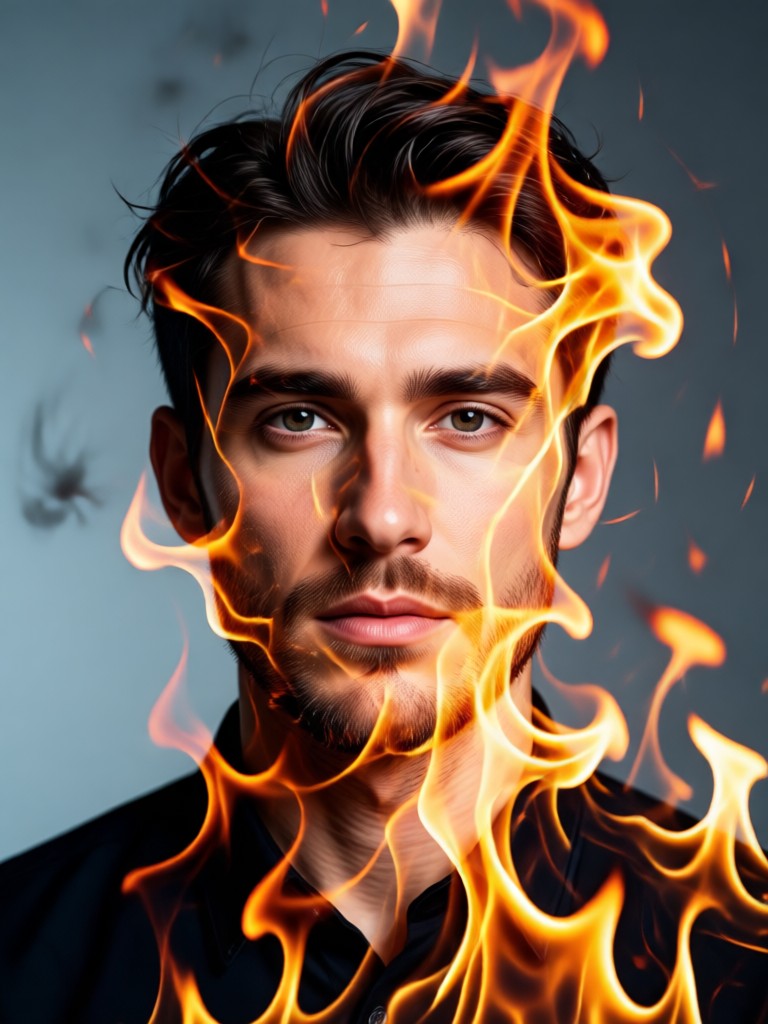
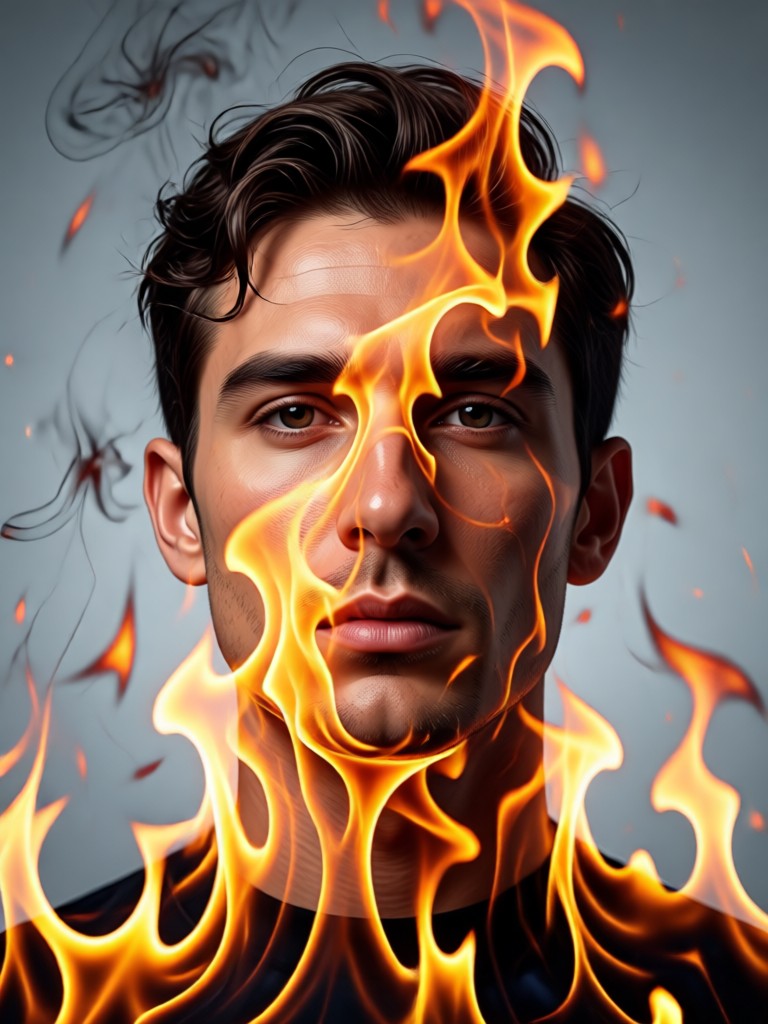
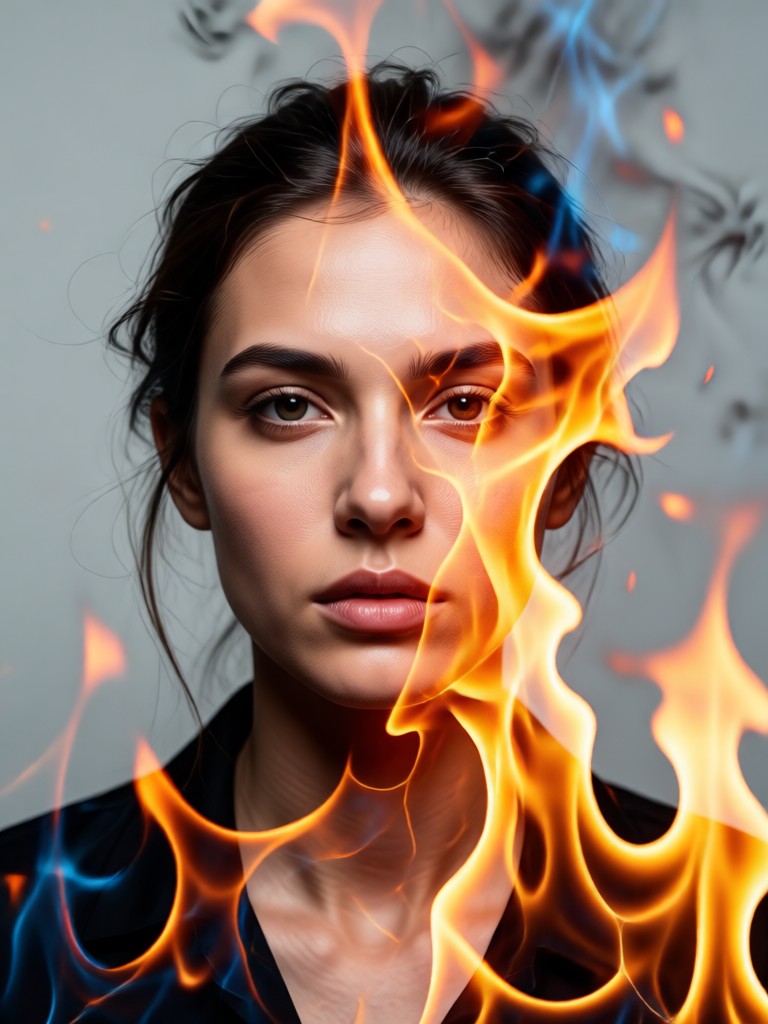
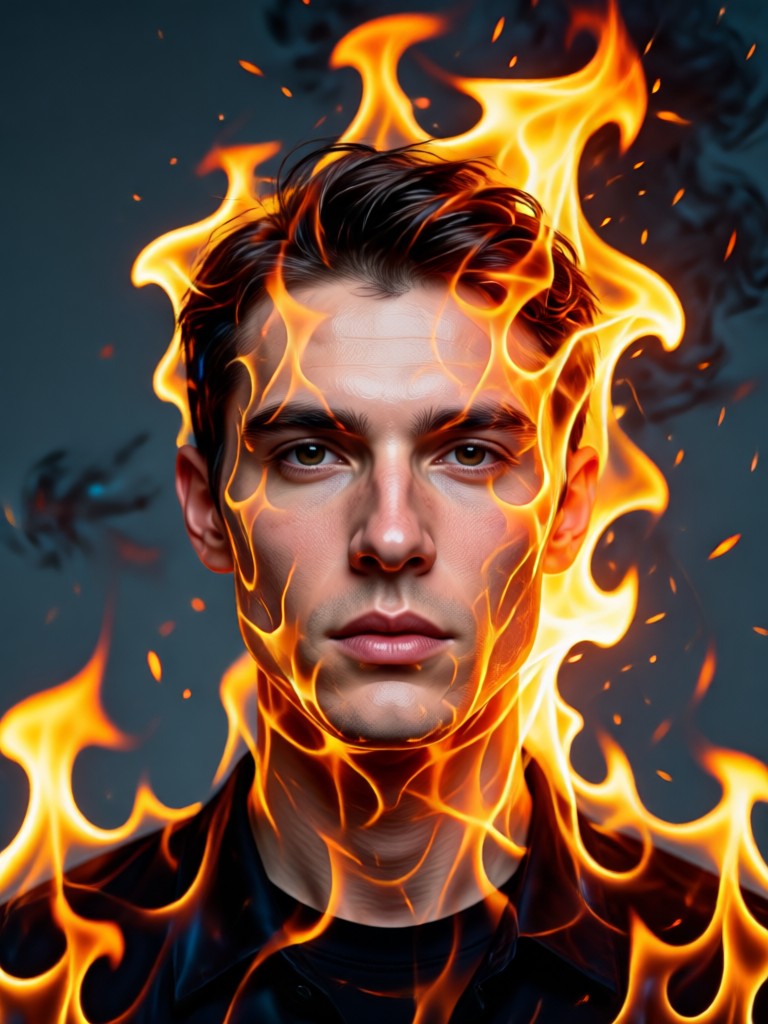
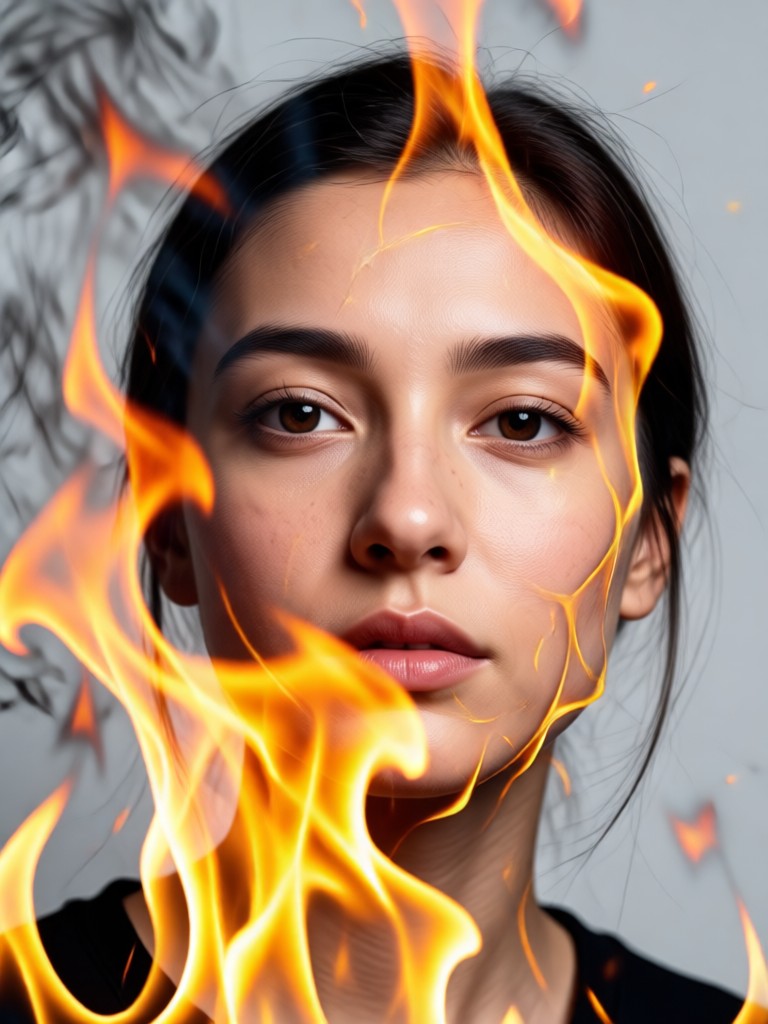
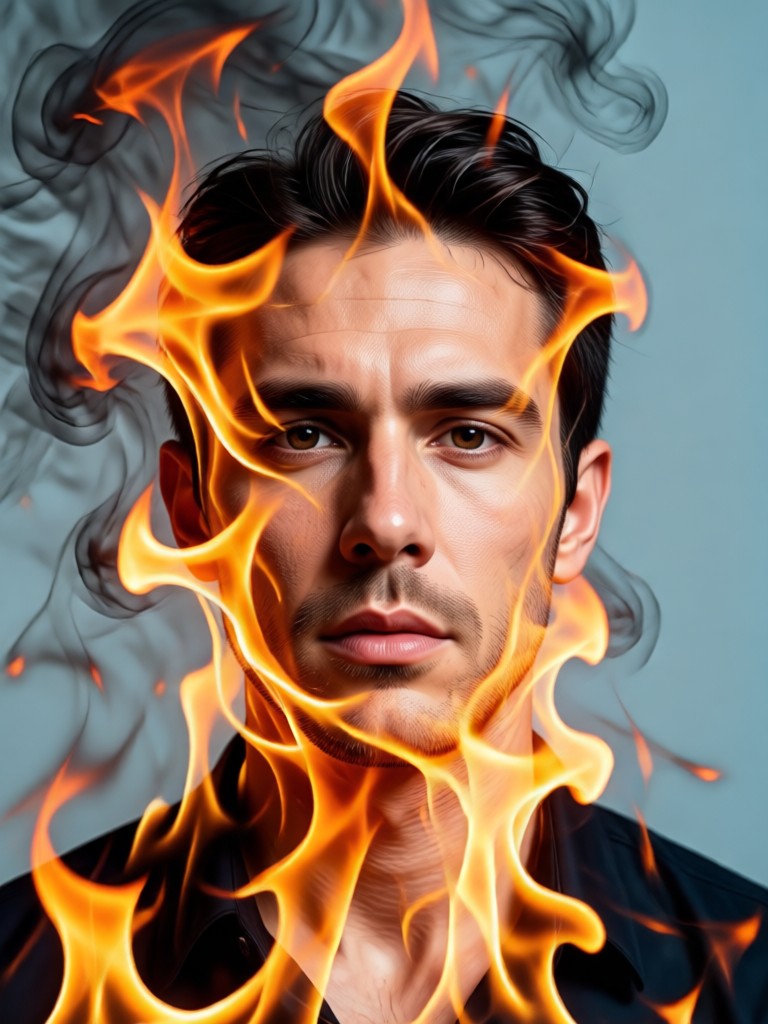
Double Exposure Fire Portrait Gallery
Witness the transformative power of fire and portrait fusion. These AI-generated artworks showcase the range of styles and emotions you can create, from subtle to spectacular.
How to Make a Fire Double Exposure Portrait?
Create stunning fire and portrait art in just three simple steps. No complex software or editing skills required.

Step 01.
Download the beyo app from Google Play to get started. It's your all-in-one mobile studio for creating AI double exposure art.

Step 02.
Upload your favorite portrait photo. Then, explore and select from hundreds of fire textures and double exposure style filters.

Step 03.
Generate and customize. Let the AI create your masterpiece, then adjust the blend and intensity before saving or sharing your unique fire portrait.
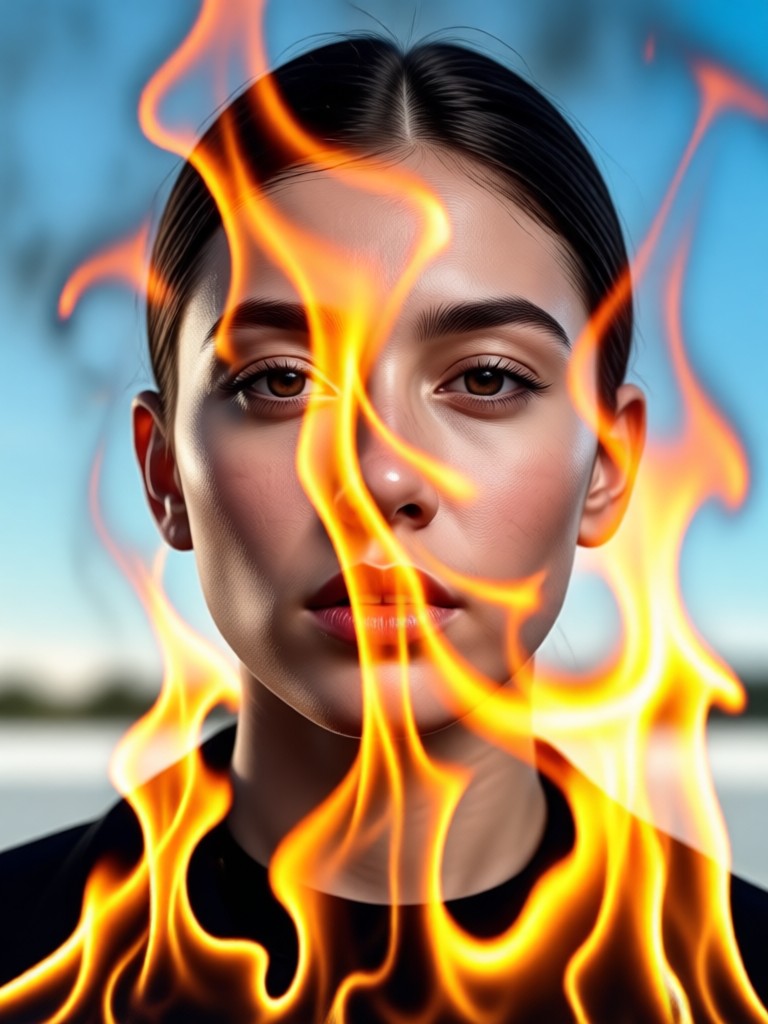
Fire Portrait Generator for Android
Turn any selfie or portrait into dramatic double exposure art with fire. Your pocket-sized creative studio is waiting.

How Artists Use the Fire Portrait Generator
Leo Chen
As a digital artist, this tool is a fantastic ideation starter. It creates complex fire and skin interactions I can use as a base for my final paintings. Saves hours of masking.

Maya Rodriguez
I use it to create unique promotional art for my band. The fire double exposure effect gives our posters an intense, memorable look that perfectly matches our music's energy.
Sam K.
My social media visuals stand out because of this generator. Creating a fiery double exposure profile picture or story background takes seconds and gets incredible engagement.
Arjun P.
I integrate these AI-generated fire portraits into client projects for album covers and event promotions. The quality is professional, and the speed is unmatched.
Leo Chen
As a digital artist, this tool is a fantastic ideation starter. It creates complex fire and skin interactions I can use as a base for my final paintings. Saves hours of masking.
Maya Rodriguez
I use it to create unique promotional art for my band. The fire double exposure effect gives our posters an intense, memorable look that perfectly matches our music's energy.
Sam K.
My social media visuals stand out because of this generator. Creating a fiery double exposure profile picture or story background takes seconds and gets incredible engagement.
Arjun P.
I integrate these AI-generated fire portraits into client projects for album covers and event promotions. The quality is professional, and the speed is unmatched.
Leo Chen
As a digital artist, this tool is a fantastic ideation starter. It creates complex fire and skin interactions I can use as a base for my final paintings. Saves hours of masking.
Maya Rodriguez
I use it to create unique promotional art for my band. The fire double exposure effect gives our posters an intense, memorable look that perfectly matches our music's energy.
Sam K.
My social media visuals stand out because of this generator. Creating a fiery double exposure profile picture or story background takes seconds and gets incredible engagement.
Arjun P.
I integrate these AI-generated fire portraits into client projects for album covers and event promotions. The quality is professional, and the speed is unmatched.
Fire Double Exposure Portrait FAQ
Get quick answers to common questions about creating and using fire double exposure portraits with our AI generator.
More AI Art Ideas You May Like
Explore more topics you may like and discover fresh ideas tailored to your interests.
Create Your Own One Piece Character with AI

AI Video Generator Free: Create Videos from Text or Images
AI Model Girl Creator: Design Your Virtual Muse
Become a Mermaid with AI: Photo & Video Filter Magic
Create Your Own One Piece Character with AI
AI Video Generator Free: Create Videos from Text or Images
AI Model Girl Creator: Design Your Virtual Muse
Become a Mermaid with AI: Photo & Video Filter Magic
Ignite Your Creativity
Stop imagining and start creating. Transform ordinary portraits into extraordinary fiery artworks with the most intuitive AI generator available.
Ignite Your Creativity
Stop imagining and start creating. Transform ordinary portraits into extraordinary fiery artworks with the most intuitive AI generator available.