Realistic AI Image Generator
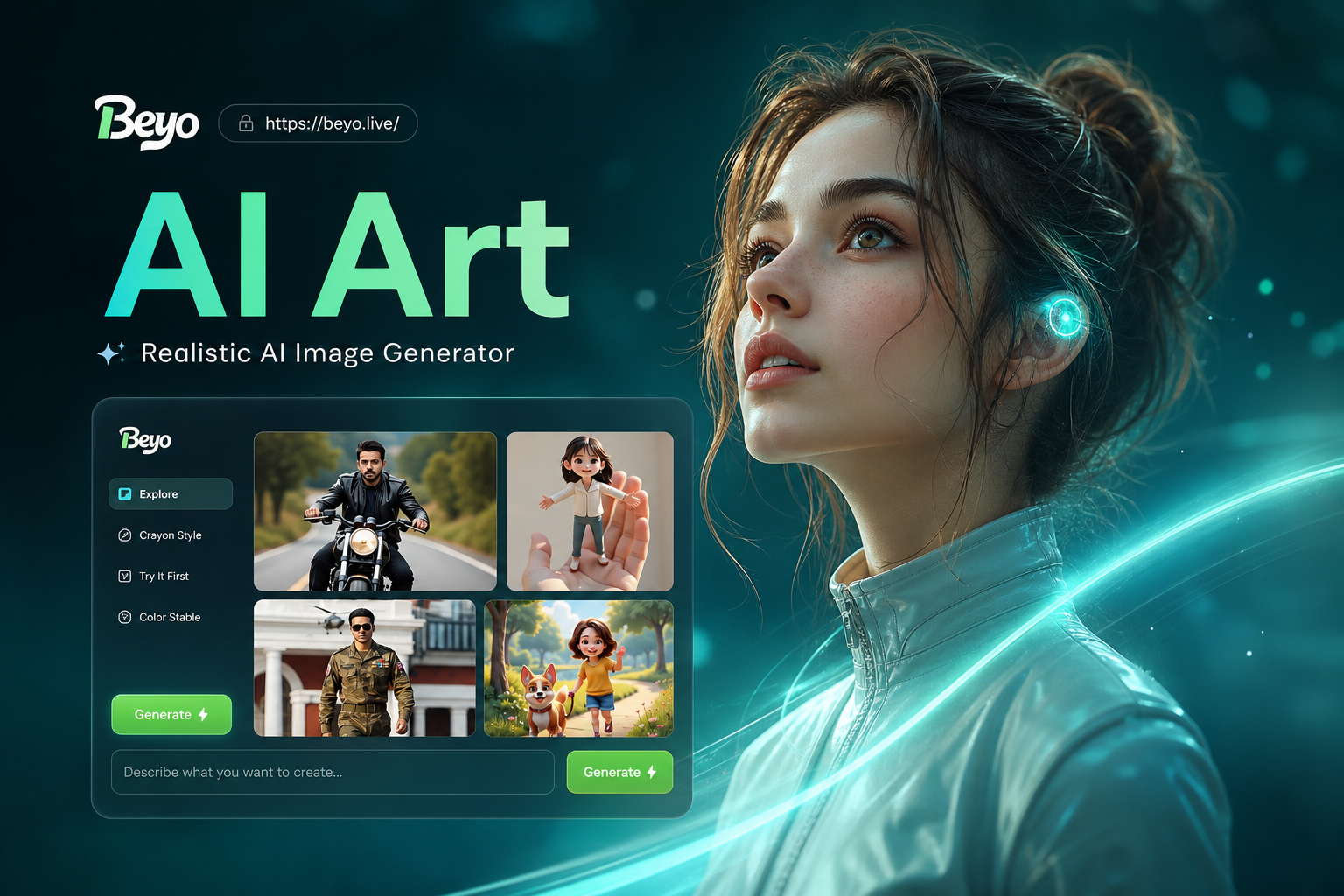
Explore Realistic Style Templates
Browse and apply from millions of style filters designed for lifelike results. From cinematic portraits to hyperrealistic nature scenes.
Why Our AI Delivers True Realism
Our generator is built with advanced models specifically fine-tuned for photorealism. It understands complex prompts, lighting, textures, and human anatomy to create images that look like they were captured by a camera.
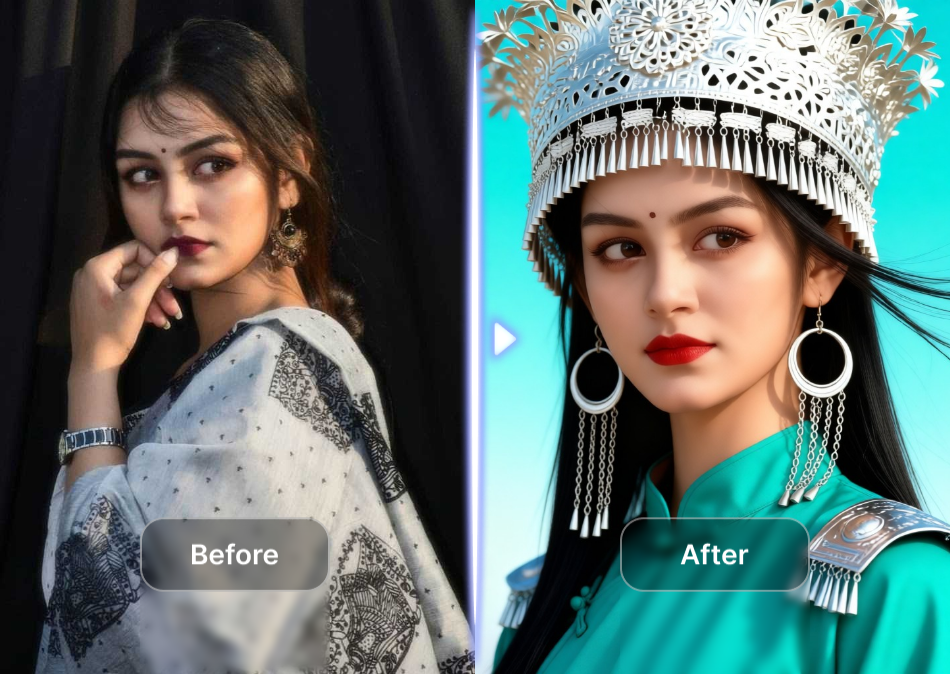
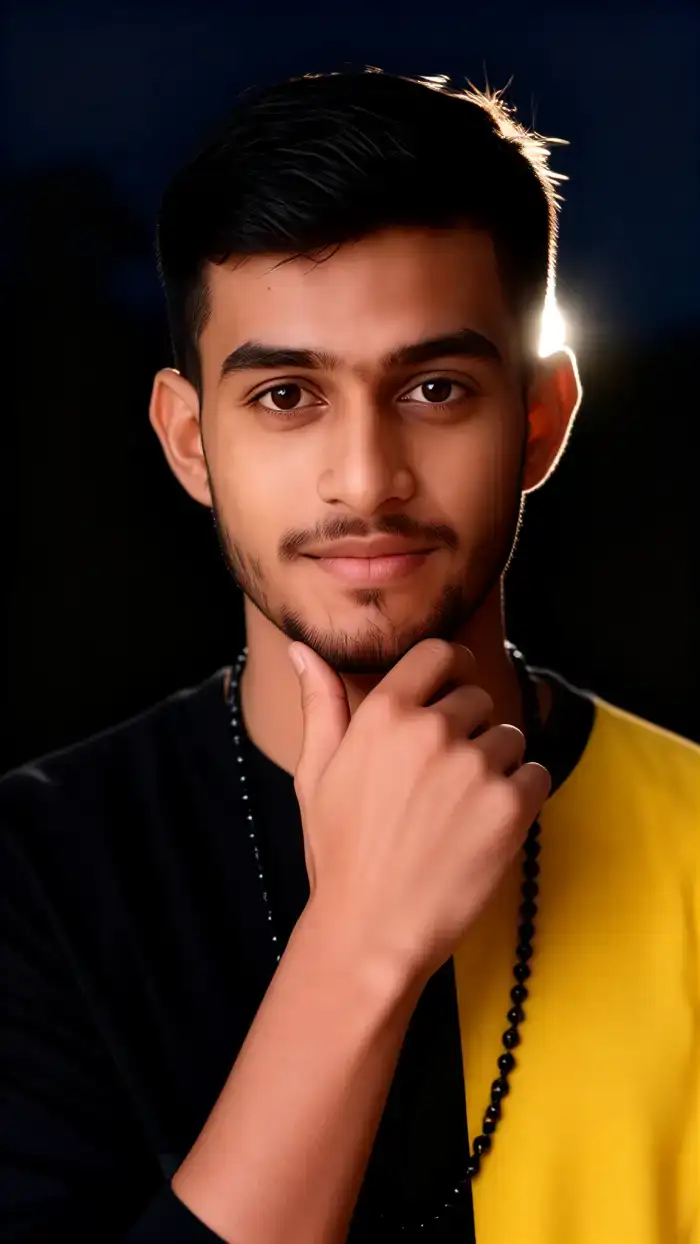
Photorealistic Detail
Generate images with fine details like skin texture, fabric weave, and environmental reflections that look authentically captured, not digitally created.
Photorealistic Detail
Generate images with fine details like skin texture, fabric weave, and environmental reflections that look authentically captured, not digitally created.
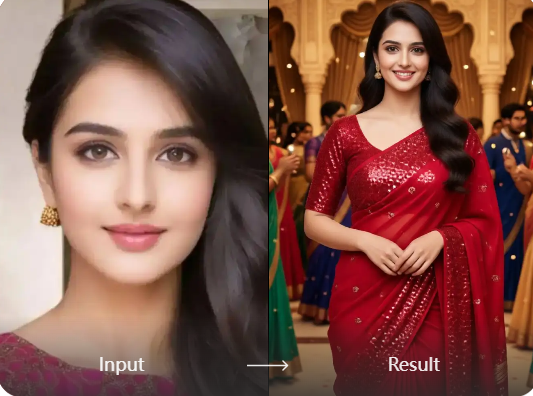
Advanced Lighting Control
Describe complex lighting scenarios like golden hour, studio lighting, or neon glow. The AI accurately renders shadows, highlights, and ambient occlusion for a natural look.
Advanced Lighting Control
Describe complex lighting scenarios like golden hour, studio lighting, or neon glow. The AI accurately renders shadows, highlights, and ambient occlusion for a natural look.
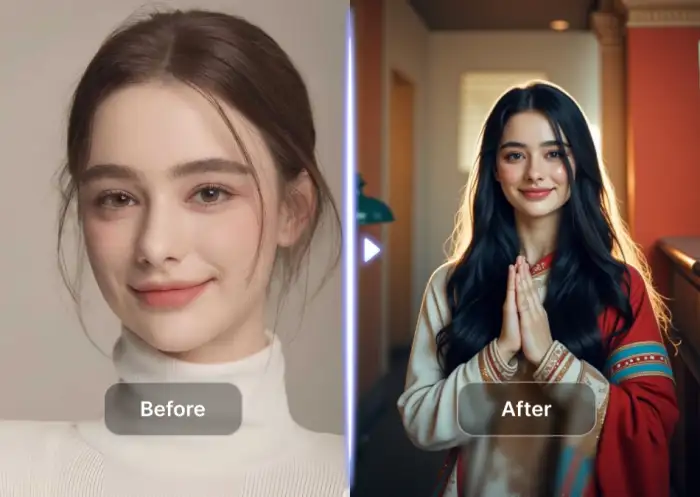
Human & Anatomy Accuracy
Produce portraits and figures with anatomically correct proportions, natural expressions, and realistic poses, avoiding the uncanny valley effect common in AI art.
Human & Anatomy Accuracy
Produce portraits and figures with anatomically correct proportions, natural expressions, and realistic poses, avoiding the uncanny valley effect common in AI art.
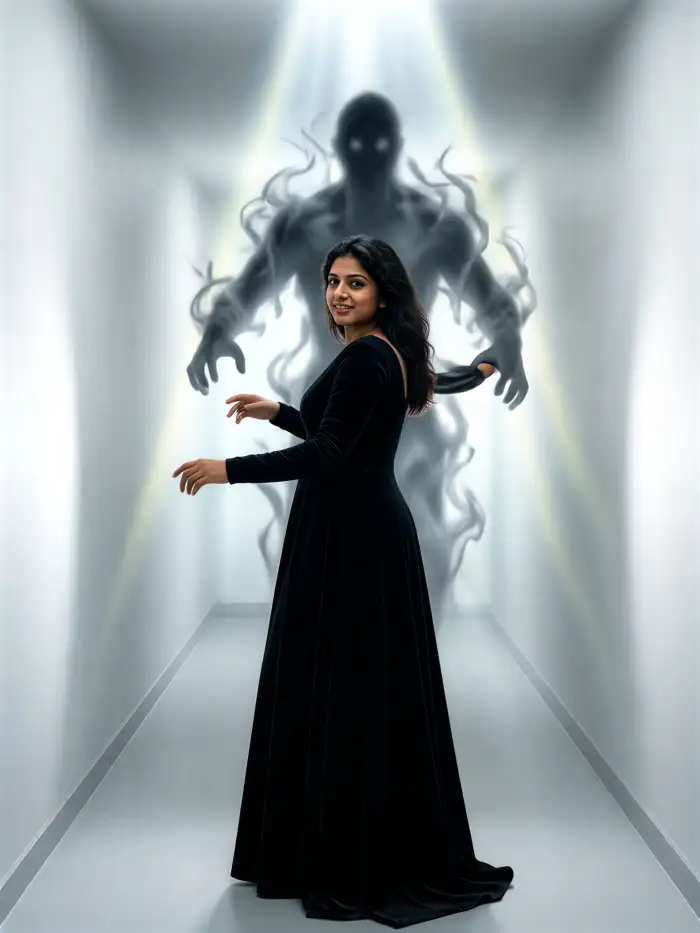
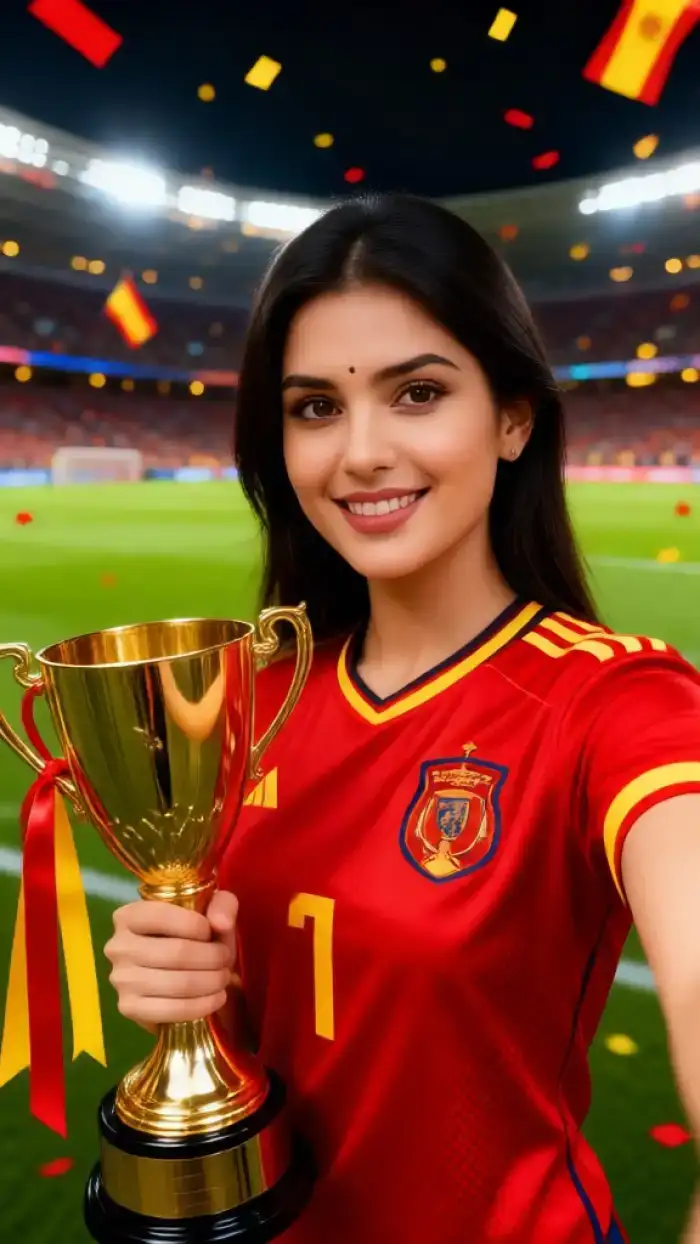
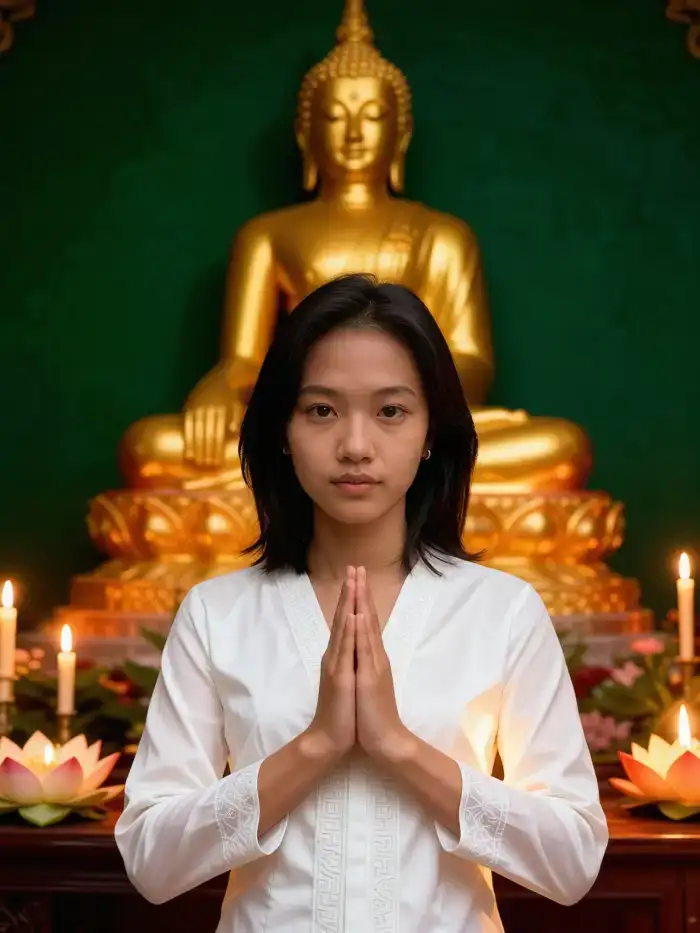
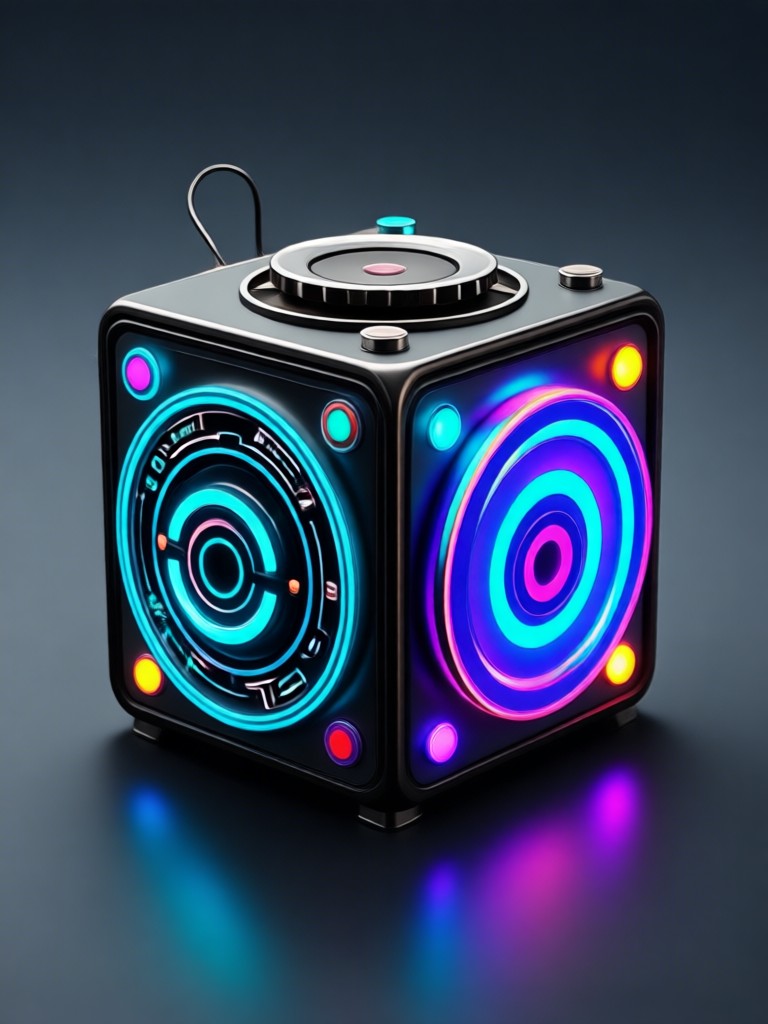
Gallery of Realistic AI Creations
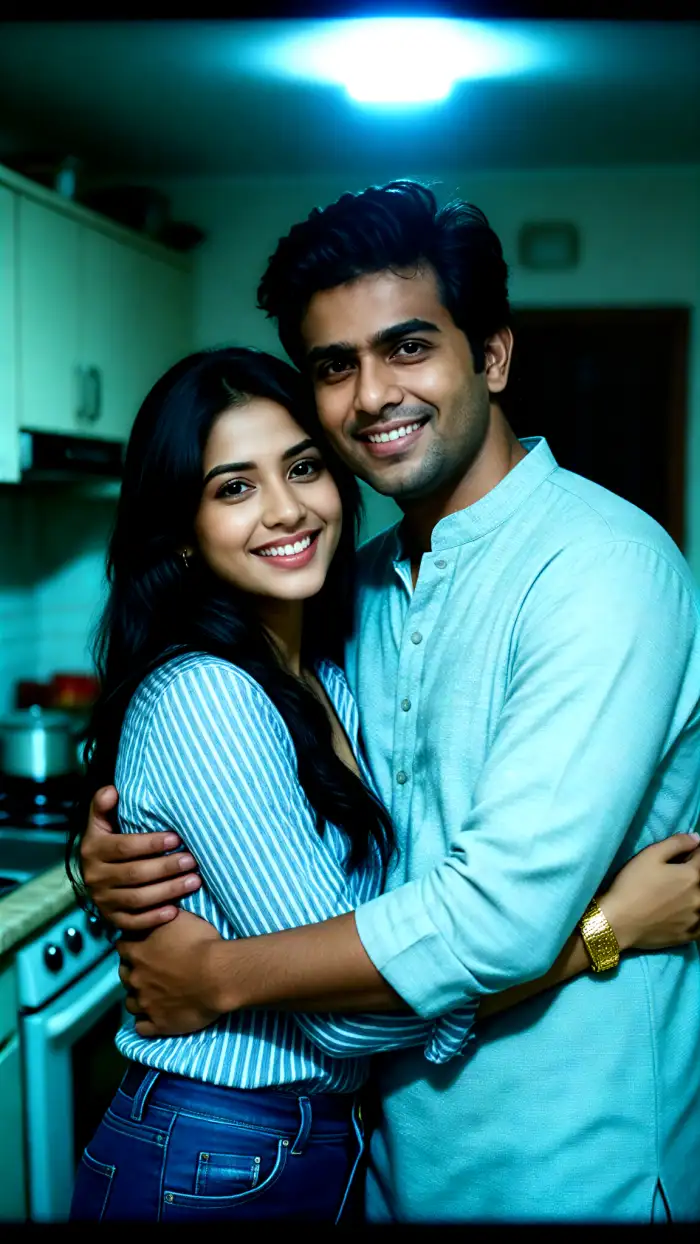
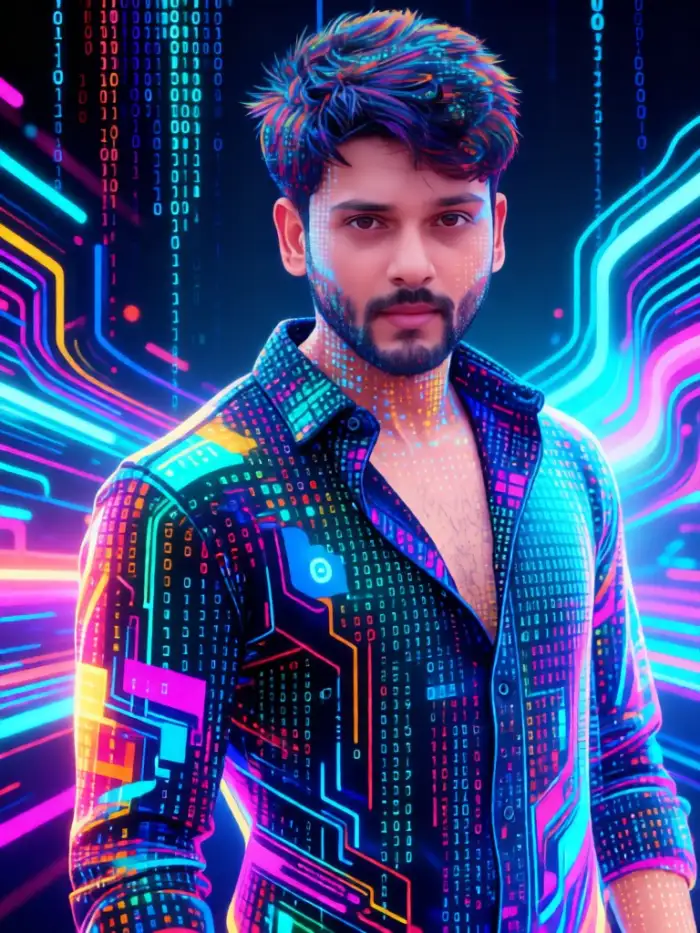
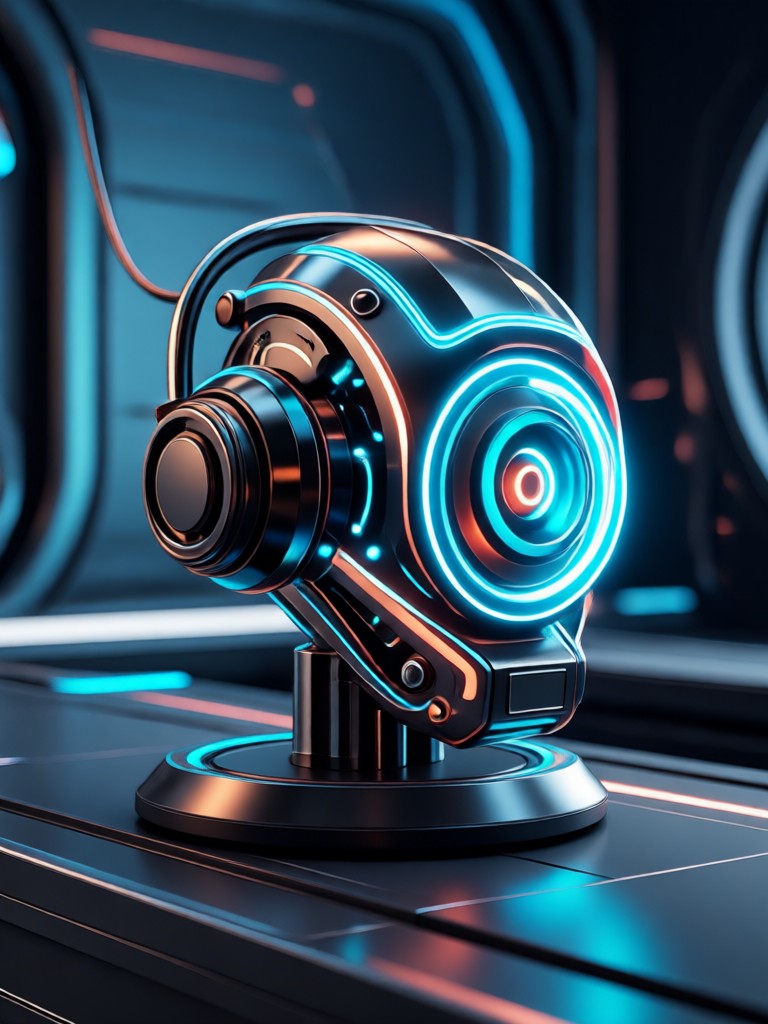
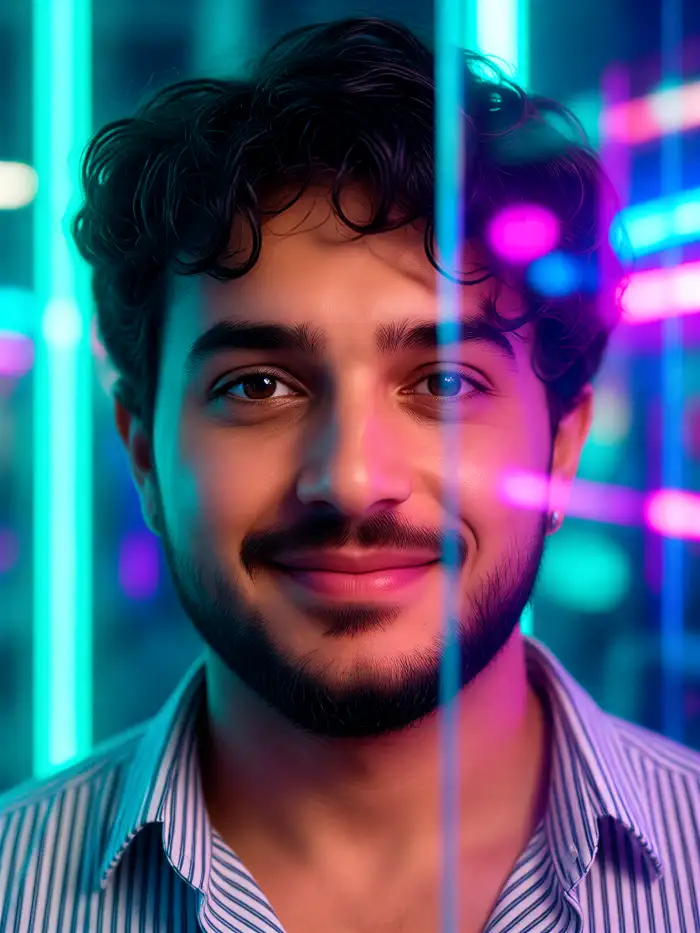
See what's possible with our realistic AI image generator. Every image below was created from a simple text prompt by users just like you.
How to Use the Realistic AI Image Generator
Create stunning, lifelike images in just three simple steps. No technical skills or sign-up required.

Step 01.
Download the beyo app for free from Google Play. This is your all-in-one mobile studio for realistic AI generation.

Step 02.
Open the app and select 'Realistic' style templates. Enter a detailed text description of the image you want to create.

Step 03.
Tap generate. In seconds, receive your high-resolution, photorealistic image. Download, share, or use it as a base for further creation.
Creators Trust Our Realistic AI Generator
Finally, an AI that doesn't look fake
I'm a concept artist and I use this to generate realistic mood boards and character references. The lighting and texture detail save me hours of work. It feels like having a professional photographer on demand.
My go-to for product mockups and ads
Running a small e-commerce brand, I can't afford professional photoshoots for every idea. This generator creates realistic product images and lifestyle shots that look completely authentic. My conversion rates have improved.
Unmatched for portrait and character work
As a writer, I use it to visualize characters. The human anatomy is surprisingly accurate, and the expressions feel genuine. It's the most realistic character generator I've found, and it's free.
Realistic AI Image Generator FAQs
Get answers to the most common questions about creating free, photorealistic images with AI. Everything you need to start generating.
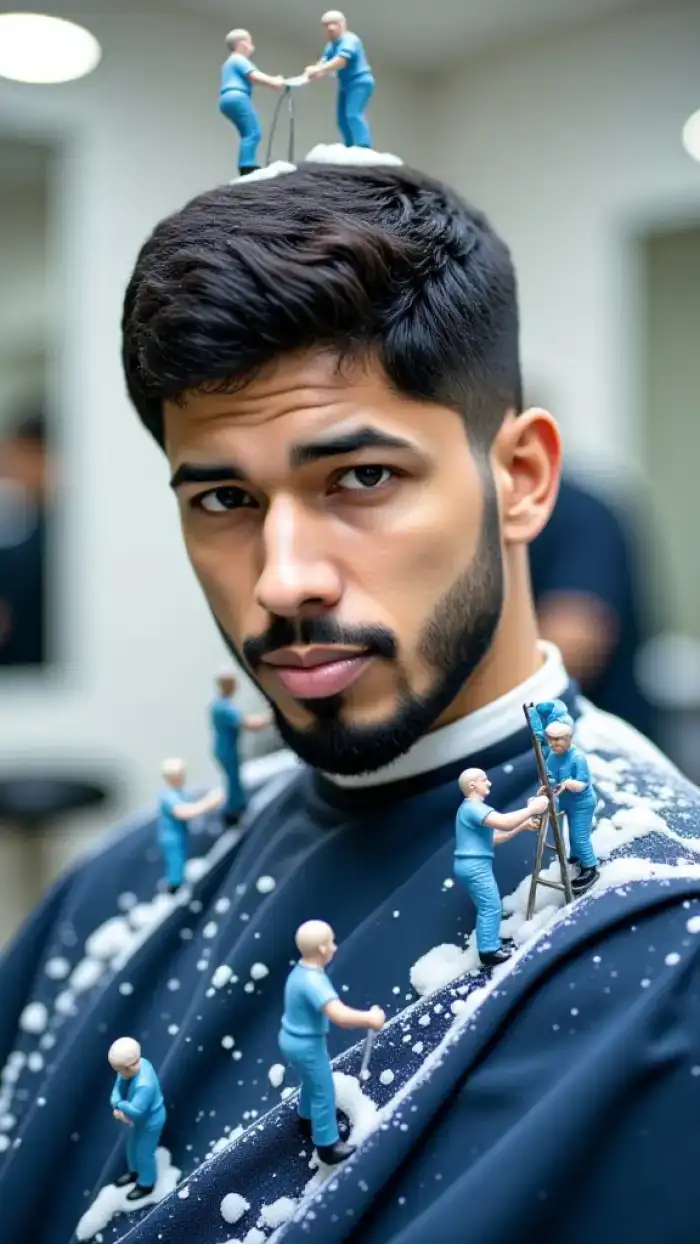
Your Portable Realistic AI Studio
Carry the power of a professional photo studio in your pocket. Generate breathtaking, lifelike images anytime, anywhere. No powerful computer required.

More Topics You May Like
Explore more topics you may like and discover fresh ideas tailored to your interests.
AI Zoom In Video Effect - Create Stunning Zoom In Video Effects Instantly
AI Image Generator - Create Stunning AI Images Instantly
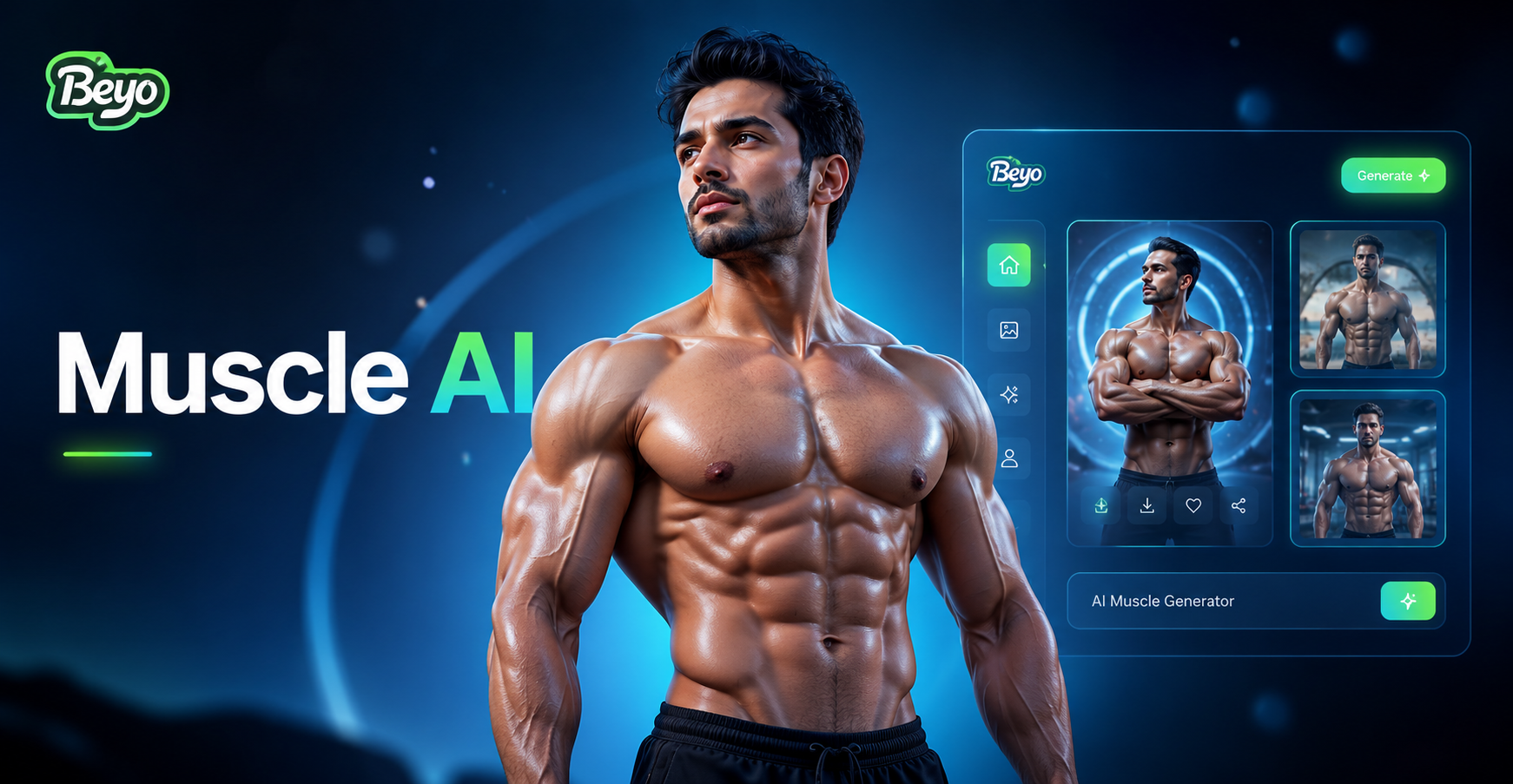
AI Muscle Generator - Transform any photo with AI muscle generator
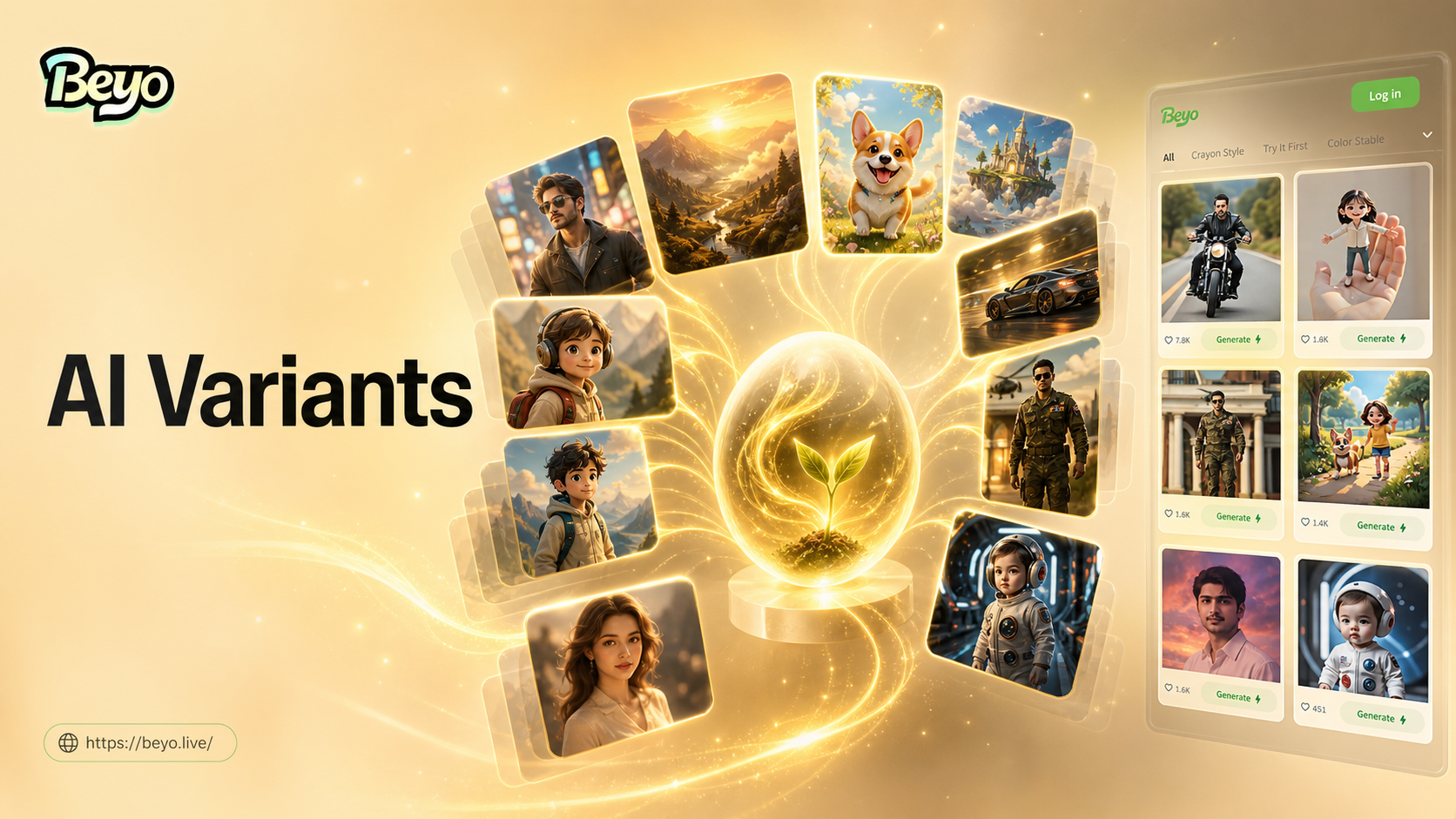
AI Image Variation Generator: Create Unique Visuals Instantly
AI Zoom In Video Effect - Create Stunning Zoom In Video Effects Instantly
AI Image Generator - Create Stunning AI Images Instantly
AI Muscle Generator - Transform any photo with AI muscle generator
AI Image Variation Generator: Create Unique Visuals Instantly
Start Creating Realistic AI Art Today
Unlock your creativity with the most powerful and accessible photorealistic AI image generator. No fees, no sign-ups, just instant, stunning results.
Start Creating Realistic AI Art Today
Unlock your creativity with the most powerful and accessible photorealistic AI image generator. No fees, no sign-ups, just instant, stunning results.