Underwater AI Photo Editor
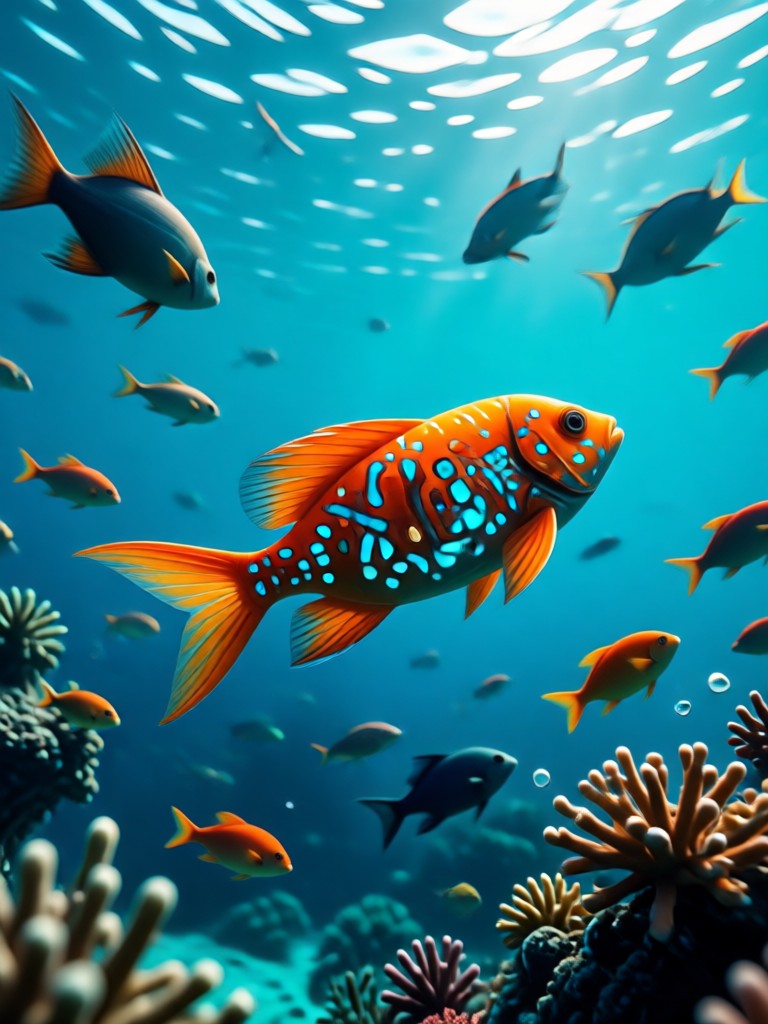
Dive Into Endless Ocean Styles
Choose from a vast library of underwater AI filters. From crystal clear coral reefs to mysterious deep-sea abyss effects, find the perfect ambiance for your photo.
Powerful Underwater AI Editing Tools
Go beyond simple filters. Our AI understands light refraction, caustic effects, and marine biology to generate hyper-realistic underwater scenes that look like they were shot on location.
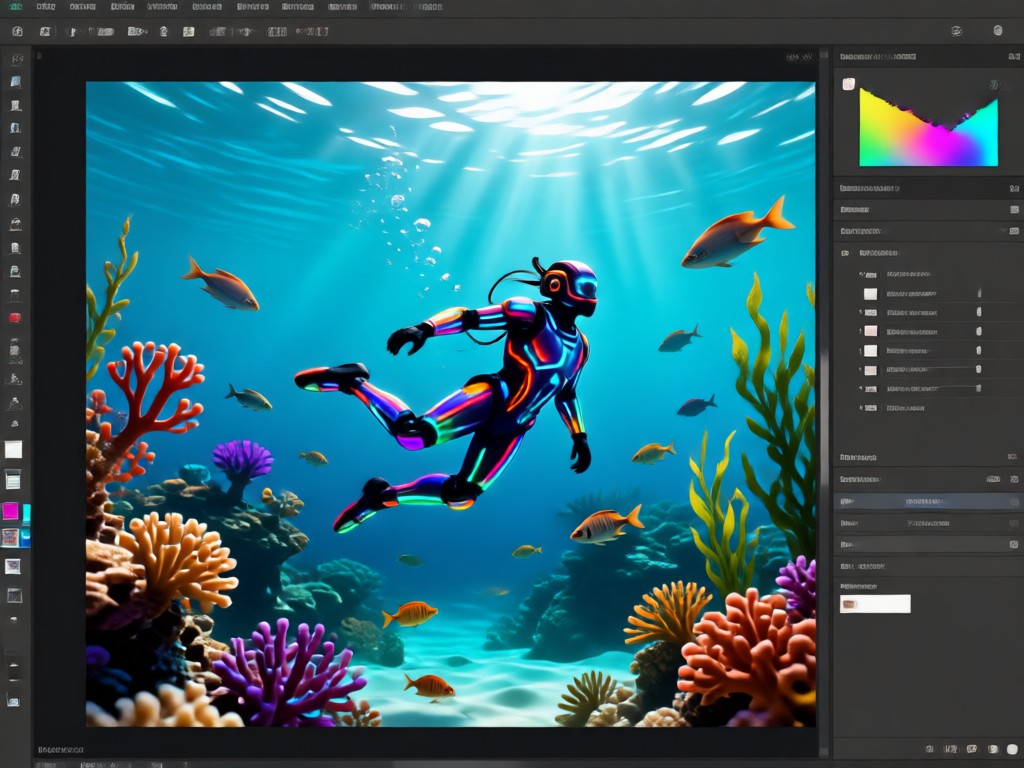
Realistic Water & Light Physics
Our AI simulates how light bends and scatters underwater. It automatically adds caustic light patterns, depth haze, and natural color shifts to make your photo look authentically submerged.
Realistic Water & Light Physics
Our AI simulates how light bends and scatters underwater. It automatically adds caustic light patterns, depth haze, and natural color shifts to make your photo look authentically submerged.
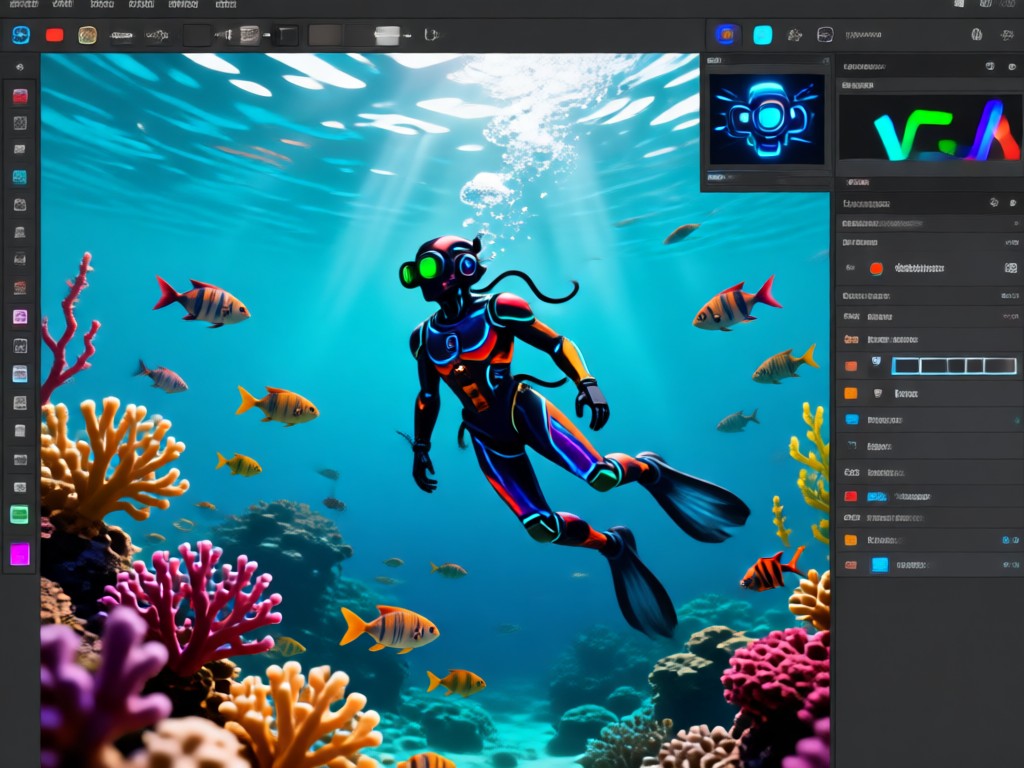
Dynamic Marine Life Addition
Populate your scene with AI-generated sea creatures. Add schools of tropical fish, gentle sea turtles, drifting jellyfish, or even majestic whales. Control their placement, size, and behavior.
Dynamic Marine Life Addition
Populate your scene with AI-generated sea creatures. Add schools of tropical fish, gentle sea turtles, drifting jellyfish, or even majestic whales. Control their placement, size, and behavior.
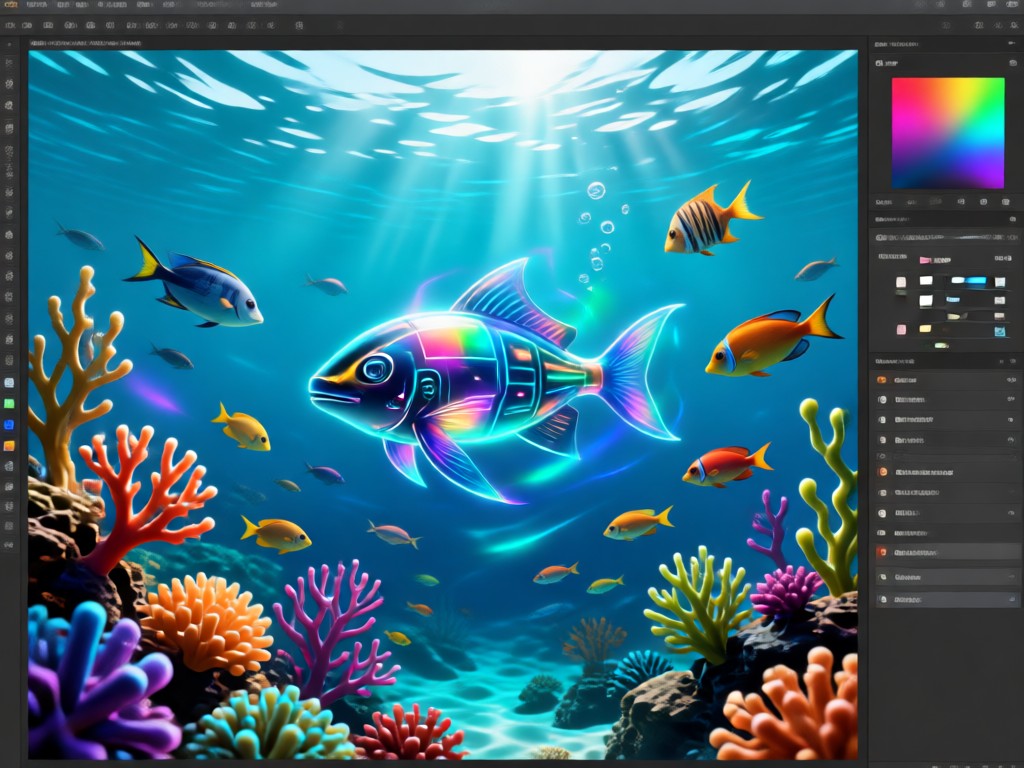
Portrait Transformation & Effects
Perfect for creating underwater portraits. AI can generate flowing hair, realistic floating fabric, bubble breaths, and even mystical elements like glowing coral crowns or mermaid scales.
Portrait Transformation & Effects
Perfect for creating underwater portraits. AI can generate flowing hair, realistic floating fabric, bubble breaths, and even mystical elements like glowing coral crowns or mermaid scales.
Gallery of AI-Created Underwater Worlds
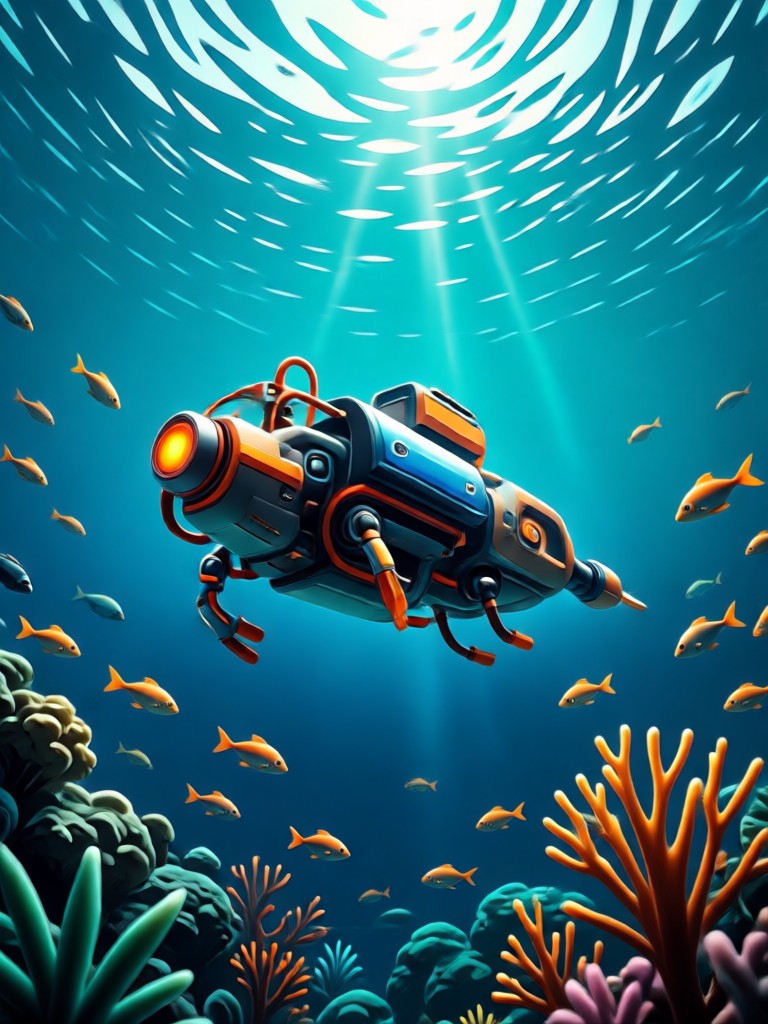
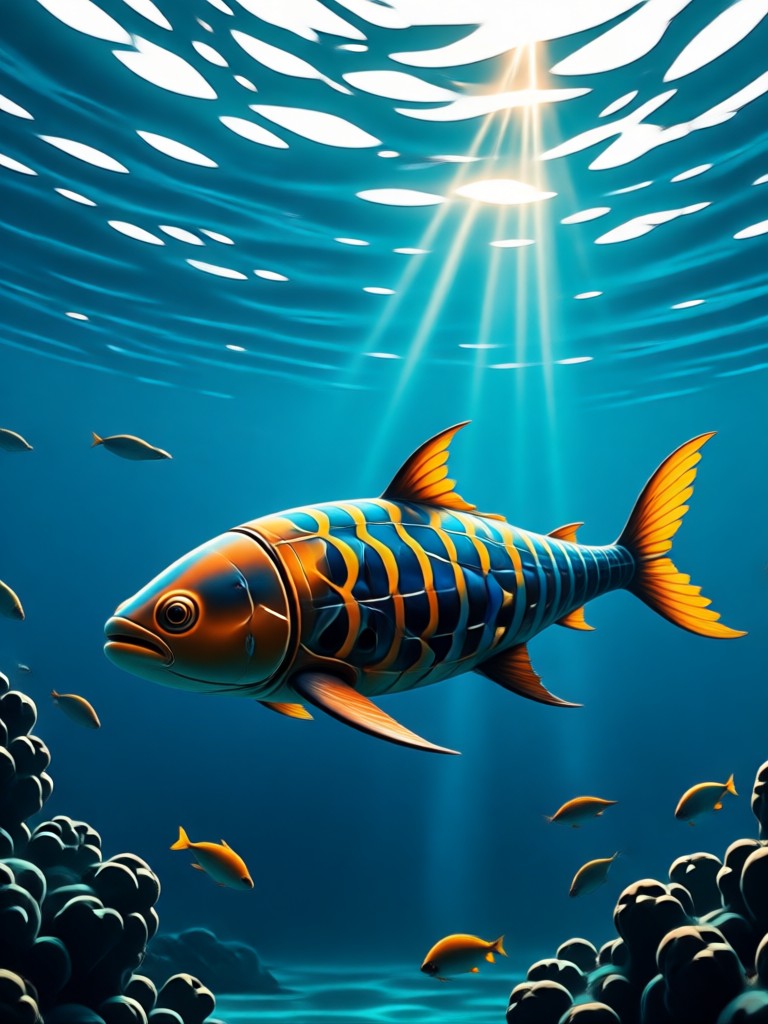
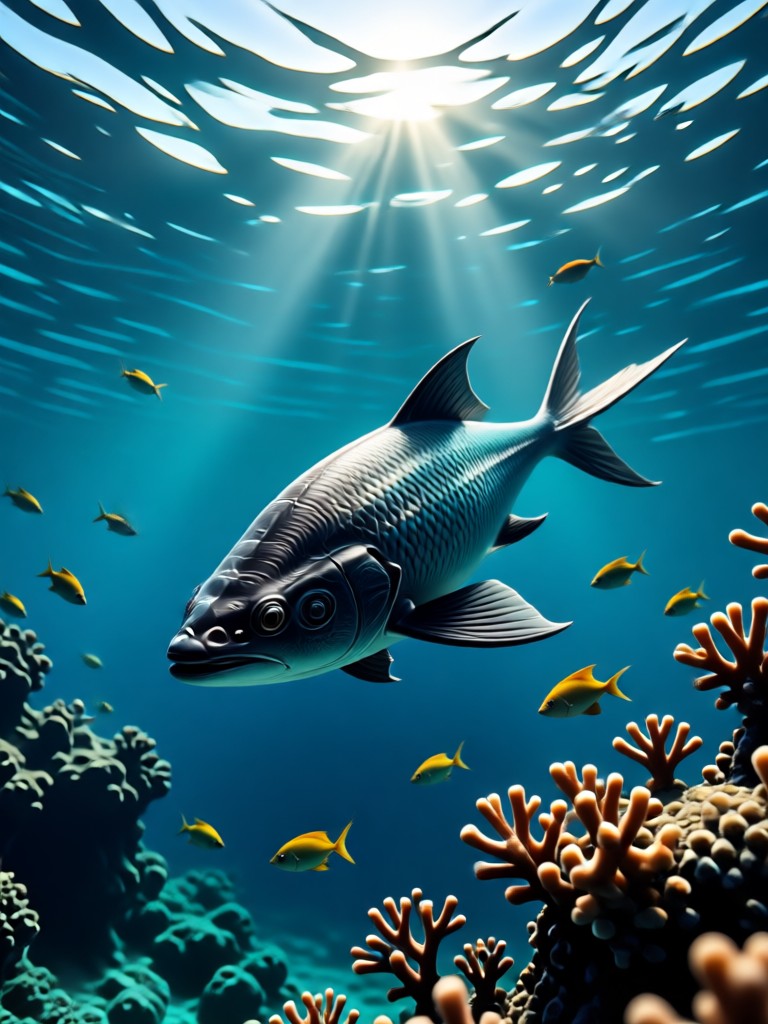
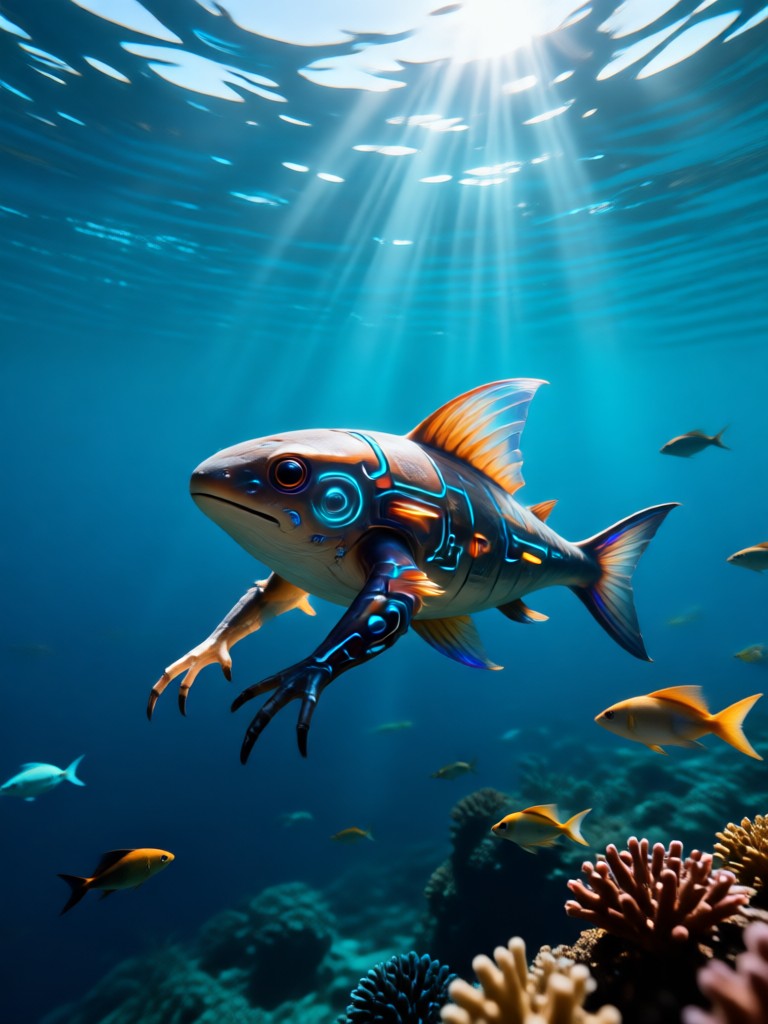
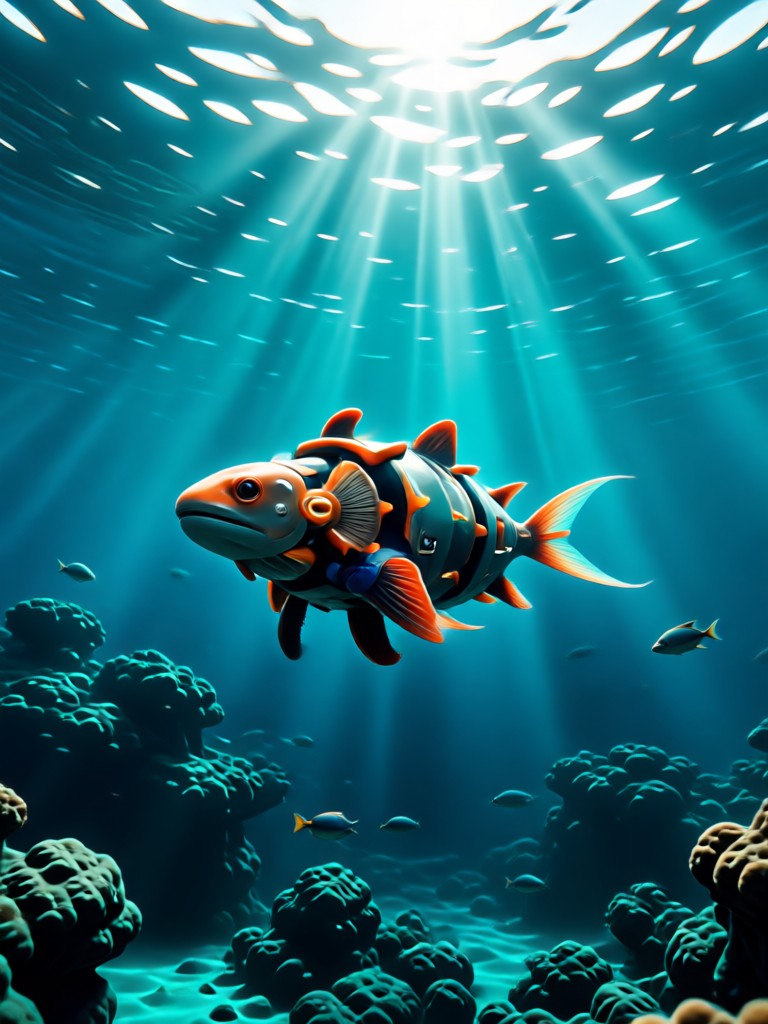
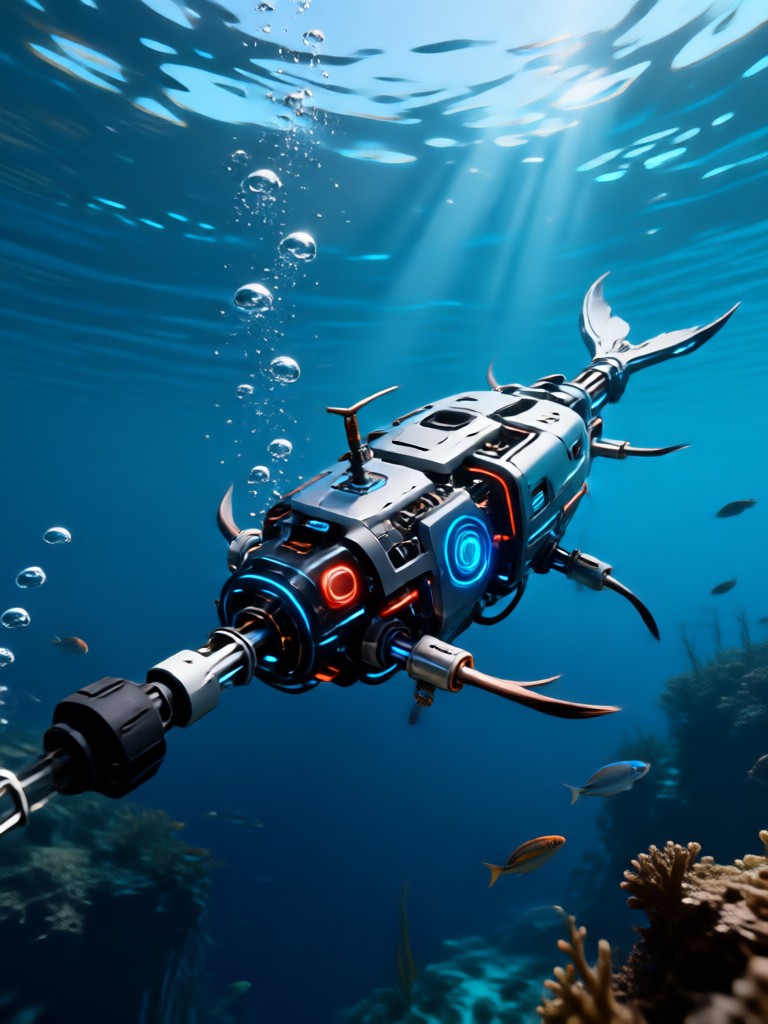
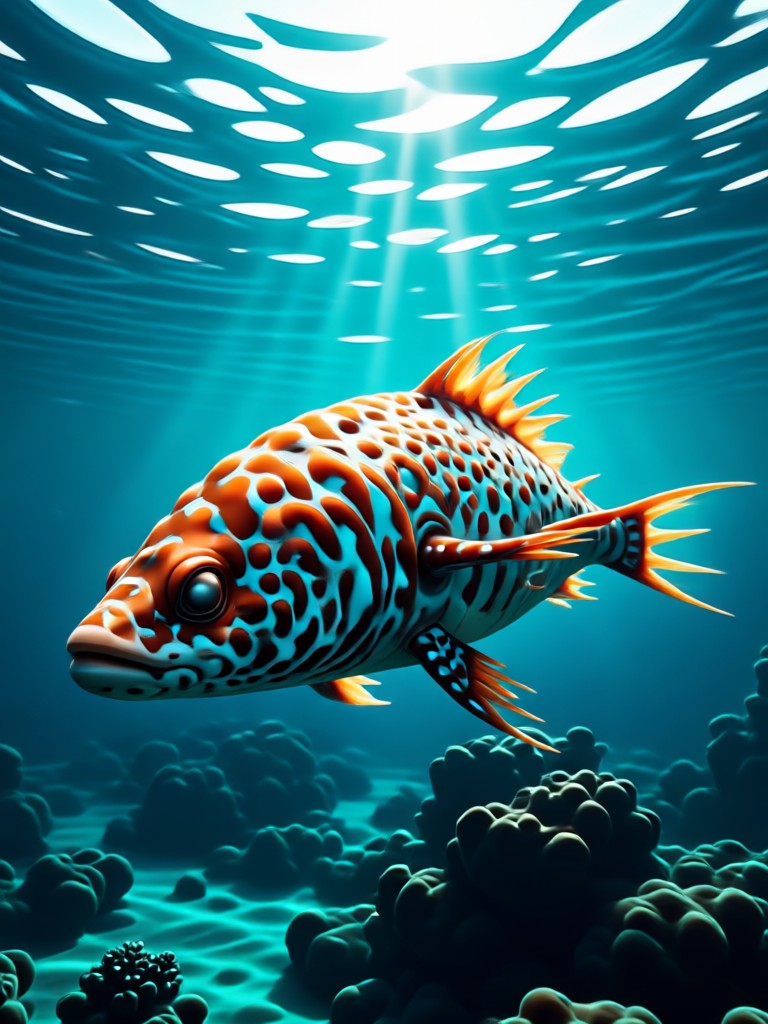
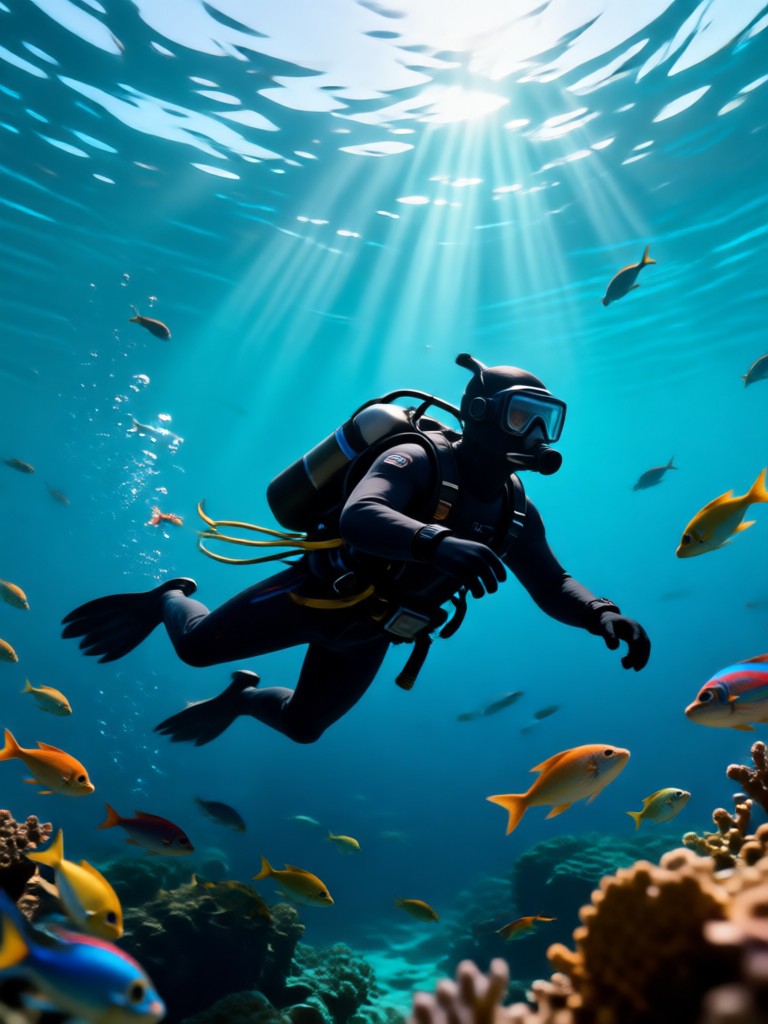
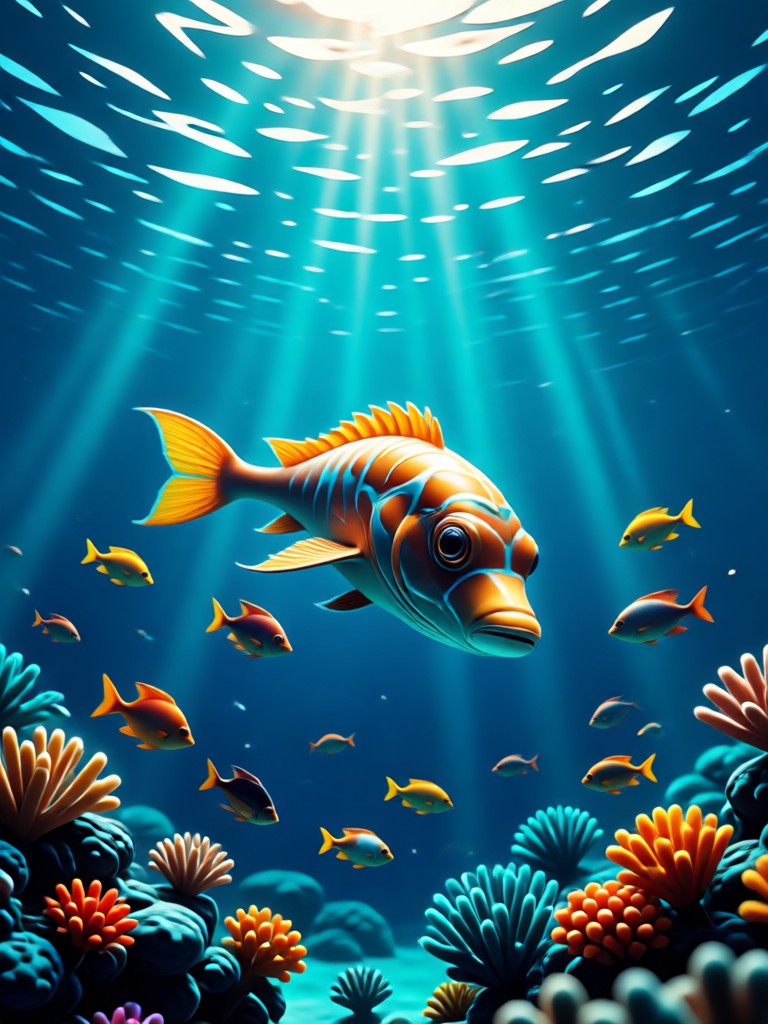
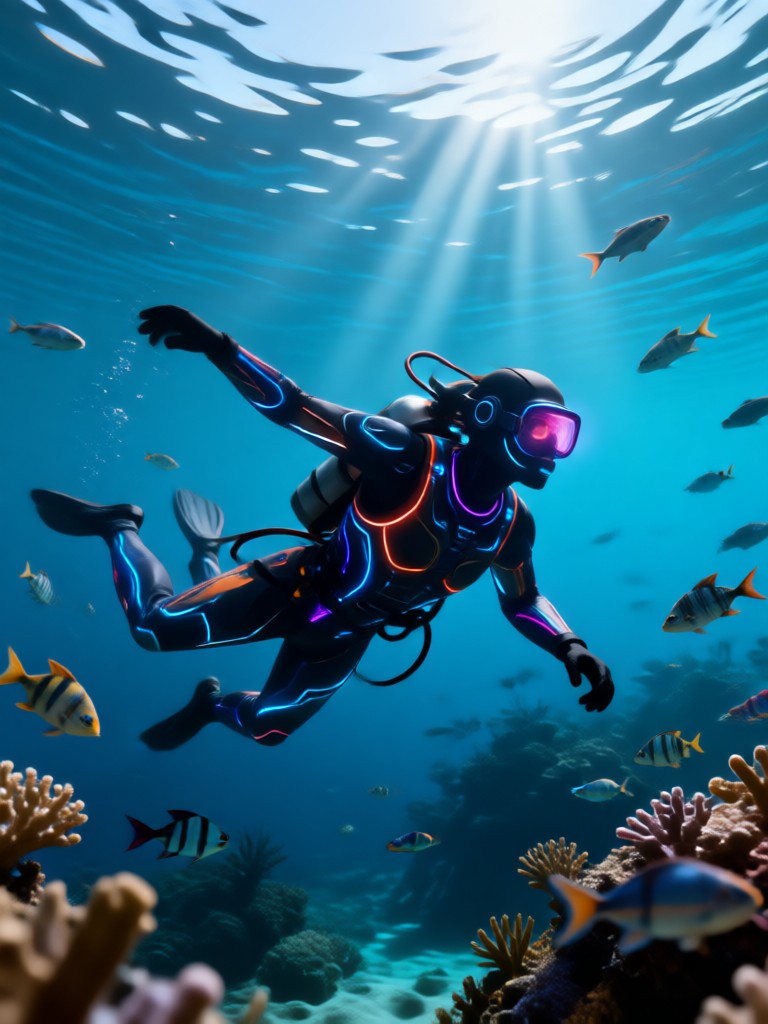
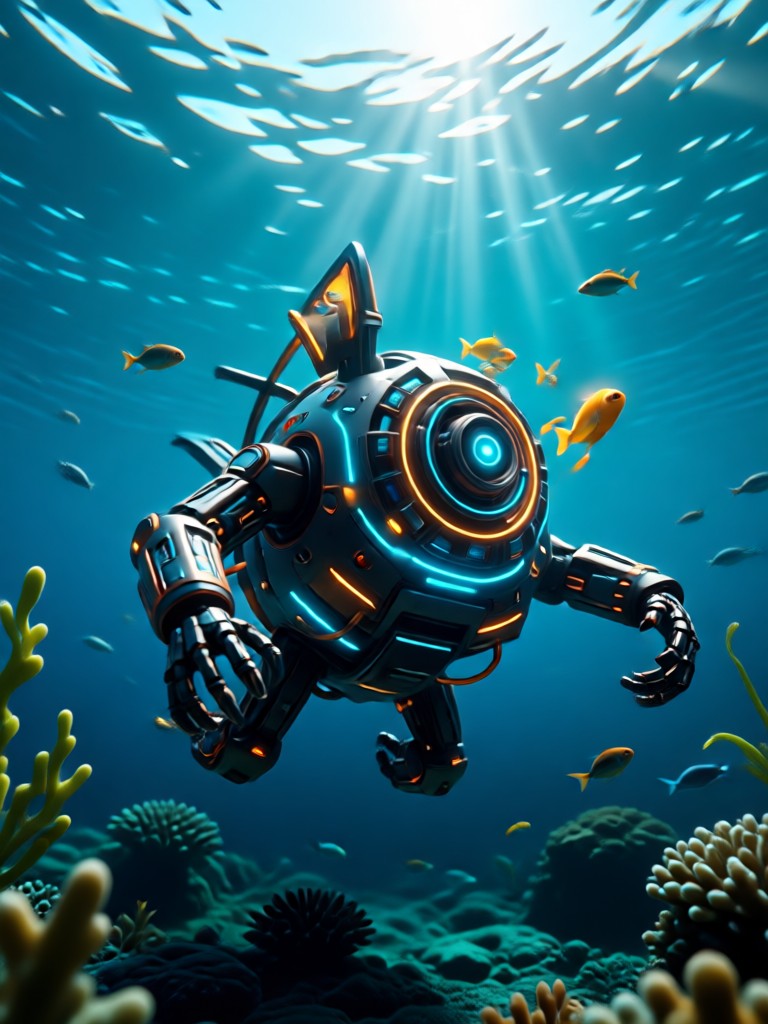
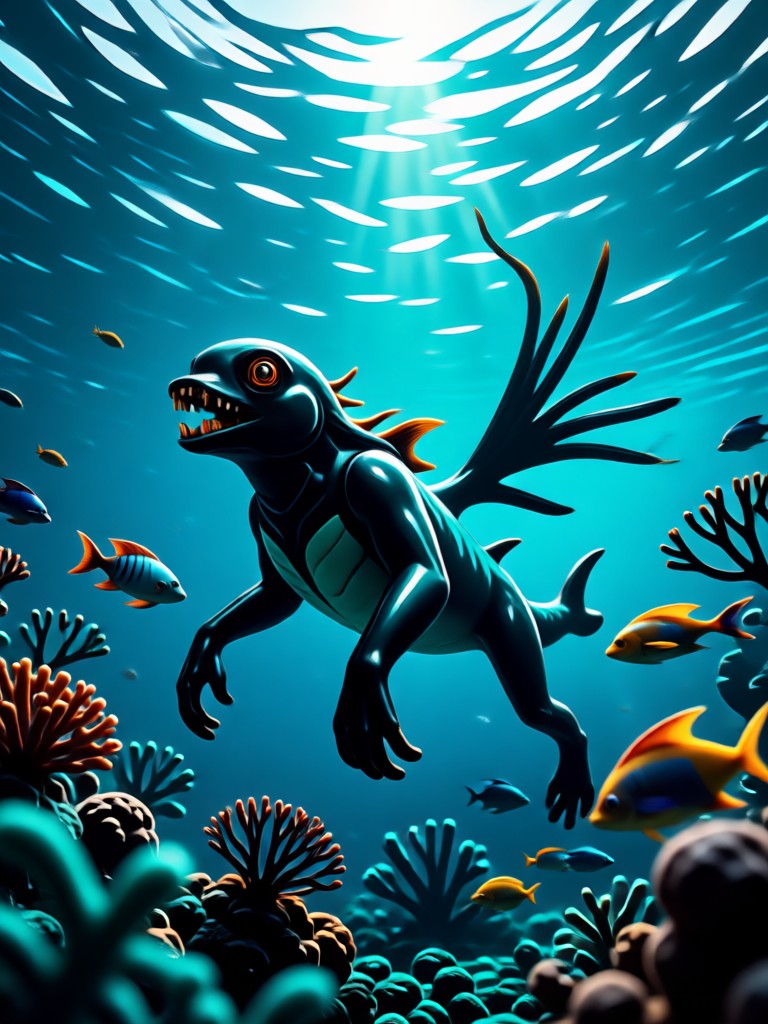
See what's possible. Browse a collection of stunning images generated by our community, from serene sunlit reefs to fantastical deep-sea adventures.
How to Create Underwater AI Photos?
Follow three simple steps to transform your ordinary photos into extraordinary underwater scenes. No professional editing skills required.

Step 01.
Download the Beyo app from Google Play. It's your all-in-one mobile studio for AI photo and video generation, including underwater effects.

Step 02.
Upload your photo and browse the 'Underwater' category. Select from filters like 'Coral Reef', 'Deep Ocean', 'Sunken Ship', or 'Mermaid Core' to set your scene.

Step 03.
Generate your image. Use advanced controls to adjust marine life, light intensity, and water clarity. Download your masterpiece in HD and share it directly to social media.
Why Edit Photos with Underwater AI?
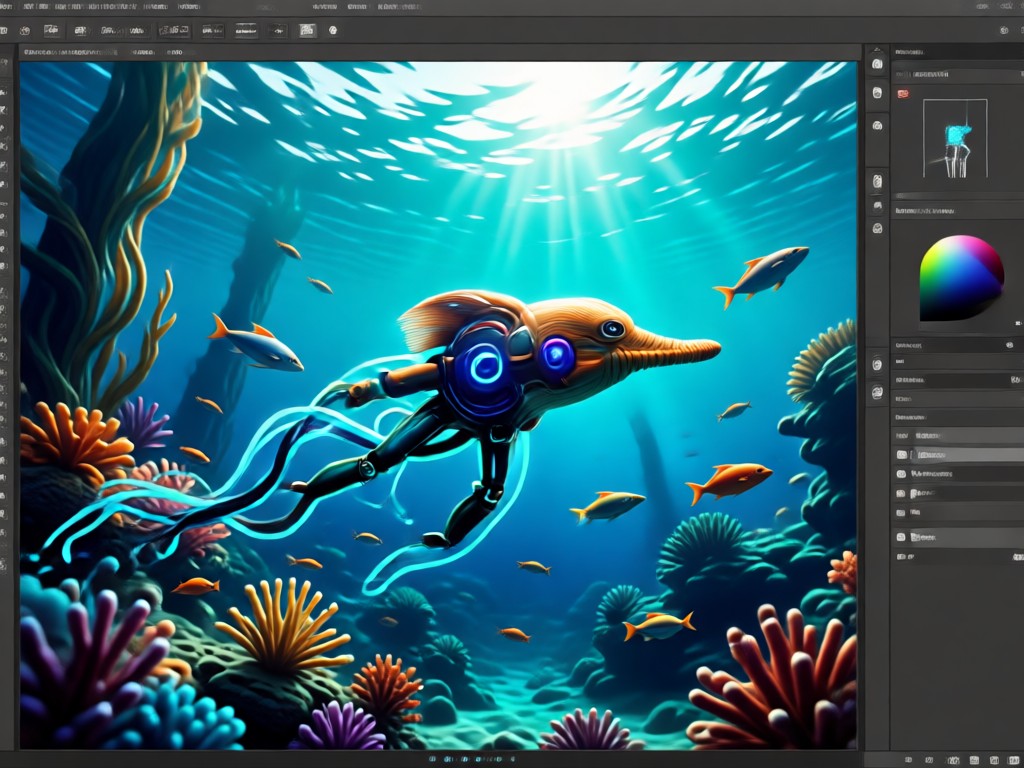
Traditional photo editing requires complex skills in masking, lighting, and composition to create believable underwater scenes. Our AI does the heavy lifting, generating physically accurate water textures, natural light diffusion, and context-aware marine elements in seconds.
Why Edit Photos with Underwater AI?
Traditional photo editing requires complex skills in masking, lighting, and composition to create believable underwater scenes. Our AI does the heavy lifting, generating physically accurate water textures, natural light diffusion, and context-aware marine elements in seconds.
Creators Are Diving In With AI
A Game-Changer for Fantasy Portraits
I specialize in fantasy photography, and creating realistic underwater sets was prohibitively expensive. This AI editor lets me experiment with endless deep-sea backgrounds and effects for my clients. The light ray generation is incredibly realistic.
Brought My Travel Photos to Life
I had a nice beach portrait but imagined what it would look like underwater. I used the AI to add a coral reef, some fish, and that beautiful blue haze. My friends thought I got scuba certified! It's so easy and fun to use.
Perfect for Social Media Content
As a content creator, I need eye-catching visuals fast. The underwater AI effects are always a hit on my feeds. The 'viral' templates help me stay on trend, and I can create unique content in minutes without any editing experience.
Underwater AI Photo Editor FAQs
Get answers to the most common questions about creating and editing stunning underwater imagery with artificial intelligence.
Your Pocket-Sized Ocean Studio
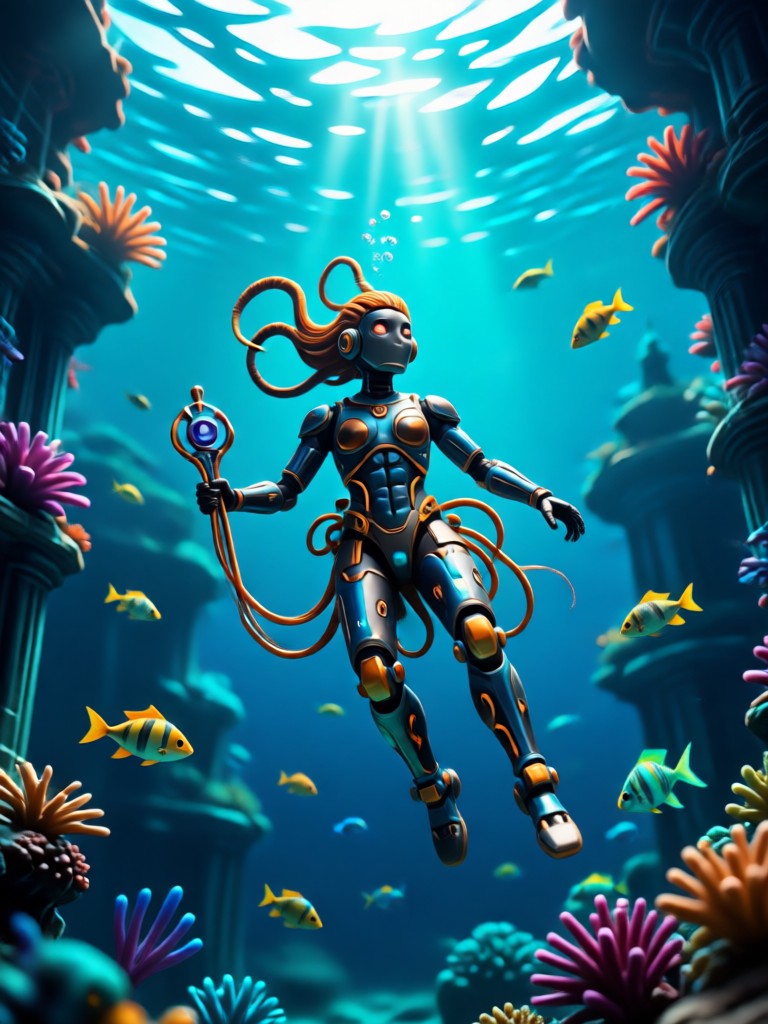
Carry the power of underwater AI photography wherever you go. Download Beyo on Google Play and start transforming your world in minutes.

Ready to Plunge into Creativity?
Don't just imagine the depths, create them. Turn your photos into viral underwater art with the most intuitive AI editor available.
Ready to Plunge into Creativity?
Don't just imagine the depths, create them. Turn your photos into viral underwater art with the most intuitive AI editor available.