Video Music Remover
Choose the Right Audio Removal Filter
Discover filters that remove music, vocals, or background noise while keeping your video's visual quality intact. Pick from a variety of audio clean-up options for any scenario.
Key Features of Video Music Remover
Beyo's video music remover combines powerful AI audio separation with simple mobile editing. Here is what you can do with just a few taps.

Precise Music Separation
Remove background music while preserving dialogue, sound effects, and other important audio. The AI identifies musical elements and strips them cleanly, so your original speech remains clear and natural.
Precise Music Separation
Remove background music while preserving dialogue, sound effects, and other important audio. The AI identifies musical elements and strips them cleanly, so your original speech remains clear and natural.
Keep Video Quality Intact
The video file remains untouched visually. Only the audio track is processed, so your footage stays sharp, colorful, and ready for any platform without re-encoding artifacts or quality loss.
Keep Video Quality Intact
The video file remains untouched visually. Only the audio track is processed, so your footage stays sharp, colorful, and ready for any platform without re-encoding artifacts or quality loss.
One Tap Mobile Workflow
No desktop software or complex timelines needed. Upload your clip inside the app, select the music remover filter, and export a clean video directly to your gallery in seconds.
One Tap Mobile Workflow
No desktop software or complex timelines needed. Upload your clip inside the app, select the music remover filter, and export a clean video directly to your gallery in seconds.
How to Remove Music from a Video
Create clean silent clips in just a few simple steps using beyo's mobile app.

Step 01.
Download beyo from Google Play and open the app on your Android device. No account needed to start exploring.

Step 02.
Upload your video and choose the Video Music Remover filter from the audio tools section. Adjust intensity if needed.

Step 03.
Preview the silent result, then export and share your clean video to social media or save it for further editing.
Silent Video Templates and Clean Audio Results
Browse sample videos where background music was removed while keeping dialogue and ambient sound perfectly intact. See how clean your clips can look and sound after processing.



Why Remove Music from Videos?
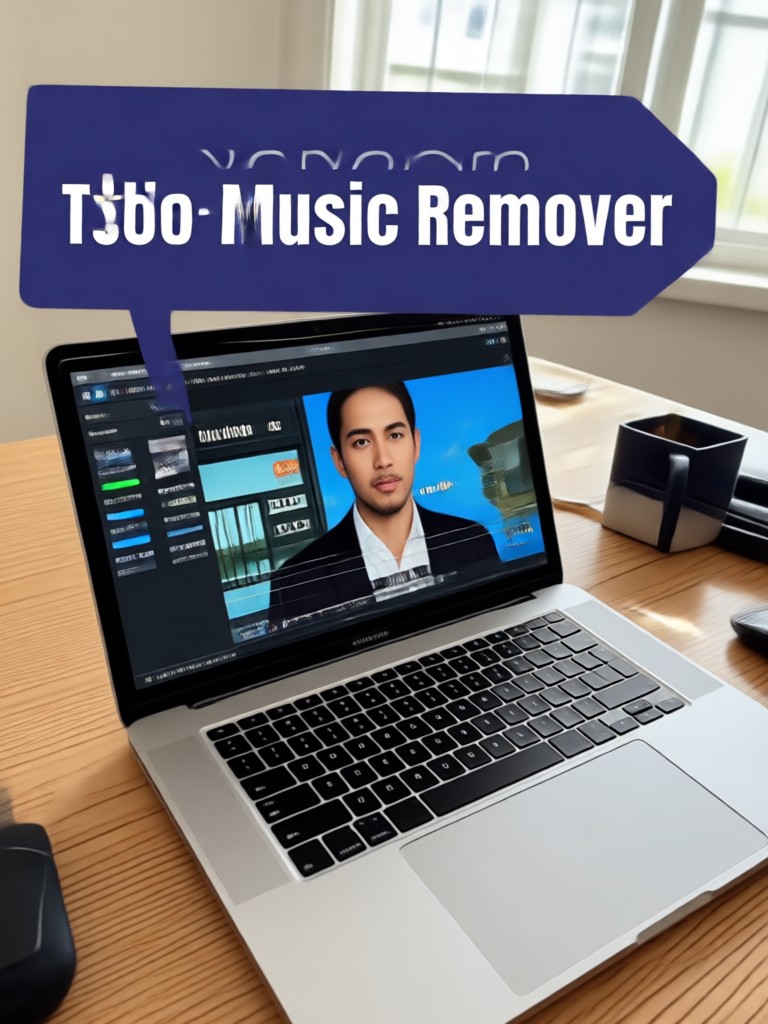
Music can distract from your message, trigger copyright claims, or clash with new edits. Beyo's video music remover gives you clean audio in seconds so you can repurpose clips freely for tutorials, vlogs, ads, and social media without extra audio editing tools.
Why Remove Music from Videos?
Music can distract from your message, trigger copyright claims, or clash with new edits. Beyo's video music remover gives you clean audio in seconds so you can repurpose clips freely for tutorials, vlogs, ads, and social media without extra audio editing tools.
Video Music Remover for Android
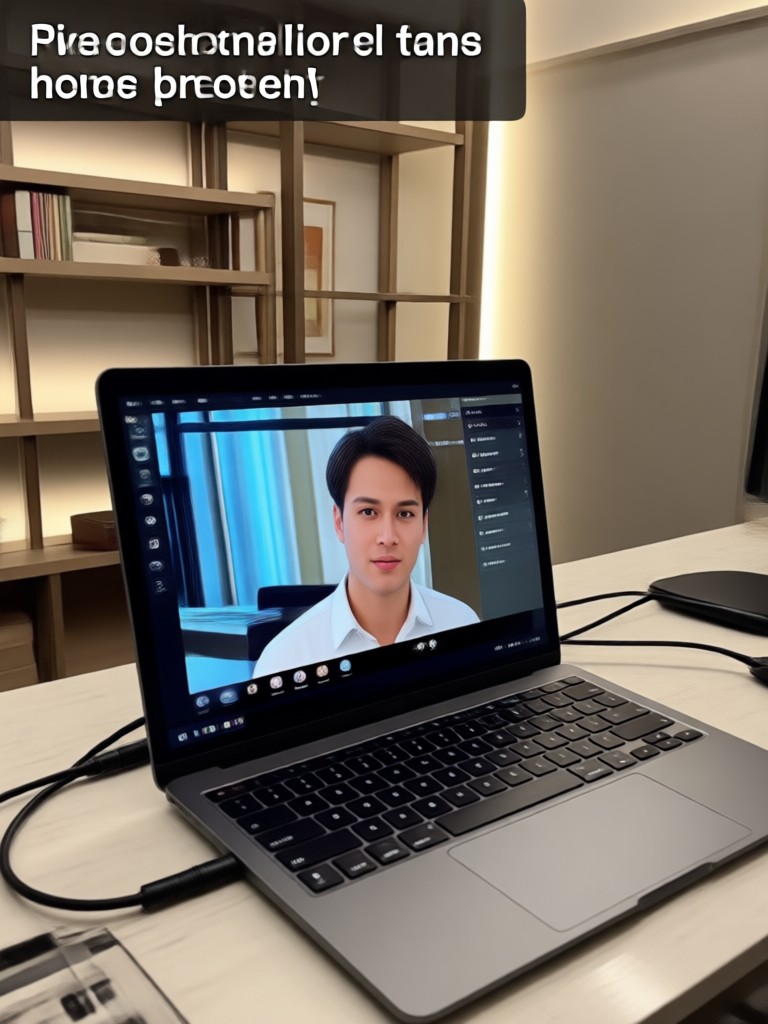
Remove music from video directly on your phone. No desktop required. Beyo's mobile AI processes your clips instantly and keeps your original video resolution.

Who Uses Video Music Remover

Louis Yule
I need to remove copyrighted music from client videos before posting. Beyo does it in seconds on my phone, and the dialogue stays perfectly clear.

Mandy Sander
I repurpose my YouTube clips for Instagram. Removing the background music lets me add fresh trending audio without any copyright worries.

Orville Garcia
Our product demos often have distracting background tracks. Beyo cleans them up fast, so our ads feel more professional and focused.

Sam Green
I record lessons with background music by accident. The music remover fixes those clips so my students can hear instructions clearly.
Louis Yule
I need to remove copyrighted music from client videos before posting. Beyo does it in seconds on my phone, and the dialogue stays perfectly clear.
Mandy Sander
I repurpose my YouTube clips for Instagram. Removing the background music lets me add fresh trending audio without any copyright worries.
Orville Garcia
Our product demos often have distracting background tracks. Beyo cleans them up fast, so our ads feel more professional and focused.
Sam Green
I record lessons with background music by accident. The music remover fixes those clips so my students can hear instructions clearly.
Louis Yule
I need to remove copyrighted music from client videos before posting. Beyo does it in seconds on my phone, and the dialogue stays perfectly clear.
Mandy Sander
I repurpose my YouTube clips for Instagram. Removing the background music lets me add fresh trending audio without any copyright worries.
Orville Garcia
Our product demos often have distracting background tracks. Beyo cleans them up fast, so our ads feel more professional and focused.
Sam Green
I record lessons with background music by accident. The music remover fixes those clips so my students can hear instructions clearly.
Frequently Asked Questions
Find clear answers to common questions about removing music from videos with beyo.
More Topics You May Like
Explore more topics you may like and discover fresh ideas tailored to your interests.

App To Remove People From Photos - AI Powered Creative Tool | beyo

Mirror Image Generator - AI Powered Creative Tool | beyo

AI Short Film Generator - AI Powered Creative Tool | beyo

Canva Add Captions To Video - AI Powered Creative Tool | beyo
App To Remove People From Photos - AI Powered Creative Tool | beyo
Mirror Image Generator - AI Powered Creative Tool | beyo
AI Short Film Generator - AI Powered Creative Tool | beyo
Canva Add Captions To Video - AI Powered Creative Tool | beyo
Ready to Clean Up Your Video Audio?
Download beyo and remove unwanted music from any clip in seconds. Get clean, professional sounding videos without a desktop editor.
Ready to Clean Up Your Video Audio?
Download beyo and remove unwanted music from any clip in seconds. Get clean, professional sounding videos without a desktop editor.