Villain Photo Editing
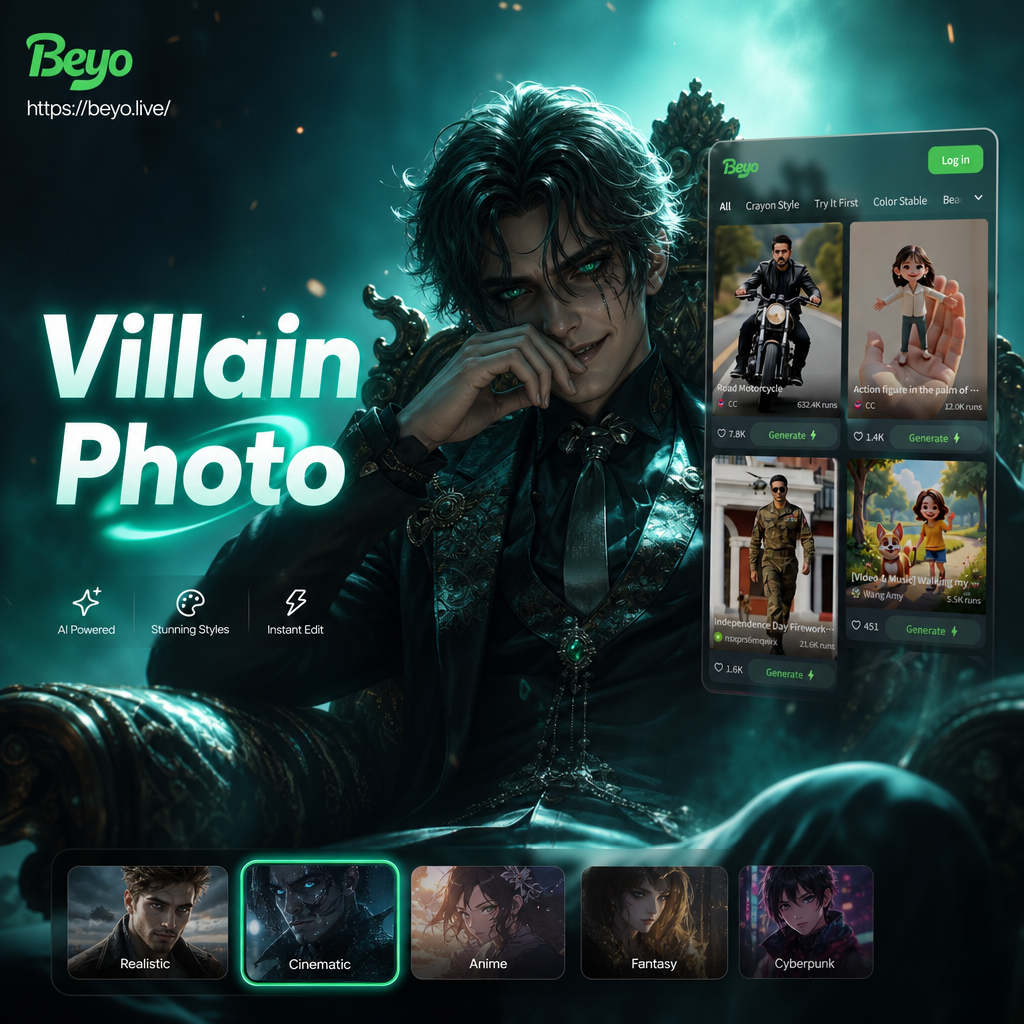
Choose the Villain Filter That Suits You Best
From classic super villains to dark fantasy characters, discover the filter that perfectly matches your villainous vision.
Key Features of Villain Photo Editing
Discover how beyo turns your everyday photos into dramatic villain portraits with powerful AI technology and an intuitive mobile experience.
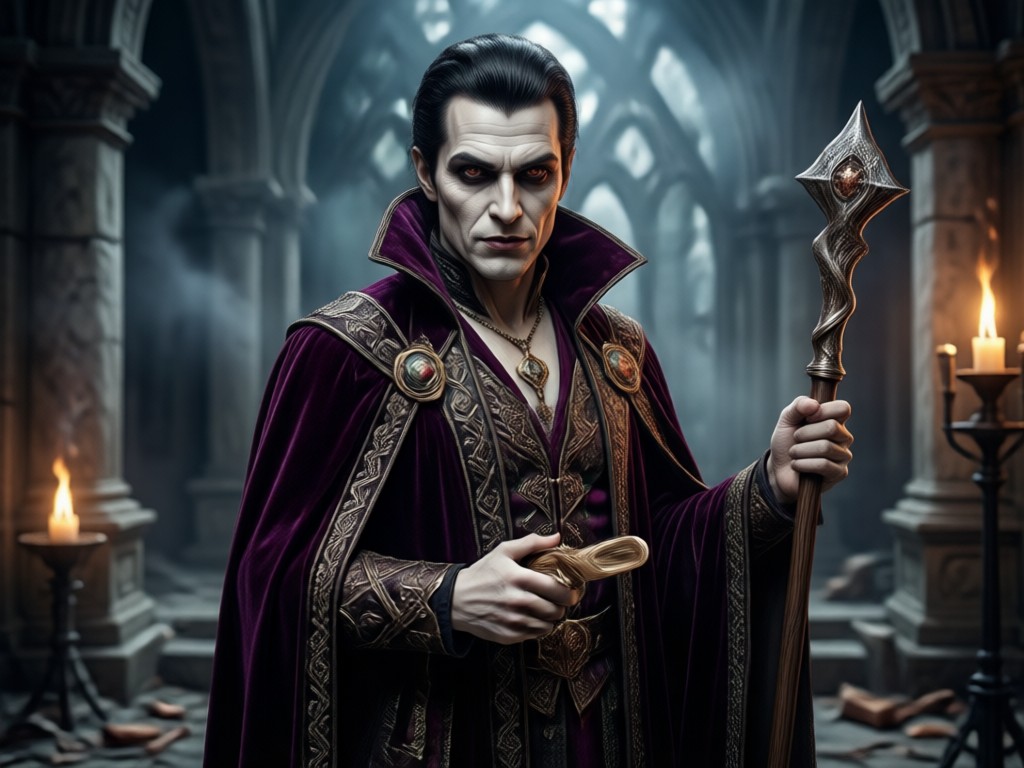
Cinematic Villain Transformation
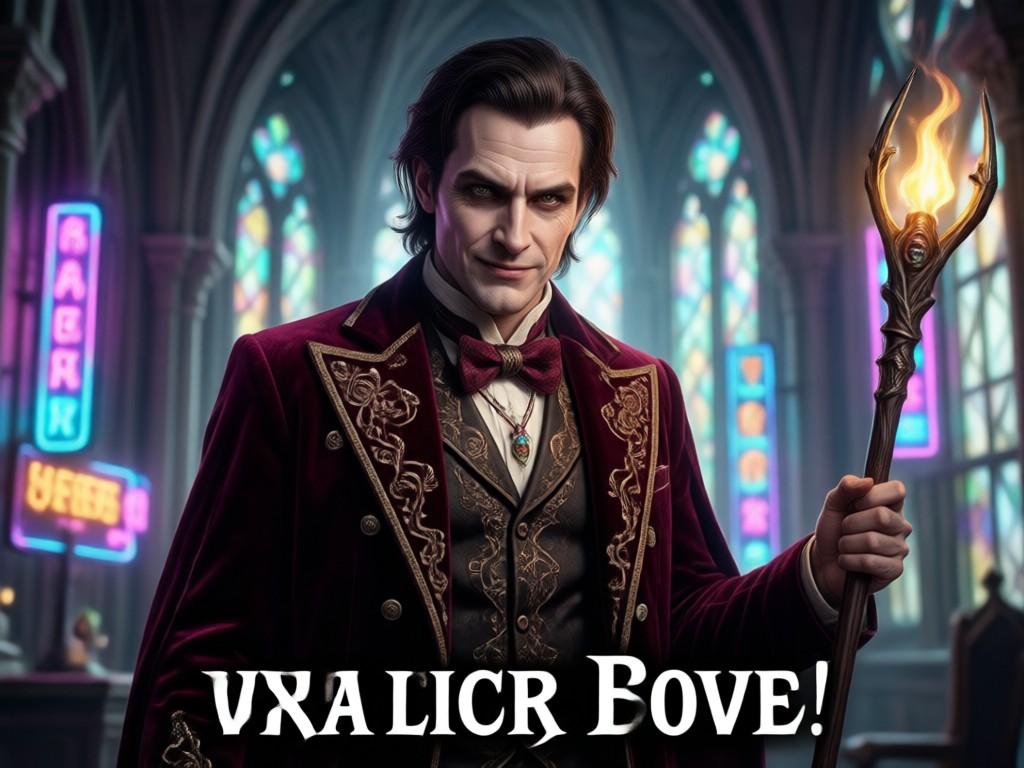
Turn a casual selfie into a movie quality villain portrait. The AI analyzes your facial features, lighting, and angles, then applies dramatic shadows, intense expressions, and moody color grading to give you that iconic antagonist look. Perfect for profile pictures, cosplay, and creative social media content.
Cinematic Villain Transformation
Turn a casual selfie into a movie quality villain portrait. The AI analyzes your facial features, lighting, and angles, then applies dramatic shadows, intense expressions, and moody color grading to give you that iconic antagonist look. Perfect for profile pictures, cosplay, and creative social media content.
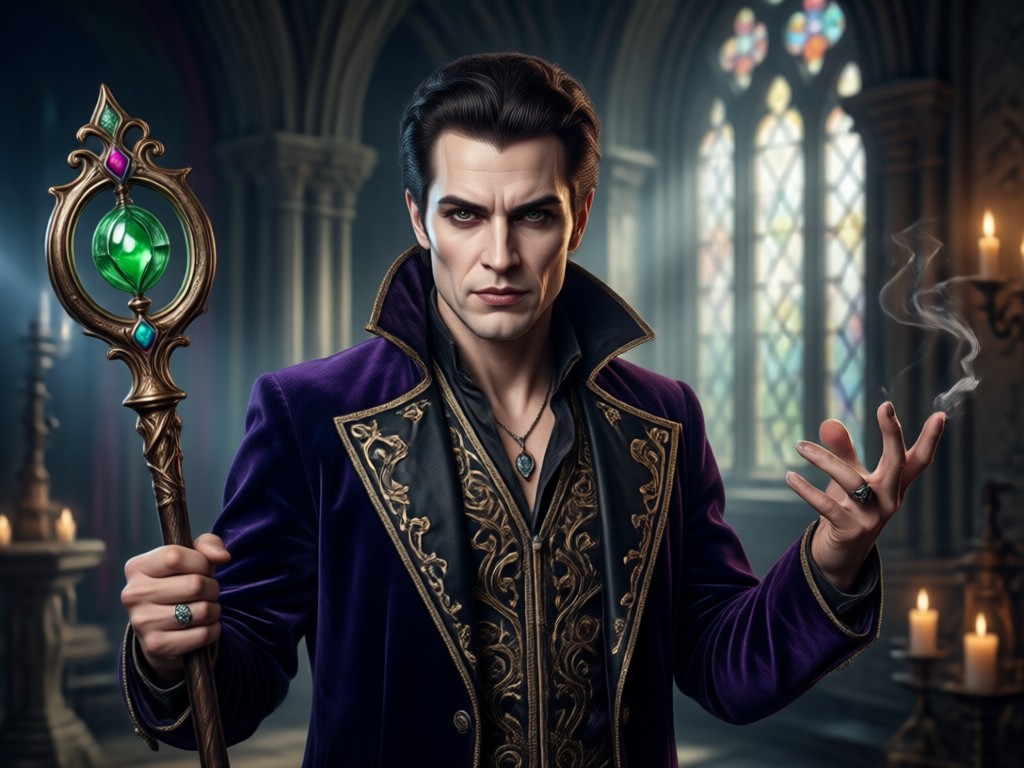
Massive Villain Style Library
Explore over a million style templates covering classic movie villains, dark fantasy characters, cyberpunk antiheroes, and supernatural entities. Whether you want a Joker inspired grin, a vampiric gaze, or a dystopian warlord look, there is a villain filter waiting for you. New styles are added regularly.
Massive Villain Style Library
Explore over a million style templates covering classic movie villains, dark fantasy characters, cyberpunk antiheroes, and supernatural entities. Whether you want a Joker inspired grin, a vampiric gaze, or a dystopian warlord look, there is a villain filter waiting for you. New styles are added regularly.
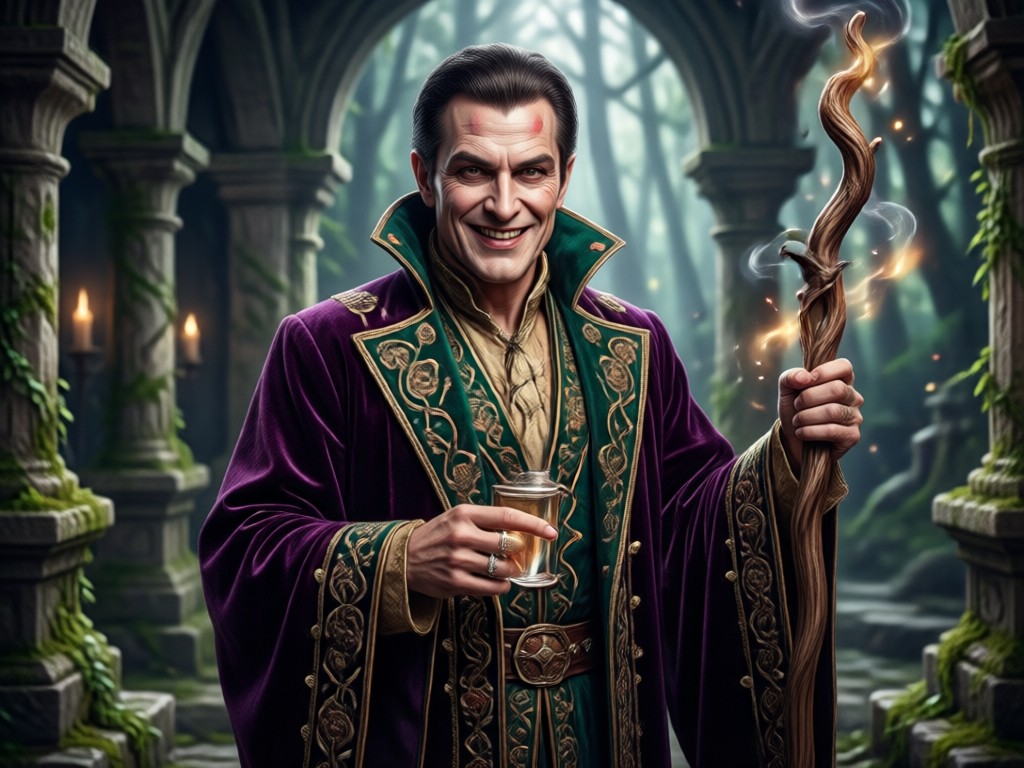
One Tap Simple Operation
No Photoshop skills or complex prompt engineering required. Just upload your photo, tap a villain style filter, and let beyo handle the rest. Get stunning high resolution results in seconds, ready to download and share on Instagram, TikTok, or anywhere else you want to make an impression.
One Tap Simple Operation
No Photoshop skills or complex prompt engineering required. Just upload your photo, tap a villain style filter, and let beyo handle the rest. Get stunning high resolution results in seconds, ready to download and share on Instagram, TikTok, or anywhere else you want to make an impression.
How to Create Villain Photo Edits?
Transform your photo into a villain masterpiece in three simple steps using beyo.

Step 01.
Download the beyo app from Google Play and open it on your mobile device. The app is optimized for quick villain photo editing anytime, anywhere.

Step 02.
Upload your photo and browse through the villain style filters. Choose from dark antihero, cyberpunk, supernatural, and classic villain templates.

Step 03.
Tap generate and watch the AI transform your photo into a cinematic villain portrait. Download the result and share it on social media.
Villain Photo Editing Gallery
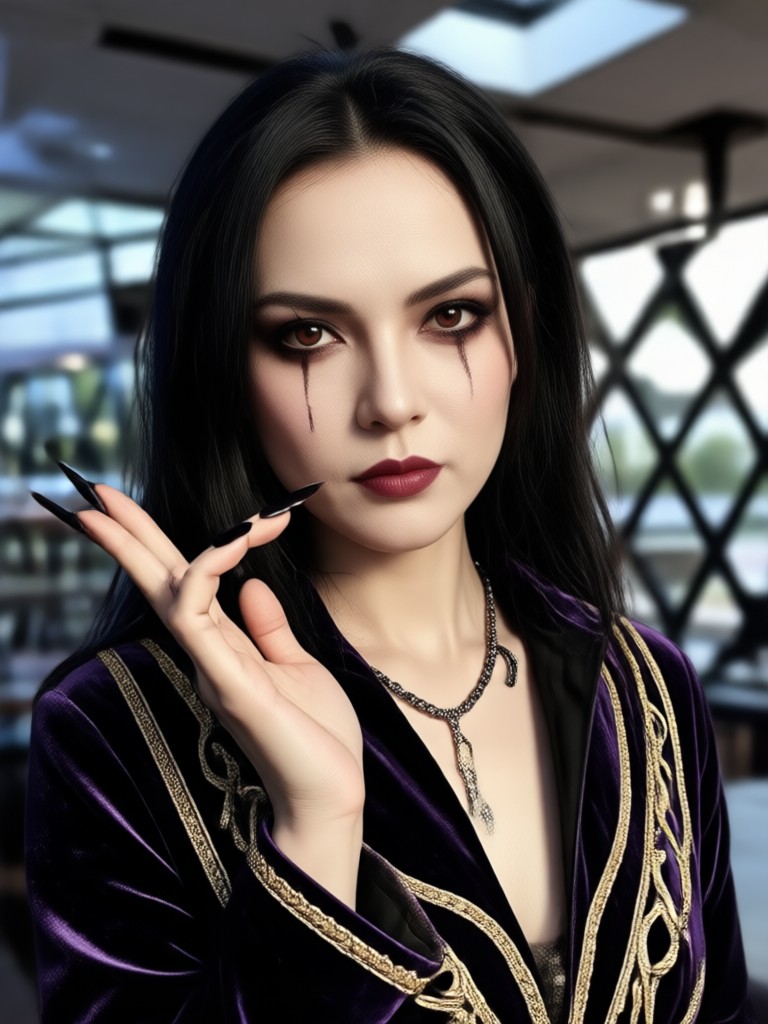
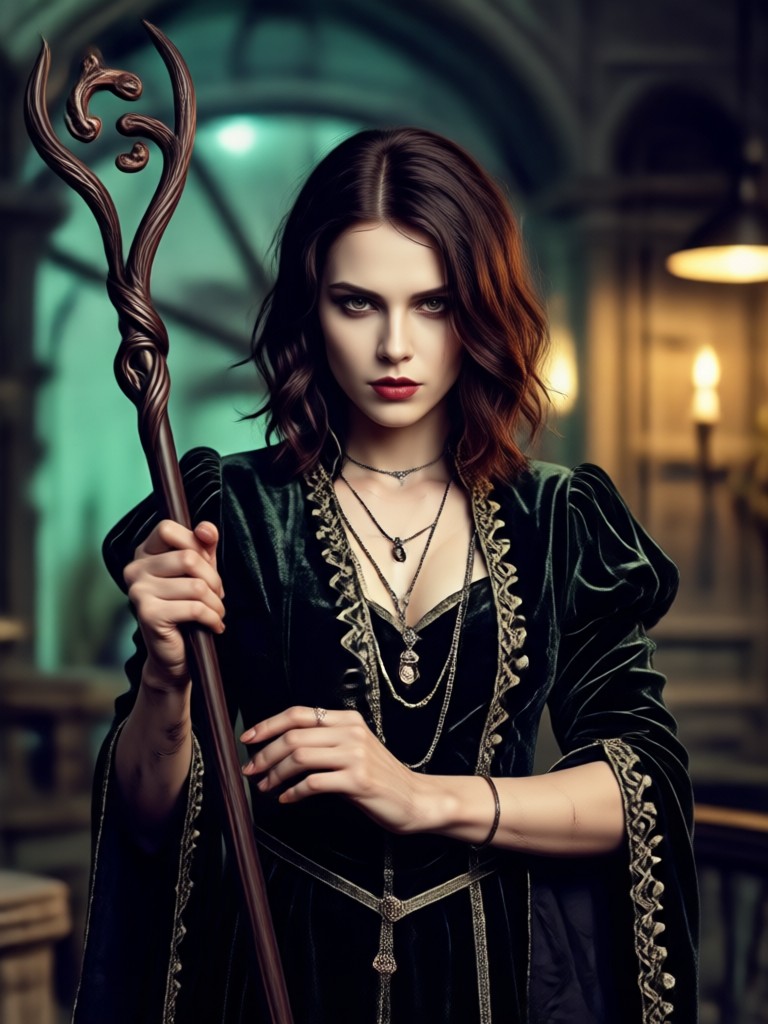
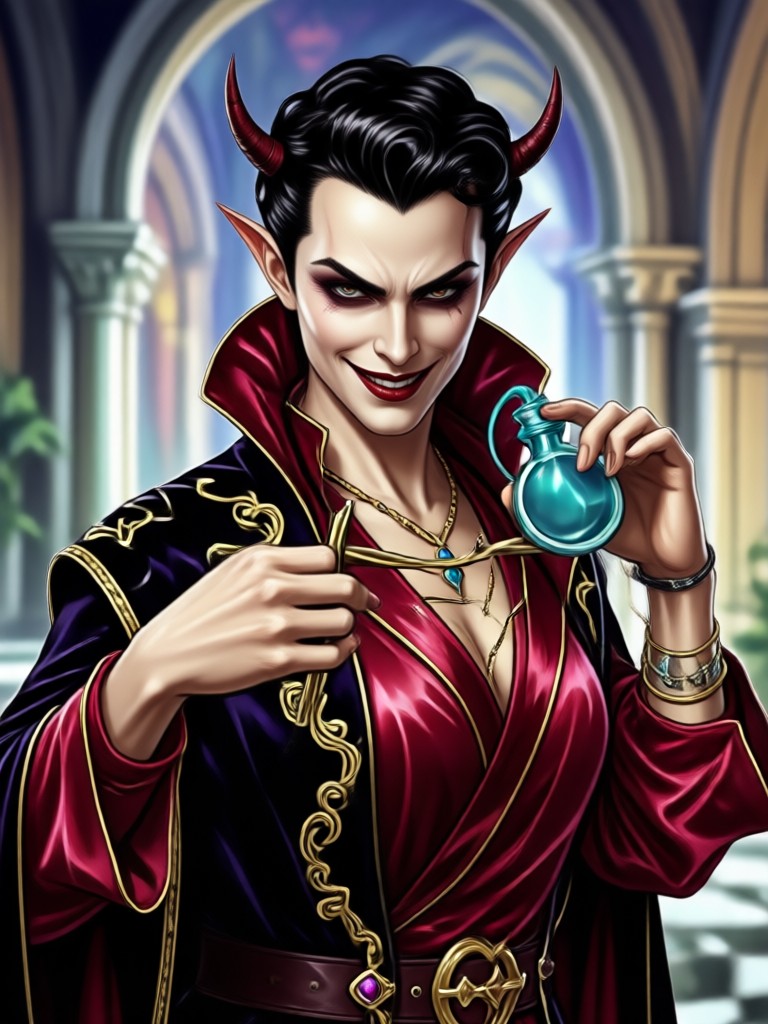
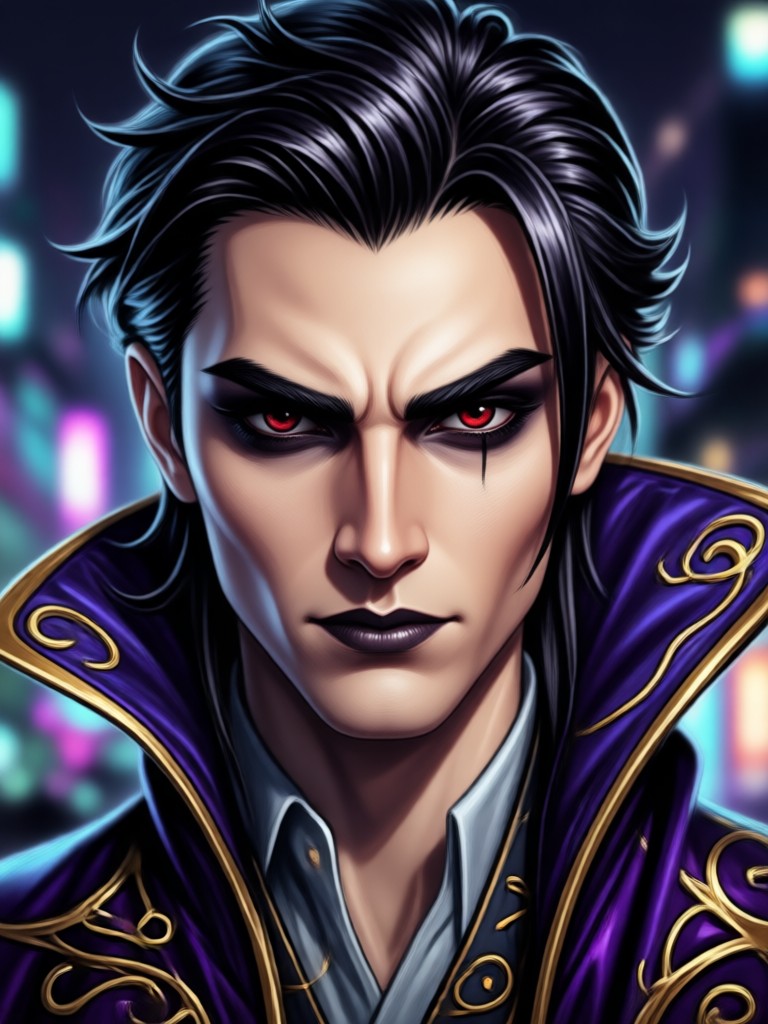
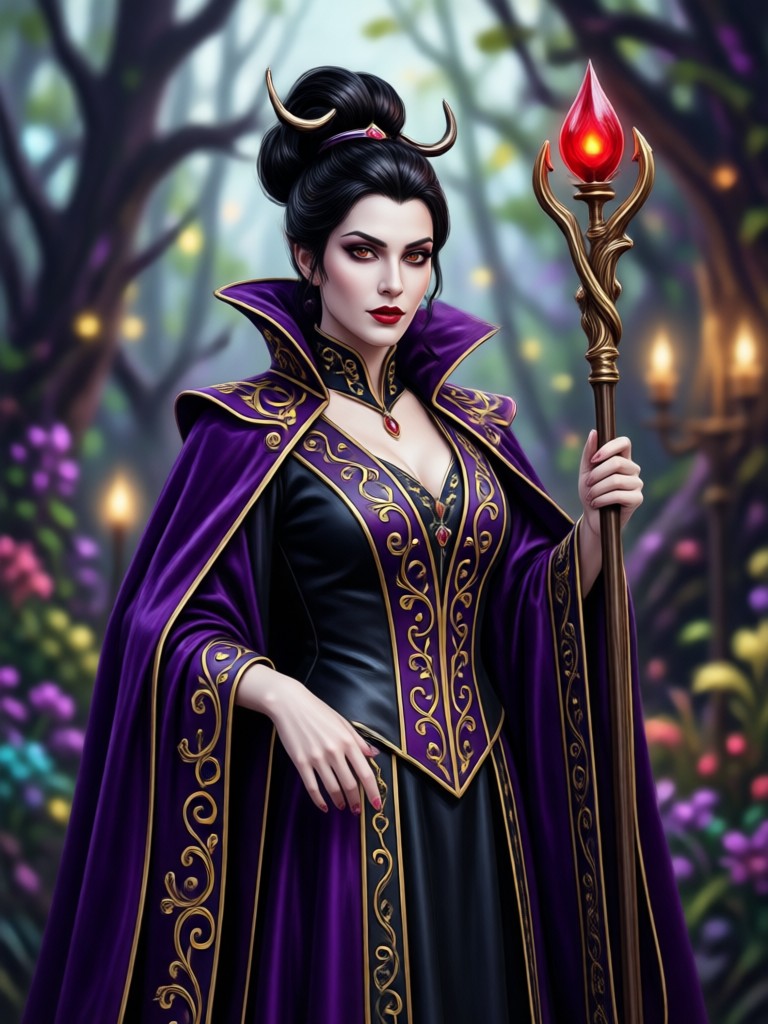
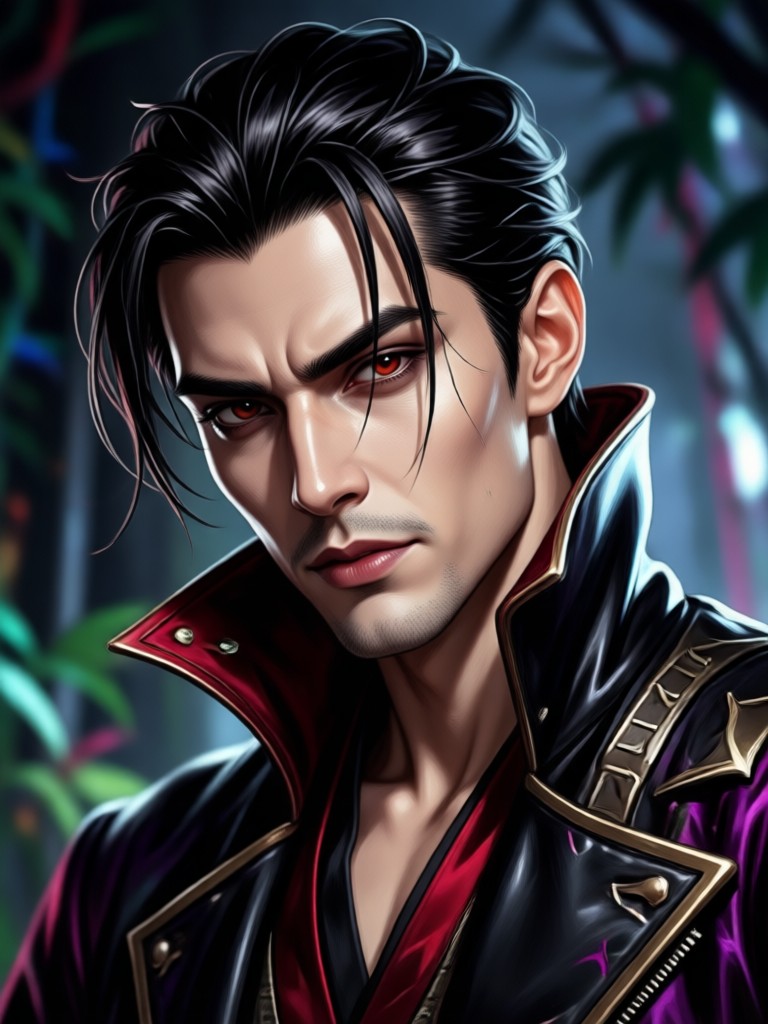
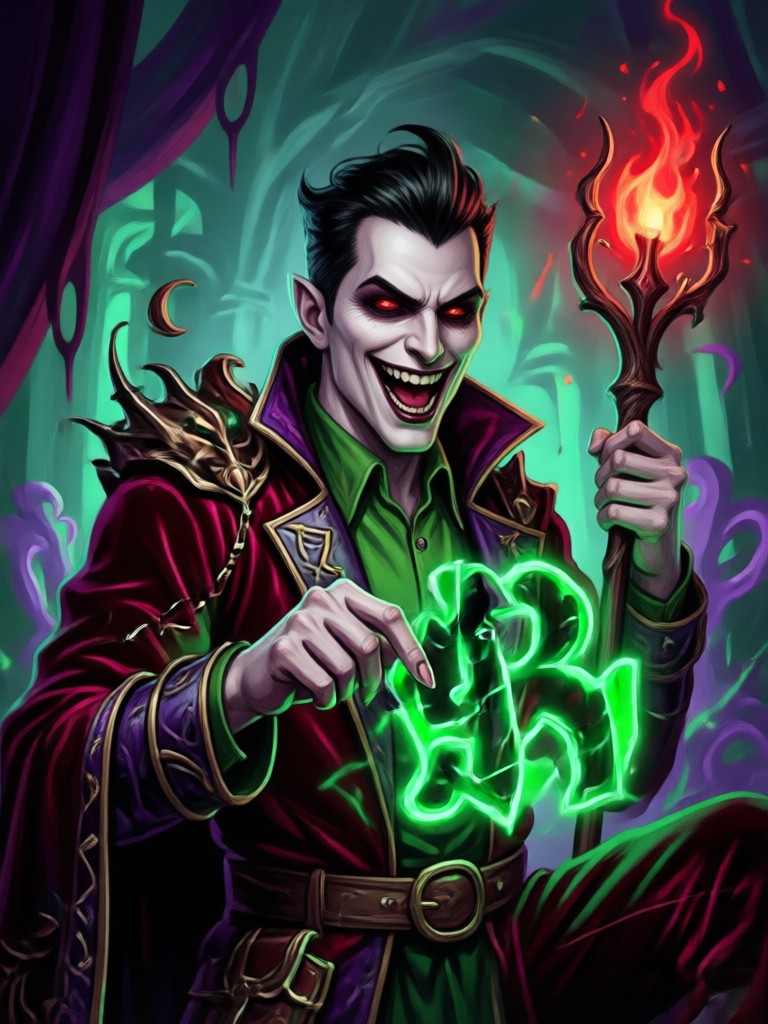
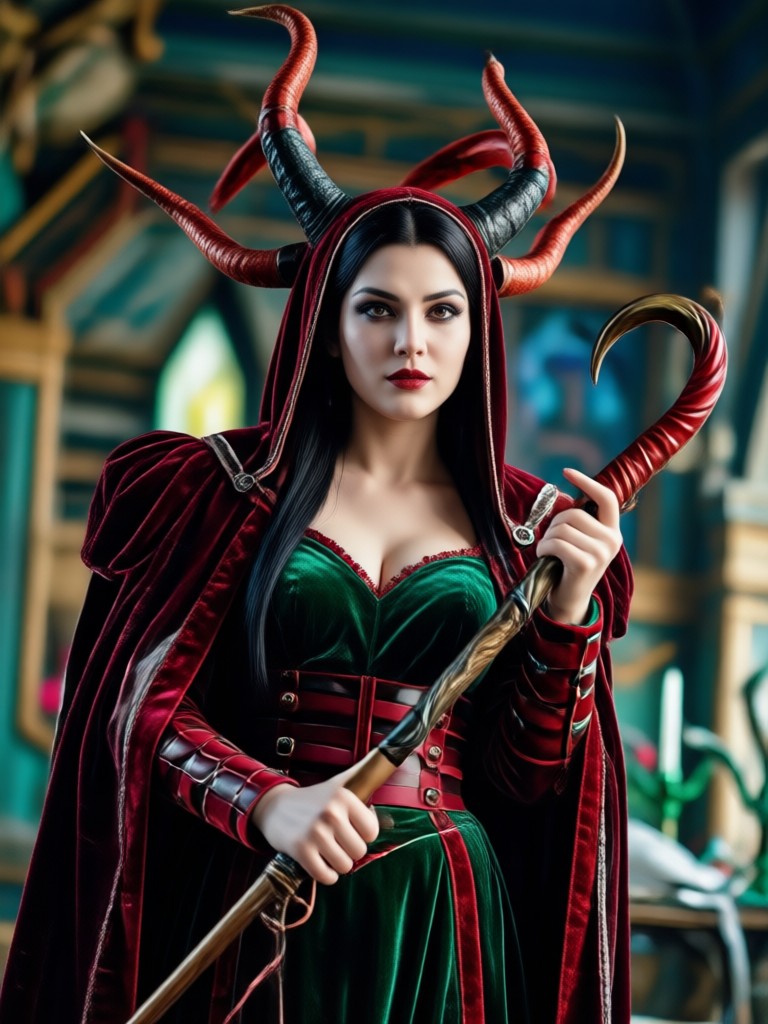
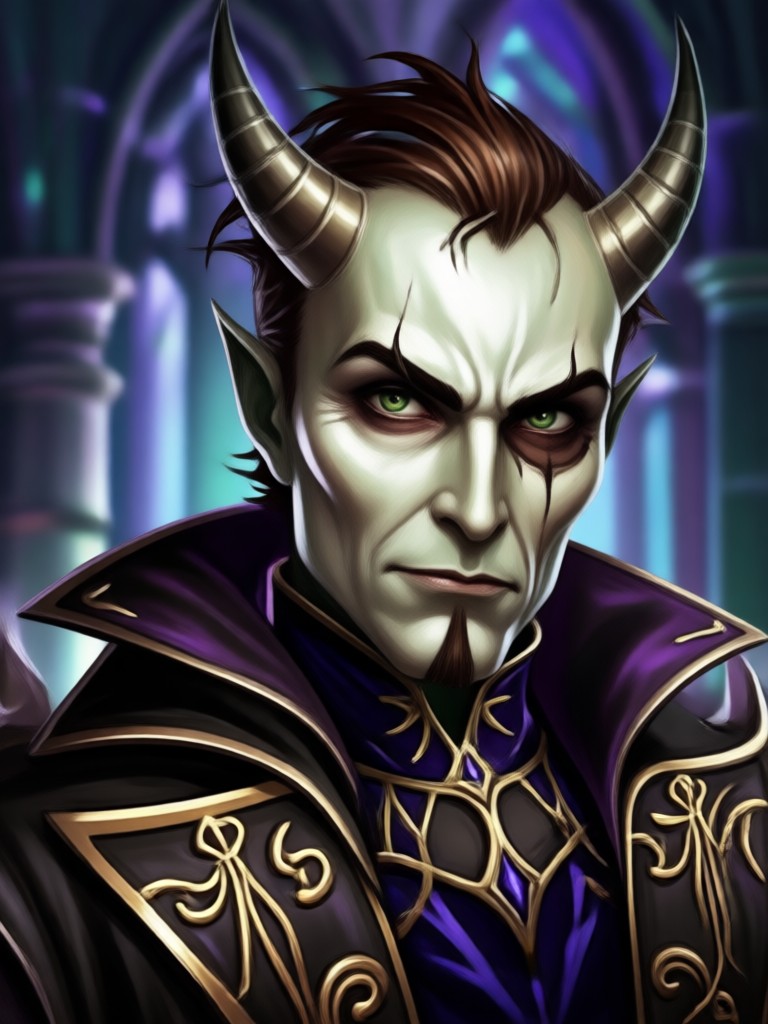
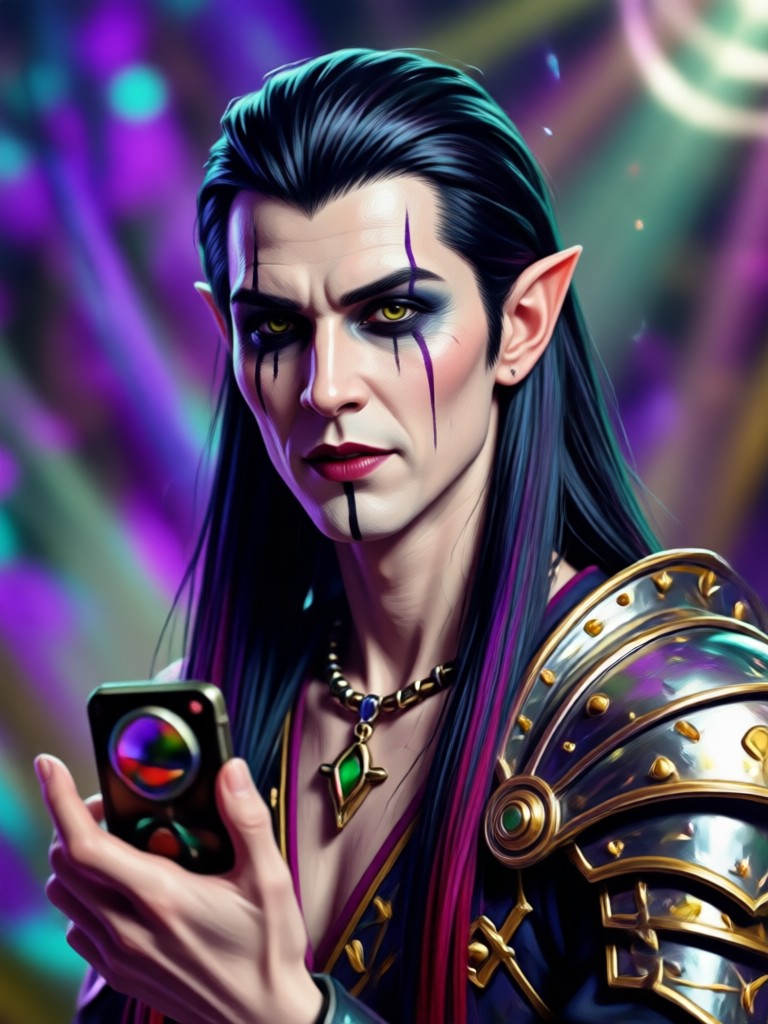
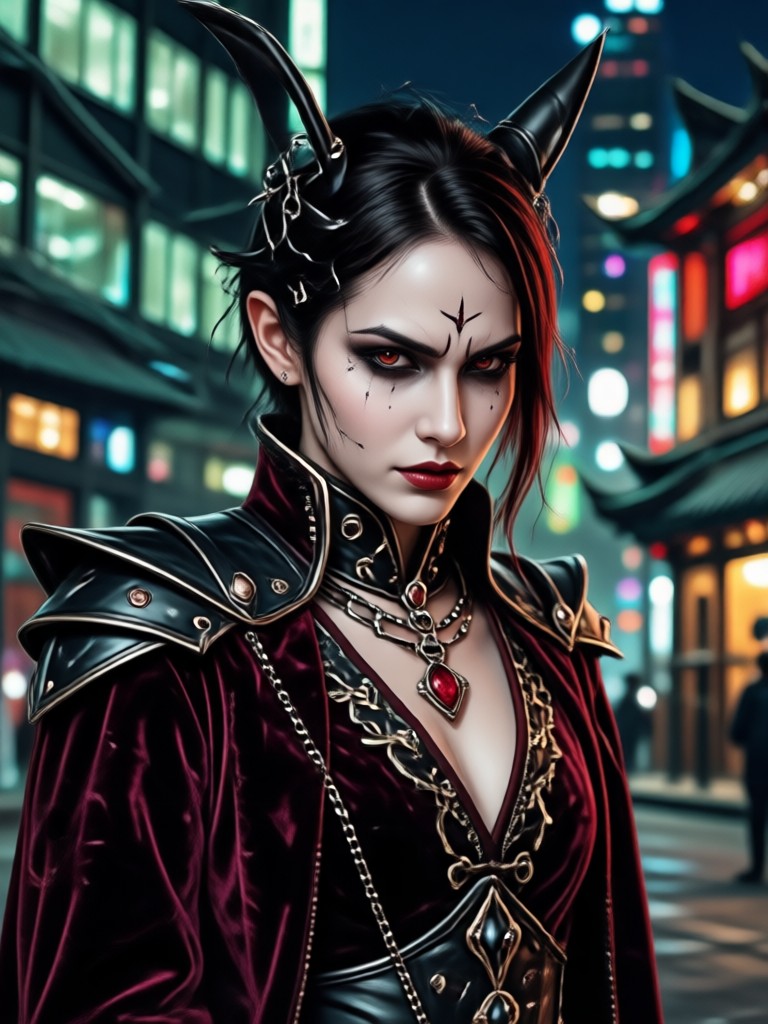
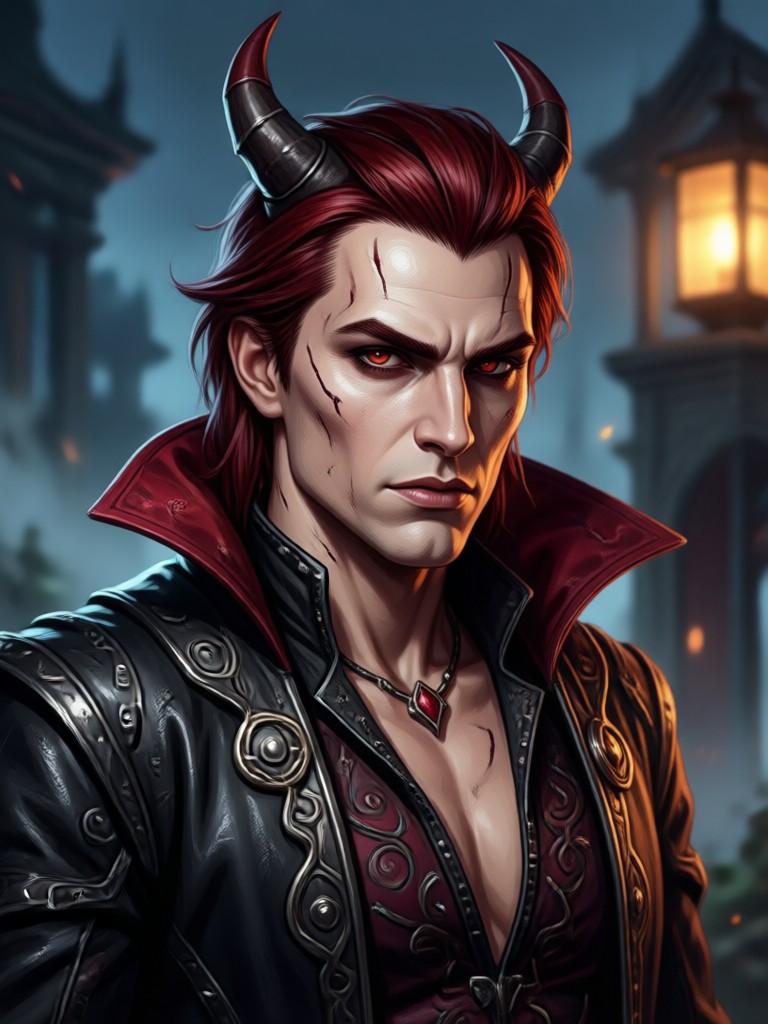
See how ordinary portraits become extraordinary villain characters with beyo AI powered editing. Browse these transformations for inspiration and start creating your own dark alter ego today.
Why Choose beyo for Villain Photo Editing?
beyo combines powerful AI image generation with a massive style library and ultra simple mobile operation. You get professional quality villain portraits without Photoshop, design skills, or complex tools. Every transformation happens on your phone in seconds, giving you share ready results for social media, cosplay previews, or creative projects.
Why Choose beyo for Villain Photo Editing?
beyo combines powerful AI image generation with a massive style library and ultra simple mobile operation. You get professional quality villain portraits without Photoshop, design skills, or complex tools. Every transformation happens on your phone in seconds, giving you share ready results for social media, cosplay previews, or creative projects.
What Creators Say About Villain Photo Editing
My cosplay previews have never looked this good
I used beyo to create villain photo edits for my Joker cosplay before buying the actual costume. The AI captured the mood perfectly. The dark color grading and intense expression filters made my photos look like professional movie stills.
Perfect for my YouTube thumbnails
I edit gaming villain avatars for my channel thumbnails. This app saves me hours of work. I just upload a screenshot, pick a villain filter, and the result is always dramatic and eye catching. My click through rate has definitely improved.
So easy my friends think I hired a designer
I turned my profile picture into a dark fantasy villain portrait in under a minute. The quality is unreal. My friends keep asking which editing software I used. They cannot believe it is just a mobile app.
Frequently Asked Questions
Find clear answers to common questions about villain photo editing with beyo and get the guidance you need to create your perfect dark alter ego.
Ready to Become the Villain?
Download beyo and transform your photos into cinematic villain portraits in seconds. Choose from a million style filters and unleash your dark alter ego today.

Ready to Become the Villain?
Download beyo and transform your photos into cinematic villain portraits in seconds. Choose from a million style filters and unleash your dark alter ego today.