Pose Change Prompt
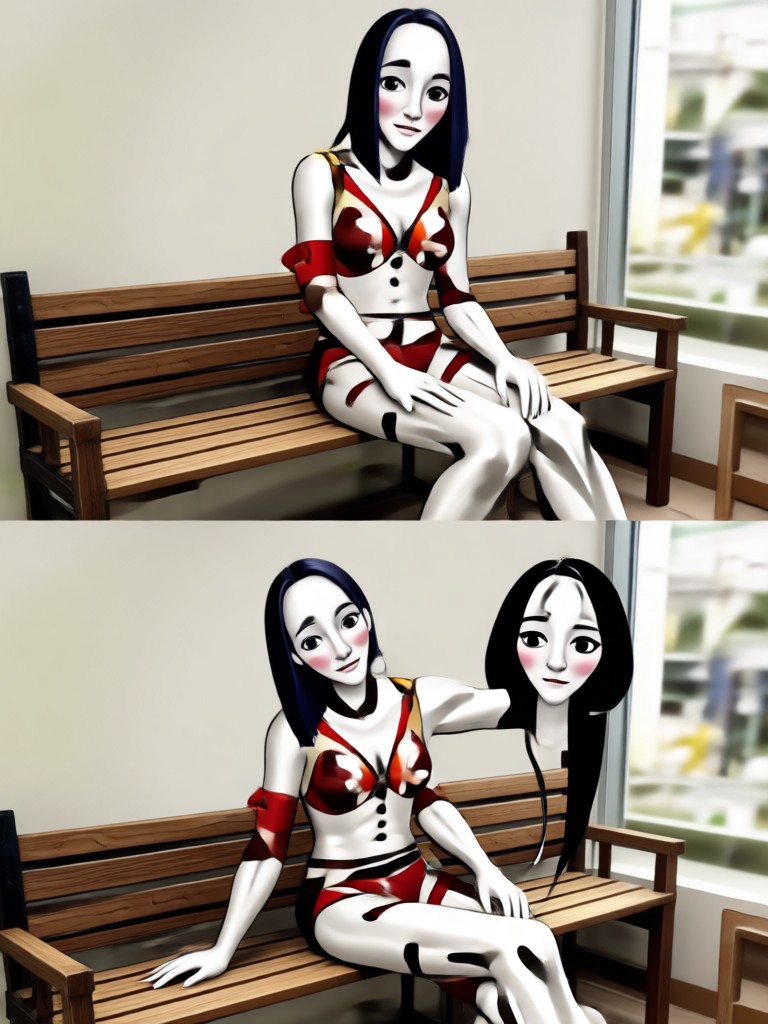
Choose the Pose Change Filter That Suits You Best
Discover AI filters that can change poses while keeping your face and outfit looking natural.
Key Features of Pose Change Prompt
Turn a simple text prompt into a realistic new pose. Keep your identity and style while the AI adjusts body position naturally.
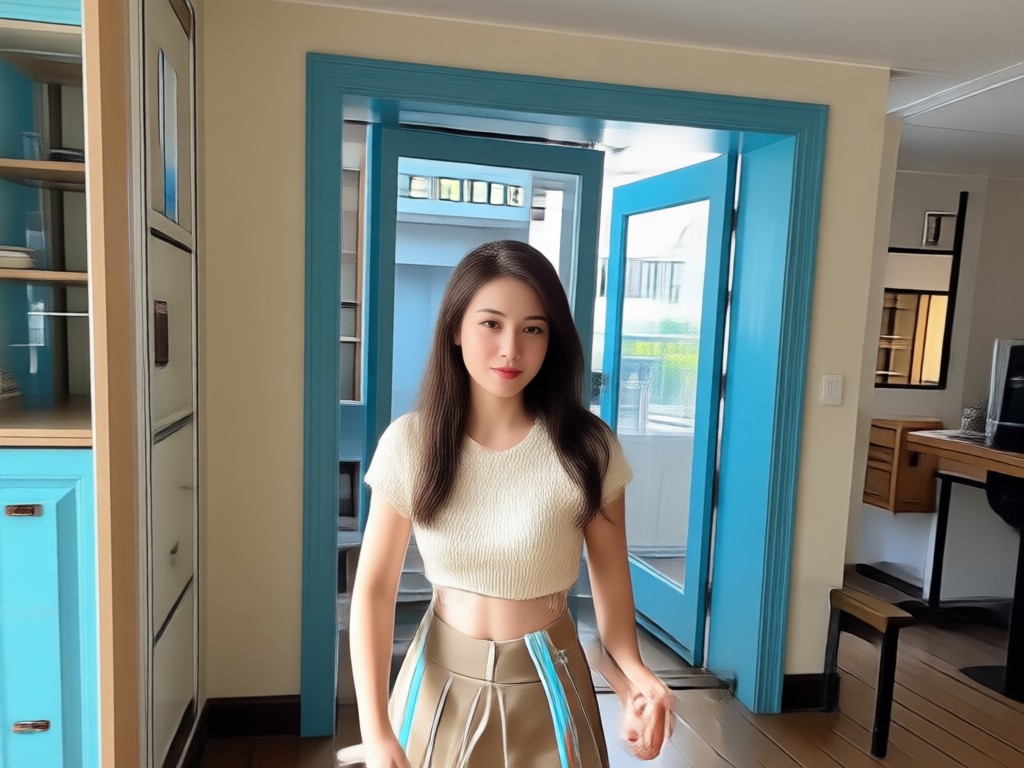
AI Pose Swap
Describe any new pose and the AI will reposition your body, arms, and legs while keeping your face and outfit consistent.
AI Pose Swap
Describe any new pose and the AI will reposition your body, arms, and legs while keeping your face and outfit consistent.
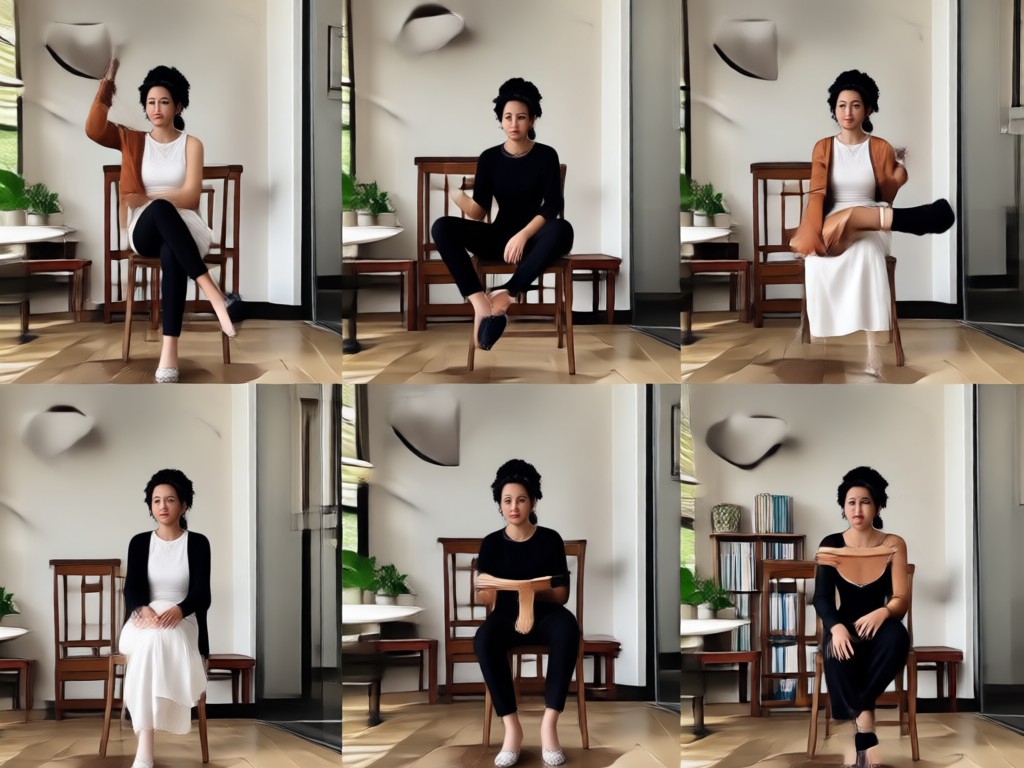
Realistic Body Alignment
The AI understands natural human anatomy and adjusts joints, angles, and shadows to make the new pose look believable.
Realistic Body Alignment
The AI understands natural human anatomy and adjusts joints, angles, and shadows to make the new pose look believable.
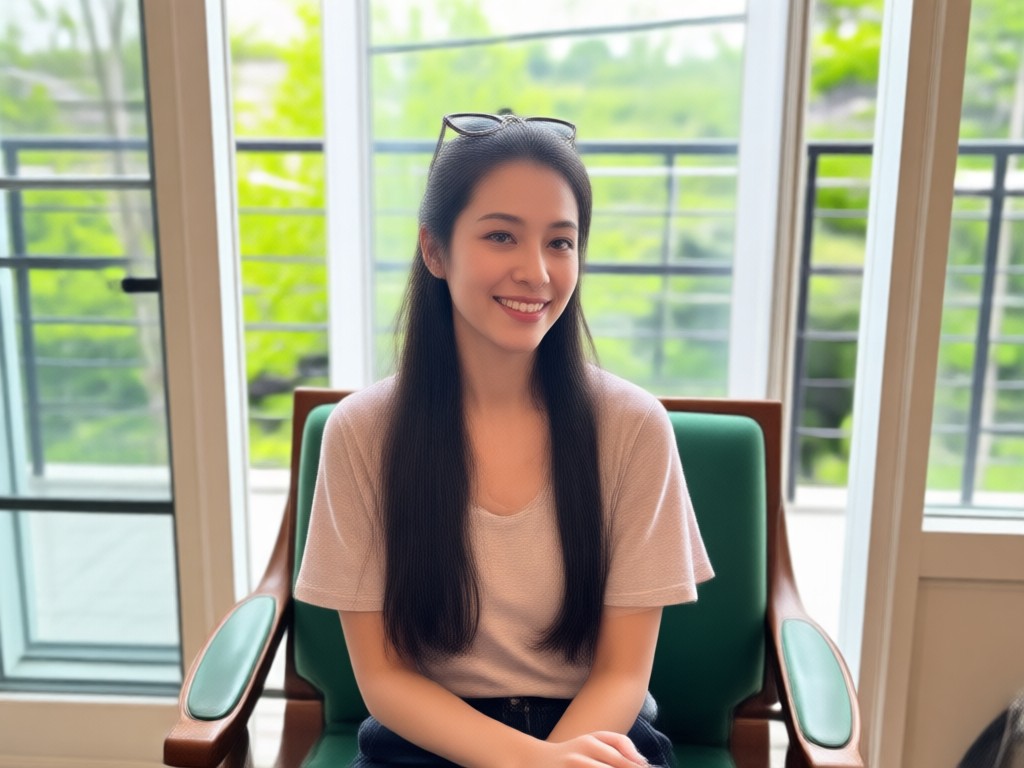
Style Preserved
Your clothing, background, and lighting stay intact so the final image looks like a real photo, not an edited cutout.
Style Preserved
Your clothing, background, and lighting stay intact so the final image looks like a real photo, not an edited cutout.
How to Use a Pose Change Prompt?
Follow three simple steps to change any pose in your photos using beyo's AI.

Step 01.
Download the beyo app from Google Play and open it on your mobile device.
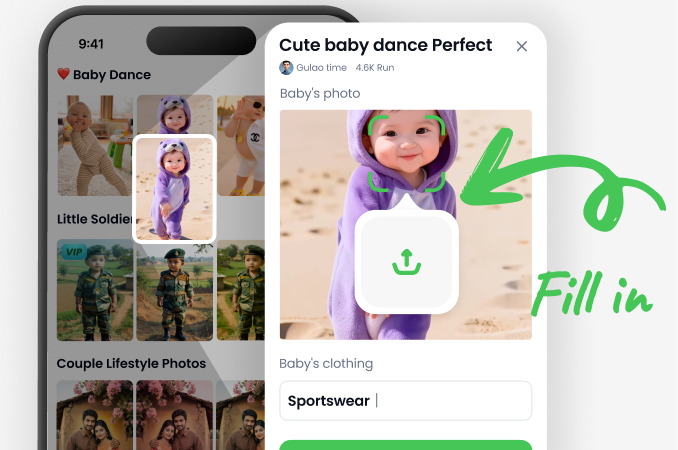
Step 02.
Upload a photo and type a pose change prompt describing the new position you want.
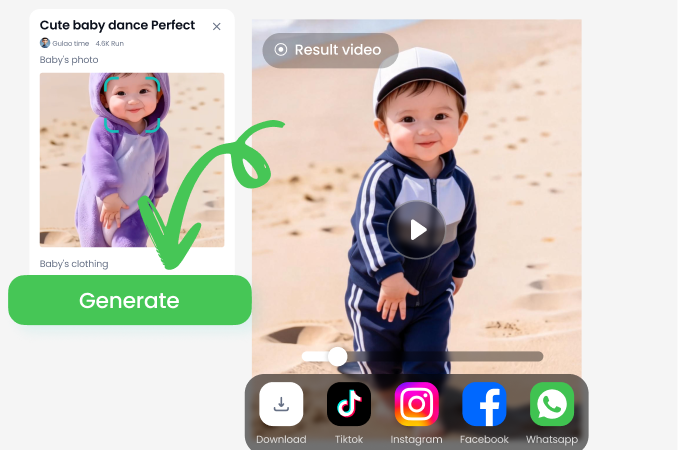
Step 03.
Generate your new pose and save or share the realistic result with friends.
Pose Change Prompt Results Gallery
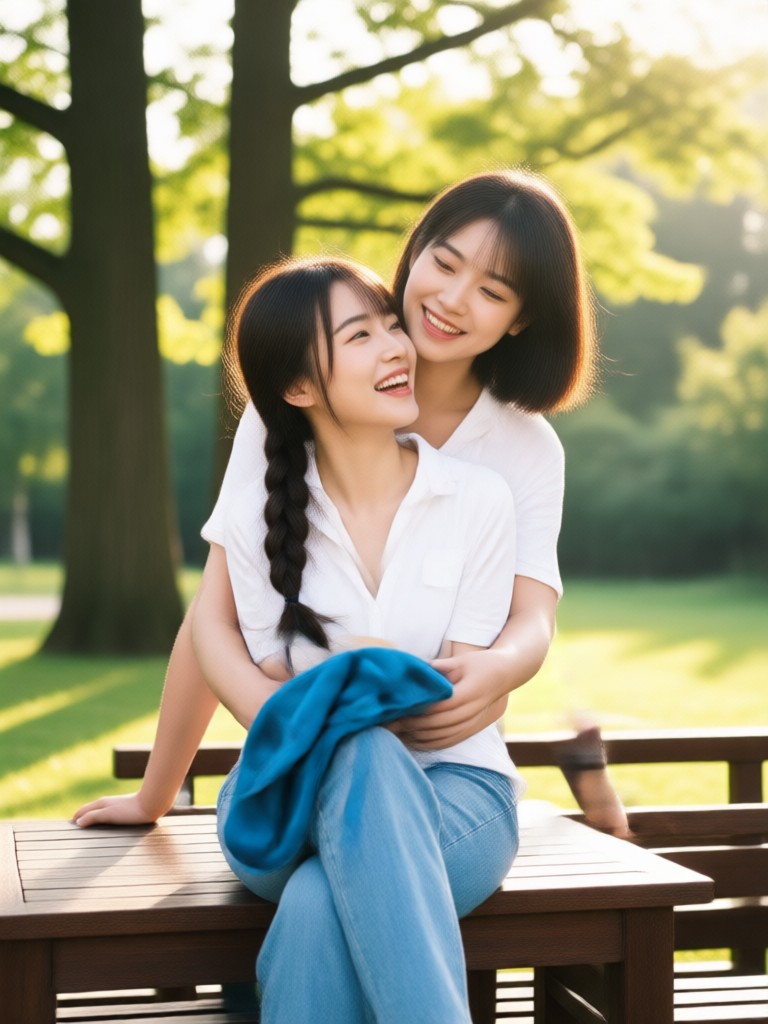
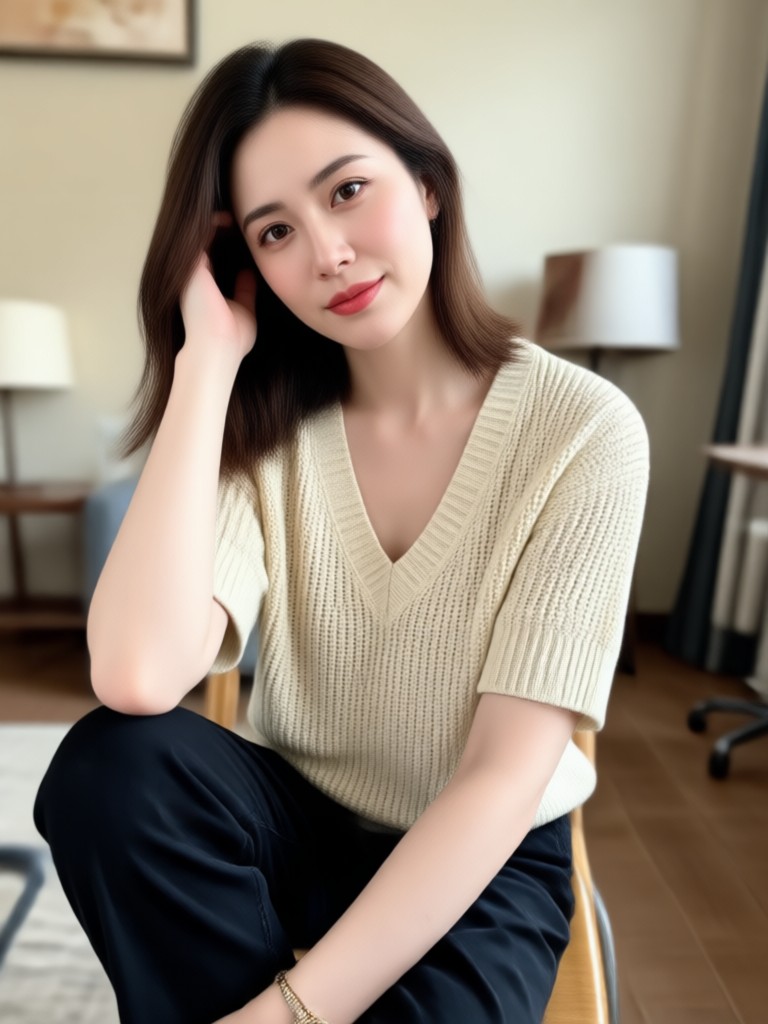
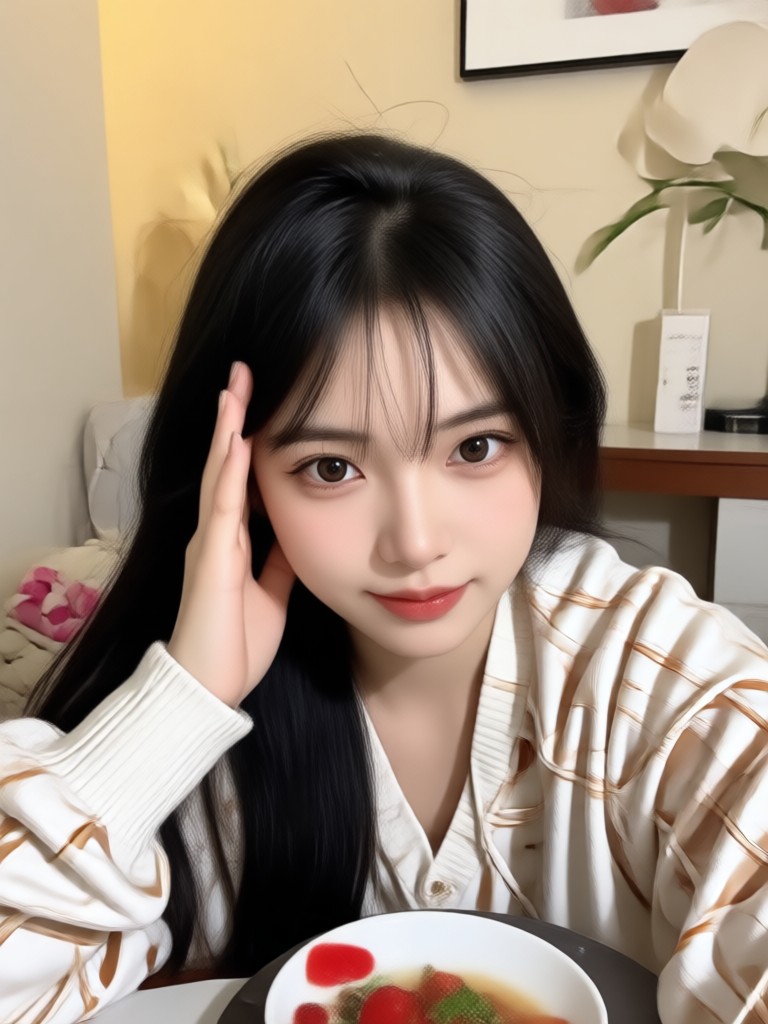
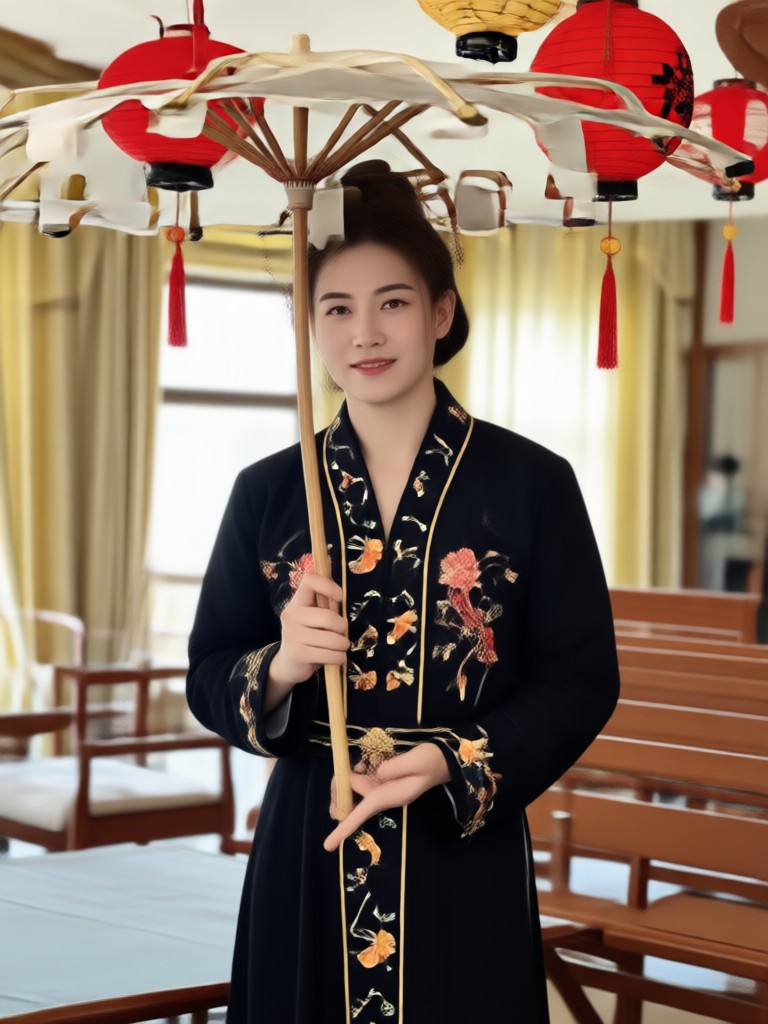
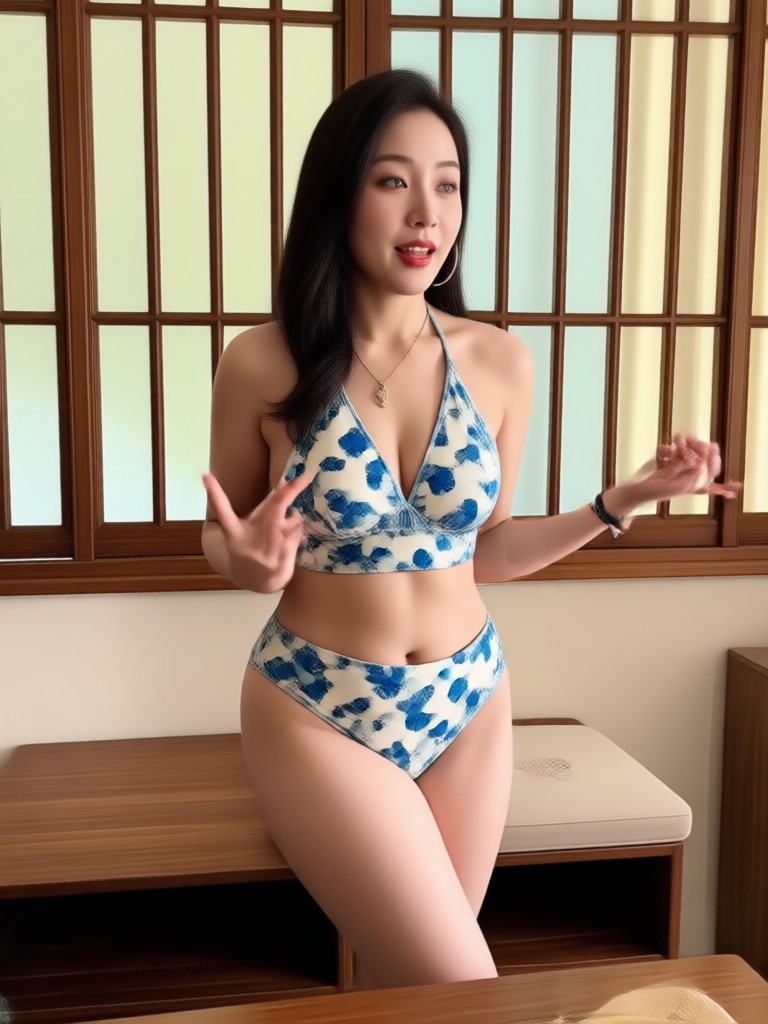
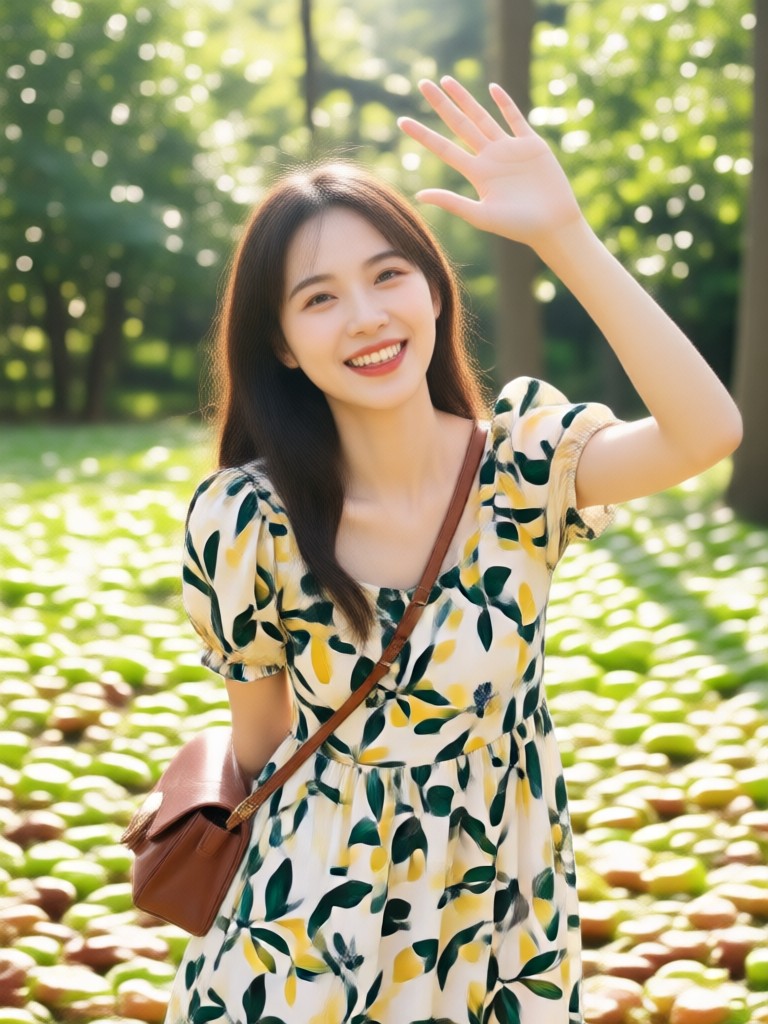
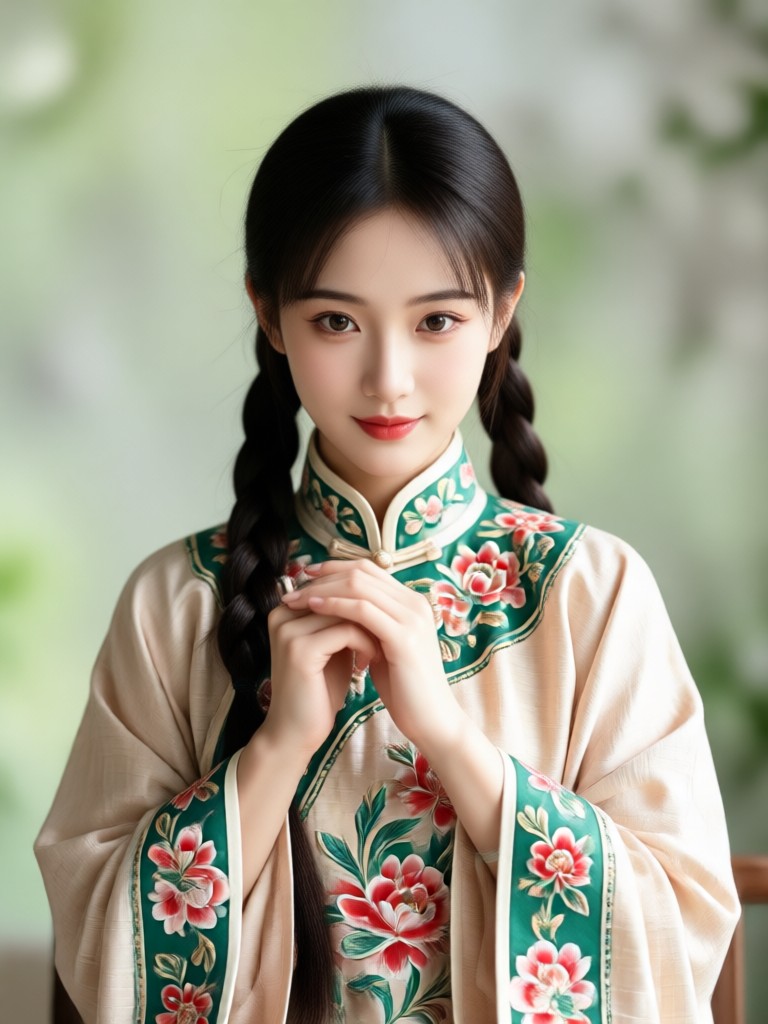
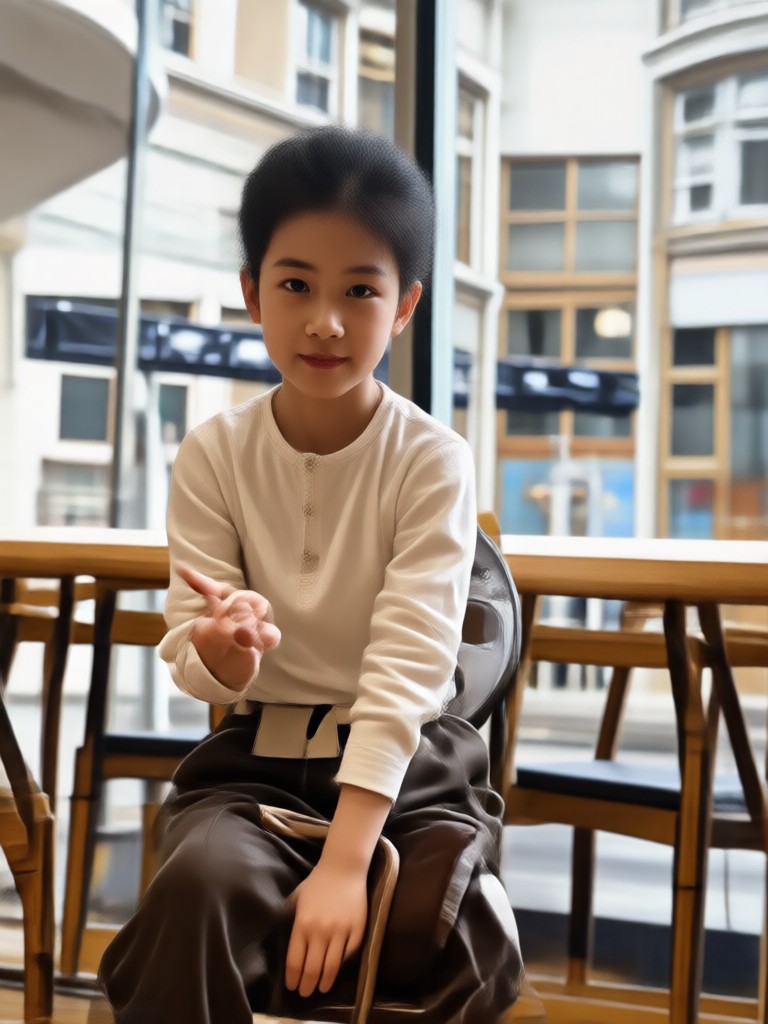
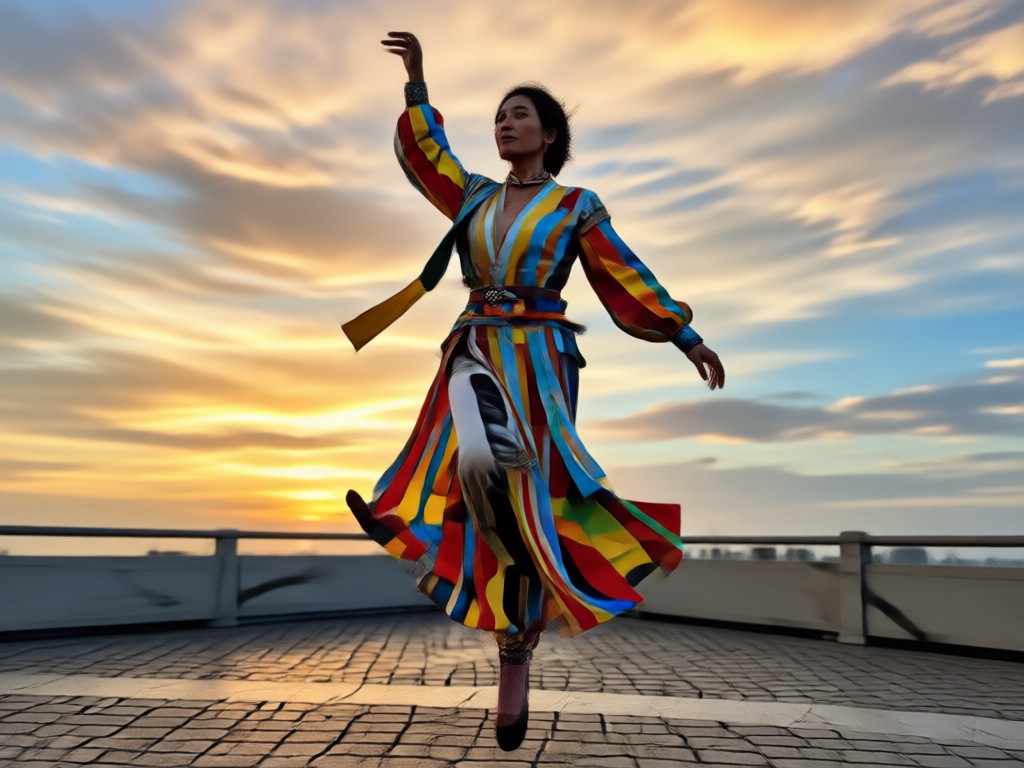
Browse realistic pose change results created with beyo's AI. See how a simple text prompt can transform standing, sitting, and action poses.
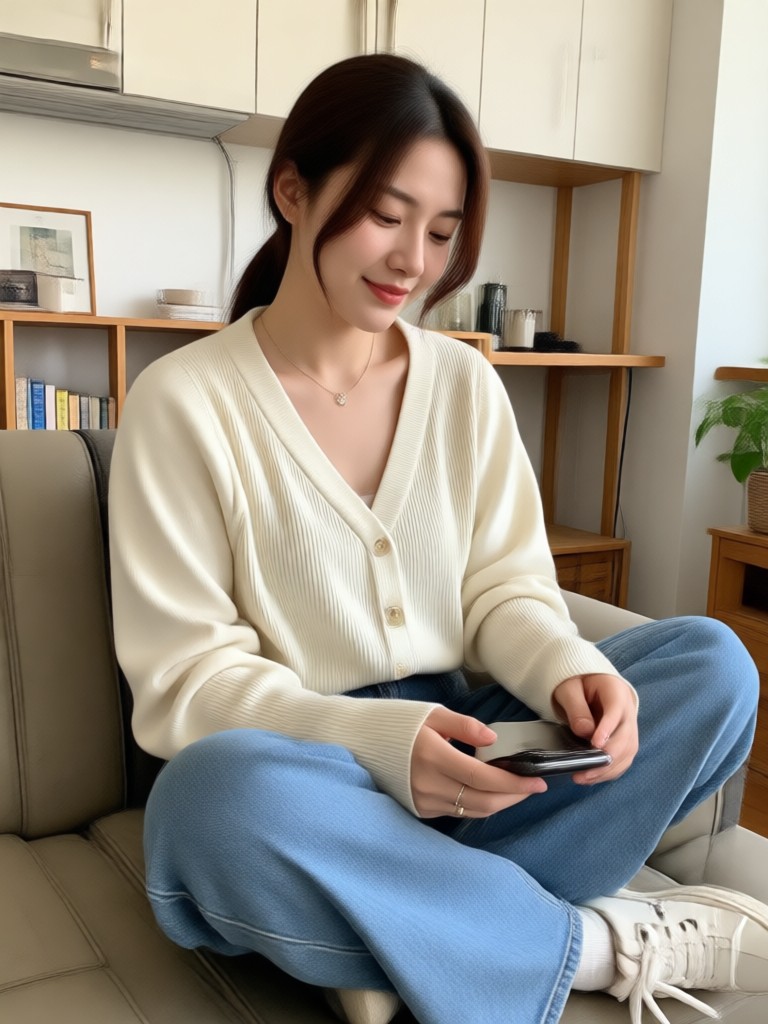
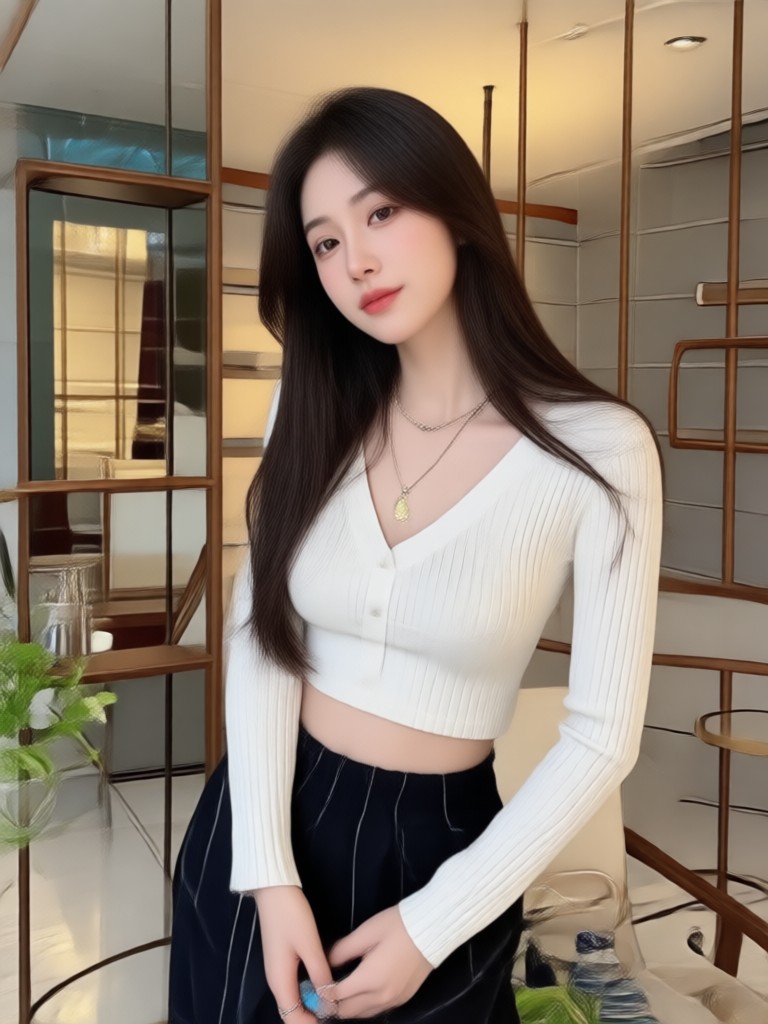
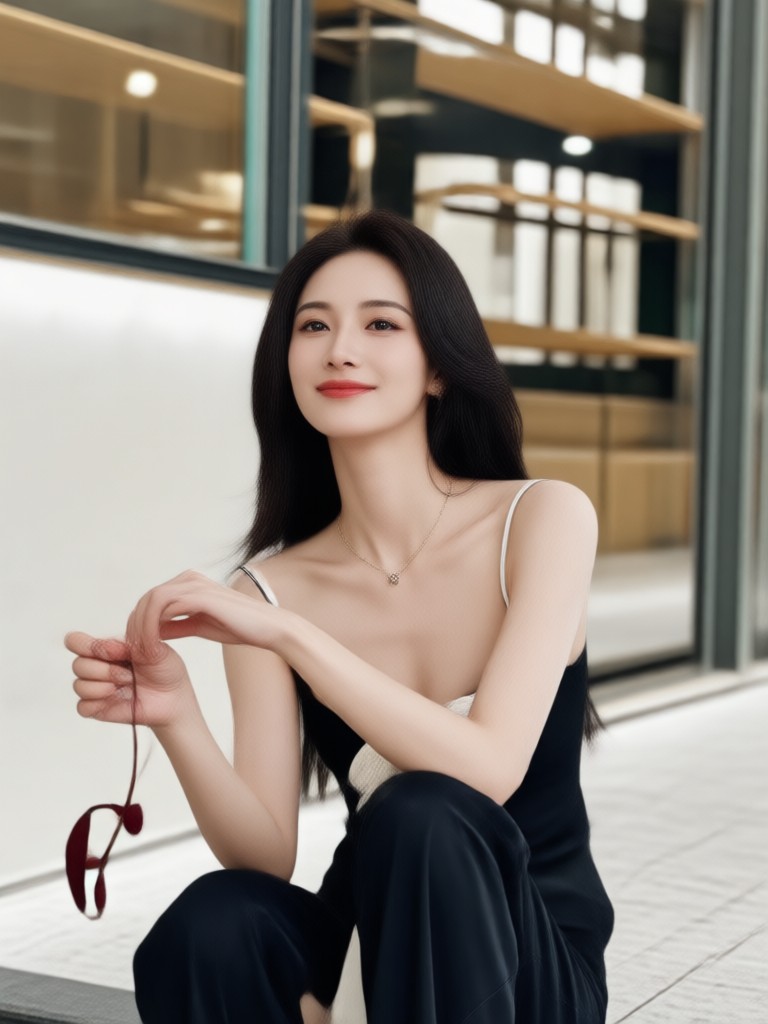
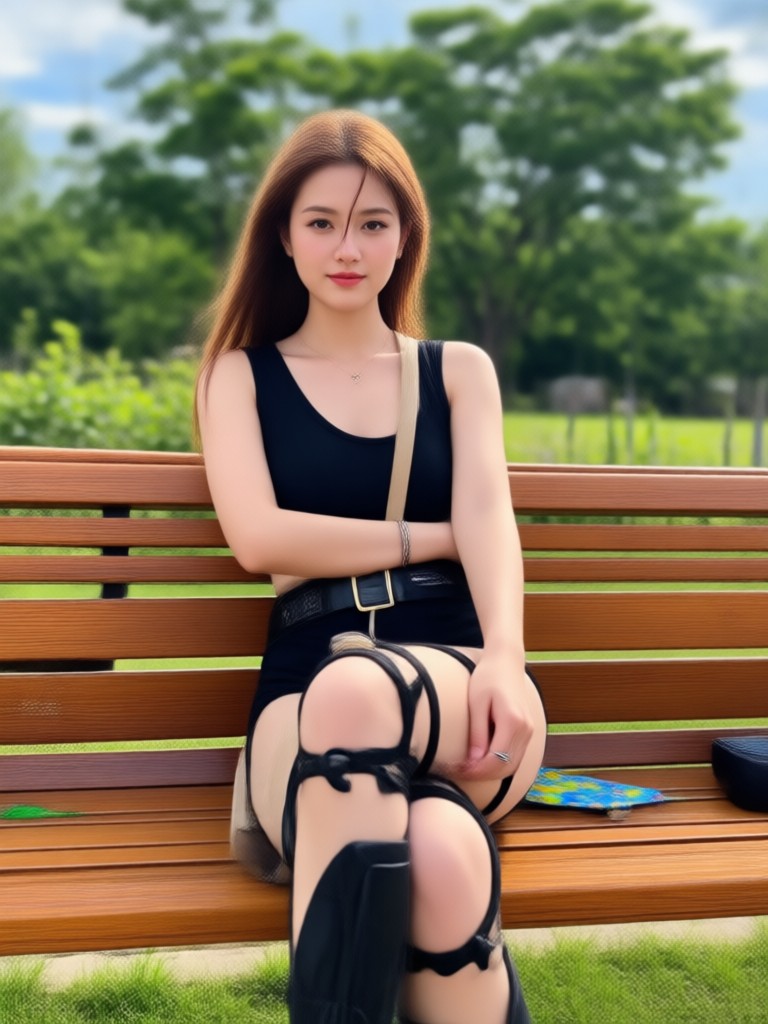
Why Use a Pose Change Prompt?
Changing poses in photos used to require complex editing software. With beyo, you simply describe the pose you want and the AI handles the rest. It is fast, realistic, and perfect for social media, dating profiles, and creative projects.
Why Use a Pose Change Prompt?
Changing poses in photos used to require complex editing software. With beyo, you simply describe the pose you want and the AI handles the rest. It is fast, realistic, and perfect for social media, dating profiles, and creative projects.
Who Uses Pose Change Prompt
Louis Yule
I used a pose change prompt to fix my LinkedIn profile picture. The AI changed my crossed arms pose into a more open and confident stance in seconds.

Mandy Sander
As a fashion blogger, I need different poses for the same outfit. beyo lets me generate multiple poses from one photo without reshooting.
Orville Garcia
I changed a family photo pose so everyone was looking at the camera. The result looked completely natural.
Sam Green
For my dating profile, I wanted a more relaxed sitting pose. The pose change prompt gave me exactly what I needed without any editing skills.
Louis Yule
I used a pose change prompt to fix my LinkedIn profile picture. The AI changed my crossed arms pose into a more open and confident stance in seconds.
Mandy Sander
As a fashion blogger, I need different poses for the same outfit. beyo lets me generate multiple poses from one photo without reshooting.
Orville Garcia
I changed a family photo pose so everyone was looking at the camera. The result looked completely natural.
Sam Green
For my dating profile, I wanted a more relaxed sitting pose. The pose change prompt gave me exactly what I needed without any editing skills.
Louis Yule
I used a pose change prompt to fix my LinkedIn profile picture. The AI changed my crossed arms pose into a more open and confident stance in seconds.
Mandy Sander
As a fashion blogger, I need different poses for the same outfit. beyo lets me generate multiple poses from one photo without reshooting.
Orville Garcia
I changed a family photo pose so everyone was looking at the camera. The result looked completely natural.
Sam Green
For my dating profile, I wanted a more relaxed sitting pose. The pose change prompt gave me exactly what I needed without any editing skills.
Frequently Asked Questions
Find clear answers to common questions about using a pose change prompt with beyo.
More Topics You May Like
Explore more topics you may like and discover fresh ideas tailored to your interests.
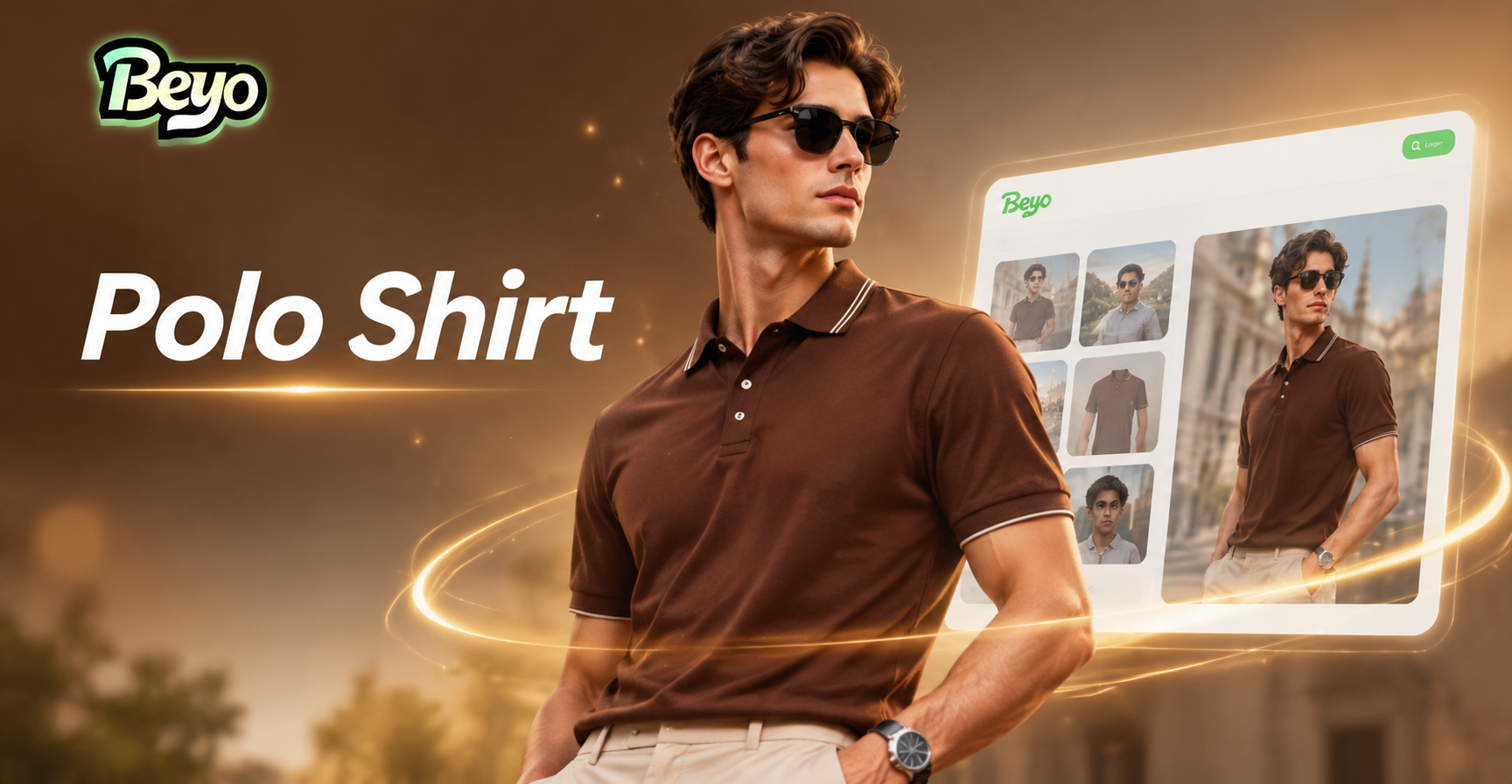
Polo Shirt Prompts: Stylish AI Outfit Ideas for Men

Pop Art Prompt Ideas: Create Bold Comic-Style AI Art

Polo Shirt Prompt Ideas for AI Fashion Look
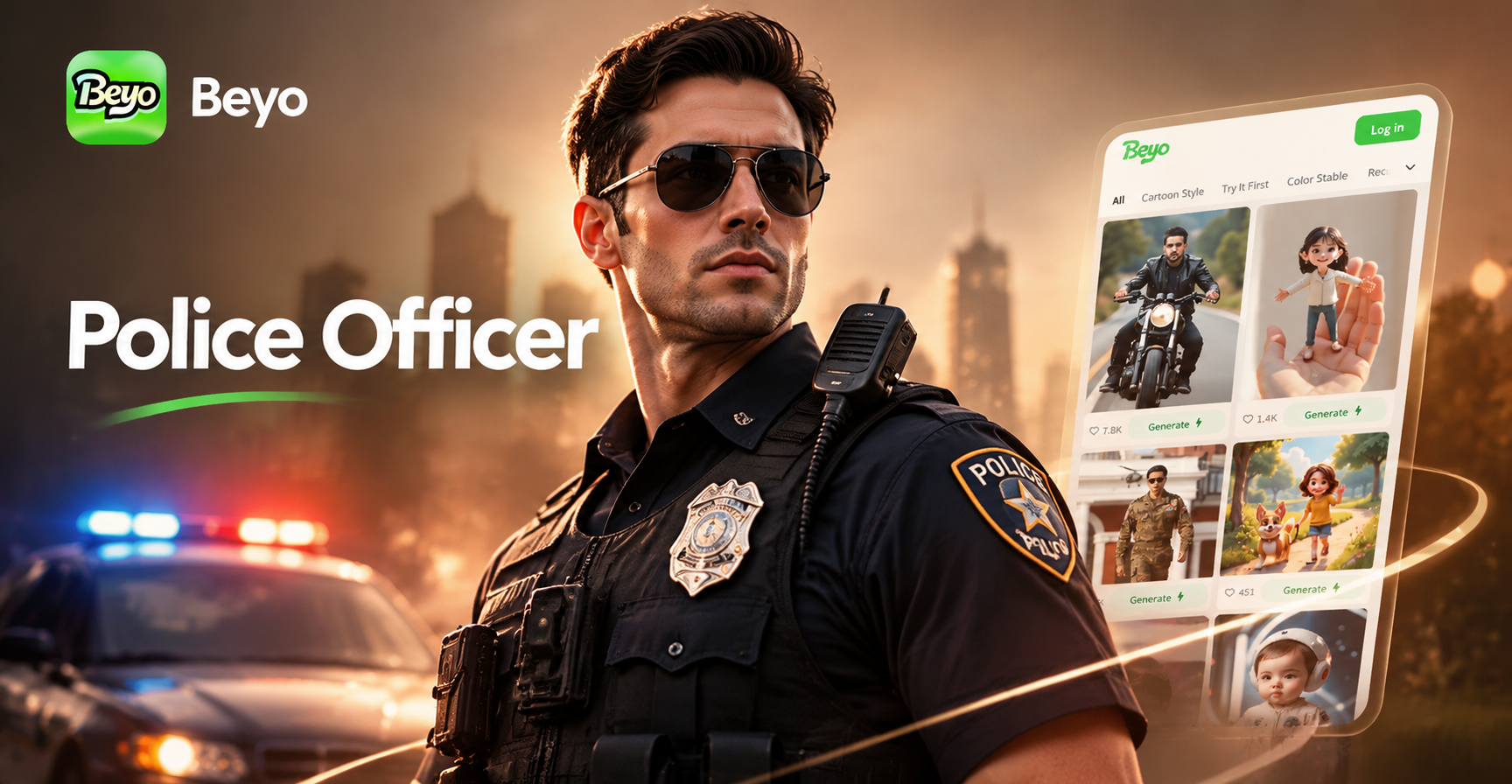
Police Officer Photo Prompts: Create Realistic AI Portraits
Polo Shirt Prompts: Stylish AI Outfit Ideas for Men
Pop Art Prompt Ideas: Create Bold Comic-Style AI Art
Polo Shirt Prompt Ideas for AI Fashion Look
Police Officer Photo Prompts: Create Realistic AI Portraits
Ready to Change Poses with a Simple Prompt?
Download beyo now and transform any photo with a pose change prompt. Get realistic results in seconds and create images that stand out.
Ready to Change Poses with a Simple Prompt?
Download beyo now and transform any photo with a pose change prompt. Get realistic results in seconds and create images that stand out.