Why Cricket Stadium AI Video Prompts Matter
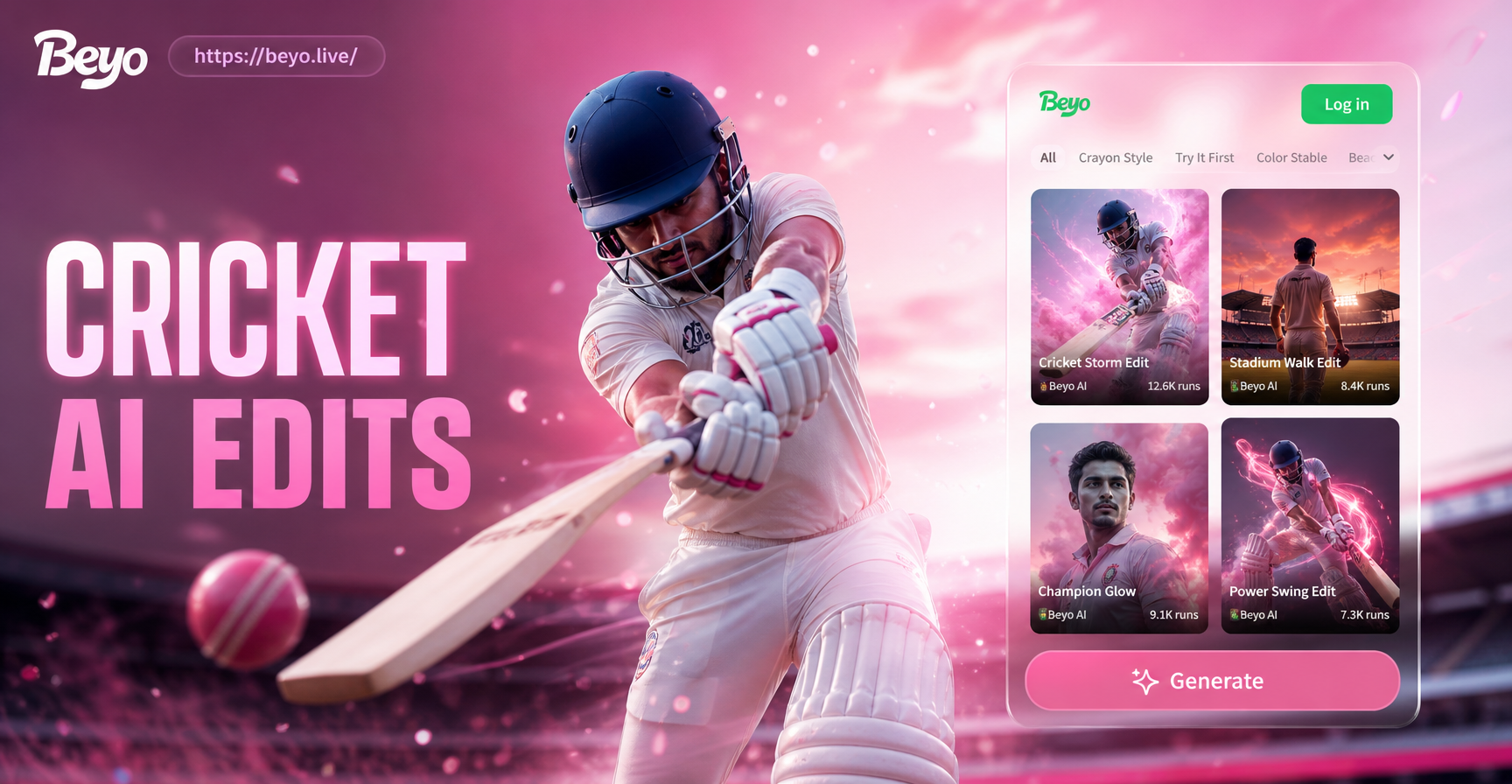
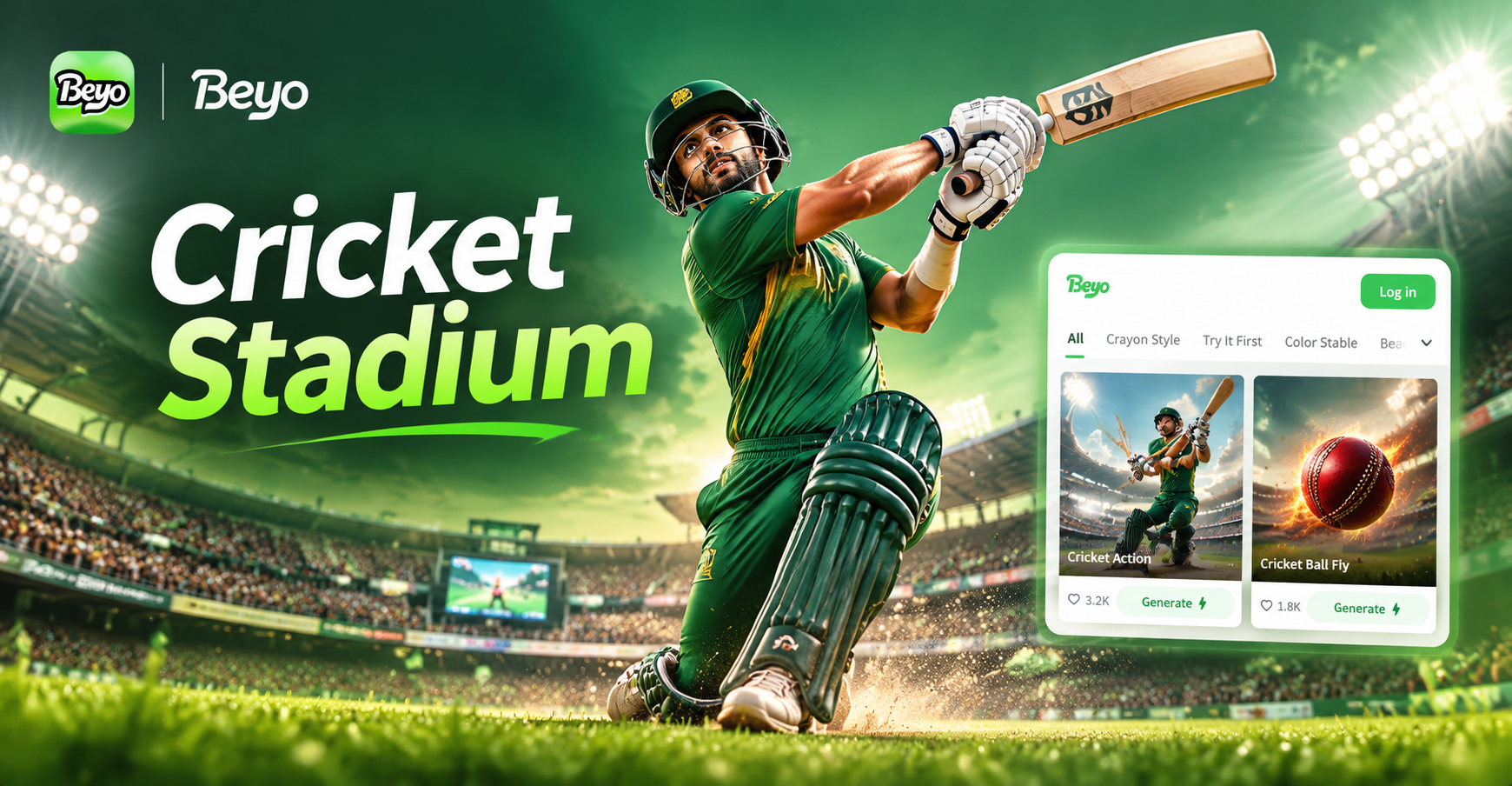
Cricket is more than a sport. It is a spectacle, a cultural event, and a visual feast. The stadium itself is a character: the floodlights cutting through evening haze, the pitch wearing the marks of a long innings, the crowd swaying as one. Capturing that energy in a video usually requires expensive equipment, a real stadium, and perfect timing. With AI video generation, you can now create stunning cricket stadium scenes from a simple text description. The key is using the right prompt.
Beyo's AI video generator lets you type a prompt, choose a style template, and watch the scene come alive. You do not need to master camera angles, lighting setups, or complex prompt syntax. This article gives you a collection of cricket stadium AI video prompts that you can copy, adapt, and run inside the beyo app. Whether you want a dramatic match highlight, a nostalgic archival clip, or a stylized anime cricket moment, you will find prompts below that work.
How to Use These Cricket Stadium Prompts in beyo
Open the beyo app on your Android device. Go to the AI video generation feature. Paste any prompt from this list into the text field. Choose a style filter that matches the mood you want, such as cinematic, realistic, anime, or watercolor. Then generate. Beyo will produce a short video clip based on your prompt and style selection. You can edit the prompt, change the style, or regenerate until you get the shot you like.
Each prompt below is written as a standalone scene description. You can use them exactly as they are, or you can change the subject, time of day, camera movement, and crowd size to make them your own. The prompts cover different types of cricket stadium videos, so you can find one for almost any creative need.
Ready-to-Use Cricket Stadium AI Video Prompts
Match Action Prompts
These prompts focus on the game itself: batting, bowling, fielding, and key moments.
- Slow motion close-up of a batsman hitting a six, cricket ball soaring over the boundary rope, stadium floodlights glowing, dust particles flying off the pitch, cinematic color grading, 4k detail.
- Fast bowler running in from the pavilion end, the crowd rising to its feet, ball released at high speed, batsman lunging forward to defend, intense facial expression, realistic motion blur, dramatic side lighting.
- A fielder diving full stretch at cover point to stop a boundary, grass and dirt kicked up, ball stopped inches from the rope, teammates celebrating in the background, shot on a long lens, stadium atmosphere, ultra realistic.
- Wicketkeeper stumping a batsman in a split second, bails flying, umpire raising the finger, crowd roaring, high-speed camera angle from behind the stumps, sharp focus, dramatic contrast.
- Spin bowler delivering a turning ball, close-up on the hand and wrist action, ball pitching and turning sharply, batsman beaten, stumps visible, dusty pitch, warm afternoon light, cinematic slow motion.
Crowd and Atmosphere Prompts
These prompts capture the energy and emotion of the stadium crowd.
- Wide shot of a packed cricket stadium at sunset, thousands of fans waving flags, Mexican wave moving through the stands, golden hour light hitting the players on the field, cinematic drone view, vibrant colors.
- Close-up of passionate fans in the stands, faces painted with team colors, cheering and clapping, confetti falling, shallow depth of field, emotional expressions, realistic stadium lighting.
- The crowd erupting as the winning run is scored, fans hugging strangers, jumping over barriers, flares and smoke in the air, night match floodlights, chaotic but joyful atmosphere, documentary style.
- An empty cricket stadium in the early morning, groundskeepers preparing the pitch, seagulls flying overhead, soft mist rising from the grass, quiet and serene mood, cinematic wide angle, muted color palette.
- A family in the stands sharing snacks and laughing, children waving team scarves, background blurred with colorful banners, warm afternoon sunlight, heartwarming and candid moment, realistic photography style.
Cinematic and Stylized Cricket Stadium Videos
These prompts push creative boundaries with different visual styles.
- Anime style cricket stadium scene, young batsman with determined eyes facing a giant fast bowler, exaggerated motion lines, dramatic background of a futuristic stadium, vibrant colors, dynamic camera angle, Ghibli-inspired atmosphere.
- Neon cyberpunk cricket stadium at night, players wearing glowing uniforms, holographic scoreboard, rain dripping on the pitch, reflective surfaces, moody purple and blue lighting, high contrast, futuristic feel.
- Watercolor painting style cricket stadium, soft brush strokes blending the crowd and field, gentle colors, dreamy and artistic, ball leaving a trail of color as it flies, hand-painted look, slow motion video.
- Black and white documentary style, old cricket stadium from the 1950s, grainy film texture, players in vintage whites, umpire in a coat, sound of leather on willow implied by motion, nostalgic and historical mood.
- Time-lapse video of a cricket stadium transforming from empty morning to full house at night, shadows moving across the pitch, clouds rolling, floodlights switching on, crowd gradually filling stands, smooth transition, cinematic quality.
Multi-Person and Story Prompts
Beyo's multi-person processing can handle scenes with several players and fans.
- Three fielders converging on a high catch near the boundary, all reaching for the ball, one successfully catching it while crashing into the advertising boards, crowd going wild behind them, realistic physics, multiple faces clearly visible.
- Two batsmen running between the wickets, one diving to make his ground, the other shouting, umpire watching closely, dust rising, all faces distinct, dynamic motion, realistic stadium lighting.
- A team huddle in the middle of the pitch, captain giving a motivational talk, players in colorful kits, expressions of determination and unity, surrounding stadium blurred, cinematic close-up, emotional moment.
- Celebration after a wicket: bowler sprinting, teammates chasing him, high fives and hugs, crowd waving flags, confetti in the air, multiple people interacting naturally, joyful energy, realistic documentary style.
Tips for Better Cricket Stadium AI Video Results
Start with a clear subject and action. Instead of just "cricket stadium", describe what is happening and who is involved. Mention the camera angle, lighting, and mood. For example, "low angle shot of a batsman hitting a six, sun behind him, crowd cheering" gives the AI more direction than a generic description.
Choose the right style template. Beyo offers styles like realistic, cinematic, anime, and watercolor. The same prompt will produce very different videos depending on the style you pick. A realistic style works well for match highlights, while an anime style can turn a simple moment into a striking creative piece. Experiment with different styles to see which one fits your vision.
Keep the prompt concise but specific. Avoid overly long sentences that bury the main action. Two or three well-chosen details are better than ten vague ones. If the video looks off, tweak one element at a time, such as changing the time of day or the camera angle, and regenerate.
Use the image-to-video feature for more control. If you already have a photo of a cricket stadium or a specific player, you can upload it and ask beyo to animate it. For example, upload a picture of a batsman and prompt: "Make him hit a six with the crowd cheering in the background." This gives the AI a clear reference and often produces more accurate results.
Common Issues and How to Fix Them
If the crowd looks blurred or faces are distorted, reduce the number of people in the prompt. Instead of "thousands of fans", try "a small group of fans in the front row". Beyo's multi-person processing works best when faces are not too small. You can also use a close-up angle so the AI focuses on fewer faces.
If the cricket action looks unnatural, such as a bowler throwing instead of bowling, add more specific details. Use phrases like "overarm bowling action", "ball pitching on a good length", or "batsman playing a cover drive". The more precise the cricket terminology, the better the AI understands the movement.
If the lighting feels flat, mention the time of day and light source. "Golden hour sunlight", "floodlights at night", "soft morning mist" all give the AI clear lighting cues. You can also choose a cinematic style to add automatic color grading and contrast.
If the video is too short, remember that beyo generates short clips designed for social media and creative projects. You can generate multiple clips with different prompts and edit them together in a video editor to create a longer sequence.
Start Creating Your Cricket Stadium AI Video Today
These cricket stadium AI video prompts are just the beginning. With beyo, you can turn any cricketing moment into a shareable video. Whether you are a content creator, a cricket fan, or a marketing professional, these prompts give you a head start. Download the beyo app from Google Play, pick a style, and start generating. The stadium is waiting.