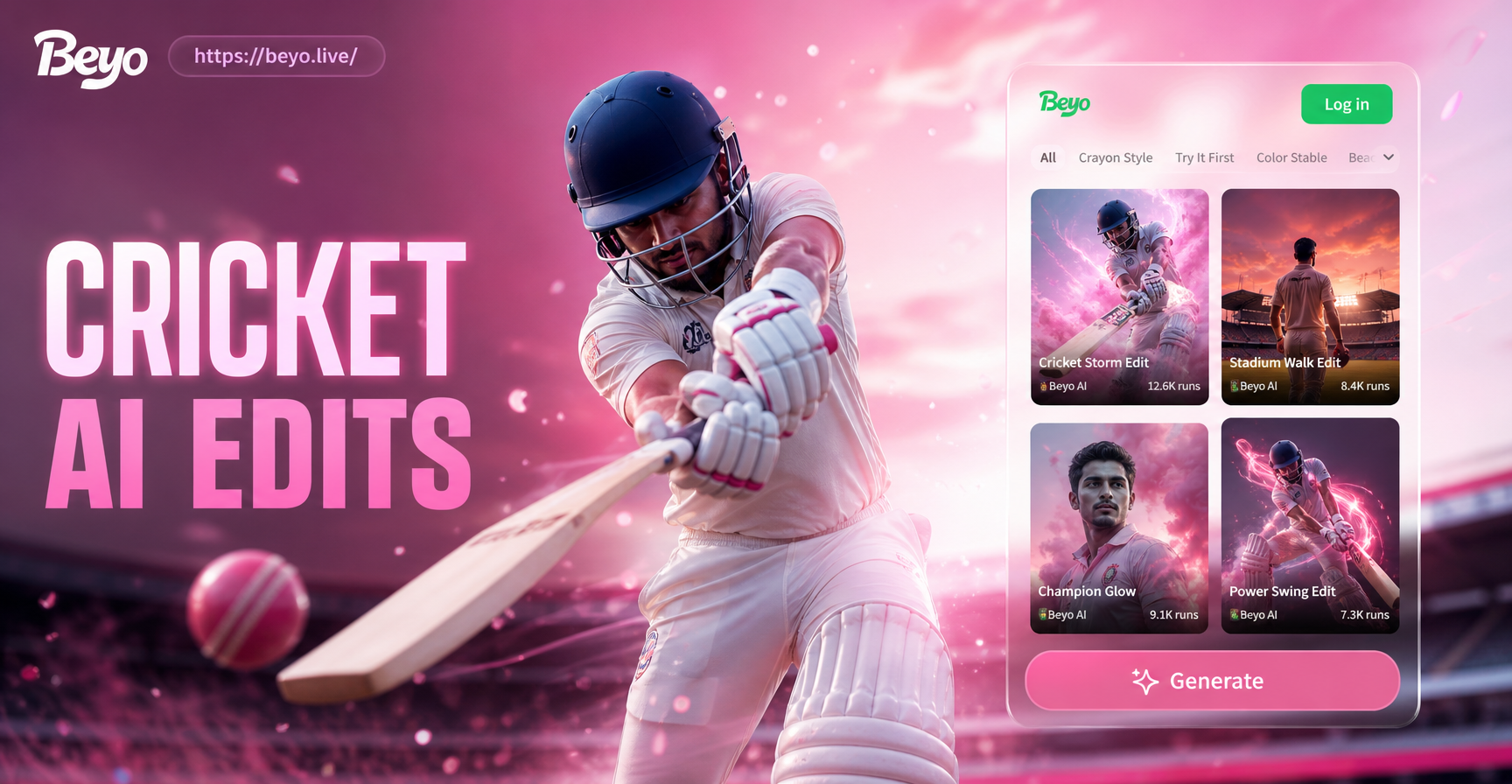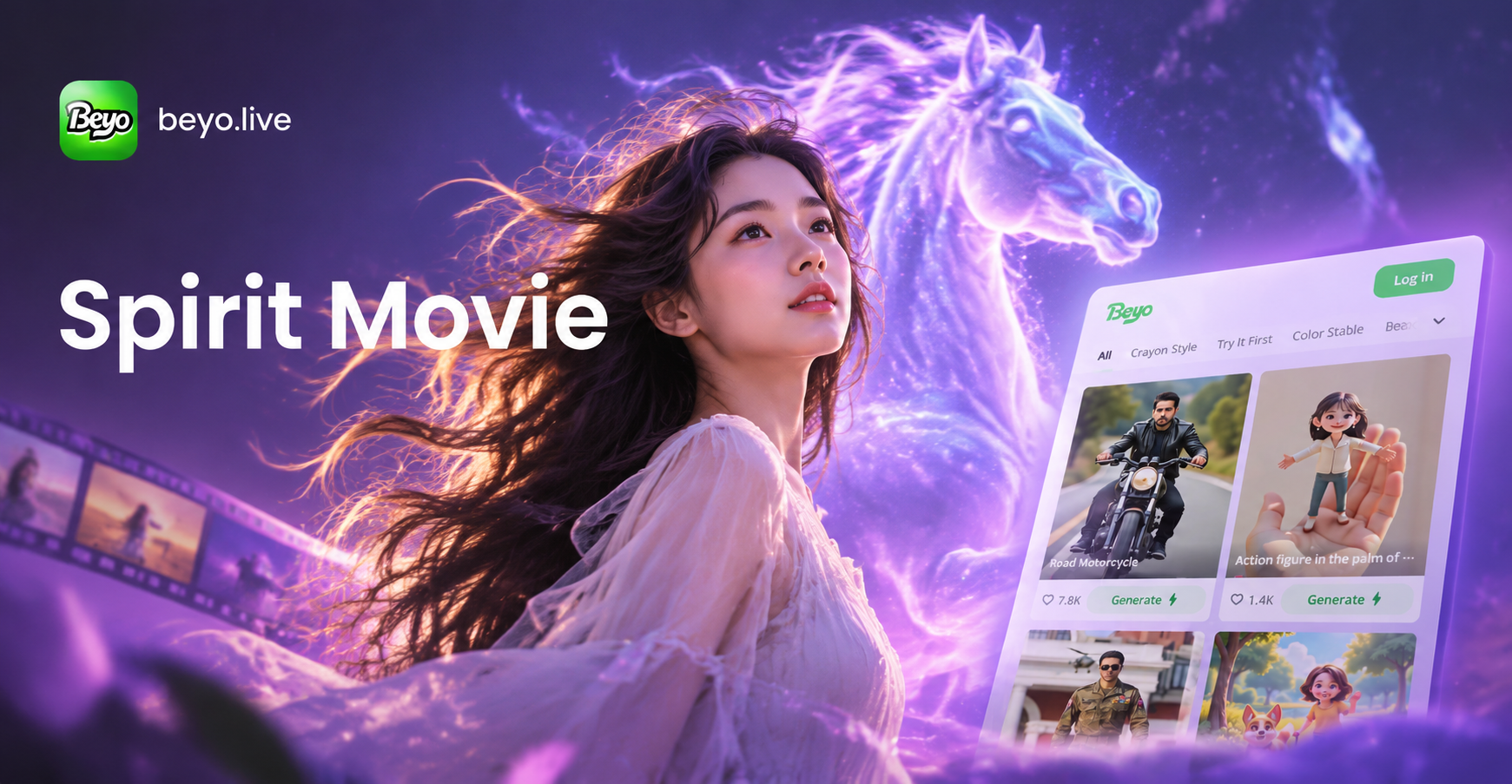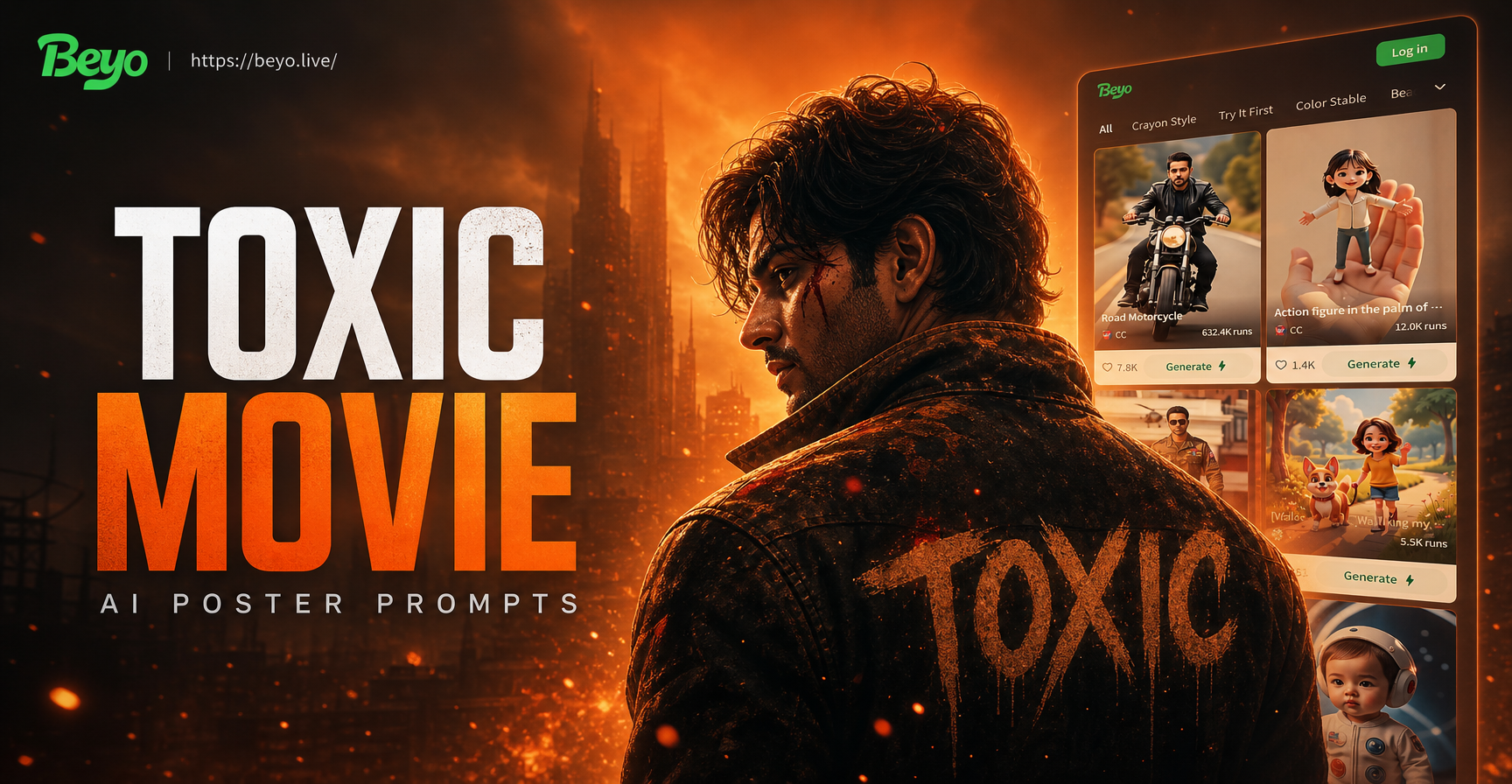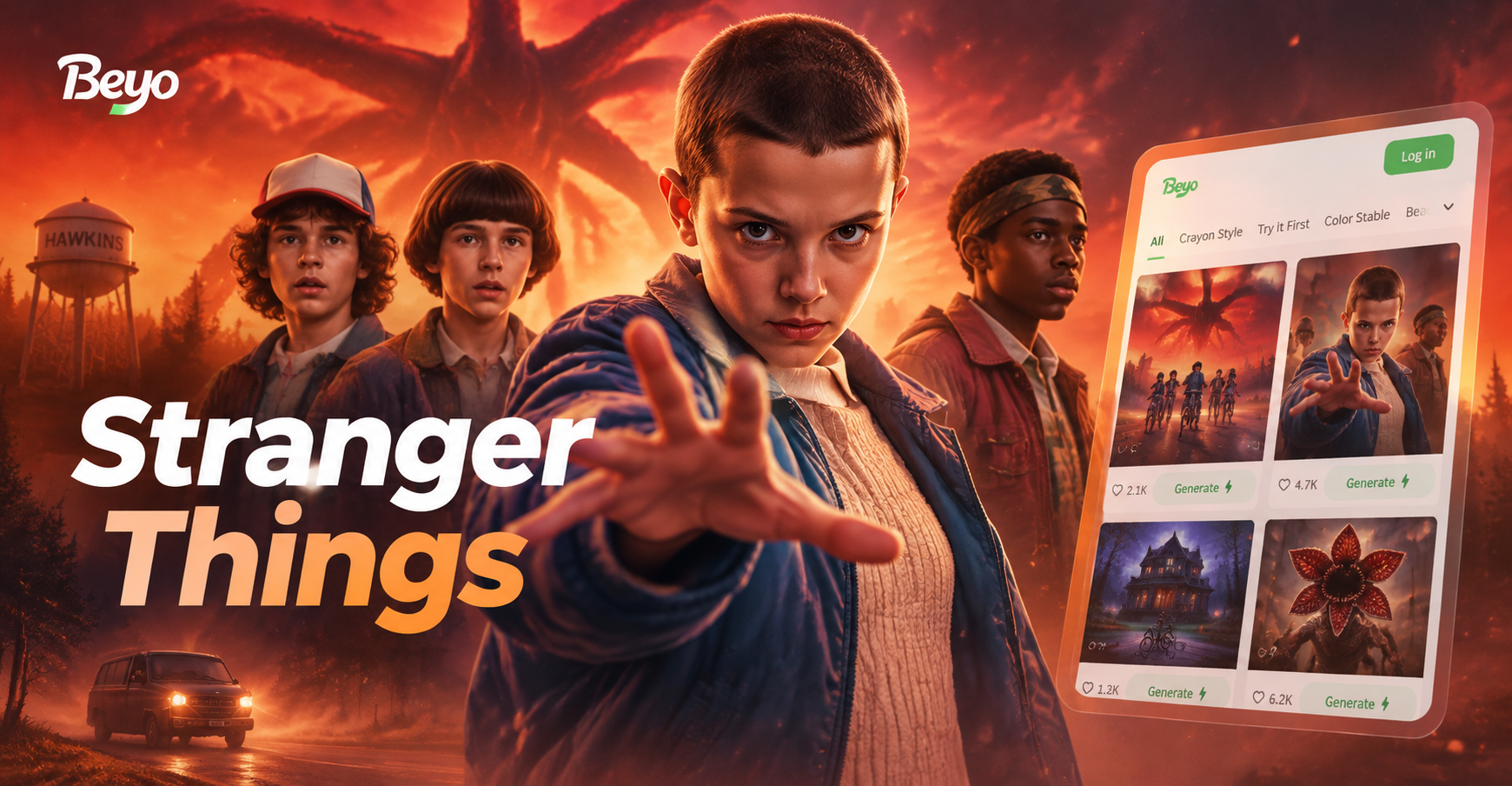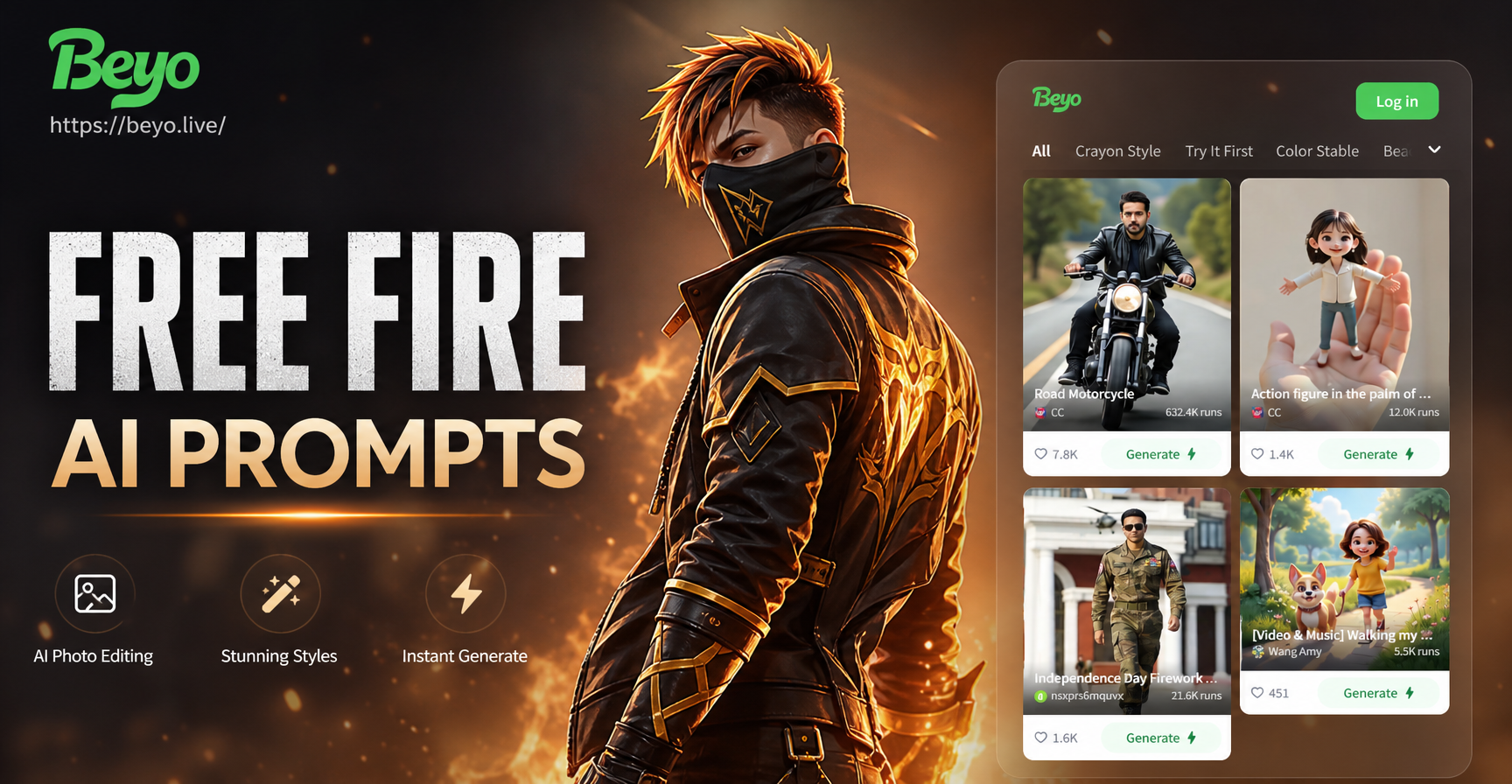
If you want to turn a regular portrait into a Free Fire inspired battle royale character, the fastest path is to use specific AI photo editing prompts. These prompts tell the image model exactly what outfit, lighting, background, and mood to add while keeping your face and body shape intact. Below you will find a large collection of Free Fire AI photo editing prompts for solo portraits, squad photos, action scenes, victory edits, and poster styles. Each prompt works with the beyo mobile app, which runs image to image generation on Android.
Note: These prompts produce fan inspired edits and are not official Garena Free Fire content.
How to Use Free Fire AI Photo Editing Prompts in Beyo
Download beyo from the Google Play Store and open the app. Choose the image to image or photo editing tool, then upload a clear front facing photo of yourself or your group. Paste one of the prompts below, pick a style filter such as realistic game art, anime, or 3D clay, and generate. The AI will repaint the clothing, background, and lighting while keeping the original face features when the prompt says preserve face.
Solo Portrait Free Fire AI Photo Editing Prompts
Use these prompts when you want a single character edit. Add your own skin tone, hair color, or outfit details to make the result look like you.
- Free Fire inspired survivor portrait, tactical vest over a yellow hoodie, black cargo pants, fingerless gloves, short messy hair, confident smirk, dusty favela background, golden hour rim light, ultra detailed, 4k.
- Female Free Fire style character, cropped red jacket over gray tank top, high ponytail, knee pads, fingerless gloves, urban rooftop at sunset, neon signs behind, cinematic color grade, sharp focus on face.
- Free Fire style medic class, white and teal cargo uniform, medical bag on belt, determined expression, rescue helicopter in background, smoke and dust, dramatic side lighting, realistic game poster.
- Stealth rusher in Free Fire style, black and purple tactical suit, night map, glowing blue accent lines, mask lowered, rain drops on armor, slight motion blur, anime game splash art.
- Free Fire style sniper character, ghillie suit draped over shoulder, long range rifle, forest map, golden lens flare, shallow depth of field, hyper realistic game render, detailed fabric.
- Free Fire style melee fighter, knuckle gloves, red bandana, sleeveless torn shirt, mountain temple background, sparks, low angle shot, dynamic action pose.
- Free Fire style engineer class, orange hard hat, welding goggles pushed up, tool belt, workshop background, flying sparks, high contrast, 3D game character art.
- Free Fire style female assassin, dark red hood, silver hair, crossbow on back, rooftop under full moon, wind blowing fabric, detailed accessories, anime cinematic style.
Squad and Duo Free Fire Photo Editing Prompts
These prompts are built for group photos. The AI model can identify multiple faces when you upload a clear squad photo, so keep everyone's face visible and avoid heavy overlap.
- Four person squad in Free Fire style, each wearing different color tactical gear, standing back to back on a supply drop, foggy island map, blue and orange team colors, team logo on sleeves, group photo composition, realistic game art.
- Duo portrait in Free Fire style, male and female partners in matching black and gold jackets, holding rifles, jungle map with abandoned buildings, sunset backlight, confident expressions, sharp focus on both faces.
- Five person Free Fire crew, casual urban outfits mixed with tactical vests, sitting on a parked jeep, tropical island beach, palm trees, golden afternoon light, candid squad photo.
- Two Free Fire characters high fiving after a win, red and blue team colors, confetti falling, victory screen background, bright pink and purple neon, energetic pose.
- Squad running through an explosion scene in Free Fire style, dust and debris, one carrying a downed teammate, cinematic war photography, muted colors with red accents.
- Team intro screen in Free Fire style, three characters with unique silhouettes, backlit by helicopter searchlight, smoke on the ground, dramatic poster composition.
Battle Royale Action Free Fire AI Photo Editing Prompts
These prompts work best with a dynamic pose or action reference photo. If your original photo is static, the AI will still add motion blur and environmental effects based on the prompt.
- Free Fire style combat scene, player jumping from rooftop to rooftop, parachute trailing, urban city map, sunset sky, motion blur, dynamic low camera angle.
- Close range shotgun duel inside a warehouse in Free Fire style, muzzle flash, shell casings in air, dramatic lighting, sparks, intense facial expression.
- Player riding a motorcycle down a tropical road in Free Fire style, shooting backwards, explosion behind, palm trees, high speed motion, cinematic lighting.
- Stealth takedown scene in Free Fire style, character grabbing an enemy from behind, dark forest, moonlight through leaves, glowing eyes, suspenseful atmosphere.
- Bomb defuse scene in Free Fire style, timer glowing red, sweat on forehead, blue wire cutters, bunker interior, shaft of light, hyper detailed textures.
- Airdrop rush scene in Free Fire style, multiple characters running toward a red supply crate, open field, smoke grenades, dramatic clouds, high contrast.
- Sniper shot from a tower in Free Fire style, bullet tracer line, shocked enemy in distance, mountain map, rain, reflective scope, cinematic telephoto compression.
Victory and Celebration Free Fire Photo Editing Prompts
- Booyah celebration in Free Fire style, character holding a golden trophy, golden confetti, bright spotlight, stadium background, ecstatic smile, vibrant colors.
- Victory screen edit in Free Fire style, character doing a signature dance pose, glowing blue grid background, leaderboard behind, neon purple and cyan lighting.
- Last survivor standing on a hill in Free Fire style, flag in hand, sunrise, torn clothes, exhausted but happy face, epic wide shot.
- Ranked up concept in Free Fire style, gold wings behind the character, diamond particles, dark background, royal blue and gold color palette, game award style.
- Free Fire anniversary celebration, character in a party hat, colorful fireworks, map shaped cake, squad behind, soft studio light.
Cinematic and Poster Style Free Fire Prompts
- Free Fire motion poster, character leaping forward with a weapon, glass shards, floating embers, dark red and black background, dramatic backlight, film grain.
- Free Fire realism edit, portrait of a survivor with dirt on face, torn shirt, bandage on arm, deep shadows, natural skin texture, photorealistic game cinematic.
- Free Fire anime crossover style, character with large expressive eyes, cel shaded look, bold outlines, speed lines, manga panel background.
- Free Fire 3D clay style, cute chibi survivor with oversized gun, rounded shapes, soft studio lighting, pastel battle royale background.
- Free Fire watercolor style, character portrait with splashes of red and blue, white background, brush strokes, artistic game fanart.
- Free Fire cyberpunk style, neon visor, robotic arm, futuristic jacket, rainy night market, purple and cyan reflections.
Why Specific Visual Details Matter in Free Fire AI Prompts
AI image models respond to concrete nouns, colors, lighting, and composition. A vague prompt like Free Fire style leaves too many choices, so the model falls back on a generic game look. By naming the outfit pieces, map environment, time of day, camera angle, and face preservation, you reduce randomness and get a result that matches your photo. The prompts above already include those details, but you can swap any element to match your favorite Free Fire character class, map, or team color.
How to Fix Weak Results in Free Fire AI Photo Edits
Sometimes the first generation looks too generic or the face does not match. Use these corrections in your prompt or in a second pass.
- If the face does not match, add: keep the face exactly as in the original photo, preserve facial features, same skin tone and face shape.
- If the outfit looks generic, add specific garment details, such as a red zipper jacket with black trim and a chest logo.
- If the background overpowers the subject, add: shallow depth of field, background blurred, subject in sharp focus.
- If the skin looks too smooth or plastic, add: realistic skin texture, natural pores, photorealistic lighting.
- If hands or weapons appear deformed, crop to upper body and add: clean hands, simple pose, weapon resting on shoulder.
- If the colors are inconsistent, specify a palette, such as red and black only with a desaturated background.
Here is a weak prompt and a stronger version.
Weak: Free Fire character photo.
Strong: Free Fire inspired portrait, keep my face exactly as the original, black and red tactical jacket with silver zippers, dusty Bermuda map background, golden hour side light, realistic skin texture, shallow depth of field, 4k game art.
Adapting These Free Fire Prompts to Your Own Face and Squad
Start with a sharp front facing photo in even light. In beyo, choose image to image so the app preserves your subject instead of generating a random person. Replace outfit and weapon details to match your real skin tone and hair. For group photos, mention each person's color or role so the AI separates them cleanly. You can add text elements by writing, for example, BOOYAH text in bold graffiti style above the character. Run the same prompt with different style filters to compare realistic, anime, and watercolor results, then download the best one.
Turn Still Free Fire Edits Into Short Videos
After you create a portrait, open the AI video tool in beyo. Use image to video with a short action prompt such as character turns toward camera, wind blows, embers float. This gives you a moving version of your Free Fire style edit for social media.
Download beyo from Google Play and start with the first solo portrait prompt above. Paste it, choose a style, and generate. If the result is close but not perfect, use the fix list in this guide to sharpen the details.