Why Double Chin Appears in Photos
A double chin can show up in photos even if you do not have one in real life. The main reasons are camera angle, lens distortion, posture, and lighting. When the camera is positioned slightly below your chin, it compresses the neck area and creates the illusion of extra skin. Wide angle lenses used on most smartphones exaggerate this effect by adding perspective distortion close to the lens.
Poor posture is another major factor. Slouching or tilting your head forward pushes the soft tissue under your jaw forward, making a double chin more prominent. Harsh overhead lighting can also cast shadows that emphasize the neck area. Understanding these causes is the first step to preventing a double chin before you even open a photo editing app.
Method 1: Fix Your Pose and Lighting Before the Shot
The easiest way to avoid a double chin is to correct your posture and angle at the moment you take the photo. Stand tall with your shoulders back and your neck elongated. Gently push your forehead forward and slightly down, which tightens the skin under your chin. This movement feels unnatural at first, but it dramatically reduces the appearance of a double chin in portraits.
Ask the photographer to position the camera at eye level or slightly above. A higher camera angle forces you to look up, stretching the neck and hiding any excess skin. Avoid shooting from below the chin, as that angle is the most unflattering for the jawline. Also shift your light source to come from above the face or from the side, not directly below, which creates harsh shadows under the chin.
Method 2: Use Angle and Lens Tricks During Shooting
If you have control over the camera settings, choose a longer focal length lens. A 50mm or 85mm lens compresses the facial features and reduces the perspective distortion that makes a double chin look worse. On a smartphone, zoom in slightly instead of using the ultra wide lens. The digital zoom crops into the sensor and simulates a longer focal length, giving you a more flattering face shape.
Another trick is to place your tongue flat against the roof of your mouth while smiling. This action engages the muscles under the chin and pulls the skin tighter. Combine this with a slight tilt of your head to one side and you will immediately notice a difference in the jawline definition. These small adjustments cost nothing and often eliminate the need for extensive photo editing later.
Method 3: Manual Photo Editing with Liquify Tools
If you already have a photo with a visible double chin, traditional photo editing software can fix it. Programs like Adobe Photoshop, GIMP, and Affinity Photo include a liquify tool that lets you push and pull pixels. The key is to use a large brush and low pressure to make gradual changes that look natural.
Step by step manual approach
Open your photo in the editor and duplicate the background layer. Select the liquify or forward warp tool. Set the brush size to about one third of the width of the double chin area. Start at the center of the double chin and gently push upward toward the jawline. Work in small increments and zoom out frequently to check the overall effect. Never drag pixels too far in one motion, as that creates a wavy, unnatural contour.
After liquifying, use the clone stamp or healing brush to smooth any remaining skin folds or shadows. Lower the opacity of the edited layer to compare with the original and make final adjustments. This method requires patience and a bit of practice, but it gives you complete control over the final result.
Method 4: AI Powered Double Chin Removal with beyo
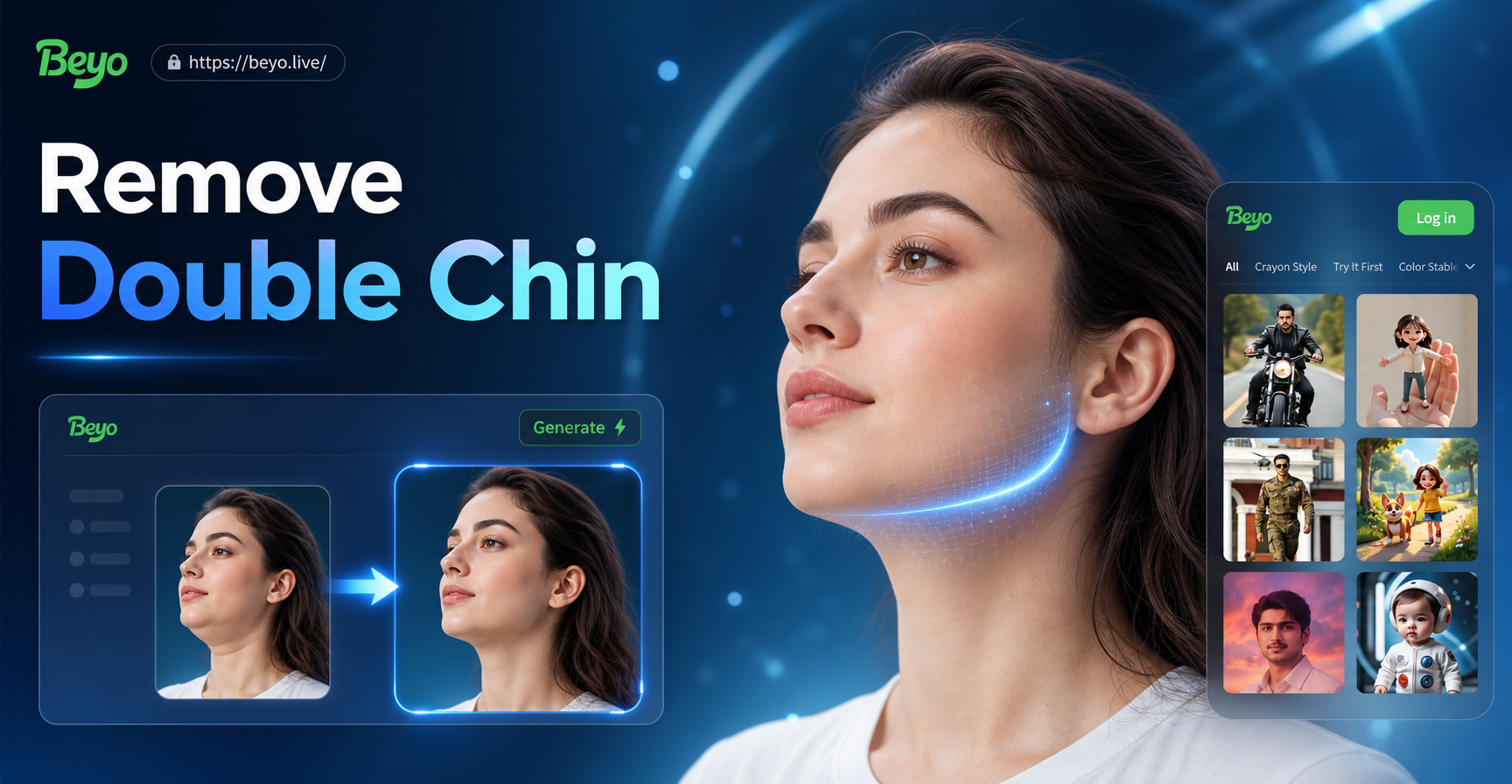
For a faster and more intuitive solution, you can use the beyo app. beyo is an all in one AI design tool that transforms your photos with simple prompts and style filters. While beyo does not have a dedicated double chin removal button, its image to image feature lets you upload a portrait and tell the AI to slim the face, tighten the jawline, or reduce the double chin. The AI understands your request and applies a natural looking adjustment without manual pixel pushing.
How beyo's image to image works for facial slimming
Open the beyo app on your Android device and tap the image to image option. Upload the portrait you want to edit. In the prompt box, type a clear instruction such as "reduce double chin, slim jawline, natural skin texture, high detail." Choose a realistic style filter that preserves skin tones and facial features. beyo will generate an edited version of your photo with the requested changes. You can adjust the prompt or try different style filters until you get the result you like.
Because beyo uses generative AI, it also improves lighting and skin texture at the same time. The final image looks polished and professional without hours of manual editing. This approach works well for selfies, headshots, and group photos where you want to subtly improve every face.
Method 5: Smartphone Apps for Quick Fixes
Many mobile apps now offer one tap facial slimming tools. Apps like Facetune and YouCam Perfect have dedicated jawline sliders that can reduce a double chin in seconds. You simply move a slider to the left or right and the app automatically reshapes the chin area. These tools are convenient but can produce a plastic look if overused. Always keep the adjustment subtle and zoom in to check for distortion around the ears or neck.
beyo stands out from these single purpose apps because it combines facial slimming with powerful AI generation. You are not limited to one fixed slider. You can describe exactly how you want the final image to look, and the AI will interpret your words into a realistic edit. This flexibility makes beyo a better choice for creative portraits, social media content, and professional headshots.
Step by Step: Removing Double Chin with beyo
Here is a simple workflow to remove a double chin in a photo using beyo.
Step 1. Download and install the app
Go to Google Play and search for beyo. Install the app on your Android phone. Open it and grant the necessary photo access permissions.
Step 2. Upload your portrait
Tap the image to image feature and select the photo from your gallery. Choose a high resolution image for the best result. If the photo is blurry or low light, the AI may struggle to detect the jawline accurately.
Step 3. Write a clear prompt
In the text field, type something like "remove double chin, define jawline, keep natural skin tone, realistic portrait." You can also add style keywords like "studio lighting" or "soft focus" if you want a more polished look.
Step 4. Pick a style filter
beyo offers over one million style filters. For portrait retouching, choose a realistic photography filter or a soft beauty filter. Avoid heavy artistic styles like anime or 3D clay if you want a natural result.
Step 5. Generate and refine
Tap generate and wait a few seconds. Review the output. If the double chin is still visible, adjust your prompt to be more specific, such as "slim the area under the chin by 30 percent, smooth the neck." Generate again until you are satisfied.
Step 6. Save and share
Once the result looks natural, save the image to your phone. You can share it directly to social media or use it for your profile picture.
Tips for Natural Looking Results
Whichever method you use, the goal is to remove the double chin without making the photo look fake. Here are some tips to keep your edit realistic.
- Make small adjustments. Over editing the jawline can create an unnatural sharp angle that looks obviously retouched.
- Preserve skin texture. Avoid heavy blurring that removes pores and fine lines. A real face has texture.
- Check the neck and shoulder area. Sometimes slimming the chin can make the neck look too thin. Adjust the entire neck region together.
- Compare before and after. Always keep the original photo open side by side to see if the edit is believable.
- Use the right lighting. If the original photo has harsh shadows under the chin, consider using an AI tool like beyo to also improve the lighting and reduce the shadow.
Preventing Double Chin in Future Photos
While editing can fix a double chin, prevention is always better. Practice good posture daily. Strengthen your neck and jaw muscles with simple exercises like chin tucks and tongue presses. Take photos from a slightly higher angle. And when you need a quick retouch, keep beyo installed on your phone so you can fix any portrait in under a minute.
Conclusion
Removing a double chin in a photo is easier than you think. You can fix it before the shot with better posture and camera angle. You can manually edit it with liquify tools. Or you can use AI powered apps like beyo to transform your portrait with a simple text prompt. The method you choose depends on your time, skill level, and the result you want. For most people, the beyo app offers the fastest and most natural solution without any design skills. Download beyo today and give every photo a confident jawline.