AI Generator Prompt Ideas


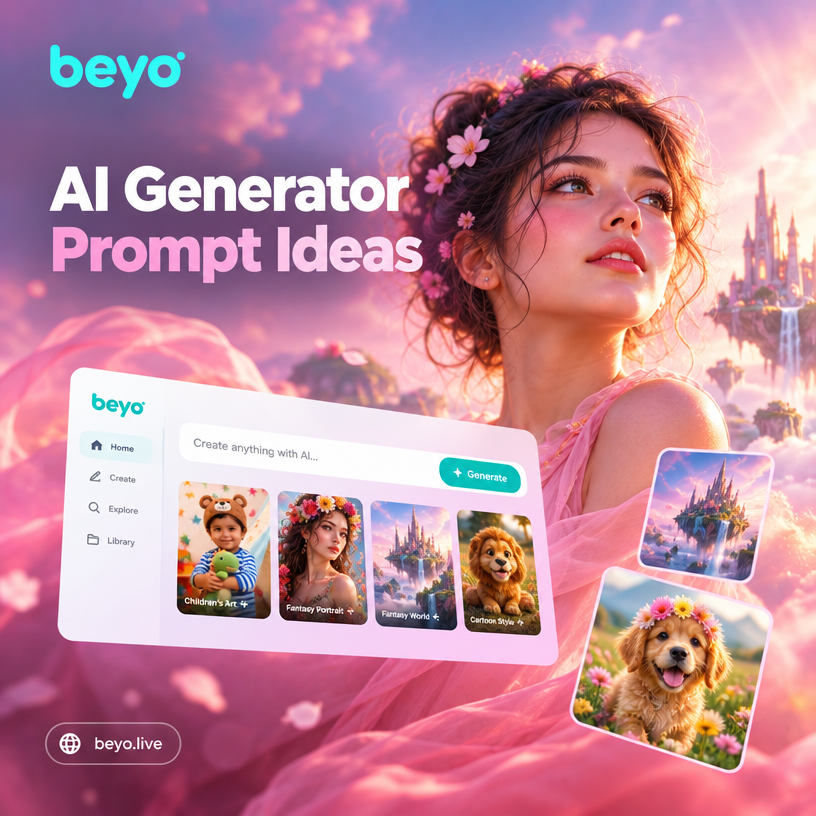
Choose a Style Filter for Your Prompt
Match any prompt idea with a built in style template. From photorealistic portraits to anime and cyberpunk, find the right visual filter in seconds.
Key Features of AI Generator Prompt Ideas
Explore features that make it easy to turn any prompt idea into a polished AI image or video.
Style Template Library
Browse over one million built in style filters. Match your prompt with anime, cinematic, watercolor, clay, or cyberpunk looks without writing complicated settings.
Style Template Library
Browse over one million built in style filters. Match your prompt with anime, cinematic, watercolor, clay, or cyberpunk looks without writing complicated settings.
Image to Image Remix
Upload a photo and blend it with a prompt idea. The AI keeps your subject recognizable while swapping the background, clothing, or art style.
Image to Image Remix
Upload a photo and blend it with a prompt idea. The AI keeps your subject recognizable while swapping the background, clothing, or art style.
Multi Person Prompt Scenes
Describe group moments or upload a group photo. The AI identifies each face separately and builds a shared scene with no blending or subject loss.
Multi Person Prompt Scenes
Describe group moments or upload a group photo. The AI identifies each face separately and builds a shared scene with no blending or subject loss.
Why Use AI Generator Prompt Ideas on beyo
Great prompts need a tool that understands style, lighting, and expression. beyo pairs your idea with a smart mobile editor and a massive filter library to produce visuals that feel intentional, not random.
Why Use AI Generator Prompt Ideas on beyo
Great prompts need a tool that understands style, lighting, and expression. beyo pairs your idea with a smart mobile editor and a massive filter library to produce visuals that feel intentional, not random.
How to Use AI Generator Prompt Ideas
Follow three simple steps to turn a prompt idea into a finished AI image or video inside the beyo app.

Step 01.
Download the beyo app from Google Play and open the AI generator tool on your phone.

Step 02.
Pick a style template or type a prompt idea. You can also upload a photo to use as a reference image.

Step 03.
Generate your image or video, fine tune the result, then save or share it directly to social media.
AI Prompt Idea Gallery
See what happens when a simple AI generator prompt idea meets the right style template. Browse concepts from realistic portraits to animated worlds.


What Creators Say About AI Prompt Ideas
The prompt ideas actually save me time
I used to stare at a blank prompt box for ages. beyo gives me a direction and the style filters do the heavy lifting. My social posts look far more polished now.
Perfect for trying new art styles
I typed a few words, chose the Ghibli filter, and got a scene I would never be able to paint myself. The app is simple but the results feel professional.
Group prompts without the mess
I uploaded a team photo and described a cyberpunk rooftop scene. The app kept every face clear and the whole group looked natural in the final image.
Frequently Asked Questions
Quick answers about using AI generator prompt ideas inside the beyo app.
More Topics You May Like
Explore more topics you may like and discover fresh ideas tailored to your interests.
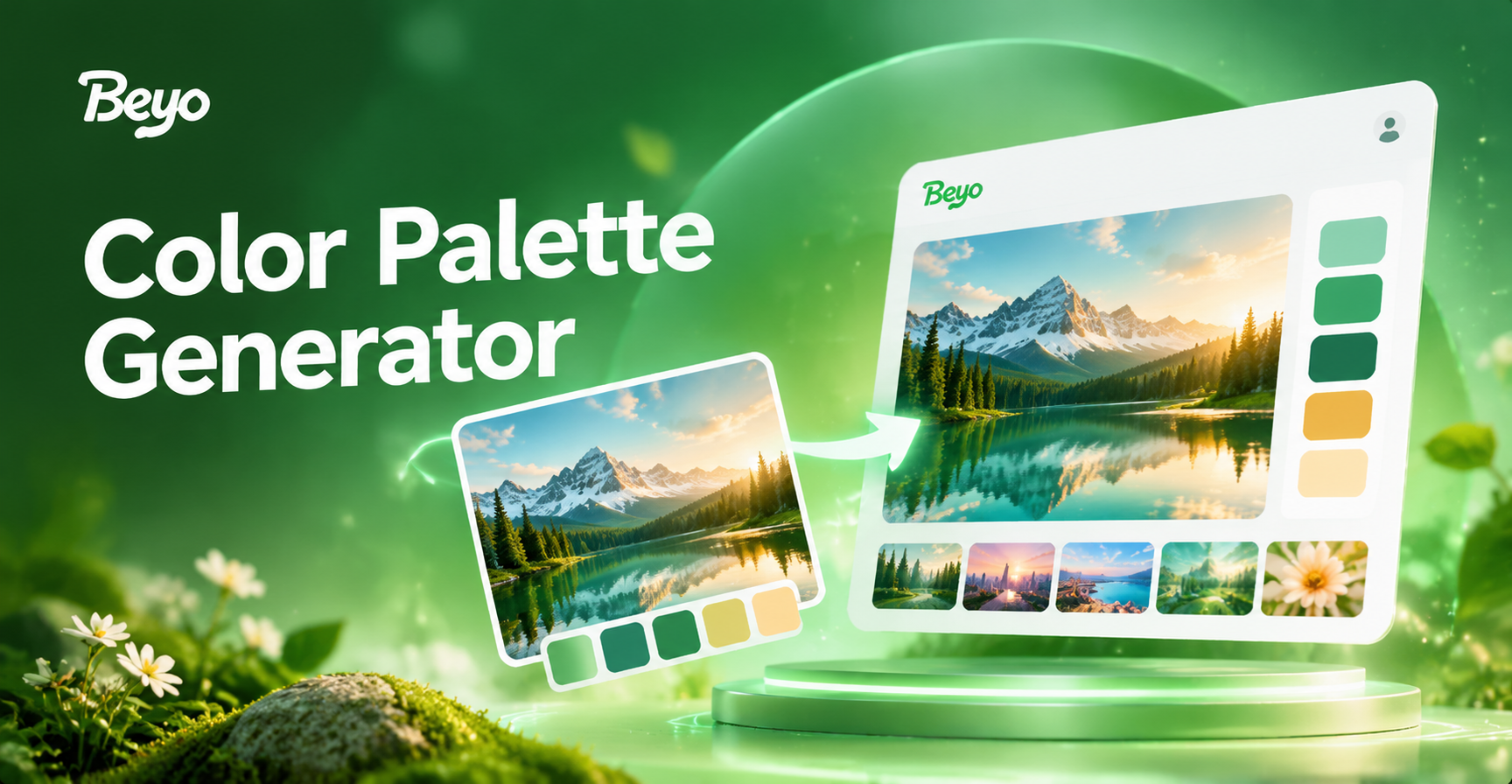
Turn Photos Into Perfect Color Palettes Instantly
Extract beautiful color palettes from any photo with beyo. AI identifies dominant shades and creates harmonious swatches. Download the app and start creating.
Gemini AI Prompt Generator: Create Stunning Visual Prompts
Turn simple text into stunning Gemini AI prompts. Access 1M+ style templates for images and videos. No prompt engineering needed. Try beyo today.
AI Cosplay Generator: Turn Photos into Anime Characters
Transform your selfies into stunning cosplay looks with the AI Cosplay Generator. Upload a photo, pick a style, and get HD anime results in seconds. No design skills needed.
AI Engagement Invitation Maker: Create Stunning Virtual Cards
Turn your photo into a beautiful engagement invitation with AI. Choose romantic styles, add text, and download a polished digital card in seconds using the beyo app.
Turn AI Generator Prompt Ideas Into Visuals
Download beyo from Google Play and explore over one million style filters. Turn any prompt idea into a unique image or video in seconds, right from your phone.

Turn AI Generator Prompt Ideas Into Visuals
Download beyo from Google Play and explore over one million style filters. Turn any prompt idea into a unique image or video in seconds, right from your phone.