Color Palette Generator From Photo
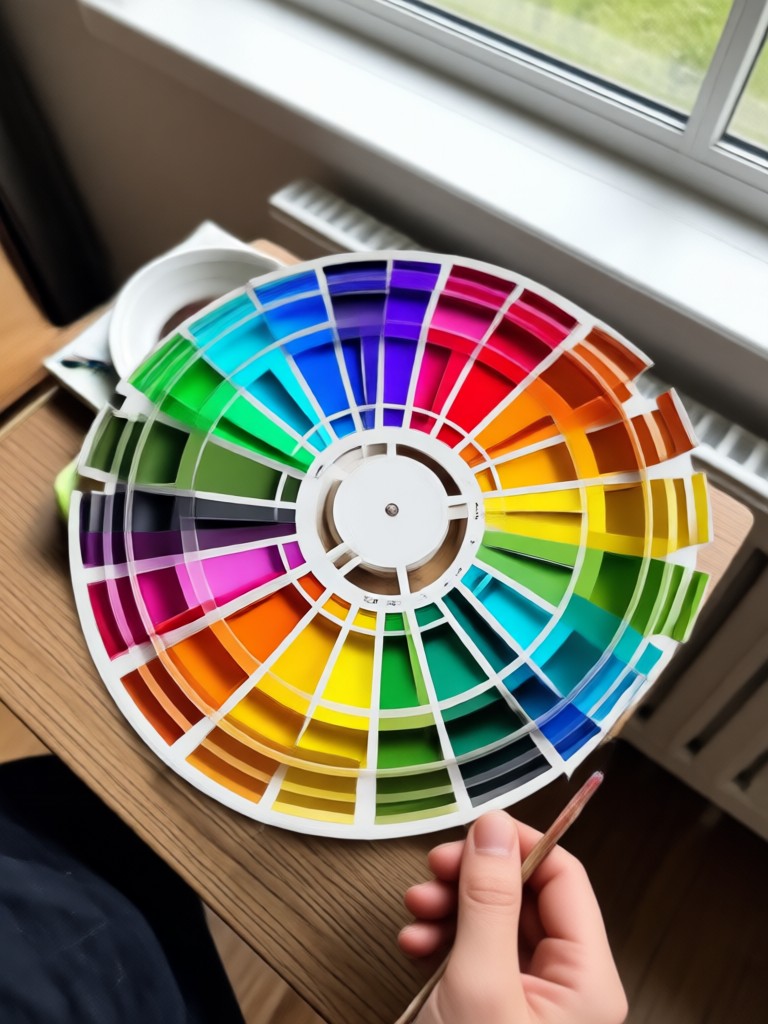
Choose the Palette Style That Matches Your Photo
Discover curated color extraction filters and style templates. From muted earth tones to vibrant pop colors, find the perfect palette for any image.
Key Features of the Color Palette Generator From Photo
Unlock professional color analysis with beyo. Upload any image and instantly get a palette that captures its mood, tones, and contrast. Perfect for designers, creators, and anyone who loves color.
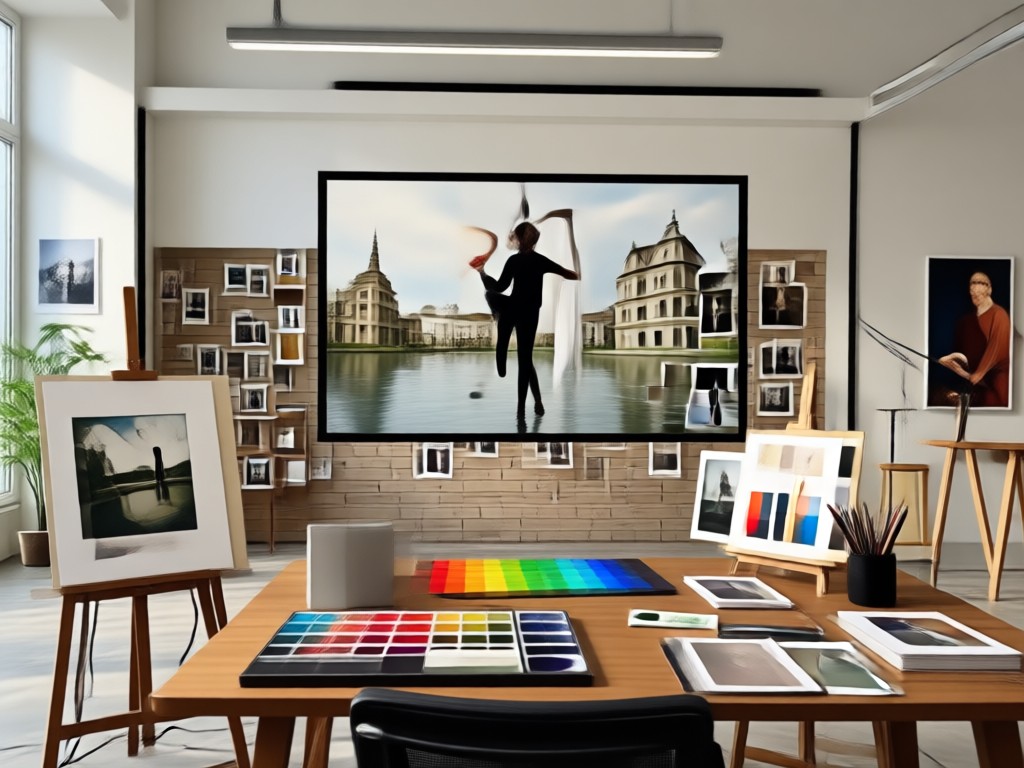
Instant Color Extraction
Upload a photo and let AI identify every important shade. The app scans your image for dominant colors, subtle undertones, and accent hues. You get a clean set of swatches in seconds. No manual picking or guesswork required.
Instant Color Extraction
Upload a photo and let AI identify every important shade. The app scans your image for dominant colors, subtle undertones, and accent hues. You get a clean set of swatches in seconds. No manual picking or guesswork required.
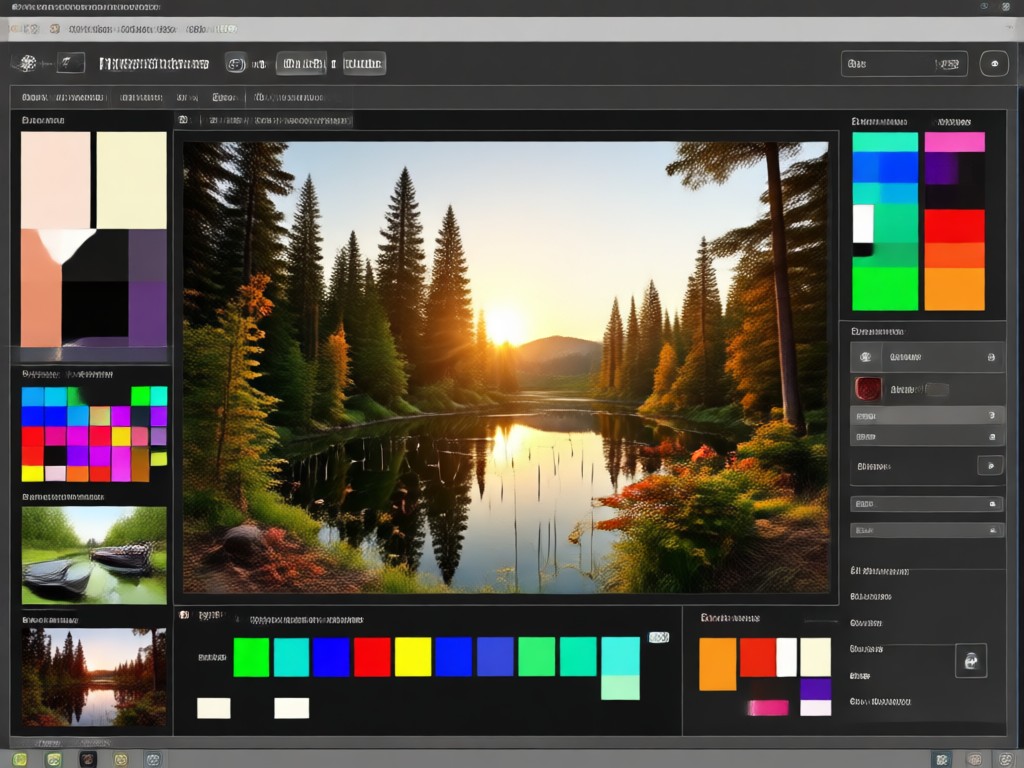
Harmonious Palette Creation
Turn extracted colors into a balanced, usable palette. The AI suggests complementary and analogous shades so your design feels natural. Whether you need a palette for branding, home decor, or fashion, you get a cohesive result every time.
Harmonious Palette Creation
Turn extracted colors into a balanced, usable palette. The AI suggests complementary and analogous shades so your design feels natural. Whether you need a palette for branding, home decor, or fashion, you get a cohesive result every time.
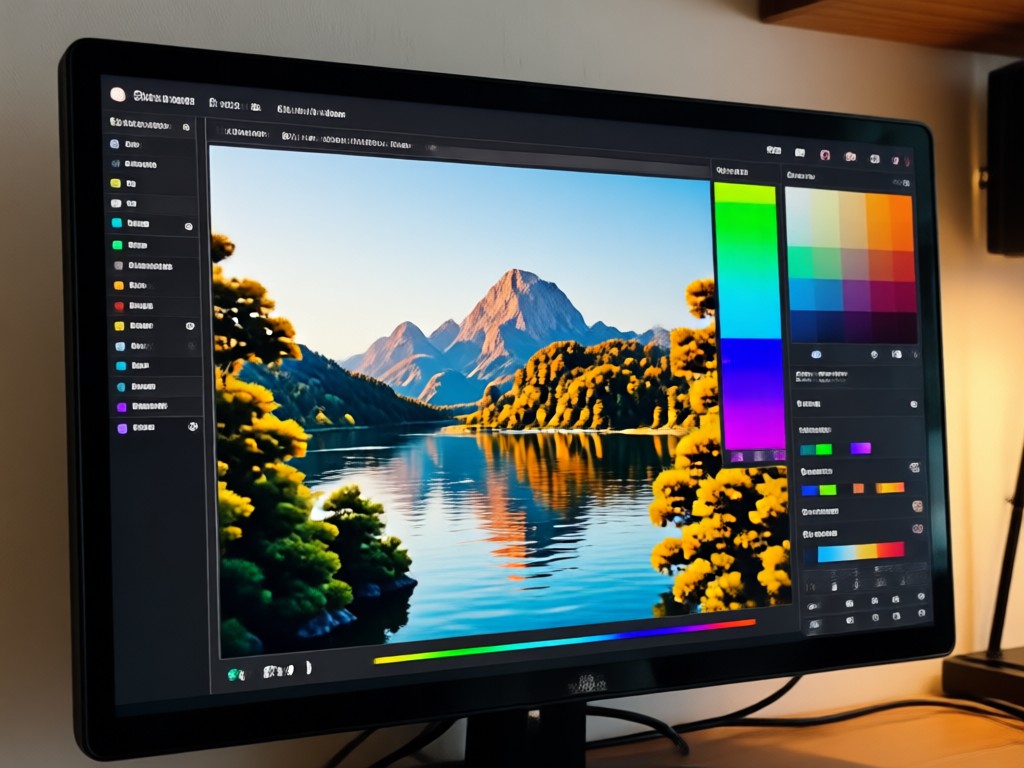
Save and Share in One Tap
Save your color palettes as high quality images or copy the hex codes for any design tool. Share your favorite palettes with friends, clients, or followers. Keep all your creative color ideas organized inside the beyo app.
Save and Share in One Tap
Save your color palettes as high quality images or copy the hex codes for any design tool. Share your favorite palettes with friends, clients, or followers. Keep all your creative color ideas organized inside the beyo app.
How to Generate a Color Palette from a Photo?
Creating a color palette from any photo takes just three simple steps with beyo. Download the app, choose your image, and let AI do the work.

Step 01.
Download the beyo app from Google Play and open it on your phone. The app is free to install and ready to use immediately.

Step 02.
Upload any photo from your camera roll or take a new one. Choose a style filter if you want a specific color mood, or let the AI extract colors automatically.

Step 03.
Review your generated color palette, copy the hex codes, or save the swatches to your gallery. Share your palette with friends or use it in your next creative project.
Color Palette Inspiration Gallery
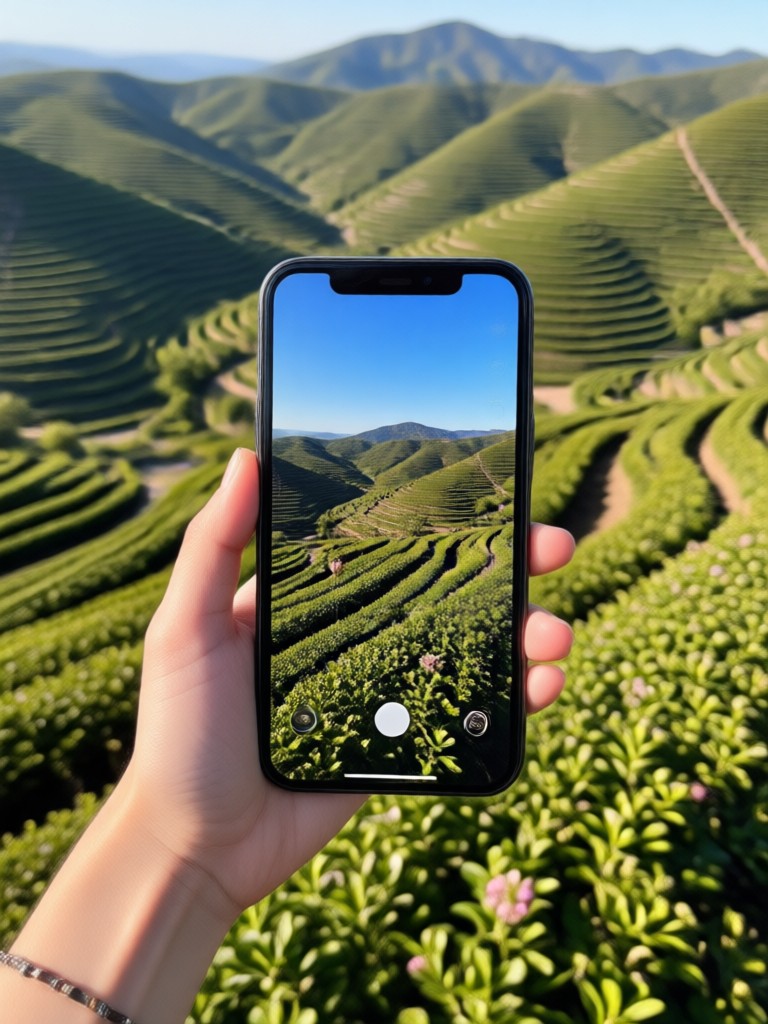
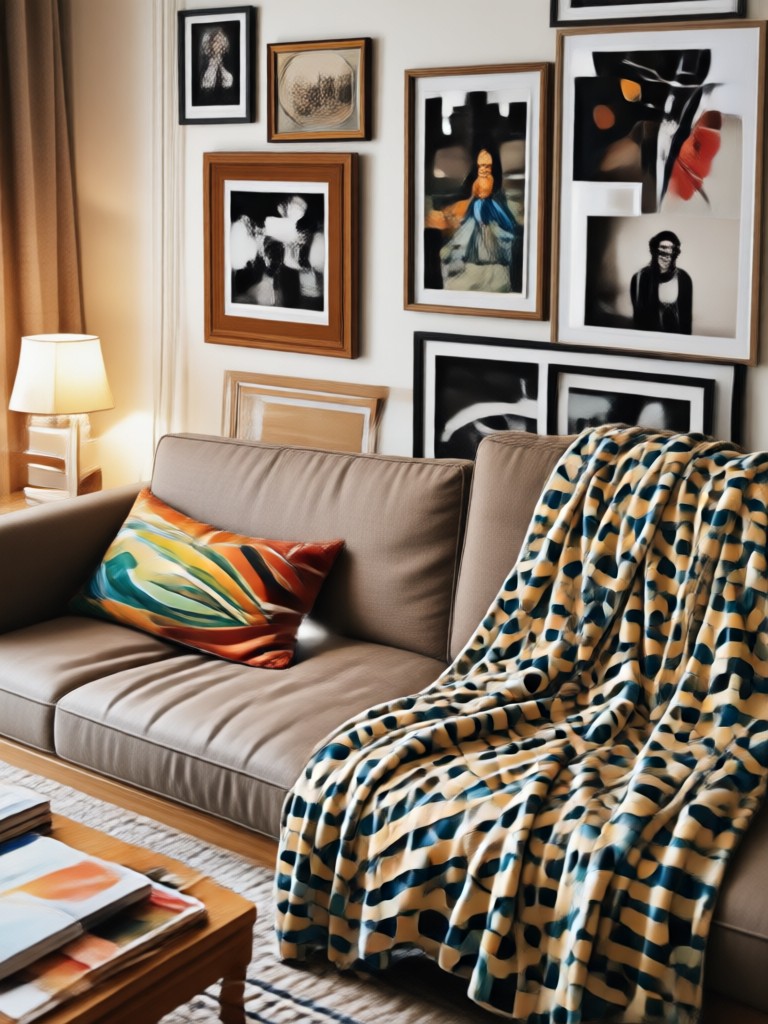
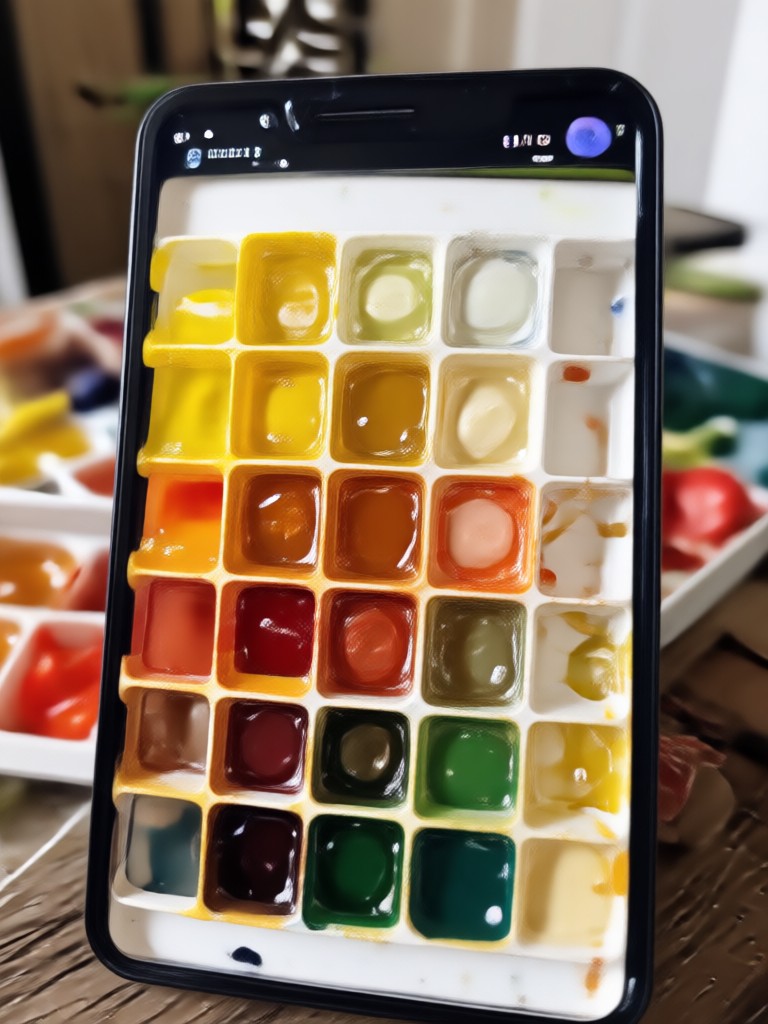
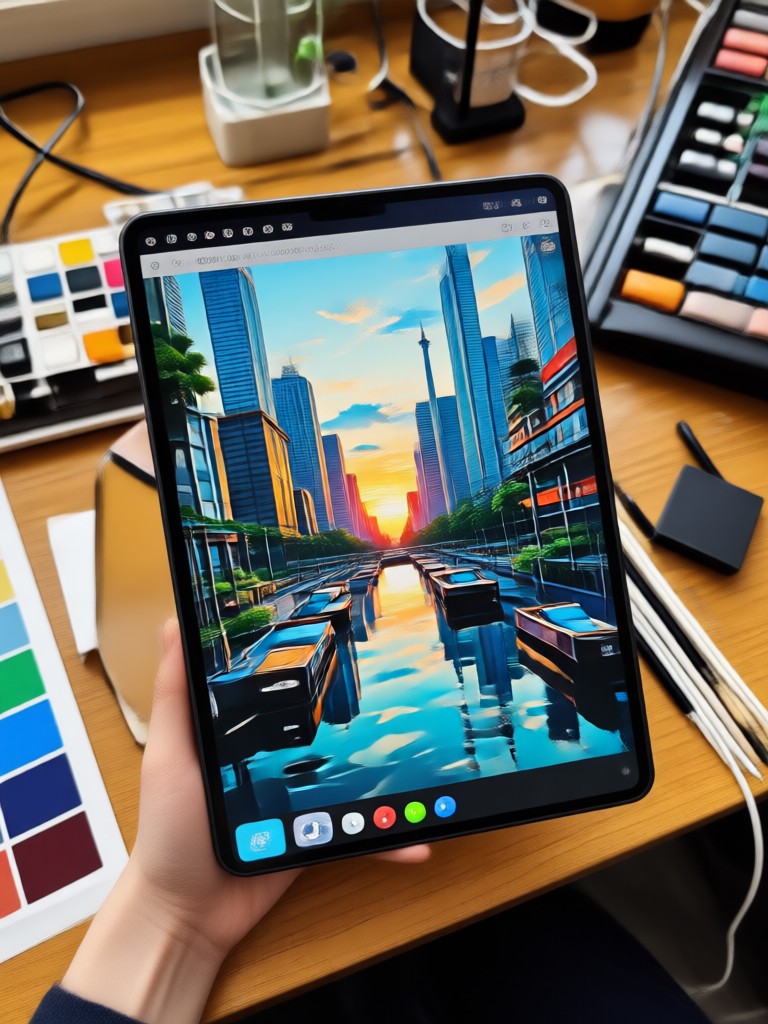
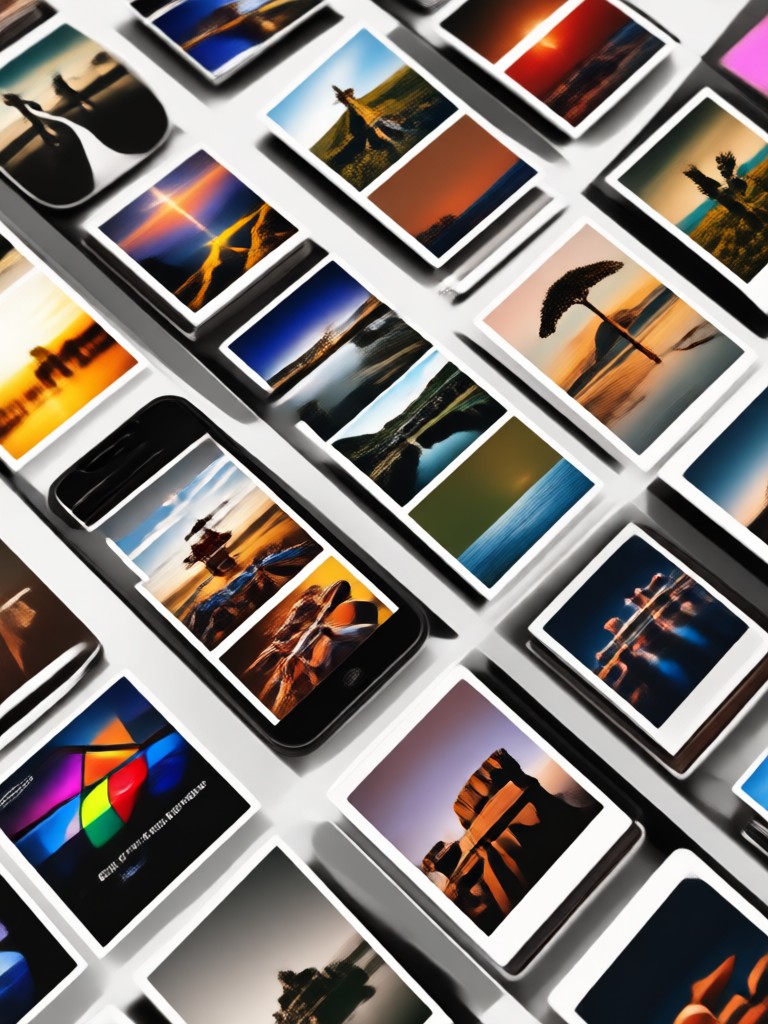
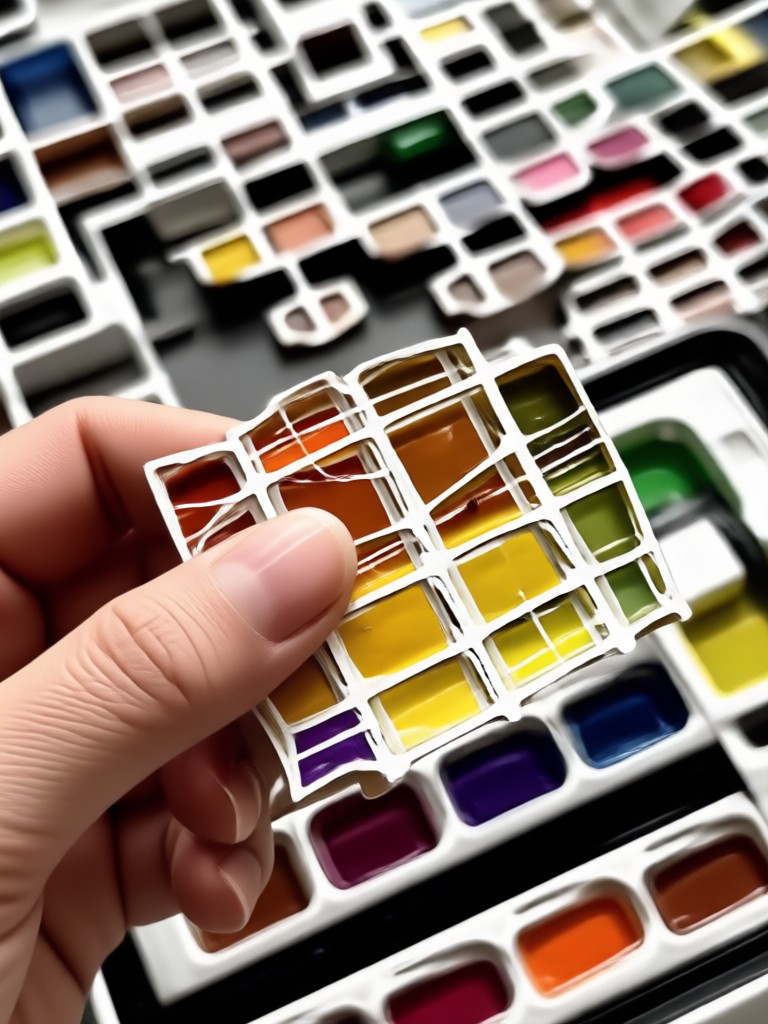
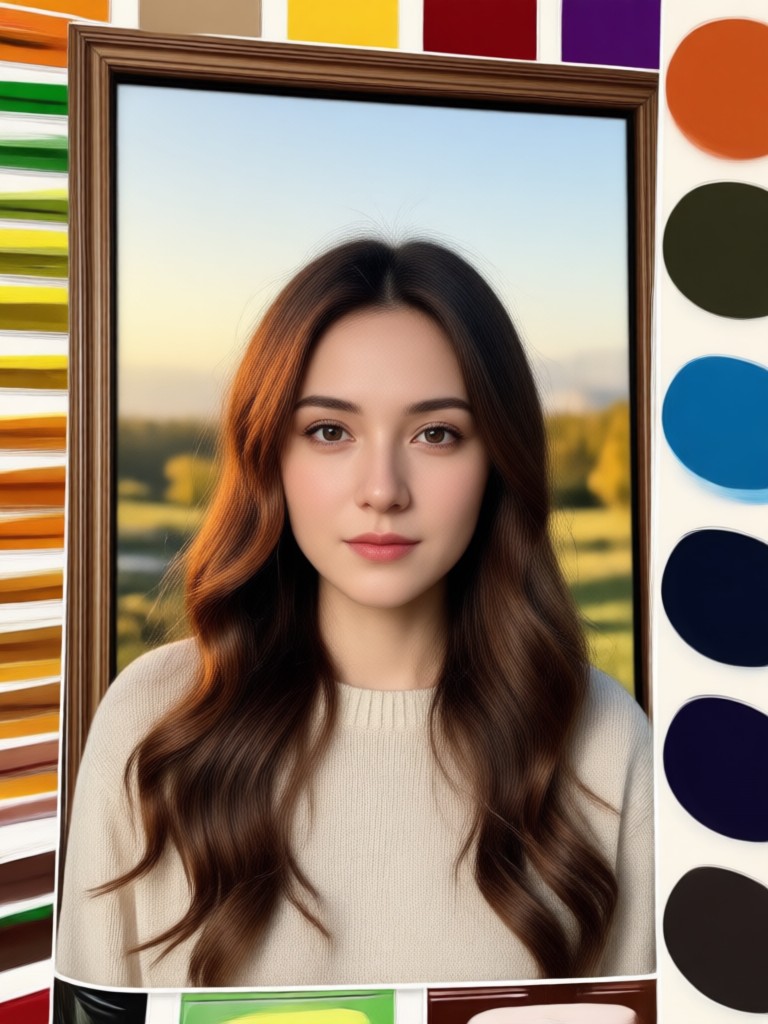
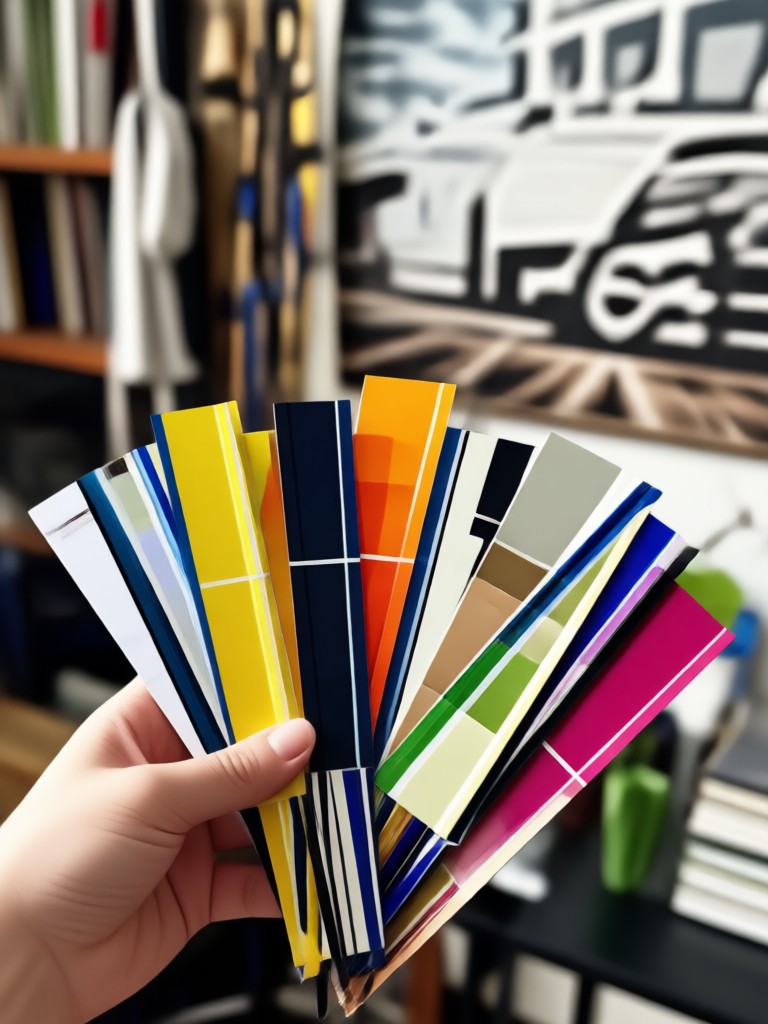
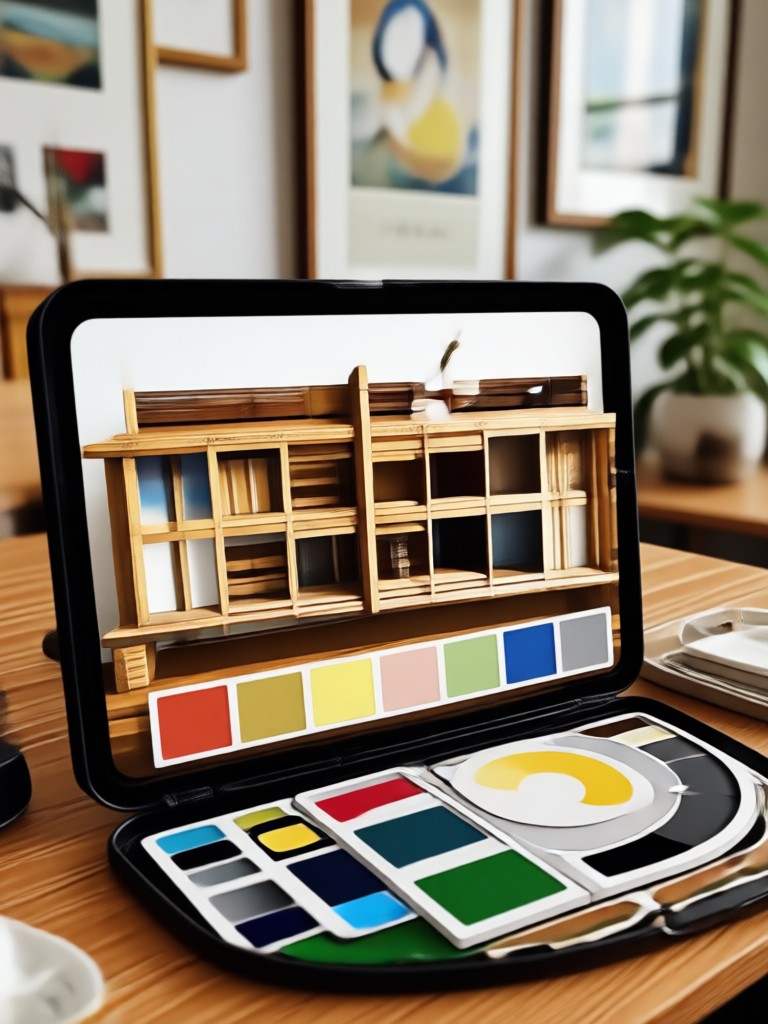
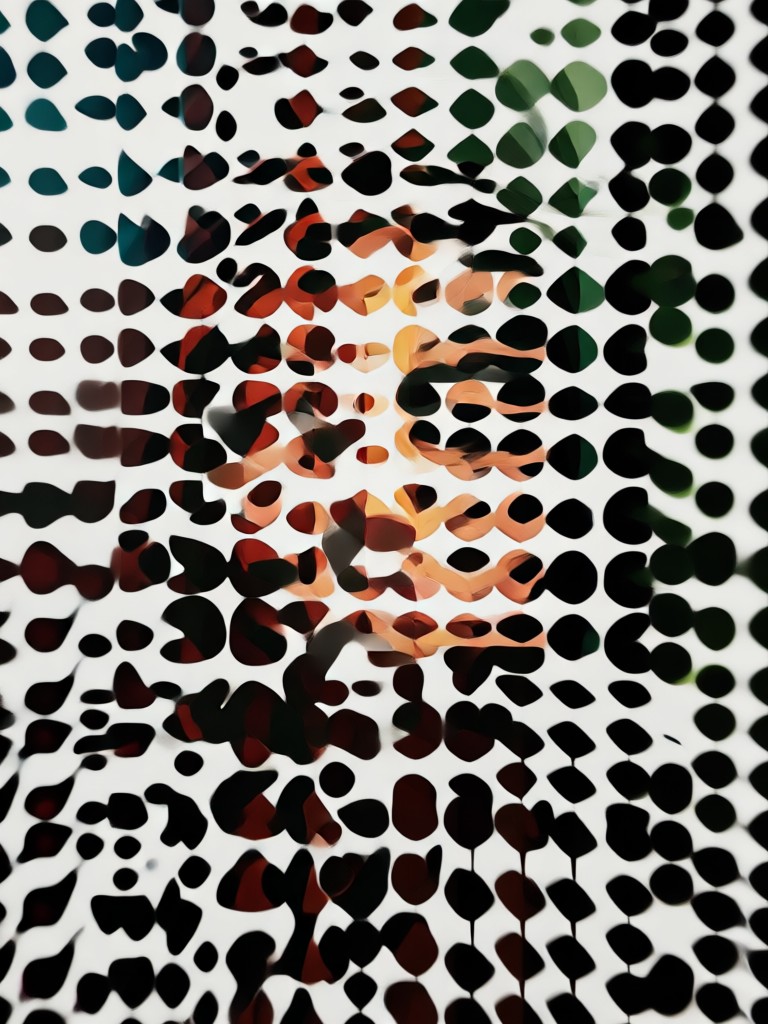
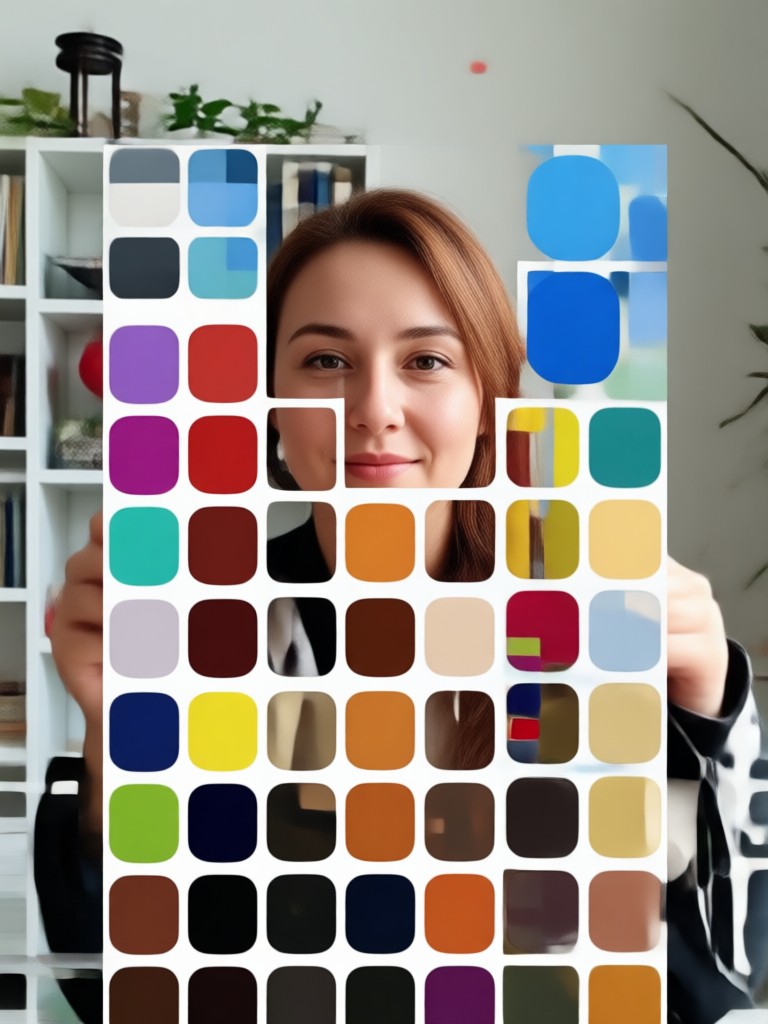
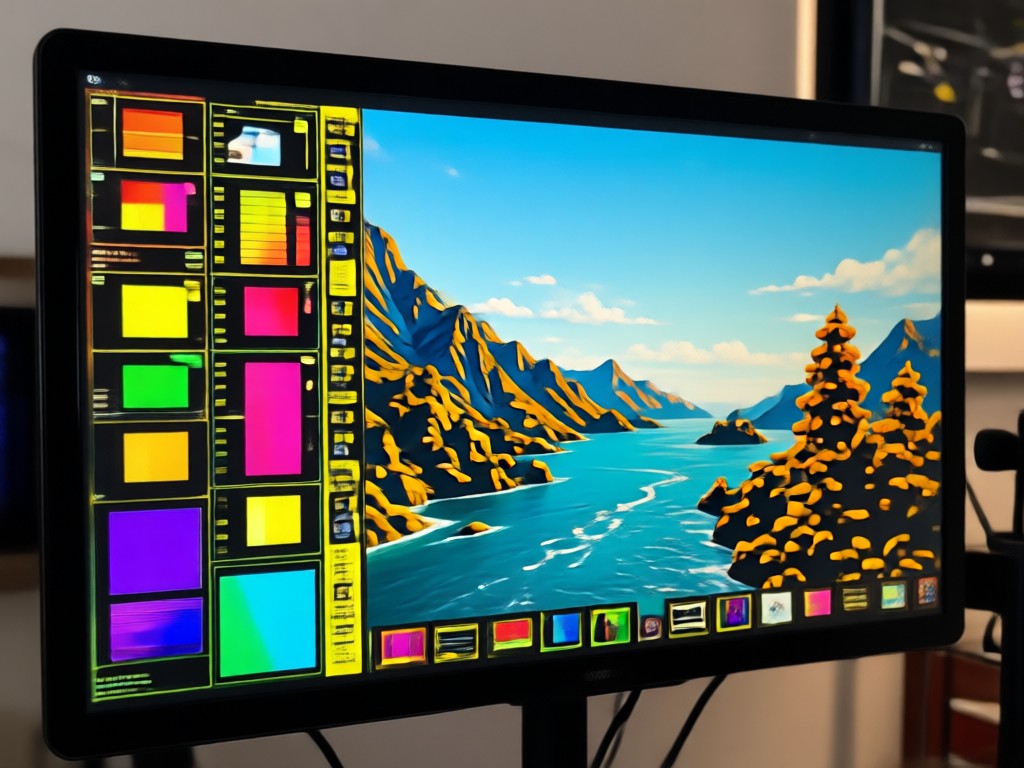
Explore stunning color palettes generated from real photos. See how beyo transforms everyday scenes, portraits, landscapes, and product shots into beautiful, usable color combinations.

Why Use a Color Palette Generator From Photo?
A photo based color palette captures the exact mood and harmony of a real scene. Instead of guessing which colors work together, you get a proven combination pulled from an image you love. It saves time and helps your designs feel intentional.
Why Use a Color Palette Generator From Photo?
A photo based color palette captures the exact mood and harmony of a real scene. Instead of guessing which colors work together, you get a proven combination pulled from an image you love. It saves time and helps your designs feel intentional.
Here is What People Think About beyo
Perfect for my design workflow
I use the color palette generator from photo almost every day. It pulls exactly the right shades from my reference images and saves me so much time in Procreate and Figma.
So easy for people without design experience
I am not a designer but I wanted a color scheme for my bedroom. I took a photo of a sunset and got the most beautiful palette. The app is super simple.
Great for social content
I use beyo to create cohesive color themes for my Instagram feed. The palettes always match my photos perfectly and my feed looks so polished now.
Frequently Asked Questions
Find clear answers about the color palette generator from photo and how to use beyo to create beautiful color combinations.
More Topics You May Like
Explore more topics you may like and discover fresh ideas tailored to your interests.
Gemini AI Prompt Generator: Create Stunning Visual Prompts
AI Cosplay Generator: Turn Photos into Anime Characters
AI Engagement Invitation Maker: Create Stunning Virtual Cards
Animate My Logo: AI Logo Animation in Seconds
Gemini AI Prompt Generator: Create Stunning Visual Prompts
AI Cosplay Generator: Turn Photos into Anime Characters
AI Engagement Invitation Maker: Create Stunning Virtual Cards
Animate My Logo: AI Logo Animation in Seconds
Turn Every Photo Into a Perfect Color Palette
Download beyo now and start generating beautiful color palettes from any photo. Your next design, outfit, or creative project is just a tap away.
Turn Every Photo Into a Perfect Color Palette
Download beyo now and start generating beautiful color palettes from any photo. Your next design, outfit, or creative project is just a tap away.