AI Smile Filter
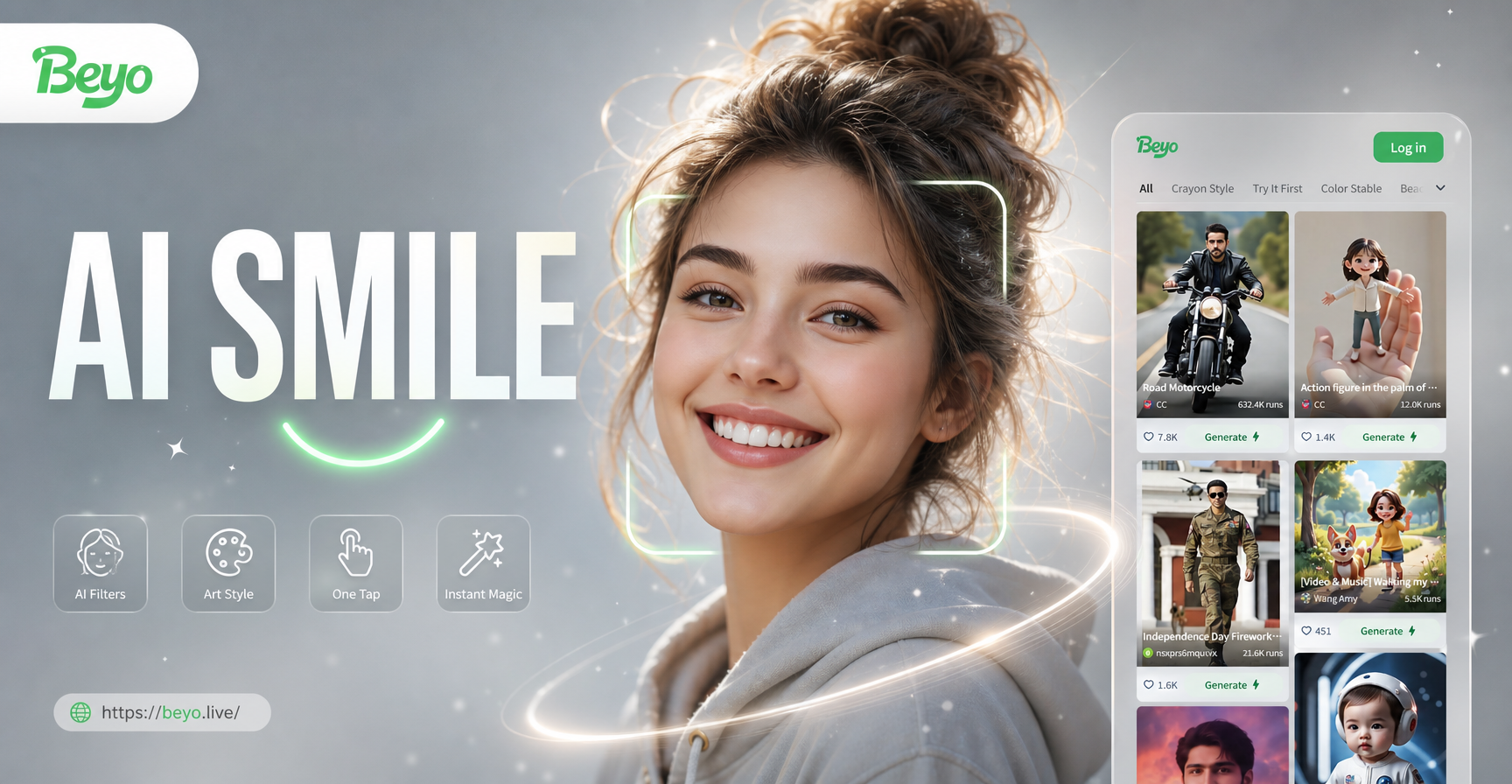
Explore More AI Photo Magic
Beyond smiles, discover a world of AI-powered enhancements to perfect every picture.
Why Choose Our AI Smile Filter?
Our tool uses advanced generative AI to create smiles that look completely authentic, not pasted on. Experience the difference with features designed for realism and ease.
Hyper-Realistic Results
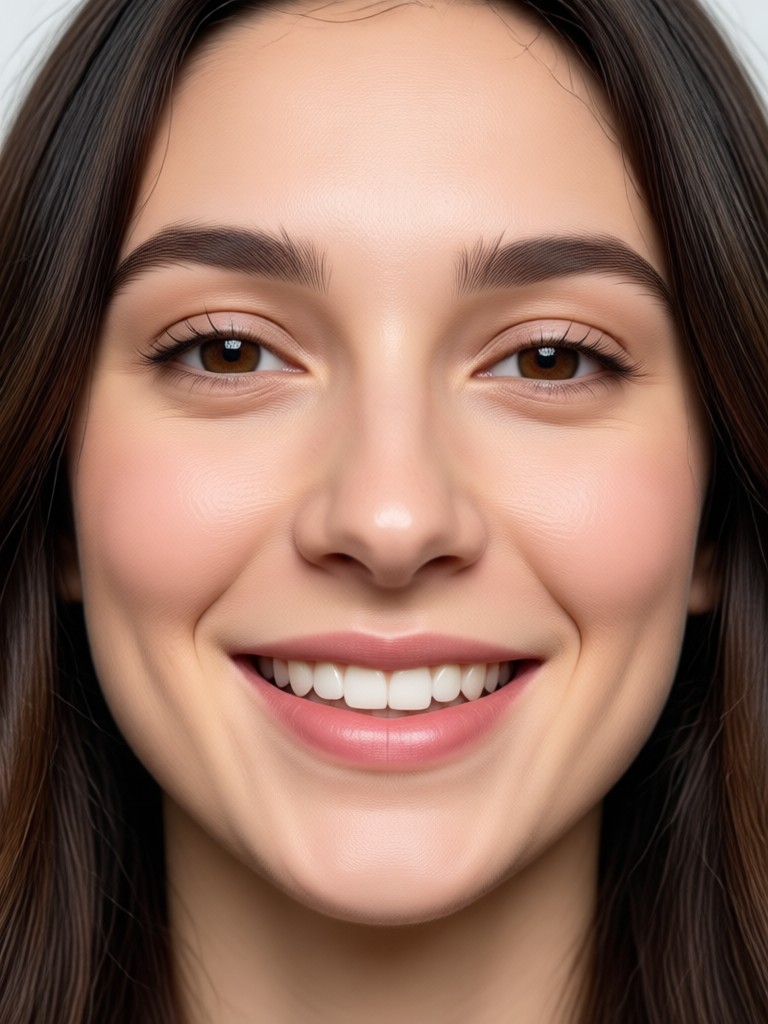
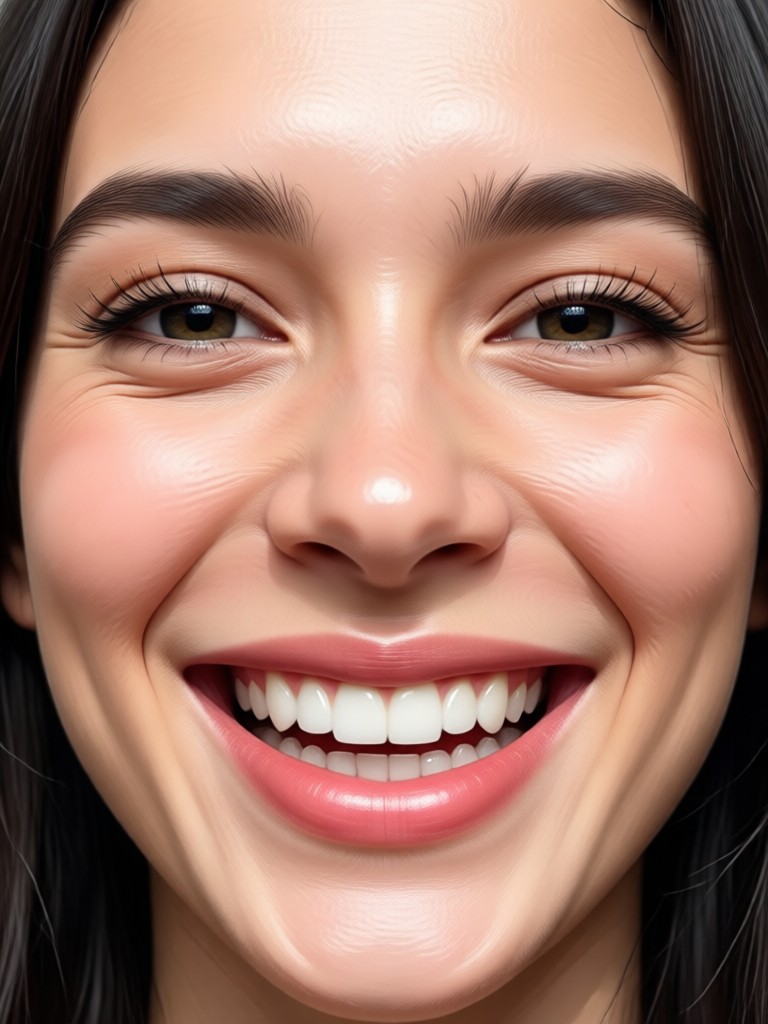
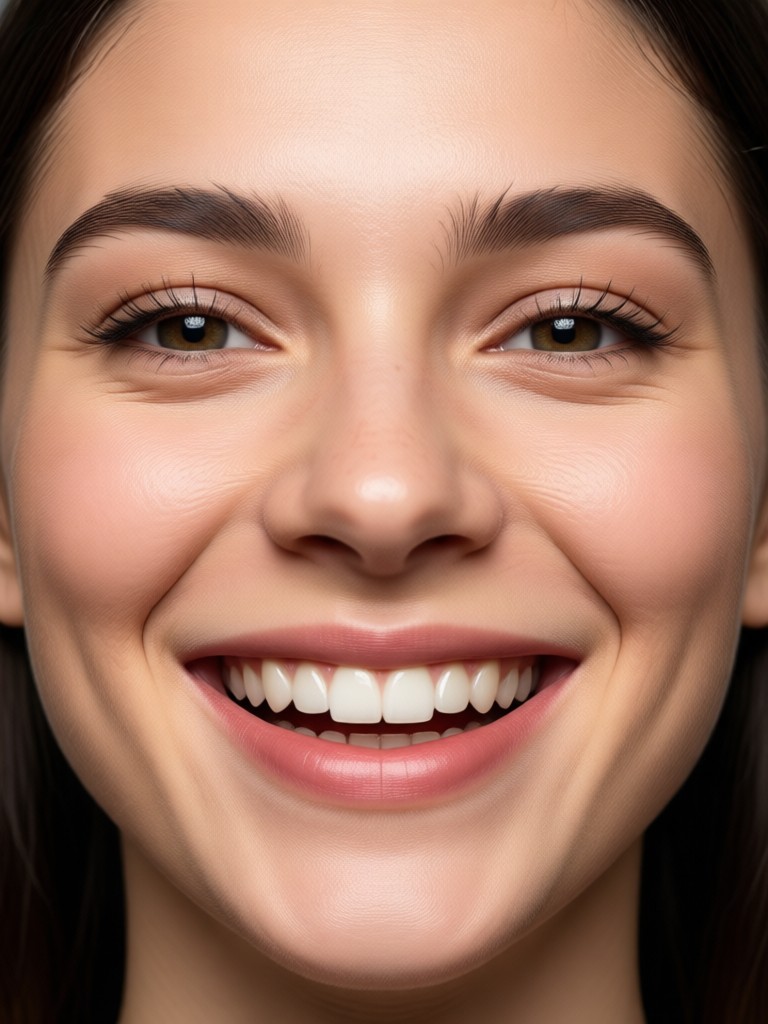
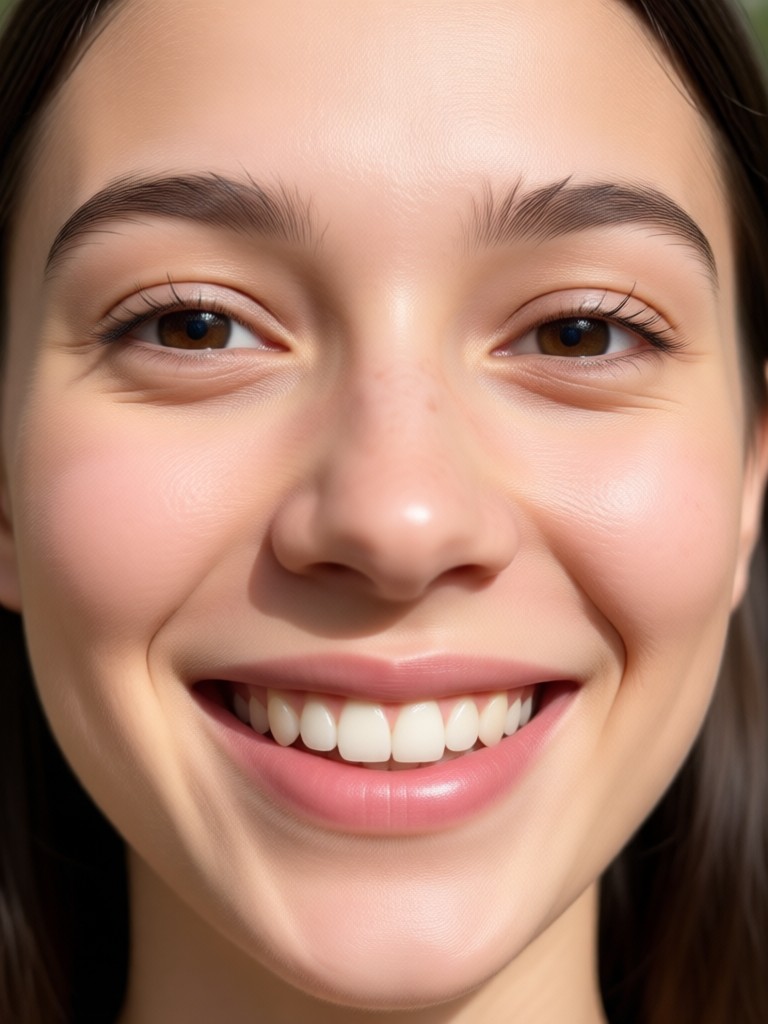
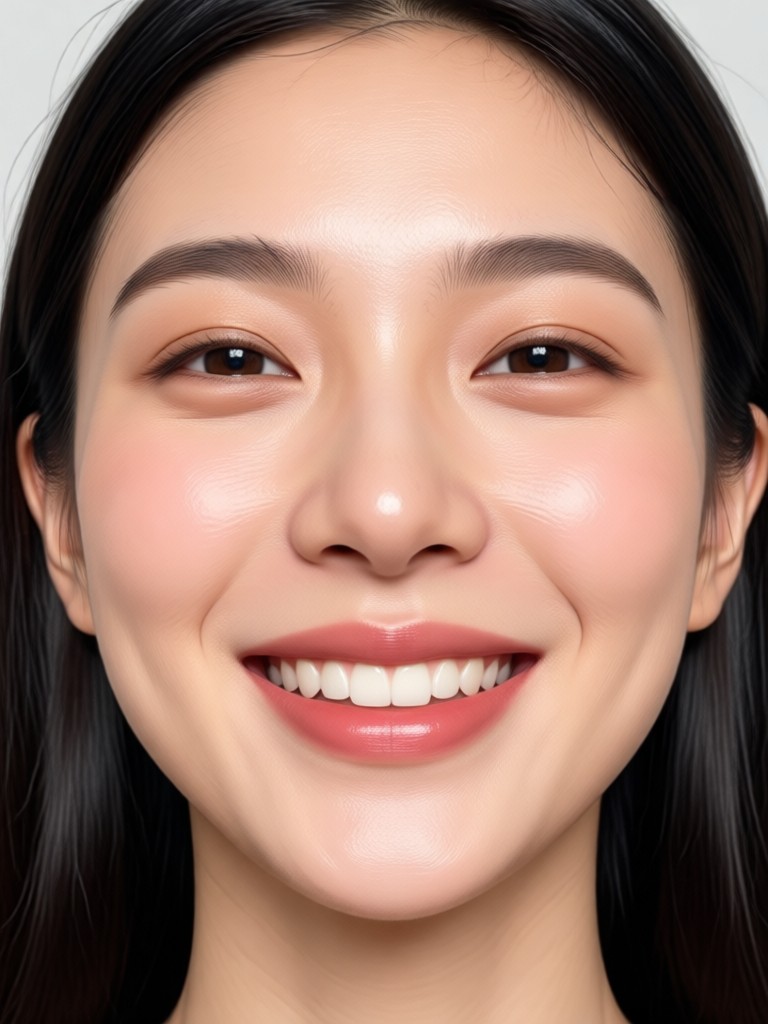
The AI doesn't just overlay a smile. It restructures the face naturally, modeling teeth, adjusting lip curvature, and even creating subtle skin creases around the eyes for a genuine, joyful expression.
One-Click Simplicity
No complex sliders or manual editing. Upload your photo, select the smile filter, and get your transformed image in seconds. It’s perfect for beginners and professionals alike.
Works on Any Photo
Transform portraits, group photos, old scanned pictures, or even AI-generated characters. The filter intelligently adapts to different lighting, angles, and facial structures for consistent, high-quality results.
AI Smile Transformations
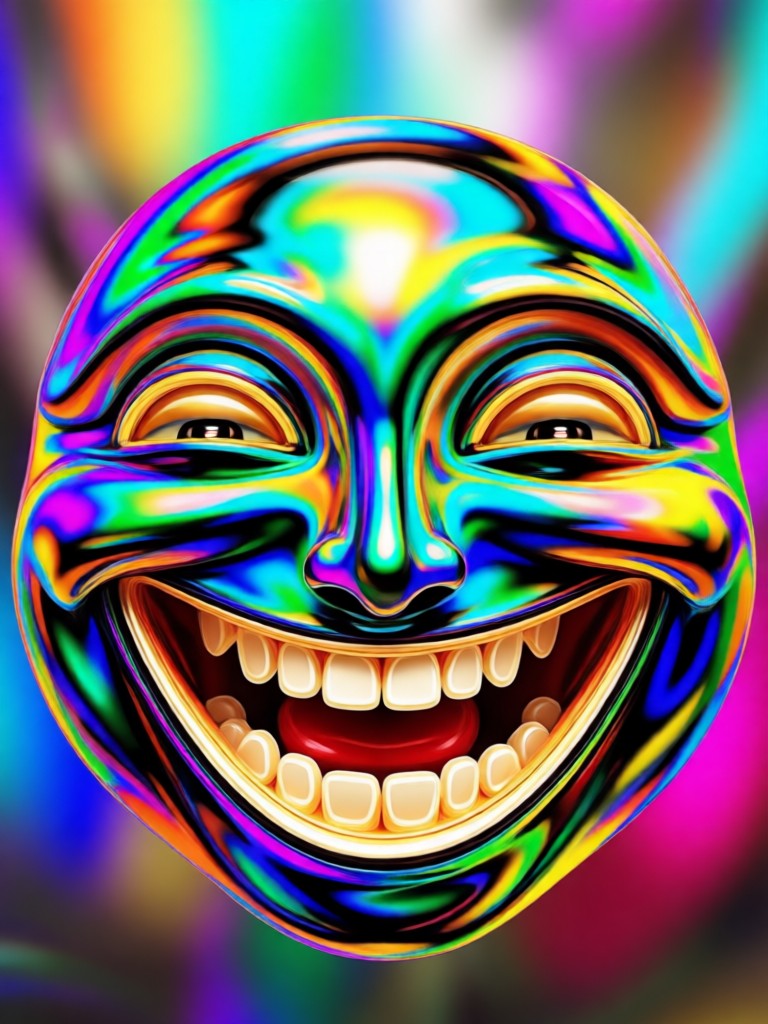
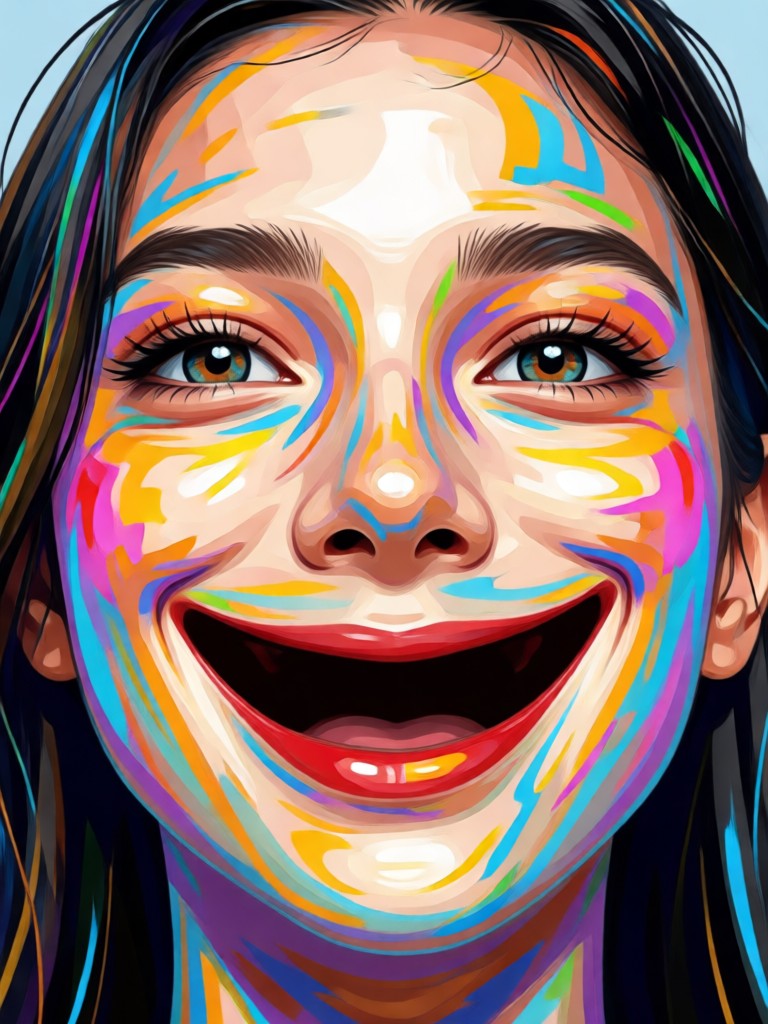
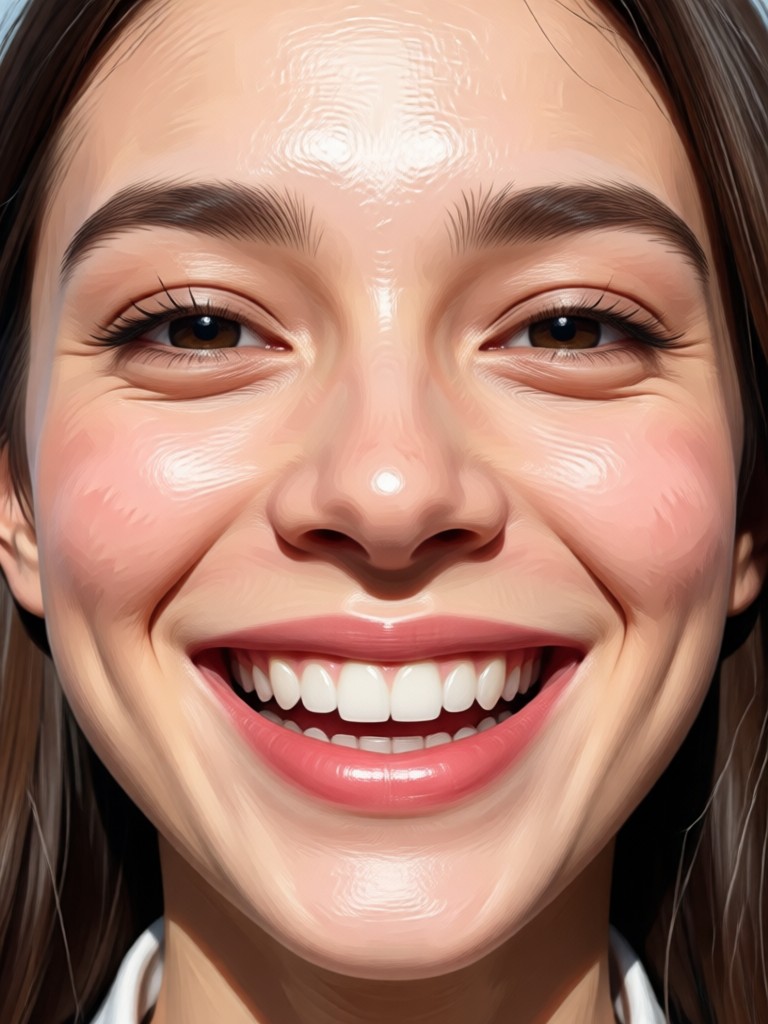
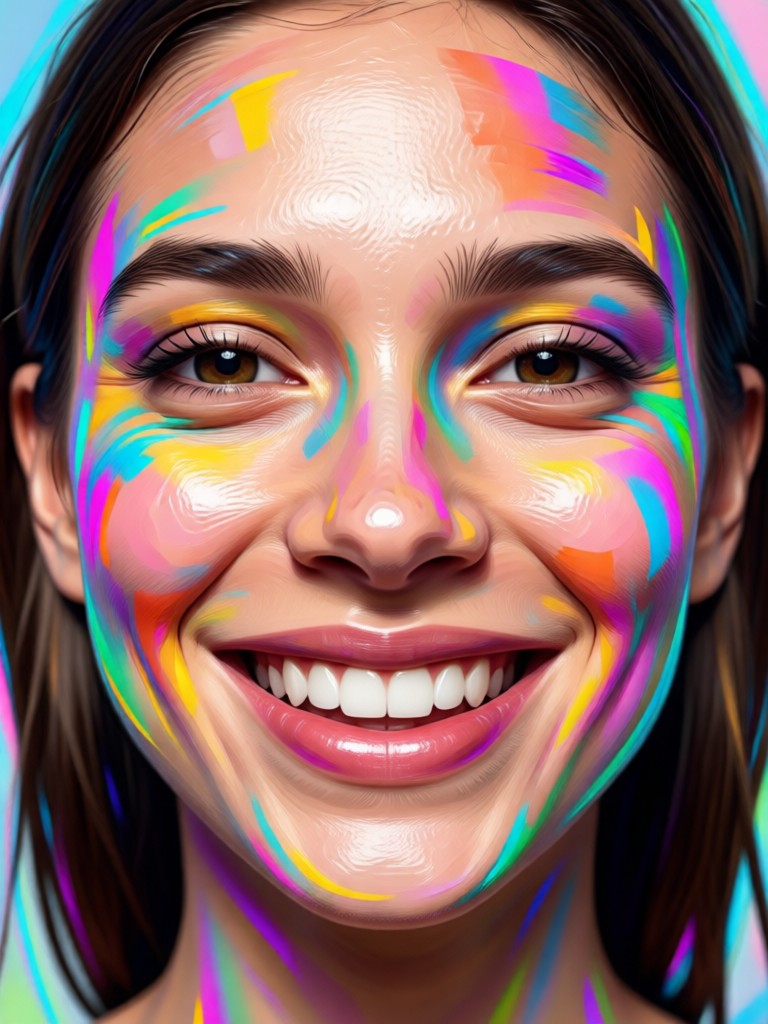
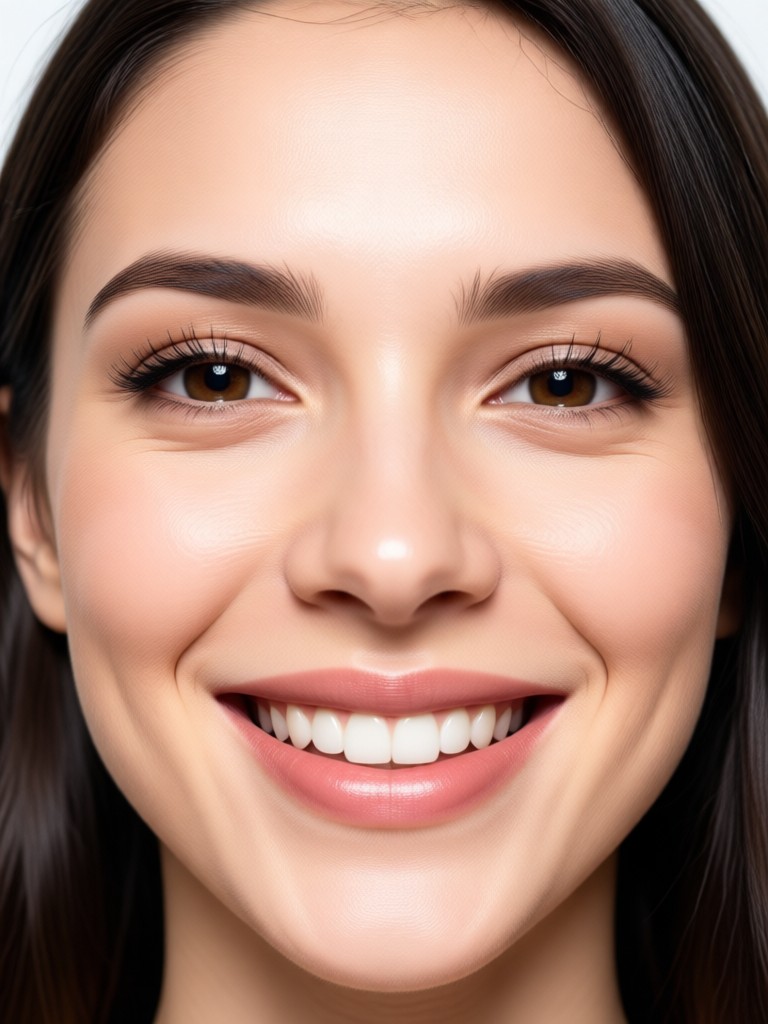
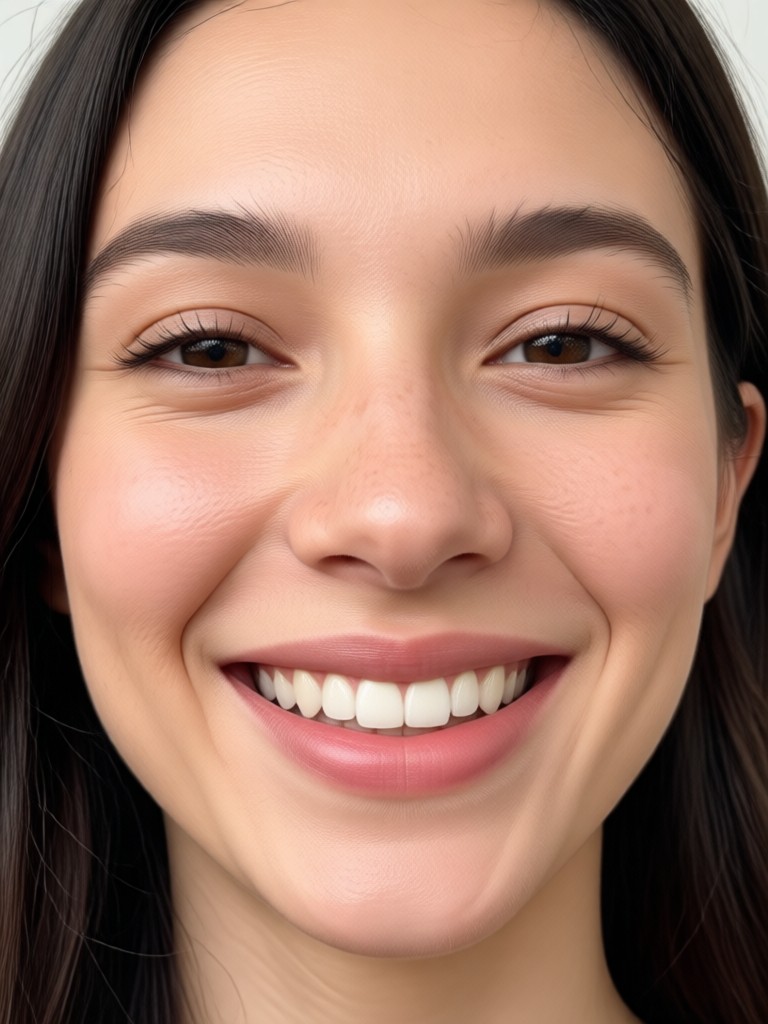
See the powerful difference the AI Smile Filter makes. From neutral expressions to beaming smiles, these results showcase the tool's ability to create natural, convincing happiness.
How to Add a Smile with AI?
Create perfectly smiling photos in just three simple steps. The entire process happens right on your phone, with no upload limits or complicated software.

Step 01.
Download the beyo app from Google Play. It's your all-in-one mobile studio for AI photo and video magic, including the smile filter.

Step 02.
Open the app, upload your photo, and find the AI Smile Filter. You can also browse other expression-enhancing filters for different effects.

Step 03.
Tap generate. In seconds, preview your new smiling photo. Download it in high quality or share it directly to social media to amaze your friends.
Real Users Love the AI Smile Filter
Saved our family reunion photo!
We had a perfect group shot except my brother was blinking. The AI smile filter not only opened his eyes but gave him a natural smile. No one can tell the photo was edited. It's pure magic.
Essential for my portrait business
Sometimes clients get stiff during shoots. This filter lets me offer a 'smile assurance' guarantee. I can subtly enhance expressions in post-production without costly reshoots. The results are incredibly lifelike.
Made my old pictures come alive
I scanned some childhood photos where I wasn't smiling. Using this filter, I could see a happier version of my younger self. It was surprisingly emotional and the technology is flawless.
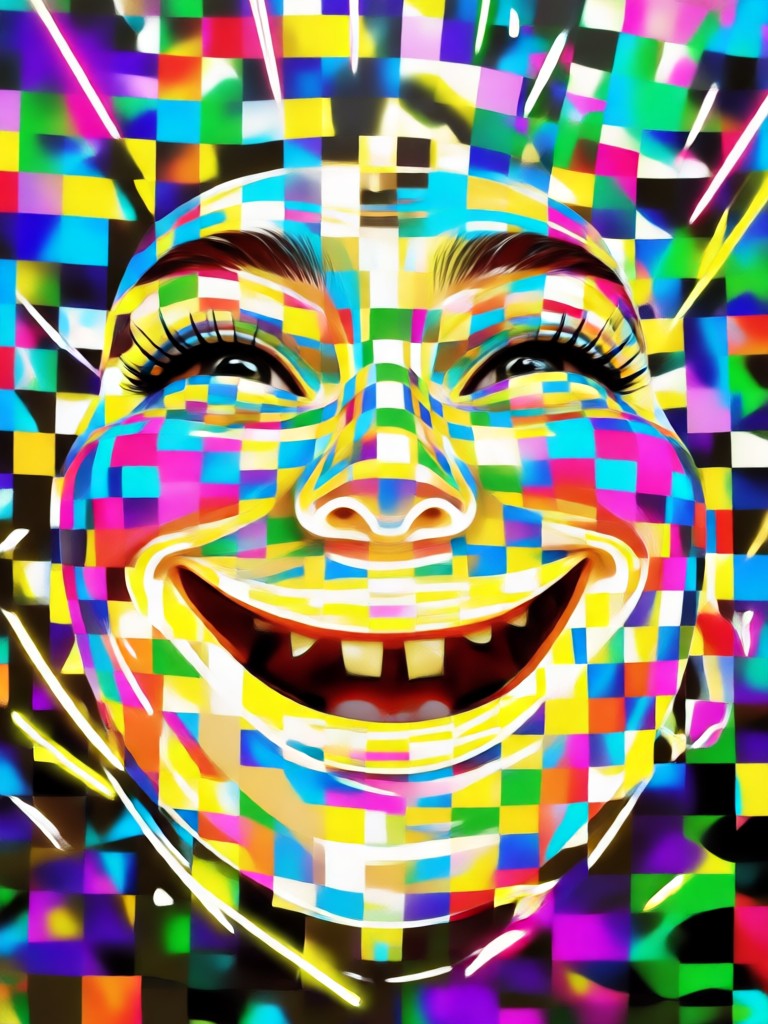
Your Perfect Smile, On the Go
Why wait for the perfect moment? Create it. Download beyo now and access the AI Smile Filter alongside millions of other creative AI styles and effects, all in one powerful mobile app.

AI Smile Filter FAQs
Get quick answers to the most common questions about how the AI Smile Filter works, its best uses, and what you can achieve.
More Topics You May Like
Explore more topics you may like and discover fresh ideas tailored to your interests.
Create LEGO AI Art Instantly: From Photos to Bricks
AI Eyebrow Filters: Create Perfect Brow Looks Instantly
Transform Ideas into Art: Your Free AI Drawing Generator
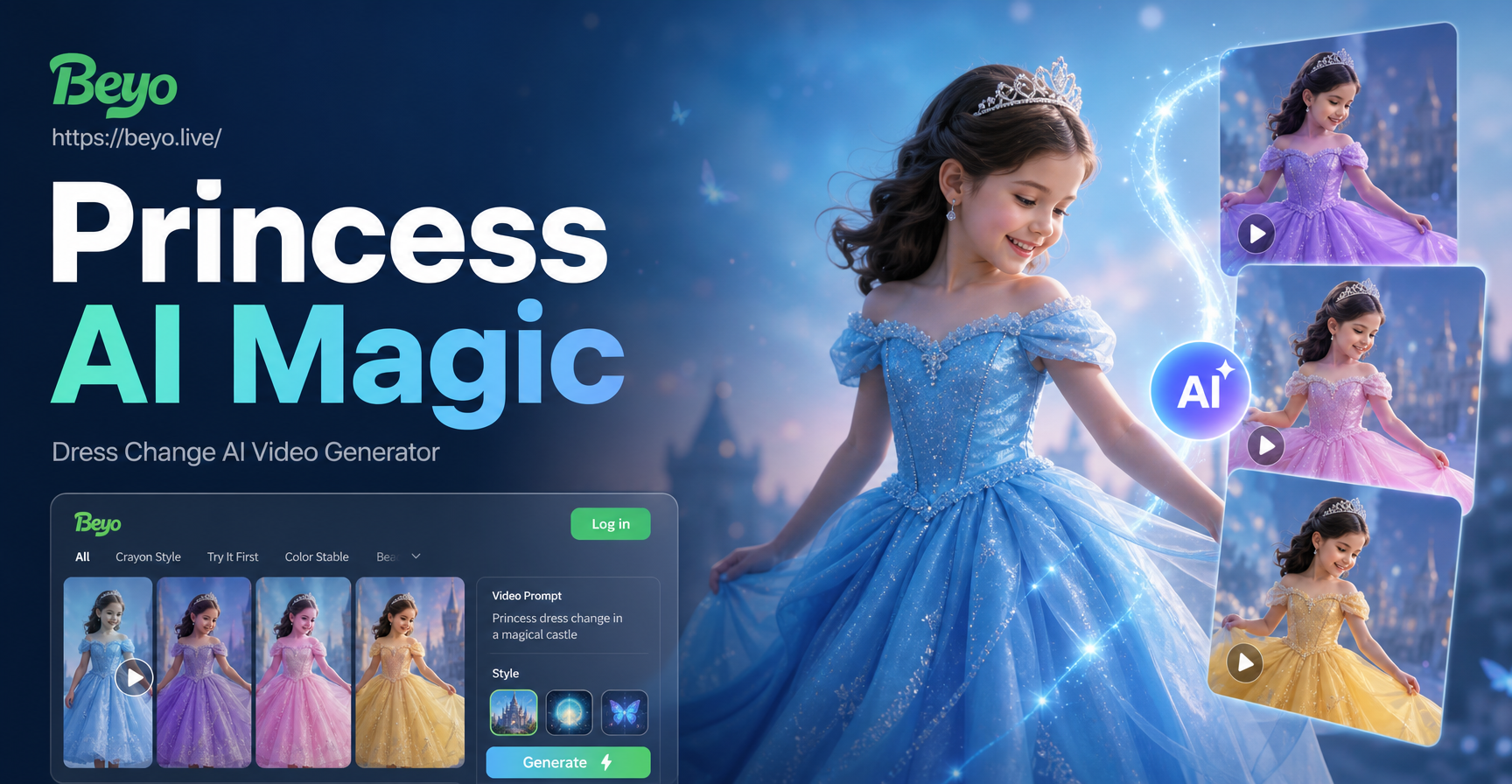
Become a Princess: AI Dress Change & Video Maker
Create LEGO AI Art Instantly: From Photos to Bricks
AI Eyebrow Filters: Create Perfect Brow Looks Instantly
Transform Ideas into Art: Your Free AI Drawing Generator
Become a Princess: AI Dress Change & Video Maker
Turn Every Frown Upside Down
Don't let a single photo be ruined by a missed smile. Download beyo now and transform any portrait with our powerful, realistic AI Smile Filter. It’s fast, easy, and free to try.
Turn Every Frown Upside Down
Don't let a single photo be ruined by a missed smile. Download beyo now and transform any portrait with our powerful, realistic AI Smile Filter. It’s fast, easy, and free to try.