AI Video Restore
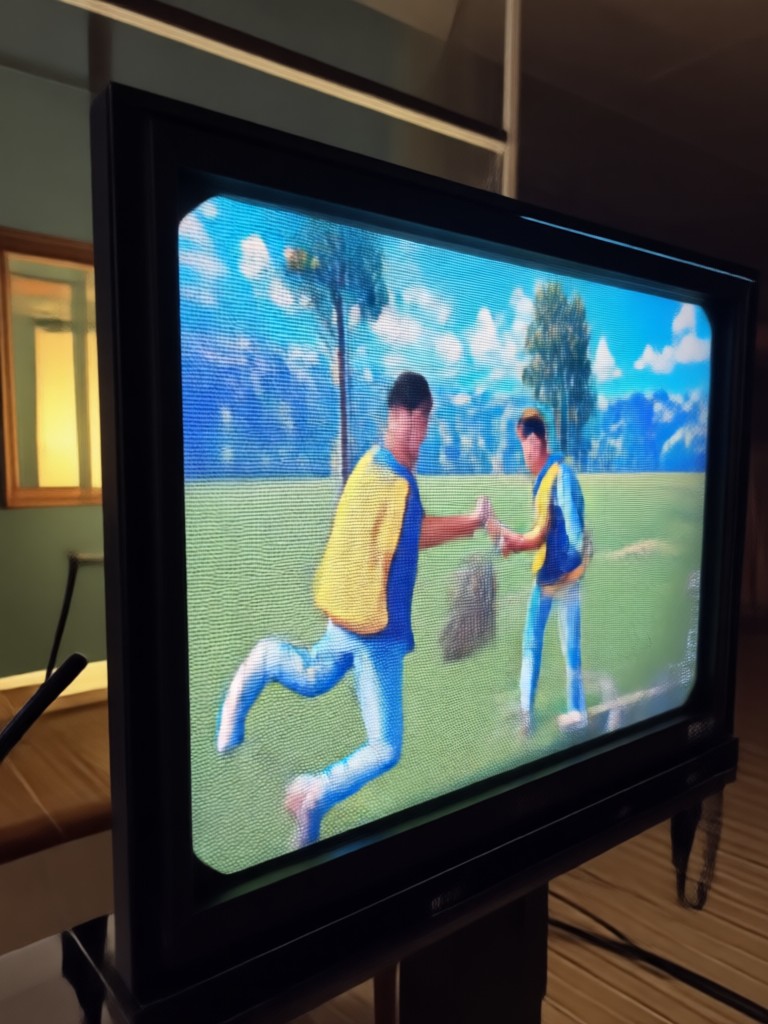
Powerful AI Tools for Every Video Need
Discover the perfect filter and enhancement tool for your specific restoration or creation project.
Why Choose Our AI Video Restore?
Our specialized AI engine is trained to understand and reverse various forms of video degradation, delivering professional-grade results directly from your phone.
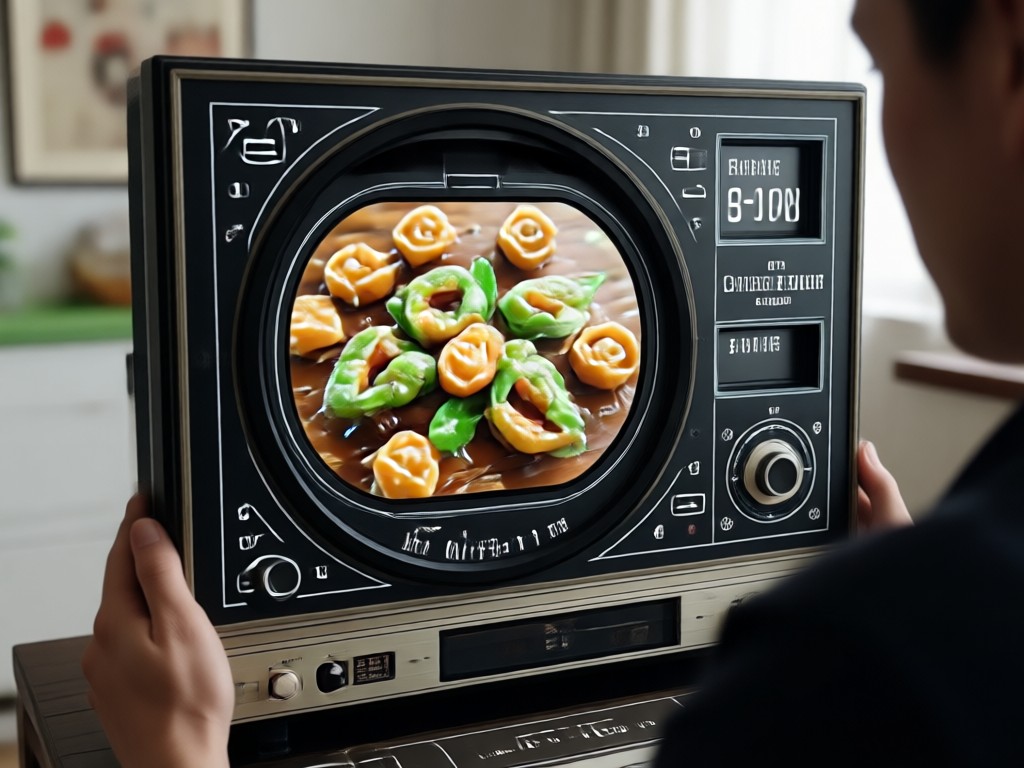
Upscale & Enhance Resolution
Transform 480p or 720p videos into crisp 1080p or higher. Our AI intelligently adds realistic detail, sharpens edges, and improves overall clarity without making the video look artificially processed.
Upscale & Enhance Resolution
Transform 480p or 720p videos into crisp 1080p or higher. Our AI intelligently adds realistic detail, sharpens edges, and improves overall clarity without making the video look artificially processed.
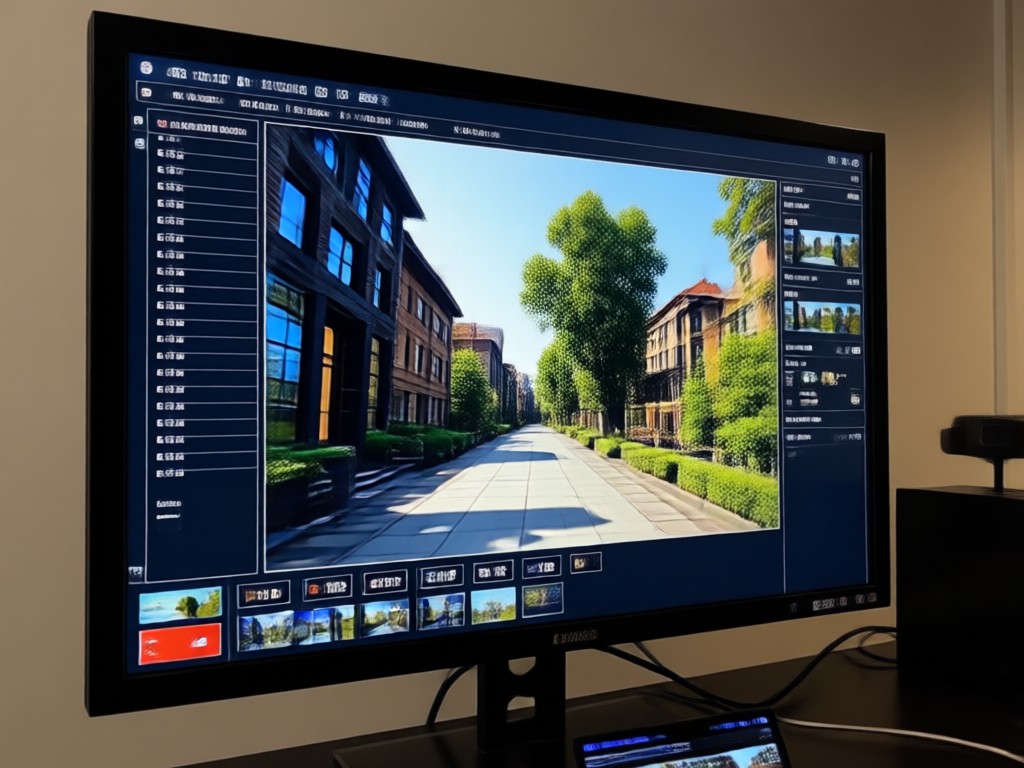
Remove Noise & Compression Artifacts
Fix the blocky, pixelated look caused by heavy compression from platforms like TikTok, WhatsApp, or YouTube. Smooth out grain and digital noise for a clean, professional finish.
Remove Noise & Compression Artifacts
Fix the blocky, pixelated look caused by heavy compression from platforms like TikTok, WhatsApp, or YouTube. Smooth out grain and digital noise for a clean, professional finish.
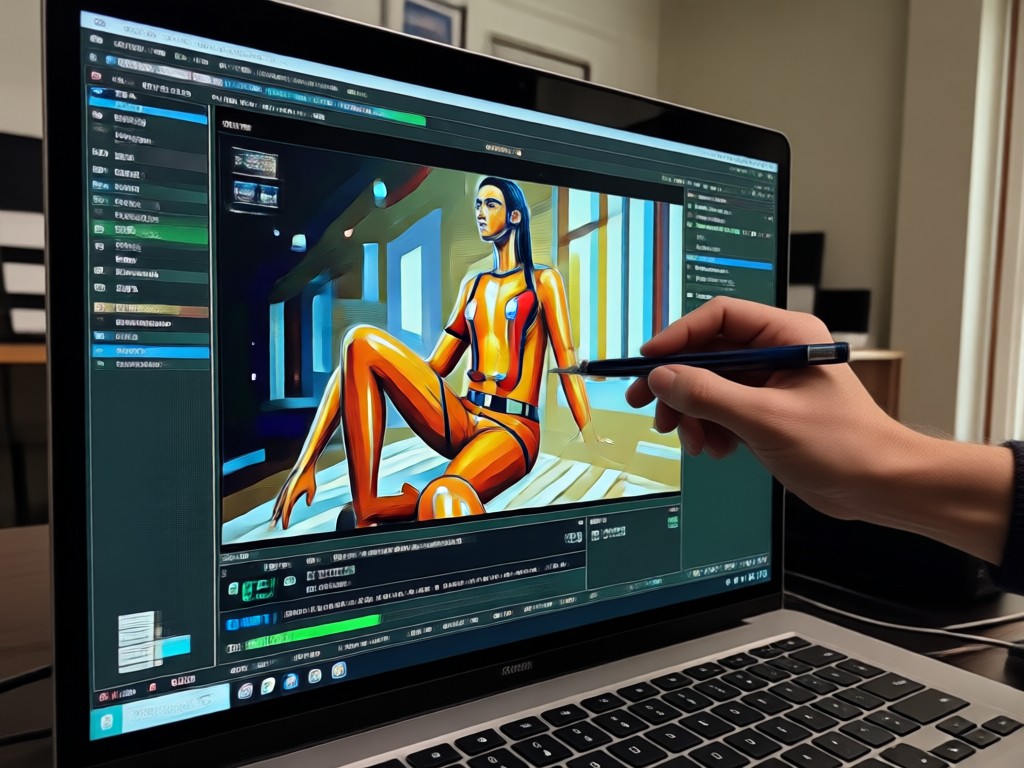
Stabilize & Color Correct
Reduce shaky footage and automatically correct washed-out colors or poor lighting. Bring back balanced contrast and vibrant tones to make your restored video look naturally beautiful.
Stabilize & Color Correct
Reduce shaky footage and automatically correct washed-out colors or poor lighting. Bring back balanced contrast and vibrant tones to make your restored video look naturally beautiful.
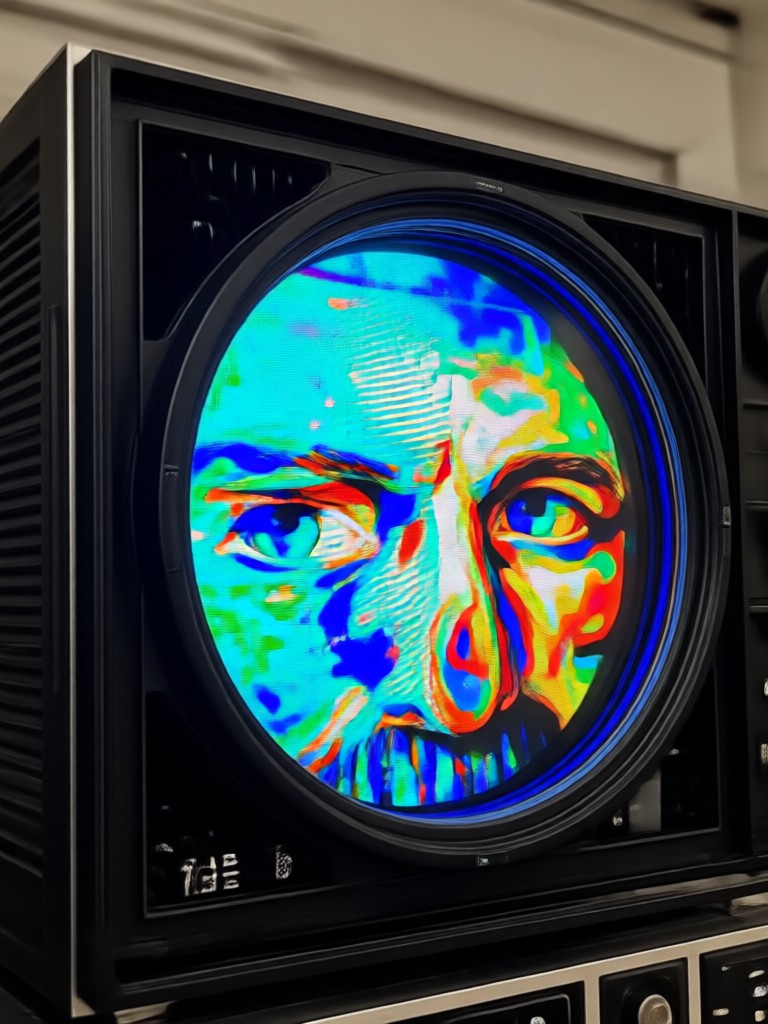
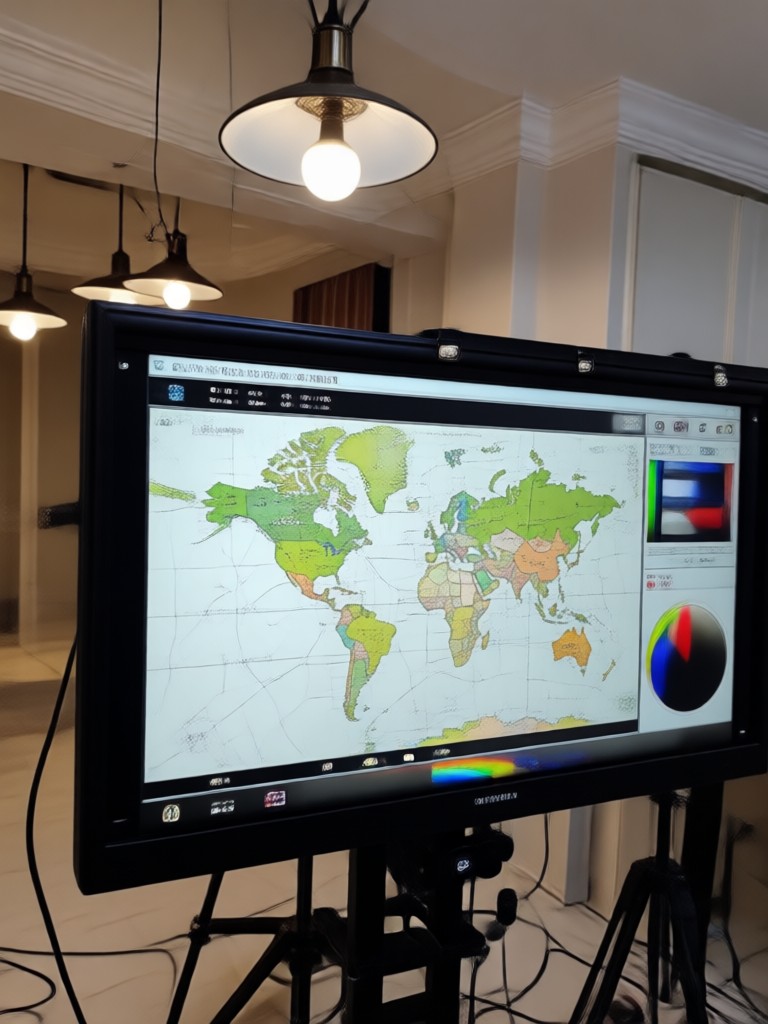
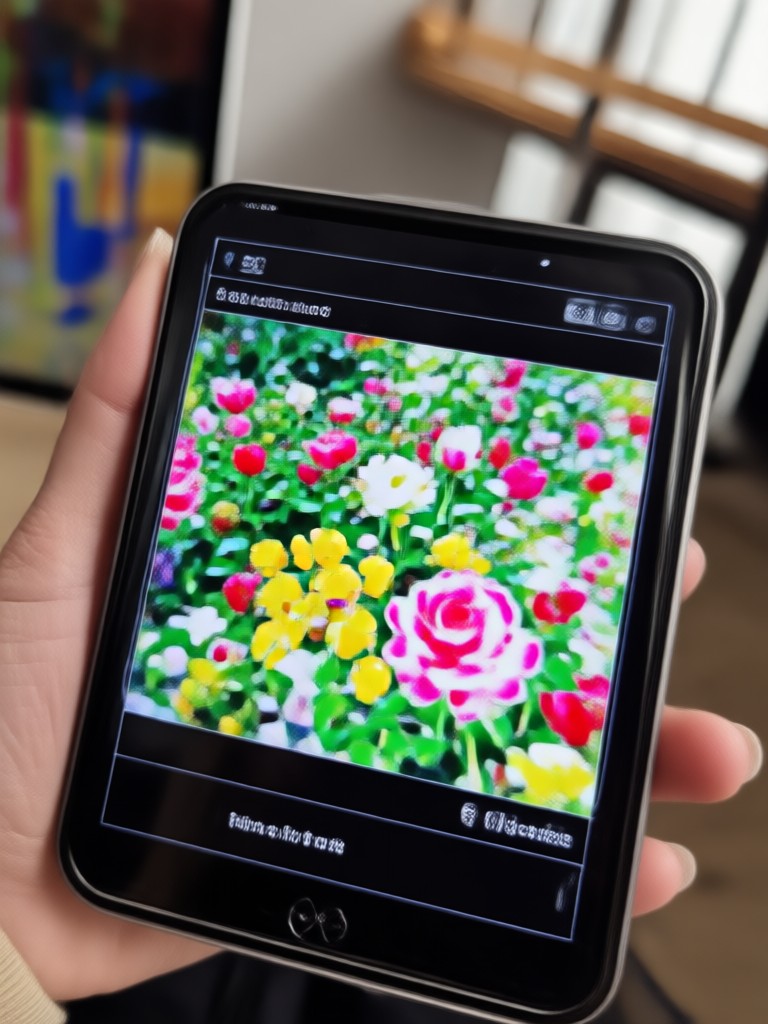
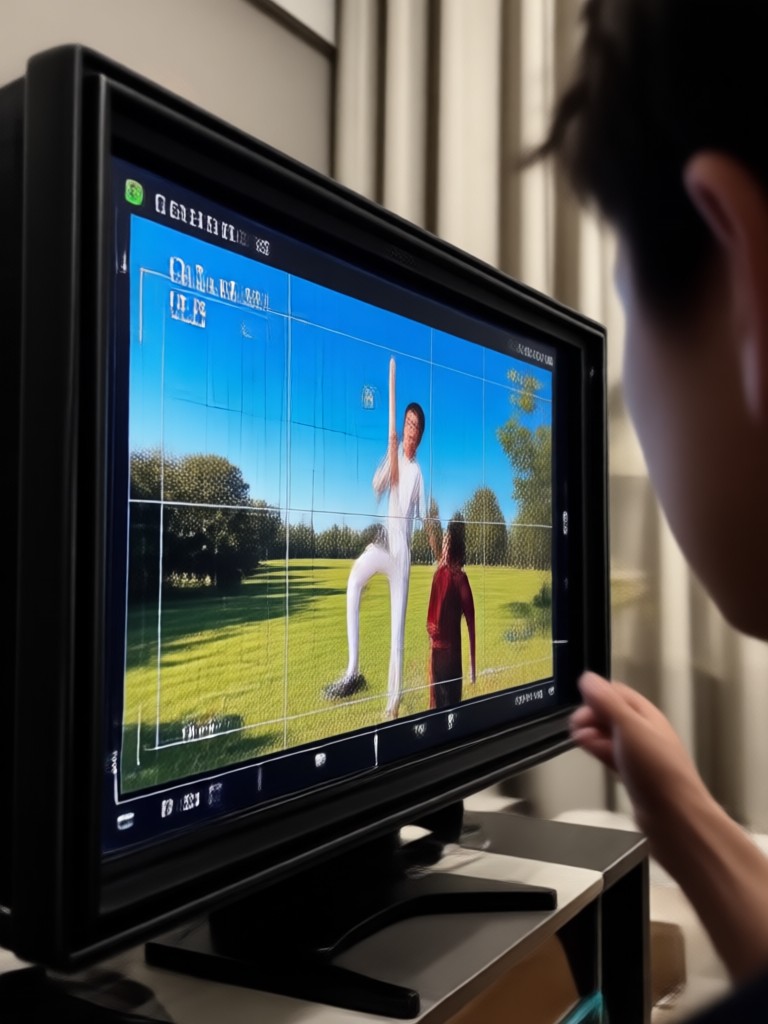
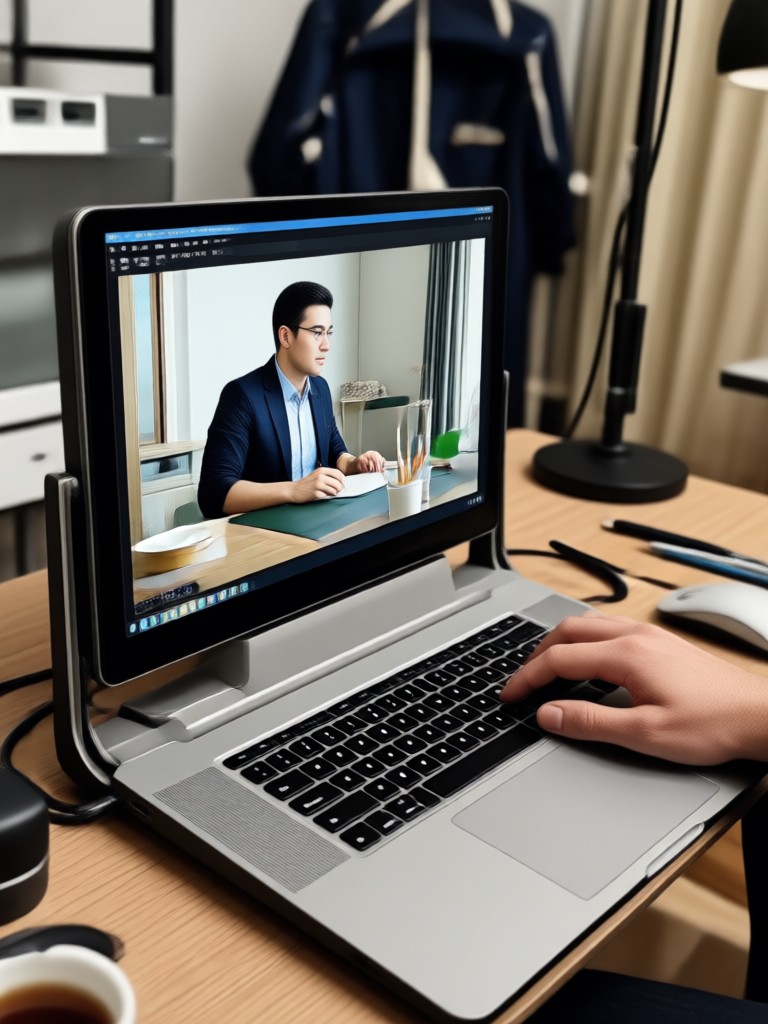
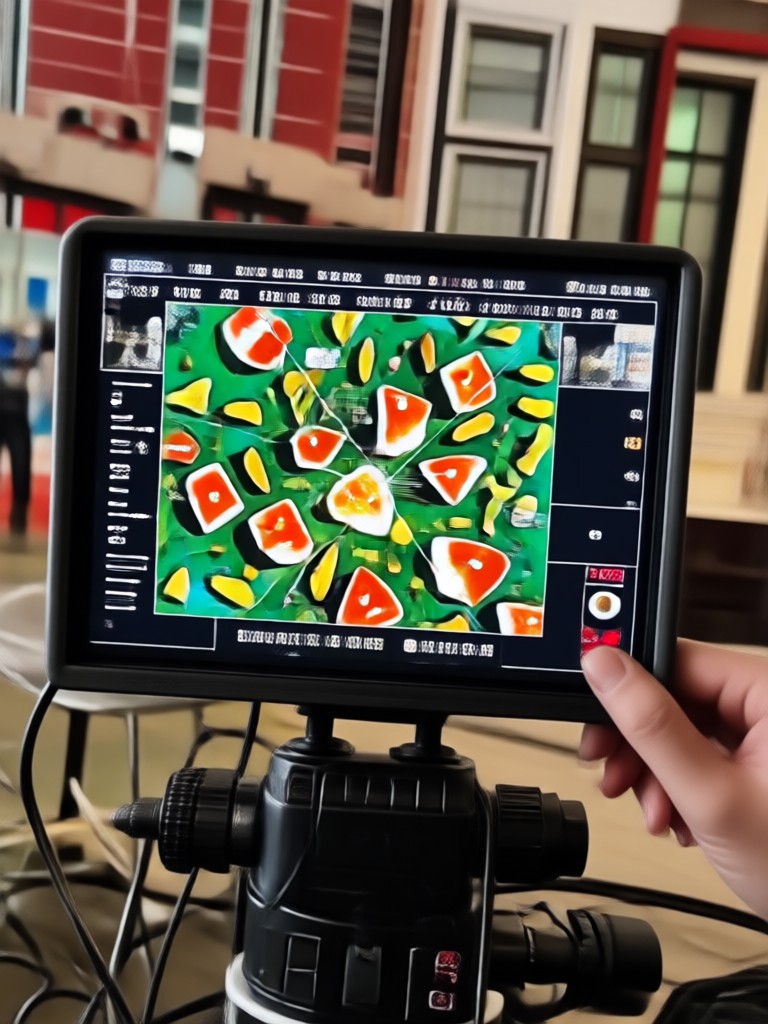
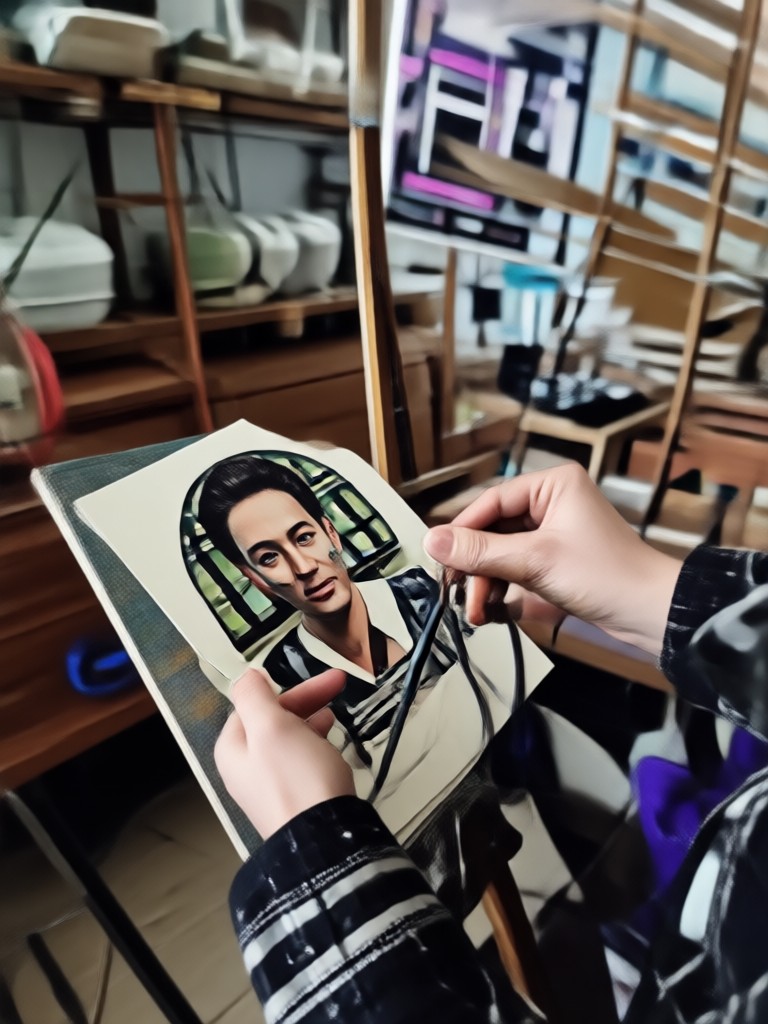
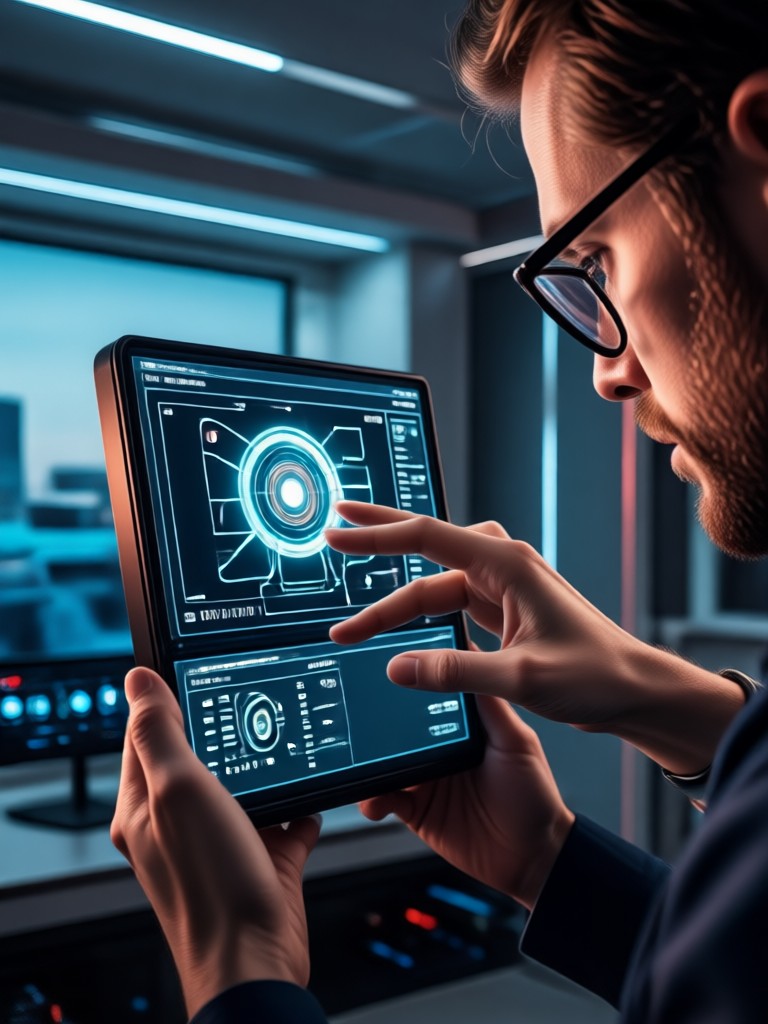
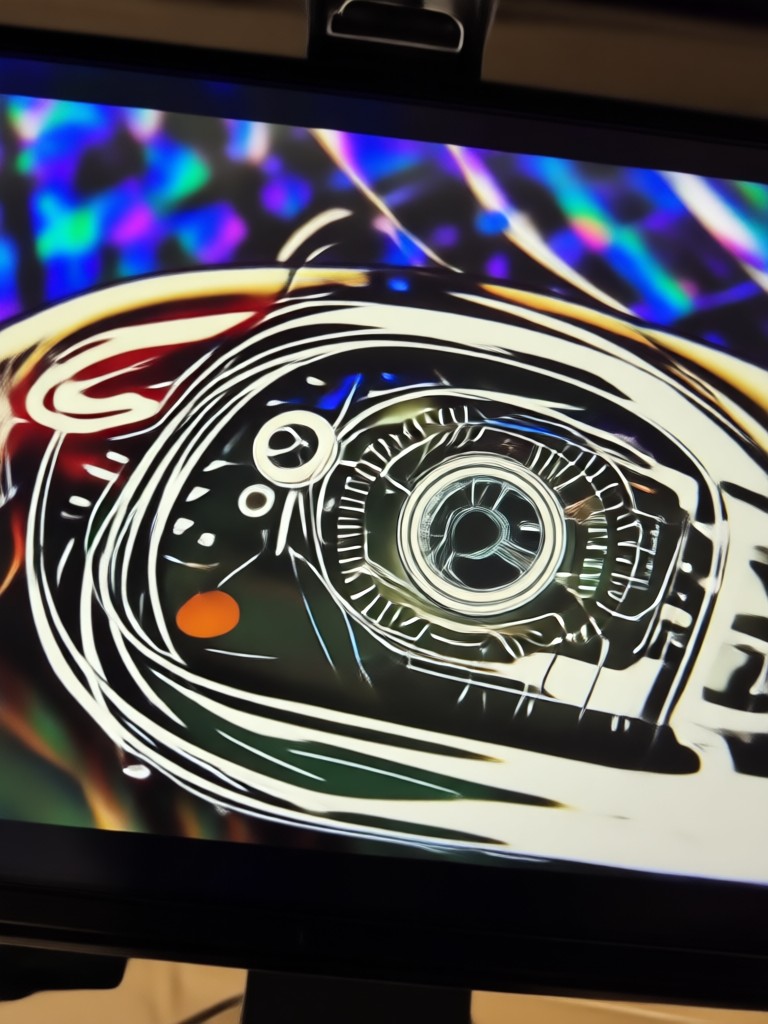
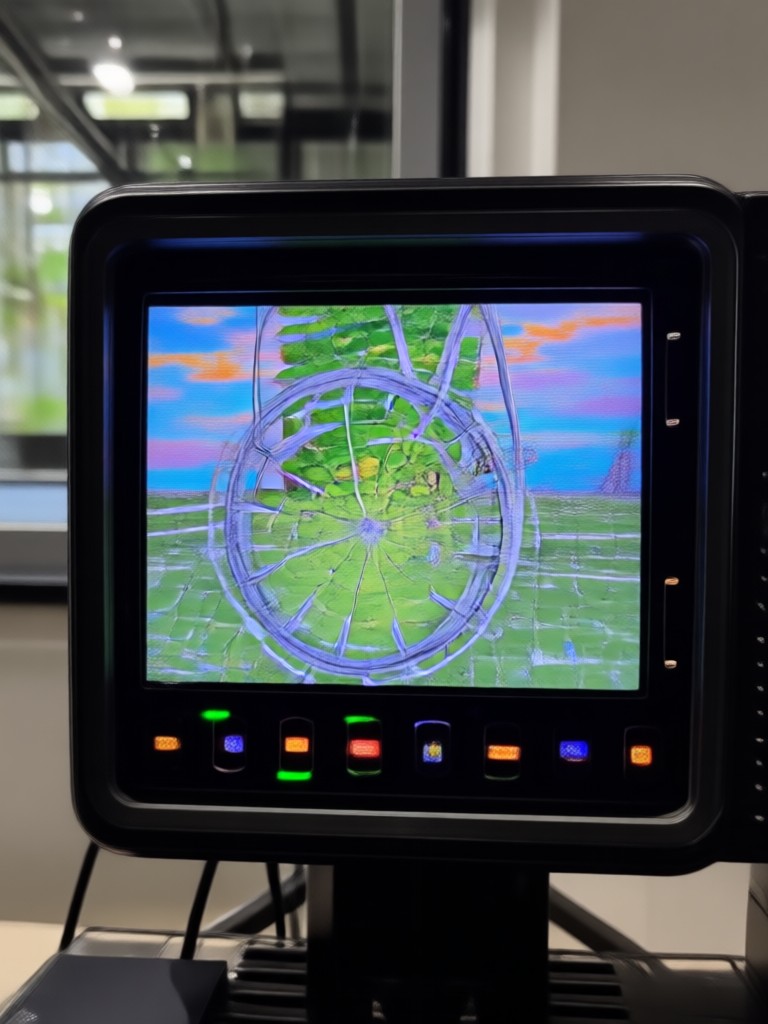
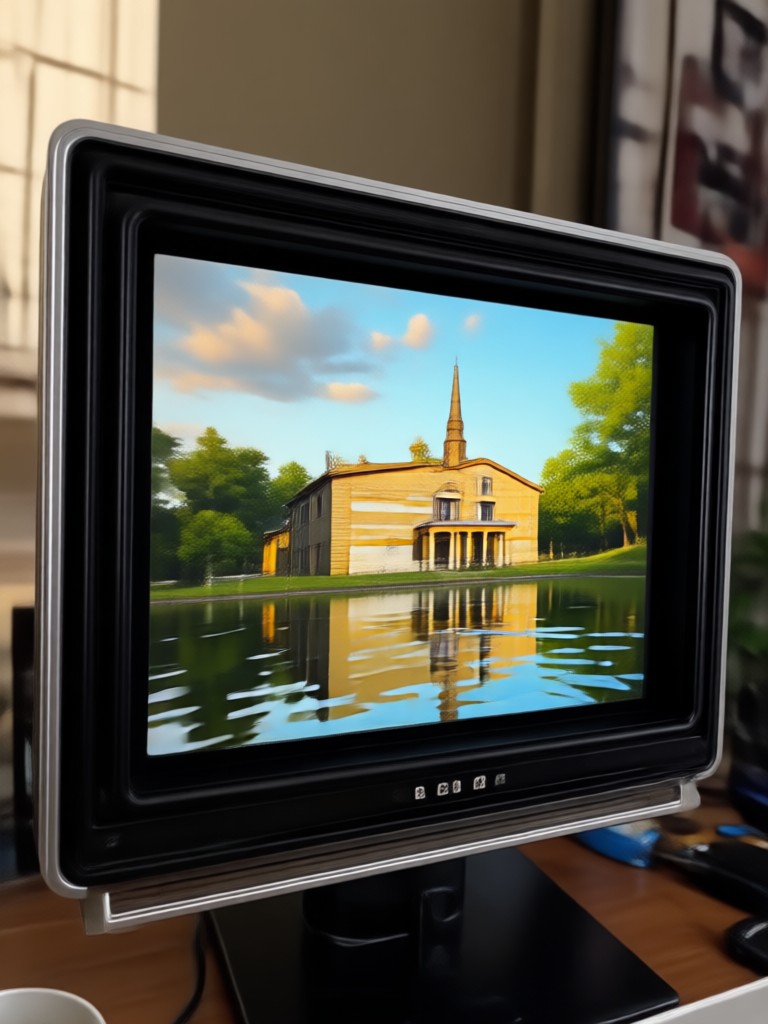
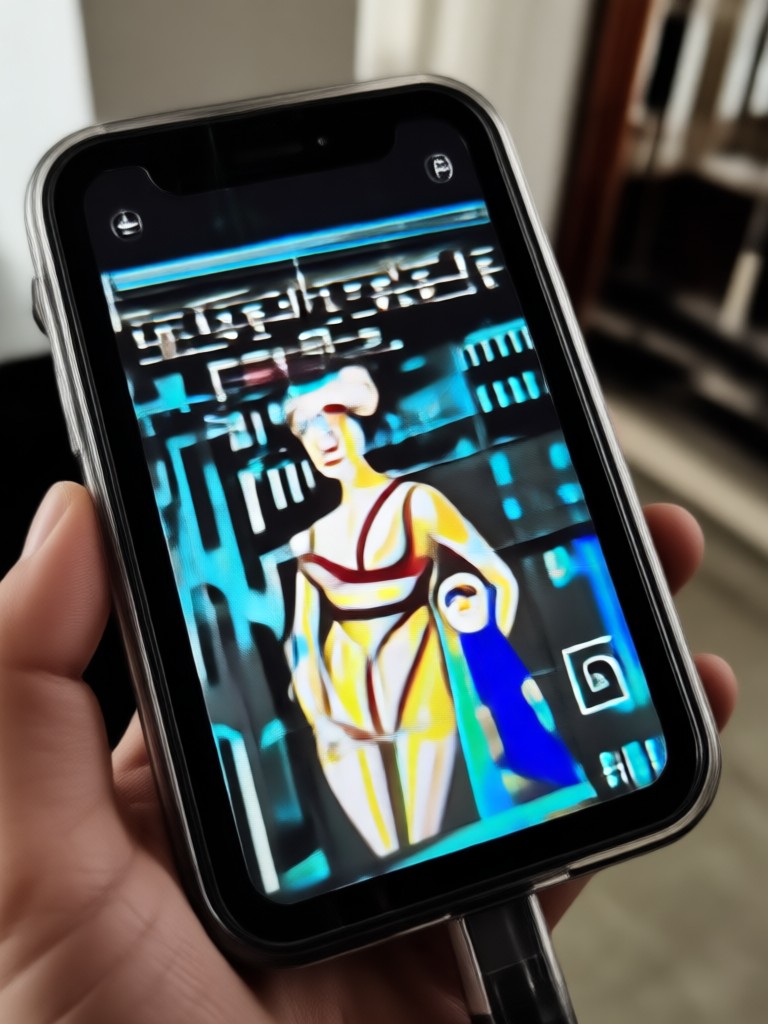
See the AI Video Restore Transformation
Witness how AI can dramatically improve video quality across different scenarios, from family archives to social media content.
Trusted by Creators & Professionals

Alex Chen
I repurpose old YouTube videos for TikTok. This AI tool reverses the aggressive compression perfectly. My cross posted content now looks crisp on every platform.

Maya Rodriguez
Restoring my grandparents' VHS tapes was emotional. The AI removed the static, stabilized the shakes, and brought the colors back. It's like watching new memories.

David Park
Our internal training videos were recorded on old webcams. Upscaling them to HD with AI saved us thousands in reshoots and made our library look professional.

Sophie Williams
Sometimes clients send low res source footage. This AI is my secret weapon for rescue jobs. It enhances detail realistically, not just applying a generic sharpen filter.
Alex Chen
I repurpose old YouTube videos for TikTok. This AI tool reverses the aggressive compression perfectly. My cross posted content now looks crisp on every platform.
Maya Rodriguez
Restoring my grandparents' VHS tapes was emotional. The AI removed the static, stabilized the shakes, and brought the colors back. It's like watching new memories.
David Park
Our internal training videos were recorded on old webcams. Upscaling them to HD with AI saved us thousands in reshoots and made our library look professional.
Sophie Williams
Sometimes clients send low res source footage. This AI is my secret weapon for rescue jobs. It enhances detail realistically, not just applying a generic sharpen filter.
Alex Chen
I repurpose old YouTube videos for TikTok. This AI tool reverses the aggressive compression perfectly. My cross posted content now looks crisp on every platform.
Maya Rodriguez
Restoring my grandparents' VHS tapes was emotional. The AI removed the static, stabilized the shakes, and brought the colors back. It's like watching new memories.
David Park
Our internal training videos were recorded on old webcams. Upscaling them to HD with AI saved us thousands in reshoots and made our library look professional.
Sophie Williams
Sometimes clients send low res source footage. This AI is my secret weapon for rescue jobs. It enhances detail realistically, not just applying a generic sharpen filter.
How to Restore Videos with AI?
Revive your precious video memories in just three simple steps, all within the beyo app.
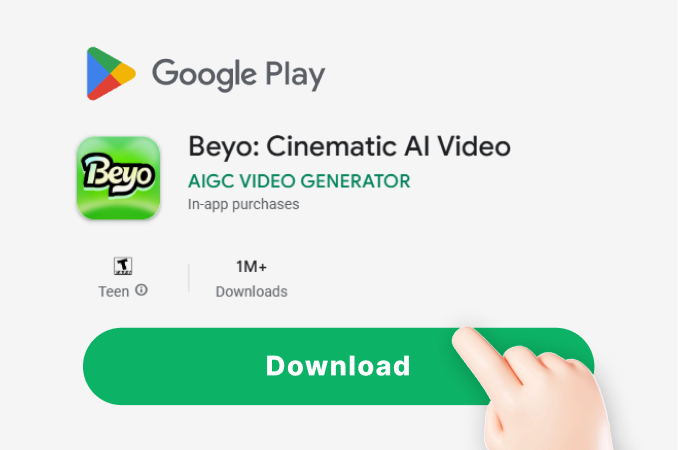
Step 01.
Download the beyo app from Google Play. Open it and select the 'Video Restore' or 'Enhance' tool from the main creation hub.
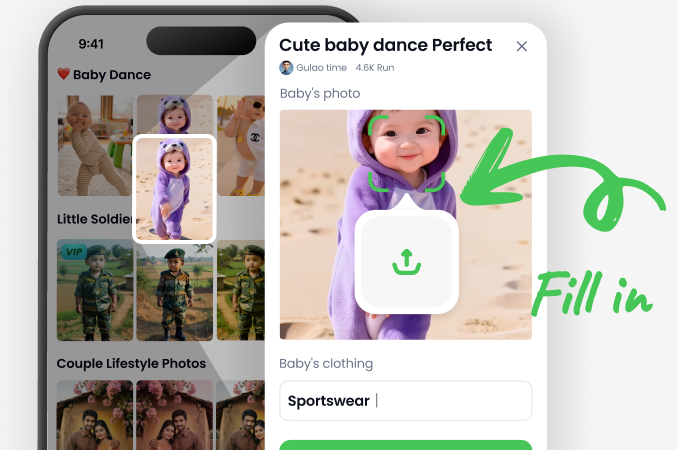
Step 02.
Upload your blurry, low quality, or noisy video directly from your phone's gallery. The AI will automatically analyze it for issues.
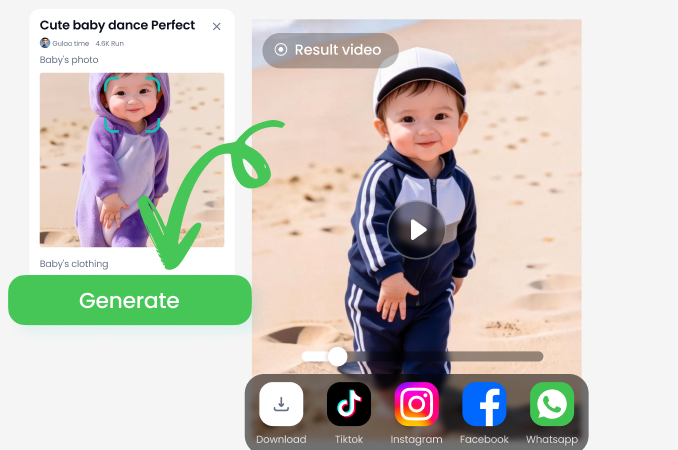
Step 03.
Preview the enhanced result instantly. Adjust settings if needed, then download your restored HD video to share or save forever.
AI Video Restore FAQs
Get answers to common questions about restoring and enhancing your videos with artificial intelligence.
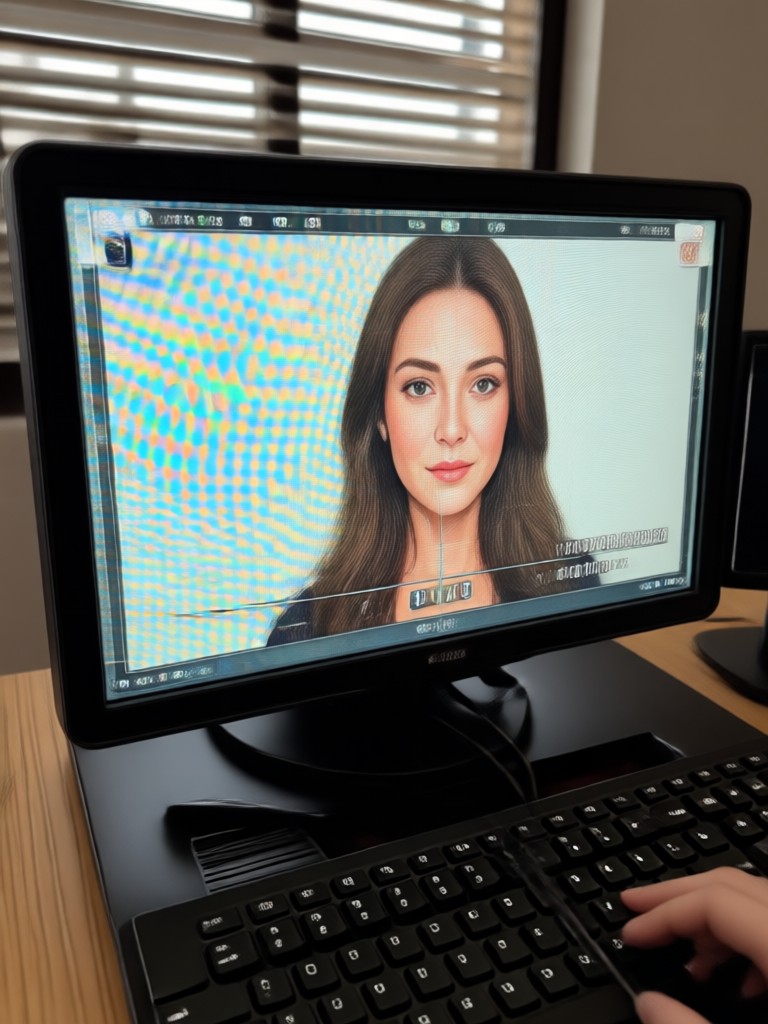
Restore Videos Anywhere, Anytime
Turn your phone into a portable video restoration studio. Fix blurry clips, upscale memories, and enhance quality directly on your device with a single tap.

More AI Tools You May Like
Explore other creative possibilities with our suite of powerful AI generation tools.
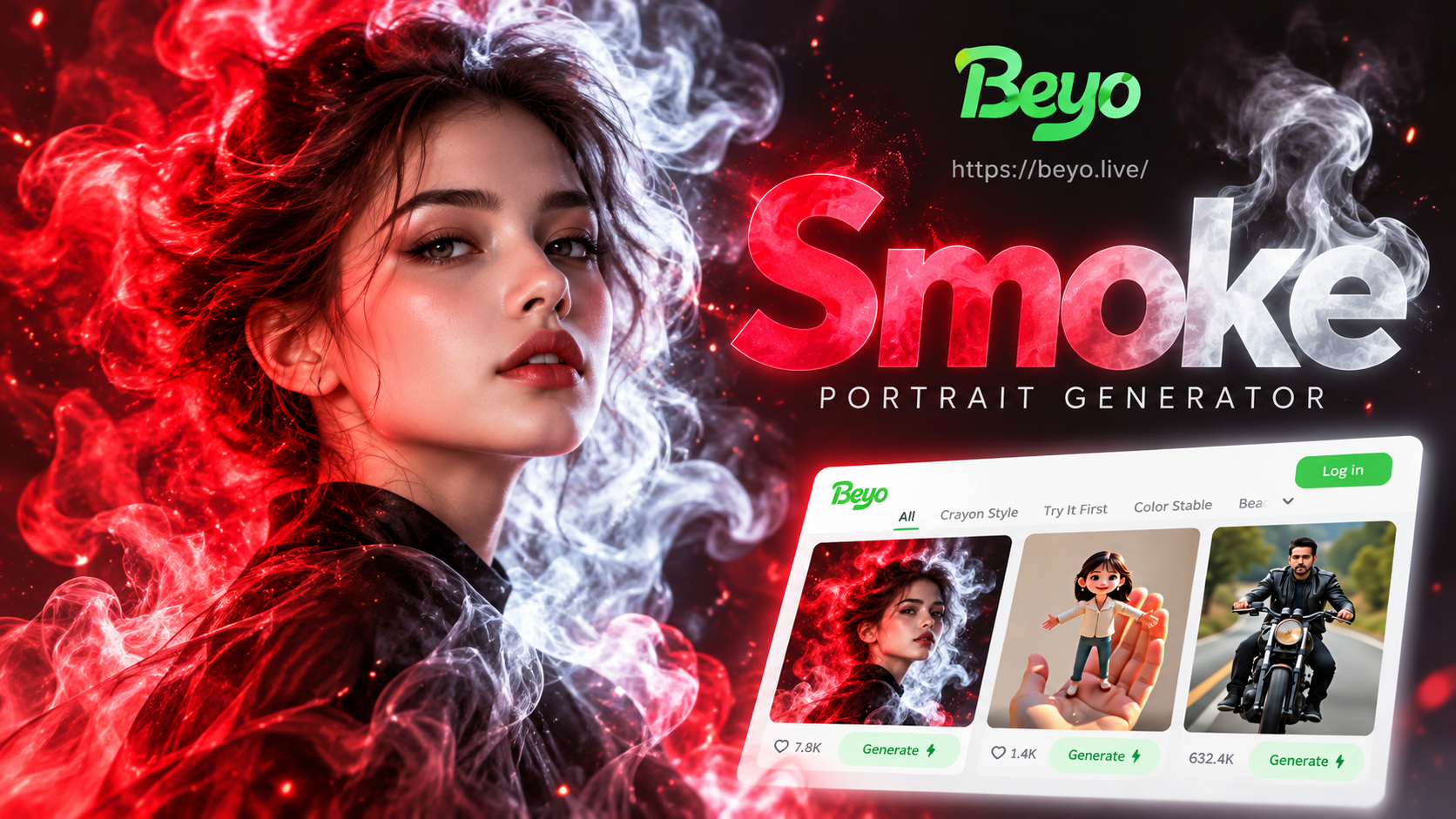
Create Stunning Double Color Smoke Portraits with AI
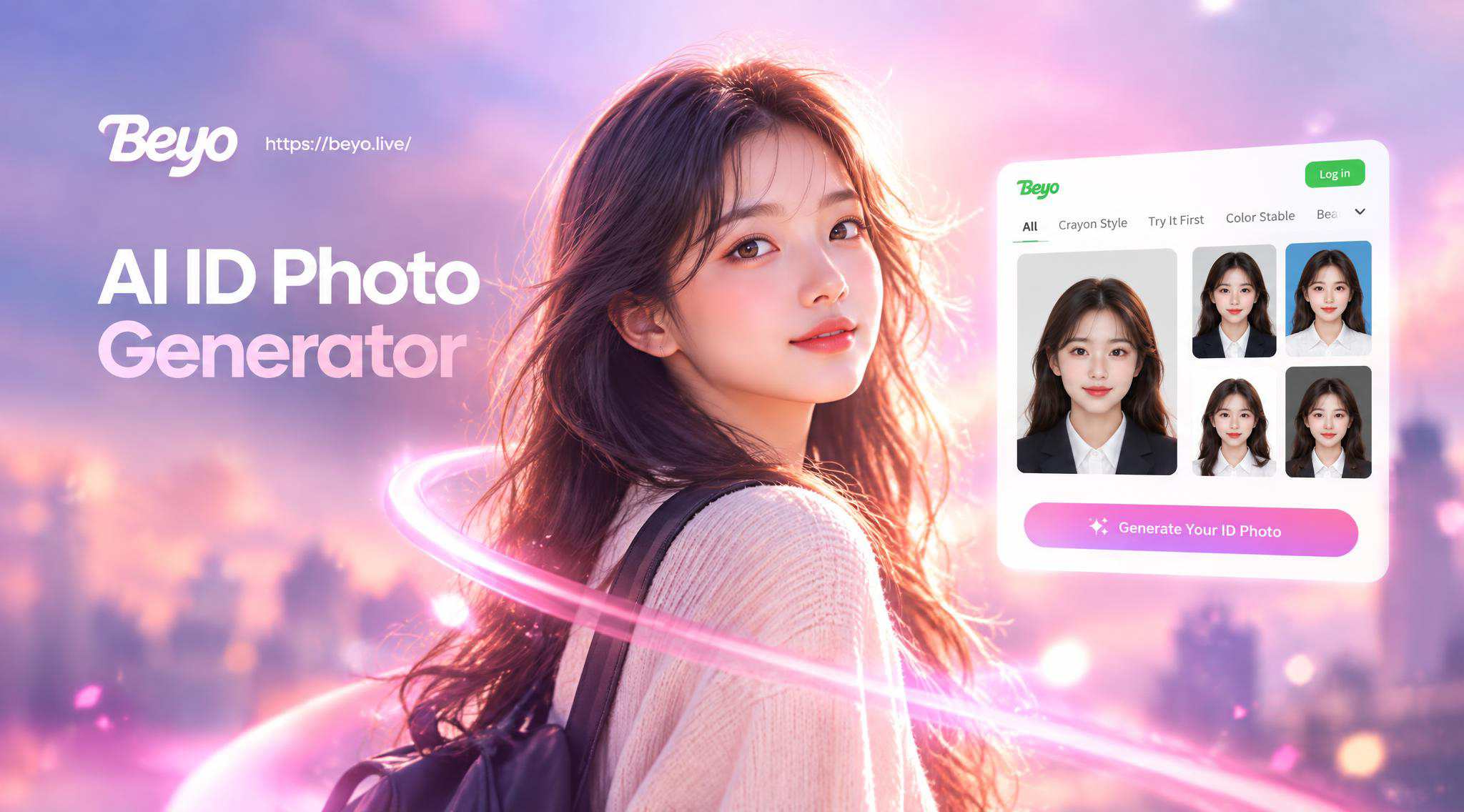
Professional AI ID Photo Maker | Passport Pictures in Seconds
Create Your Own Harry Potter Character with AI

Create Beautiful Waltz Videos for Couples Instantly
Create Stunning Double Color Smoke Portraits with AI
Professional AI ID Photo Maker | Passport Pictures in Seconds
Create Your Own Harry Potter Character with AI
Create Beautiful Waltz Videos for Couples Instantly
Rescue Your Video Memories Today
Don't let low quality hide your precious moments. Download beyo now and transform blurry, pixelated videos into stunning HD keepsakes in seconds.
Rescue Your Video Memories Today
Don't let low quality hide your precious moments. Download beyo now and transform blurry, pixelated videos into stunning HD keepsakes in seconds.