Can You Unblur A Picture?
Pick the Best AI Unblur and Photo Sharpening Filters
Explore filters for image clarity, face detail recovery, HD upscaling, and photo restoration. Each one reduces blur and enhances sharpness with a single tap.
Powerful Ways to Unblur a Picture
Beyo turns blurry photos into clean, high definition images with AI driven enhancement. No manual sharpening sliders or confusing settings needed.
AI Unblur and Sharpen
Restore soft focus and motion blur instantly. The AI detects blurred regions, rebuilds edges, and boosts texture so your subject looks crisp and natural without over sharpening.
AI Unblur and Sharpen
Restore soft focus and motion blur instantly. The AI detects blurred regions, rebuilds edges, and boosts texture so your subject looks crisp and natural without over sharpening.
Face Detail Recovery
Bring back facial features lost to poor focus. Advanced models identify eyes, lips, and skin texture, then refine them for a clear, realistic portrait that still looks like you.
Face Detail Recovery
Bring back facial features lost to poor focus. Advanced models identify eyes, lips, and skin texture, then refine them for a clear, realistic portrait that still looks like you.
One Tap HD Upscaling
Convert low resolution images into sharper, print ready versions. The upscaling engine adds intelligent pixel detail while reducing noise, compression artifacts, and overall fuzziness.
One Tap HD Upscaling
Convert low resolution images into sharper, print ready versions. The upscaling engine adds intelligent pixel detail while reducing noise, compression artifacts, and overall fuzziness.
How to Unblur a Picture in 3 Steps
No desktop software, no complex tools. Follow these simple steps in the Beyo app to fix blurry photos fast.

Step 01.
Download Beyo from Google Play and open the AI photo enhancer tool on your phone.

Step 02.
Upload the blurry picture you want to fix. Choose an unblur or sharpening filter from the library.

Step 03.
Let the AI process the image, then save the enhanced result or share it directly to social media.
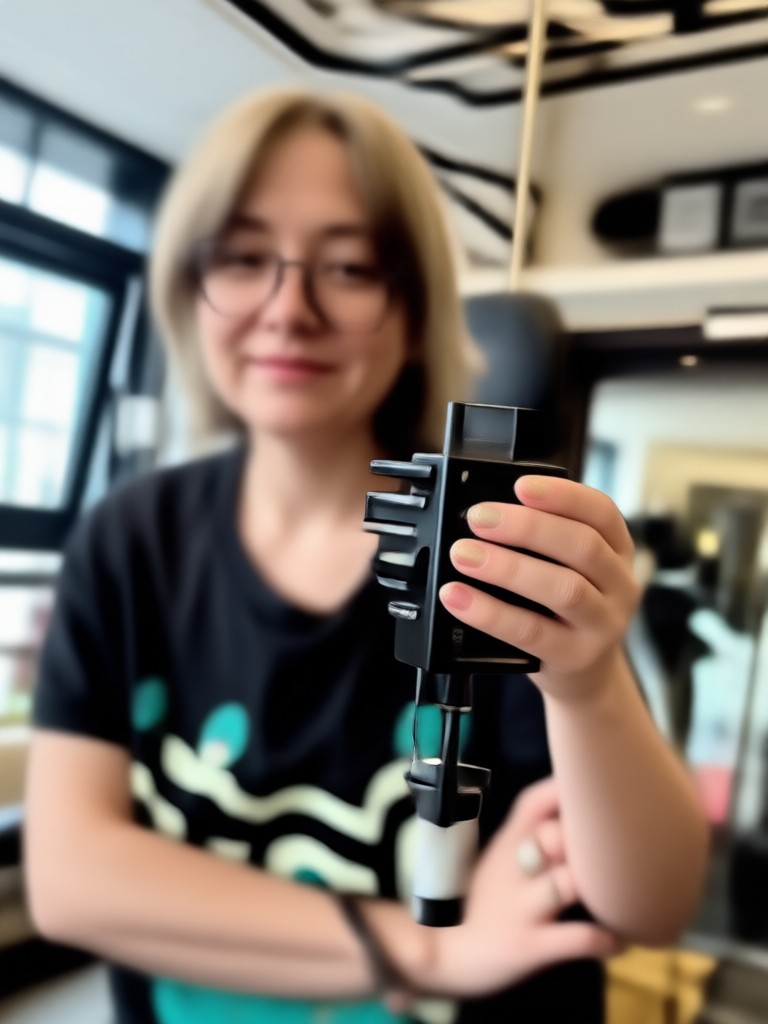
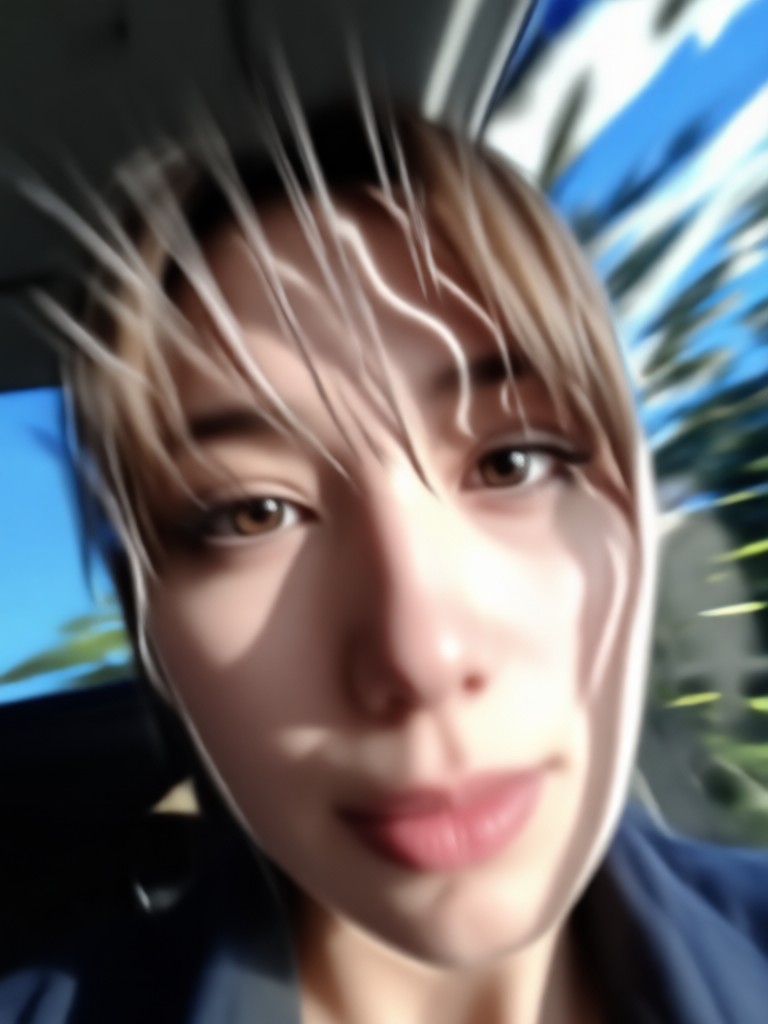
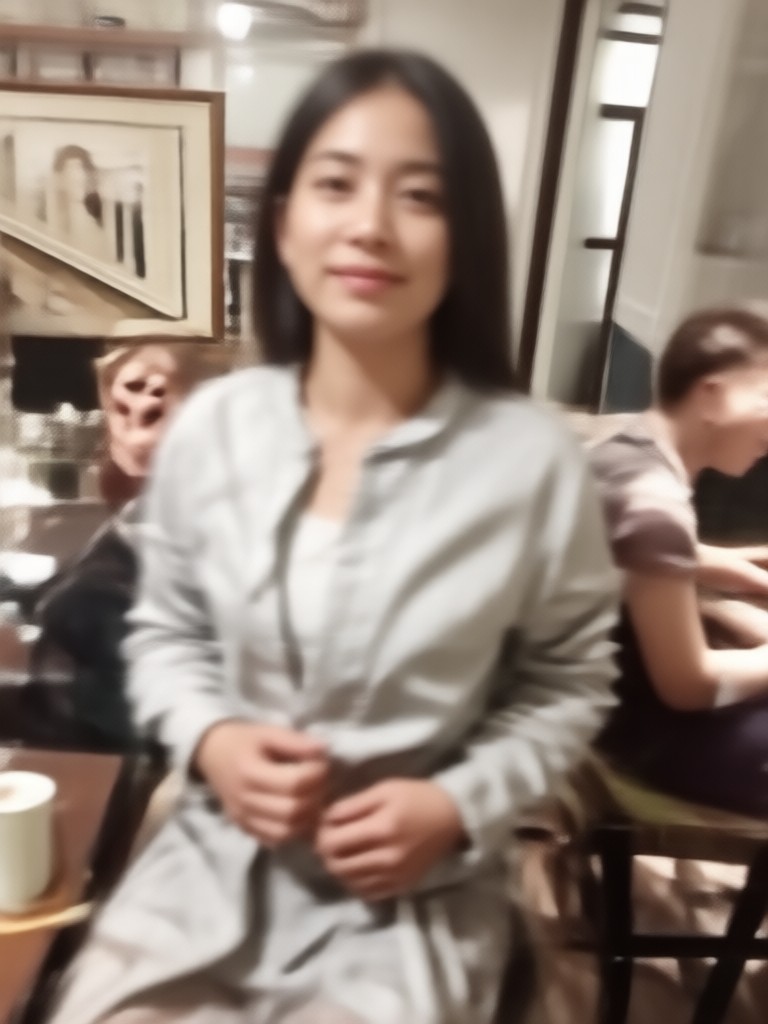
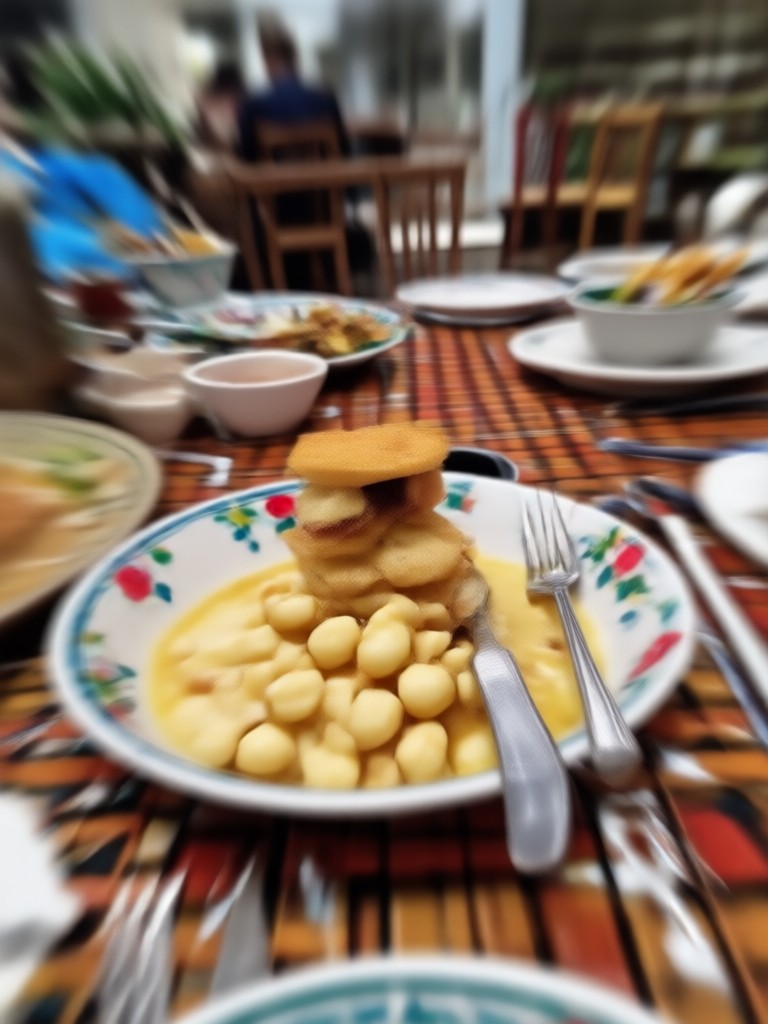
Real Results: Blurry to Sharp Transformations
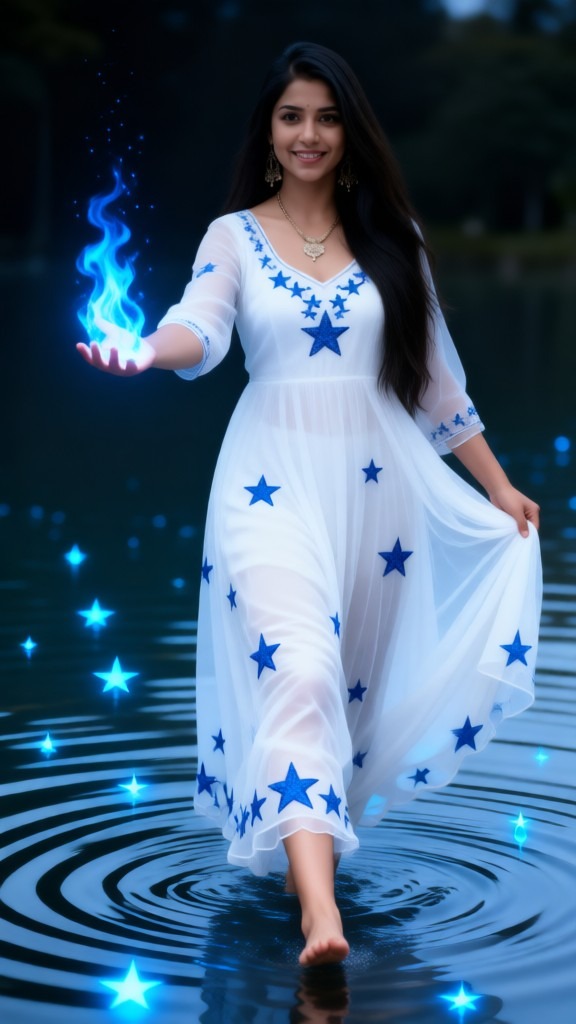
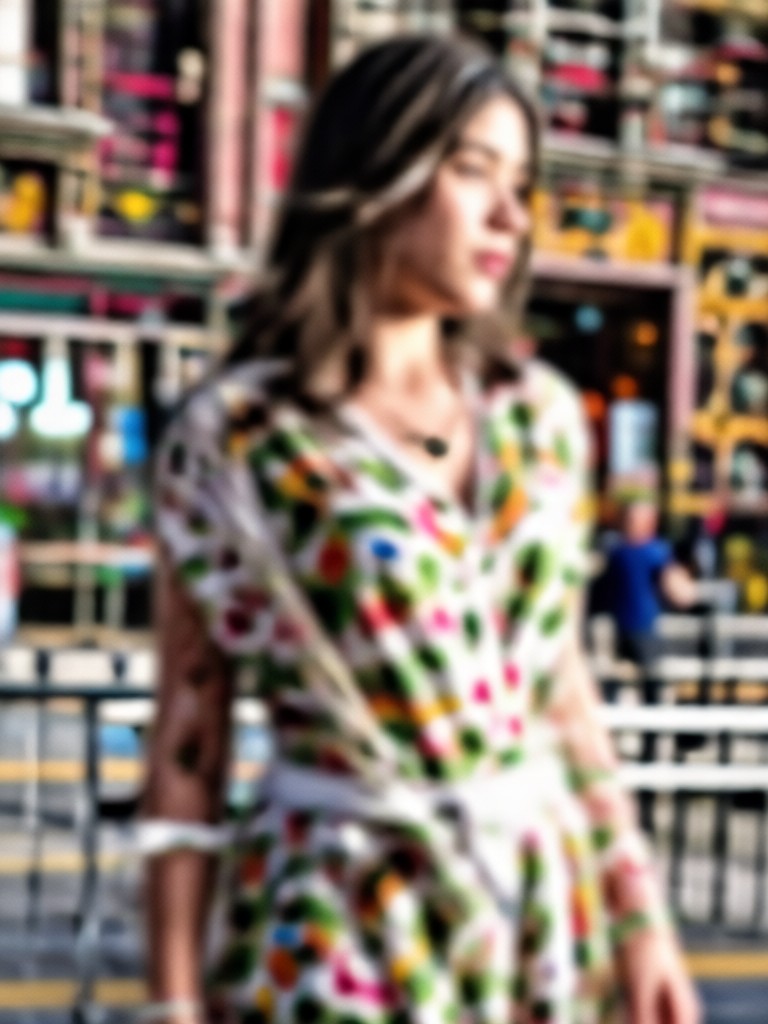
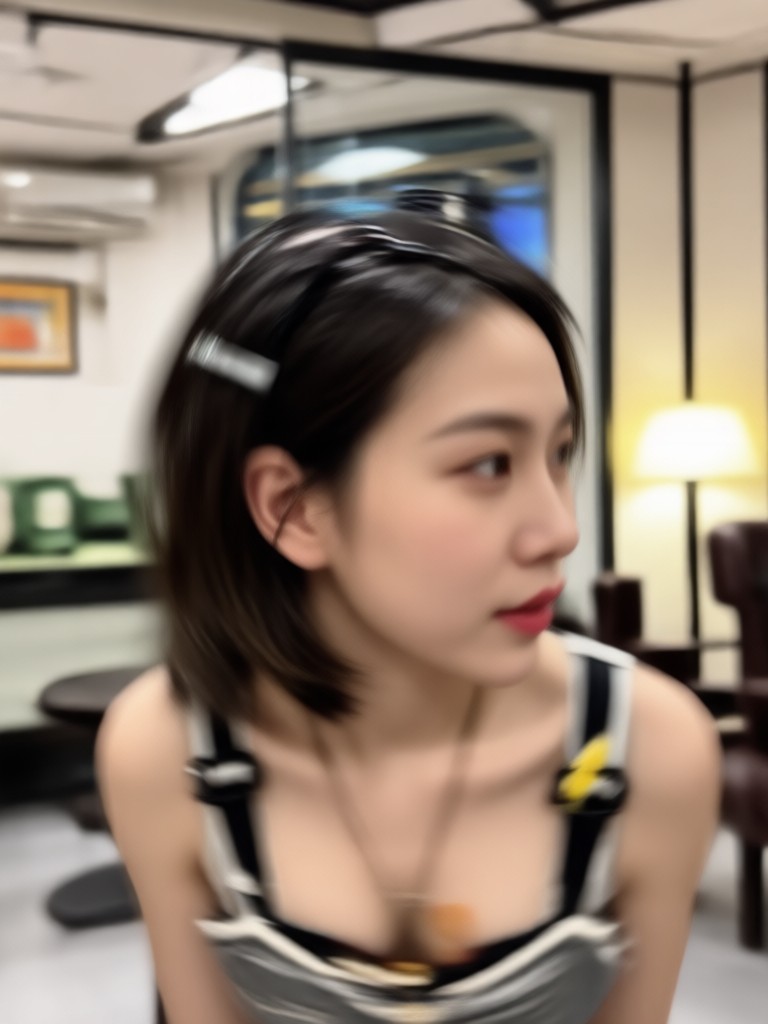
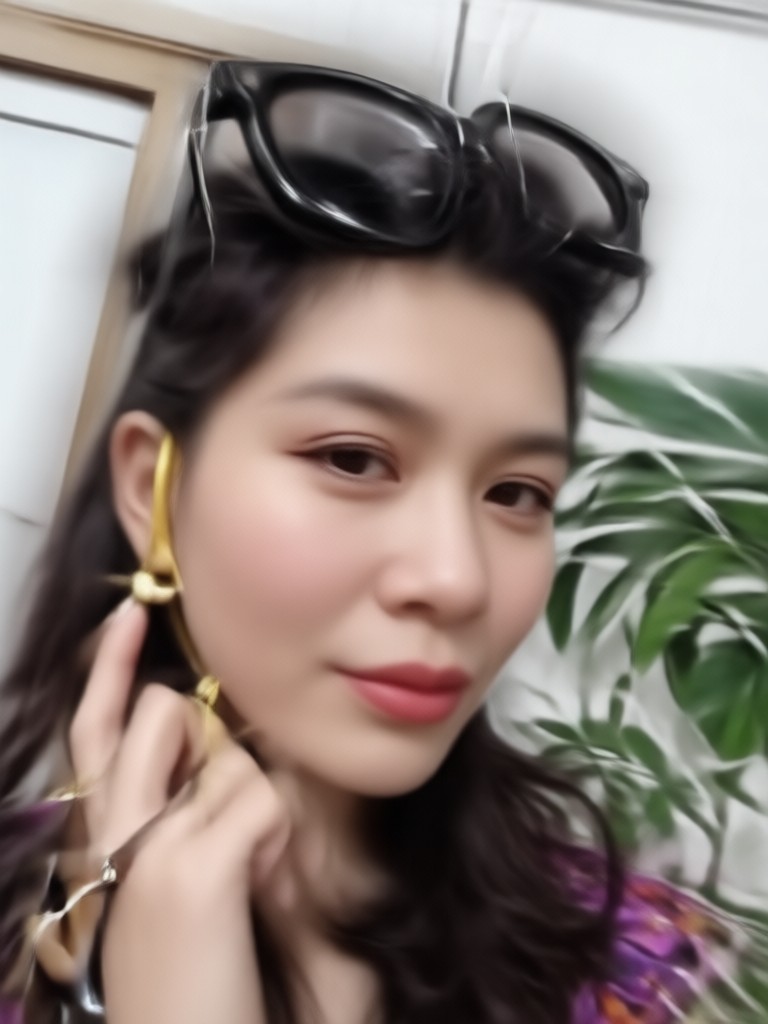
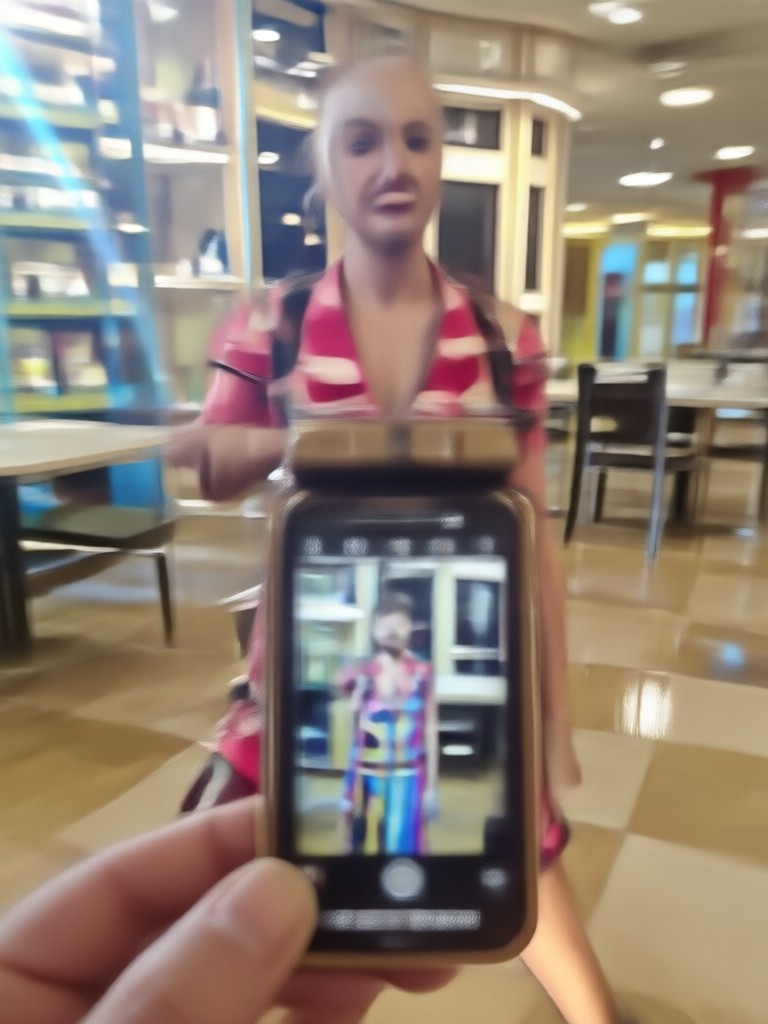
Browse examples of images restored with Beyo's AI unblur technology. Each photo shows how soft details become clean and clear after enhancement.
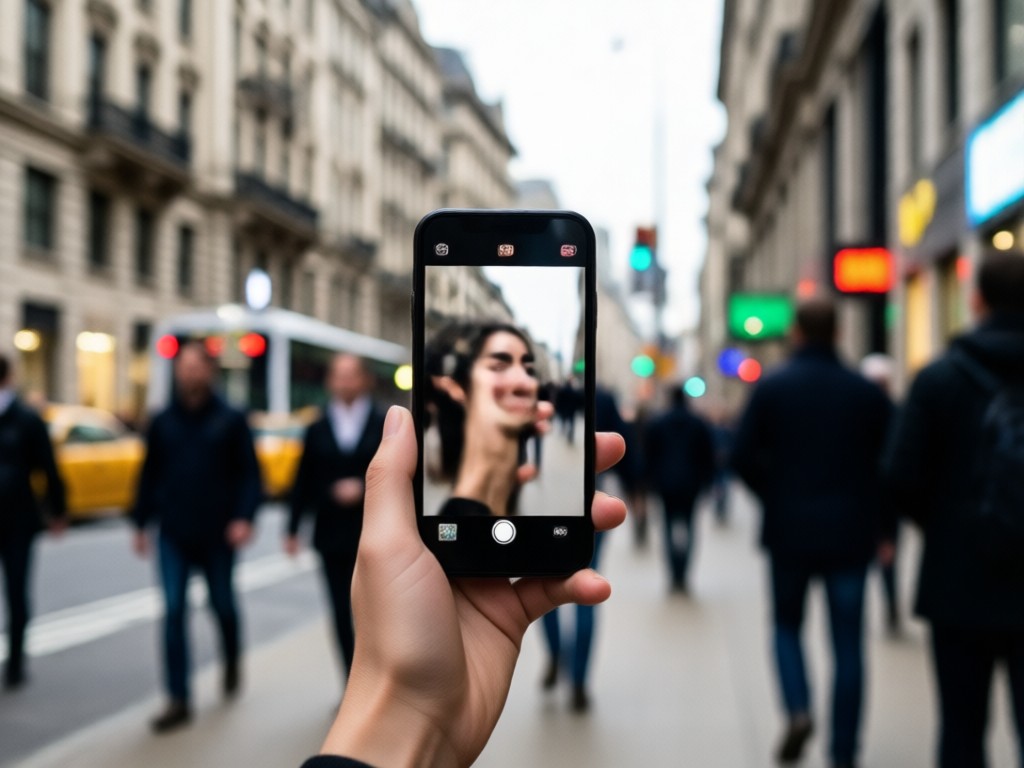
Why Choose Beyo to Unblur Pictures?
Beyo combines powerful AI sharpening with a simple mobile workflow. You get professional level clarity without learning photo editing. The app works offline for saved images and keeps your original photo untouched until you save the result.
Why Choose Beyo to Unblur Pictures?
Beyo combines powerful AI sharpening with a simple mobile workflow. You get professional level clarity without learning photo editing. The app works offline for saved images and keeps your original photo untouched until you save the result.
Unblur Photos Anywhere with the Beyo App
Carry an AI photo sharpener in your pocket. Fix blurry pictures from your last trip, old family scans, or quick phone shots in seconds.

Who Uses Beyo to Unblur Pictures
Mia Chen
I had a gorgeous photo of my dog but the focus was off. Beyo sharpened the fur and eyes without making it look fake. I finally have a frame worthy shot.
Daniel Reed
Old scanned family photos from the 90s were super soft. The unblur filter brought back faces and clothing details I thought were lost forever.
Sofia Alvarez
As a small business owner I take product photos on my phone. Beyo cleans up motion blur and low light noise so my listings look professional.
Tom Nguyen
I do not know anything about editing. I tapped one button and my blurry concert photo became clear enough to print. Extremely simple.
Mia Chen
I had a gorgeous photo of my dog but the focus was off. Beyo sharpened the fur and eyes without making it look fake. I finally have a frame worthy shot.
Daniel Reed
Old scanned family photos from the 90s were super soft. The unblur filter brought back faces and clothing details I thought were lost forever.
Sofia Alvarez
As a small business owner I take product photos on my phone. Beyo cleans up motion blur and low light noise so my listings look professional.
Tom Nguyen
I do not know anything about editing. I tapped one button and my blurry concert photo became clear enough to print. Extremely simple.
Mia Chen
I had a gorgeous photo of my dog but the focus was off. Beyo sharpened the fur and eyes without making it look fake. I finally have a frame worthy shot.
Daniel Reed
Old scanned family photos from the 90s were super soft. The unblur filter brought back faces and clothing details I thought were lost forever.
Sofia Alvarez
As a small business owner I take product photos on my phone. Beyo cleans up motion blur and low light noise so my listings look professional.
Tom Nguyen
I do not know anything about editing. I tapped one button and my blurry concert photo became clear enough to print. Extremely simple.
Frequently Asked Questions About Unblurring Pictures
Find clear answers about AI photo sharpening, image restoration, and how to unblur pictures with the Beyo app.
More Topics You May Like
Explore more AI photo and video enhancement topics to keep your creative momentum going.

AI Commercial Video Generator: Create Pro Ads in Minutes
Custom Crop Image: AI Smart Cropping and Resize
Convert JPG to PDF Easily with beyo's AI Mobile App
Create AI Song: Turn Your Lyrics Into Music Fast
AI Commercial Video Generator: Create Pro Ads in Minutes
Custom Crop Image: AI Smart Cropping and Resize
Convert JPG to PDF Easily with beyo's AI Mobile App
Create AI Song: Turn Your Lyrics Into Music Fast
Ready to Unblur Your Pictures?
Download Beyo and turn blurry photos into sharp, share worthy images in just a few taps. Your next clear shot is one button away.
Ready to Unblur Your Pictures?
Download Beyo and turn blurry photos into sharp, share worthy images in just a few taps. Your next clear shot is one button away.