Custom Crop Image with AI Precision
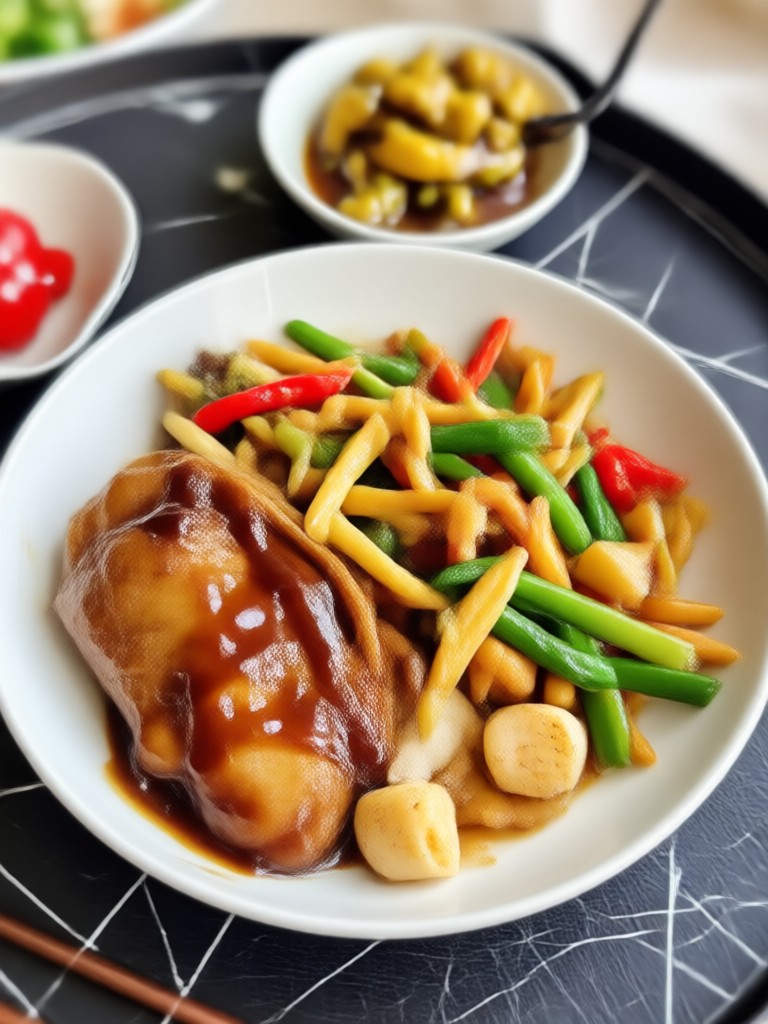
Choose Your Custom Crop Style
Explore AI filters that complement custom cropping, from smart aspect ratio adjustments to full style transformations.
Key Features of Custom Crop Image
Discover the powerful capabilities beyo offers for custom cropping and image enhancement.
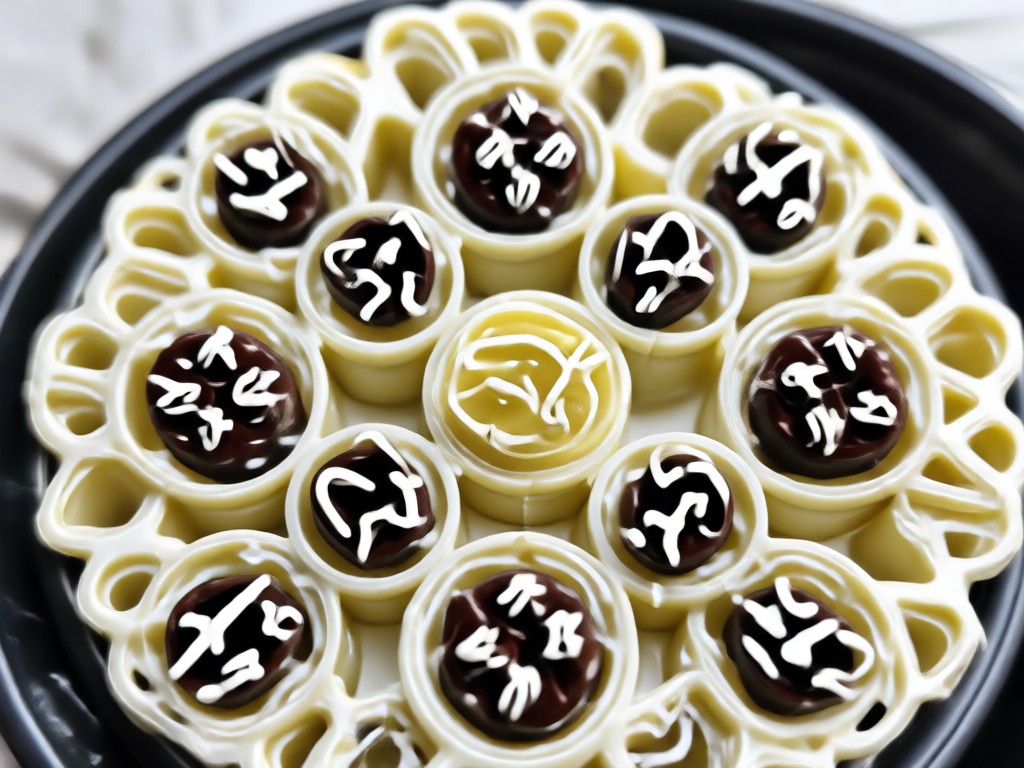
Smart Subject Detection
AI automatically detects the main subject in your photo and suggests the best crop framing, keeping faces and key elements in focus even when you change aspect ratio.
Smart Subject Detection
AI automatically detects the main subject in your photo and suggests the best crop framing, keeping faces and key elements in focus even when you change aspect ratio.
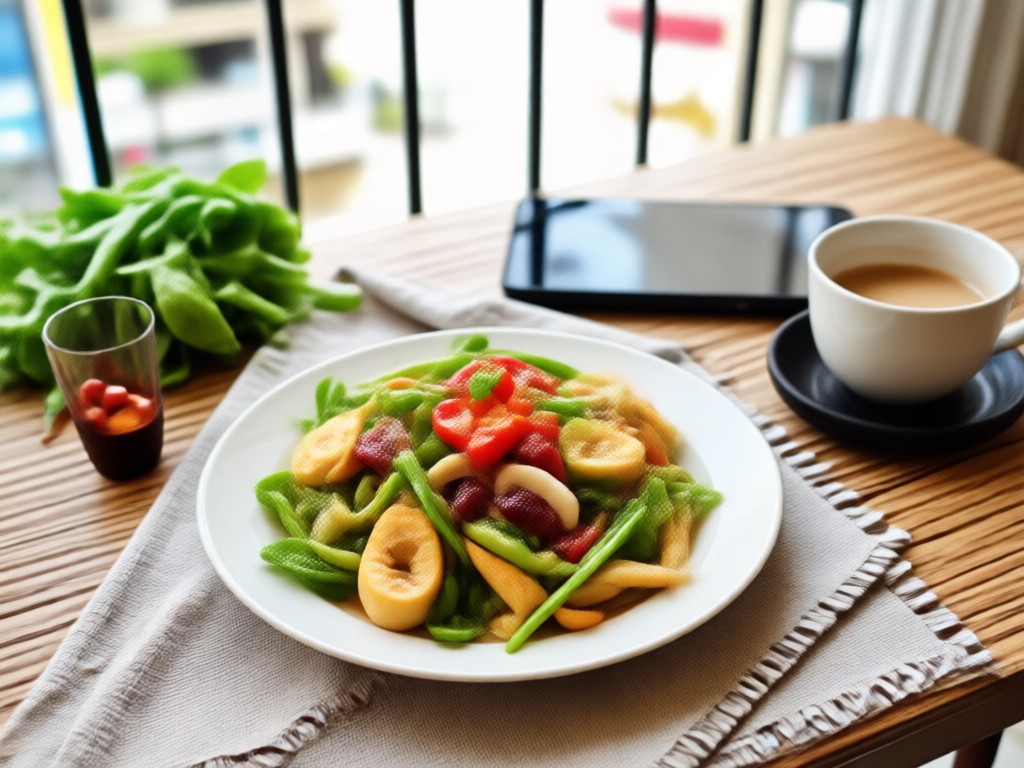
Aspect Ratio Presets
Instantly crop to popular social media sizes like 1:1, 4:5, 16:9, and 9:16. Perfect for Instagram posts, YouTube thumbnails, and TikTok videos without any manual calculation.
Aspect Ratio Presets
Instantly crop to popular social media sizes like 1:1, 4:5, 16:9, and 9:16. Perfect for Instagram posts, YouTube thumbnails, and TikTok videos without any manual calculation.
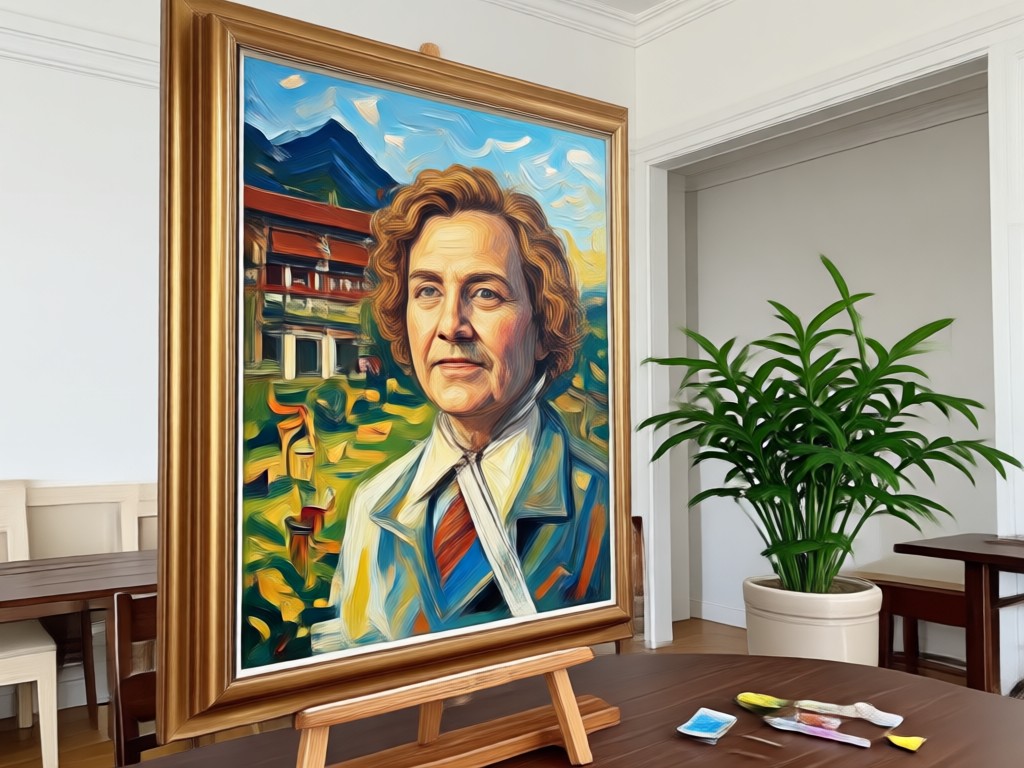
Style Transfer After Crop
Combine custom cropping with AI style filters. Crop your image to the perfect frame, then apply anime, watercolor, or cinematic styles to transform the result effortlessly.
Style Transfer After Crop
Combine custom cropping with AI style filters. Crop your image to the perfect frame, then apply anime, watercolor, or cinematic styles to transform the result effortlessly.
How to Custom Crop Images with AI
Create perfectly cropped images in three simple steps using beyo's AI-powered tools.

Step 01.
Download beyo from Google Play and open the app to get started with custom cropping.

Step 02.
Upload a photo and select your desired crop ratio, or let AI suggest the best framing automatically.

Step 03.
Generate your custom cropped image, optionally apply style filters, then download and share.
Custom Crop Image Gallery
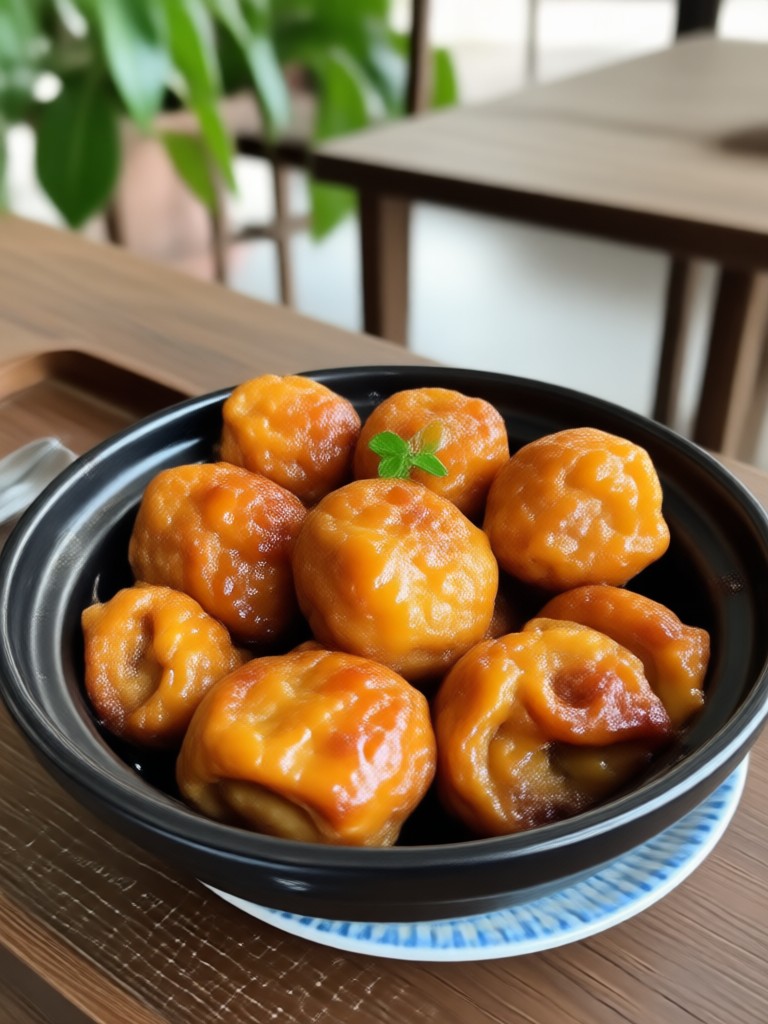
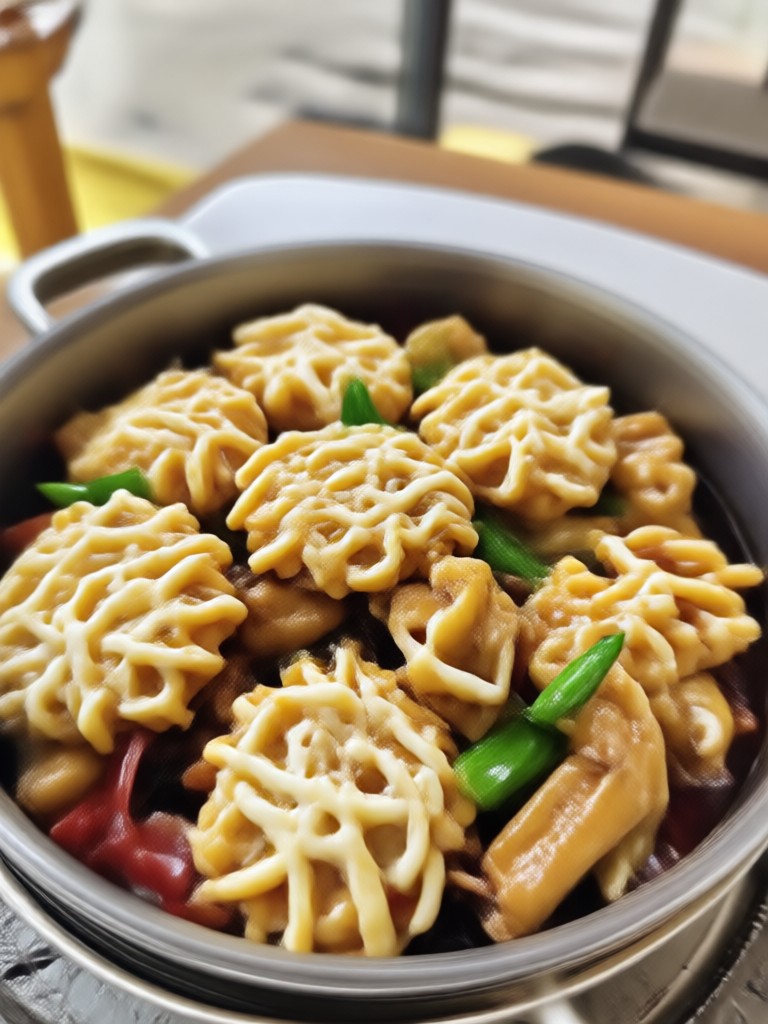
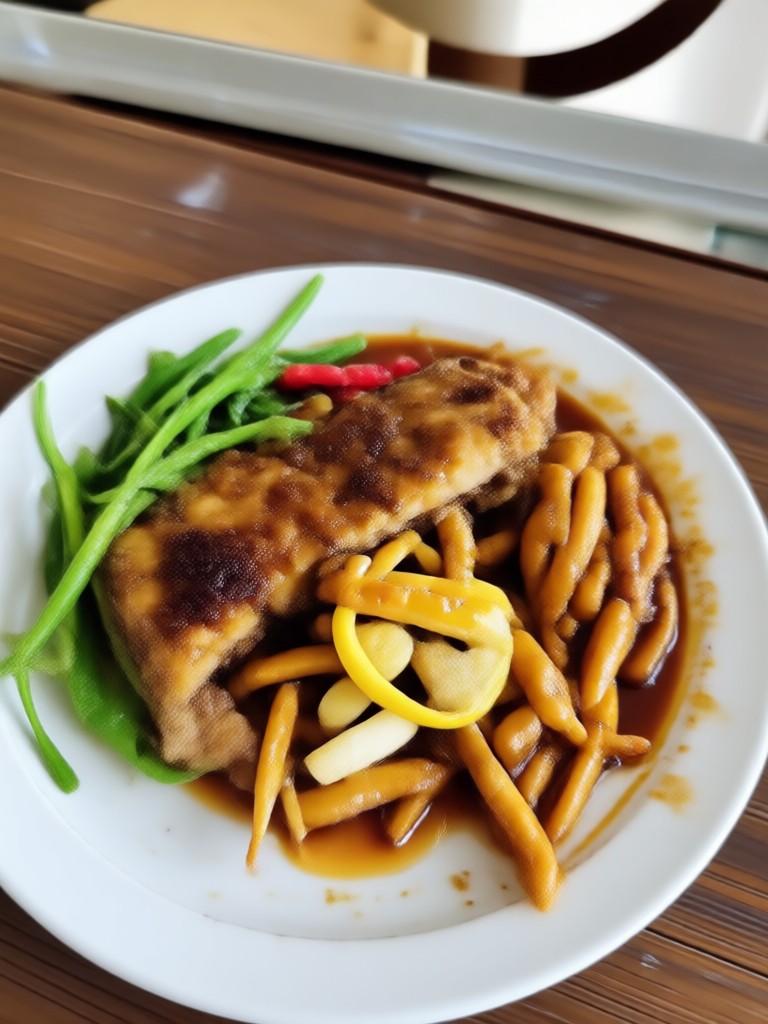
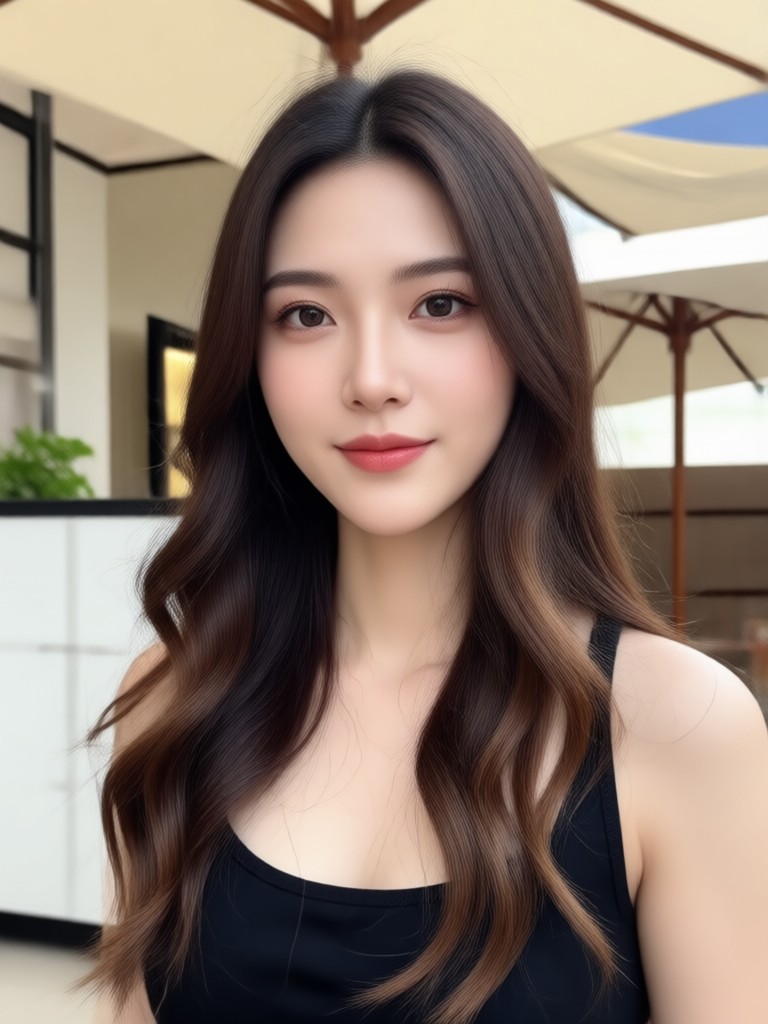
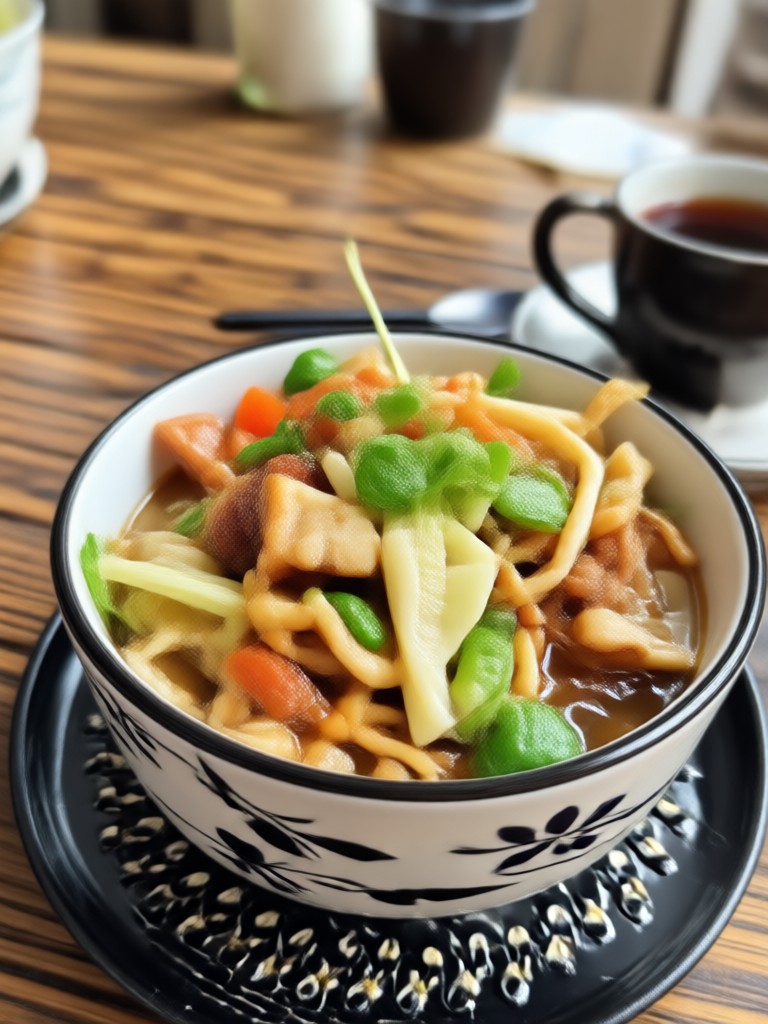
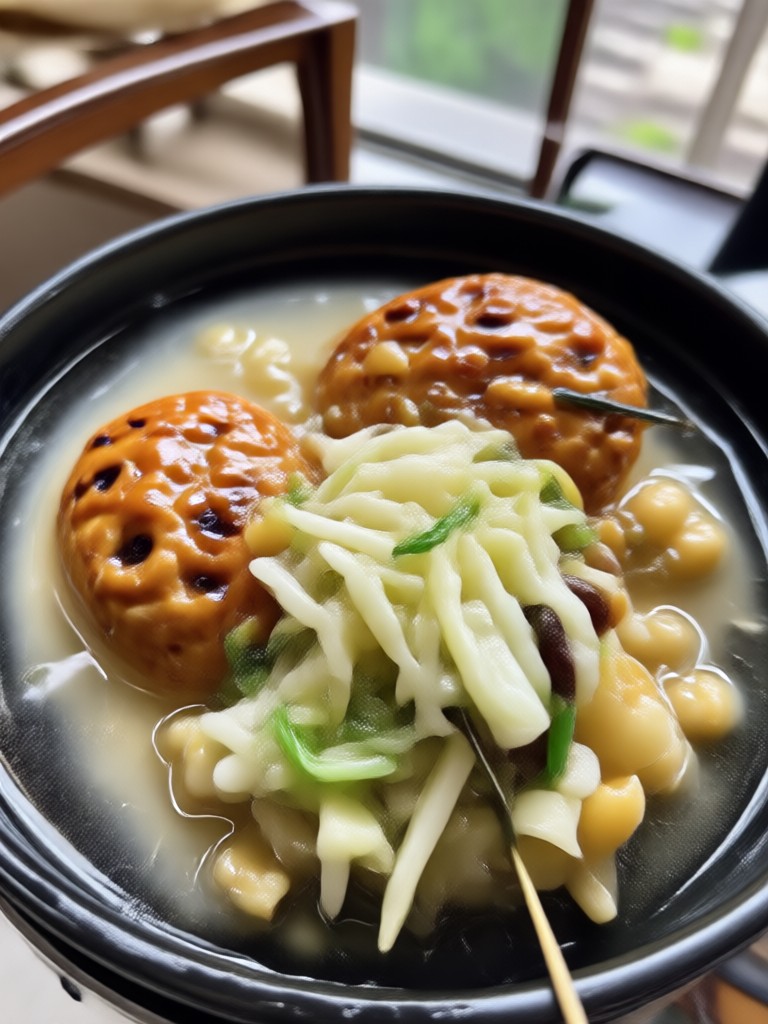
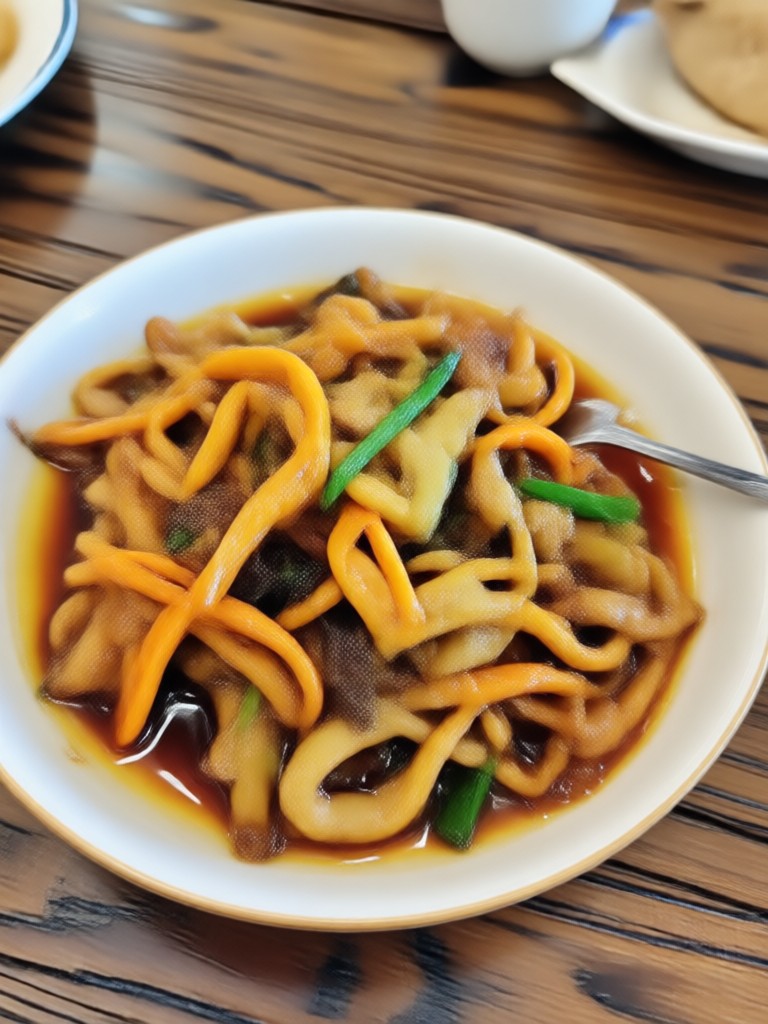
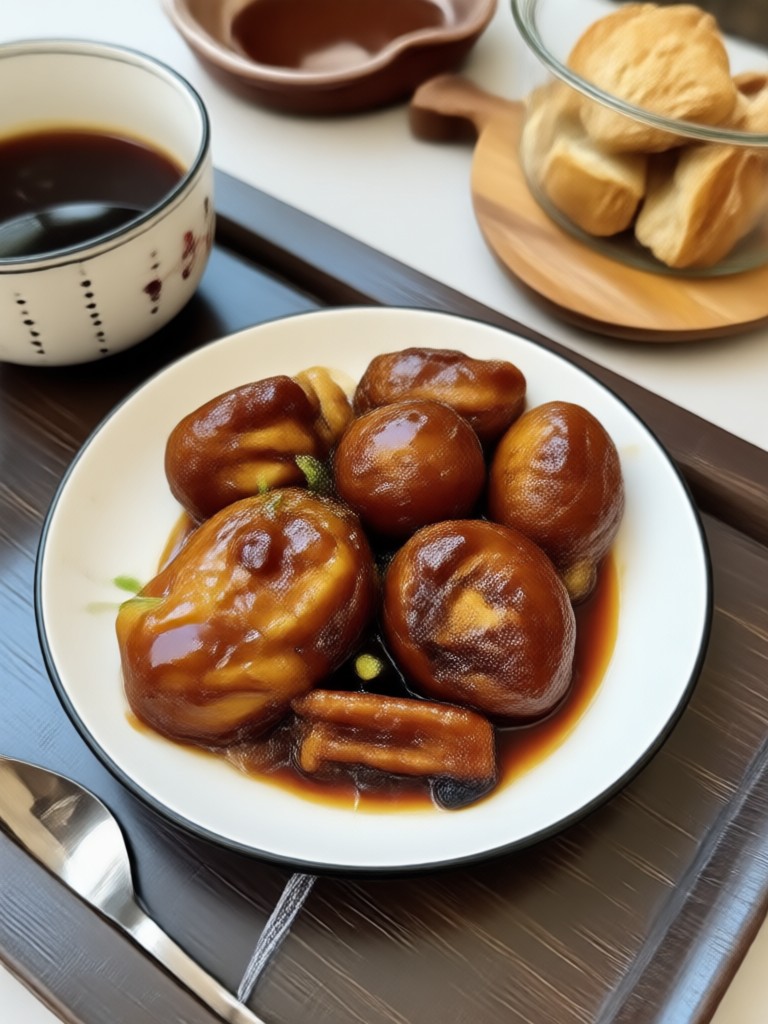
Browse examples of AI custom cropped images with style transformations made in beyo.
Why Use beyo for Custom Crop Image
beyo simplifies custom cropping with intelligent AI that preserves image quality and subject focus.
Effortless Precision Cropping
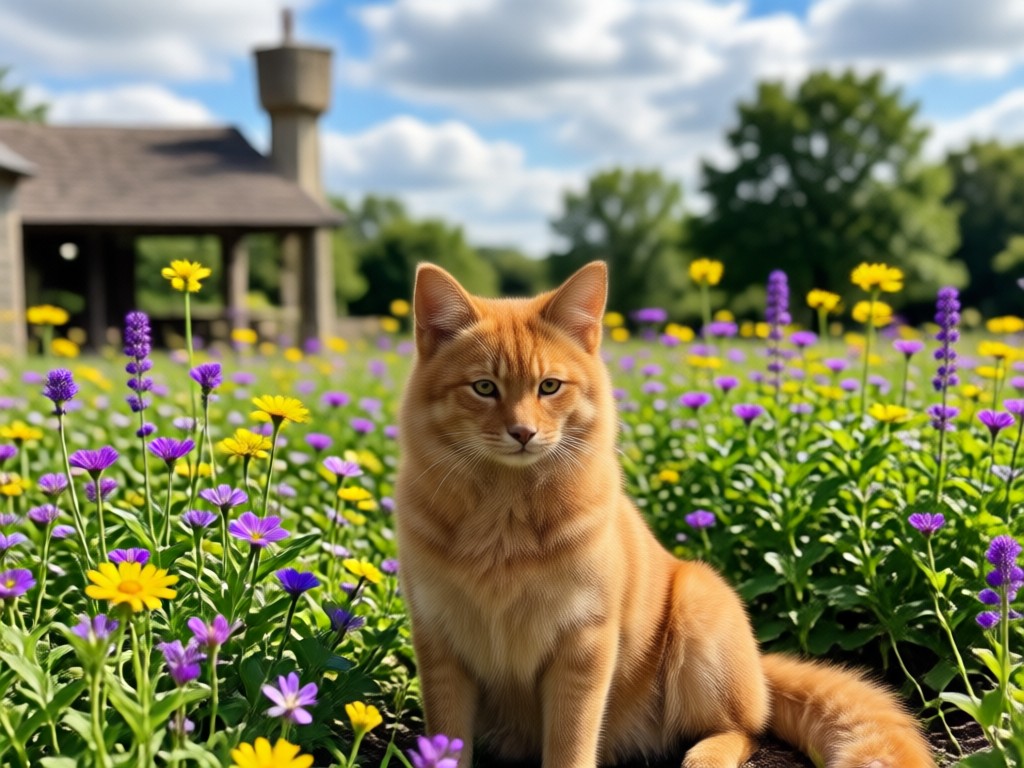
Manual cropping often leads to awkward cuts and lost details. beyo's AI analyzes your image and automatically adjusts the crop box to keep the subject centered and important elements visible. Whether you need a square profile picture or a wide banner, beyo handles it in one tap. Plus, you can pair your crop with over a million style filters to create something truly unique.
Effortless Precision Cropping
Manual cropping often leads to awkward cuts and lost details. beyo's AI analyzes your image and automatically adjusts the crop box to keep the subject centered and important elements visible. Whether you need a square profile picture or a wide banner, beyo handles it in one tap. Plus, you can pair your crop with over a million style filters to create something truly unique.
Custom Crop Image App for Android
Download beyo from Google Play and start cropping like a pro. AI-powered smart cropping with style filters in one app.

What Users Say About Custom Crop Image
Emily R.
I use beyo to crop my travel photos for Instagram. The AI subject detection is spot on, and I love adding a watercolor style after cropping.

Marcus T.
Custom crop ratios for YouTube thumbnails save me so much time. No more guessing pixel dimensions, I just pick 16:9 and go.
Sofia L.
The smart crop feature keeps my face centered even when I switch to a square format. It's like having a professional photo editor in my pocket.
David K.
I combined custom cropping with the anime filter for my profile picture. The result was perfect and took less than a minute.
Emily R.
I use beyo to crop my travel photos for Instagram. The AI subject detection is spot on, and I love adding a watercolor style after cropping.
Marcus T.
Custom crop ratios for YouTube thumbnails save me so much time. No more guessing pixel dimensions, I just pick 16:9 and go.
Sofia L.
The smart crop feature keeps my face centered even when I switch to a square format. It's like having a professional photo editor in my pocket.
David K.
I combined custom cropping with the anime filter for my profile picture. The result was perfect and took less than a minute.
Emily R.
I use beyo to crop my travel photos for Instagram. The AI subject detection is spot on, and I love adding a watercolor style after cropping.
Marcus T.
Custom crop ratios for YouTube thumbnails save me so much time. No more guessing pixel dimensions, I just pick 16:9 and go.
Sofia L.
The smart crop feature keeps my face centered even when I switch to a square format. It's like having a professional photo editor in my pocket.
David K.
I combined custom cropping with the anime filter for my profile picture. The result was perfect and took less than a minute.
Frequently Asked Questions About Custom Crop Image
Find answers to common questions about using beyo's AI custom crop feature.
More Topics You May Like
Explore more topics you may like and discover fresh ideas tailored to your interests.
Convert JPG to PDF Easily with beyo's AI Mobile App
Create AI Song: Turn Your Lyrics Into Music Fast
Convert Audio To Video For YouTube Free: A Complete Guide
Convert Image to PDF Free: Fast Mobile Tool
Convert JPG to PDF Easily with beyo's AI Mobile App
Create AI Song: Turn Your Lyrics Into Music Fast
Convert Audio To Video For YouTube Free: A Complete Guide
Convert Image to PDF Free: Fast Mobile Tool
Ready to Crop Like a Pro?
Download beyo now and unlock AI custom crop tools with over a million style filters. Create perfect images in seconds.
Ready to Crop Like a Pro?
Download beyo now and unlock AI custom crop tools with over a million style filters. Create perfect images in seconds.