Convert Video to WhatsApp
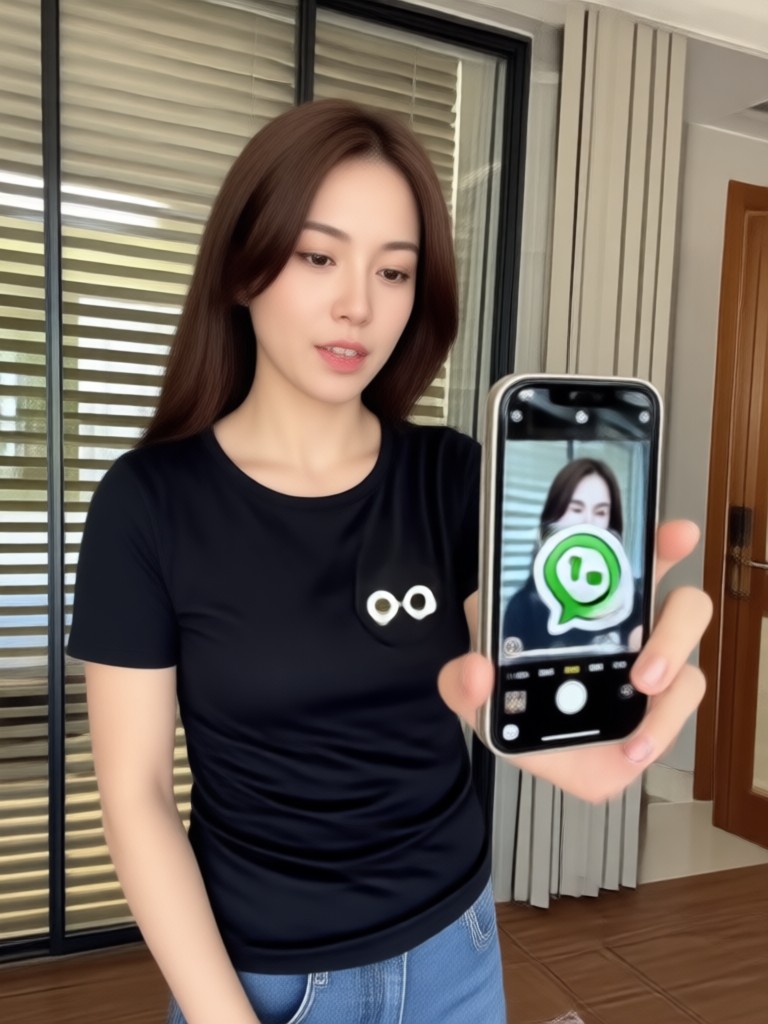
Choose the Perfect WhatsApp Video Filter
Discover filters that help you convert any video into a share-ready WhatsApp clip with the right format and style.
Key Features of Convert Video to WhatsApp
From automatic format optimization to stylish filters, beyo gives you everything you need to turn ordinary clips into WhatsApp-ready videos that stand out.
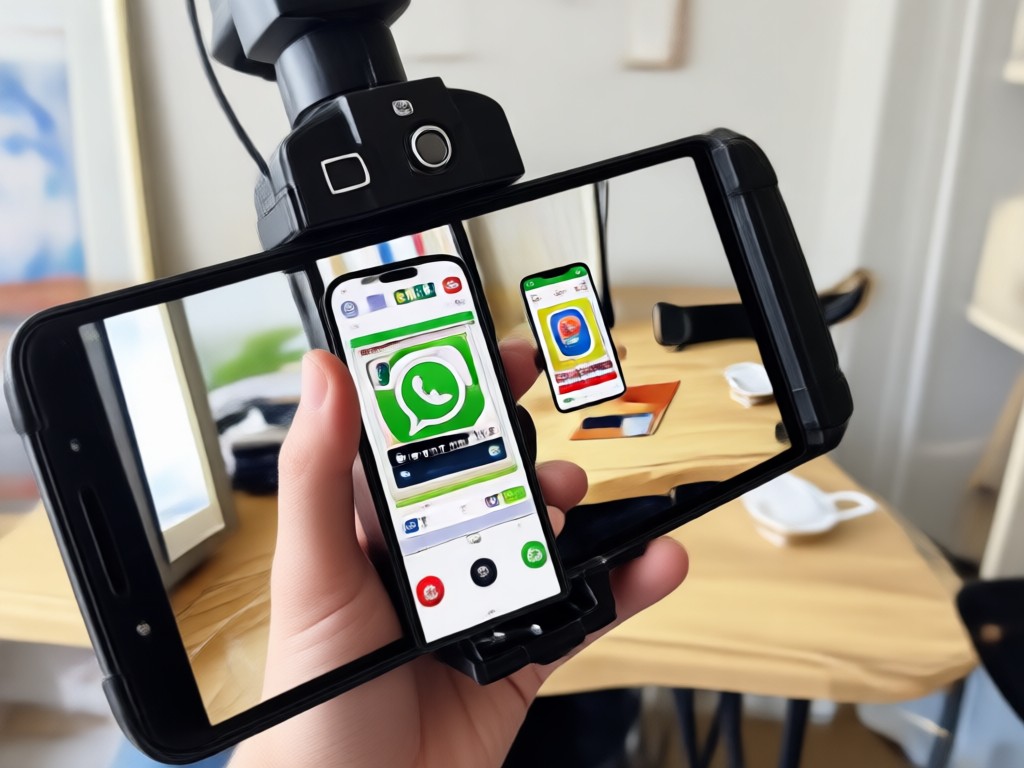
AI Format Optimization
Automatically resize and compress your videos to meet WhatsApp size and format limits. Keep quality high while ensuring fast upload and smooth playback.
AI Format Optimization
Automatically resize and compress your videos to meet WhatsApp size and format limits. Keep quality high while ensuring fast upload and smooth playback.
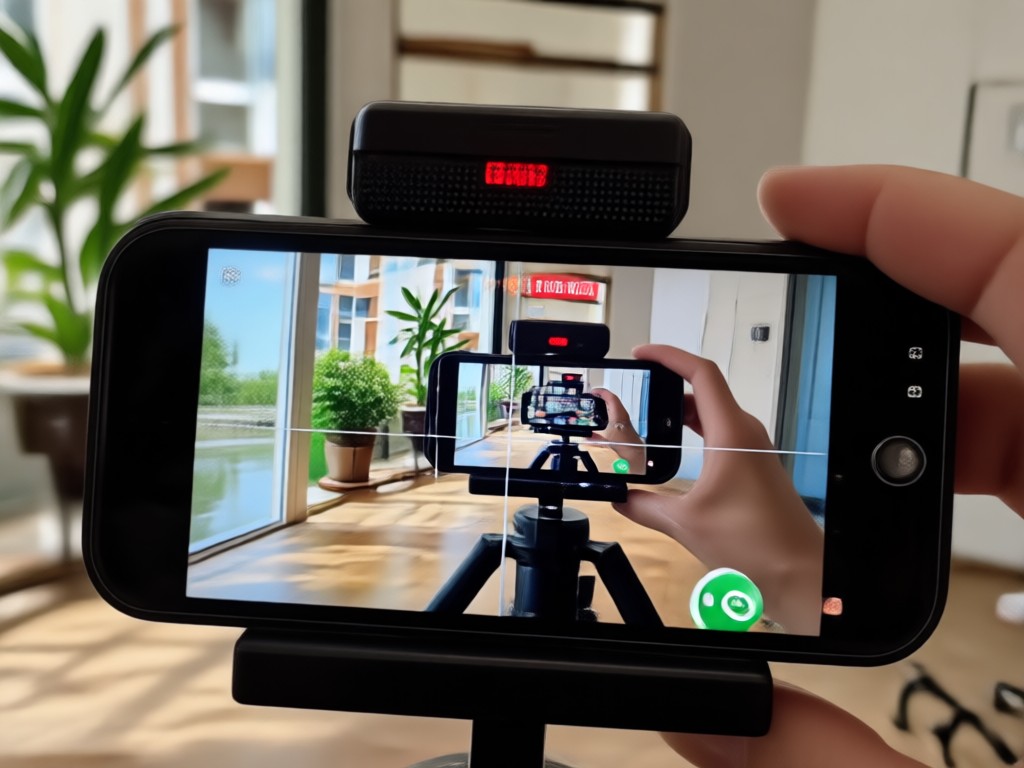
Style & Effect Filters
Apply trending effects like cinematic color grading, anime looks, and smooth slow motion to make your WhatsApp videos stand out in every chat.
Style & Effect Filters
Apply trending effects like cinematic color grading, anime looks, and smooth slow motion to make your WhatsApp videos stand out in every chat.
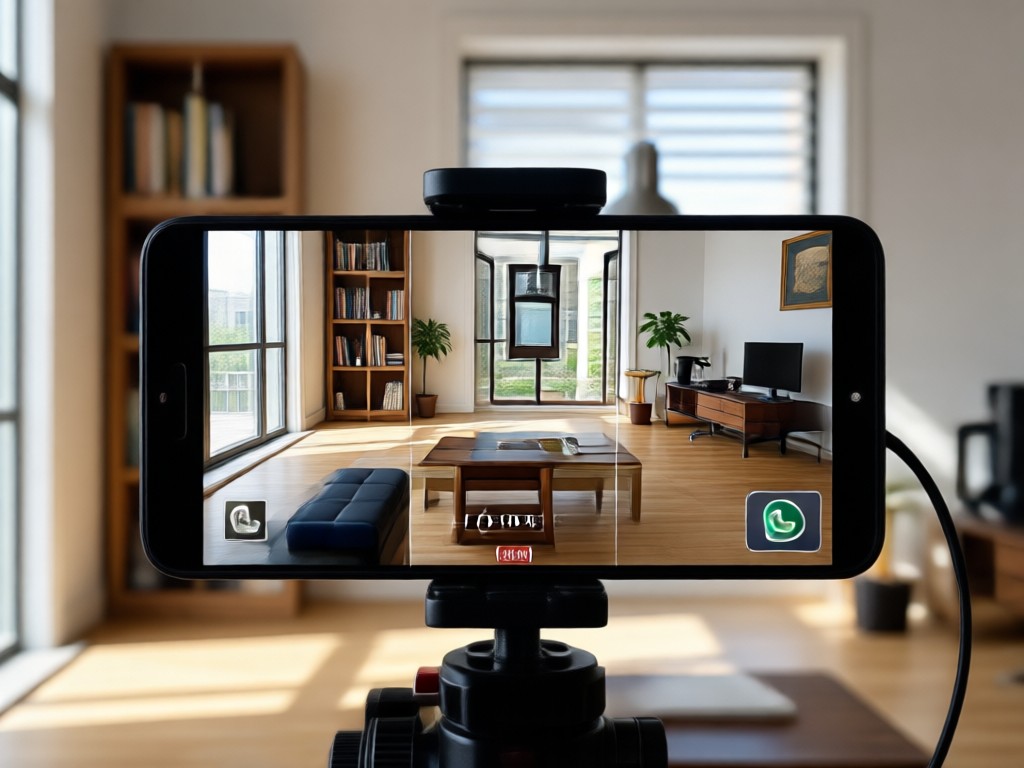
Quick Status Maker
Turn a short clip into a vertical WhatsApp status video in one tap. Choose templates that match the 9:16 aspect ratio and share instantly.
Quick Status Maker
Turn a short clip into a vertical WhatsApp status video in one tap. Choose templates that match the 9:16 aspect ratio and share instantly.
How to Convert Video to WhatsApp Format
Follow three simple steps to transform your video into a WhatsApp-ready clip using beyo.

Step 01.
Download the beyo app from Google Play and open it on your phone. No account required to start converting.

Step 02.
Upload your video and choose a WhatsApp-optimized filter or template. Adjust aspect ratio and style in seconds.

Step 03.
Generate your converted video, preview it, and share directly to WhatsApp status or any chat.
Ready-to-Use WhatsApp Video Templates
Browse sample templates optimized for WhatsApp status and chat. Use these styles as a starting point or upload your own video to convert.
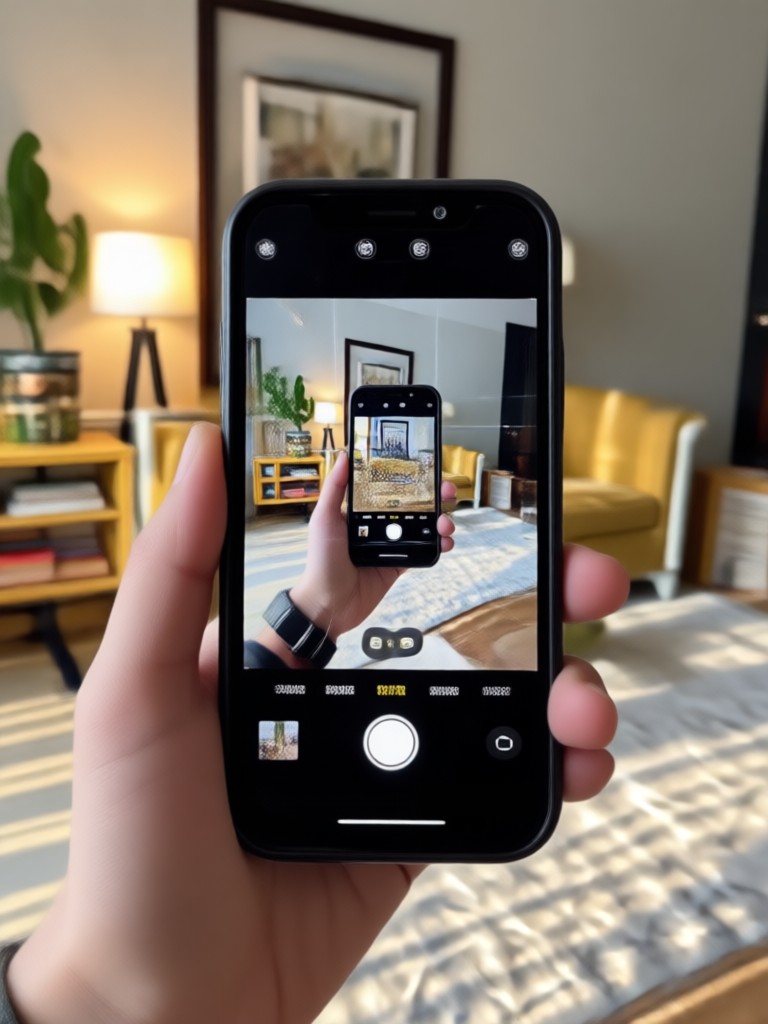
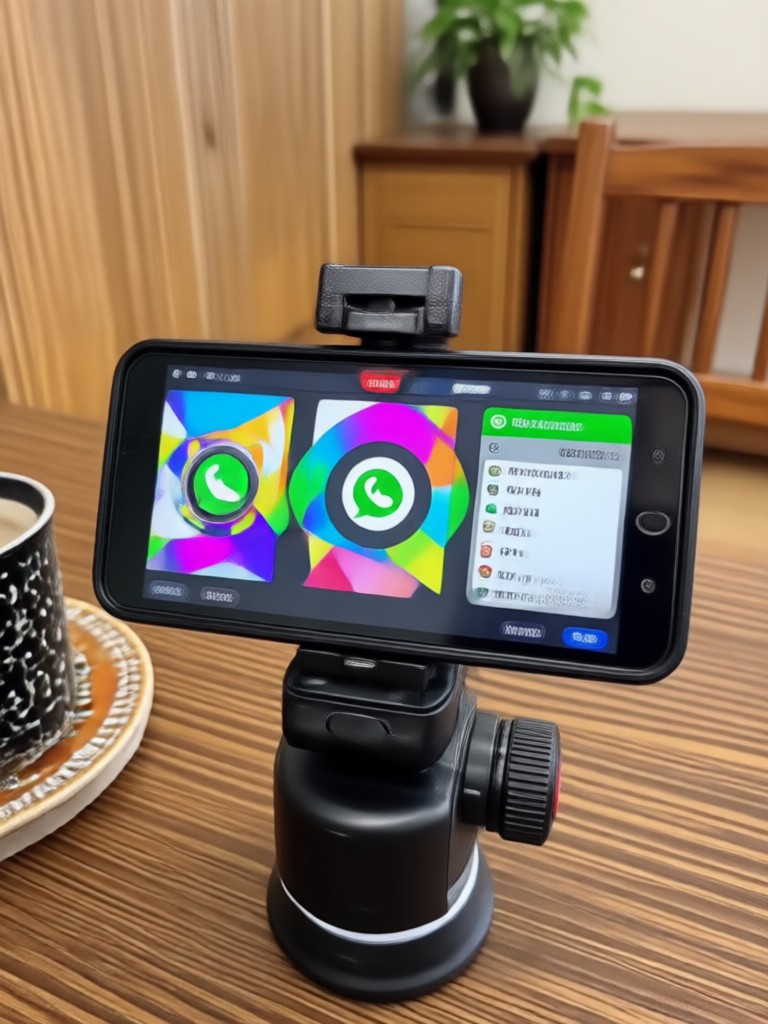
Convert Video to WhatsApp on Your Phone
Download beyo from Google Play and start converting videos on the go. No desktop software needed.

Why Use beyo to Convert Video for WhatsApp
Traditional video converters only change format. beyo uses AI to enhance your video while optimizing it for WhatsApp, so every clip looks polished and professional.
Why Use beyo to Convert Video for WhatsApp
Traditional video converters only change format. beyo uses AI to enhance your video while optimizing it for WhatsApp, so every clip looks polished and professional.
What People Say About Our Video Converter
Perfect for WhatsApp status
I used to struggle with oversized videos that wouldn't upload. Now I convert them in seconds and share directly to my status. The style filters make every clip look amazing.
Saves so much time
As a small business owner, I share product videos on WhatsApp daily. beyo compresses and optimizes everything automatically, no quality loss. Highly recommend.
Great filters and easy to use
I love that I can turn a normal clip into a cinematic status video with one tap. My friends keep asking what app I use.
Frequently Asked Questions
Find clear answers to common questions about converting videos for WhatsApp and making the most of beyo.
More Topics You May Like
Explore more topics you may like and discover fresh ideas tailored to your interests.

Edit Foto AI ChatGPT: Ubah Foto dengan AI di beyo
Edit Foto AI ChatGPT memudahkan Anda mengubah foto dengan teknologi AI. Hapus objek, ganti latar, perbaiki wajah, dan hasilkan foto baru dari teks. Download beyo sekarang.
Make Beautiful AI Birthday Cards in Seconds
Turn photos and text prompts into personalized AI birthday cards. Choose from hundreds of styles, add custom wishes, and share stunning greetings instantly. Free app download.
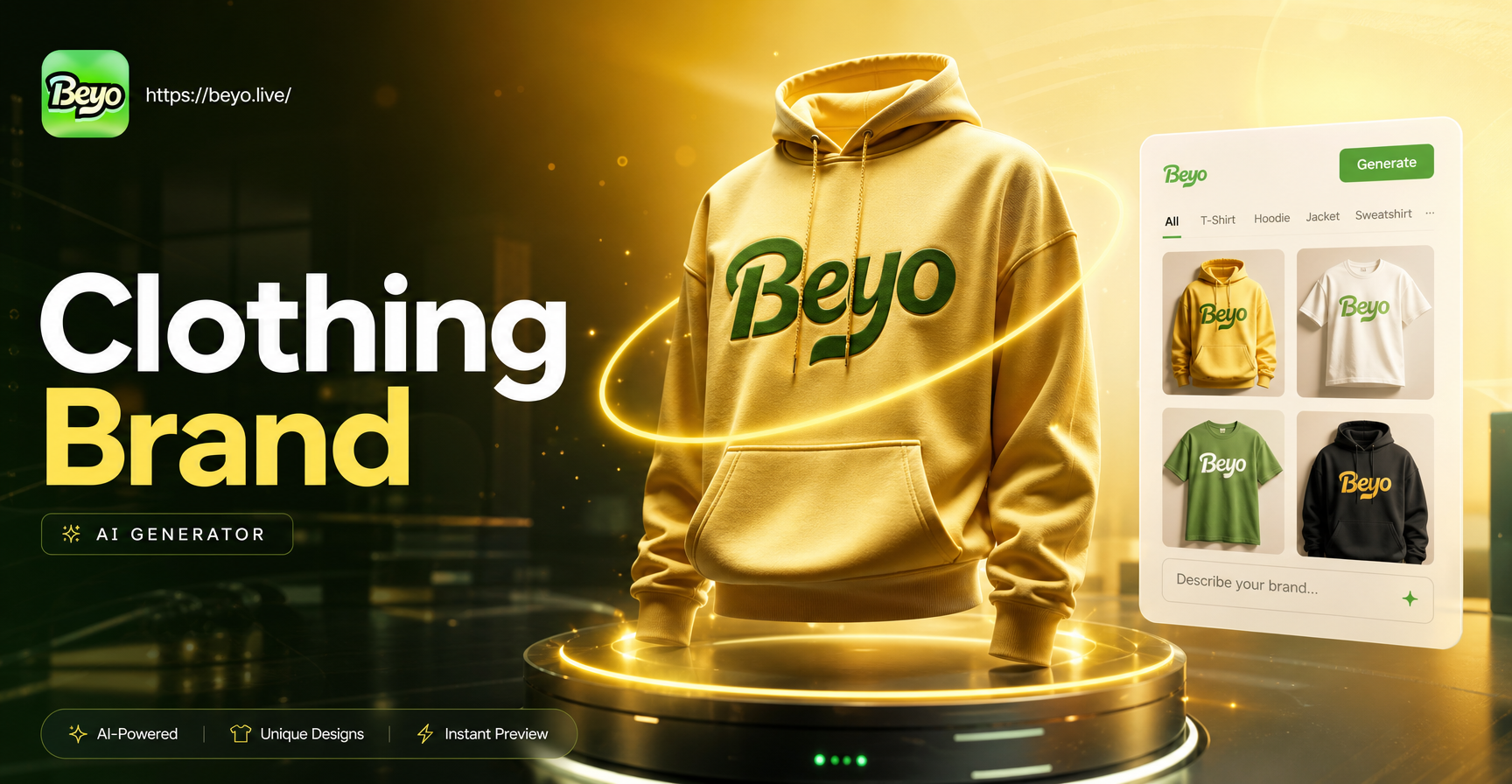
AI Clothing Brand Generator: Design Your Fashion Line
Generate custom clothing brand designs with AI. Upload a sketch, choose from fashion style templates, and create logos, apparel mockups, and lookbooks in seconds. No design skills needed.
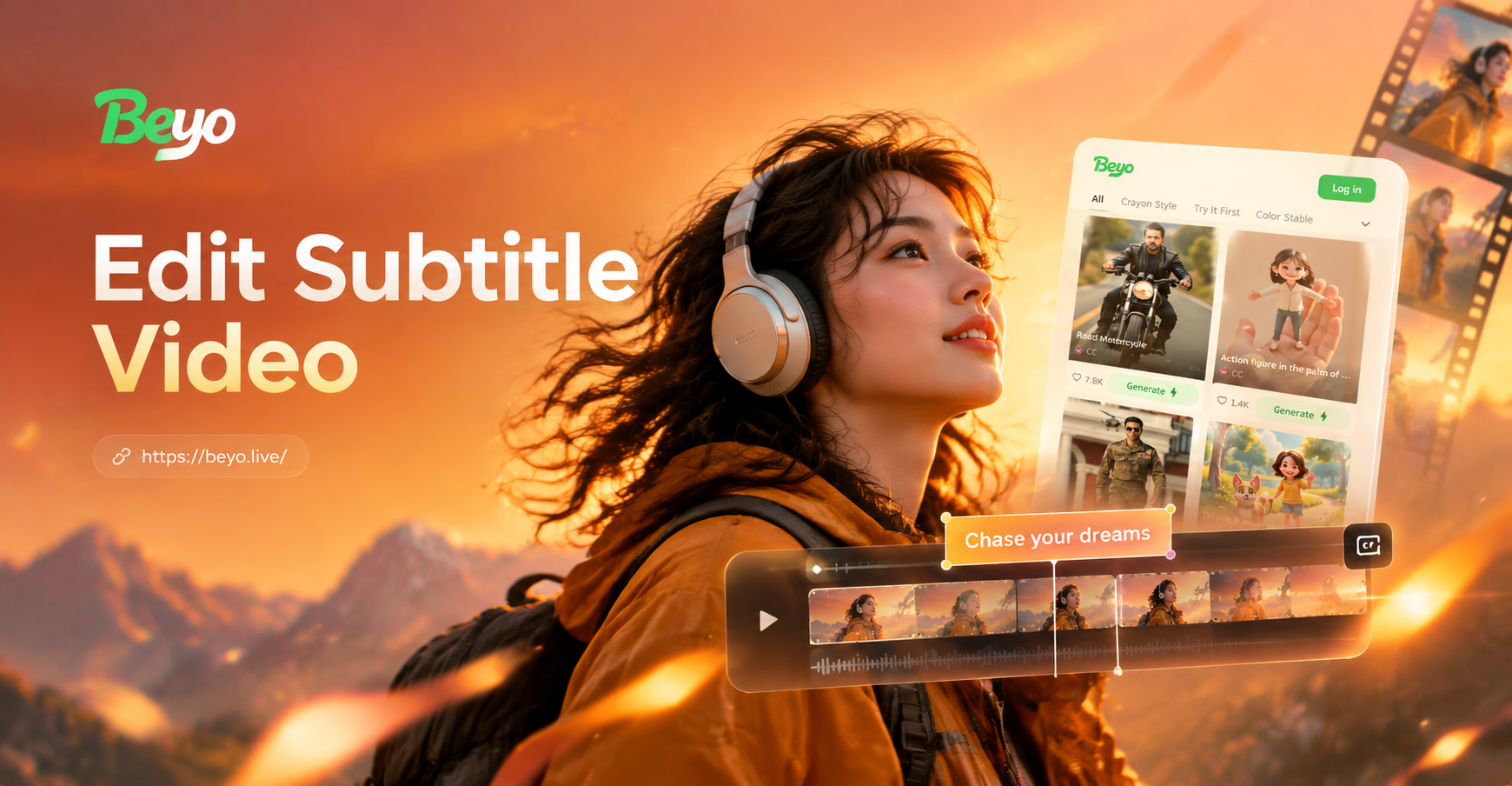
Edit Subtitle Video with AI: Add Stylish Captions Fast
Edit Subtitle Video with Beyo. Add auto captions, restyle text, and sync subtitles to your clips in seconds. Download the app for easy AI subtitle editing.
Ready to Convert Your First WhatsApp Video?
Download beyo now and turn any clip into a polished, WhatsApp-ready video in seconds. No design skills needed.
Ready to Convert Your First WhatsApp Video?
Download beyo now and turn any clip into a polished, WhatsApp-ready video in seconds. No design skills needed.