Side By Side Picture Maker
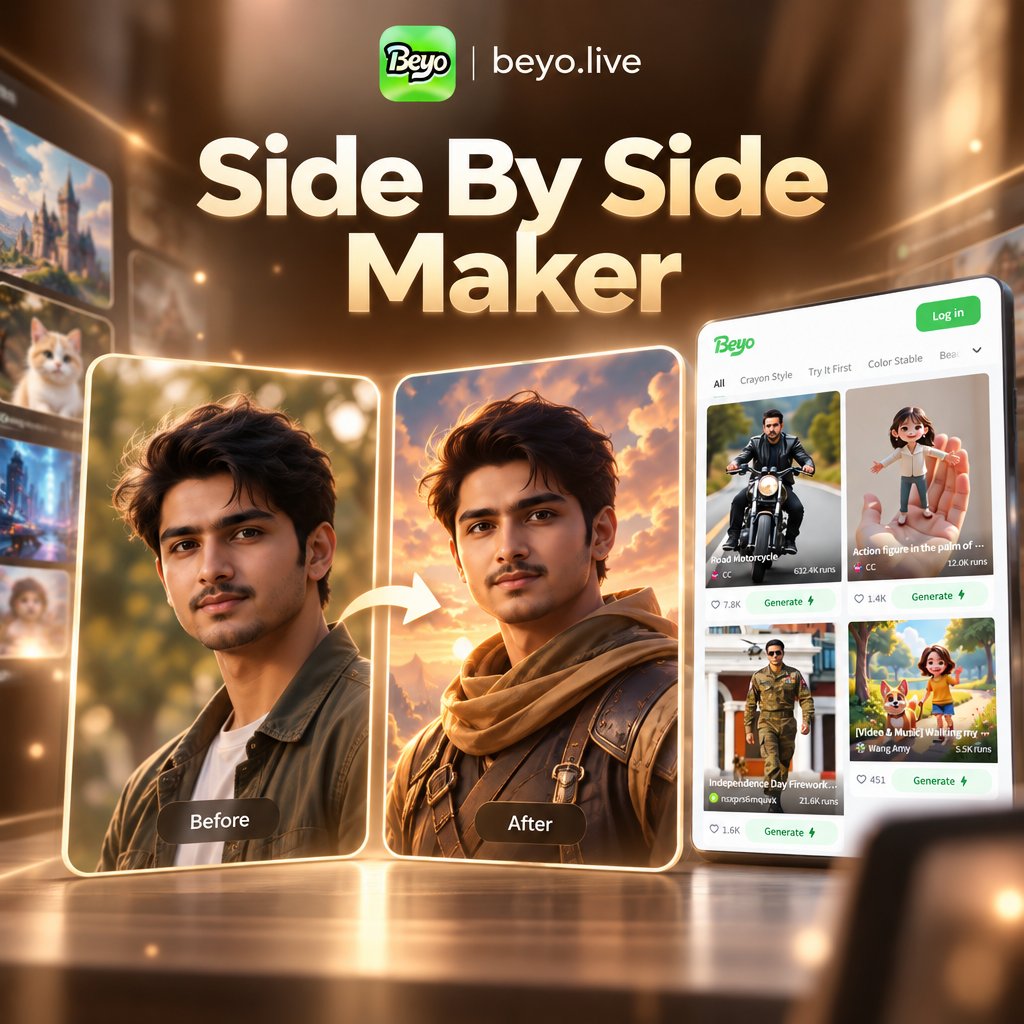
Choose Your Side By Side Style
Discover multiple style templates to create perfect side by side picture comparisons. From fashion lookbooks to before and after makeovers, find the filter that suits your needs.
Key Features of Side By Side Picture Maker
Turn two photos into one compelling visual with powerful AI tools. Compare outfits, show transformations, or create instant collages.
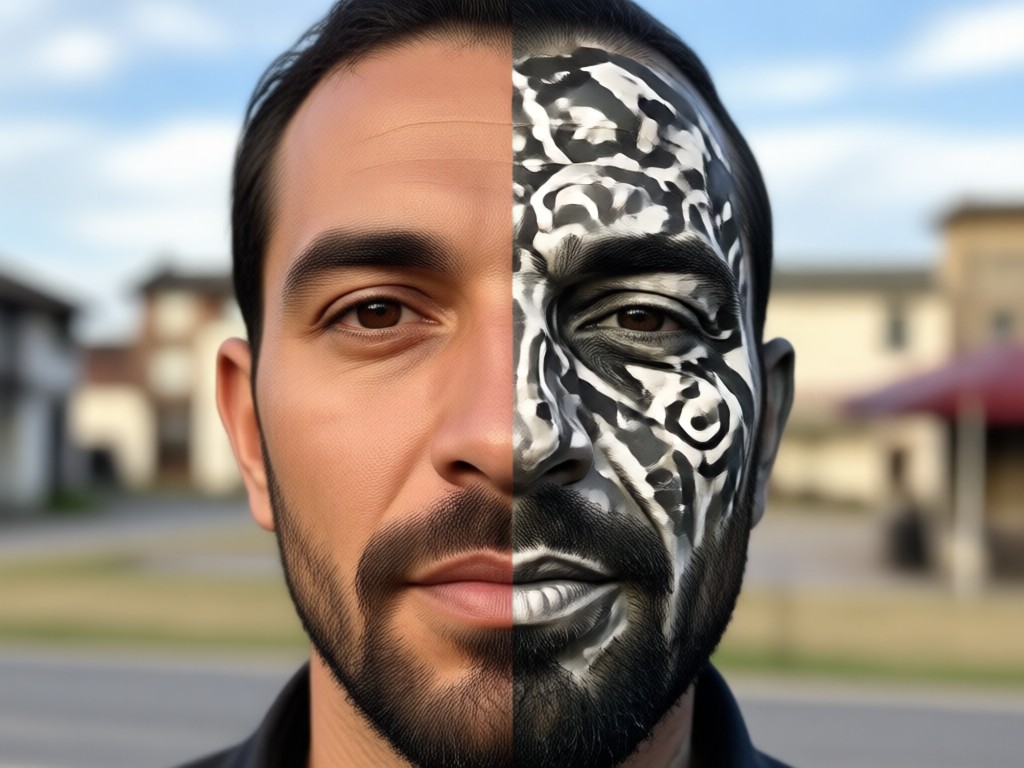
Instant Image Pairing
Upload any two photos and combine them into a single side by side layout automatically. The AI aligns and resizes images perfectly for a clean, professional result.
Instant Image Pairing
Upload any two photos and combine them into a single side by side layout automatically. The AI aligns and resizes images perfectly for a clean, professional result.
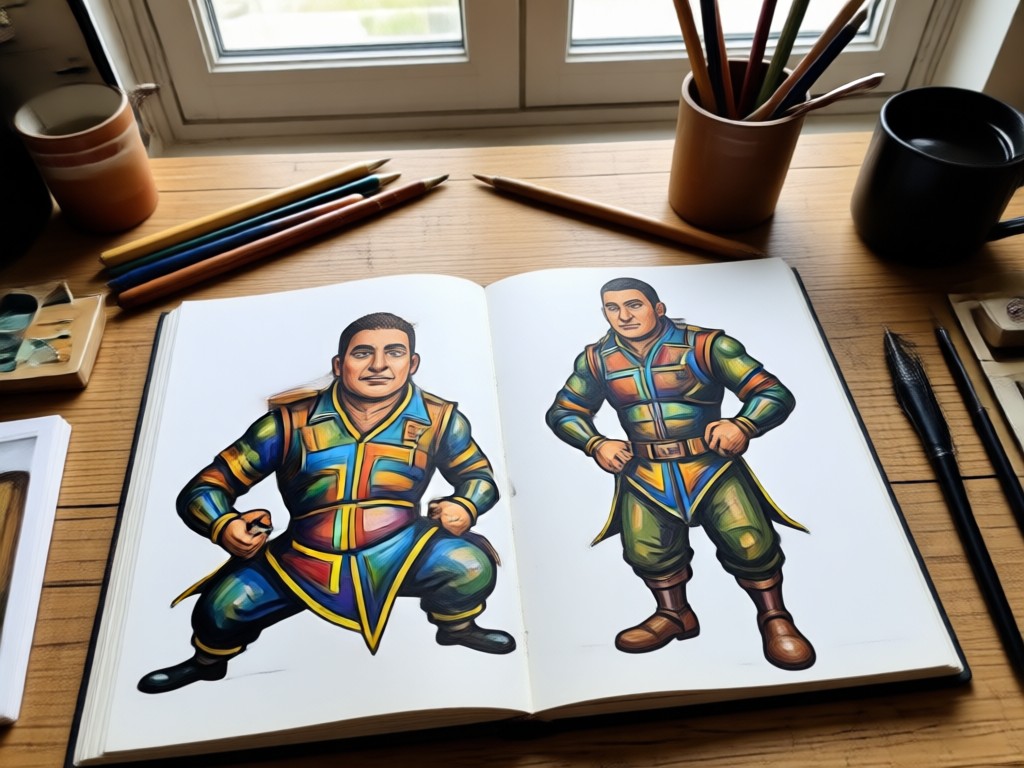
Multiple Style Templates
Choose from thousands of filters to match the mood of your comparison. Apply fashion, cinematic, anime, or realistic styles to both images equally.
Multiple Style Templates
Choose from thousands of filters to match the mood of your comparison. Apply fashion, cinematic, anime, or realistic styles to both images equally.
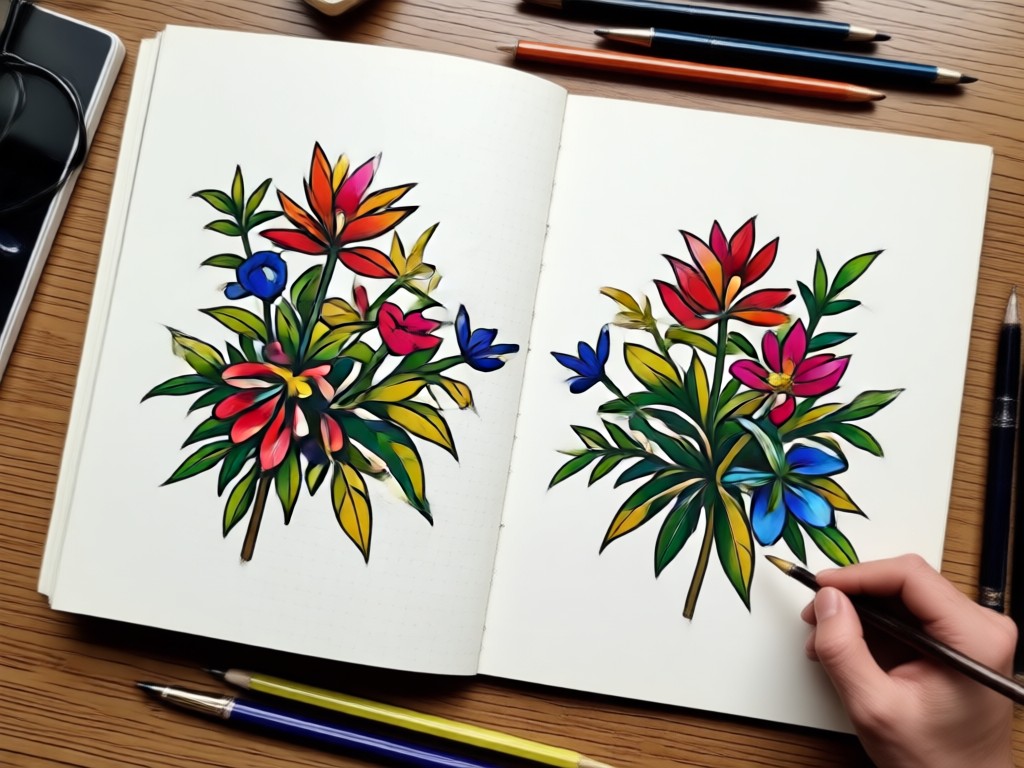
One Tap Share
Save your side by side picture in high resolution and share directly to social media. Perfect for before and after posts, outfit grids, and creative comparisons.
One Tap Share
Save your side by side picture in high resolution and share directly to social media. Perfect for before and after posts, outfit grids, and creative comparisons.
Explore Side By Side Picture Ideas
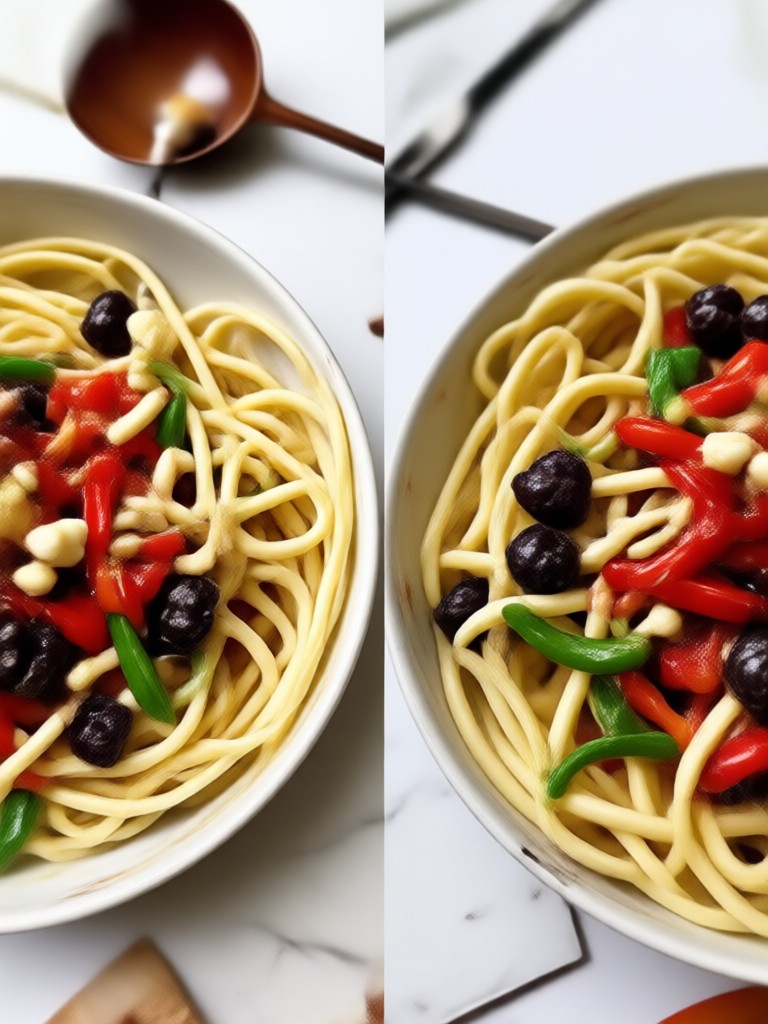
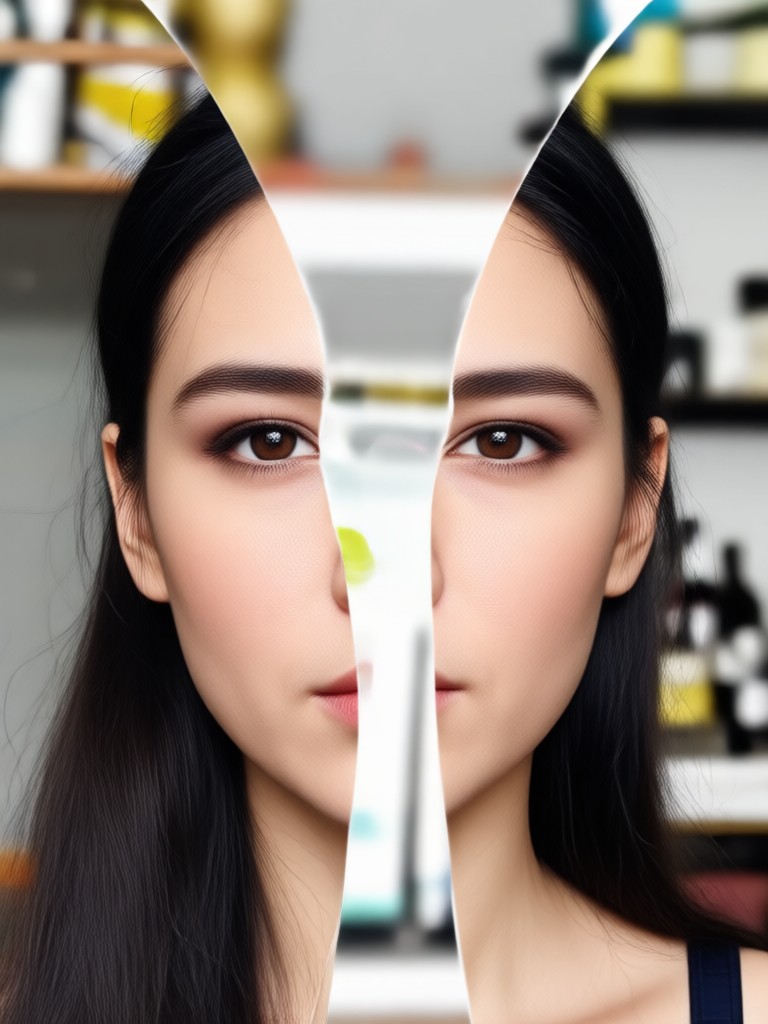
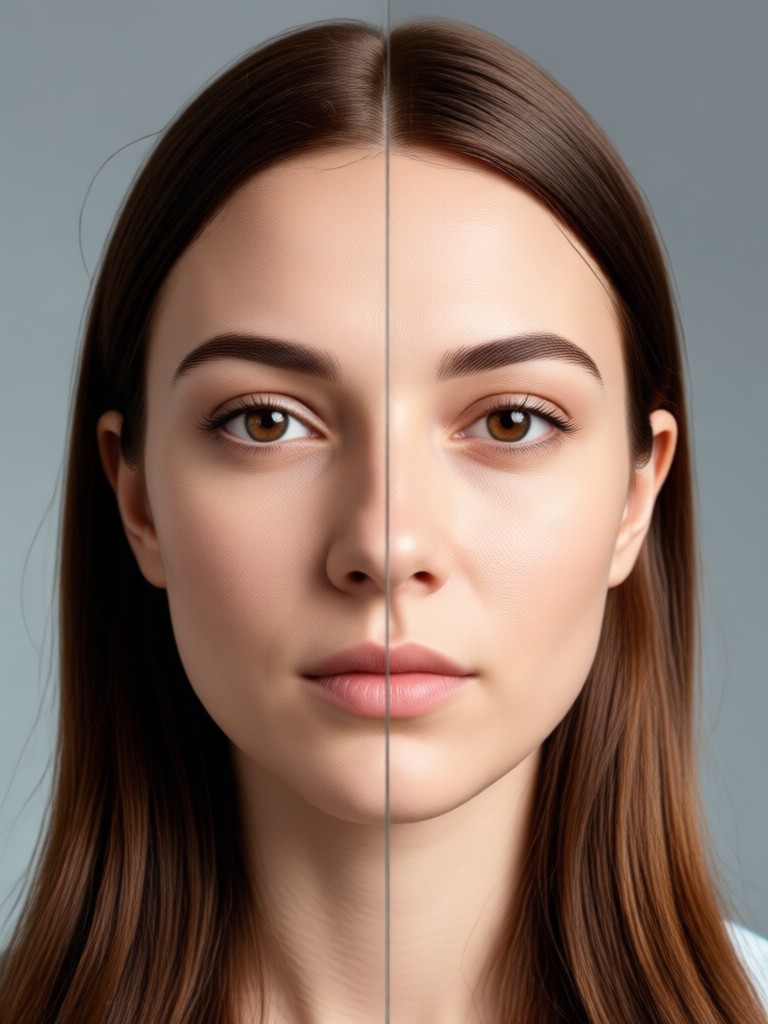
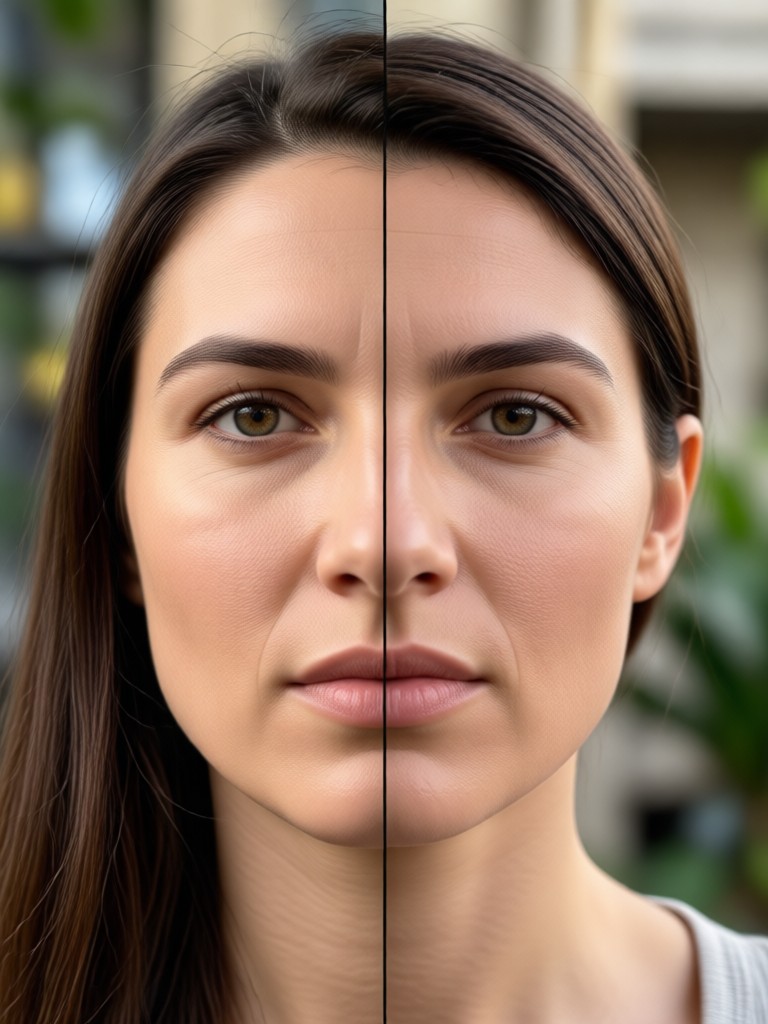
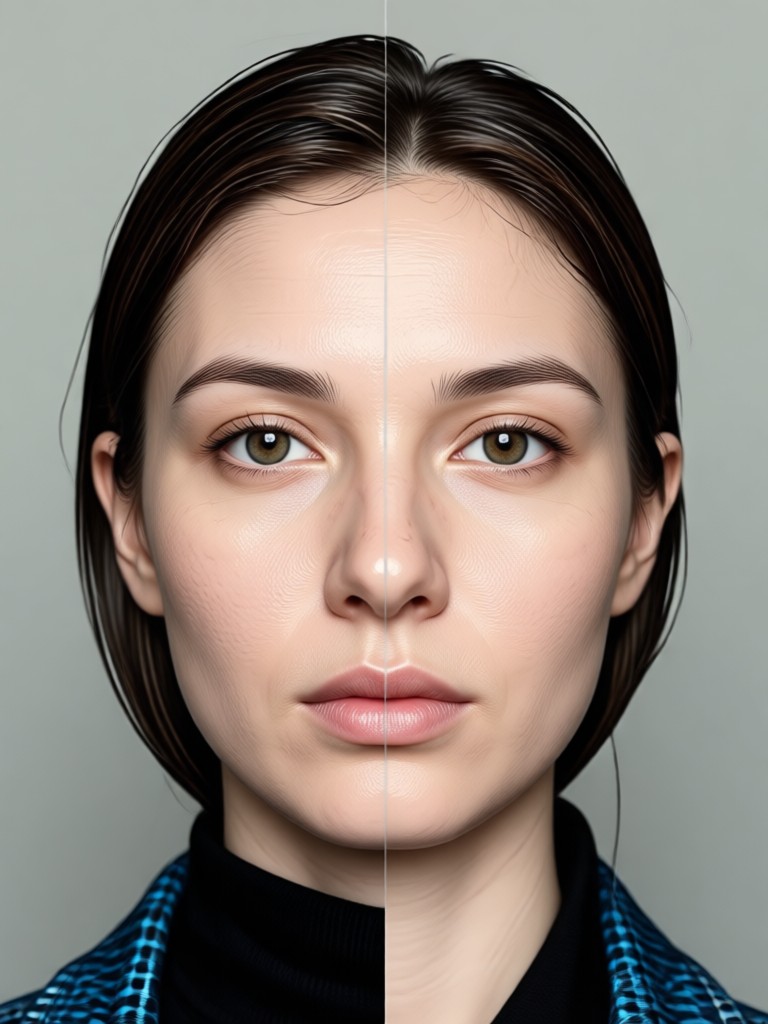
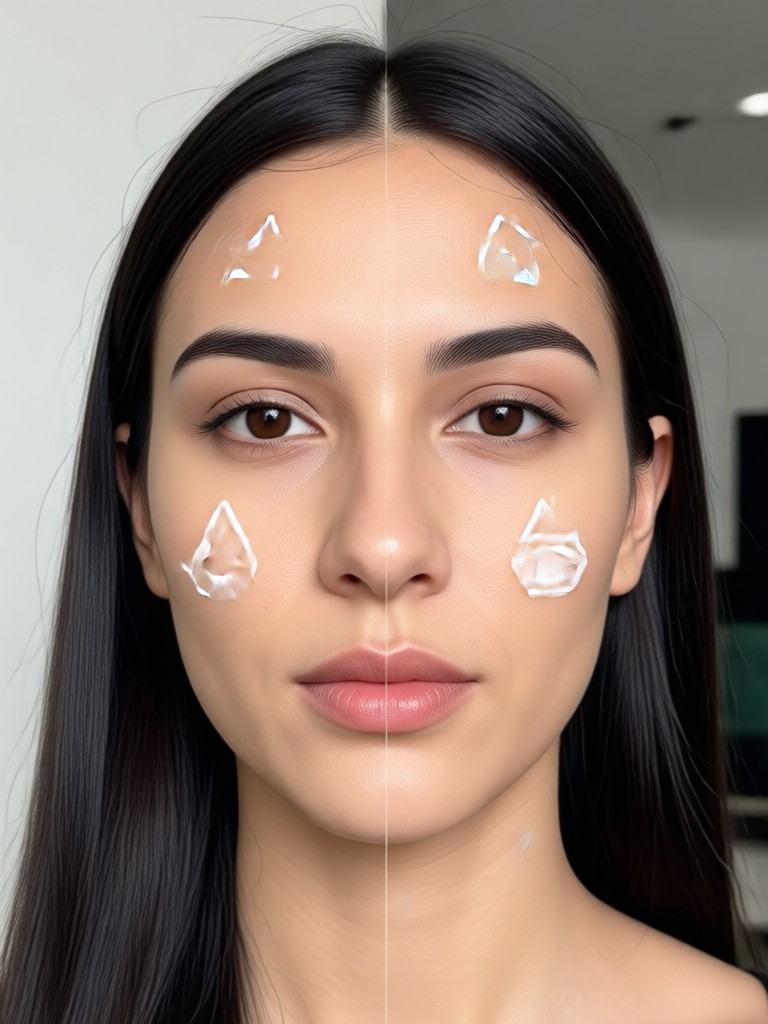
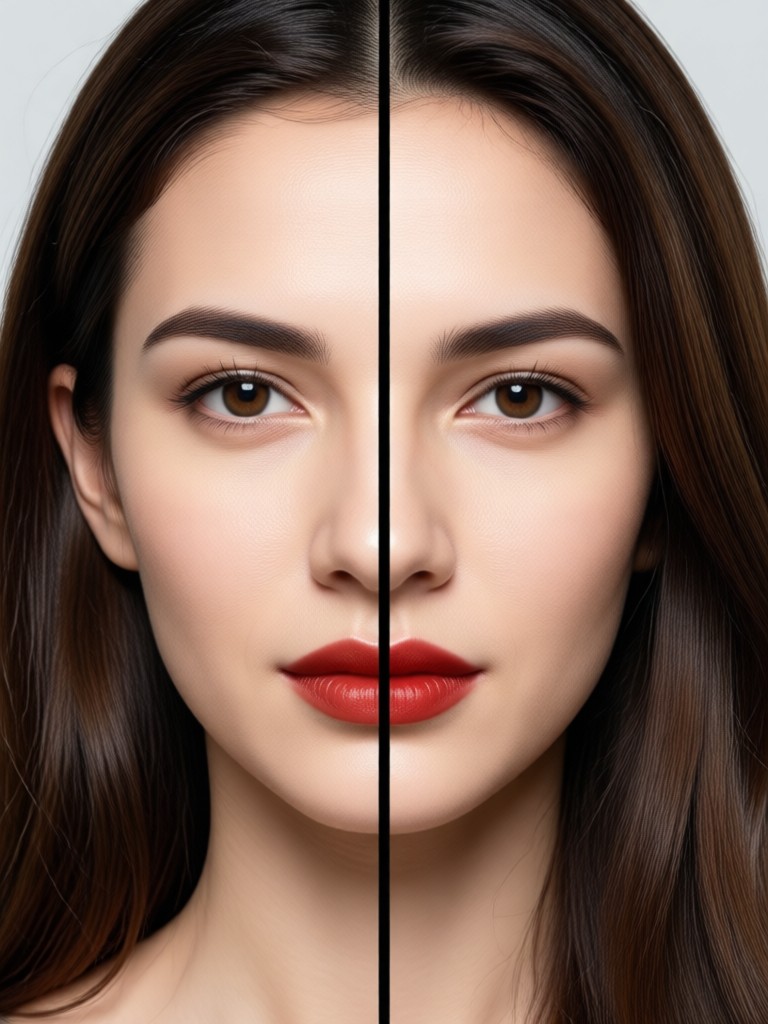
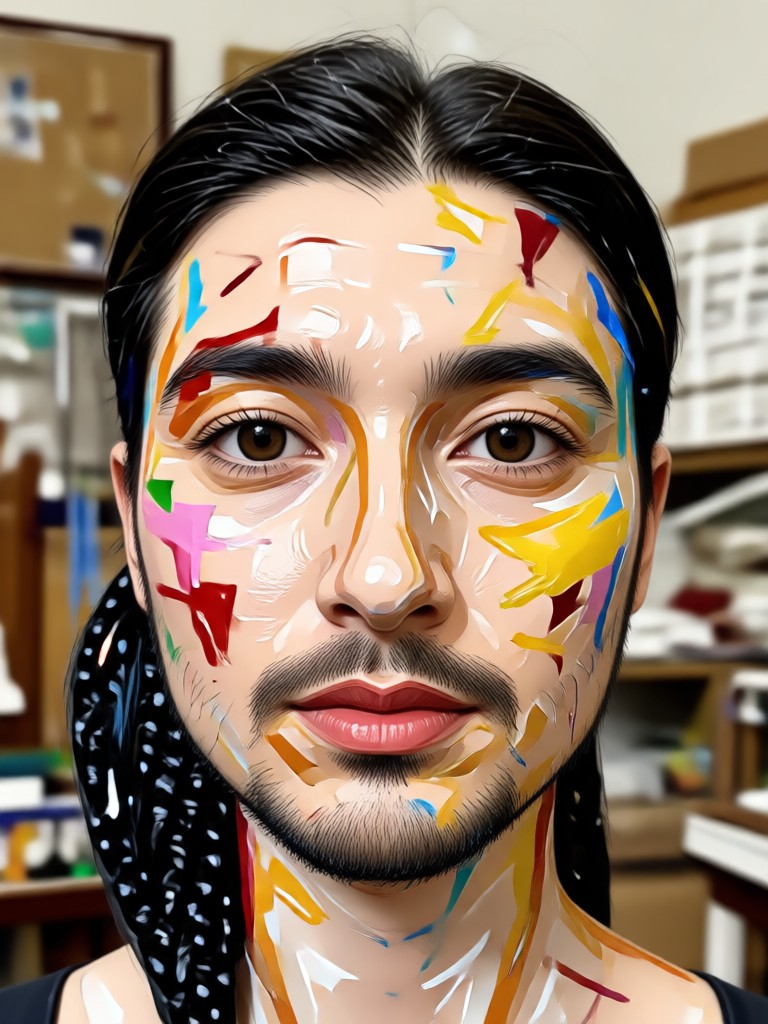
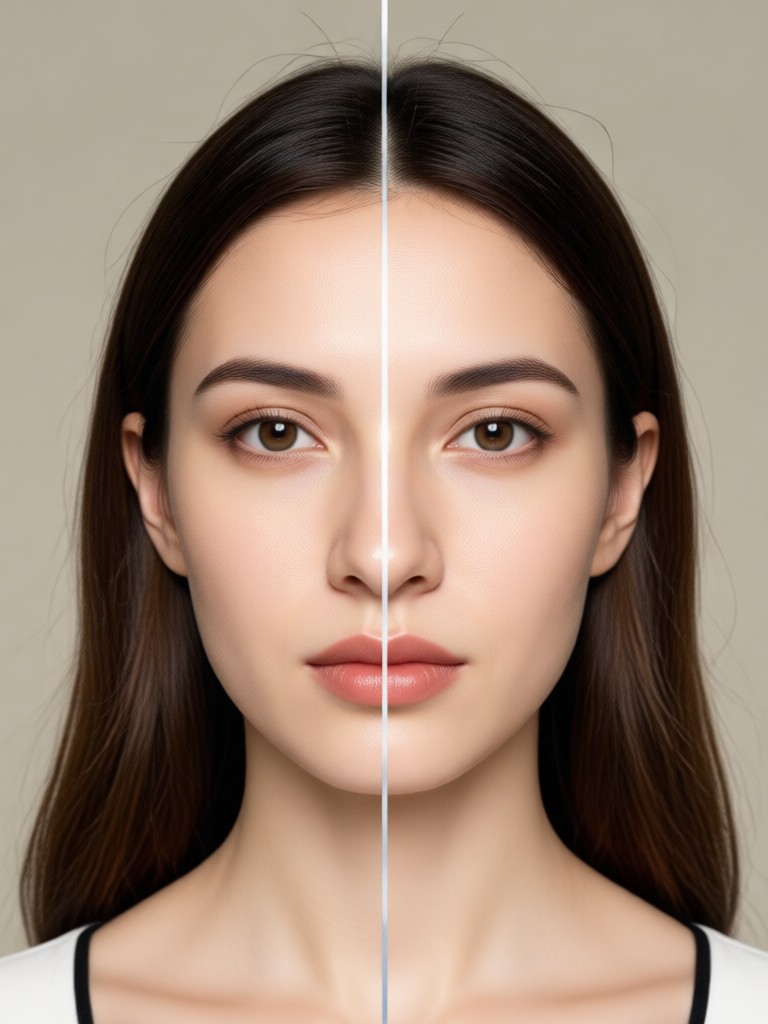
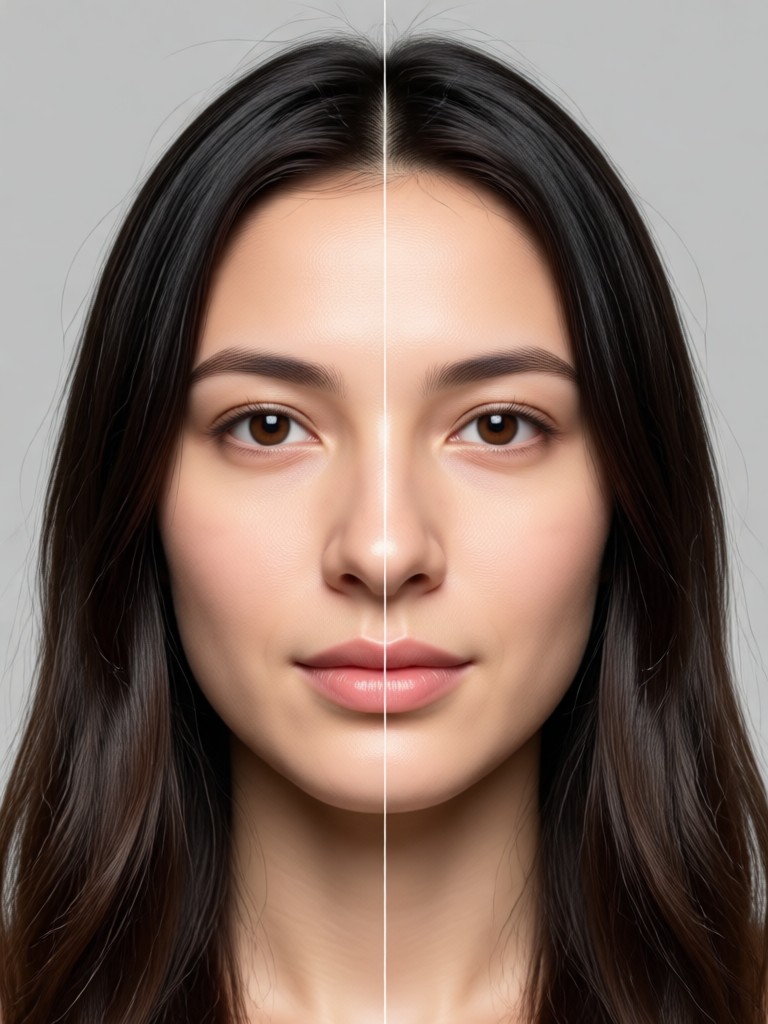
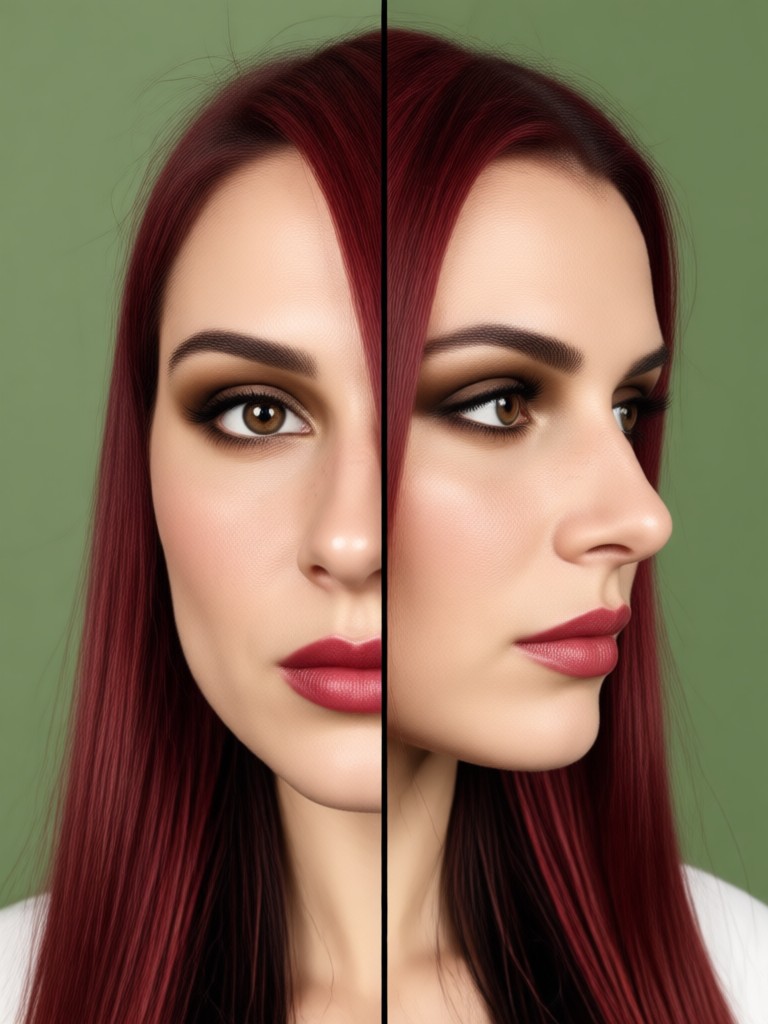
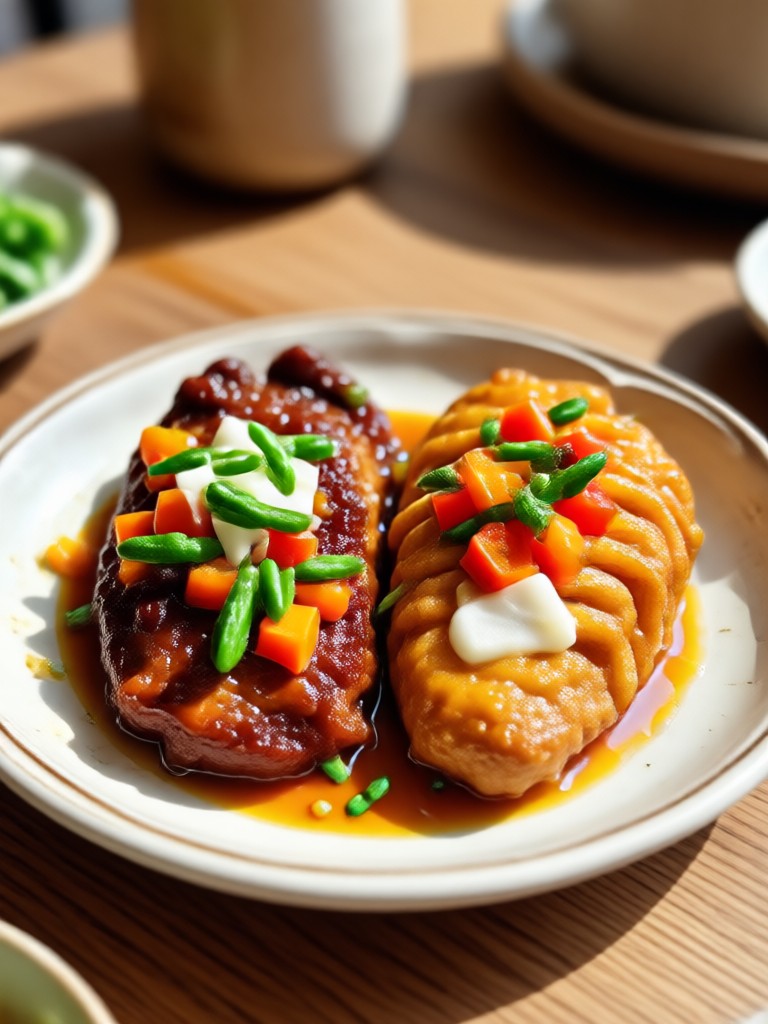
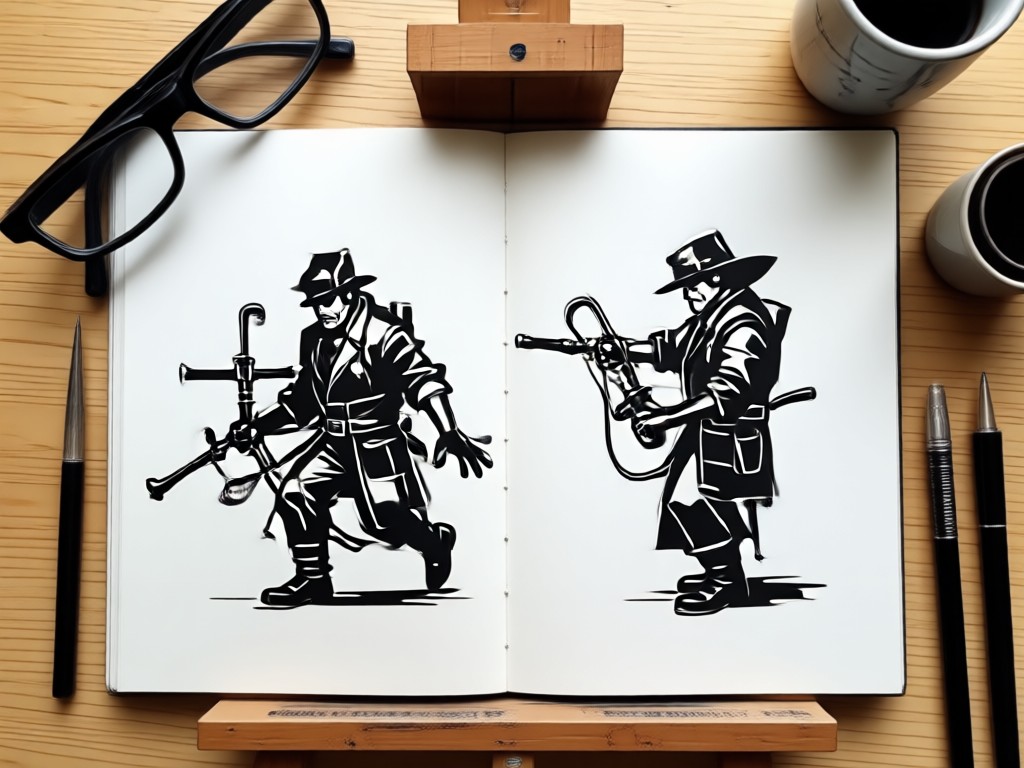
Browse these AI generated side by side picture examples for inspiration. From fashion comparisons to dramatic transformations, see what you can create with beyo.
Why Use beyo for Side By Side Pictures?
beyo makes creating side by side pictures effortless and fun. Instead of complex photo editors, you get a simple mobile app with powerful AI. Upload your photos, choose a style, and generate a stunning split image in seconds. No watermarks, no hidden fees, just creative freedom.
Why Use beyo for Side By Side Pictures?
beyo makes creating side by side pictures effortless and fun. Instead of complex photo editors, you get a simple mobile app with powerful AI. Upload your photos, choose a style, and generate a stunning split image in seconds. No watermarks, no hidden fees, just creative freedom.
How to Make a Side By Side Picture in 3 Steps
Create a professional side by side picture using beyo's AI powered app. Follow these simple steps to combine your photos.

Step 01.
Download the beyo app from Google Play to access the side by side picture maker and all AI tools on your phone.

Step 02.
Upload two photos you want to compare or combine. Pick a style template and let the AI adjust the layout automatically.

Step 03.
Preview your side by side image, make any final tweaks, then save or share it directly to social media.
Side By Side Picture Maker for Any Occasion
Whether you want to show a dramatic before and after, compare two outfit choices, or create a fun twin effect, beyo's side by side picture maker handles it all. The AI keeps both images crisp and perfectly aligned so your final picture looks professionally made.
What Users Say About beyo's Side By Side Tool
Perfect for before and after posts
I use beyo to create side by side fitness progress pictures. It takes seconds and the results look like they were made by a designer. My followers love the comparisons.
Easy outfit comparisons
As a fashion blogger I need quick side by side outfit grids. beyo lets me combine two looks instantly and apply stylish filters to both. It has become my daily tool.
Great for creative projects
I made a side by side of my dog as a puppy and now. The AI aligned the photos perfectly and the style filters made it look like a professional portrait.
Frequently Asked Questions About Side By Side Picture Maker
Find answers to common questions about creating side by side pictures with beyo.
More Topics You May Like
Explore more topics you may like and discover fresh ideas tailored to your interests.

Convert Video to WhatsApp Status in Seconds

Edit Foto AI ChatGPT: Ubah Foto dengan AI di beyo
Make Beautiful AI Birthday Cards in Seconds
AI Clothing Brand Generator: Design Your Fashion Line
Convert Video to WhatsApp Status in Seconds
Edit Foto AI ChatGPT: Ubah Foto dengan AI di beyo
Make Beautiful AI Birthday Cards in Seconds
AI Clothing Brand Generator: Design Your Fashion Line
Ready to Create Your Side By Side Picture?
Download beyo now and start making stunning side by side pictures with AI. Choose from thousands of styles, compare looks, and share your creations instantly.

Ready to Create Your Side By Side Picture?
Download beyo now and start making stunning side by side pictures with AI. Choose from thousands of styles, compare looks, and share your creations instantly.