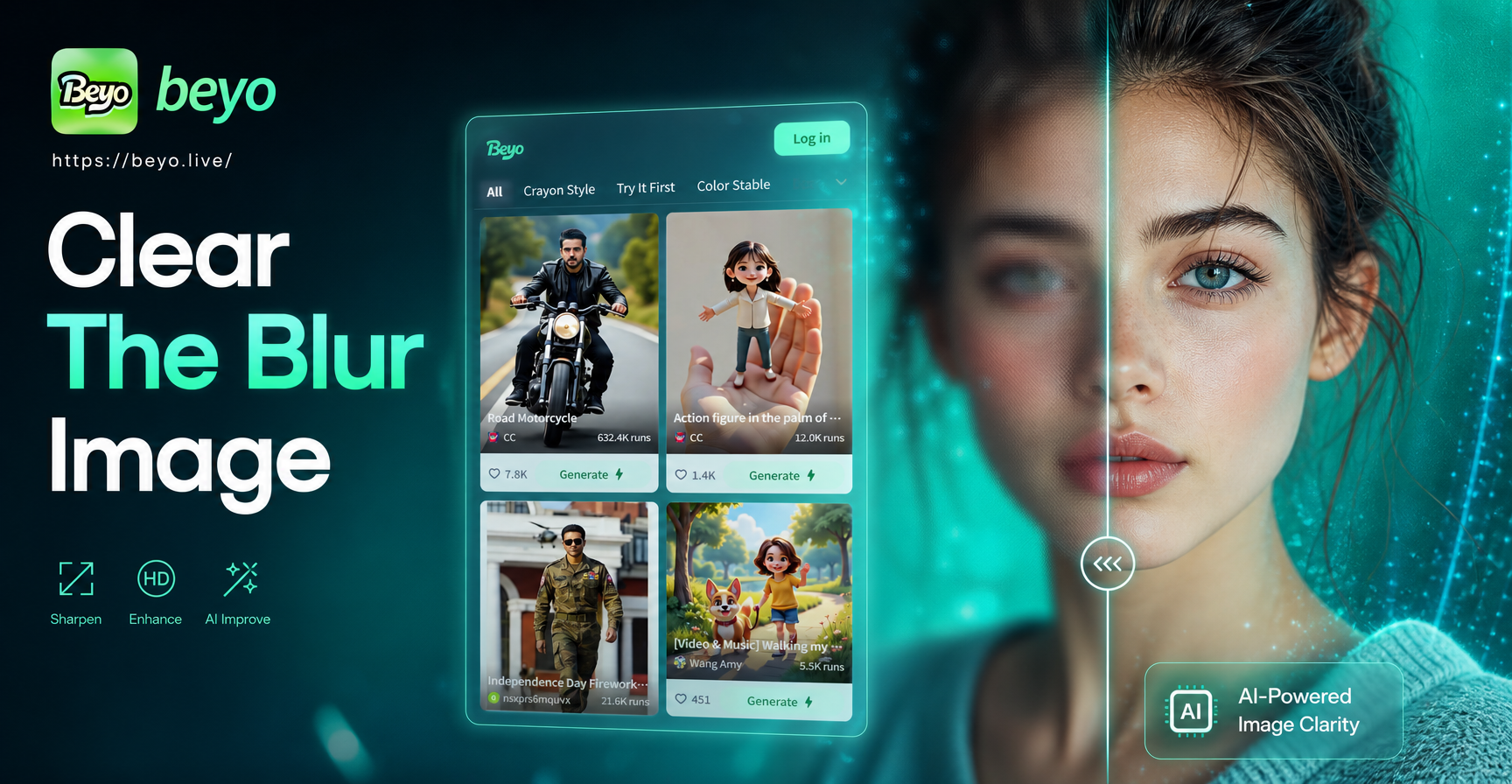
Blurry images are common, but they are not always ruined. In this guide, you will learn how to clear the blur image with a practical mix of AI tools, manual editing, and prevention tips. You will also see when a blur is too severe to repair and what to do instead.
Why Do Images Become Blurred?
Most blur falls into one of three categories: motion blur, focus blur, and resolution blur. Motion blur happens when the camera or subject moves during the exposure. Focus blur happens when the lens locks onto the wrong area, leaving the main subject soft. Resolution blur happens when an image is saved at a very small size or heavily compressed. Each type responds to different fixes, so identifying the cause is the first step.
Low light, slow shutter speed, dirty lenses, and digital zoom all make blur more likely. Once you know what went wrong, you can choose the most effective repair method.
How to Clear a Blur Image with AI Tools
AI tools have changed what is possible for blurry photos. Instead of simply increasing contrast at the edges, modern AI models can rebuild missing texture, refine faces, and add natural detail that is not present in the source file. This makes them the fastest option for clearing a blur image on a phone.
When choosing an AI enhancer, look for an option that preserves facial landmarks, skin texture, and clothing folds. A good result should look natural, not painted or overly smooth. The best tools balance detail recovery with realism, so you do not end up with an artificial looking photo.
Use an AI Image Enhancer
AI image enhancers analyze the photo and predict what a sharp version should look like. They work well for mild blur, soft portraits, and compressed screenshots. When you process a blurry photo with an AI enhancer, the result often looks clearer without harsh halos or added noise.
Use the beyo Mobile App
beyo is a mobile AI design app that includes image to image generation and a large collection of style templates. You can use it to import a blurry reference image and generate a sharper, cleaner version with enhanced facial detail or improved texture. Because the app is built for mobile, the workflow is simple: download, import, process, and save.
This method works best for photos that are slightly out of focus or slightly motion blurred. It is not a magic solution for extremely destroyed images, but it can make a real difference for everyday phone shots.
Manual Editing Fixes for Blurry Images
If you prefer to stay in a standard editing app, you can still improve a blurry image. The results may not match an AI tool for very soft photos, but these manual adjustments help for mild blur and can be combined with AI processing.
Increase Sharpness and Clarity
Almost every photo editor includes sharpness, clarity, and texture sliders. Sharpness increases edge contrast, clarity boosts midtone contrast, and texture brings out fine surface detail. Start with small amounts, around 10 to 25 percent, and zoom in to check for unnatural halos.
Reduce Noise Without Losing Detail
When a photo is taken in low light, the camera often applies heavy noise reduction, which smears detail and makes the image look blurry. If you see a waxy look, try reducing the noise reduction setting or adding a small amount of grain to restore the illusion of sharpness.
Crop and Resize
Sometimes an image only looks blurry because it is viewed too large. Cropping in on the sharpest part of the photo and resizing it to a smaller output size can hide mild blur. This is a quick fix for social media posts and profile pictures.
Step by Step: Clear a Blur Image in the beyo App
Follow these steps to improve a blurry photo using the beyo mobile app. The interface is designed for fast results, so you do not need any editing experience.
- Download beyo from Google Play and open the app.
- Tap the import option and choose the blurry image from your photo library.
- Select an enhancement or image to image workflow. If you want a natural repair, choose a realistic style template.
- Let the AI process the image. Compare the new result with the original.
- If the first result is too soft, try another template or run the image through once more with a lower intensity.
- Save the clearest version to your phone and share it anywhere.
How to Prevent Blurry Images in the Future
Clearing a blur image after the fact is useful, but preventing blur saves time and quality. Hold the phone with both hands, tap the screen to set focus before shooting, and avoid digital zoom. In low light, use a stable surface or a short timer. Clean the lens with a microfiber cloth before every session. These habits reduce the need for heavy editing later.
When Blur Cannot Be Fully Fixed
No tool can perfectly restore a photo with extreme motion blur, very shallow depth of field, or images that were saved at extremely low resolution. If the key subject is completely unrecognizable, even the best AI model will have to guess too much. In these cases, you can still use the photo as a reference to generate a similar image or choose to retake the shot.
Frequently Asked Questions About Clearing a Blur Image
Can I clear a blur image without buying software?
Yes. Many mobile apps offer free AI enhancement tools, and standard photo editors include sharpness and clarity sliders. For mild blur, these free options are often enough.
Does AI image enhancement work for old photos?
It can. AI tools are especially helpful for old photos that look soft because of low scanning resolution or wear. The model can rebuild missing details and improve contrast while keeping the original subject recognizable.
Is beyo available on the web?
No. beyo is a mobile app available on Google Play. You can visit the landing page to learn more, download the app, and create everything on your phone.
How many times should I run a blurry image through AI?
One or two passes is usually enough. Running the image through too many times can create an artificial, plastic look and add details that were never in the original scene.
Conclusion
Learning how to clear the blur image gives you a simple way to rescue photos that would otherwise be deleted. Start with an AI tool like the beyo app for fast, satisfying results. Then use manual sharpness and clarity adjustments to fine tune the image. With the right approach, many blurry photos can become clear enough to print, post, and enjoy.