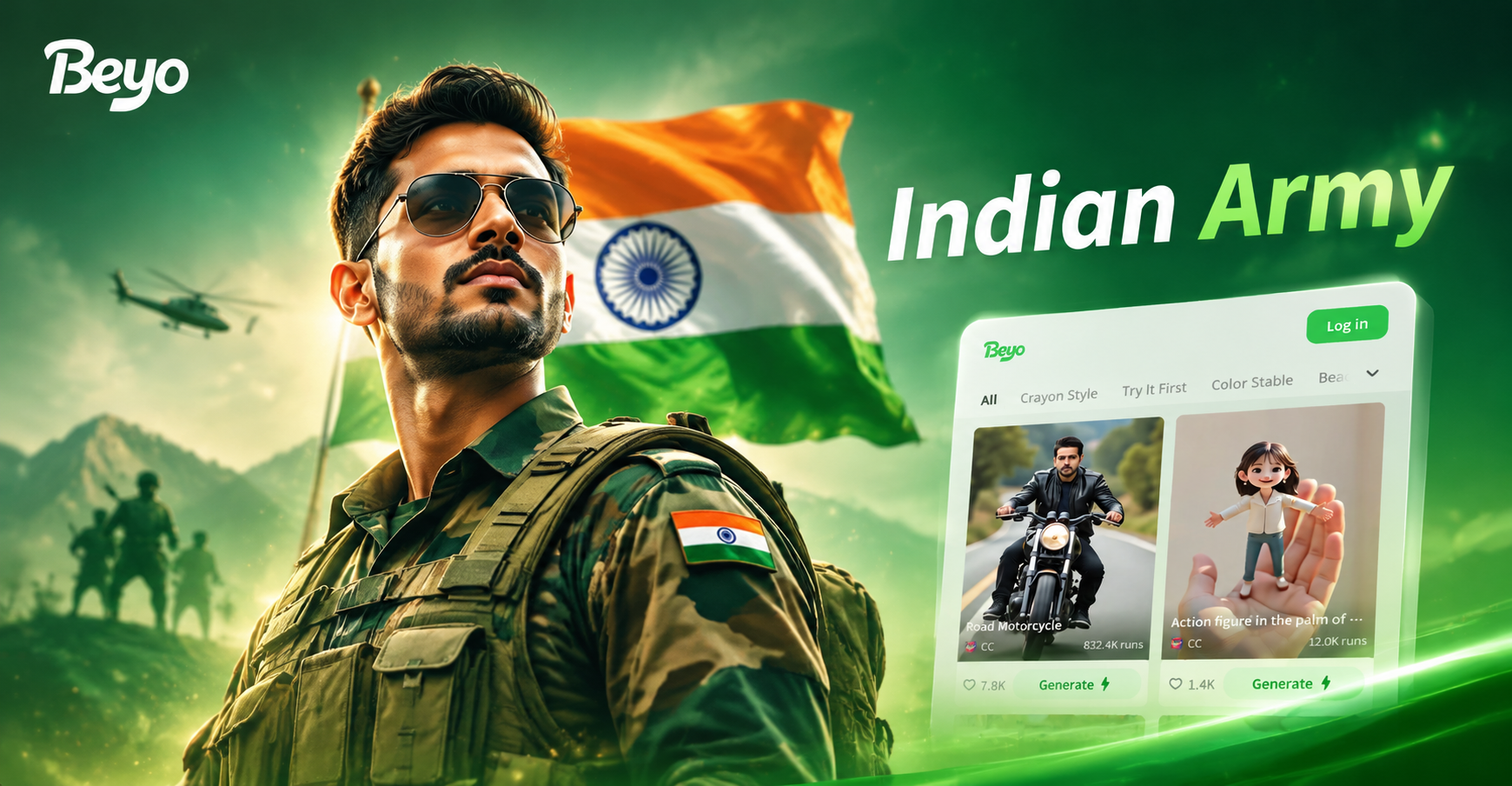
Indian Army AI photo editing prompts are written instructions that help AI tools turn a normal portrait into a disciplined, realistic army inspired image. Rather than typing a vague request like "make me a soldier", you describe the uniform, background, lighting, and finish. This article includes 20 ready to use prompts that work well inside beyo, the mobile AI design app available on Google Play. You can copy a prompt, upload your photo in image to image mode, and generate a respectful Indian Army themed edit in seconds.
The Visual Language of Indian Army Photo Edits
Strong Indian Army AI photo editing prompts rely on a clear visual language. The most convincing results include olive green combat dress, maroon or green berets, polished boots, and natural terrain such as Ladakh mountains, Thar desert, or parade grounds. Lighting matters just as much as clothing. A soft golden hour glow creates a patriotic poster feel, while overcast light gives a realistic field report mood. Always include finish terms like sharp focus, natural skin texture, and realistic fabric weave so the AI does not drift into a cartoon look.
What Makes a Strong Indian Army AI Photo Editing Prompt
AI photo editing responds to concrete visual cues. Instead of writing "make me look like Indian Army", describe the exact details you want to see. The model can then preserve your face while replacing the clothing, background, and atmosphere. Useful prompts include these elements:
- Uniform details: olive green combat dress, maroon beret, brass buttons, utility vest, polished boots.
- Setting: Thar desert border, Ladakh mountain post, parade ground, army camp at dawn, war memorial.
- Lighting and color: golden hour, overcast sky, high contrast, natural skin tones, muted green palette.
- Camera and finish: 85mm portrait lens, shallow depth of field, sharp focus, realistic fabric weave, fine film grain.
20 Indian Army AI Photo Editing Prompts to Try
Copy any of these prompts into beyo. You can use them as written or change a few words to match your photo, location, and mood. The prompts are grouped into classic portraits, field scenes, ceremonial moments, and creative style transfers.
Classic Portrait Prompts
- Prompt 1: Indian Army officer in olive green service dress, maroon beret, clean shaven face, warm studio light, dark neutral background, dignified posture, sharp focus, natural skin texture.
- Prompt 2: Close up portrait of a young Indian Army officer, green beret, crisp shirt, brass buttons, subtle confident smile, soft morning window light, blurred cantonment background, 85mm lens style, realistic fabric weave.
- Prompt 3: Full length portrait of an Indian Army soldier in ceremonial uniform, polished boots, white belt, respectful stance, parade ground at sunrise, soft golden light, shallow depth of field, no text.
- Prompt 4: Veteran Indian Army soldier with grey moustache, olive green turban, formal uniform, weathered face, dramatic side lighting, dark studio backdrop, realistic wrinkles and skin pores.
- Prompt 5: Black and white Indian Army portrait, soldier in combat uniform, intense gaze, high contrast monochrome, side rim light, film grain, timeless memorial mood.
Field and Terrain Prompts
- Prompt 6: Indian Army soldier in camouflage uniform kneeling on rocky Ladakh terrain, morning mist, wide shot, muted green and brown tones, realistic gear straps, no text.
- Prompt 7: Thar desert border patrol at golden hour, soldier in khaki uniform walking with rifle strap, dust particles in air, long shadow, warm amber light, cinematic composition.
- Prompt 8: Dense jungle training scene, Indian Army soldier with camouflage face paint, crouched position, humid green atmosphere, dappled light through leaves, natural sweat and skin texture.
- Prompt 9: Mountain sentry in heavy olive green jacket, snow dusting on shoulders, cold breath visible, blue grey palette, snow covered rocks, soft overcast light.
- Prompt 10: River crossing training shot, Indian Army soldiers in olive green fatigues crossing shallow water, boots visible, splashing water, motion realism, early morning light.
Parade and Ceremonial Prompts
- Prompt 11: Republic Day parade style, Indian Army soldier in crisp ceremonial uniform, regimental turban, polished boots, historic gate background, bright morning light, sharp details, respectful pose.
- Prompt 12: Flag hoisting at an army camp, soldier in formal uniform standing at attention, saffron white and green flag softly waving, clear sky, solemn mood, low angle camera.
- Prompt 13: War memorial visit, Indian Army officer placing a wreath, solemn expression, marble wall background, soft diffused light, respectful composition, muted colors.
- Prompt 14: Military band marching, Indian Army band members in navy blue and red uniforms, brass instruments, polished shoes, crowd bokeh, lively rhythm, afternoon light.
- Prompt 15: Passing out parade at military academy, young officer in peaked cap and ceremonial dress, proud family blurred in background, bright day, crisp details, emotional mood.
Cinematic and Creative Style Prompts
- Prompt 16: Oil painting style, Indian Army soldier standing in a mustard field, Rajasthani fort in background, bold brush strokes, warm golden light, artistic tribute, no text.
- Prompt 17: 3D clay style Indian Army soldier, olive green uniform, miniature diorama of mountain border, soft studio lighting, rounded shapes, playful yet respectful.
- Prompt 18: Rain soaked field training, Indian Army soldier in combat uniform looking toward horizon, cinematic blue grey color grade, wet fabric texture, dramatic clouds, film still quality.
- Prompt 19: Futuristic concept art of an Indian Army soldier, high tech olive green armor, glowing interface on wrist, night base background, cinematic lighting, detailed uniform, no official emblems.
- Prompt 20: Watercolor painting of an Indian Army soldier saluting at dawn, soft edges, saffron and green sky, white highlights, gentle patriotic mood, artistic paper texture.
How to Use These Prompts in beyo
beyo makes the process simple because it does not require complex prompt engineering. You can use text to image to create a new visual from scratch, or image to image to edit an existing photo. Follow these steps inside the mobile app:
- Download beyo from the Google Play Store and open the app.
- Tap image to image to edit an existing photo, or text to image to create a new scene.
- Upload a clear front facing photo with good light.
- Paste one of the prompts above into the text field.
- Choose a realistic style filter if you want more control, then generate and save.
How to Adapt Prompts to Your Own Photo
The best AI photo editing prompt is one that matches your subject. Small changes make the output feel more personal and realistic. Try these adaptations:
- For a bearded subject, add "neatly trimmed beard" to keep facial features recognizable.
- For a female subject, change "soldier" to "woman officer in Indian Army uniform" and adjust the hair or headgear.
- For a group photo, add "three Indian Army soldiers standing together, clearly separated faces, consistent uniforms."
- To keep identity intact, add "preserve the exact face shape and skin tone, no face morphing."
How to Fix Common Weak Results
If your first result looks off, do not start over. Add one of these corrective phrases to the same prompt and generate again:
- If the uniform looks cartoonish, add "realistic fabric weave, natural shadows, high detail, no cartoon."
- If the face changes too much, add "same identity as original photo, keep facial features intact."
- If the background looks fake, add "natural depth of field, realistic environment, soft shadows, no blur."
- If the text or insignia is distorted, add "no text, no official insignia, plain olive green uniform."
Responsible Use of Indian Army AI Photo Editing
These prompts are for creative projects, educational content, patriotic tributes, and personal look transformations. Do not use them to create fake military documents, impersonate serving personnel, or disrespect the Indian Army. Always avoid reproducing official badges, name tapes, or rank insignia in a way that misleads others.
Indian Army AI photo editing prompts give you a fast way to create realistic, respectful portraits without learning complex prompt engineering. Start with the prompt that matches your photo, paste it into beyo, and make small changes to the uniform, lighting, and setting. The more specific you are, the more convincing your result will be.