Why Mirror Selfie AI Photo Edits Need Specific Prompts
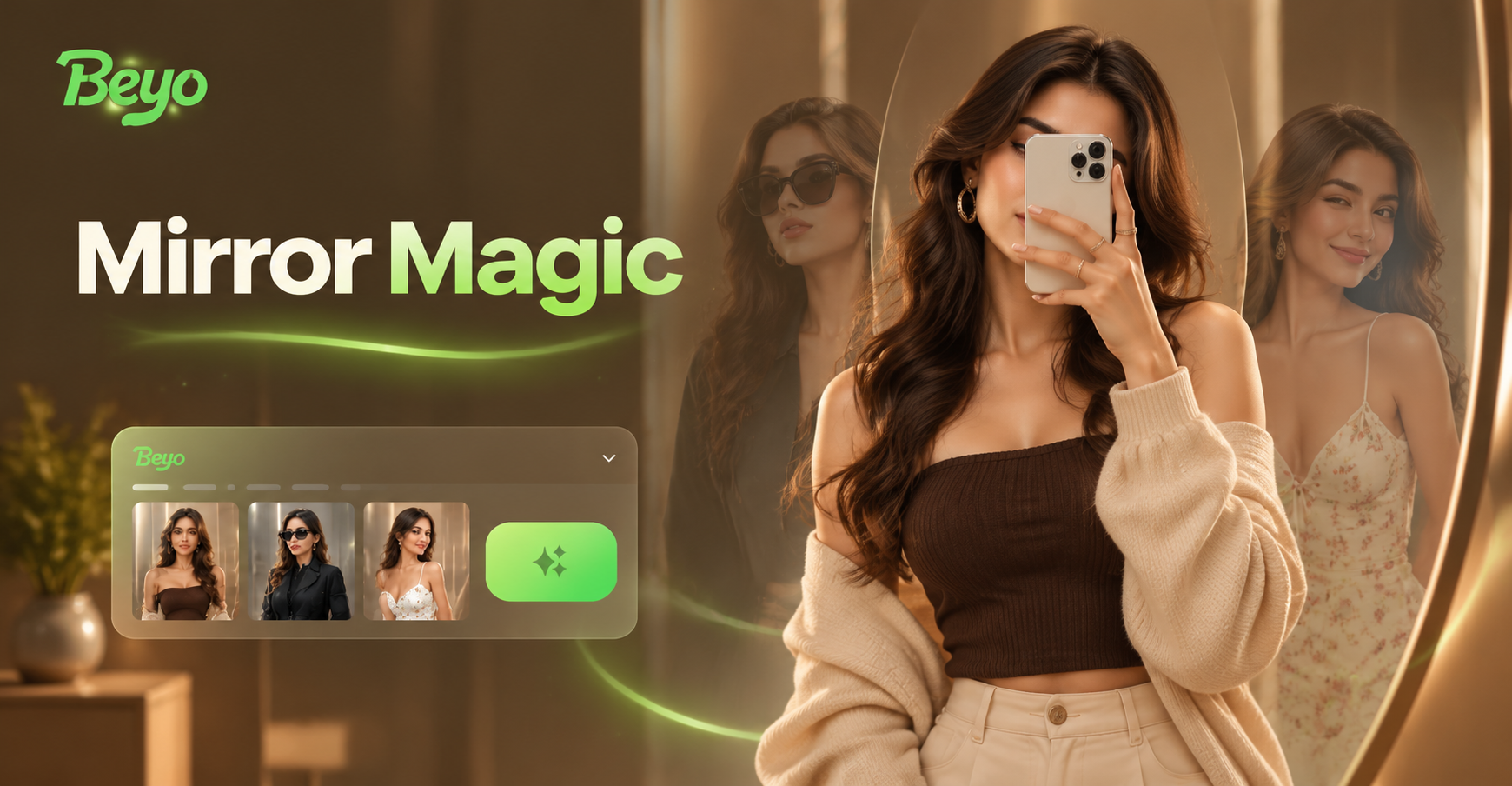
Mirror selfies come with repeated problems: a phone blocking the face, dirty glass, cluttered rooms, unflattering light, and reflections that distract from the subject. Generic AI edit prompts often change the face, outfit, or room in unpredictable ways. The prompts in this guide are written for image to image editing in beyo. Each prompt tells the AI to keep the original pose, mirror framing, and subject while changing only what you want to fix.
How to Use These Prompts in beyo
Download beyo from Google Play, open the image to image tool, and upload your mirror selfie. Paste a prompt from this guide, then select a style template if you want a specific look. For realistic corrections, choose a natural photo or realistic style. For creative edits, choose the matching art filter. Tap generate and compare results. You can run it again or adjust the prompt to refine the output.
A Simple Workflow for Mirror Selfie Editing
- Upload your mirror selfie in beyo image to image.
- Paste a clean-up prompt and generate.
- Use the best output and apply an outfit or background prompt on the edited version.
- Add a style template like film or Ghibli if you want a creative finish.
Mirror Selfie AI Photo Editing Prompts for Clean Results
Upload a mirror selfie with clutter, phone glare, or a distracting background? These prompts target the most common fixes. Copy one prompt, paste it into beyo image to image, and keep your original framing.
- Clean mirror selfie, remove phone from hand, reveal face naturally, tidy bedroom background, soft daylight from window, realistic photo
- Remove smudges and streaks from mirror surface, clear reflection, high clarity, professional retouch, keep pose and outfit unchanged
- Straighten the mirror angle, crop distracting objects at the edges, balanced composition, natural colors, sharp focus
- Remove clutter from sink counter and floor area, keep subject centered in mirror, crisp reflection, realistic indoor lighting
- Brighten reflection, reduce window glare, smooth skin gently, keep outfit and original pose, clean mirror selfie
Outfit Change Prompts for Mirror Selfies
Changing clothes in a mirror selfie works best when the prompt names the full outfit and keeps the existing pose. Include fabric, fit, and color details for stronger results.
- Change outfit to a black oversized blazer and tailored trousers, keep same pose and mirror setting, realistic fashion mirror selfie
- Swap shirt to a cream knit sweater and light wash jeans, soft indoor lighting, cozy mirror selfie
- Replace current outfit with a floral summer dress and white sneakers, bright daylight from window, natural skin tones
- Change top to a vintage band tee and dark denim jacket, add subtle film grain, retro mirror selfie
- Turn outfit into elegant evening wear with a satin slip dress, warm vanity lights, clean reflection
Background and Environment Prompts
Changing the reflected room is a quick way to remove mess or create a different mood. These prompts keep the mirror perspective stable so the edited background looks believable.
- Change background reflection to a minimal white studio with soft shadows, keep subject and pose unchanged
- Replace messy room with a sunlit Parisian balcony scene, realistic mirror reflection, consistent perspective
- Transform mirror background into a neon lit city street at night, cinematic colors, realistic glass reflection
- Set background to a clean marble bathroom with warm LED strip lighting, spa like atmosphere
- Change reflected room into a plant filled bohemian space with natural wood, soft afternoon light
Lighting and Color Grade Prompts
Lighting changes the entire feel of a mirror selfie. Use these prompts to fix flat light or add a specific mood without changing the subject.
- Golden hour light through window, warm tones, film photography look, soft shadows on face, realistic mirror selfie
- Cool daylight, clean white balance, bright and airy, soft contrast, realistic indoor reflection
- Moody low key lighting, deep shadows, subtle highlights on face and outfit, cinematic grade
- Add pink and blue duotone lighting, gentle glow, retro neon portrait, accurate reflection
- Improve skin tone and reduce harsh flash, natural color grading, matte finish, detailed mirror edges
Pose and Composition Prompts for Mirror Selfies
Sometimes the best edit is a slight reframe or pose correction. These prompts adjust the image while preserving the mirror setting.
- Keep mirror selfie composition but move subject slightly to the right for balanced negative space, natural pose
- Tilt mirror angle for a more dynamic shot, keep reflection accurate, sharp subject details
- Show full body reflection from head to toe, clean full length mirror, natural standing pose, realistic proportions
- Crop closer to upper body and mirror frame, soft focus background, sharp face, editorial framing
- Add slight motion blur to background while keeping subject sharp, realistic mirror selfie with depth
Style Transfer Prompts for Mirror Selfies
For creative editing, pair a mirror selfie with a style prompt. Choose a style template in beyo and use these prompts to guide the result.
- Turn mirror selfie into a 35mm film photo with fine grain and nostalgic warm tones, realistic face
- Convert to black and white editorial style, high contrast, sharp details, clean composition
- Apply Ghibli style animation to mirror selfie, hand drawn background, soft colors, keep facial features recognizable
- Make it a cyberpunk mirror selfie, neon rim light, futuristic interface reflections, detailed glass
- Transform into watercolor painting style, soft edges, pastel palette, artistic portrait, mirror frame visible
- Apply 3D clay style, cute proportions, textured clay look, mirror and room simplified
How to Adapt These Prompts for Your Own Mirror Selfie
Change the outfit words, background description, or lighting phrase to match your photo. For example, replace black blazer with beige trench coat, or replace city street with garden patio. Keep the phrase keep pose and mirror framing to prevent unwanted changes.
If the mirror reflection looks warped, add sharp reflection and accurate perspective. If the face changes too much, add preserve original facial features. If the edit is too strong, rewrite the prompt with fewer style words or choose a realistic template.
Common Weak Results and How to Fix Them
Blurry glass: add clean reflections, high resolution, detailed mirror edges. Over edited skin: add natural skin texture, subtle retouching. Wrong outfit color: repeat the exact color and fabric in the prompt. Unwanted background objects: add empty background, minimal room, remove all clutter.
Ready to Edit Your Mirror Selfie
Use these mirror selfie AI photo editing prompts inside beyo to turn a quick phone shot into a clean, stylized image. Start with a correction prompt, then experiment with outfit, background, and style prompts. Download beyo on Google Play, upload your mirror selfie, and paste a prompt to see the first result in seconds.