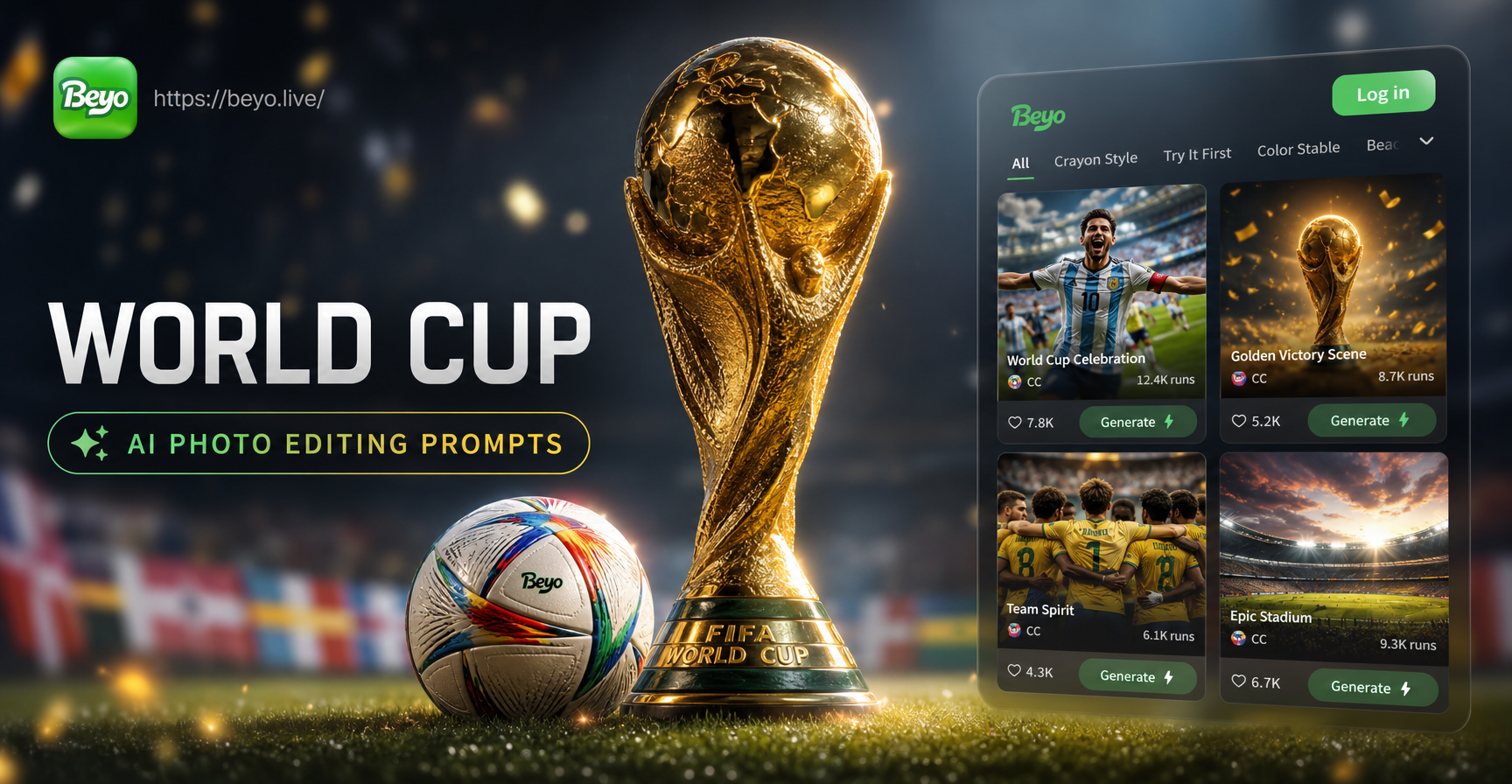
If you have a photo from a watch party, a stadium seat, or your own living room, World Cup AI photo editing prompts can turn it into a match day visual. These prompts work inside the beyo app. Upload a photo, choose a style template, and paste one of the prompts below. The AI keeps your face and pose while changing the background, lighting, clothing, and mood. You do not need prompt engineering experience. Copy any prompt, adjust one or two details, and generate.
Why Specific Prompts Beat Vague Edits
A vague prompt like make it look like the World Cup gives the AI too little direction. A specific prompt tells the model what to keep, what to change, and what style to use. For image to image editing, always mention the subject, the clothing or background, the lighting, and the camera style. Words like DSLR, 35mm, floodlights, and cinematic color grading push the result from flat to professional. The prompt list below is built on that principle. Use them as starting points.
The Prompt Formula Behind These Edits
Every World Cup prompt in this guide follows a four part pattern. First, name the subject. Use me, my face, or my full body depending on the photo. Second, name the scene. A stadium, a locker room, a training pitch, or a fan zone. Third, name the lighting. Floodlights, golden hour, flash, or soft studio light. Fourth, name the style. DSLR sports photo, 35mm film, anime cel art, or movie still. For example: Turn my photo into a World Cup stadium celebration, arms raised, floodlights behind me, crowd blurred, DSLR sports photography. That single sentence gives the AI enough information to produce a sharp edit.
When you change one part of the formula, the result changes in a predictable way. Swap stadium for training ground and you get a different scene. Swap DSLR sports photo for anime style and the same photo becomes a graphic illustration. This makes the prompts reusable across many photos.
World Cup AI Photo Editing Prompt Library
Stadium and Crowd Prompts
- Place me in a packed World Cup stadium at night, floodlights on, green pitch in focus, crowd holding flags, confetti falling, ultra realistic sports photography.
- Turn this photo into a World Cup final celebration on the pitch, golden trophy in my hands, teammates lifting me, stadium blurred with bokeh, cinematic lighting.
- Edit this portrait with a World Cup stadium background, dramatic floodlights, blurred crowd, DSLR sports portrait style, sharp face, vibrant team colors.
- Make this a World Cup fan photo in the stands, face painted with my country flag, wearing a jersey, scarf raised, wide angle fan energy.
- Create a World Cup tunnel walk out scene, players in matching kit lining up, a bright stadium opening at the end, cinematic depth.
Jersey and Kit Prompts
- Dress me in a World Cup national team jersey, white and red design, official looking crest, athletic fit, studio portrait lighting.
- Change my shirt to a classic World Cup retro jersey from the 1990s, cotton texture, old badge, faded colors, vintage sports editorial.
- Generate a World Cup goalkeeper kit on my body, bright green jersey, gloves, confident pose, stadium background blurred.
- Add a World Cup captain armband to my arm and a team tracksuit jacket, dressing room background, pre match focus.
- Make me wear a World Cup fan scarf and beanie with my face painted in flag colors, night street celebration, colorful bokeh.
Action and Match Scene Prompts
- Transform this photo into a World Cup match action shot, me celebrating a goal with arms wide, grass flying, motion blur on crowd, telephoto sports photo.
- Edit me into a World Cup diving header scene, ball in front of my forehead, stadium crowd rising, dynamic angle, sweat and intensity.
- Create a World Cup penalty kick moment, me standing over the ball at the spot, goalkeeper in background, tight composition, breath visible, cinematic.
- Make this a World Cup training ground photo, me juggling a soccer ball, cones and training bibs, golden hour, documentary style.
- Turn this into a World Cup locker room celebration, team members spraying water, medals around necks, raw documentary flash photography.
Cinematic and Poster Prompts
- Make this a World Cup official poster, high contrast, dramatic sky, national flag colors as smoke, my profile silhouette, big bold tournament typography.
- Edit this as a World Cup movie still, teal and orange color grading, shallow depth of field, rain on the pitch, me looking toward the stands, anamorphic lens look.
- Turn this photo into a World Cup anime style cel art, energetic lines, bright stadium lights, dynamic perspective, my face in Japanese sports anime style.
- Generate a World Cup 3D clay style edit, cute mini stadium, my face on a small clay figure holding a trophy, soft studio lighting, pastel colors.
- Make this a World Cup vintage film photo, grainy 35mm, faded colors, old stadium scoreboard, me in retro kit, documentary feel.
How to Adapt These Prompts for Your Own Photos
Every prompt above is editable. Replace generic details with your own. For example, if your country wears blue and white, change the jersey prompt to blue and white design and remove the red reference. If you want an evening match look, change night to golden hour. The AI responds best when you use two or three concrete details, not a long paragraph. Keep the subject description clear: me, my face, my body, my pose. Then add the scene, the lighting, and the style.
Add Personal Details
Mention your own jersey number, team colors, or a specific stadium. Instead of saying a stadium, say wearing a number 10 blue jersey inside a rainy stadium. Small changes make the result feel personal and specific.
Control the Mood With Lighting and Camera Terms
Use words like floodlights, golden hour, soft studio light, harsh flash, or backlit to control the mood. Camera terms like 35mm film, DSLR, telephoto, low angle, and shallow depth of field give the AI a visual reference. Combine one mood word with one camera term for consistent results.
Fix Awkward Faces and Hands
If the AI changes your face too much, append this phrase: preserve my exact facial features. If hands look wrong, add hands in pockets or arms crossed. For group shots, write every person clearly and add separate and distinct faces. These small additions prevent common errors.
Using World Cup Prompts for Group Photos and Videos
If you have a group shot from a watch party, use a prompt like: Turn this group photo into a World Cup fan celebration in a stadium, all faces separate and clear, matching jerseys, confetti falling, wide angle sports photo. beyo identifies each face separately, so the edit does not blend people together. You can also use the same prompts for short video effects. After generating an image, choose an image to video effect and write: slow motion confetti falling around us, crowd cheering in the background. This extends the World Cup theme from a single photo to a shareable clip.
Common Problems and Quick Fixes
- Face looks different. Add keep my face identical and lower the style strength if available.
- Jersey looks generic. Describe the exact colors and add no readable text or simple blank crest to avoid garbled logos.
- Background is too busy. Add blurred background, focus on subject, or empty seats behind me.
- Image looks soft or low quality. Add high resolution, sharp details, 8K, professional sports photography.
- Colors feel washed out. Add vivid colors, high contrast, or teal and orange color grading.
How to Use These Prompts in beyo
Download beyo from Google Play. Open the app and tap generate. Upload your photo from your gallery. Choose a style template from the library, then paste one of the World Cup prompts above into the text field. You can also combine a style template with a prompt for stronger control. Generate, preview, and save your edit. For group photos, beyo can handle multiple faces without blending them, so you can edit a whole watch party in one pass.
If a prompt gives a result close to what you want, change one detail and generate again. Most users get a usable World Cup edit in one or two tries.
A Fast Way to Test Prompts
Open beyo and run three variations from the library above. Use one stadium prompt, one jersey prompt, and one poster prompt. Compare the results and keep the one that matches your photo angle. If your original photo was taken indoors, choose a prompt with soft studio light or locker room instead of bright floodlights. Matching the lighting in the prompt to the lighting in your original photo makes the edit look natural.
Final Tip for Better World Cup Edits
Start with the most specific prompt for the style you want. Do not stack too many instructions in one sentence. One scene, one lighting direction, one camera style, and one subject description is enough. Then run the edit again with a small variation. This process gives you a set of options instead of a single unpredictable result.