3D Effect Photo Editor

Choose the 3D Effect That Suits Your Photo
Discover 3D cartoon, clay, cinematic, and depth filters that match your style and mood.
Key Features of the 3D Effect Photo Editor
Transform photos into 3D masterpieces with beyo's powerful AI tools. No complex edits, just instant results.
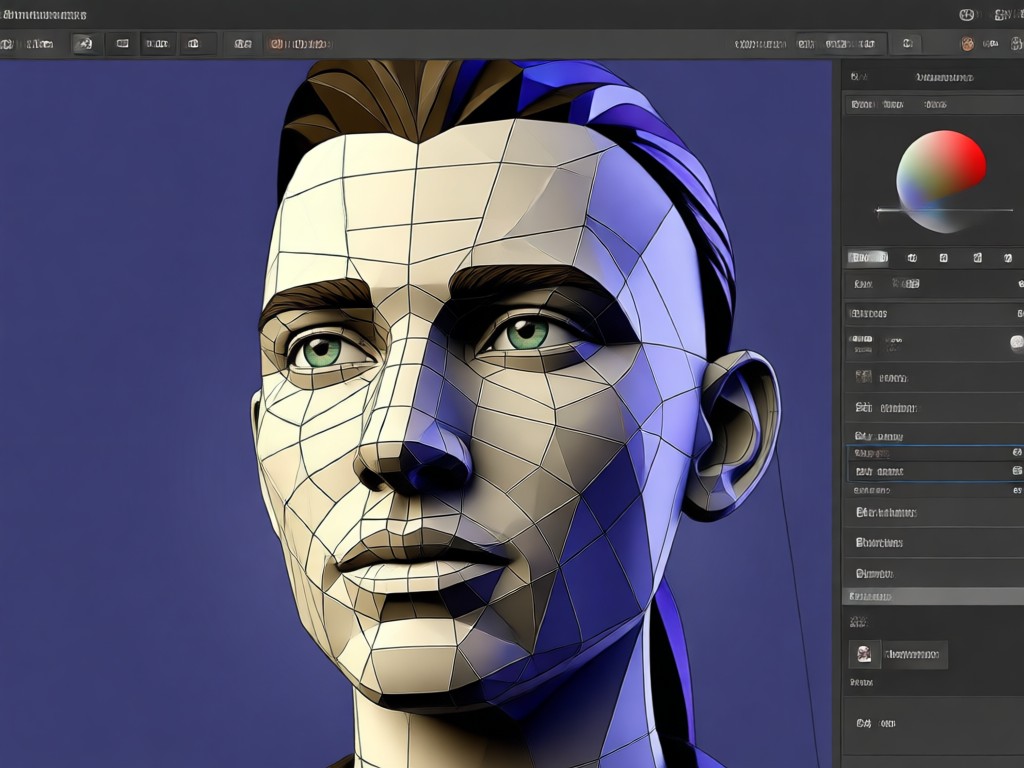
Realistic 3D Depth Effects
Add natural depth and perspective to any photo. Our AI analyzes your image and enhances edges, shadows, and layers to create a convincing 3D look.
Realistic 3D Depth Effects
Add natural depth and perspective to any photo. Our AI analyzes your image and enhances edges, shadows, and layers to create a convincing 3D look.
Huge Library of 3D Filters
Explore over a million style templates including 3D cartoon, clay, anime, and cyberpunk. Pick a filter and watch your photo transform in seconds.
Huge Library of 3D Filters
Explore over a million style templates including 3D cartoon, clay, anime, and cyberpunk. Pick a filter and watch your photo transform in seconds.
One Tap Photo Transformation
No manual editing needed. Upload a photo, select a 3D style, and the AI handles lighting, texture, and depth automatically.
One Tap Photo Transformation
No manual editing needed. Upload a photo, select a 3D style, and the AI handles lighting, texture, and depth automatically.
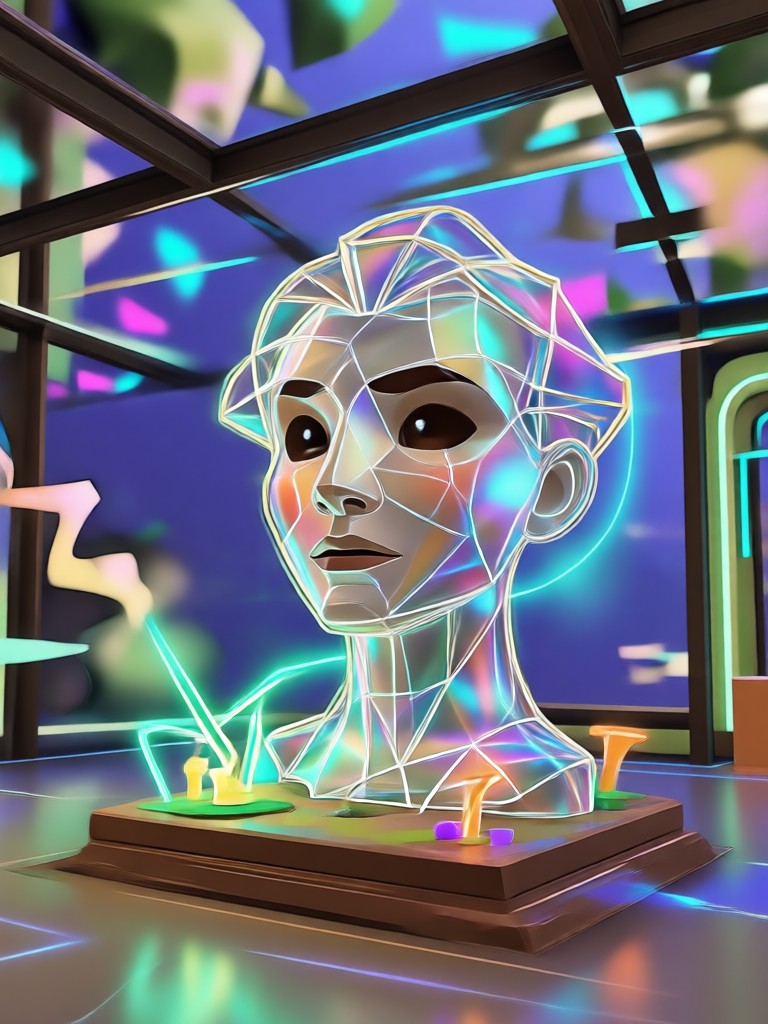
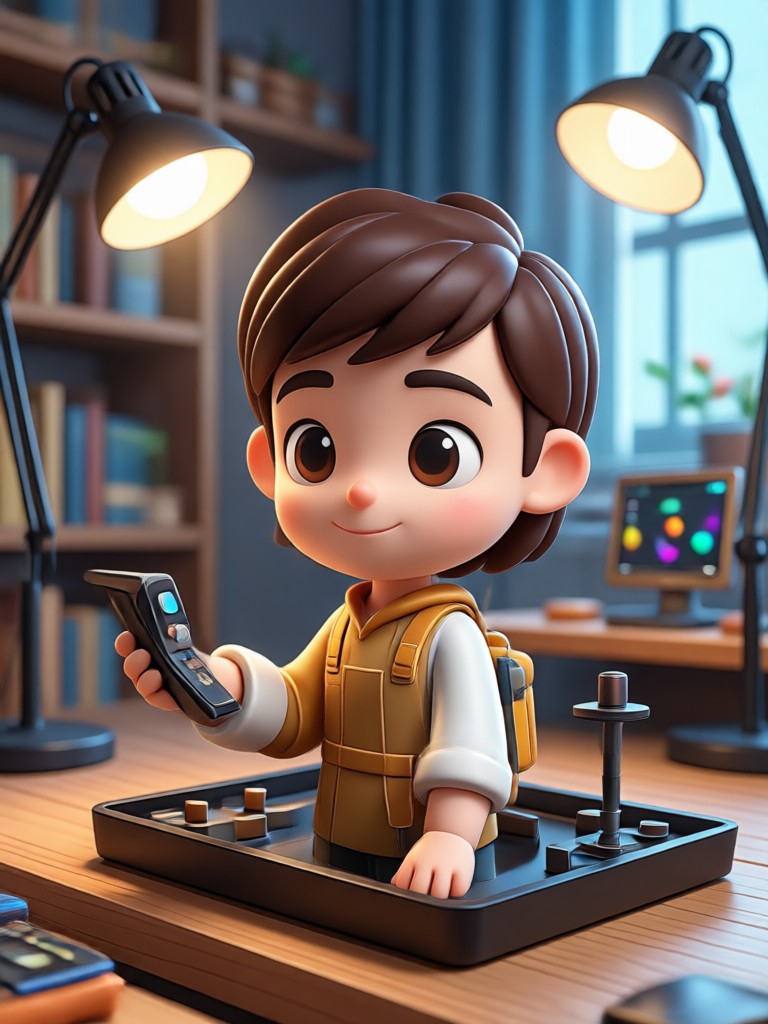
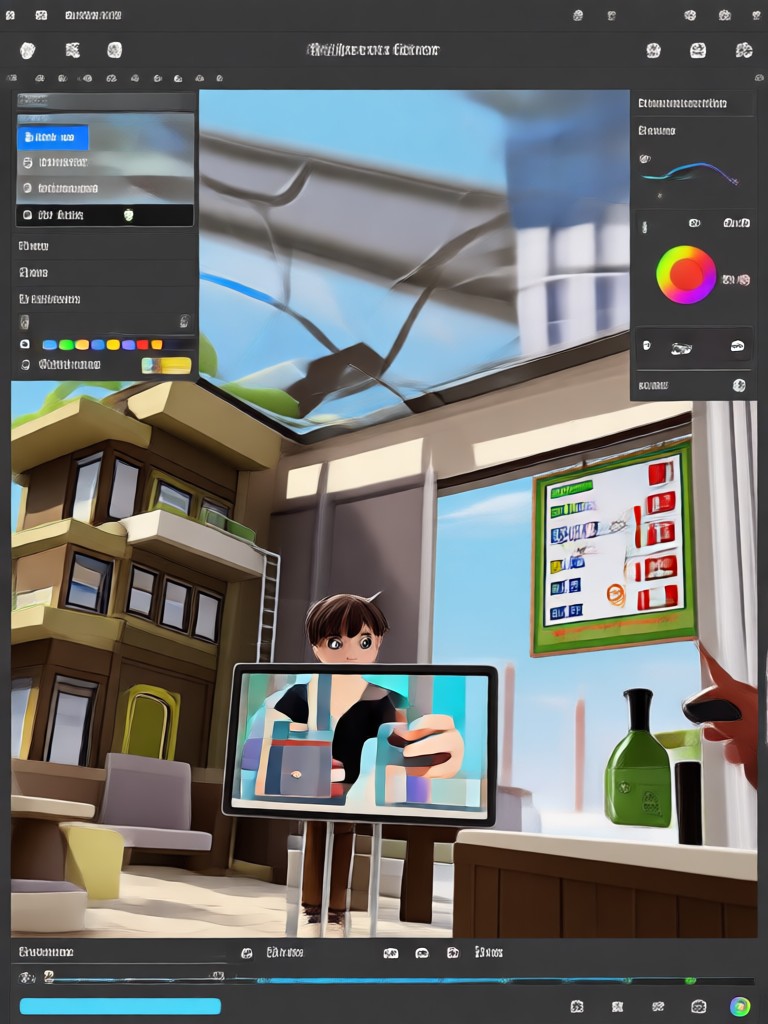
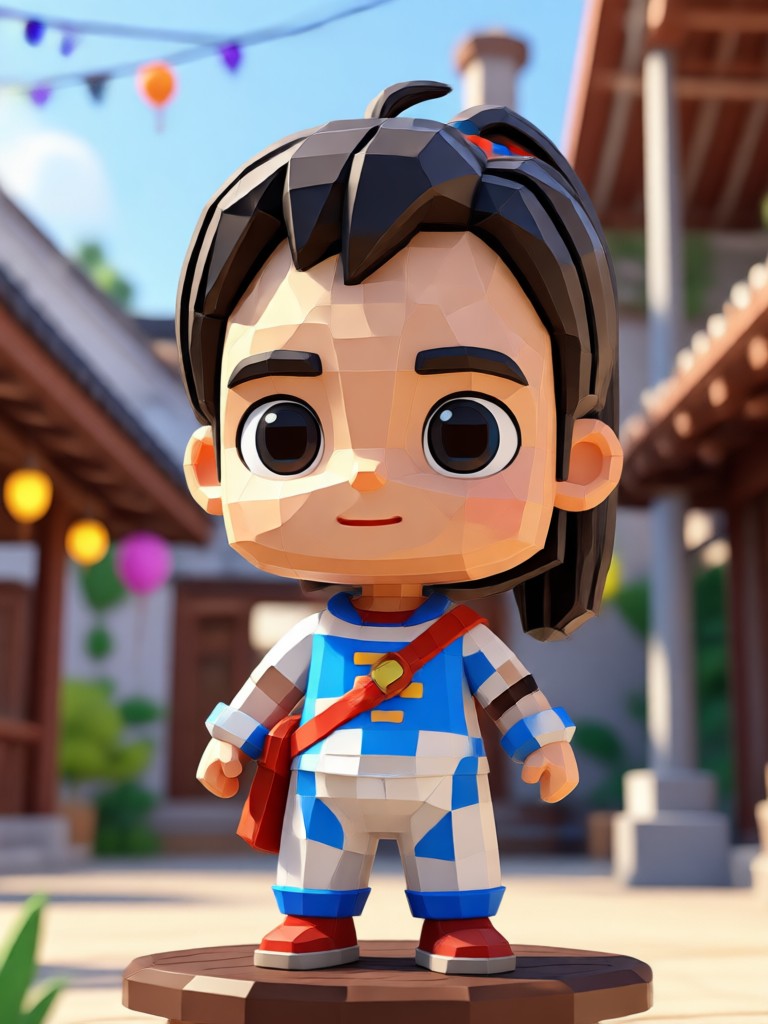
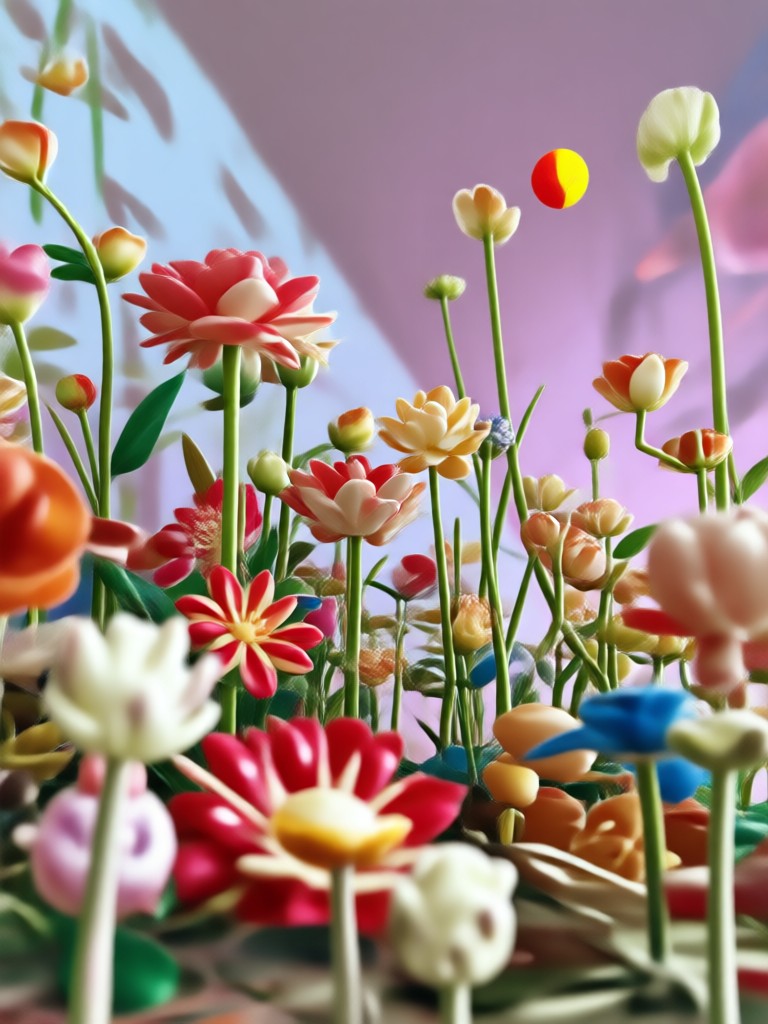
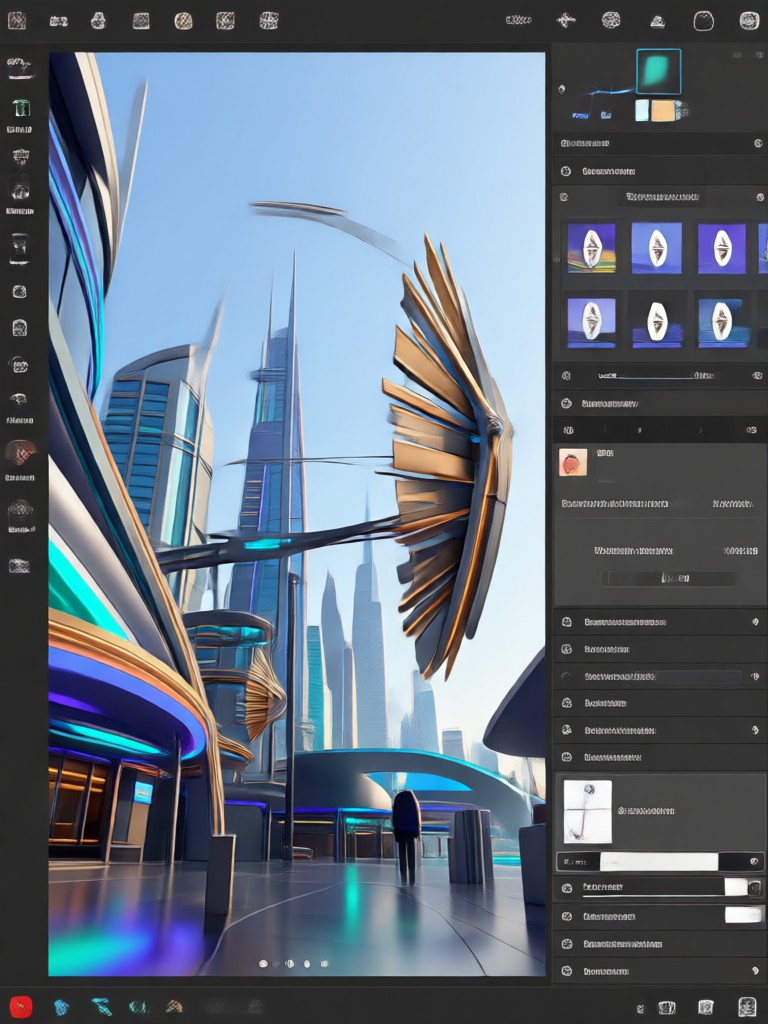
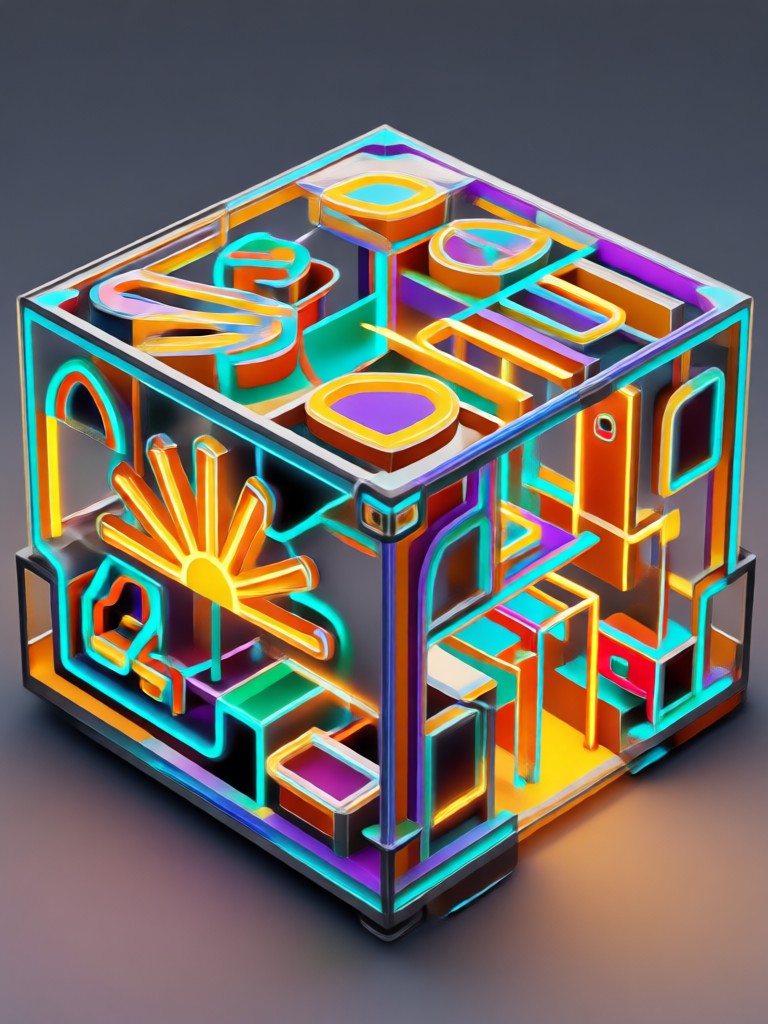
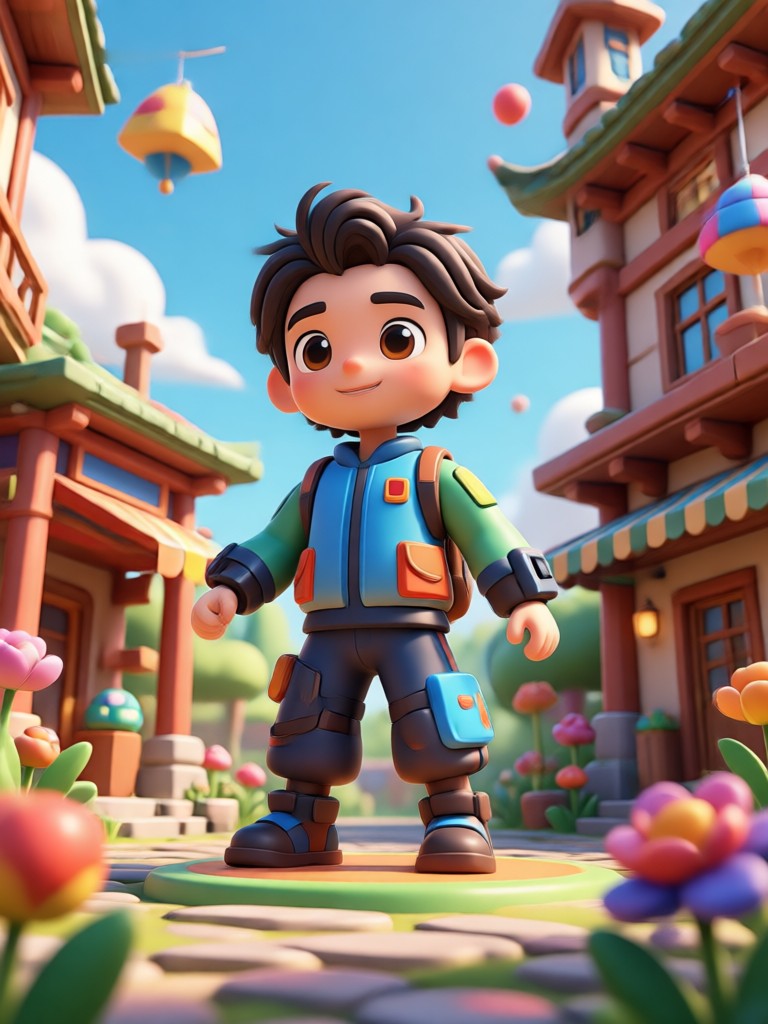
Explore 3D Photo Editor Creations
Browse stunning 3D photos made with beyo. From playful cartoon effects to cinematic depth, see what you can create in minutes.


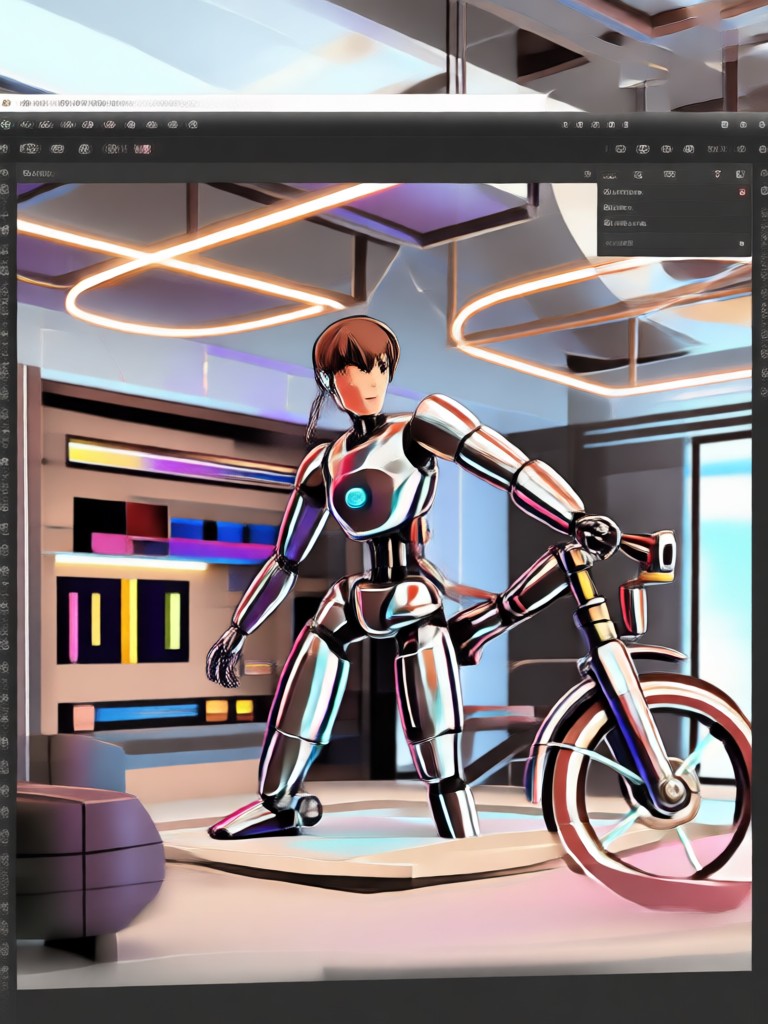
How to Make 3D Effect Photos?
Create impressive 3D photos in just three simple steps using beyo.

Step 01.
Download beyo from Google Play and open it on your phone to get started.

Step 02.
Upload a photo and choose from a variety of 3D filters such as depth, clay, or anime styles.

Step 03.
Generate your 3D photo instantly, then save and share it on social media or with friends.
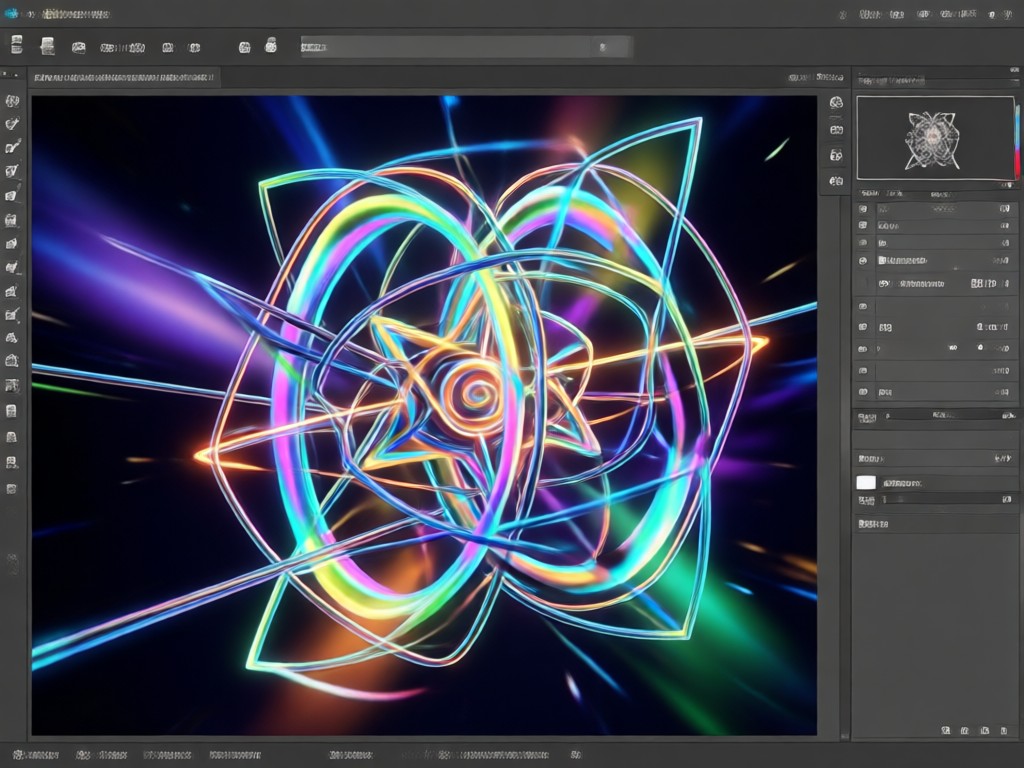
Why Use beyo for 3D Photo Effects
beyo simplifies 3D photo editing with advanced AI and a massive filter library. It works entirely on your phone, so you can create stunning 3D art anywhere, anytime.
Why Use beyo for 3D Photo Effects
beyo simplifies 3D photo editing with advanced AI and a massive filter library. It works entirely on your phone, so you can create stunning 3D art anywhere, anytime.
Frequently Asked Questions
Find clear answers about the 3D effect photo editor and how to use beyo.
Here is What People Think About beyo
Incredible 3D effects in seconds
I used beyo to create a 3D clay version of my dog and it came out amazing. So easy to use and the results look professional.
My go-to photo editor now
The 3D filters are unlike anything I've tried. They preserve the original face while adding beautiful depth and style.
Perfect for social media posts
I made a 3D pop art profile picture in less than a minute. Everyone keeps asking what app I used.
More Topics You May Like
Explore more topics you may like and discover fresh ideas tailored to your interests.
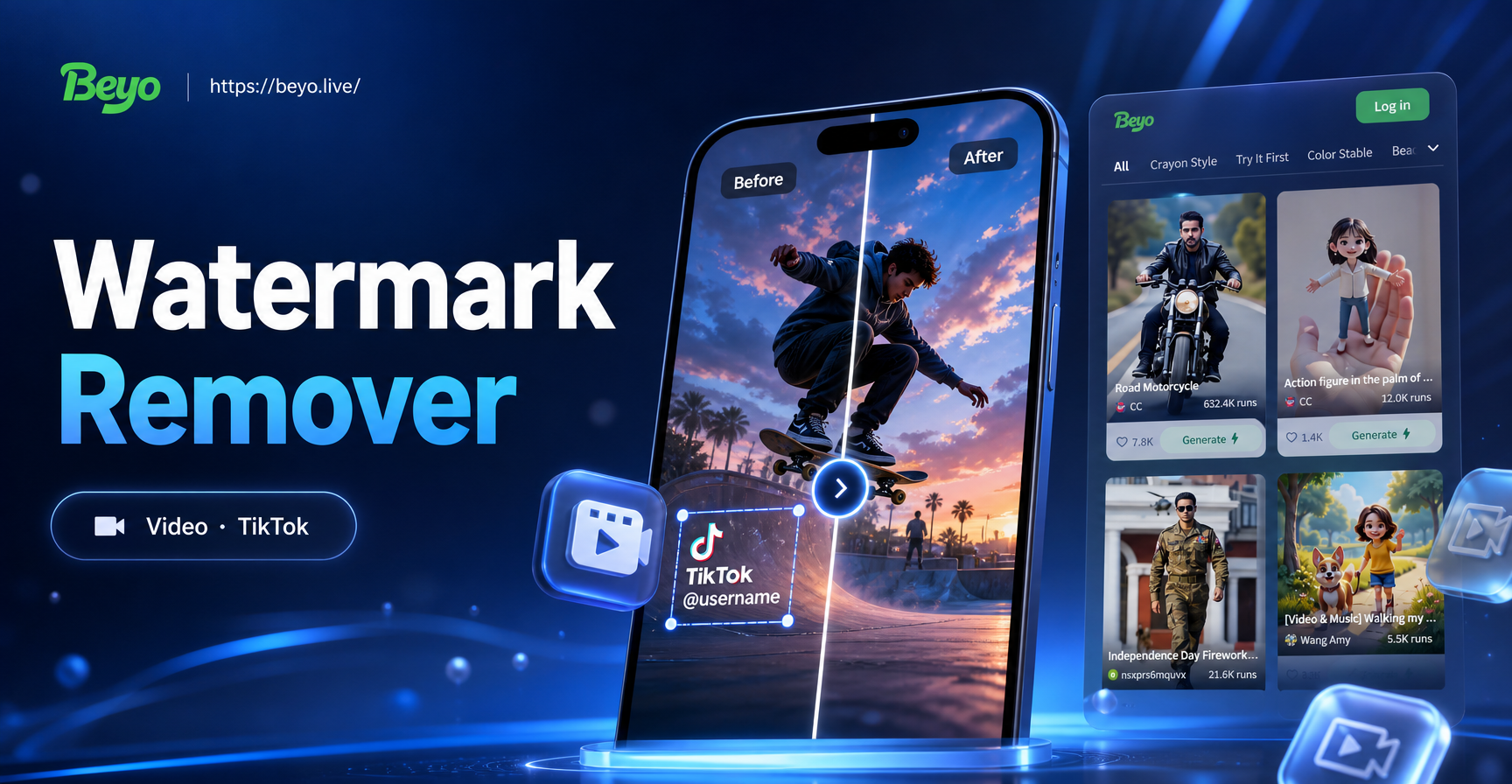
AI TikTok Video Watermark Remover: Clean Clips Instantly

Convert Video Facebook: AI Style Transfer in Seconds
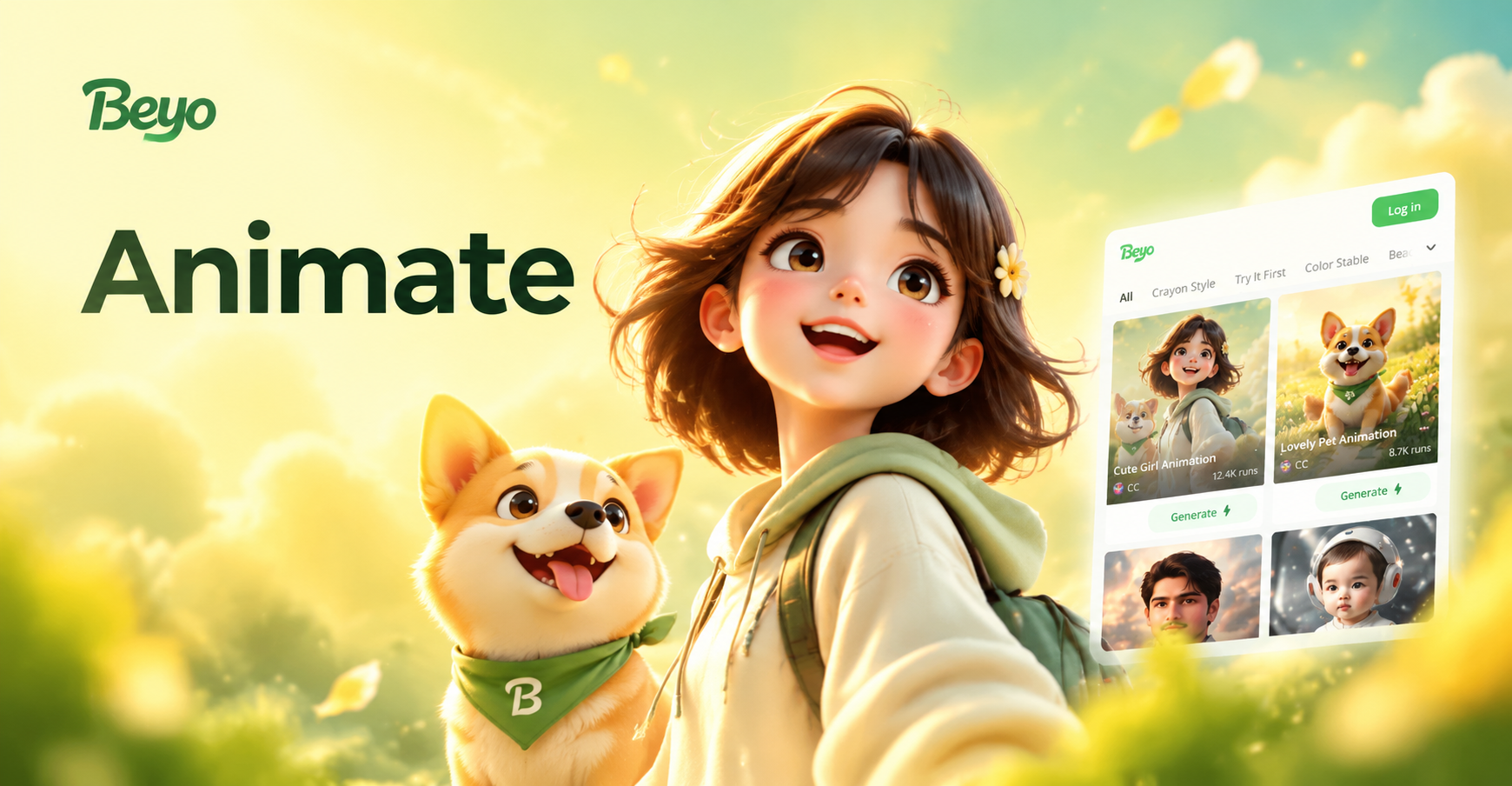
Animate Logo: Turn Still Designs Into Dynamic Motion
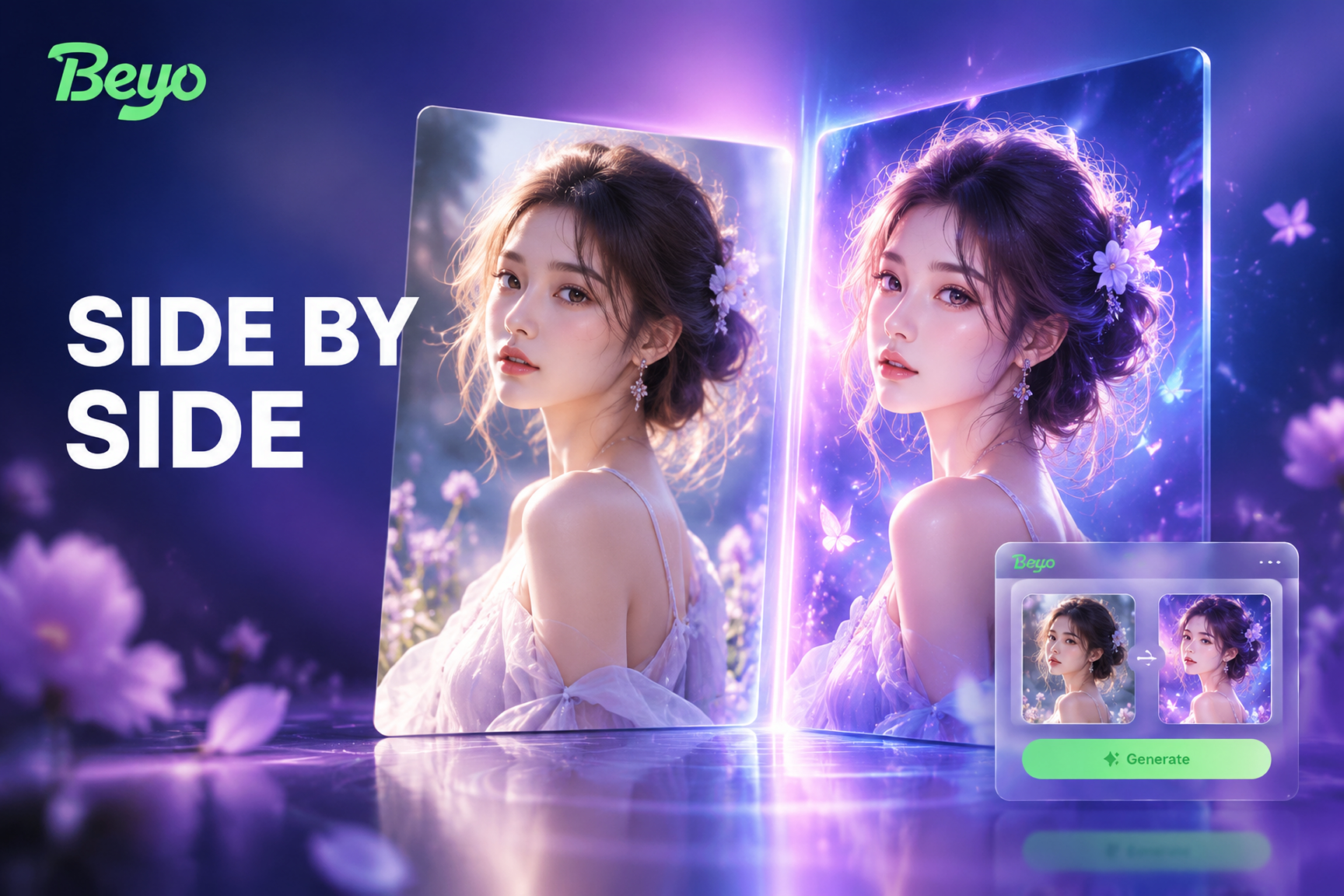
Create Side By Side Photo: Merge Two Pictures Effortlessly
AI TikTok Video Watermark Remover: Clean Clips Instantly
Convert Video Facebook: AI Style Transfer in Seconds
Animate Logo: Turn Still Designs Into Dynamic Motion
Create Side By Side Photo: Merge Two Pictures Effortlessly
Your Perfect 3D Filter, Instantly
Apply the latest 3D effects to your photos effortlessly. Stay ahead of trends and create content everyone will notice.
Your Perfect 3D Filter, Instantly
Apply the latest 3D effects to your photos effortlessly. Stay ahead of trends and create content everyone will notice.