Convert Video Facebook with AI Magic
Choose the Facebook Video Filter That Fits Your Style
Explore AI filters built for Facebook video conversion, from cinematic realism to playful anime and everything in between.
Key Features for Facebook Video Conversion
beyo gives you everything you need to convert ordinary clips into engaging Facebook content, with AI doing the heavy lifting.
AI Style Conversion
Upload any video and let AI transform its look instantly. Apply cinematic, anime, watercolor, or 3D clay styles without touching a timeline or color panel.
Motion Enhancement
Turn static clips into dynamic Facebook posts. Add subtle motion, smooth transitions, or full animated effects that keep viewers watching until the end.
Format Optimization
beyo outputs Facebook-friendly videos that look sharp in feeds, stories, and reels. Generate content at the right quality for every placement on the platform.
How to Convert Video for Facebook with AI
Turn your video into Facebook-ready content in three simple steps using the beyo app.

Step 01.
Download beyo from Google Play and open the app to start converting videos for Facebook.

Step 02.
Upload your clip and pick from over one million AI filters to set the exact style you want.

Step 03.
Generate your converted video, then save it to your device and share directly to Facebook.
Facebook-Ready AI Video Creations
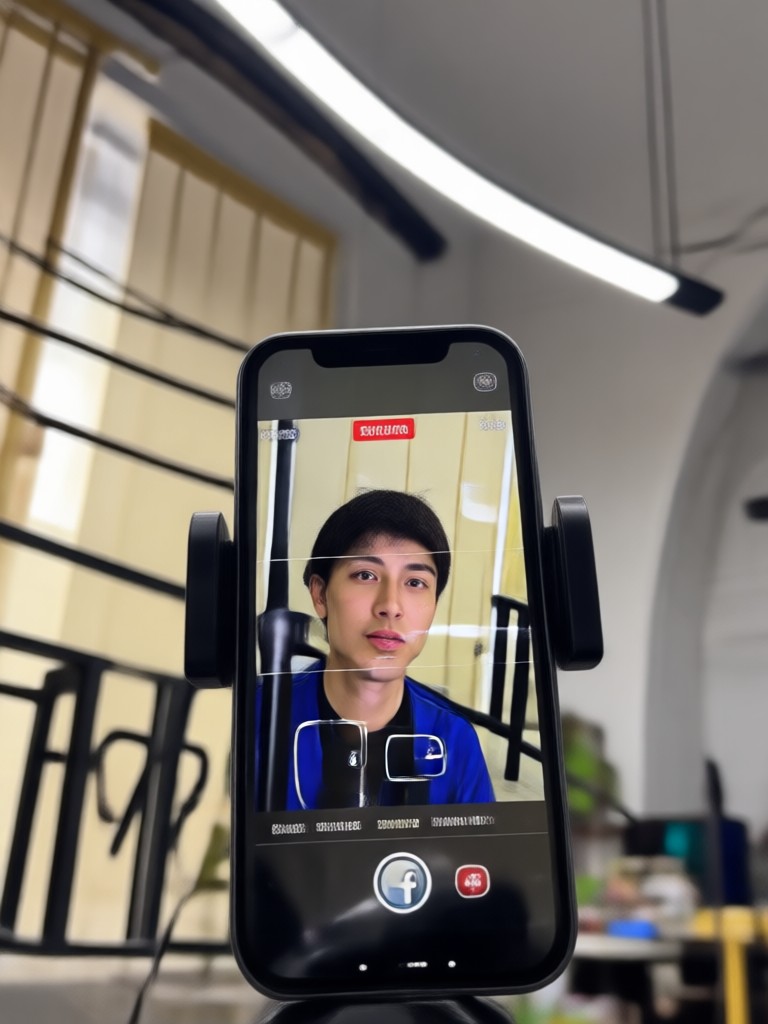
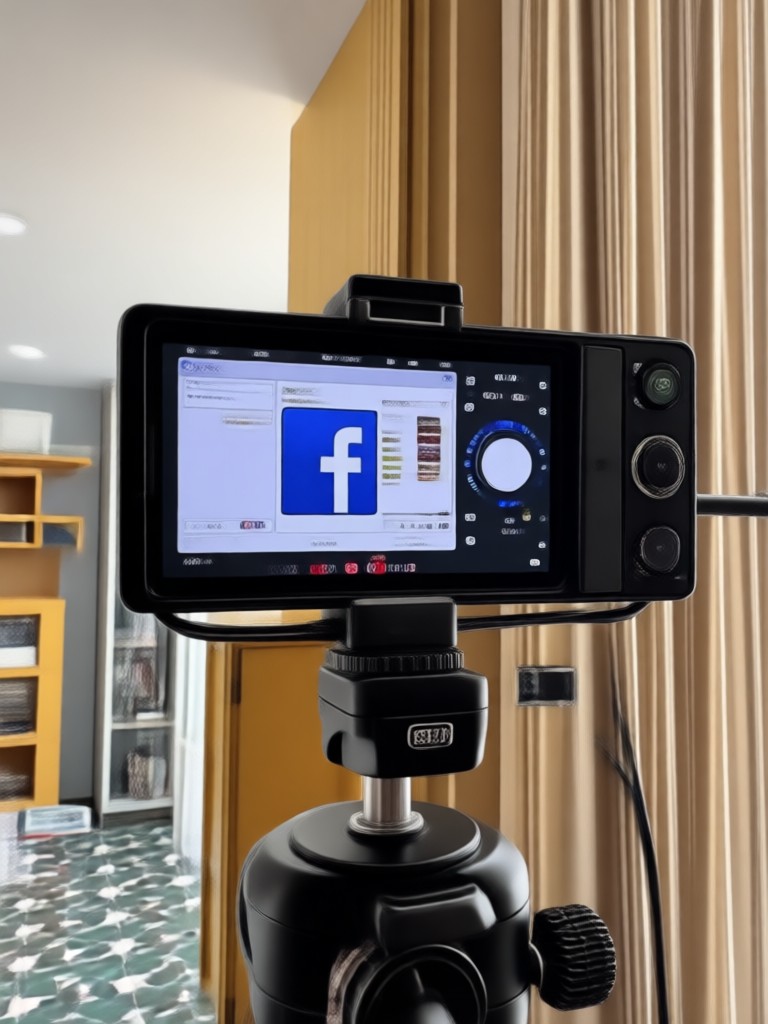
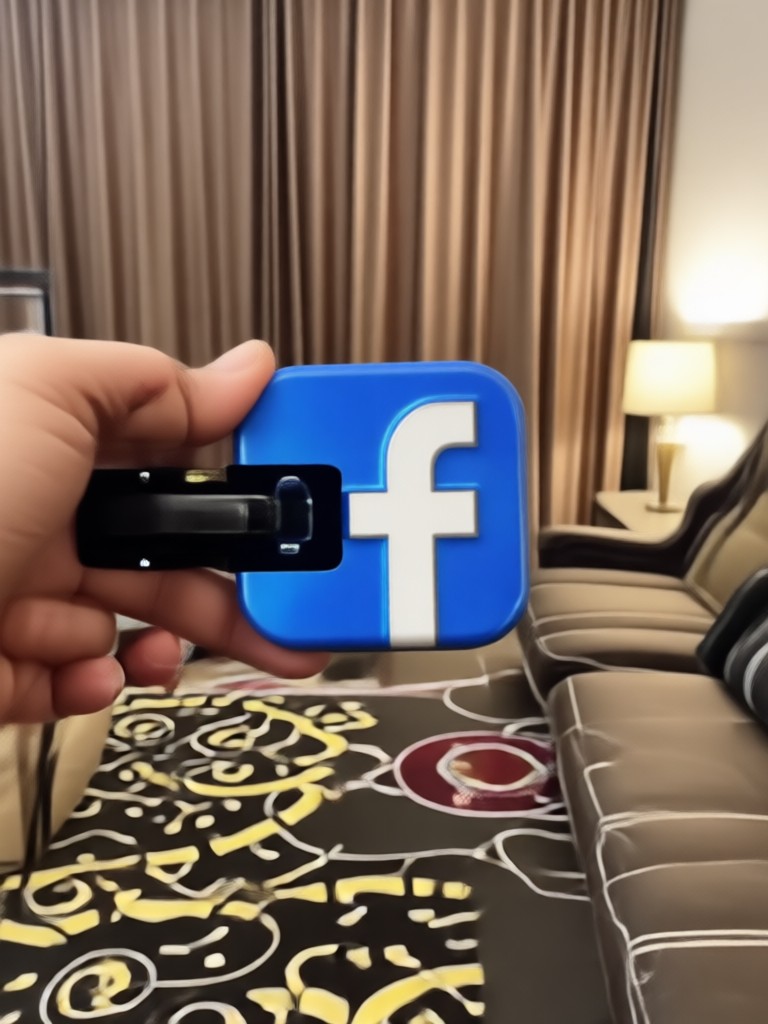
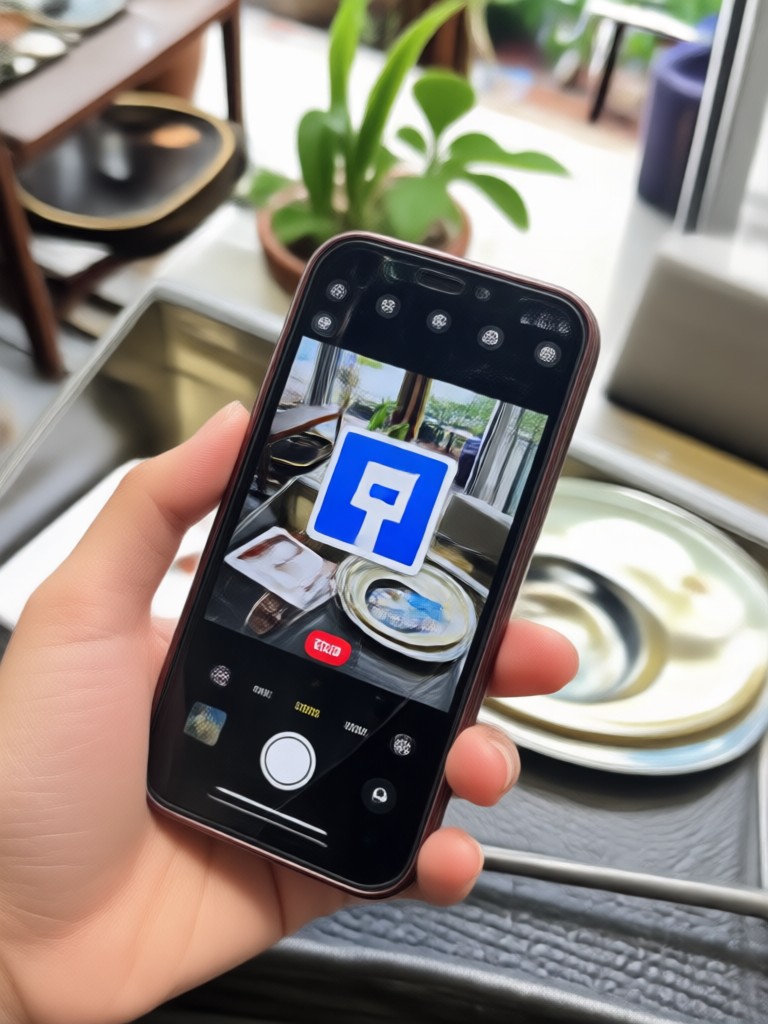
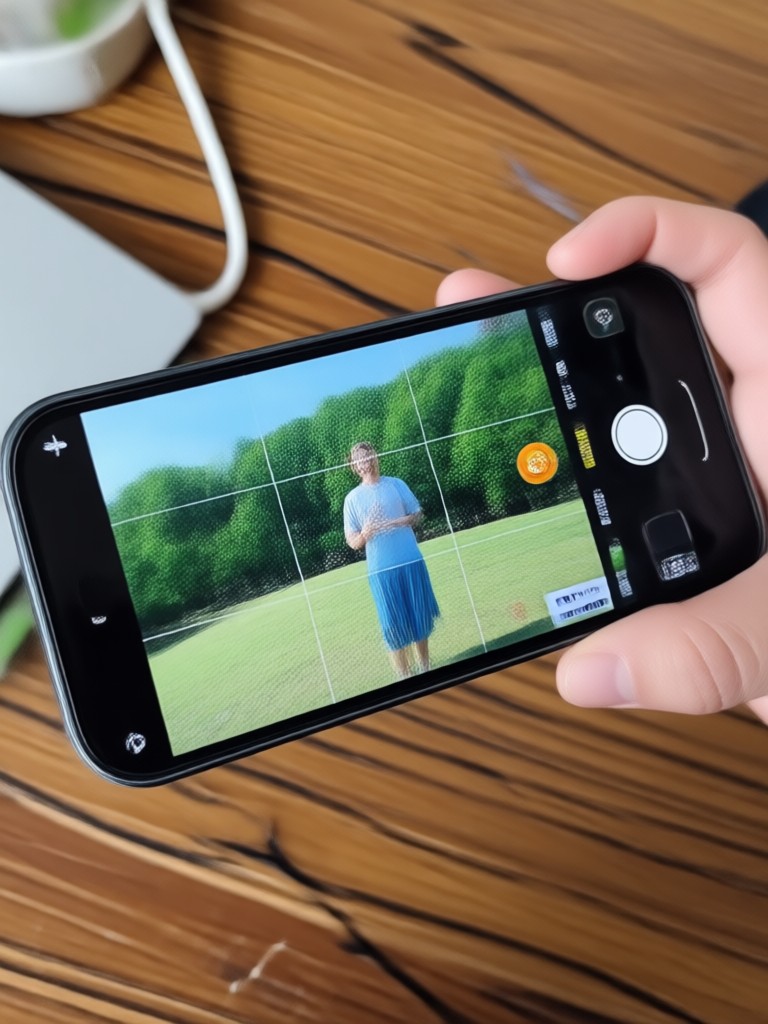
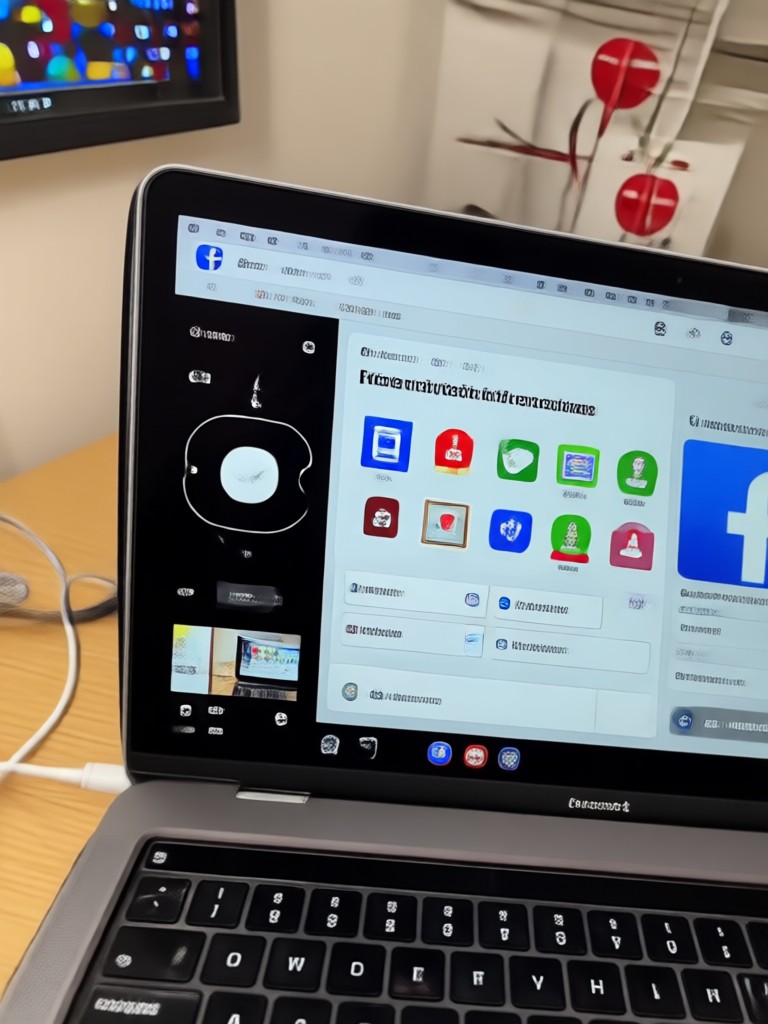
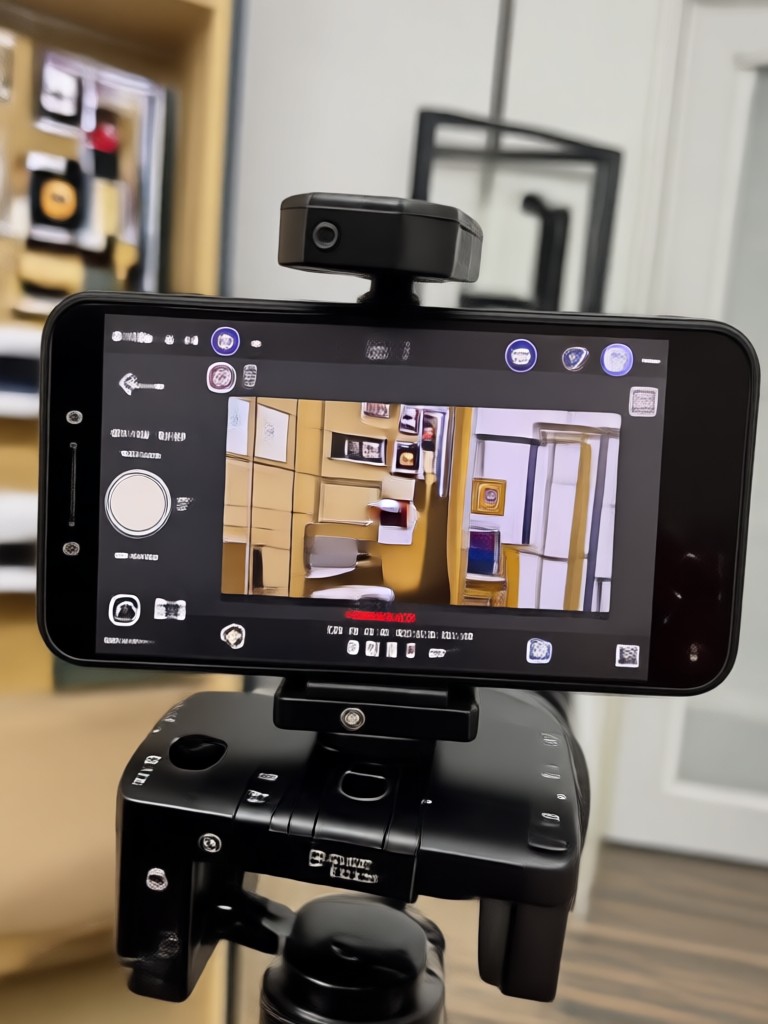
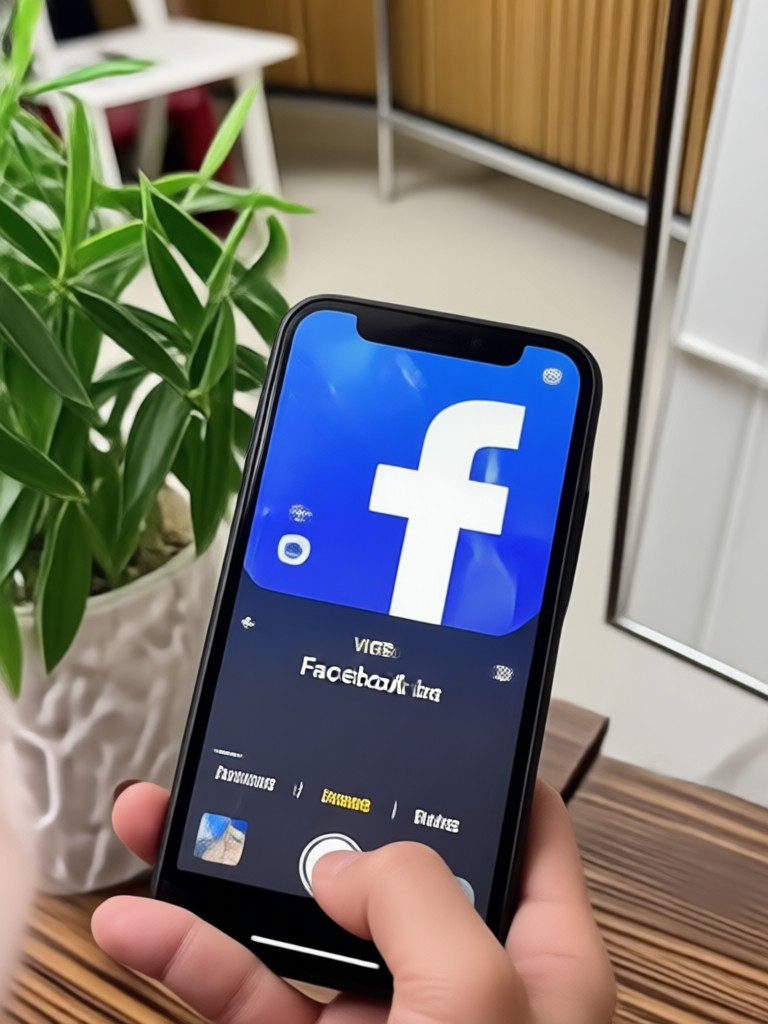
Browse examples of videos converted with beyo AI filters. From cinematic reels to playful anime clips, see what your next Facebook post could look like.


Why Creators Choose beyo for Facebook Video Conversion
Facebook rewards video content that stands out. beyo lets you convert any clip into a style-rich video in seconds, without pricey editing software. Over one million filters, instant previews, and AI motion tools help creators, small businesses, and casual users produce content that feels professional and native to Facebook's feed.
Why Creators Choose beyo for Facebook Video Conversion
Facebook rewards video content that stands out. beyo lets you convert any clip into a style-rich video in seconds, without pricey editing software. Over one million filters, instant previews, and AI motion tools help creators, small businesses, and casual users produce content that feels professional and native to Facebook's feed.
Frequently Asked Questions About Converting Video for Facebook
Find clear answers to common questions about turning your clips into engaging Facebook videos with beyo AI, from filter selection to sharing.
More Topics You May Like
Explore more AI video and image topics to level up your Facebook content strategy.
Animate Logo: Turn Still Designs Into Dynamic Motion
Create Side By Side Photo: Merge Two Pictures Effortlessly
Video Music Remover: Clean Audio in Seconds
Add Logo To Photo: Brand Your Images in Seconds
Animate Logo: Turn Still Designs Into Dynamic Motion
Create Side By Side Photo: Merge Two Pictures Effortlessly
Video Music Remover: Clean Audio in Seconds
Add Logo To Photo: Brand Your Images in Seconds
Convert Your First Facebook Video with AI
Download beyo and turn any clip into a Facebook-ready masterpiece. Over one million filters, instant AI conversion, and no editing skills needed.
Convert Your First Facebook Video with AI
Download beyo and turn any clip into a Facebook-ready masterpiece. Over one million filters, instant AI conversion, and no editing skills needed.