Create Side By Side Photo
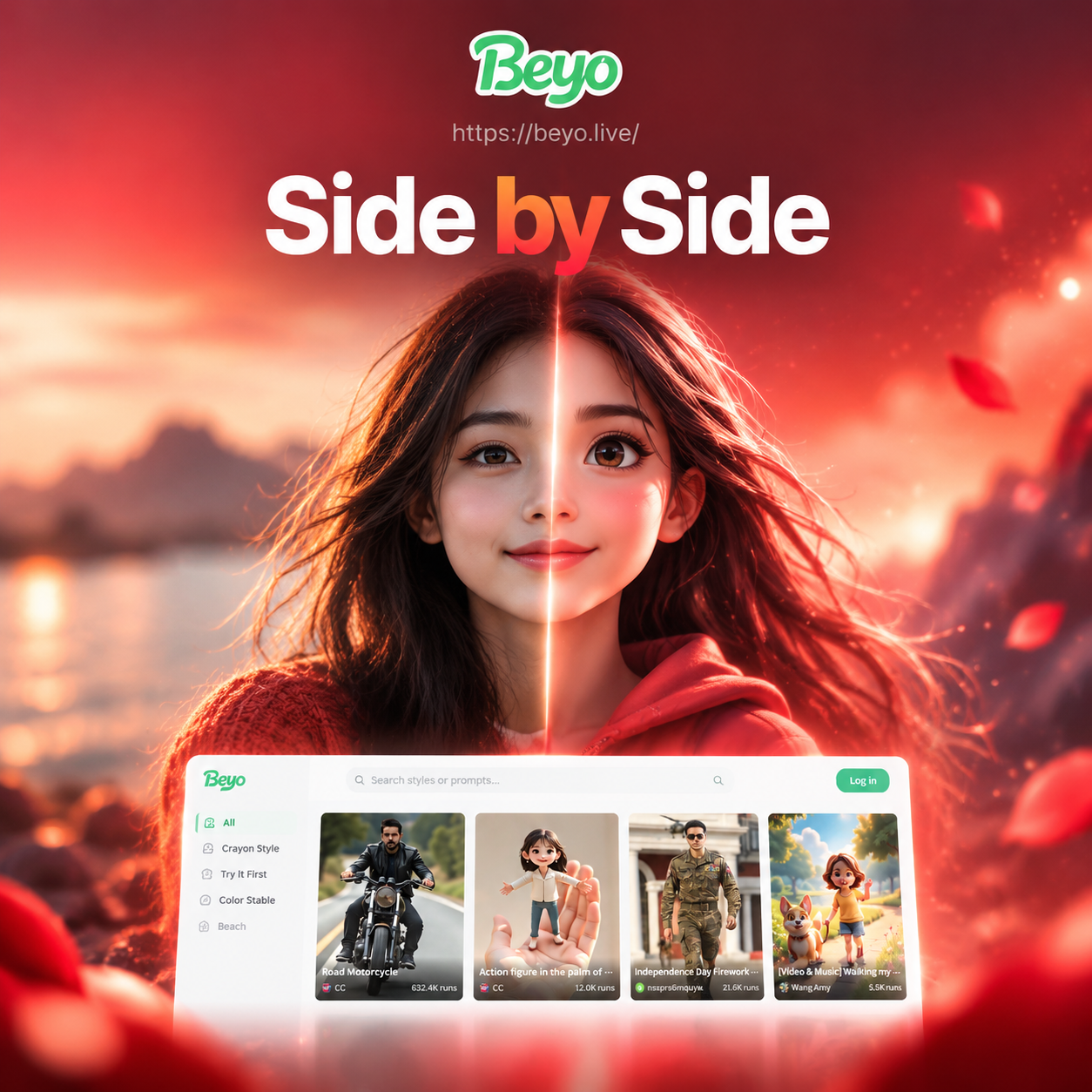
Filters That Make Side By Side Photos Stand Out
Explore our most popular filters for merging two photos. From realistic comparisons to artistic style blends, find the perfect template for your side by side image.
Key Features for Side By Side Photo Creation
beyo provides everything you need to combine two pictures into one stunning image. Our AI handles the hard work so you can focus on the creative result.
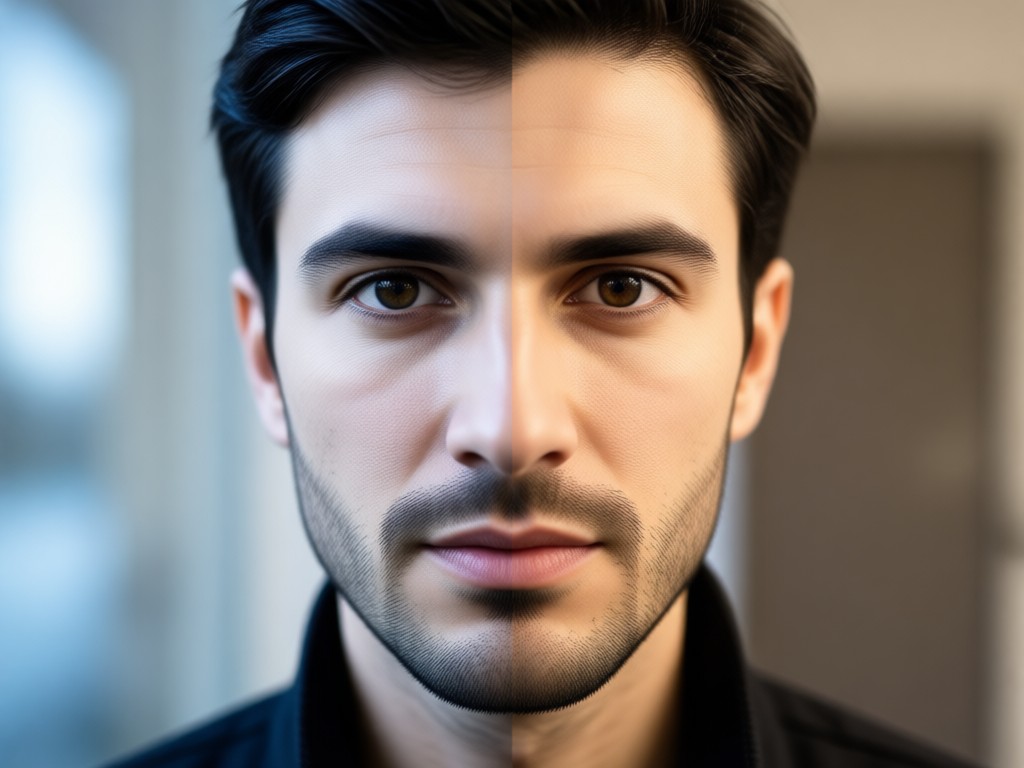
Smart Photo Alignment
AI automatically aligns and resizes your two photos so they fit perfectly into a side by side layout. No manual cropping or adjusting needed. Your images merge seamlessly with balanced proportions and clean edges.
Smart Photo Alignment
AI automatically aligns and resizes your two photos so they fit perfectly into a side by side layout. No manual cropping or adjusting needed. Your images merge seamlessly with balanced proportions and clean edges.
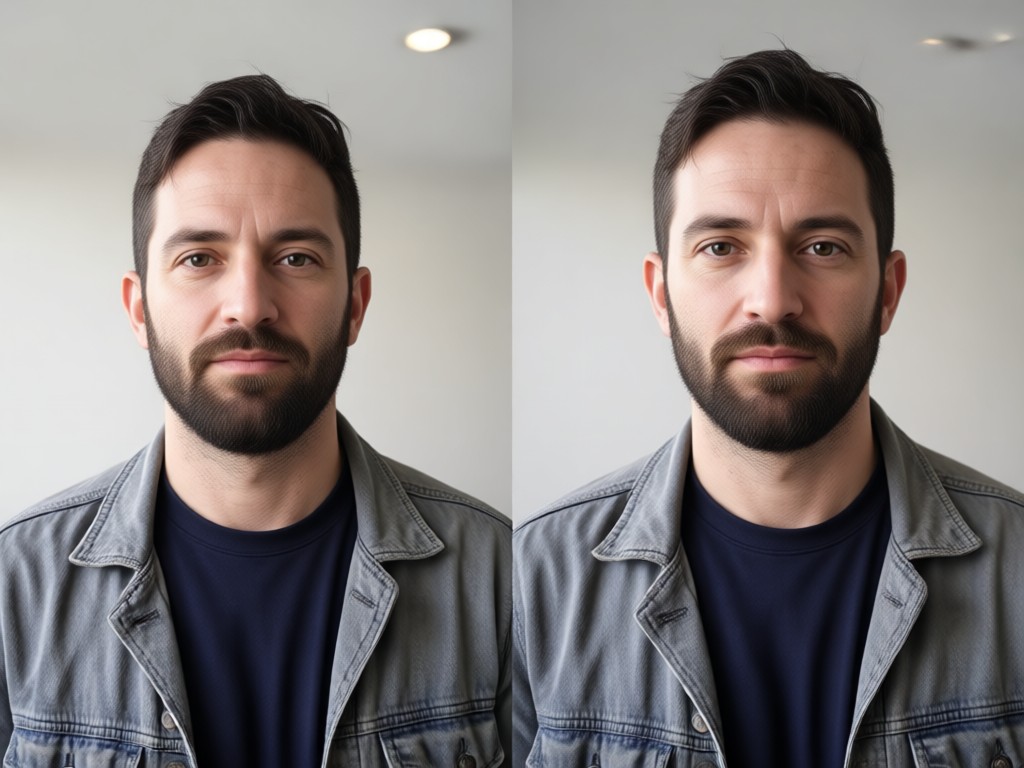
Style Transfer Between Photos
Apply the same filter or style to both images at once. Turn a simple side by side photo into a cohesive artistic piece. Choose from anime, watercolor, cinematic, or realistic templates to unify your two pictures.
Style Transfer Between Photos
Apply the same filter or style to both images at once. Turn a simple side by side photo into a cohesive artistic piece. Choose from anime, watercolor, cinematic, or realistic templates to unify your two pictures.
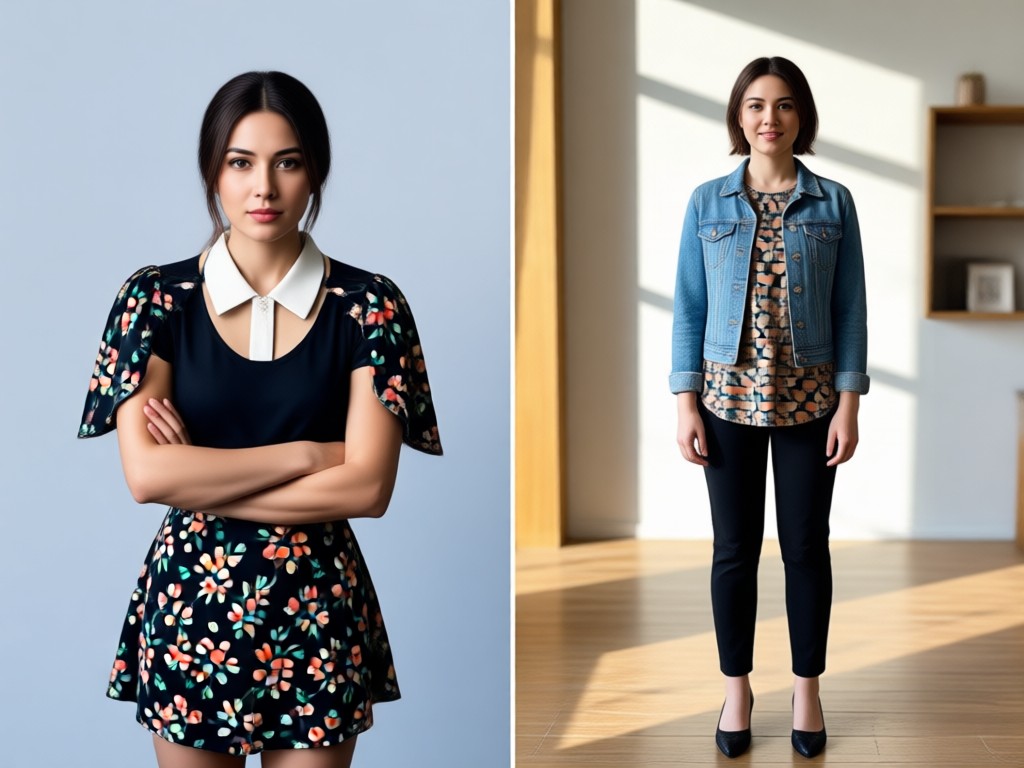
AI Face and Subject Recognition
The AI identifies faces and subjects in both photos to maintain consistency. Whether you are comparing a makeup transformation or a fitness journey, the focus stays sharp on the right elements.
AI Face and Subject Recognition
The AI identifies faces and subjects in both photos to maintain consistency. Whether you are comparing a makeup transformation or a fitness journey, the focus stays sharp on the right elements.
Explore Side By Side Photo Creations
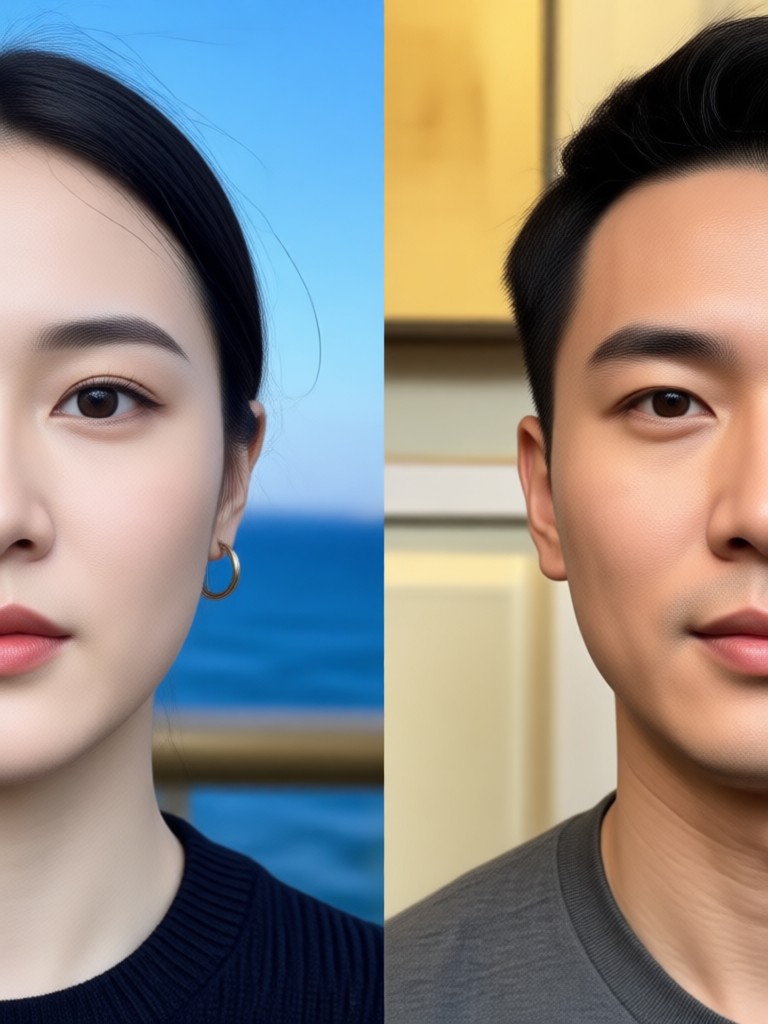
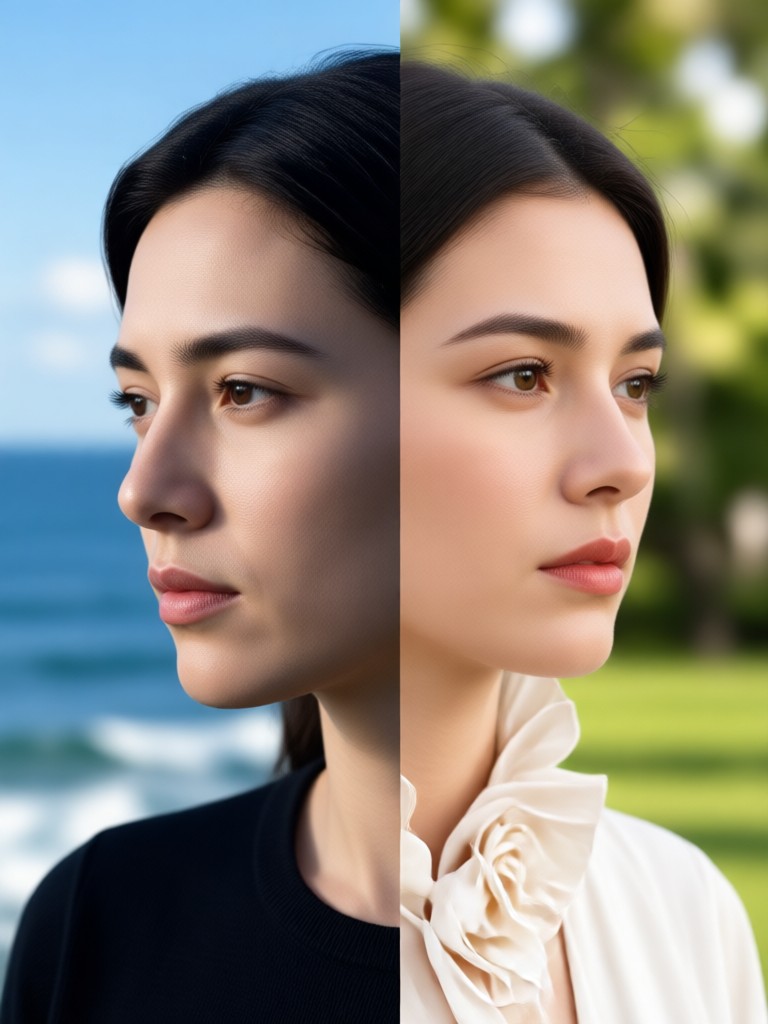
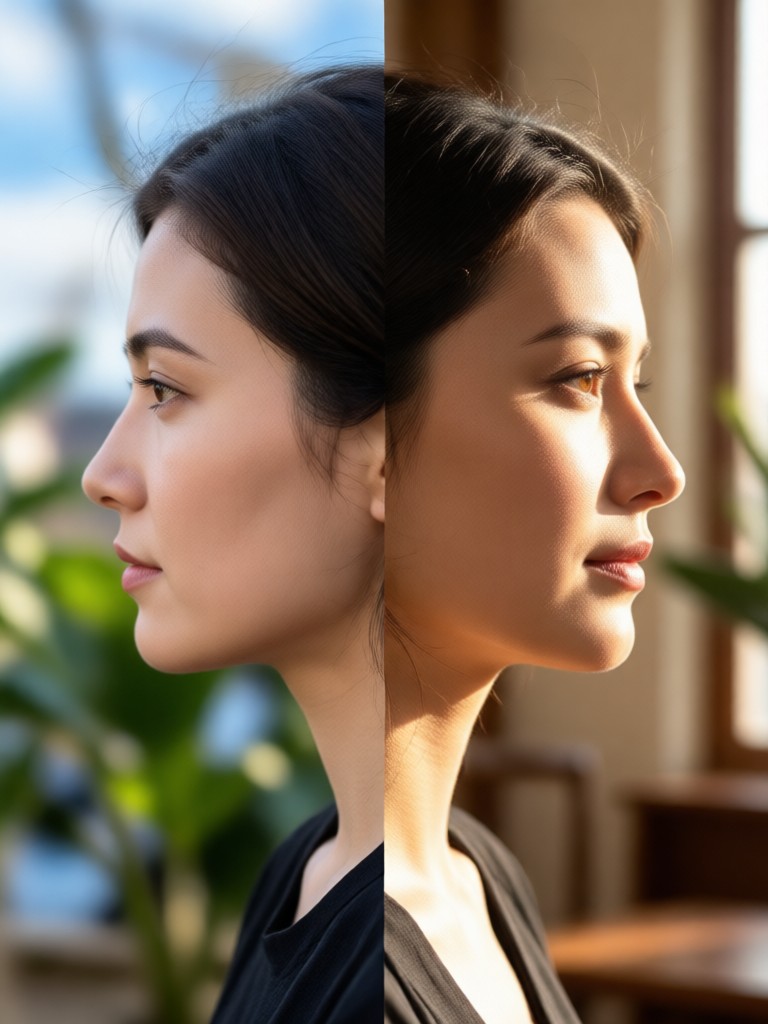
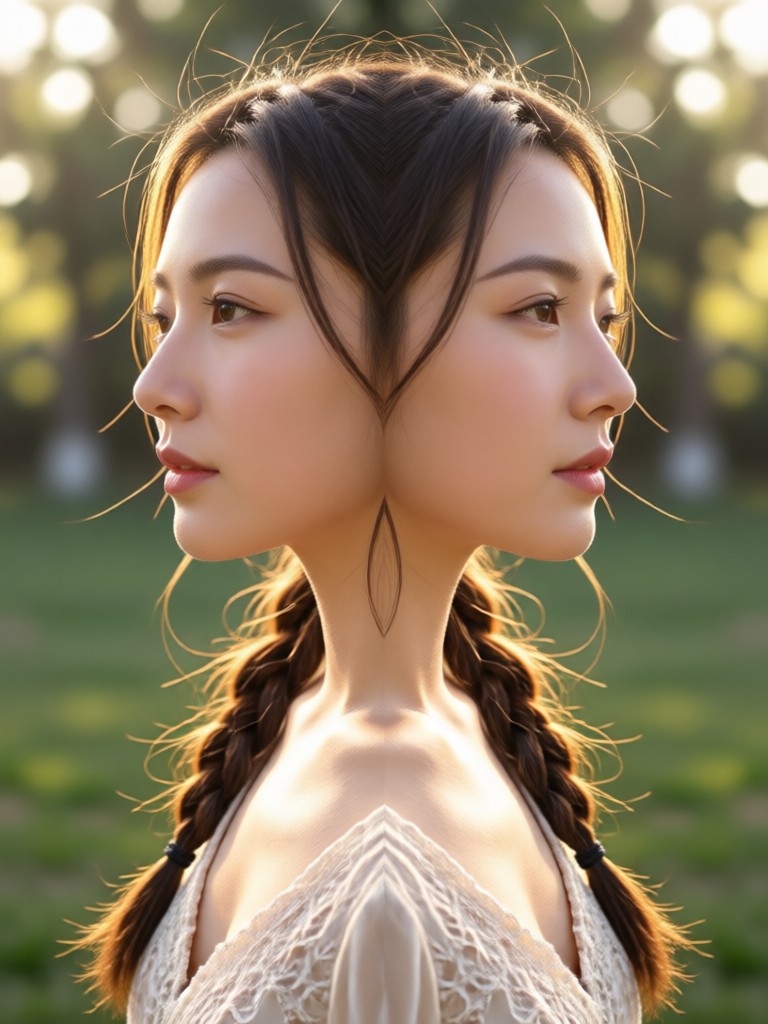
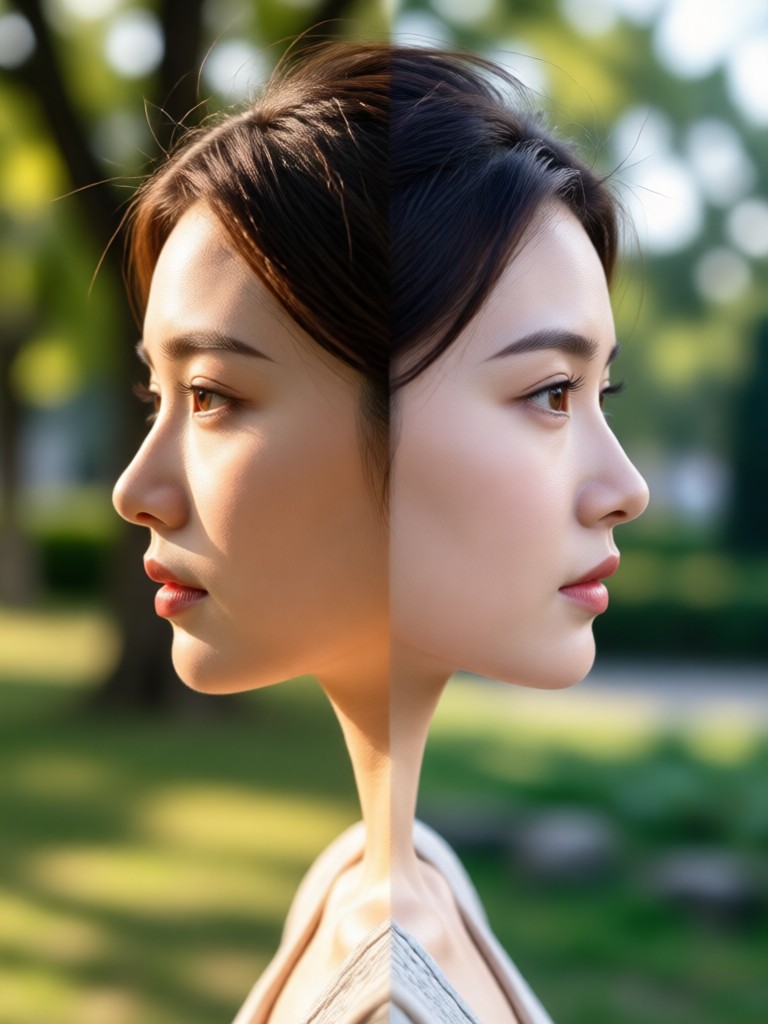
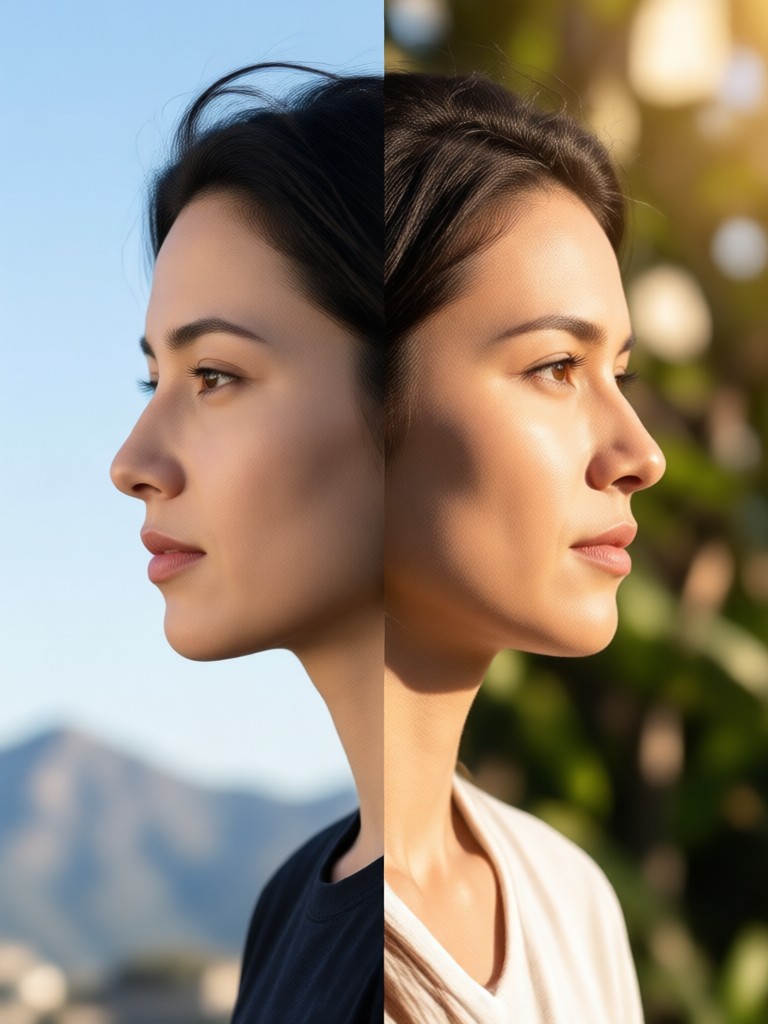
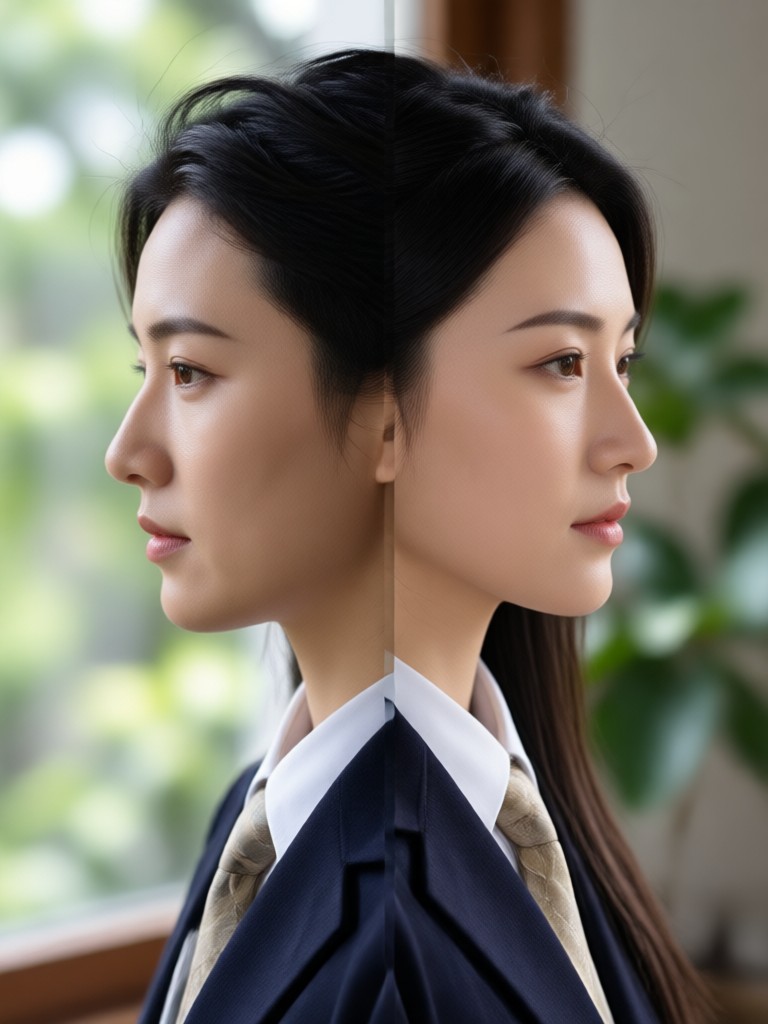
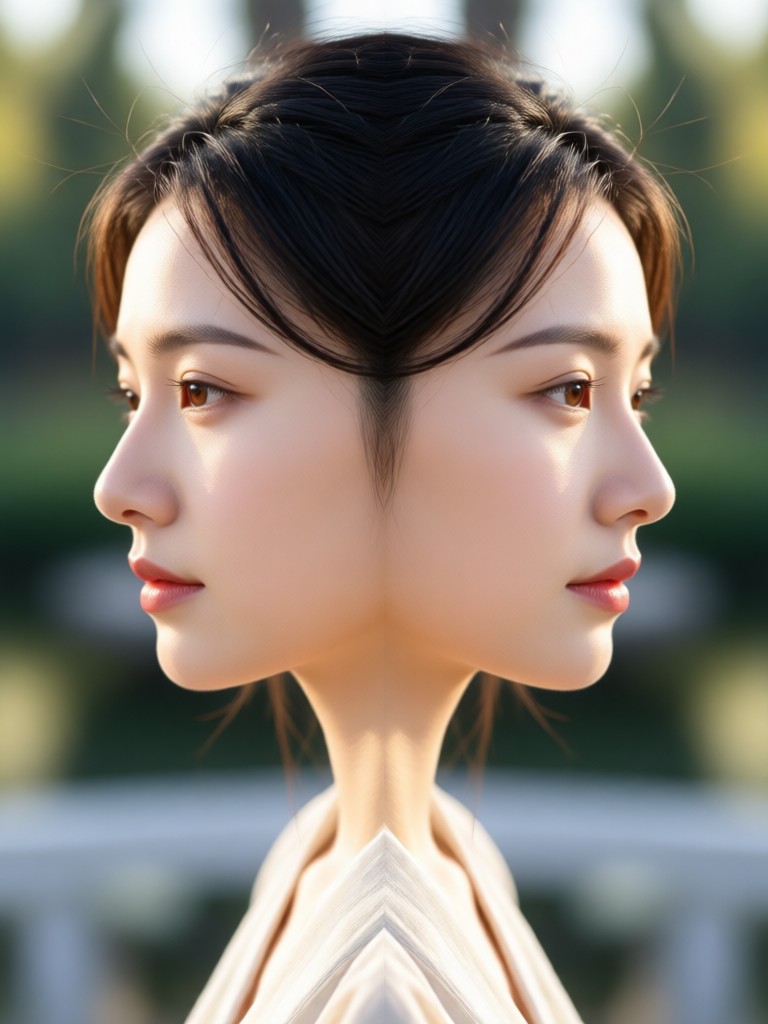
See how users combine two pictures into beautiful side by side collages with beyo. From before and after transformations to creative style comparisons, get inspired by the possibilities.
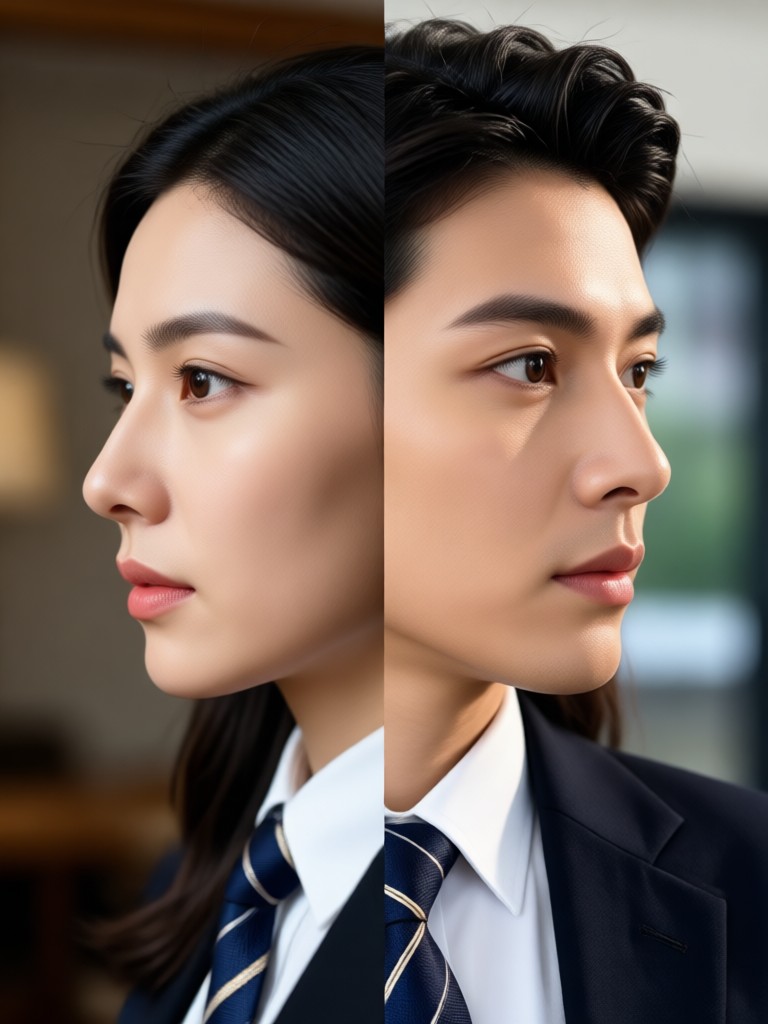
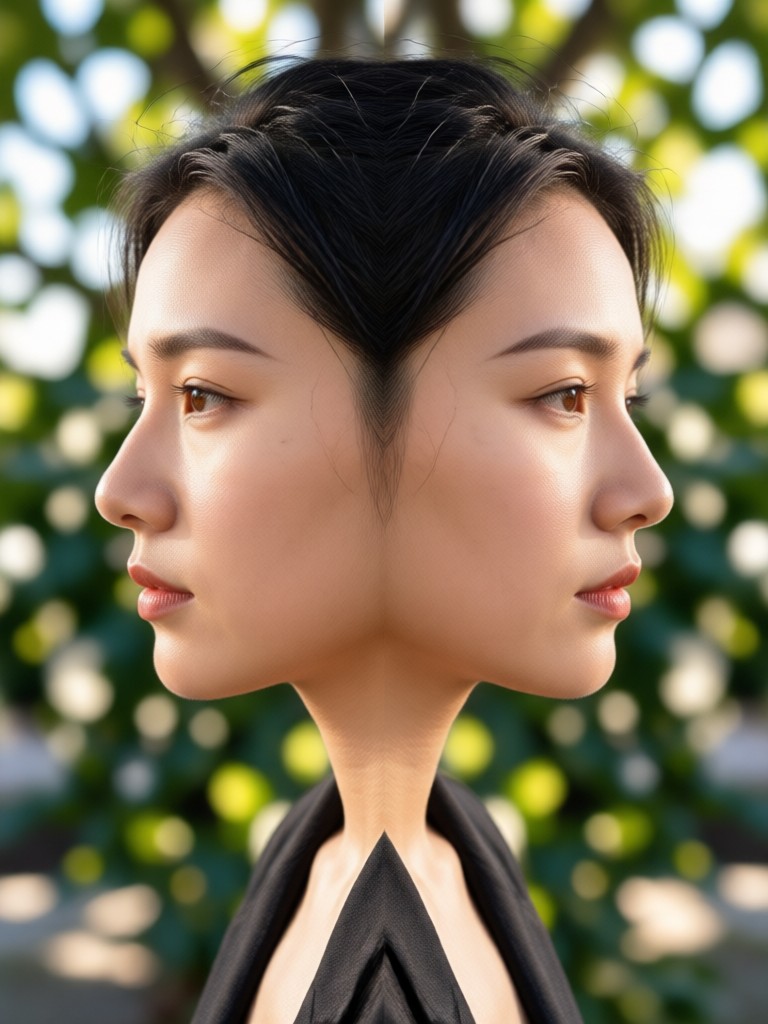
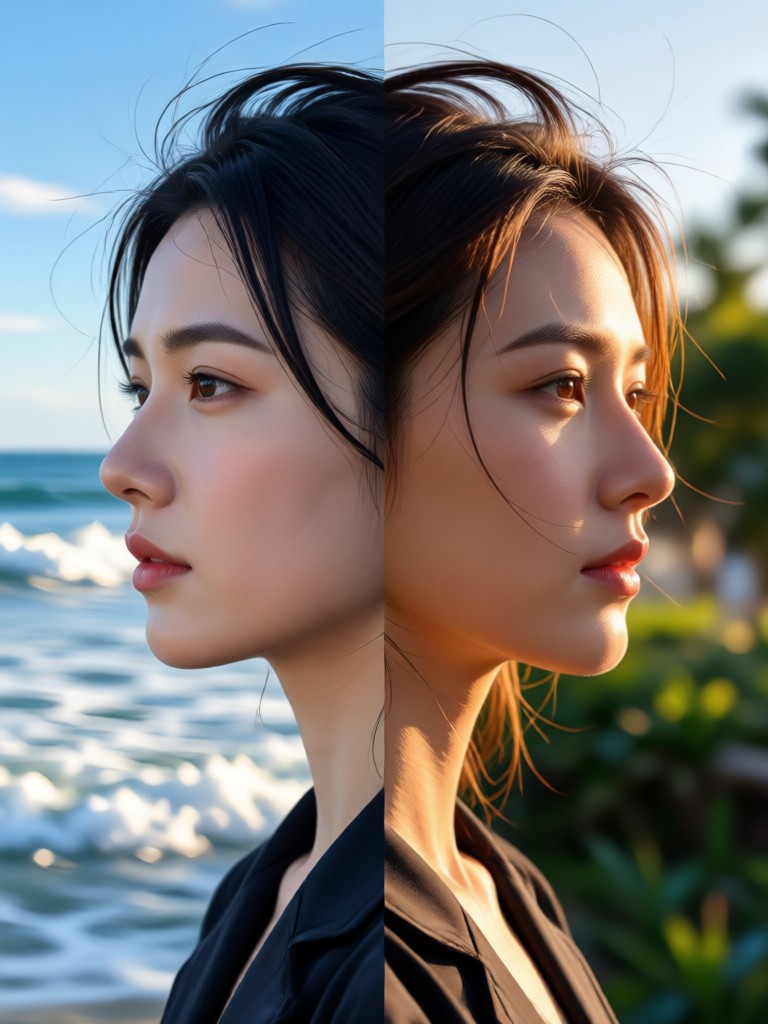
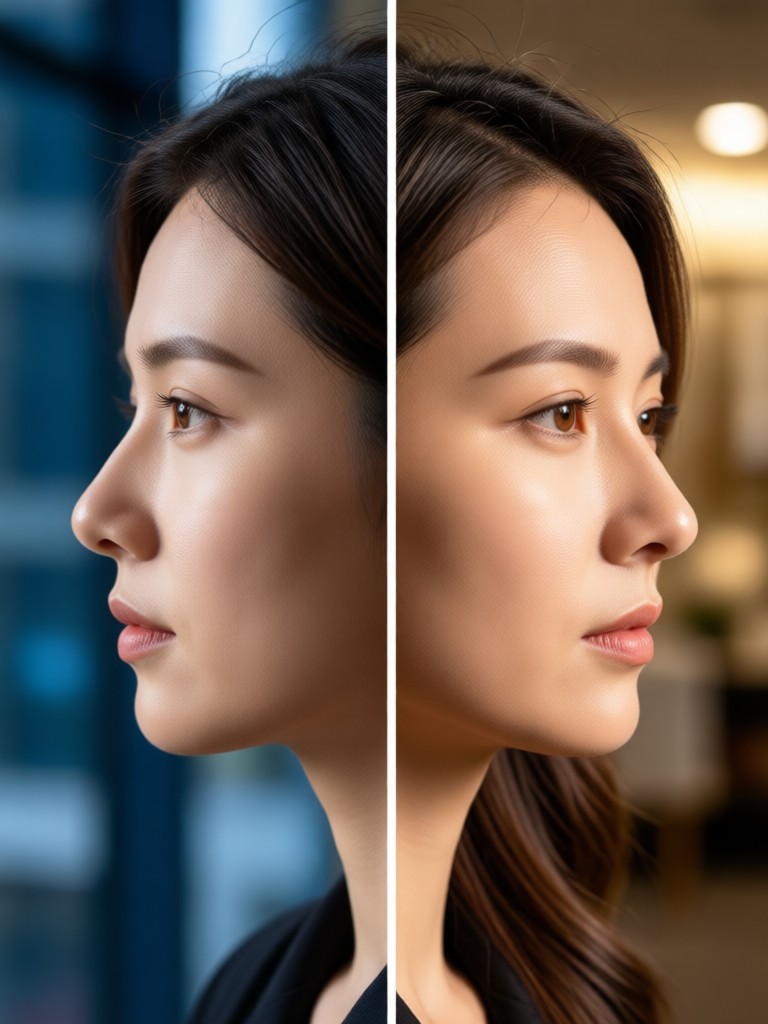
How to Create Side By Side Photo?
Creating a side by side photo with beyo is incredibly simple. Follow these three easy steps to combine your two pictures into one stunning image.

Step 01.
Download the beyo app from Google Play. It is free to install and works entirely on your mobile device.

Step 02.
Upload your two photos. Pick a side by side template or choose a style filter to apply to both images at once.

Step 03.
Tap generate. Your side by side photo will be ready in seconds. Download it or share it directly to social media.
Why Create Side By Side Photos?
Side by side photos are perfect for showing transformations, comparing products, or displaying two related images in one frame. With beyo, you can add artistic styles to both images simultaneously, making your comparisons more engaging. The AI ensures both pictures maintain consistent lighting, color tones, and composition. No need for complex photo editing software. Just select your images and let beyo do the rest.
Who Uses Side By Side Photo Creation

Mina Ross
I use beyo to compare my fitness progress every month. The side by side photo feature keeps the framing consistent so the results are super clear.

Daniel Wu
Perfect for my beauty blog. I show before and after makeup looks in a single side by side image. The style filters add a nice touch.

Sofia Clark
I create side by side product comparisons for my online store. It takes seconds and my customers can see the difference immediately.

Leo Park
I love putting the same photo through different AI art filters and displaying them side by side. It shows off the styles beautifully.
Mina Ross
I use beyo to compare my fitness progress every month. The side by side photo feature keeps the framing consistent so the results are super clear.
Daniel Wu
Perfect for my beauty blog. I show before and after makeup looks in a single side by side image. The style filters add a nice touch.
Sofia Clark
I create side by side product comparisons for my online store. It takes seconds and my customers can see the difference immediately.
Leo Park
I love putting the same photo through different AI art filters and displaying them side by side. It shows off the styles beautifully.
Mina Ross
I use beyo to compare my fitness progress every month. The side by side photo feature keeps the framing consistent so the results are super clear.
Daniel Wu
Perfect for my beauty blog. I show before and after makeup looks in a single side by side image. The style filters add a nice touch.
Sofia Clark
I create side by side product comparisons for my online store. It takes seconds and my customers can see the difference immediately.
Leo Park
I love putting the same photo through different AI art filters and displaying them side by side. It shows off the styles beautifully.
Frequently Asked Questions
Find clear answers to common questions about creating side by side photos with beyo.
More Topics You May Like
Explore more creative tools and guides to enhance your AI photo and video experience.
Animate Logo: Turn Still Designs Into Dynamic Motion
Animate Logo with beyo AI. Upload your logo, pick a style template, and generate smooth animations for social media, intros, and brand videos. Easy mobile app.
Video Music Remover: Clean Audio in Seconds
Remove background music from any video in seconds. Upload your clip, pick an audio removal filter, and get clean silent footage without losing video quality. No editing skills needed.
Add Logo To Photo: Brand Your Images in Seconds
Add Logo To Photo instantly with beyo AI. Upload any image, place your logo or watermark, and export branded photos. Perfect for social media, ecommerce, and marketing.

Turn Photos Into Motion With AI Video Animation Generator
Turn photos and text into moving animations with AI Video Animation Generator. Upload an image, pick a style, and generate HD video effects in seconds. Download beyo now.
Create Your Side By Side Photo Now
Download beyo from Google Play and start merging your two pictures into one beautiful collage. It is fast, free, and requires zero editing experience.

Create Your Side By Side Photo Now
Download beyo from Google Play and start merging your two pictures into one beautiful collage. It is fast, free, and requires zero editing experience.