AI Video Animation Generator
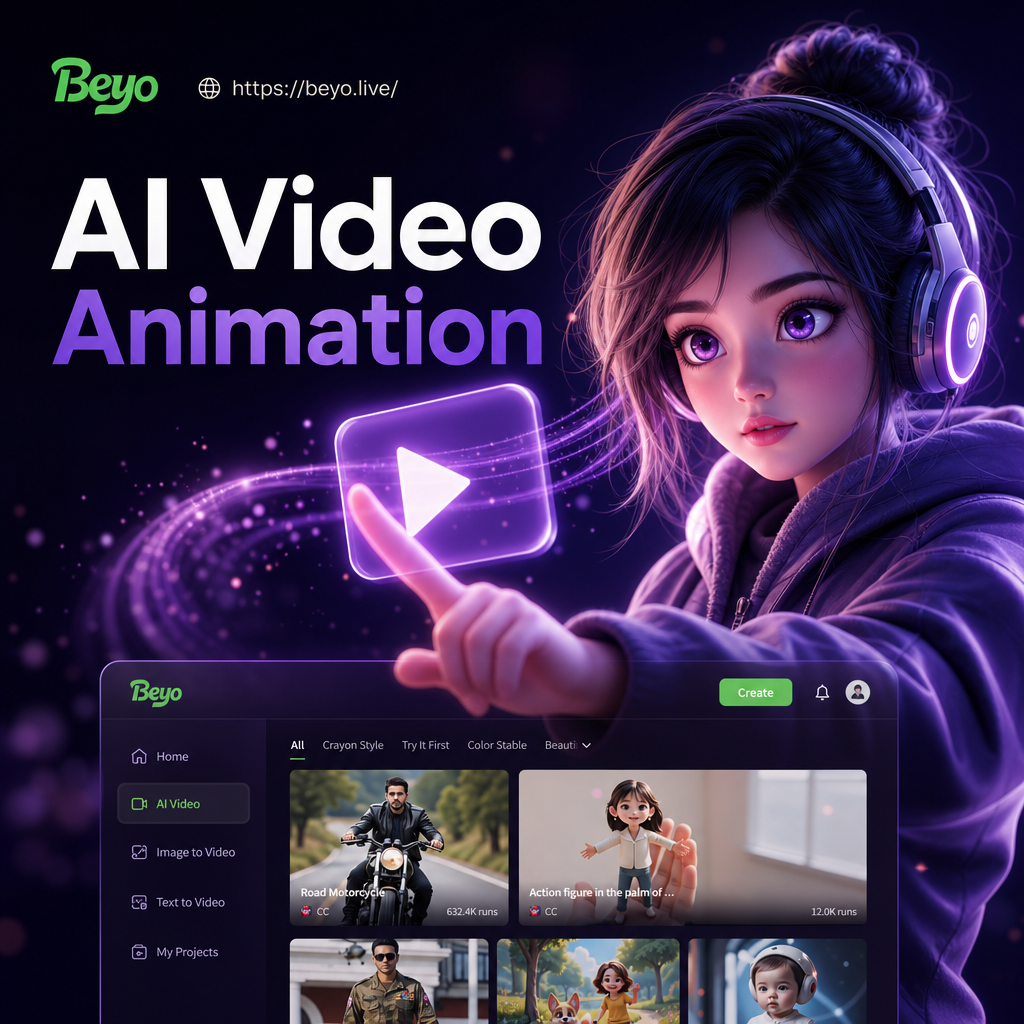
Choose the AI Video Animation Style That Fits You Best
Discover the filter that perfectly matches your style and mood for video animation. Explore trending effects from cinematic realism to anime and 3D clay.
Key Features of AI Video Animation Generator
Turn your photos into moving stories with powerful AI tools. Create dynamic videos, animate portraits, and process multi-person scenes without losing detail.
Image to Video Animation
Upload a static photo and watch it come alive with realistic movement. Add blinking, smiling, head turns, or full narrative motion with one tap.
Image to Video Animation
Upload a static photo and watch it come alive with realistic movement. Add blinking, smiling, head turns, or full narrative motion with one tap.
Text to Video Generation
Type a simple prompt and choose a style template. The AI generates a complete animated video clip without complex prompt engineering.
Text to Video Generation
Type a simple prompt and choose a style template. The AI generates a complete animated video clip without complex prompt engineering.
Multi Person Scene Animation
Animate group photos with accurate face recognition. Generate multi-person interactions and stylized team videos without face blending or subject loss.
Multi Person Scene Animation
Animate group photos with accurate face recognition. Generate multi-person interactions and stylized team videos without face blending or subject loss.
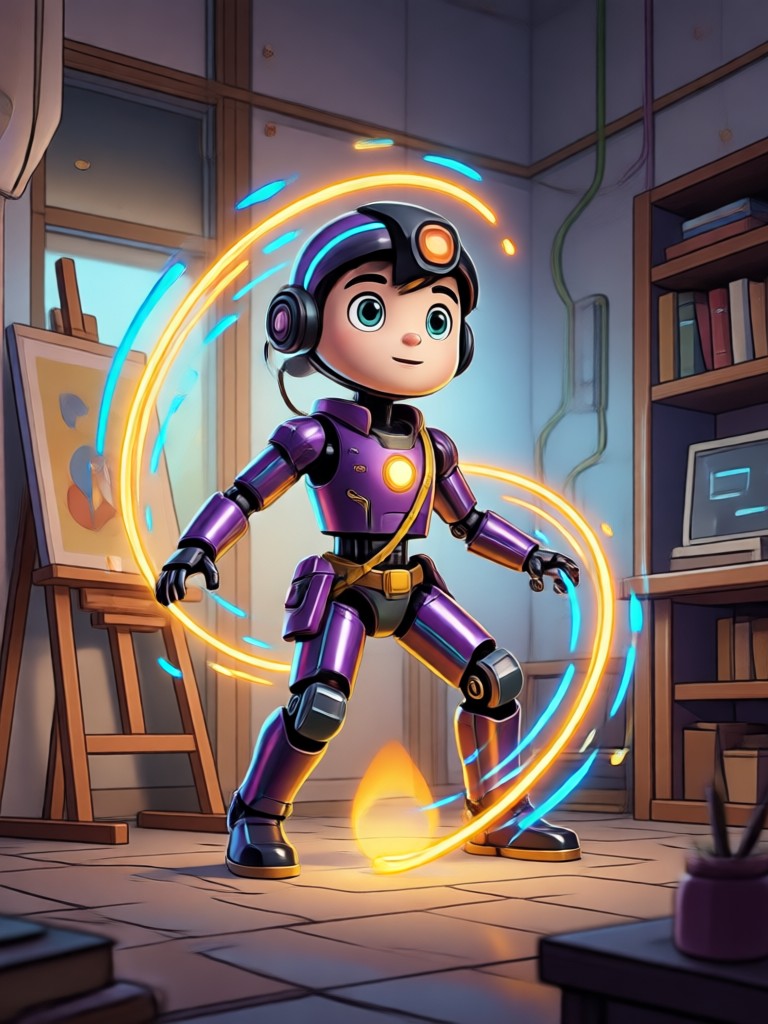
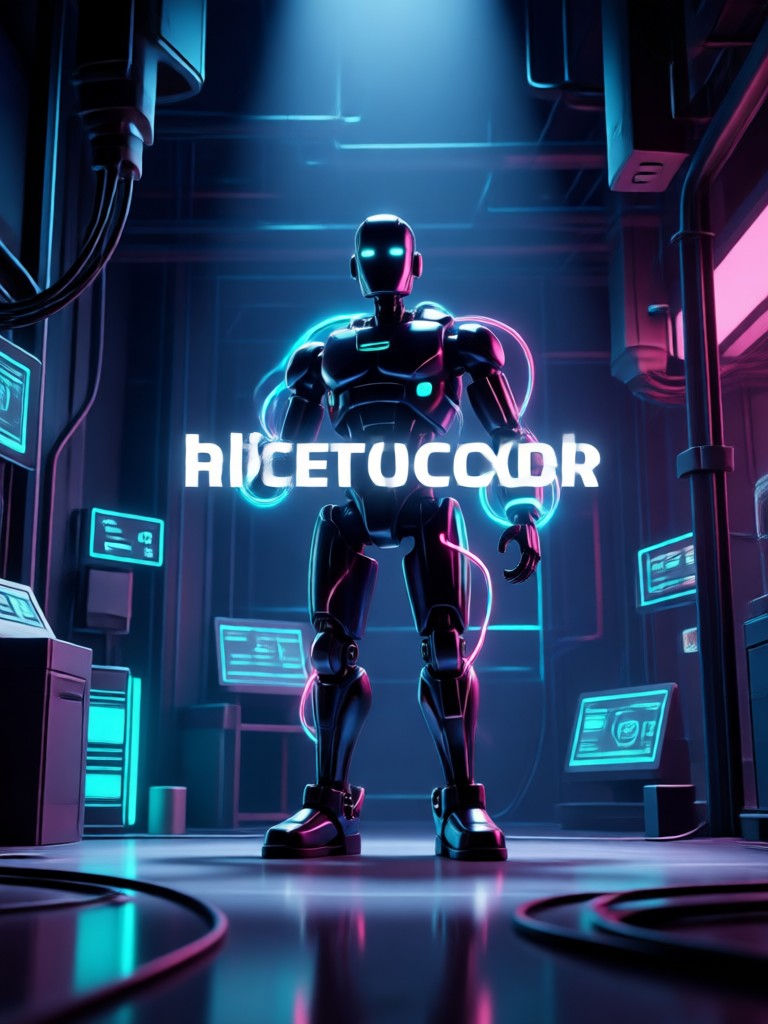
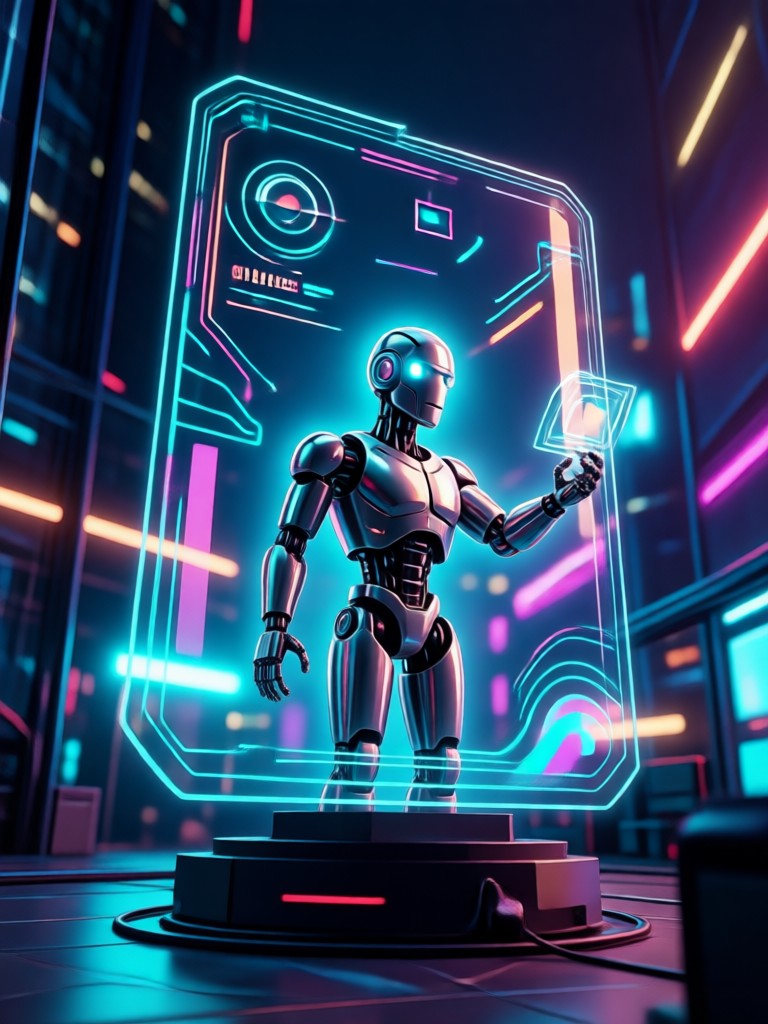
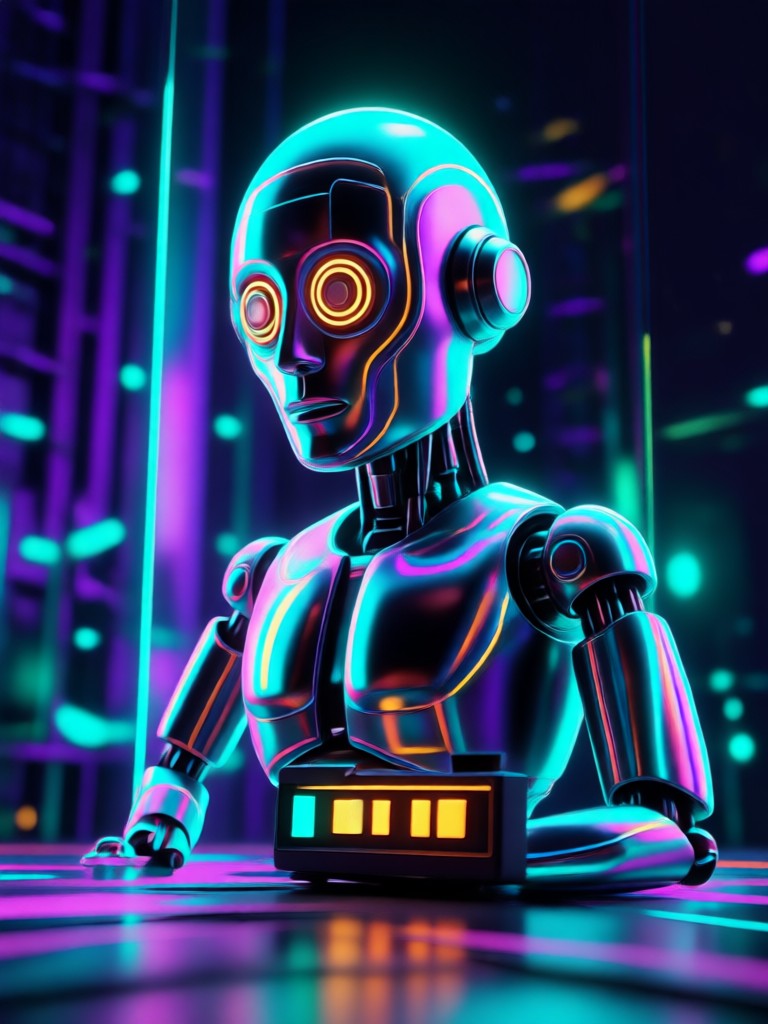
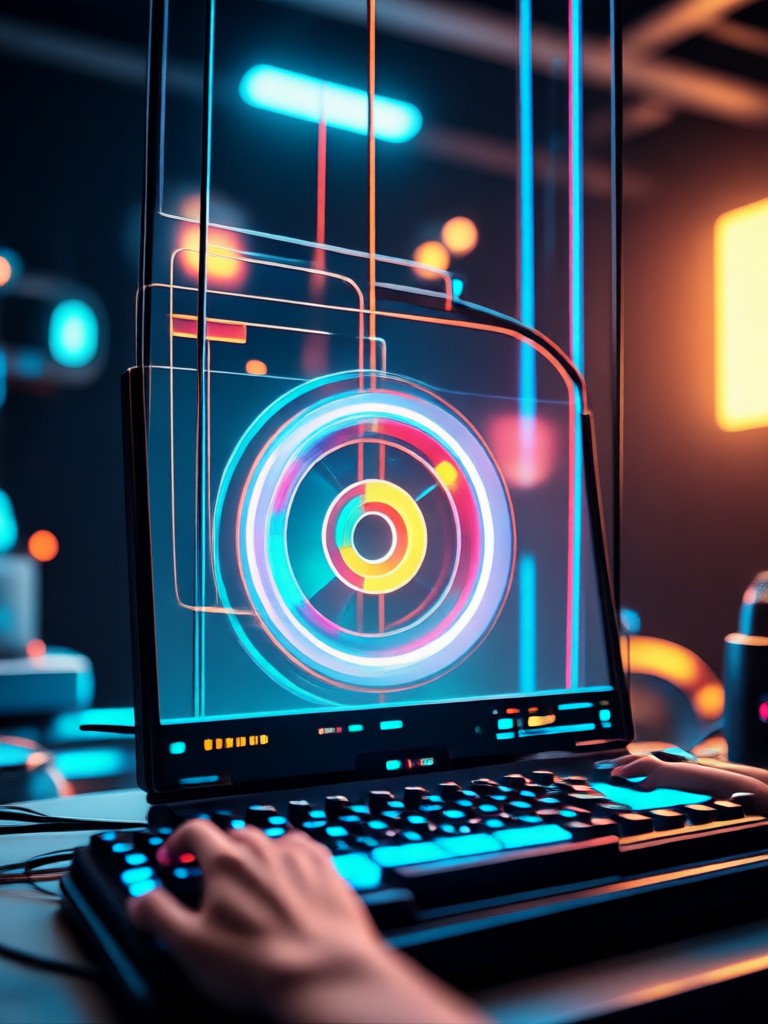
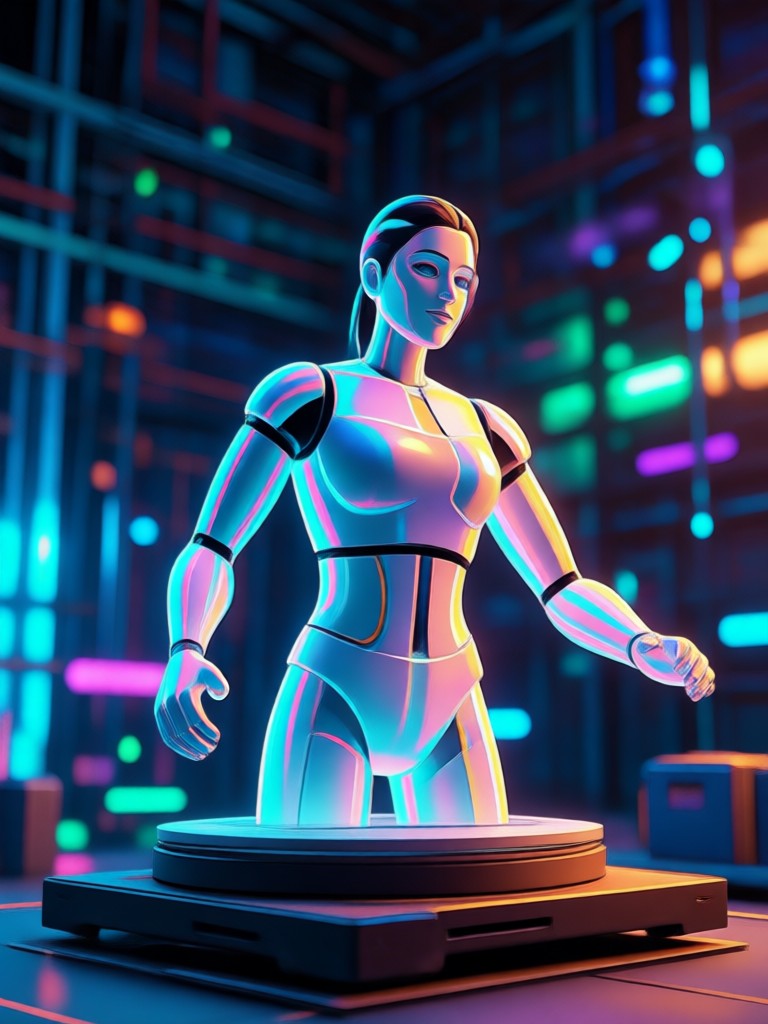
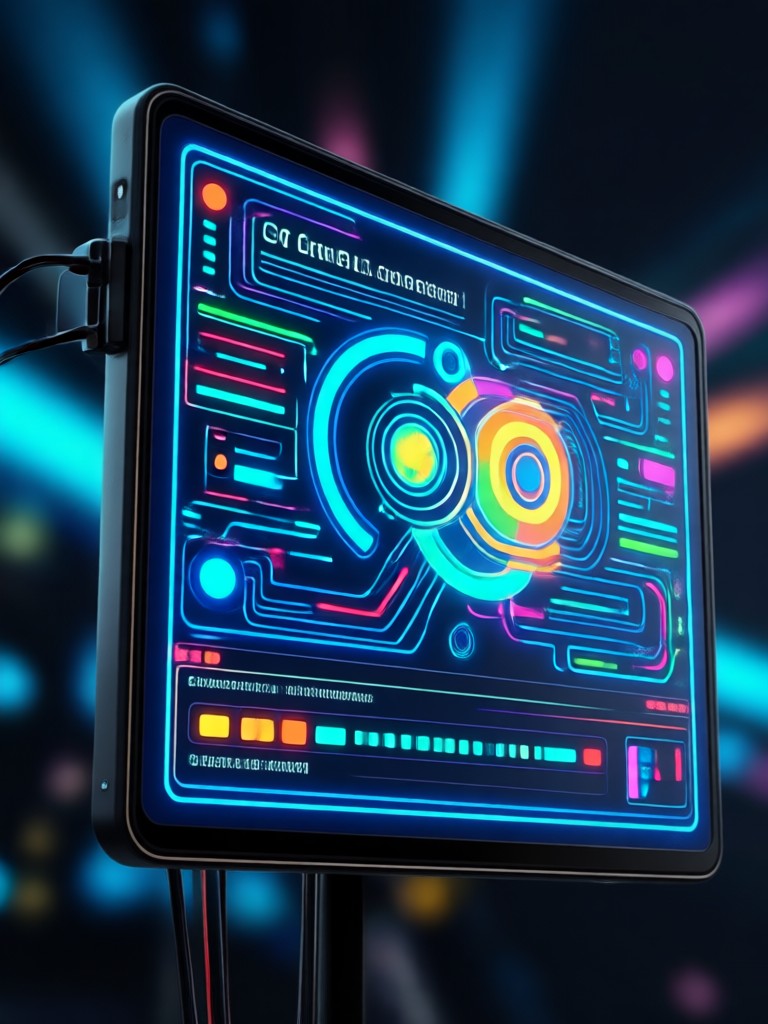
Explore AI Video Animation Creations
Browse stunning AI-generated video animation stills made with beyo. Discover creative possibilities and start generating your own today.
How to Make AI Video Animations?
Create stunning AI video animations in just three simple steps using the beyo app.

Step 01.
Download the beyo app from Google Play and open it on your Android phone to get started.

Step 02.
Choose a video animation style filter from the library, or upload your own photo and type a prompt.

Step 03.
Generate your AI video animation, then download and share it directly to social media or with friends.
Why Use AI Video Animation Generator
Create professional quality animated videos without expensive software or technical skills. beyo makes AI video animation fast, simple, and accessible on mobile.
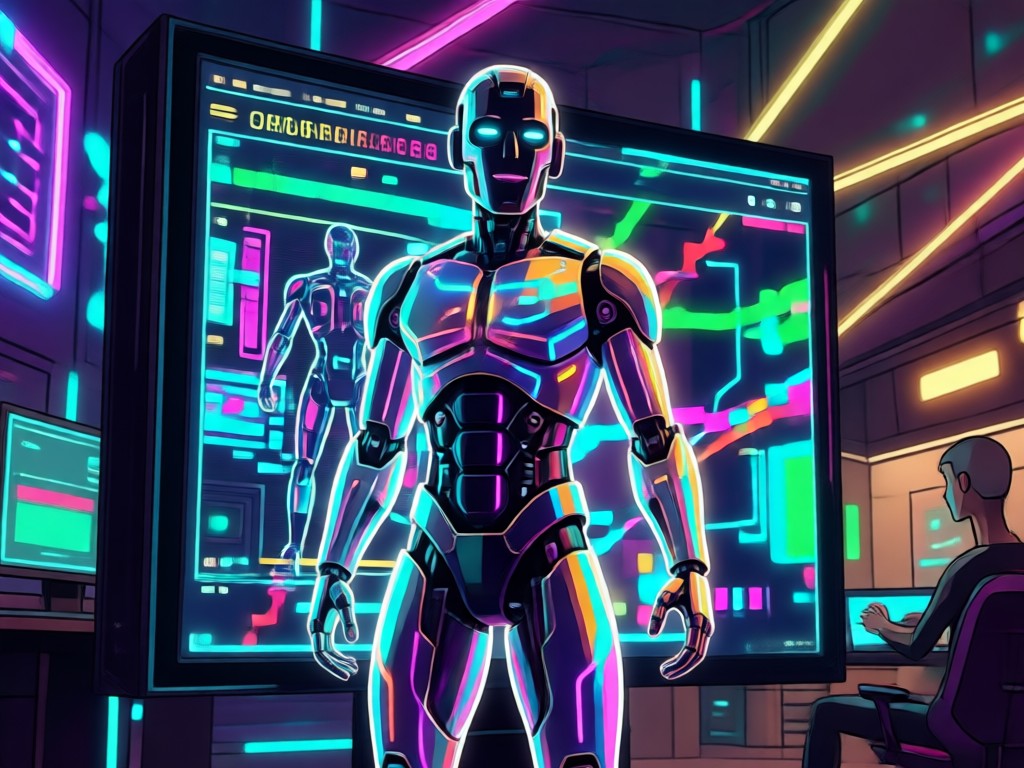
Effortless Motion From Any Image
The AI Video Animation Generator eliminates the learning curve of traditional animation tools. You do not need keyframes, editing timelines, or design experience. Just upload a photo, pick a style, and let the AI handle motion, lighting, and transitions. Whether you want anime effects, 3D clay animation, or cinematic realism, beyo delivers smooth results in seconds. It works entirely on your Android phone, so you can create and share from anywhere.
Effortless Motion From Any Image
The AI Video Animation Generator eliminates the learning curve of traditional animation tools. You do not need keyframes, editing timelines, or design experience. Just upload a photo, pick a style, and let the AI handle motion, lighting, and transitions. Whether you want anime effects, 3D clay animation, or cinematic realism, beyo delivers smooth results in seconds. It works entirely on your Android phone, so you can create and share from anywhere.
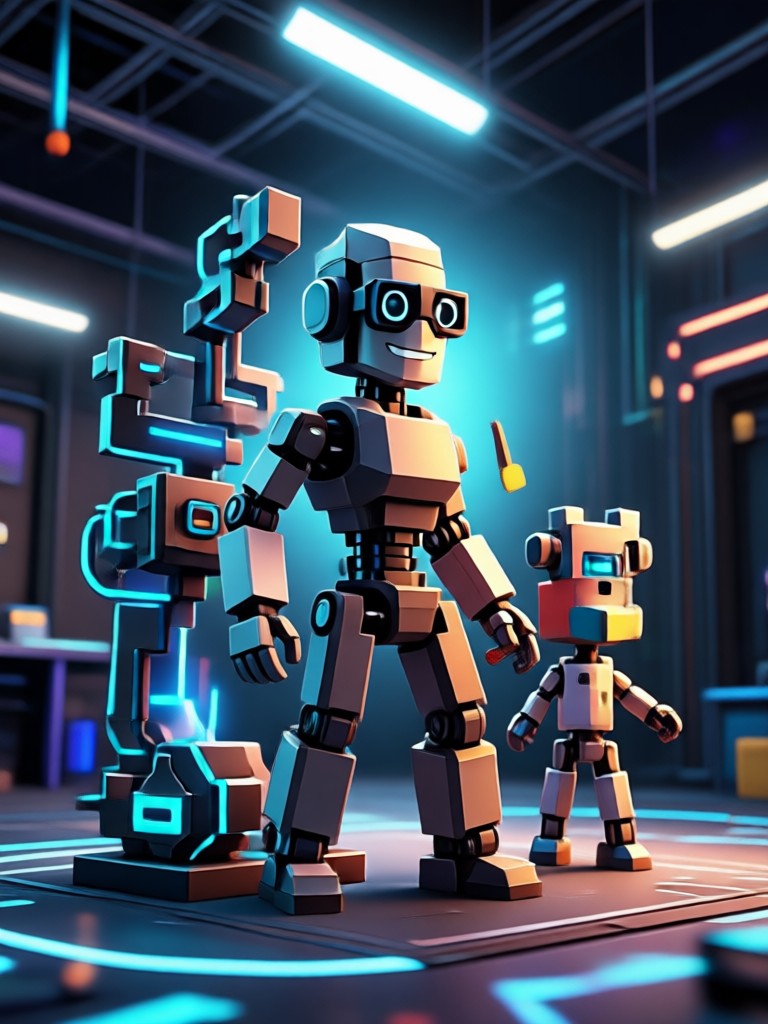
AI Video Animation Generator for Android
Download beyo on Google Play and start turning photos into animated videos with AI. No desktop software or editing skills needed.

Who Uses AI Video Animation Generator

Maya Chen
I turned my travel photos into cinematic video clips for Instagram Reels. The animation looks so smooth and realistic, my engagement tripled.
Jordan Lee
I make anime style dancing videos from a single selfie. The app handles the motion perfectly and my audience loves the results.
Priya Sharma
Our team used the multi person animation for a product launch. The group photo animated with everyone waving, and it looked incredible.

Carlos Mendes
I have zero editing skills, but I created a text to video ad for my small business in minutes. The style filters are super easy.
Maya Chen
I turned my travel photos into cinematic video clips for Instagram Reels. The animation looks so smooth and realistic, my engagement tripled.
Jordan Lee
I make anime style dancing videos from a single selfie. The app handles the motion perfectly and my audience loves the results.
Priya Sharma
Our team used the multi person animation for a product launch. The group photo animated with everyone waving, and it looked incredible.
Carlos Mendes
I have zero editing skills, but I created a text to video ad for my small business in minutes. The style filters are super easy.
Maya Chen
I turned my travel photos into cinematic video clips for Instagram Reels. The animation looks so smooth and realistic, my engagement tripled.
Jordan Lee
I make anime style dancing videos from a single selfie. The app handles the motion perfectly and my audience loves the results.
Priya Sharma
Our team used the multi person animation for a product launch. The group photo animated with everyone waving, and it looked incredible.
Carlos Mendes
I have zero editing skills, but I created a text to video ad for my small business in minutes. The style filters are super easy.
Frequently Asked Questions
Find clear answers to common questions about the AI Video Animation Generator and how to make the most of beyo.
More Topics You May Like
Explore more topics you may like and discover fresh ideas tailored to your interests.
Add Logo To Photo: Brand Your Images in Seconds
Video Music Remover: Clean Audio in Seconds

App To Remove People From Photos - AI Powered Creative Tool | beyo

Mirror Image Generator - AI Powered Creative Tool | beyo
Add Logo To Photo: Brand Your Images in Seconds
Video Music Remover: Clean Audio in Seconds
App To Remove People From Photos - AI Powered Creative Tool | beyo
Mirror Image Generator - AI Powered Creative Tool | beyo
Trending AI Video Animations at Your Fingertips
Apply the latest viral video effects to your photos with beyo. Stay ahead of trends and create content everyone will notice.

Trending AI Video Animations at Your Fingertips
Apply the latest viral video effects to your photos with beyo. Stay ahead of trends and create content everyone will notice.