AI Squid Game Filter
More Popular TV Show & Character Filters
Beyond Squid Game, explore thousands of AI filters to become your favorite character from movies, anime, and viral trends.
Why Choose Our AI Squid Game Filter?
Our filter uses advanced AI to deliver a seamless and immersive transformation, making you a part of the game instantly.
Instant Character Transformation
No editing skills needed. Upload a clear portrait, and our AI automatically applies the green tracksuit, numbered mask, and correct lighting to match the show's atmosphere.
Instant Character Transformation
No editing skills needed. Upload a clear portrait, and our AI automatically applies the green tracksuit, numbered mask, and correct lighting to match the show's atmosphere.
High Quality & Realistic Results
Get photorealistic outputs where the clothing and mask look natural on your body. The AI preserves your facial structure while adding the iconic game elements convincingly.
High Quality & Realistic Results
Get photorealistic outputs where the clothing and mask look natural on your body. The AI preserves your facial structure while adding the iconic game elements convincingly.
Create with Friends (Group Feature)
Upload a group photo. Our AI intelligently applies the filter to each person individually, creating a squad of players ready for the next challenge. No face blending.
Create with Friends (Group Feature)
Upload a group photo. Our AI intelligently applies the filter to each person individually, creating a squad of players ready for the next challenge. No face blending.
Squid Game Filter Creations Gallery
See how users have transformed into players. From solo portraits to group shots, explore the creative possibilities of the AI Squid Game filter.
How to Use the AI Squid Game Filter?
Create your own Squid Game player image in just three simple steps. No design experience required.

Step 01.
Download the beyo app from Google Play. It's your all in one studio for AI filters, including the viral Squid Game effect.

Step 02.
Open the app, tap 'AI Filters' and search for 'Squid Game'. Select the filter from the trending styles library.

Step 03.
Upload or take a photo. The AI will process it instantly. Download your player image and share it on TikTok, Instagram, or with friends.
What Users Say About the Squid Game Filter
Alex C.
Went viral on my Instagram story with this filter! My friends thought it was a professional photoshop. The AI nailed the uniform texture and the mask looks so real. Best app for trend hopping.

Maya R.
We used the group photo feature for our game night. Made everyone into players with different numbers. It was hilarious and the AI handled all five of us perfectly. No weird face merges!

Ben T.
As a content creator, I'm always looking for the next viral effect. This Squid Game filter is it. Super easy to use and the output quality is high enough for my YouTube thumbnails. Gold mine.
Chloe S.
I'm not tech savvy at all, but I had my Squid Game photo in under a minute. The app guides you perfectly. Shared it and got so many 'how did you do that?' comments. Love it.
Alex C.
Went viral on my Instagram story with this filter! My friends thought it was a professional photoshop. The AI nailed the uniform texture and the mask looks so real. Best app for trend hopping.
Maya R.
We used the group photo feature for our game night. Made everyone into players with different numbers. It was hilarious and the AI handled all five of us perfectly. No weird face merges!
Ben T.
As a content creator, I'm always looking for the next viral effect. This Squid Game filter is it. Super easy to use and the output quality is high enough for my YouTube thumbnails. Gold mine.
Chloe S.
I'm not tech savvy at all, but I had my Squid Game photo in under a minute. The app guides you perfectly. Shared it and got so many 'how did you do that?' comments. Love it.
Alex C.
Went viral on my Instagram story with this filter! My friends thought it was a professional photoshop. The AI nailed the uniform texture and the mask looks so real. Best app for trend hopping.
Maya R.
We used the group photo feature for our game night. Made everyone into players with different numbers. It was hilarious and the AI handled all five of us perfectly. No weird face merges!
Ben T.
As a content creator, I'm always looking for the next viral effect. This Squid Game filter is it. Super easy to use and the output quality is high enough for my YouTube thumbnails. Gold mine.
Chloe S.
I'm not tech savvy at all, but I had my Squid Game photo in under a minute. The app guides you perfectly. Shared it and got so many 'how did you do that?' comments. Love it.
Your Turn to Play
Download beyo now and access not just the Squid Game filter, but over a million other AI styles, effects, and video generators. Your all in one creative AI studio is waiting.

AI Squid Game Filter FAQs
Got questions about how the filter works? Find quick answers here to start creating your own Squid Game moments.
More AI Filter Topics You May Like
Explore more topics you may like and discover fresh ideas tailored to your interests.
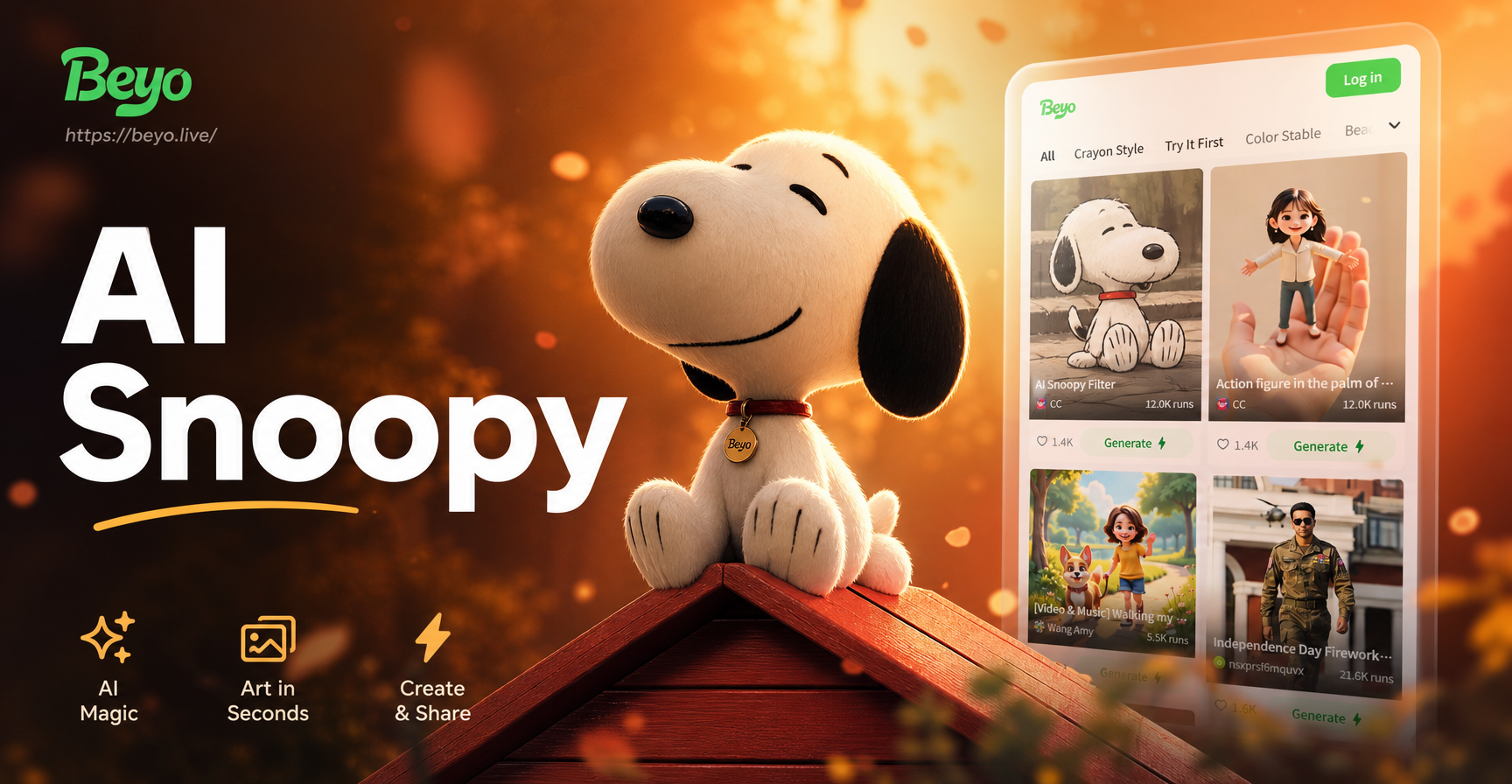
Snoopy AI Filter: Turn Yourself into a Cartoon Dog Instantly
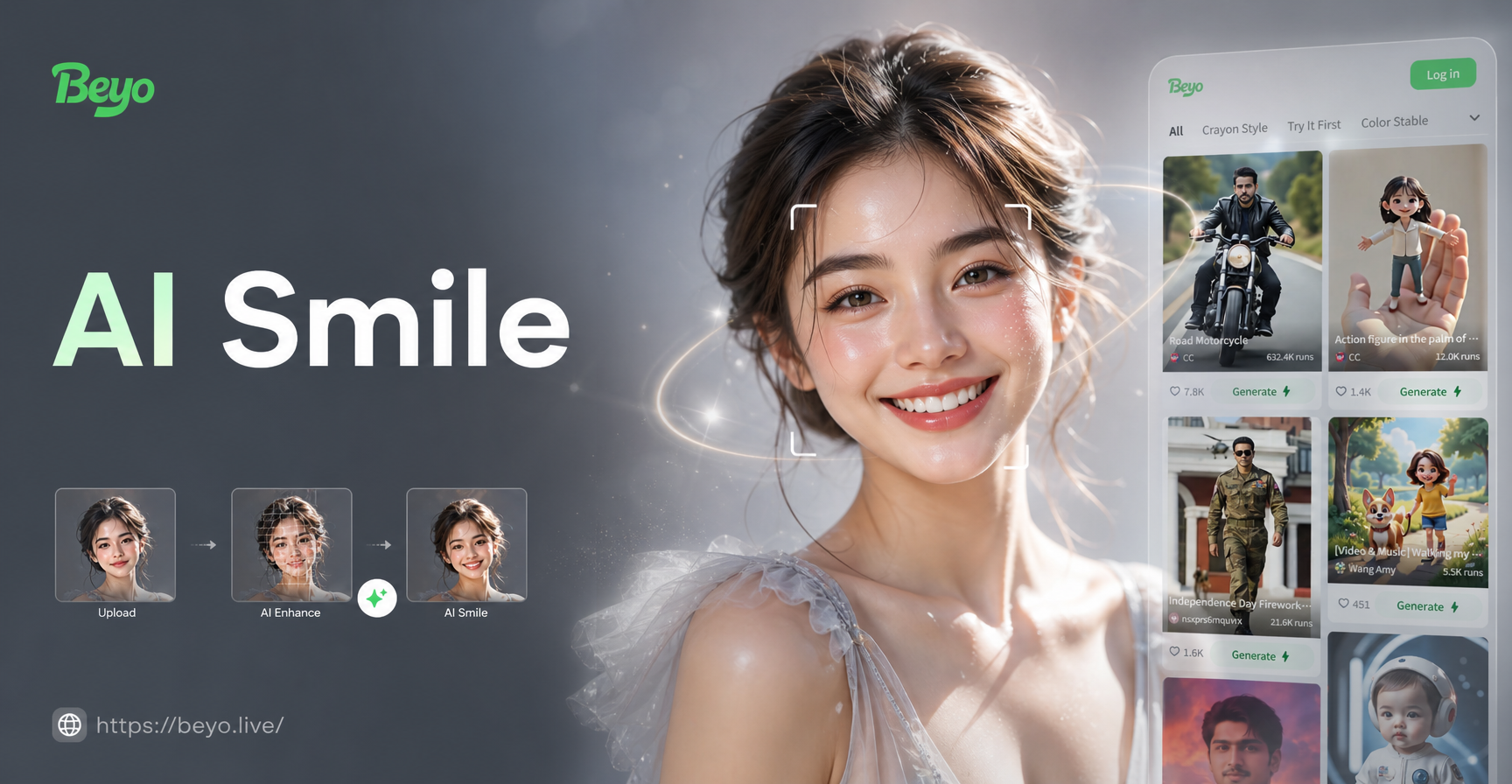
AI Smile Filter: Add Realistic Smiles to Any Photo Instantly
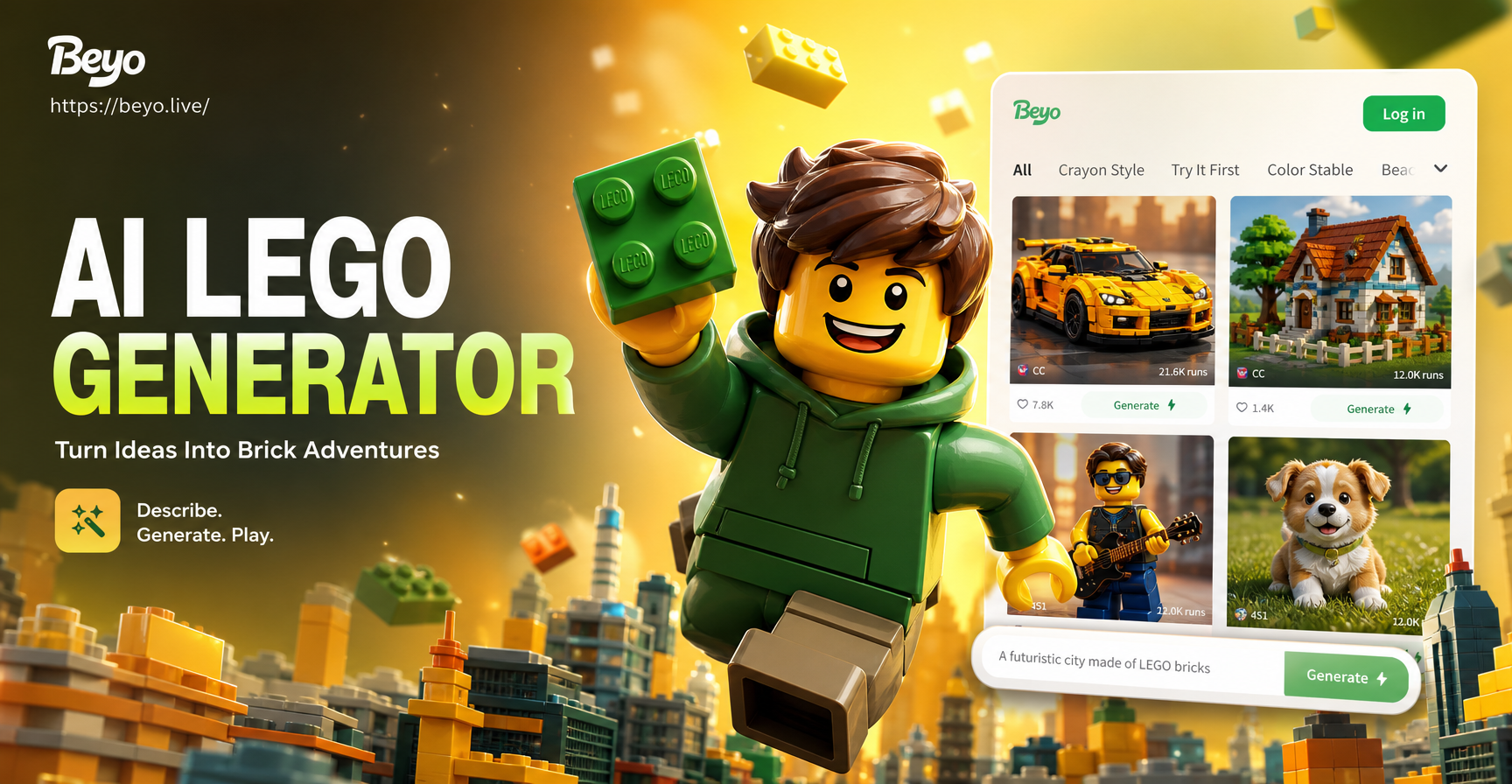
Create LEGO AI Art Instantly: From Photos to Bricks
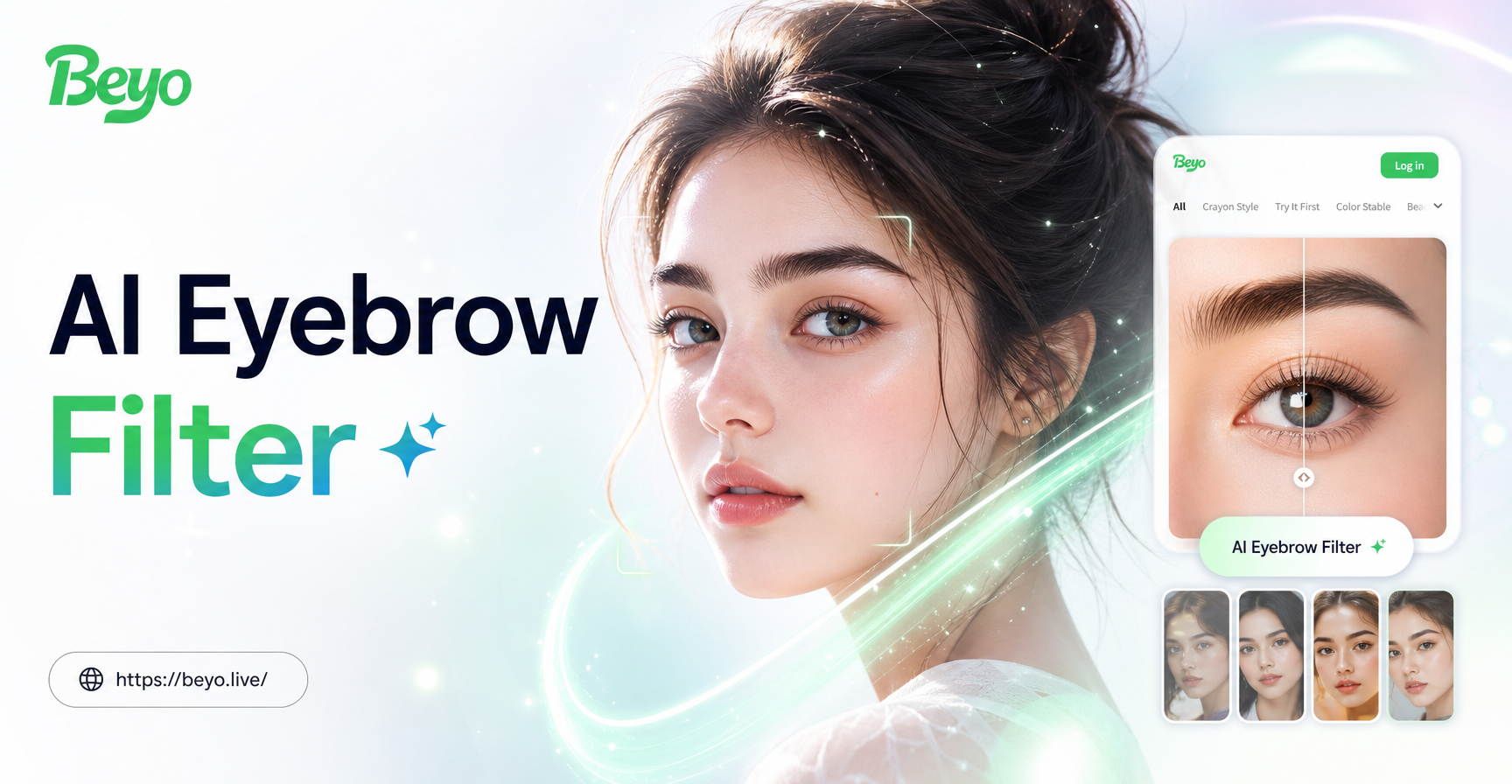
AI Eyebrow Filters: Create Perfect Brow Looks Instantly
Snoopy AI Filter: Turn Yourself into a Cartoon Dog Instantly
AI Smile Filter: Add Realistic Smiles to Any Photo Instantly
Create LEGO AI Art Instantly: From Photos to Bricks
AI Eyebrow Filters: Create Perfect Brow Looks Instantly
Ready for the Next Game?
Don't just watch Squid Game, become a part of it. Transform your photos with the viral AI filter and share your player identity with the world. The doll is watching.
Ready for the Next Game?
Don't just watch Squid Game, become a part of it. Transform your photos with the viral AI filter and share your player identity with the world. The doll is watching.