AI SVG Generator: Create Scalable Vector Art in Seconds
Choose the Perfect Vector Style Filter
Discover AI vector and SVG style filters that match your creative project, from flat icons to detailed line art.
Key Features of AI SVG Generator
Explore how beyo transforms text prompts into clean vector art with smart AI tools built for creators of all levels.
Text to SVG Conversion
Type a simple description and watch beyo generate clean SVG style vector art. Perfect for icons, logos, and graphic elements without needing to draw a single line.
Vector Style Filters
Apply flat design, line art, geometric, isometric, and minimalist styles to any generation. Switch between hundreds of curated vector aesthetics with one tap.

Scalable HD Output
Every generated image maintains crisp edges and clean shapes so your artwork resizes smoothly for websites, apps, print, and social media.
How to Generate SVG Art with AI?
Create vector style graphics in three simple steps using the beyo mobile app.

Step 01.
Download beyo from Google Play and open the app on your Android phone to access all AI SVG generation tools.

Step 02.
Choose a vector style filter such as flat design, line art, or geometric, then type a short text prompt describing your desired graphic.

Step 03.
Tap generate to create your SVG style artwork, then save it or share it directly to social media and design platforms.
Explore AI Generated SVG Art Gallery
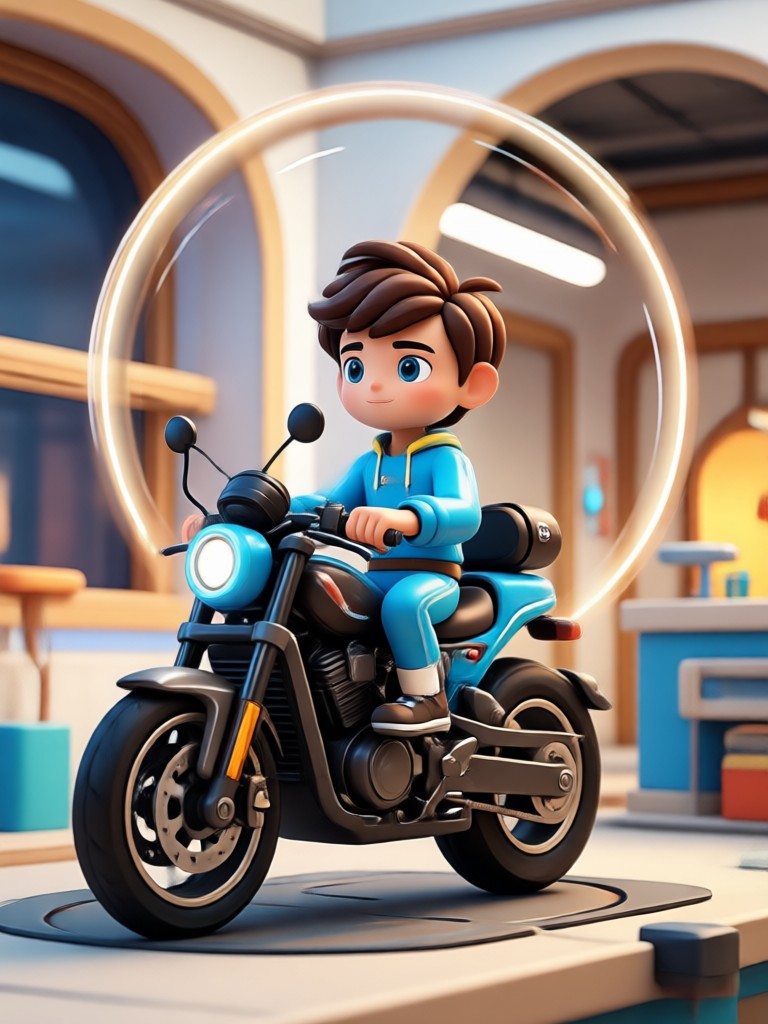
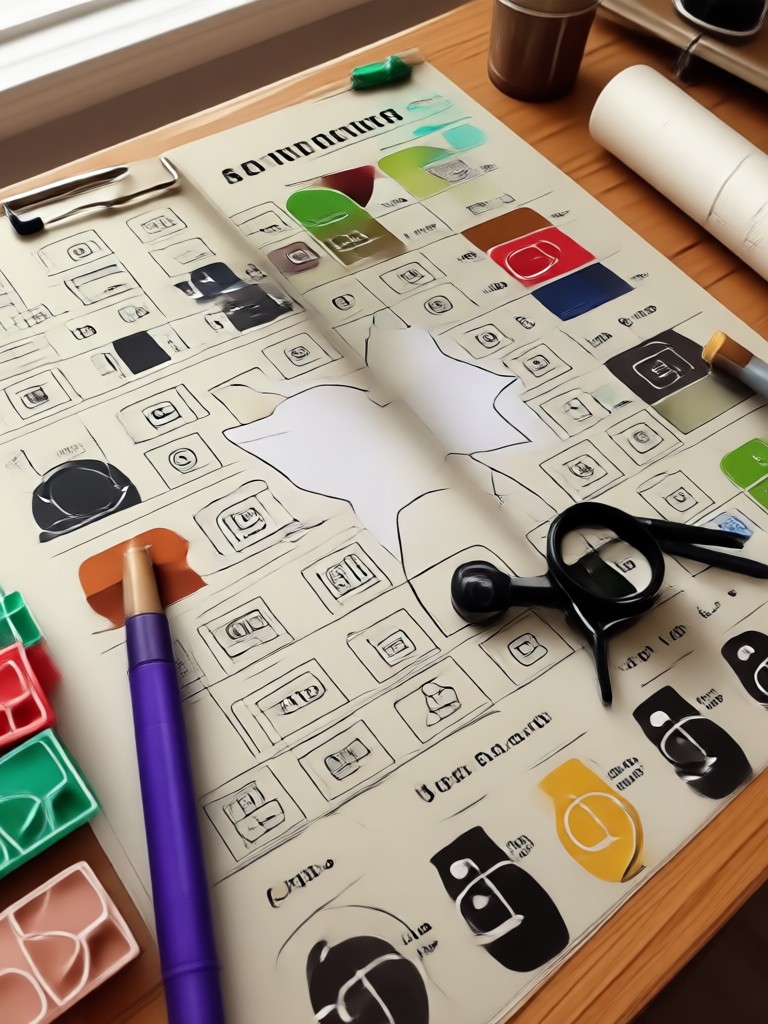
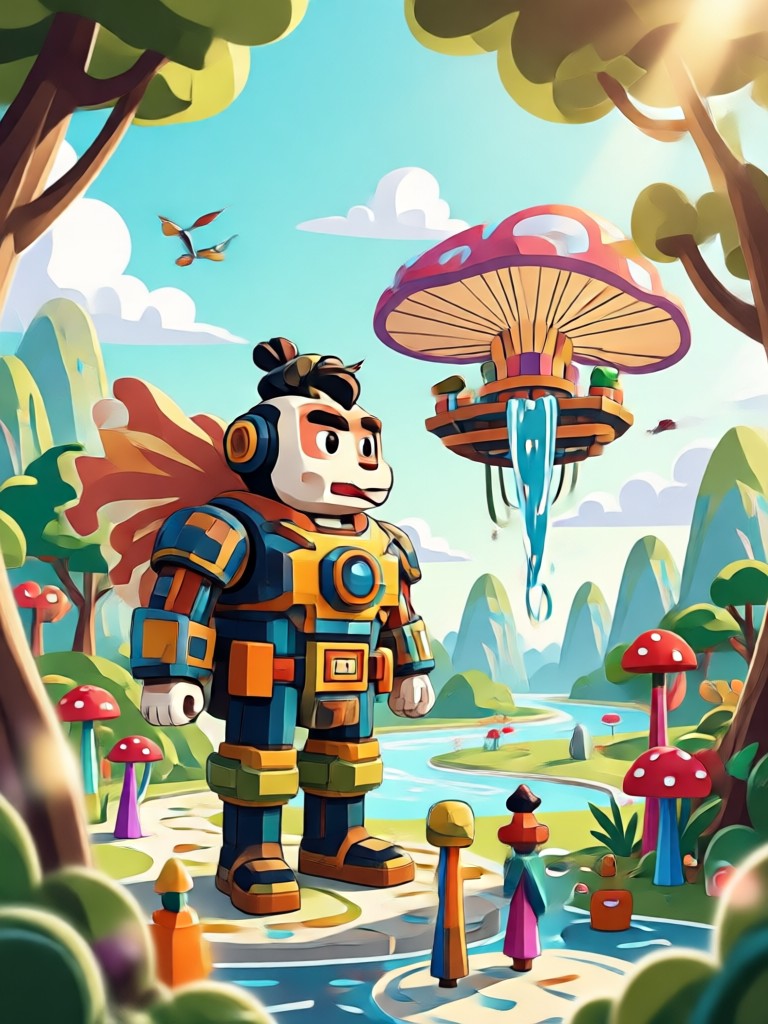
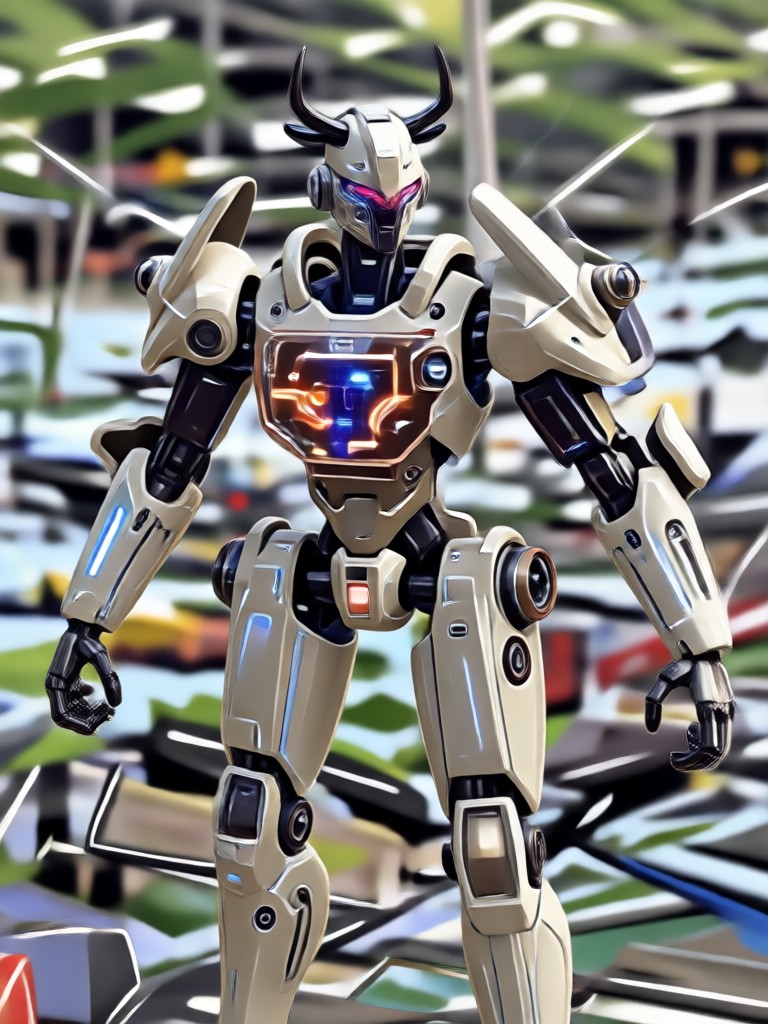
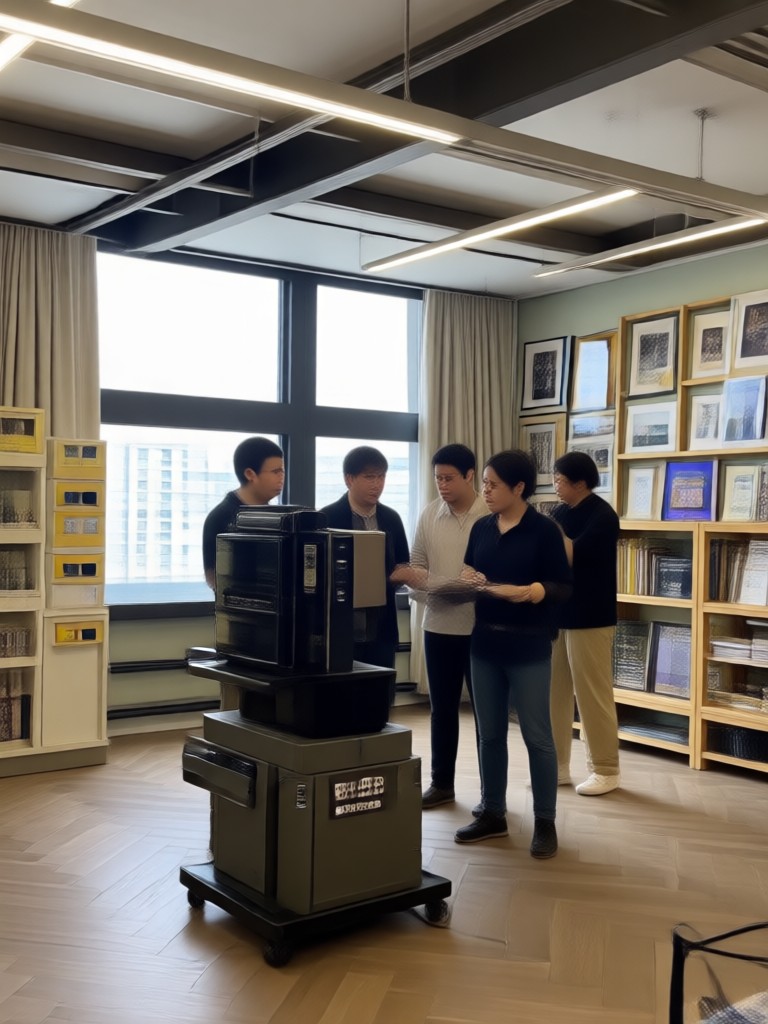
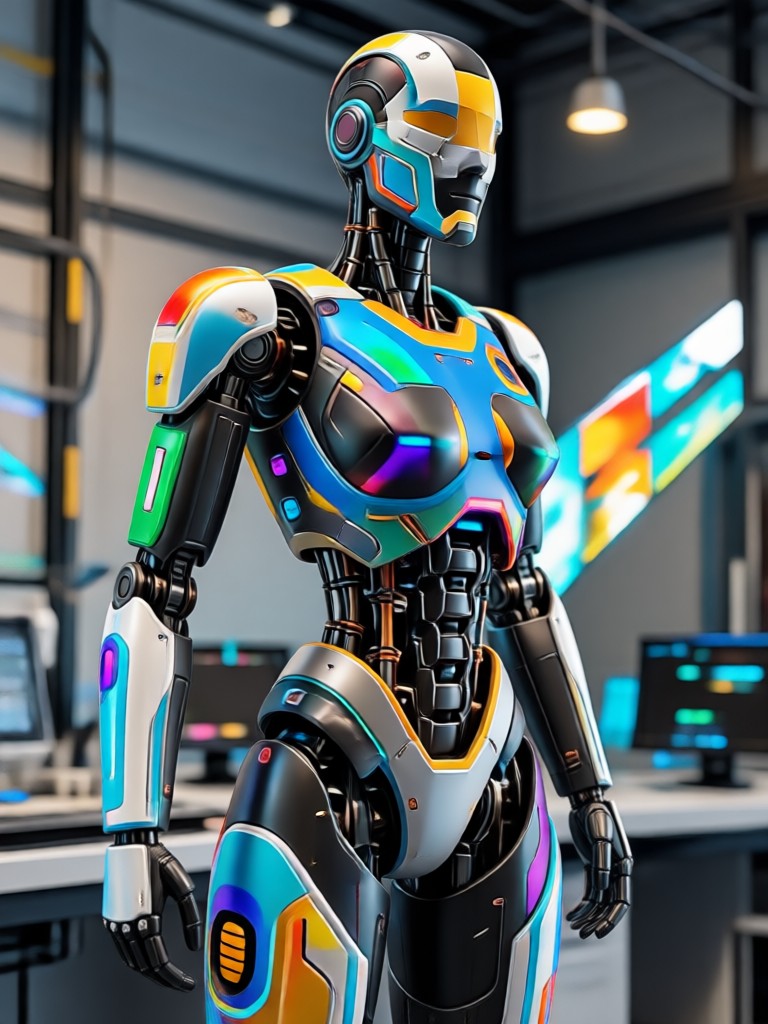
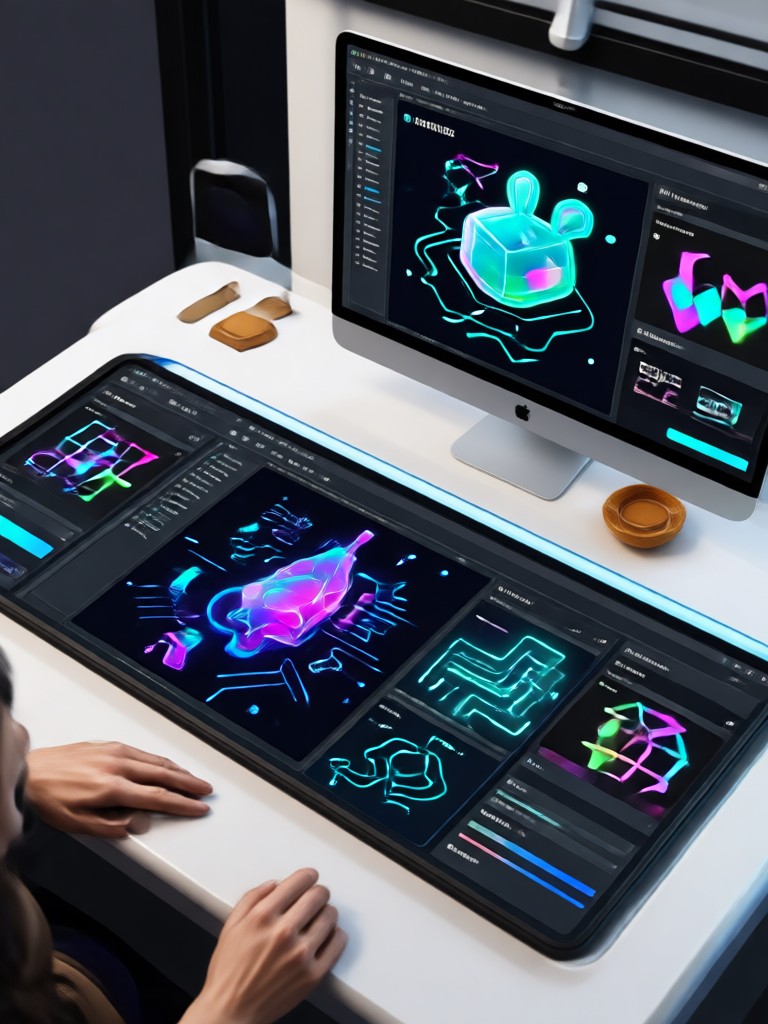
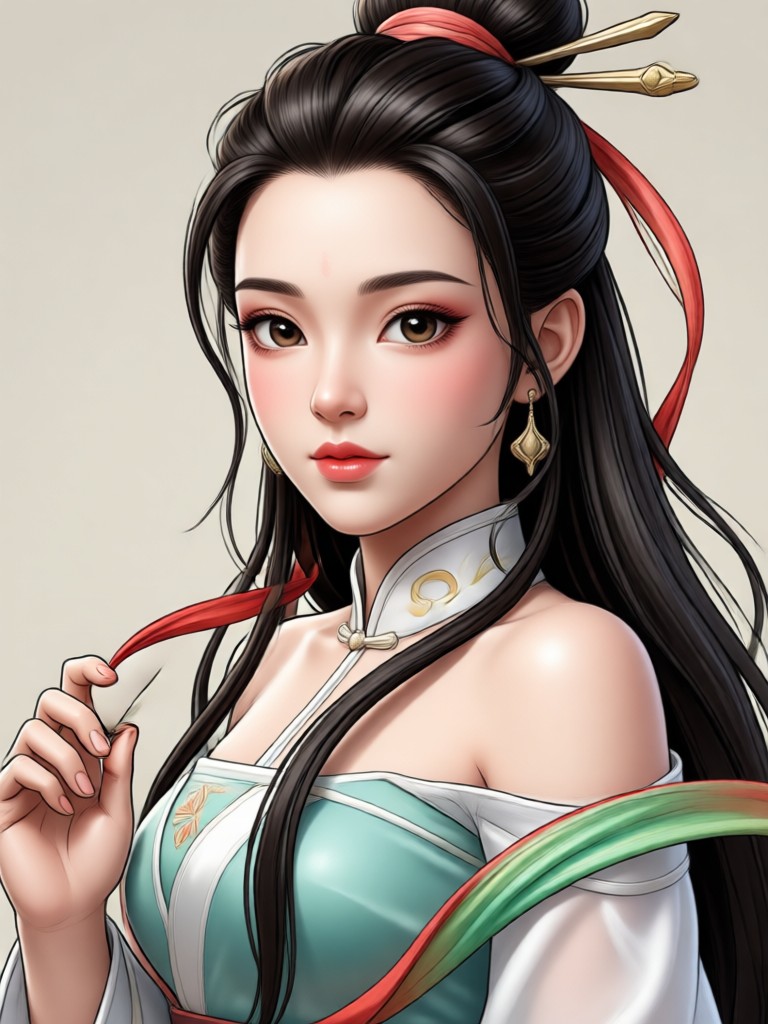
Browse vector style artwork created with beyo. Discover flat icons, line illustrations, geometric patterns, and minimal logos made from simple text prompts.


Why Use beyo for SVG Generation
Most design tools require complex vector editing software and years of experience. beyo removes that barrier entirely.
From Text Prompt to Vector Art in One Tap
Traditional SVG creation demands mastery of tools like Illustrator or Figma. beyo replaces that learning curve with an intuitive mobile experience. Simply describe what you want in plain language, pick a vector style, and let the AI handle shapes, clean lines, and balanced composition. Whether you need a quick icon, a logo concept, or a full illustration set, beyo delivers polished results without a single manual vector node. It is fast, accessible, and built for creators who want professional graphics without technical complexity.
From Text Prompt to Vector Art in One Tap
Traditional SVG creation demands mastery of tools like Illustrator or Figma. beyo replaces that learning curve with an intuitive mobile experience. Simply describe what you want in plain language, pick a vector style, and let the AI handle shapes, clean lines, and balanced composition. Whether you need a quick icon, a logo concept, or a full illustration set, beyo delivers polished results without a single manual vector node. It is fast, accessible, and built for creators who want professional graphics without technical complexity.
Here is What Designers Think About beyo
Perfect for quick icon sets
I needed simple icons for a client website and beyo generated a full matching set in minutes. The flat design filters keep everything consistent and clean.
No more staring at blank canvases
As a social media manager I constantly need graphics. I type a short prompt, pick a line art style, and have a post ready before my coffee gets cold.
Seriously impressive vector results
I was skeptical that AI could make clean scalable graphics. The geometric and minimal styles from beyo are genuinely usable for presentation slides and pitch decks.
Frequently Asked Questions About AI SVG Generator
Find clear answers to common questions about generating SVG and vector art with the beyo mobile app.
Get the Free AI SVG Generator App
Download beyo from Google Play and start creating scalable vector graphics, icons, and illustrations from text prompts on your phone.

More Topics You May Like
Explore more AI creative tools and discover fresh ways to generate stunning graphics on your phone.
Free AI Ad Creative Generator: Make Ads That Convert
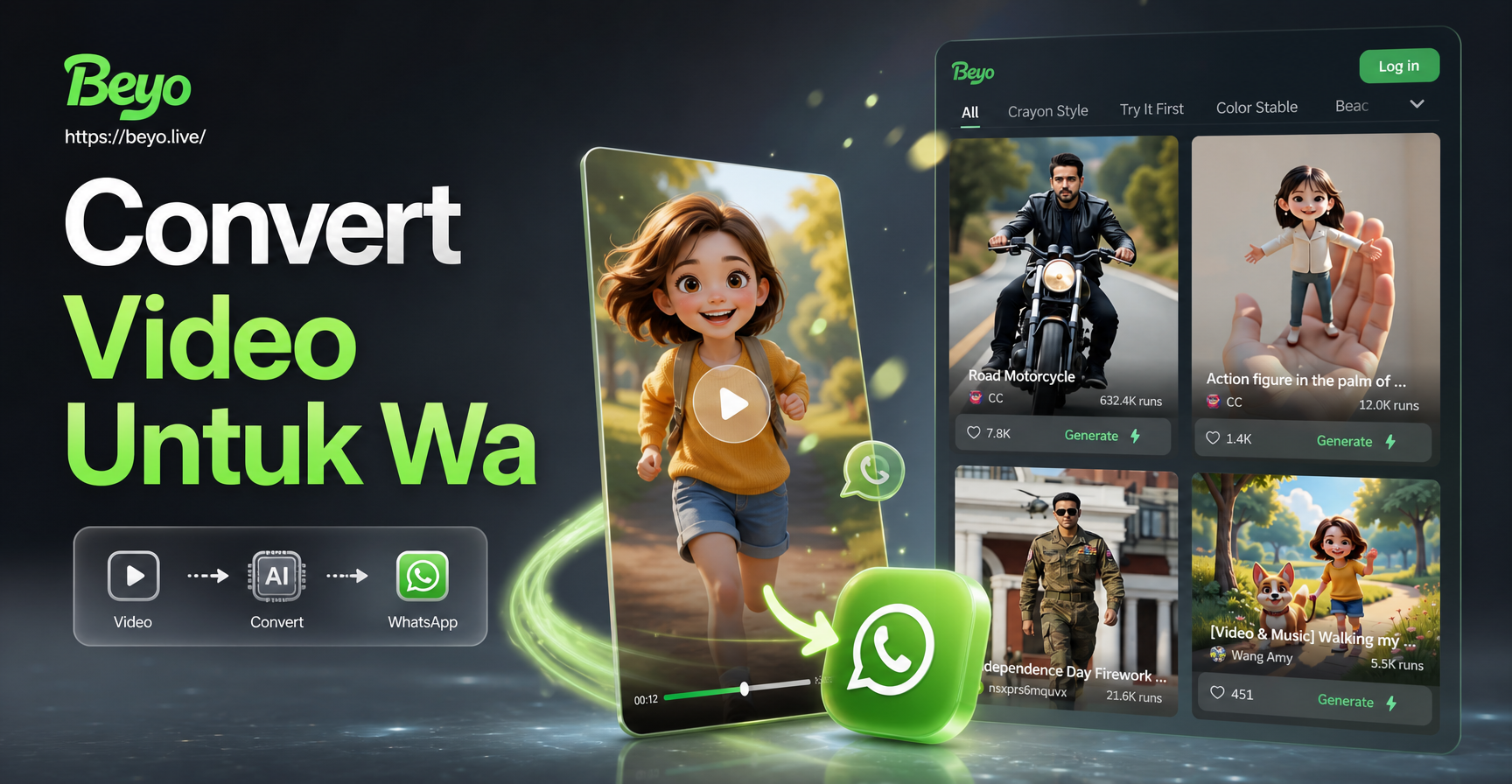
Convert Video untuk WA: Ubah Format & Style dengan AI
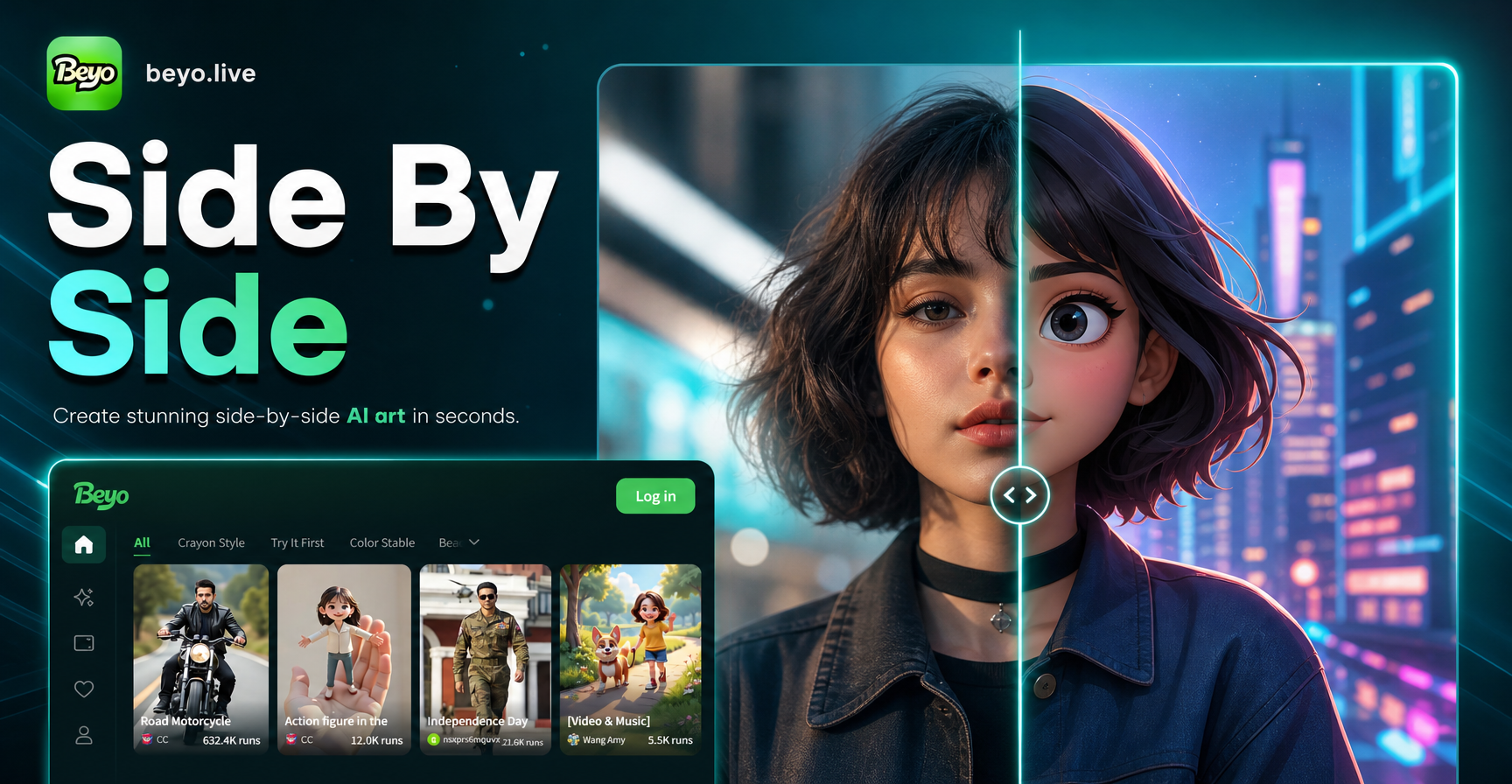
Side By Side Picture Maker: Stunning AI Photo Compare

Convert Video to WhatsApp Status in Seconds
Free AI Ad Creative Generator: Make Ads That Convert
Convert Video untuk WA: Ubah Format & Style dengan AI
Side By Side Picture Maker: Stunning AI Photo Compare
Convert Video to WhatsApp Status in Seconds
Start Creating Scalable Vector Art Today
Download beyo, pick a vector filter, and turn your text prompts into clean SVG style graphics in seconds. No design experience required.
Start Creating Scalable Vector Art Today
Download beyo, pick a vector filter, and turn your text prompts into clean SVG style graphics in seconds. No design experience required.