Create SVG From Image
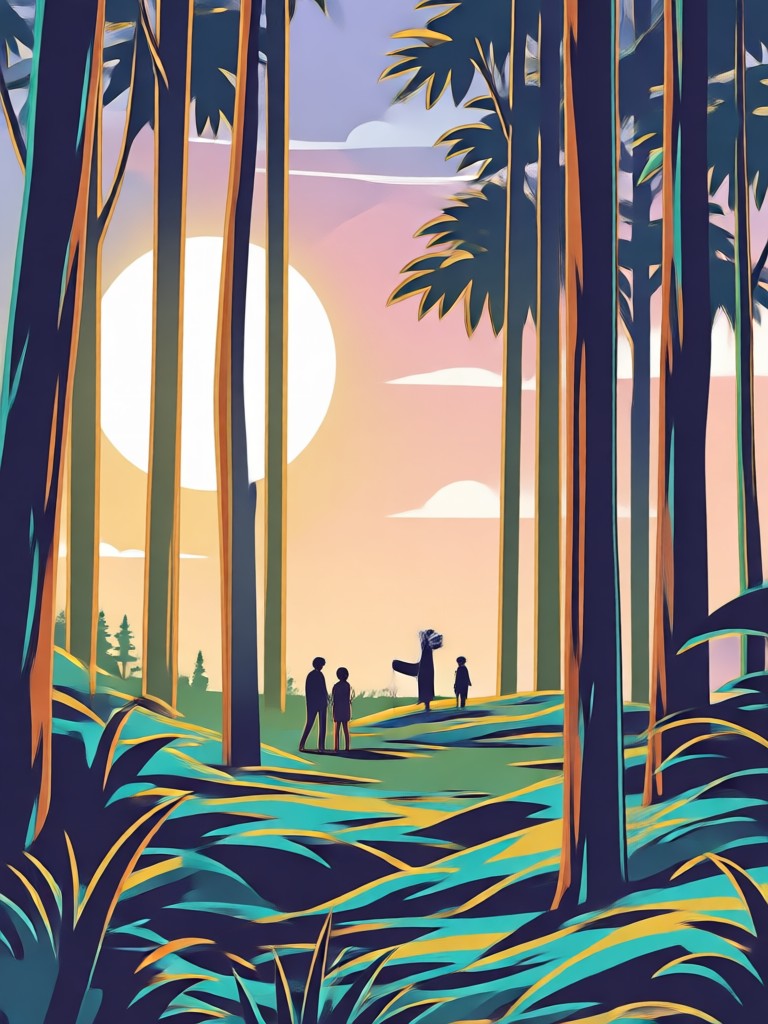
Choose Your Vector Style Filter
Discover the perfect vector inspired filter that matches your creative vision. From flat vector art to minimalist line work, find the style that transforms your photos into clean, scalable designs.
Powerful AI Tools to Create SVG Style Images
beyo combines advanced AI image transformation with an intuitive mobile interface. No pen tools, no bezier curves, no complicated vector software. Just upload, choose, and generate clean vector inspired artwork in seconds.
AI Image to Style Transformation
Upload a photo and watch beyo convert it into clean vector inspired artwork. The AI analyzes your image, flattens colors, simplifies shapes, and removes noise to create crisp graphic results that look professionally designed. No manual tracing or complicated vector tools needed.
AI Image to Style Transformation
Upload a photo and watch beyo convert it into clean vector inspired artwork. The AI analyzes your image, flattens colors, simplifies shapes, and removes noise to create crisp graphic results that look professionally designed. No manual tracing or complicated vector tools needed.
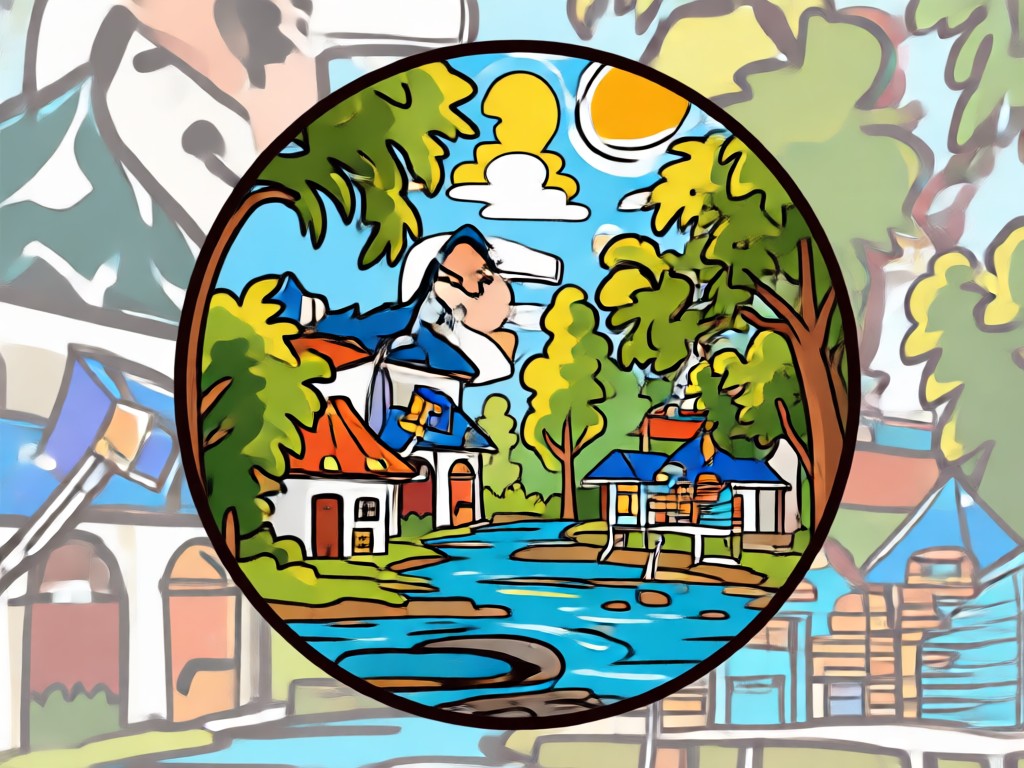
Millions of Vector Style Filters
Explore 1,000,000+ style templates ranging from flat vector art to minimalist line work, geometric patterns, and clean illustration styles. Each filter is designed to give your photos a scalable, graphic quality that stands out on any platform. Find the perfect match instantly.
Millions of Vector Style Filters
Explore 1,000,000+ style templates ranging from flat vector art to minimalist line work, geometric patterns, and clean illustration styles. Each filter is designed to give your photos a scalable, graphic quality that stands out on any platform. Find the perfect match instantly.
High Resolution Crisp Output
Generate images with sharp edges, smooth gradients, and clean color transitions. The results are perfect for stickers, print materials, social media posts, and digital designs. Every output maintains clarity at any size, giving you professional quality without the learning curve.
High Resolution Crisp Output
Generate images with sharp edges, smooth gradients, and clean color transitions. The results are perfect for stickers, print materials, social media posts, and digital designs. Every output maintains clarity at any size, giving you professional quality without the learning curve.
How to Create SVG Style Images From Photos
Turn any photo into clean vector inspired artwork in three simple steps using beyo.

Step 01.
Download the beyo app from Google Play and open it on your mobile device. No account setup required to get started.

Step 02.
Upload a photo from your gallery or take a new one. Choose from hundreds of vector style filters and templates designed for clean graphic output.

Step 03.
Generate your SVG style design in seconds. Save the result to your device or share it directly to social media and design platforms.
Explore AI Generated Vector Style Art
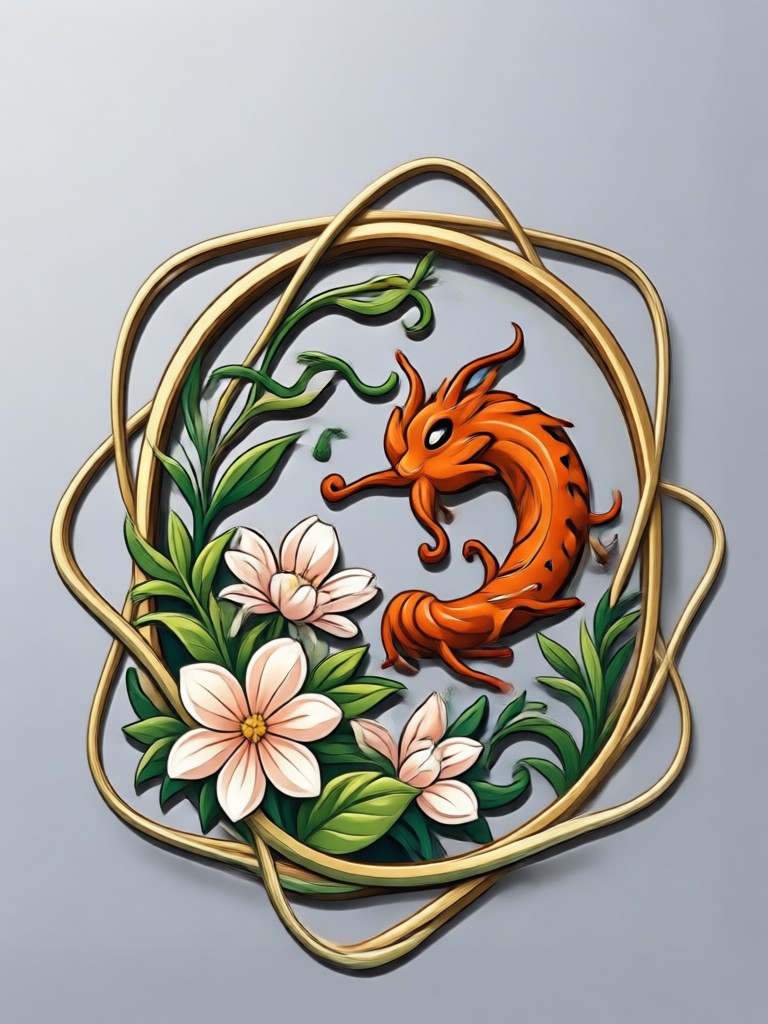
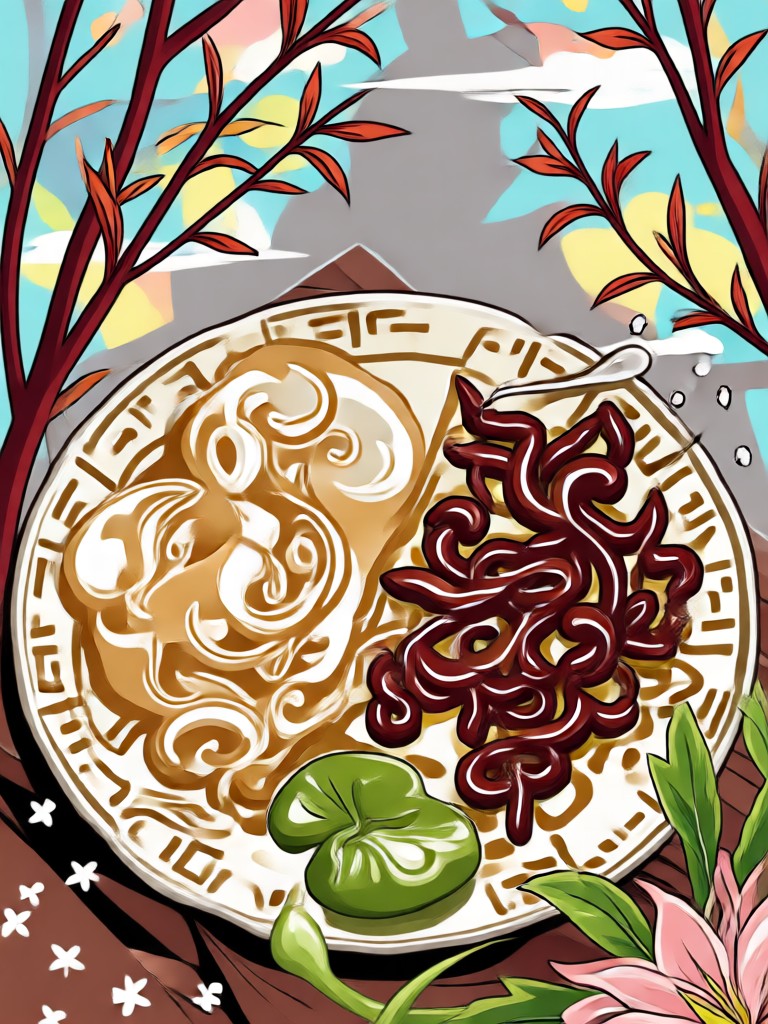
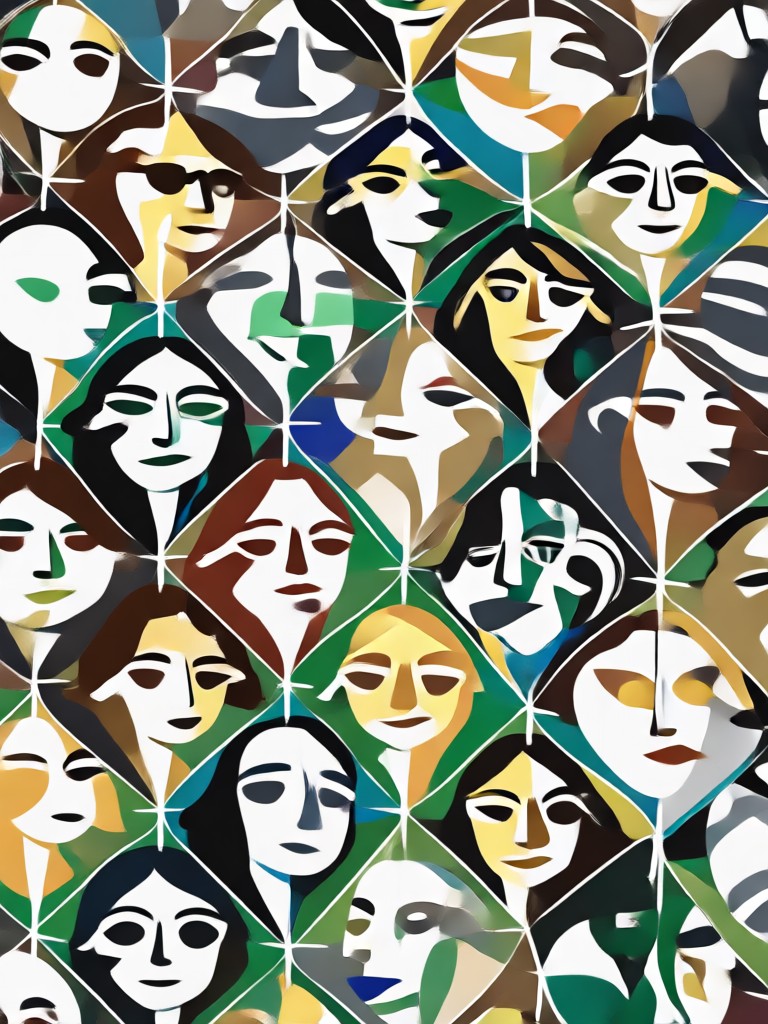
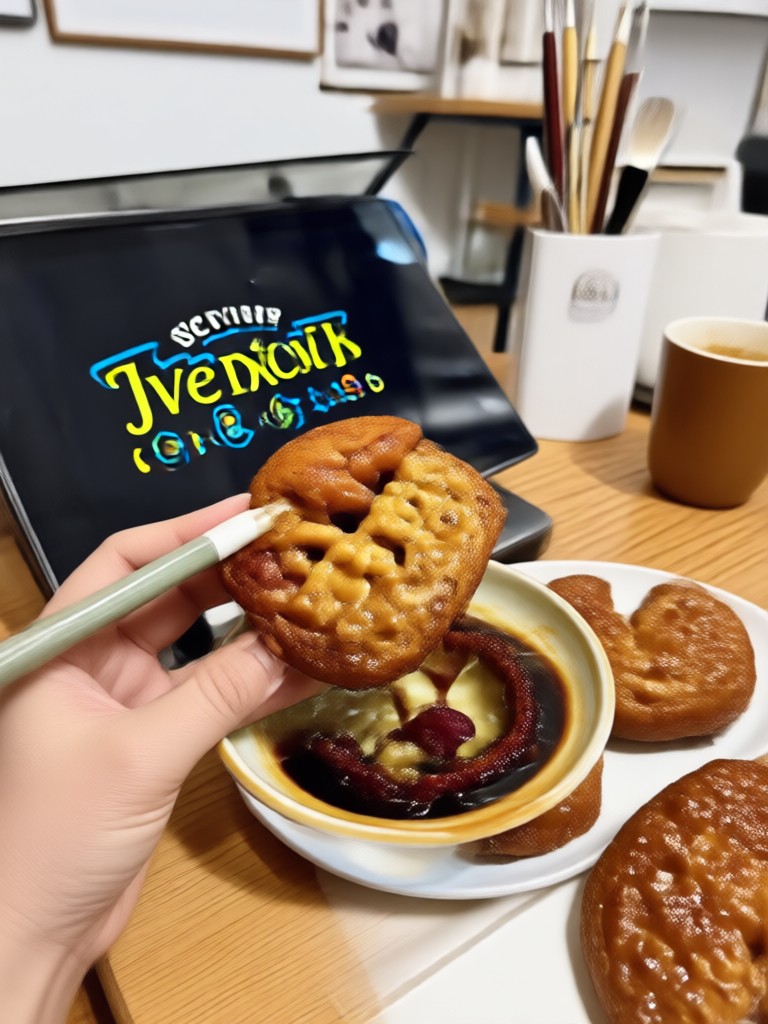
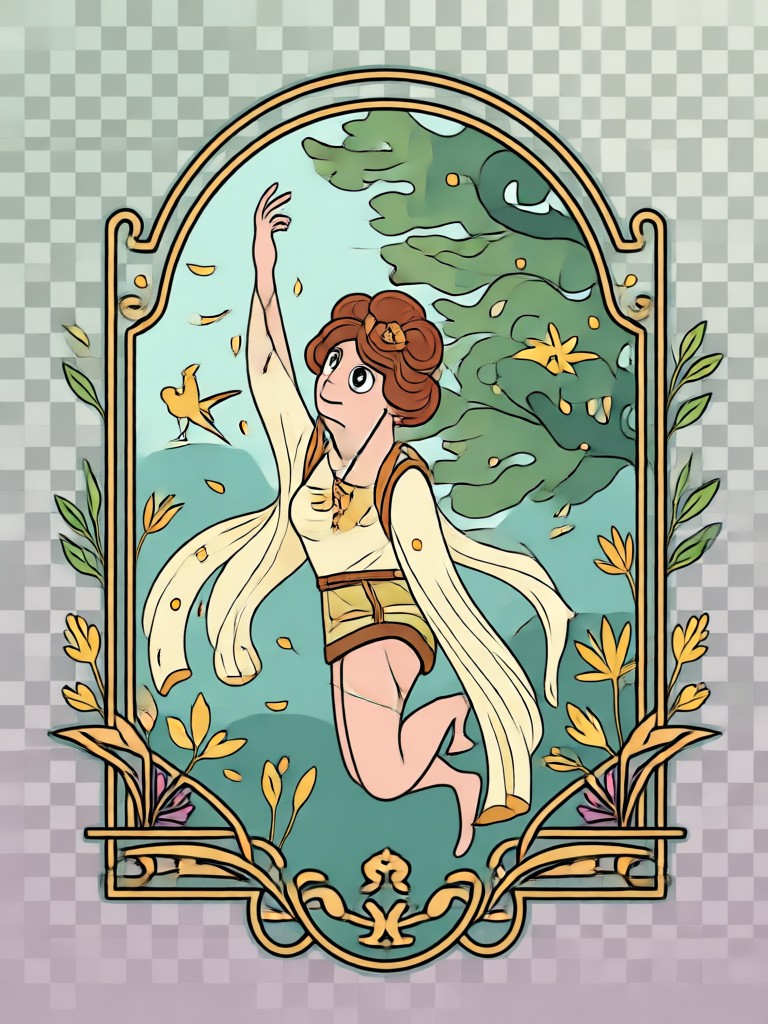
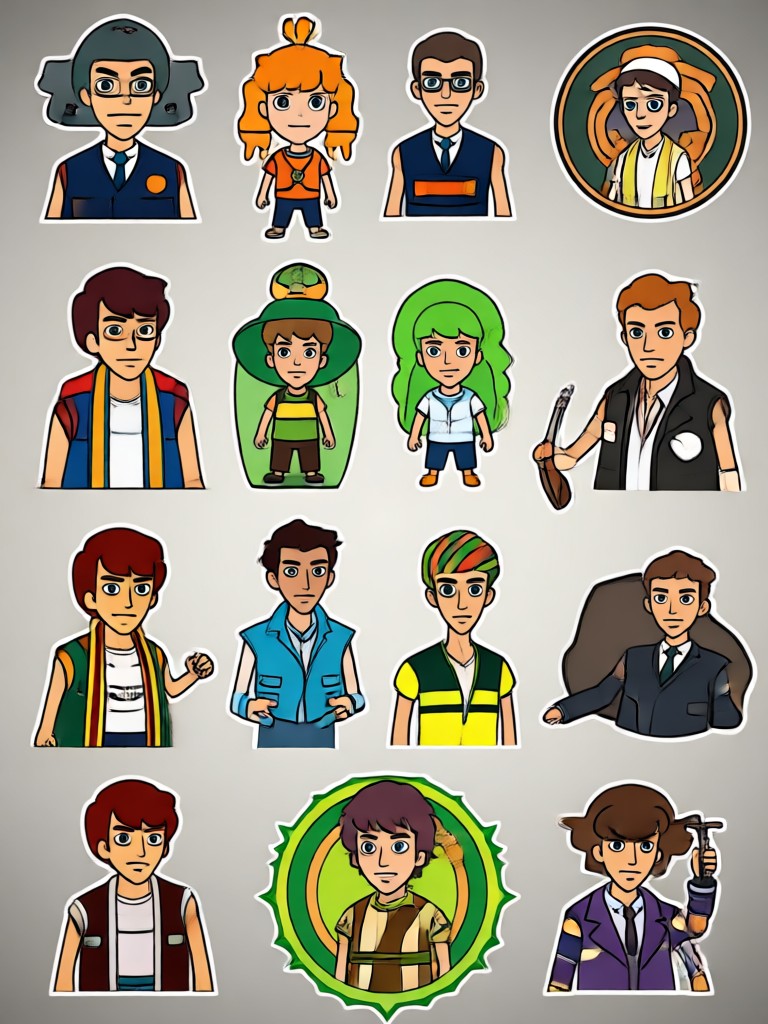
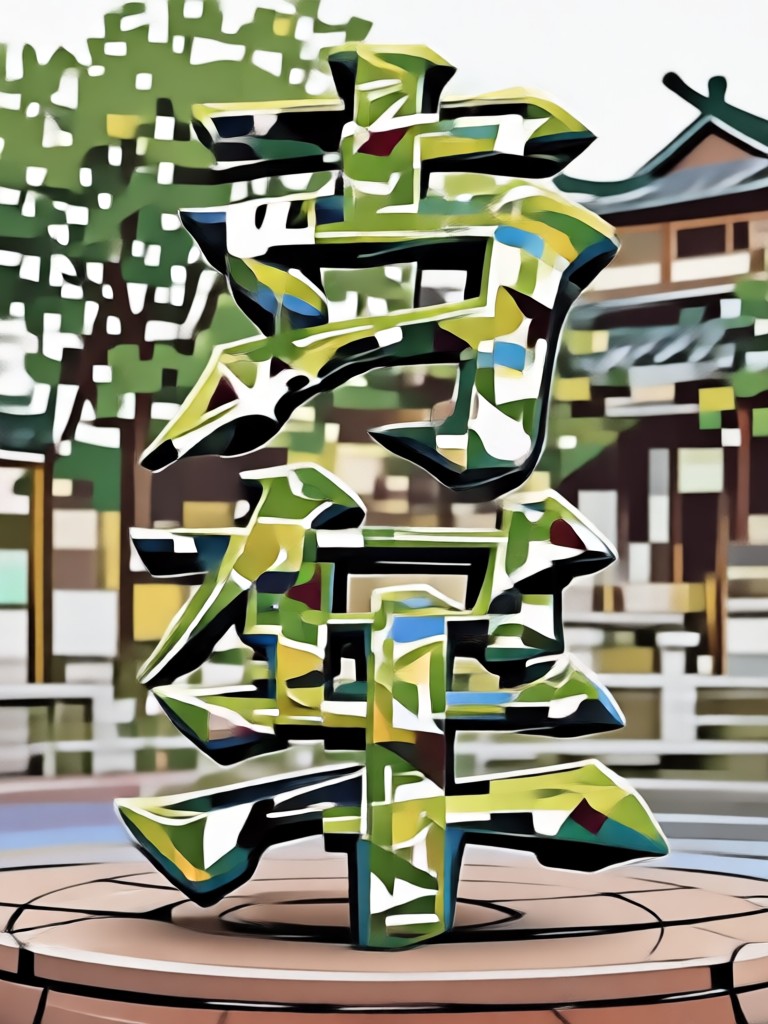
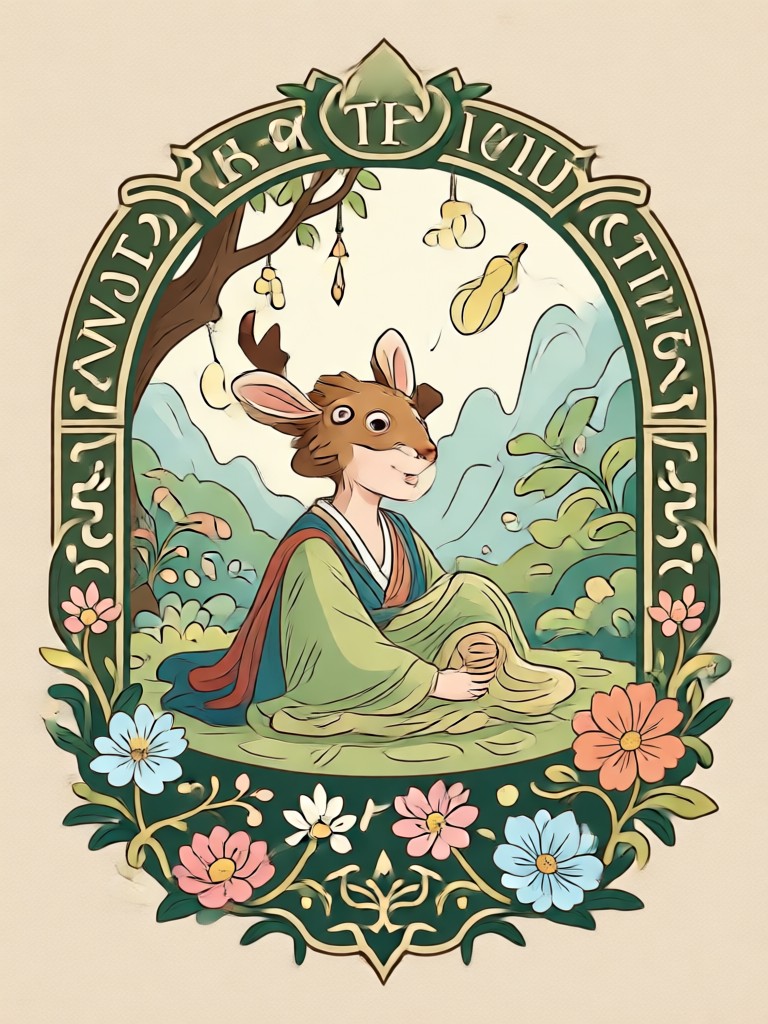
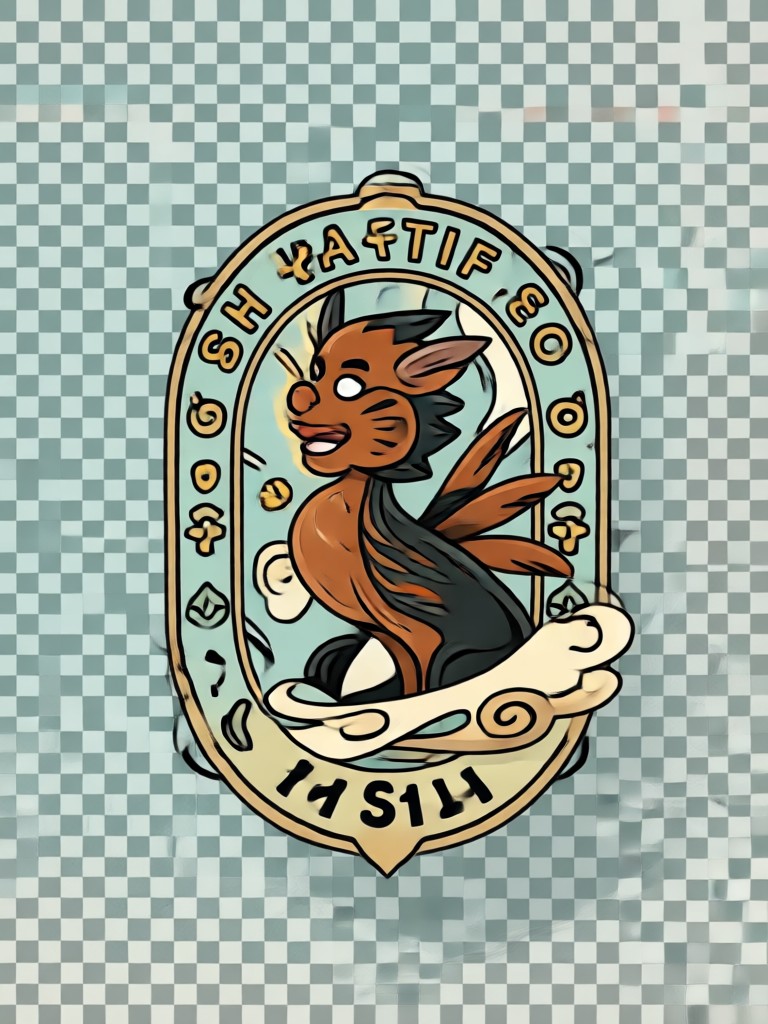
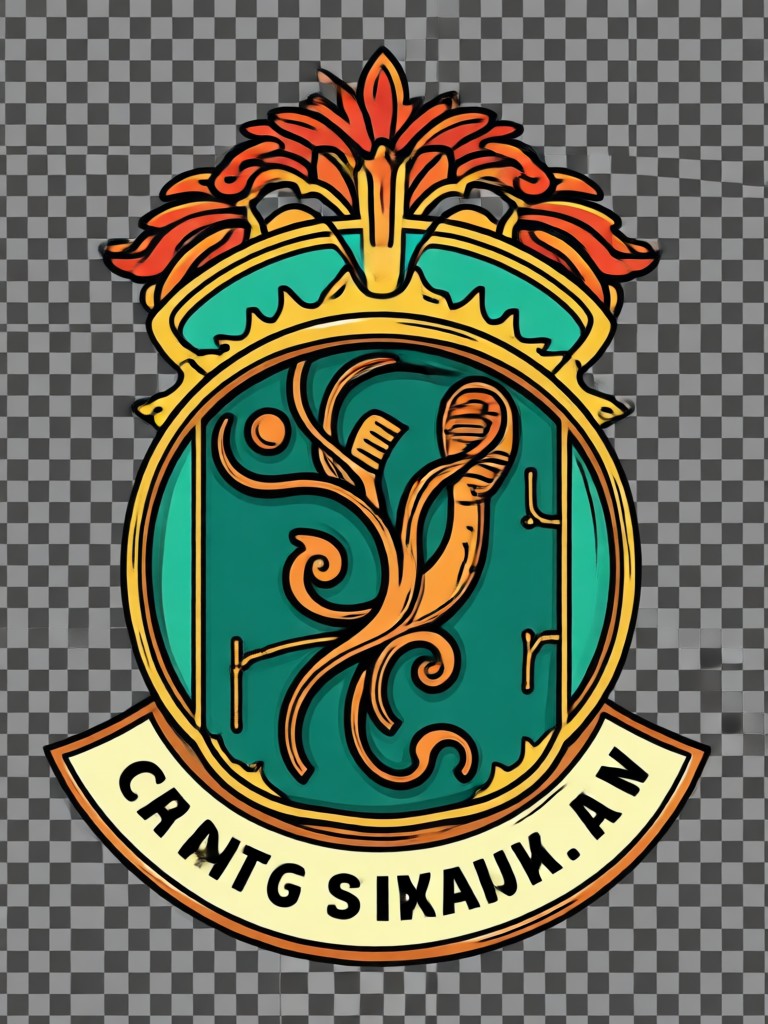
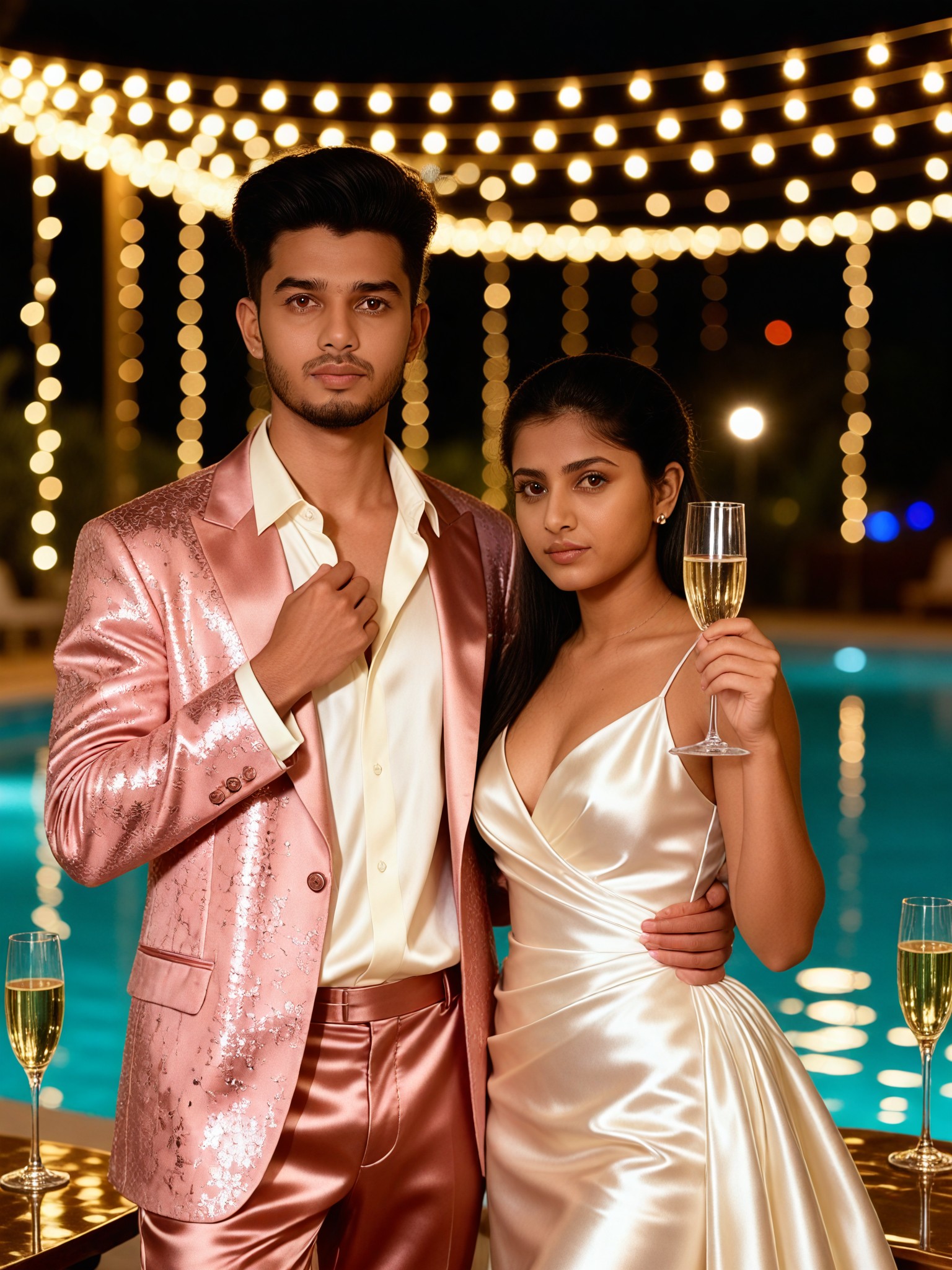
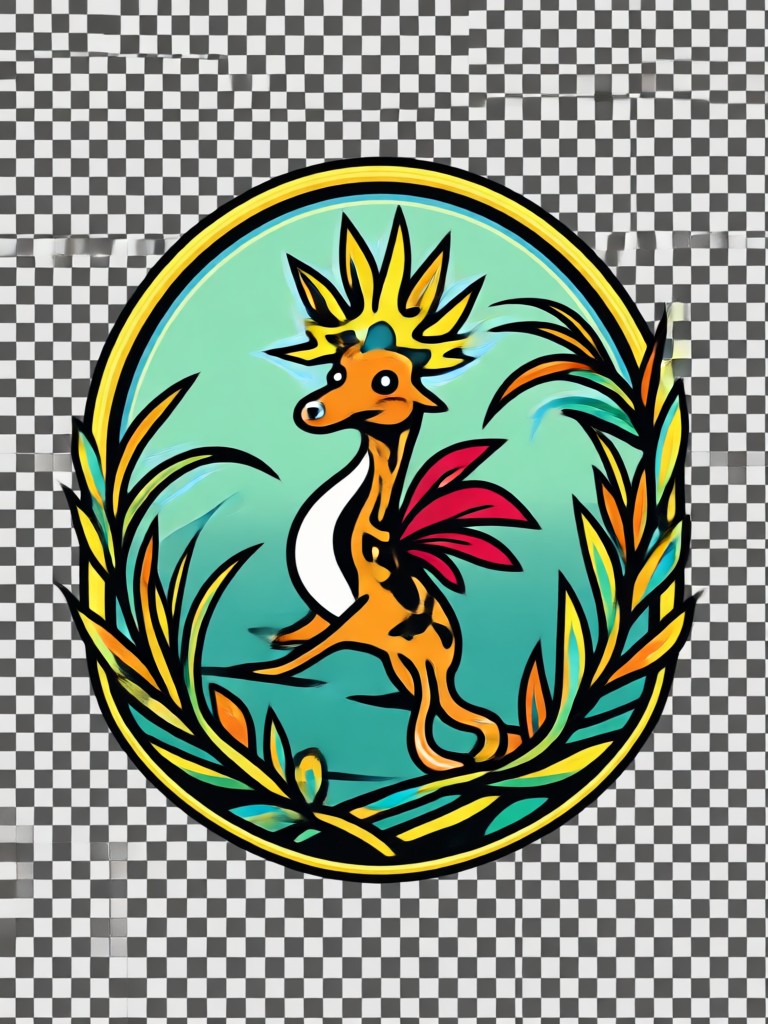
Browse stunning examples of vector inspired designs created with beyo. See how everyday photos transform into clean, crisp artwork ready for any project.
Why Creators Choose beyo for Vector Style Art
Traditional vector tracing software takes hours to learn. beyo replaces complicated pen tools and bezier curves with simple AI transformation. Upload any photo and get clean, graphic results in seconds. Perfect for designers, small business owners, content creators, and anyone who wants professional looking artwork without the steep learning curve.
Why Creators Choose beyo for Vector Style Art
Traditional vector tracing software takes hours to learn. beyo replaces complicated pen tools and bezier curves with simple AI transformation. Upload any photo and get clean, graphic results in seconds. Perfect for designers, small business owners, content creators, and anyone who wants professional looking artwork without the steep learning curve.
What Creators Say About beyo
Finally, a way to get vector style art without Illustrator
I've struggled with vector software for years. beyo lets me upload a photo and get clean graphic results instantly. It's become my go-to for logo concepts and sticker designs.
Perfect for my print shop projects
I needed clean, scalable artwork for t-shirt prints. beyo's vector style filters give me exactly the look I want. Customers love the results and the turnaround is incredibly fast.
Simplified my entire design workflow
I use beyo to create quick vector inspired designs for social media and client presentations. The filters are diverse and the output is always crisp. It saves me hours every week.
Frequently Asked Questions
Find clear answers about creating SVG style images from photos with beyo.
More Topics You May Like
Explore more topics you may like and discover fresh ideas tailored to your interests.
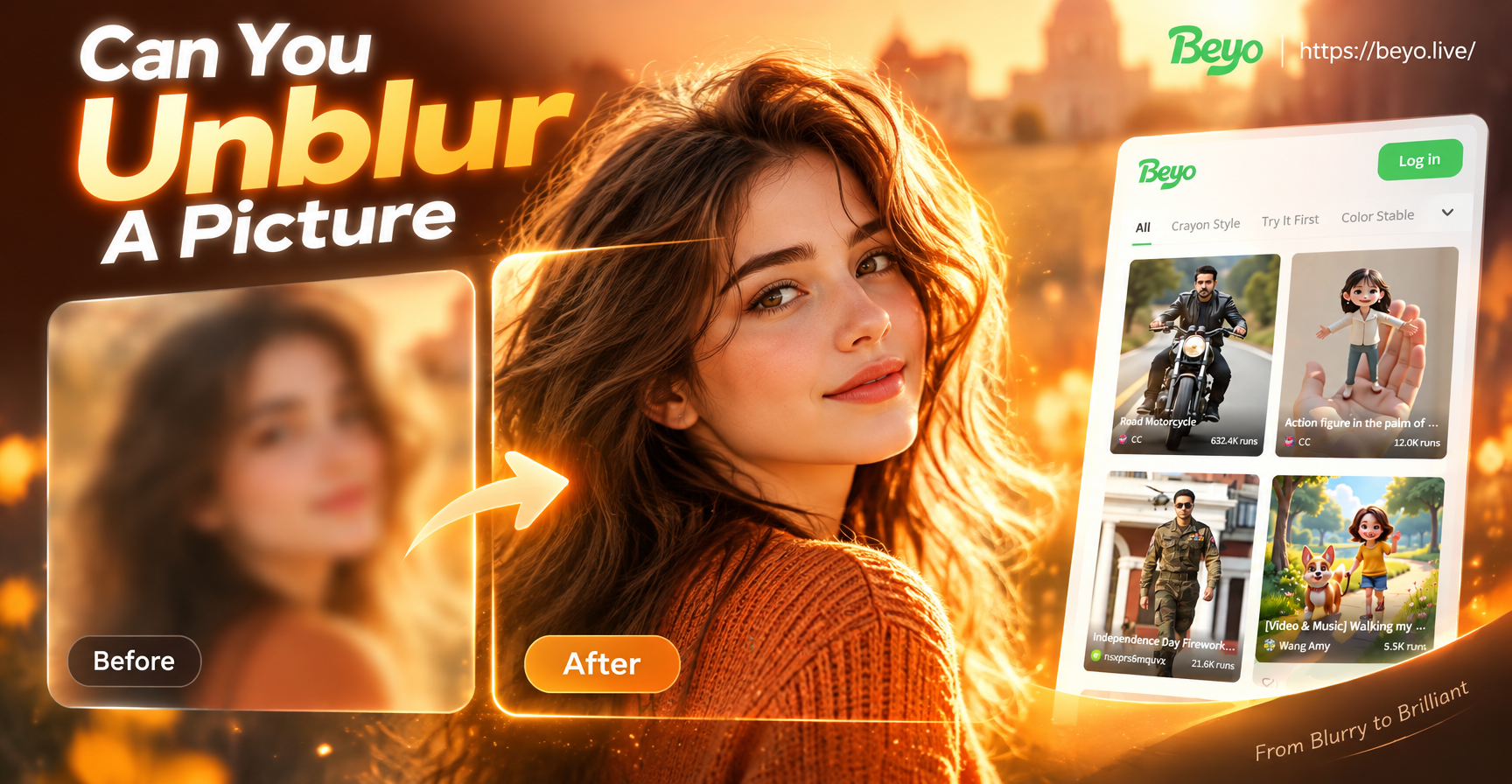
Can You Unblur A Picture? This App Says Yes
Can you unblur a picture? Beyo sharpens blurry photos with AI. Upload, pick a filter, and restore crisp details in seconds. Download the app now.
AI Commercial Video Generator: Create Pro Ads in Minutes
Create professional commercial videos with the AI Commercial Video Generator. Turn text or images into stunning ads, promos, and product showcases. Try beyo now.
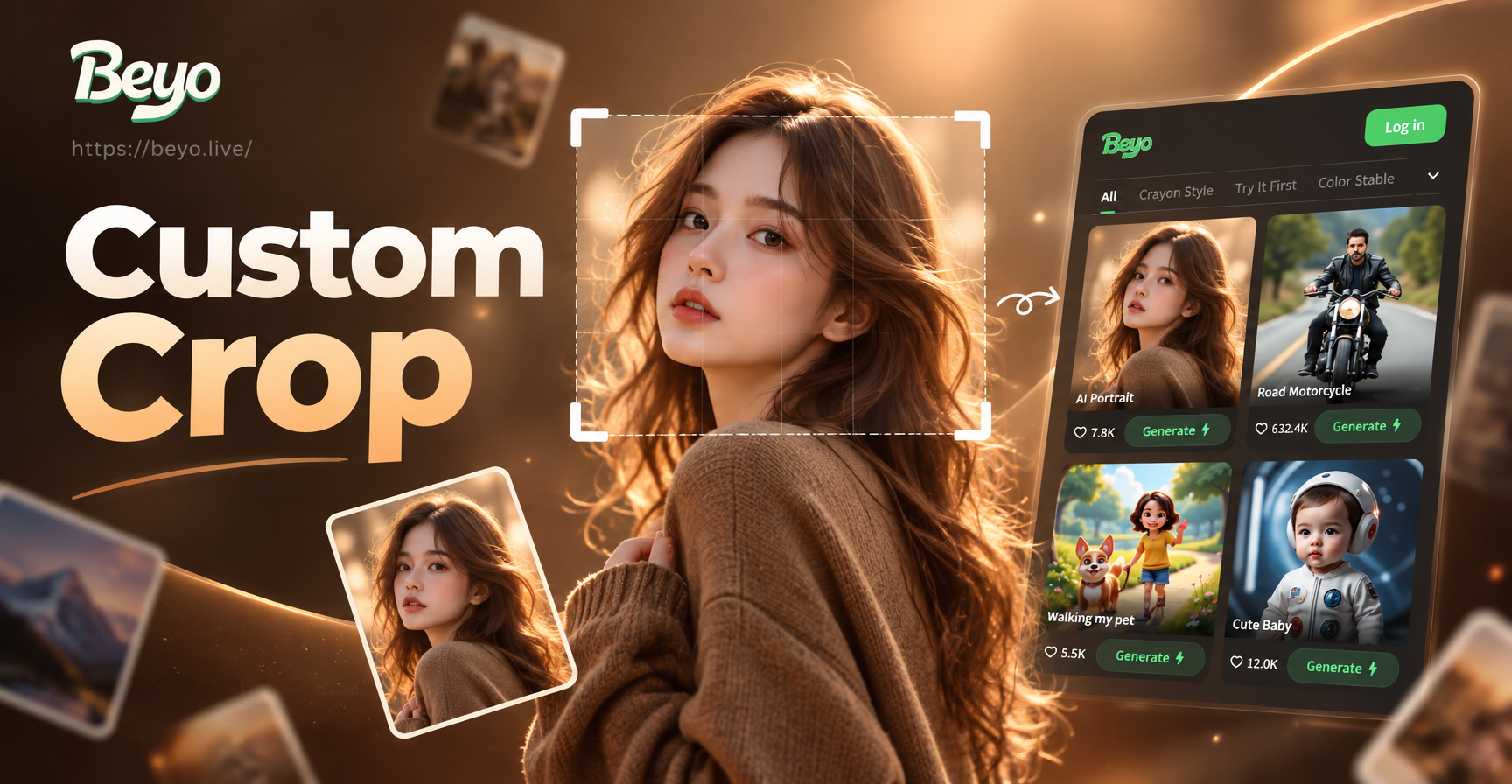
Custom Crop Image: AI Smart Cropping and Resize
Custom crop image with AI. Upload a photo, choose your crop ratio, and let beyo intelligently reframe and resize. Perfect for social media, prints, and creative edits. Download the app today.
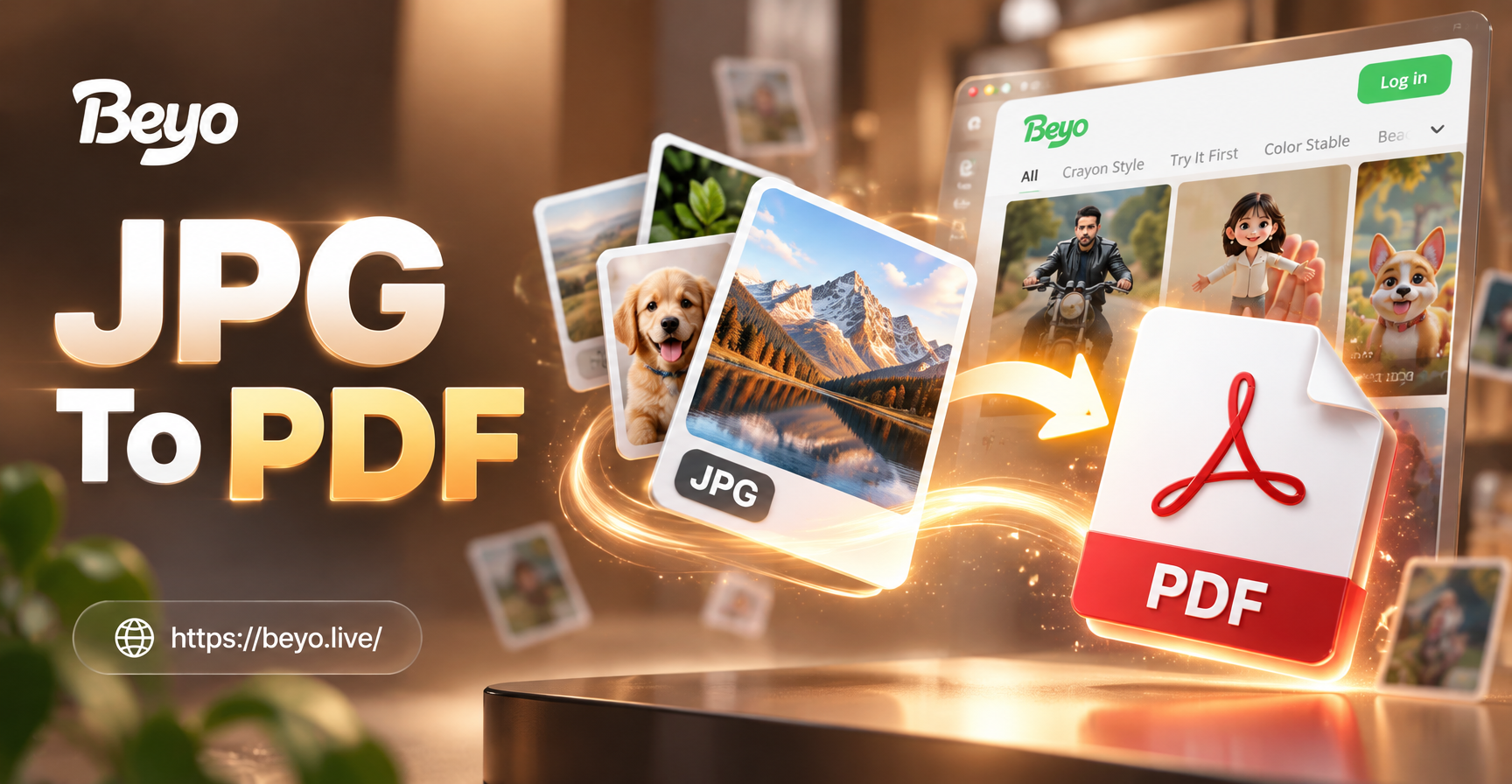
Convert JPG to PDF Easily with beyo's AI Mobile App
Turn your JPG images into PDF files on your phone with beyo. Use AI to enhance photos, combine multiple JPGs, and export high-quality PDFs in seconds. Download the app now.
Transform Photos Into SVG Style Art Today
Download beyo and start creating clean, vector inspired designs from your photos in seconds. Join millions of creators who simplify their design workflow with AI.

Transform Photos Into SVG Style Art Today
Download beyo and start creating clean, vector inspired designs from your photos in seconds. Join millions of creators who simplify their design workflow with AI.