Vintage Photo Effect
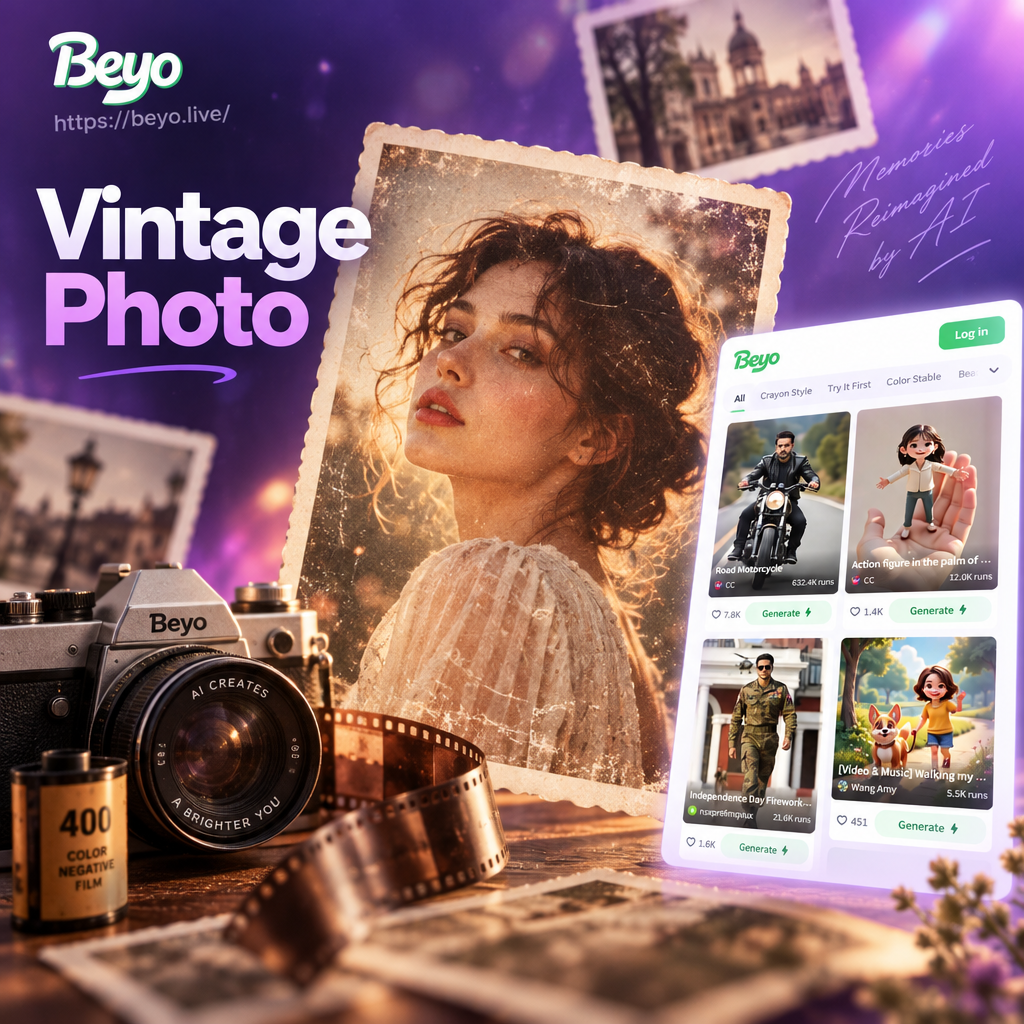
Retro Filters That Match Your Vibe
Explore a curated collection of vintage photo effects. Whether you love the grainy texture of 35mm film or the soft glow of the 70s, there is a filter for your aesthetic.
Key Features of Vintage AI Filters
beyo makes vintage photo editing effortless. Our AI technology goes beyond simple color grading to reproduce the organic imperfections that make old photos feel authentic.
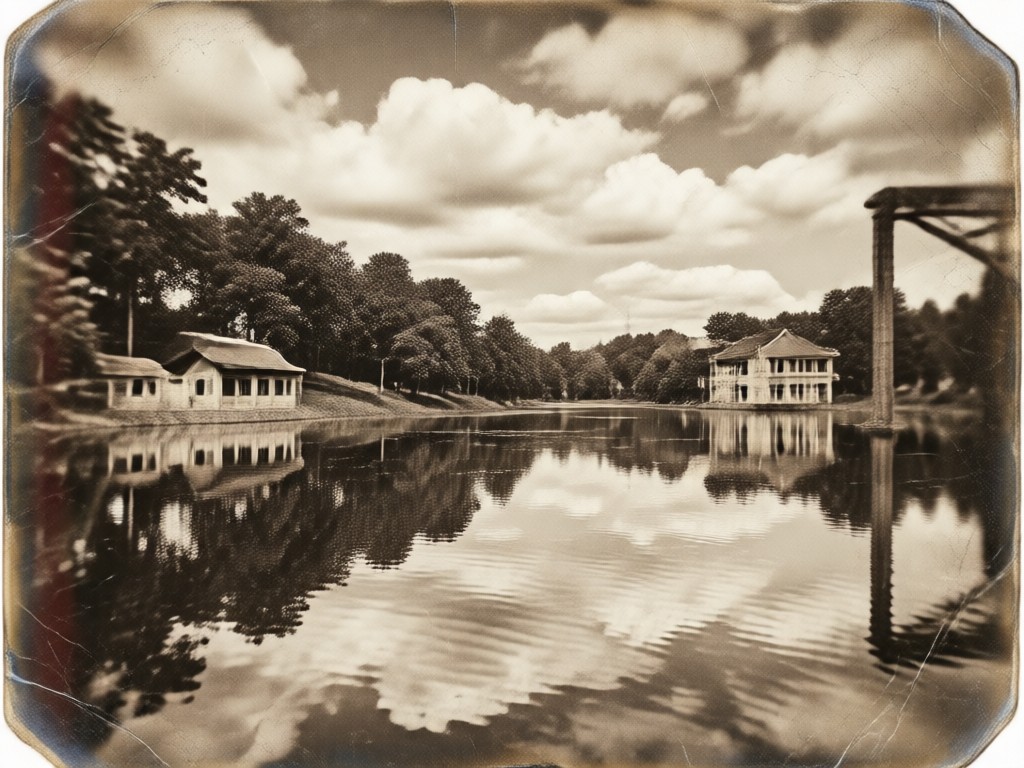
Authentic Film Grain
Add realistic noise and texture to mimic the look of classic film photography. Adjust the intensity to achieve the perfect balance between soft nostalgia and high definition clarity.
Authentic Film Grain
Add realistic noise and texture to mimic the look of classic film photography. Adjust the intensity to achieve the perfect balance between soft nostalgia and high definition clarity.
Faded Color Palettes
Transform bright digital colors into muted, faded tones. Recreate the appearance of sun-bleached prints, old magazine pages, and analog photography from the 60s and 70s.
Faded Color Palettes
Transform bright digital colors into muted, faded tones. Recreate the appearance of sun-bleached prints, old magazine pages, and analog photography from the 60s and 70s.
Instant Polaroid Style
Turn any photo into a classic instant print. Add the signature white border, soft flash, and slightly desaturated chemistry of vintage instant cameras with one tap.
Instant Polaroid Style
Turn any photo into a classic instant print. Add the signature white border, soft flash, and slightly desaturated chemistry of vintage instant cameras with one tap.
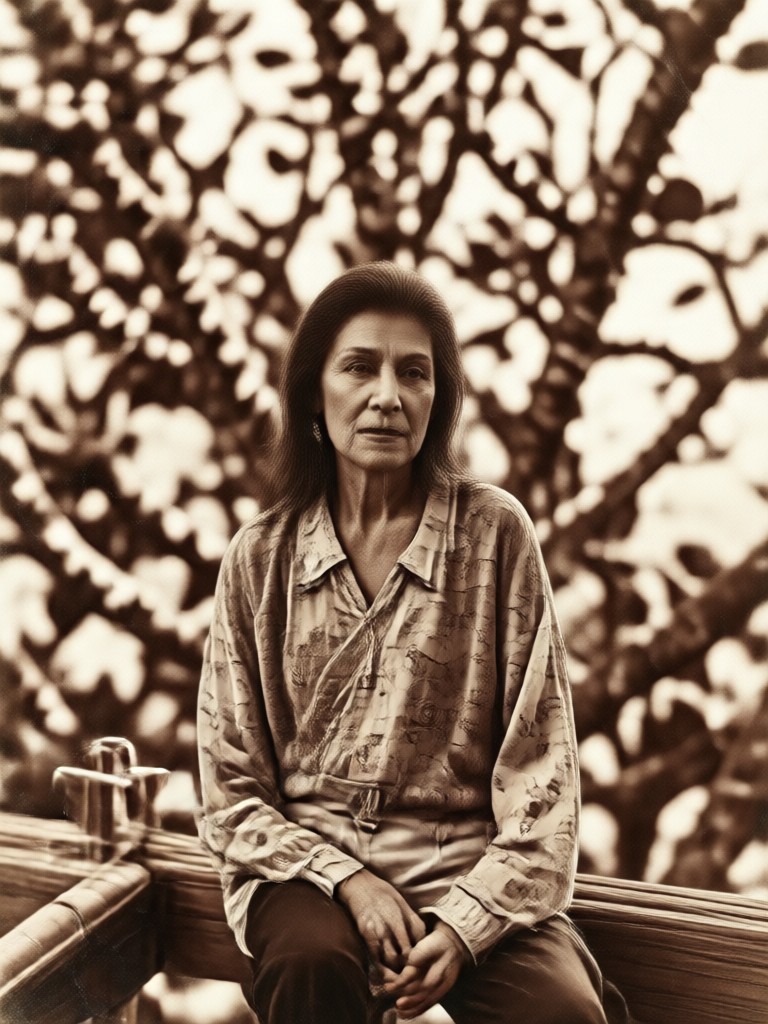
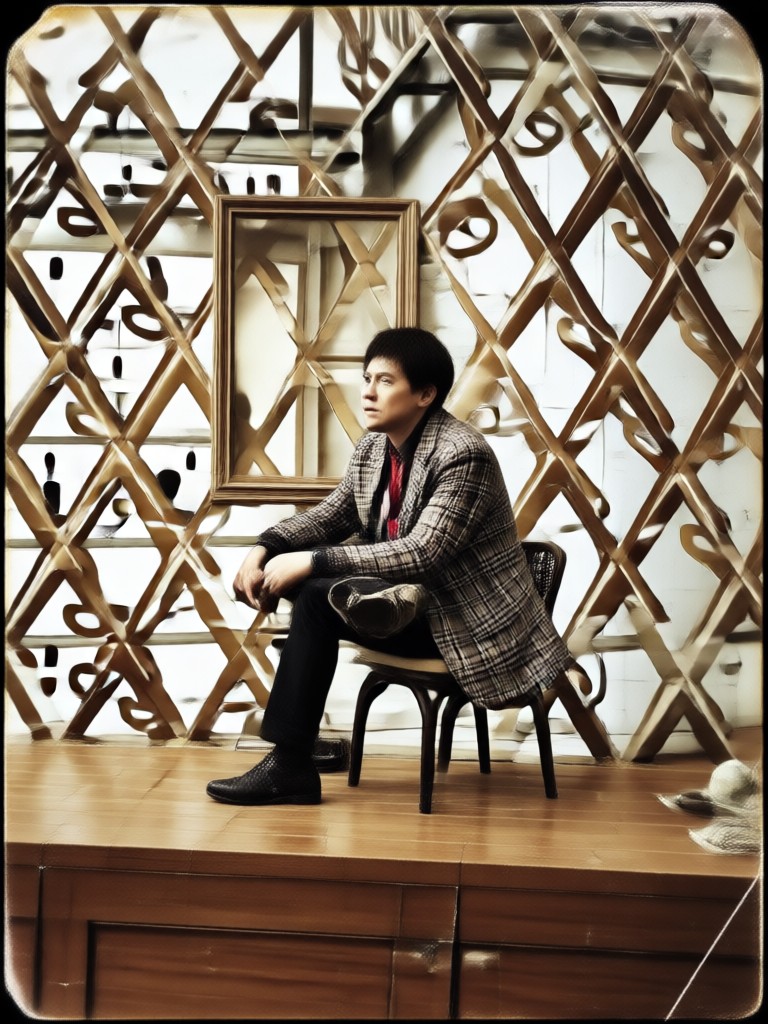
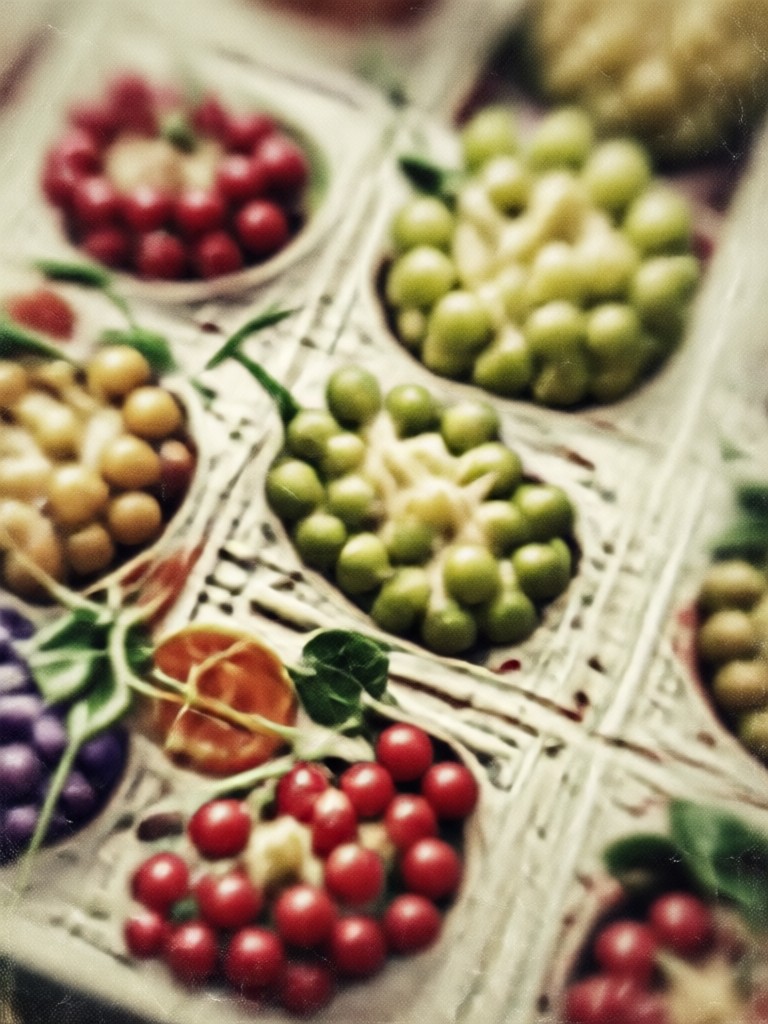
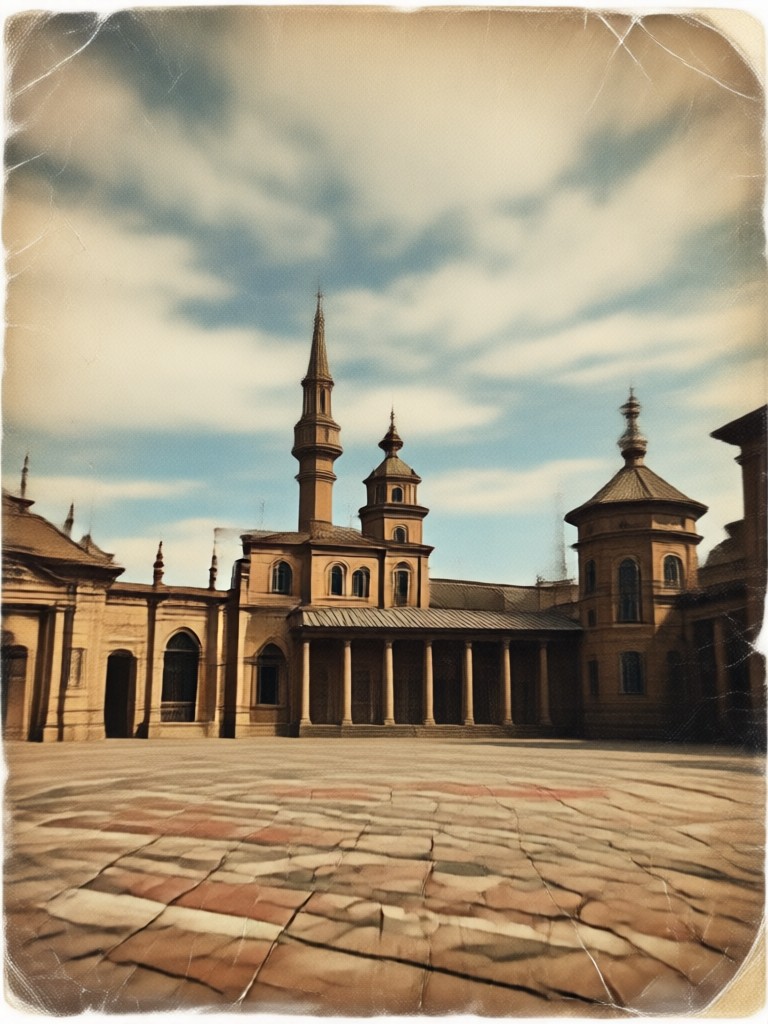
Vintage Photo Transformations
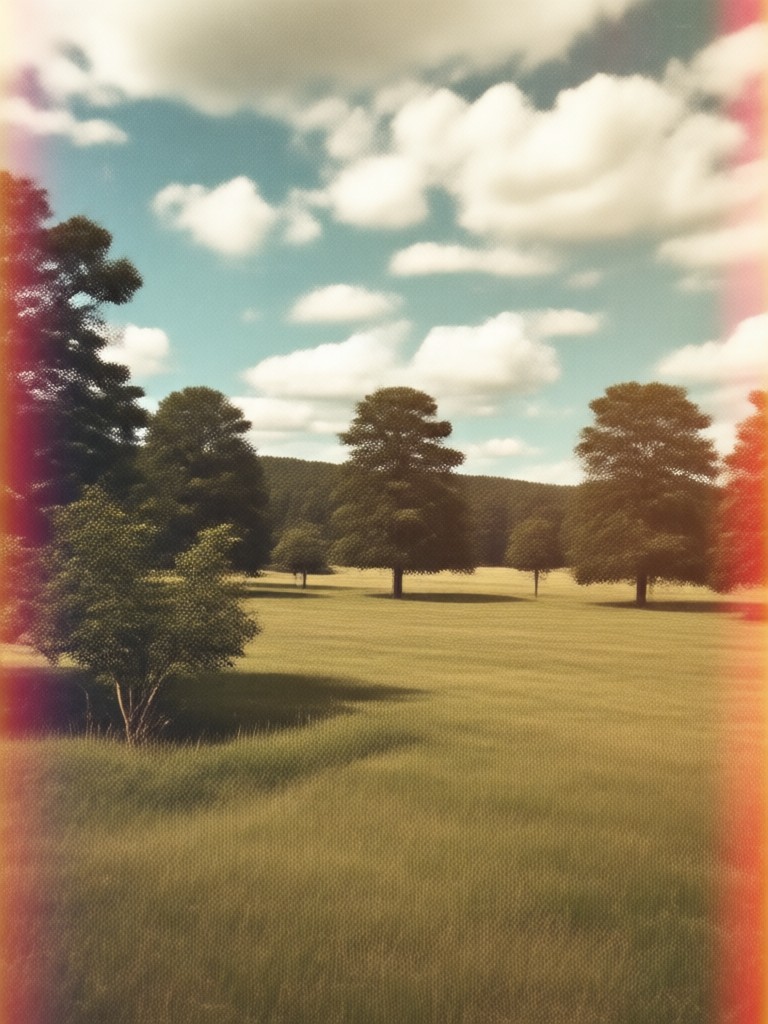
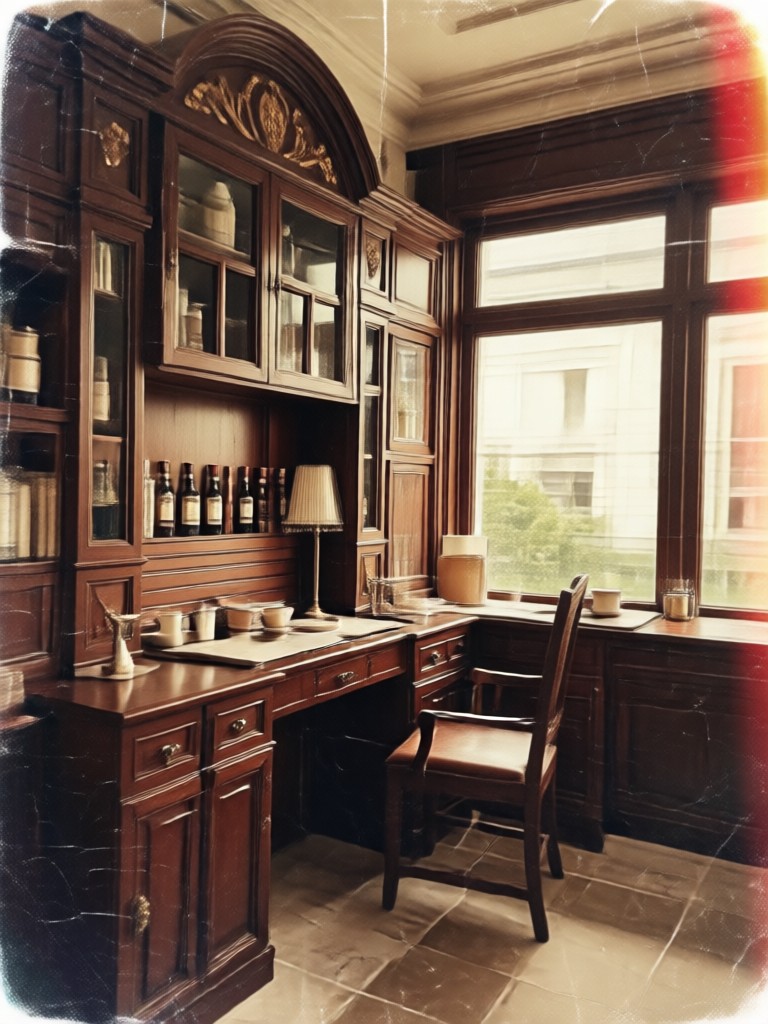
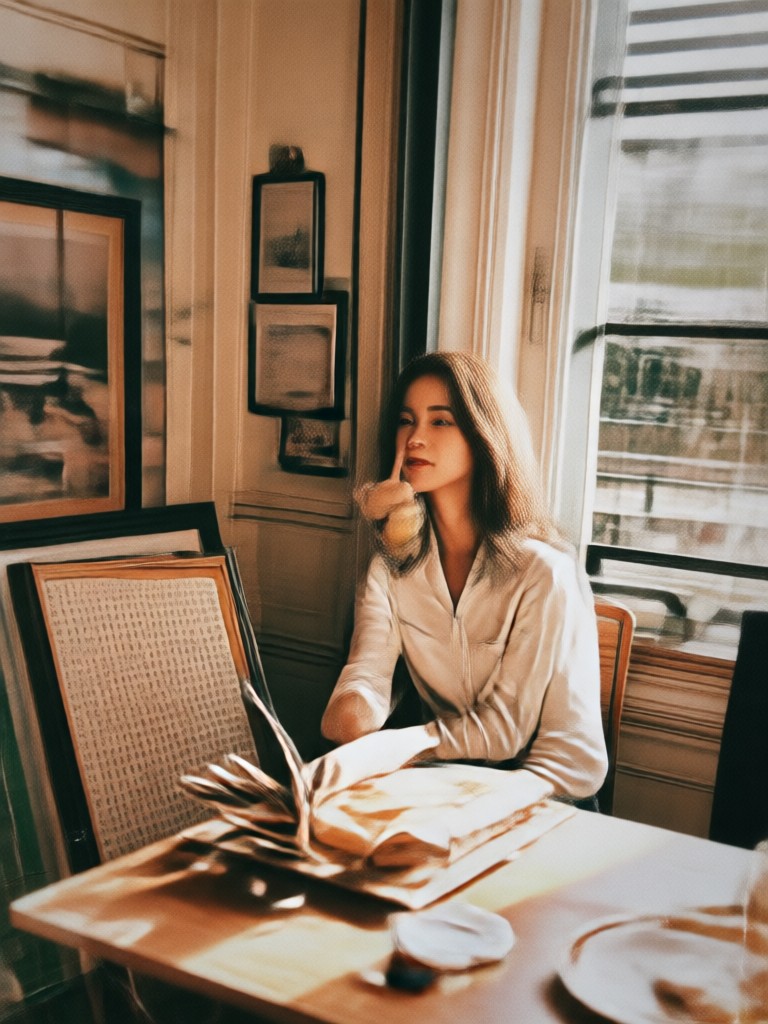
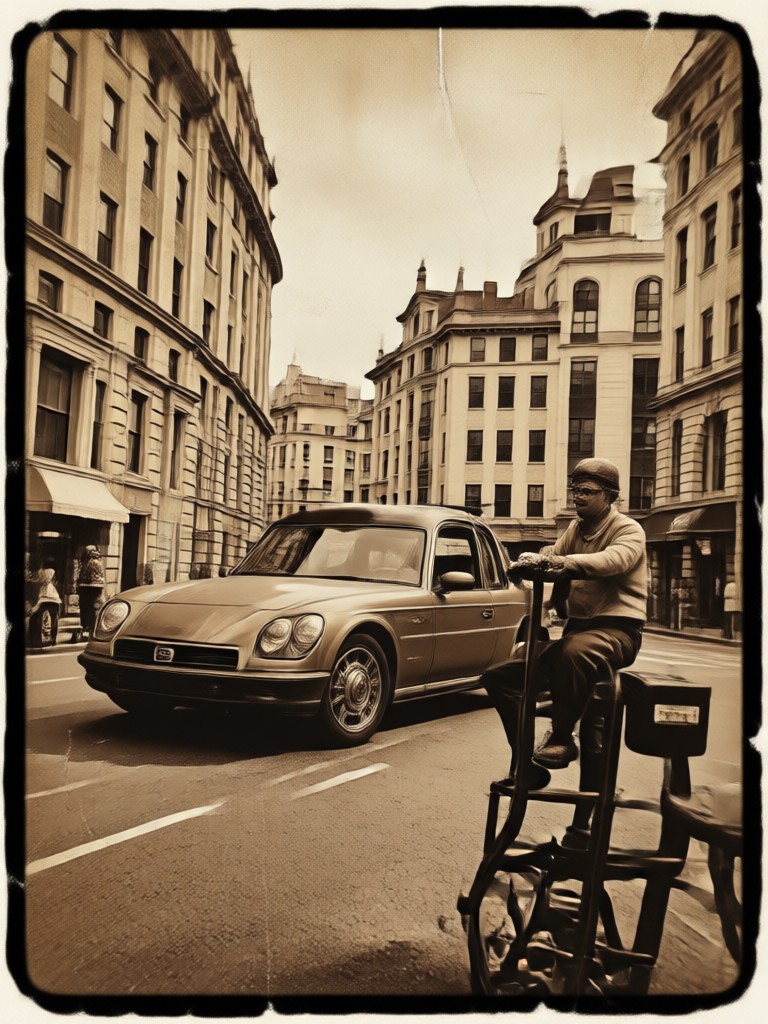
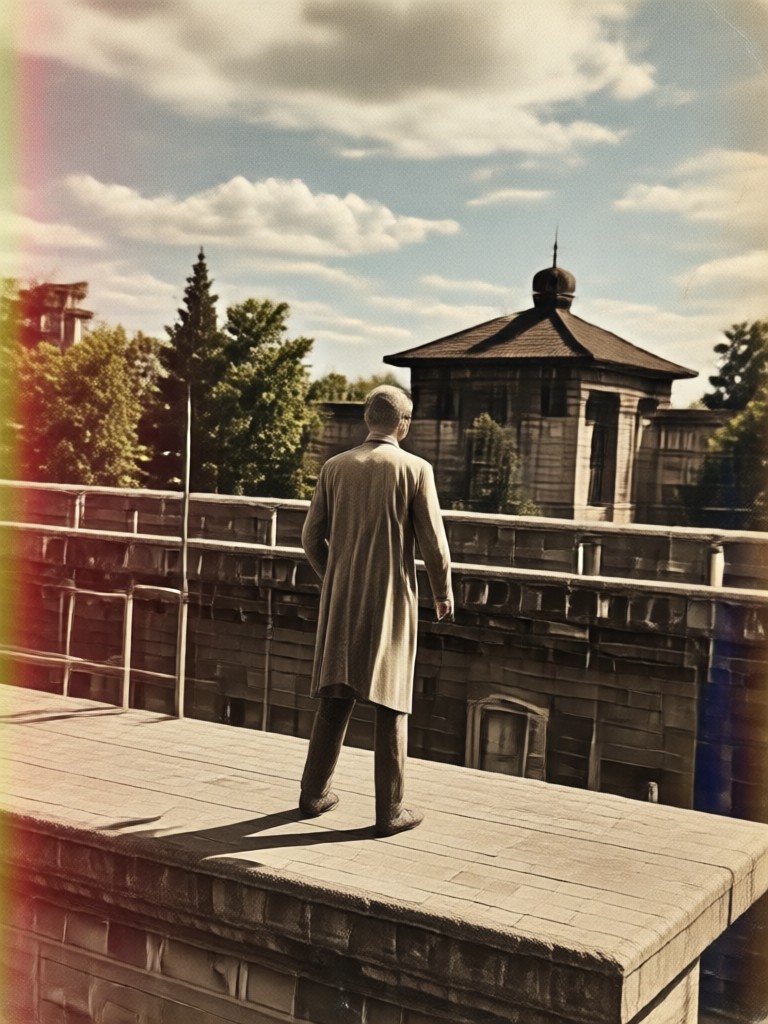
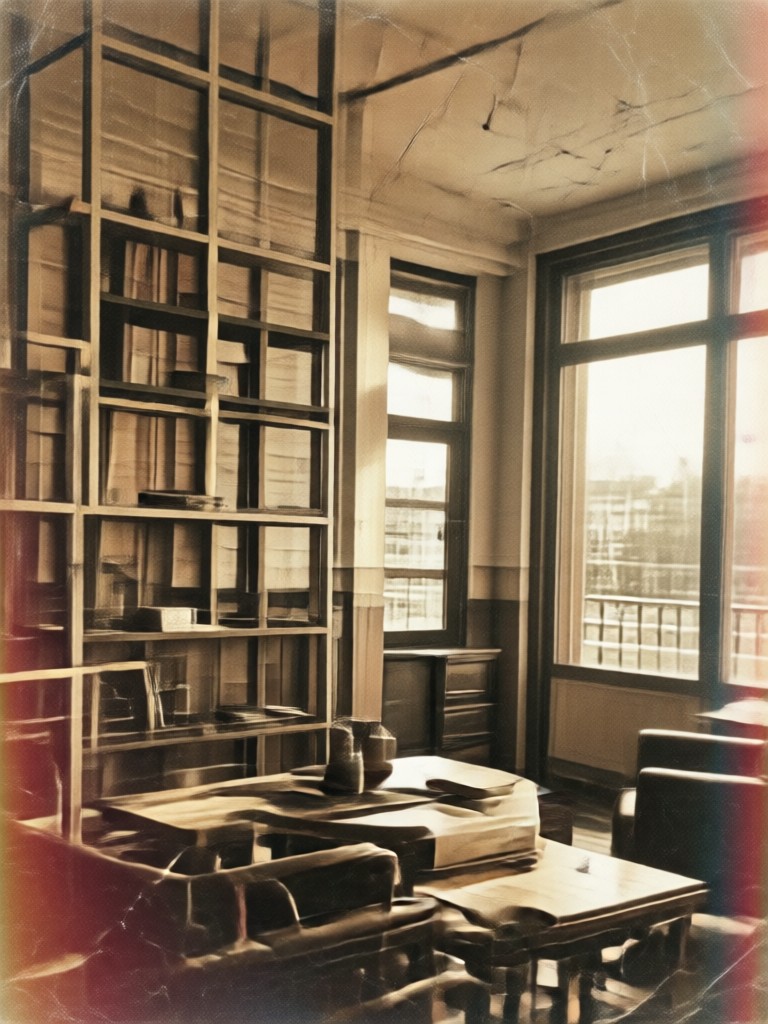
See how beyo transforms ordinary smartphone photos into extraordinary vintage masterpieces. Browse examples of retro portraits, landscapes, and urban scenes.
How to Create Vintage Photo Effects?
Bring back the past in three simple steps. Use the beyo app to transform your digital photos into vintage keepsakes.

Step 01.
Download the beyo app from Google Play and open it on your mobile device. The interface is designed to be intuitive for quick photo edits.

Step 02.
Upload your photo and browse the extensive library of vintage filters. Find a style that matches your memory, from faded 70s looks to classic film grains.

Step 03.
Generate your vintage photo effect and save the high-resolution result. Share your retro creation directly to social media or with friends.
Why Use beyo for Vintage Effects?
Most apps simply add a sepia overlay. beyo uses AI to understand your image context, applying realistic film grain, accurate color fading, and even subtle lens distortions to mimic true analog photography. You get a genuine vintage photo effect, not a cheap filter.
Why Use beyo for Vintage Effects?
Most apps simply add a sepia overlay. beyo uses AI to understand your image context, applying realistic film grain, accurate color fading, and even subtle lens distortions to mimic true analog photography. You get a genuine vintage photo effect, not a cheap filter.
Who Loves Vintage Photo Effects
Maggie R.
I used beyo to make my wedding photos look like they were from my parents' era. The film grain is so realistic and the faded colors are perfect. Everyone thought we used an old camera!

Derek L.
As a content creator, I need to keep my feed looking unique. The vintage photo effects in beyo are a game changer. The Polaroid style is my absolute favorite for Instagram stories.
Priya S.
I love scrapbooking but hate using physical filters. beyo lets me give all my new photos an instant retro look. The sepia tones and grain make every page feel like a memory box.
Tom K.
The detail in the vintage effects is incredible. It is not just a brown overlay. You can see the texture of old film and the soft fading. It makes my car photography stand out from the crowd.
Maggie R.
I used beyo to make my wedding photos look like they were from my parents' era. The film grain is so realistic and the faded colors are perfect. Everyone thought we used an old camera!
Derek L.
As a content creator, I need to keep my feed looking unique. The vintage photo effects in beyo are a game changer. The Polaroid style is my absolute favorite for Instagram stories.
Priya S.
I love scrapbooking but hate using physical filters. beyo lets me give all my new photos an instant retro look. The sepia tones and grain make every page feel like a memory box.
Tom K.
The detail in the vintage effects is incredible. It is not just a brown overlay. You can see the texture of old film and the soft fading. It makes my car photography stand out from the crowd.
Maggie R.
I used beyo to make my wedding photos look like they were from my parents' era. The film grain is so realistic and the faded colors are perfect. Everyone thought we used an old camera!
Derek L.
As a content creator, I need to keep my feed looking unique. The vintage photo effects in beyo are a game changer. The Polaroid style is my absolute favorite for Instagram stories.
Priya S.
I love scrapbooking but hate using physical filters. beyo lets me give all my new photos an instant retro look. The sepia tones and grain make every page feel like a memory box.
Tom K.
The detail in the vintage effects is incredible. It is not just a brown overlay. You can see the texture of old film and the soft fading. It makes my car photography stand out from the crowd.
Frequently Asked Questions
Find clear answers to common questions about creating vintage photo effects with the beyo app.
More Topics You May Like
Explore more creative effects and styles available in the beyo app.

Image To Convert JPG: Transform Any Photo in Seconds
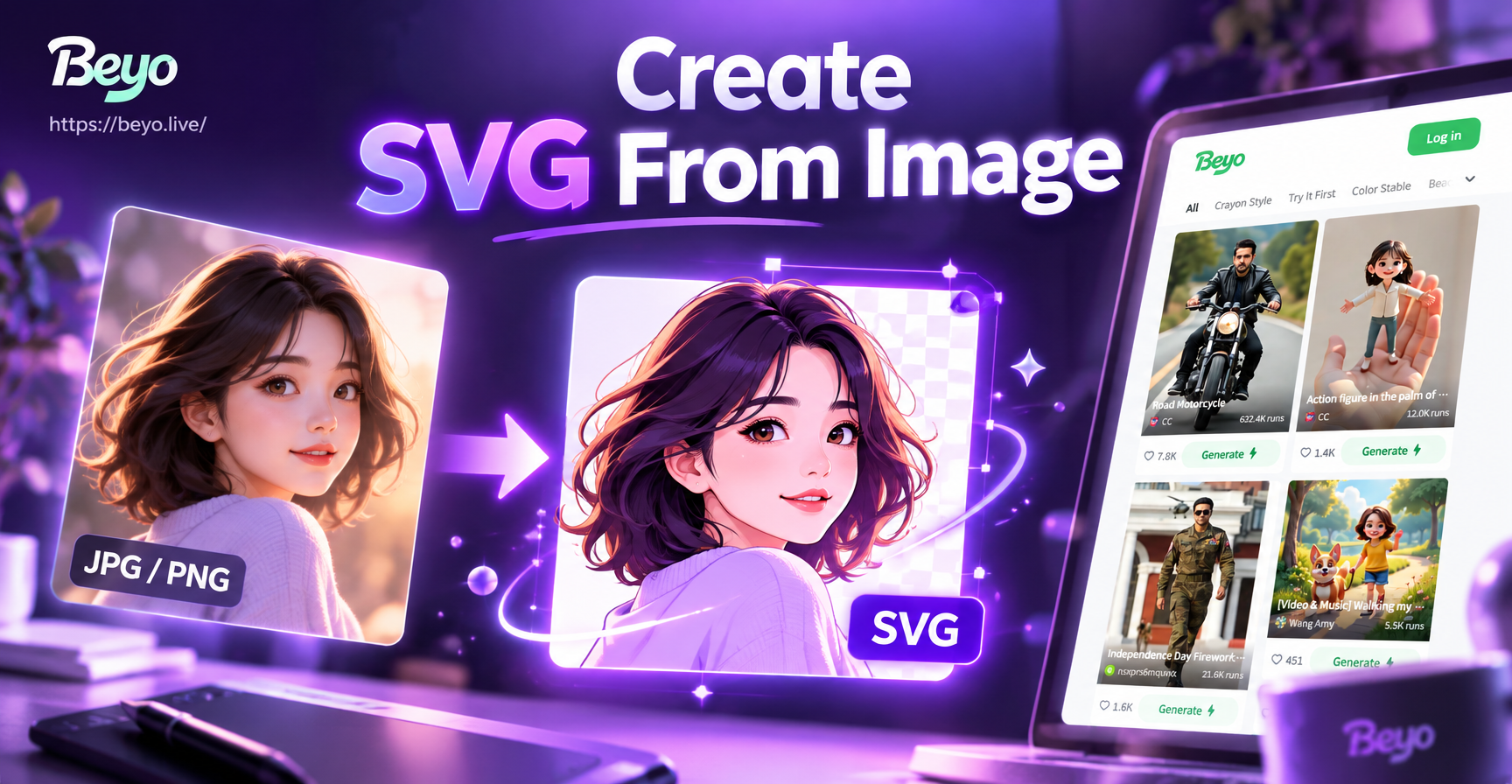
Create SVG From Image: Turn Photos into Vector Art
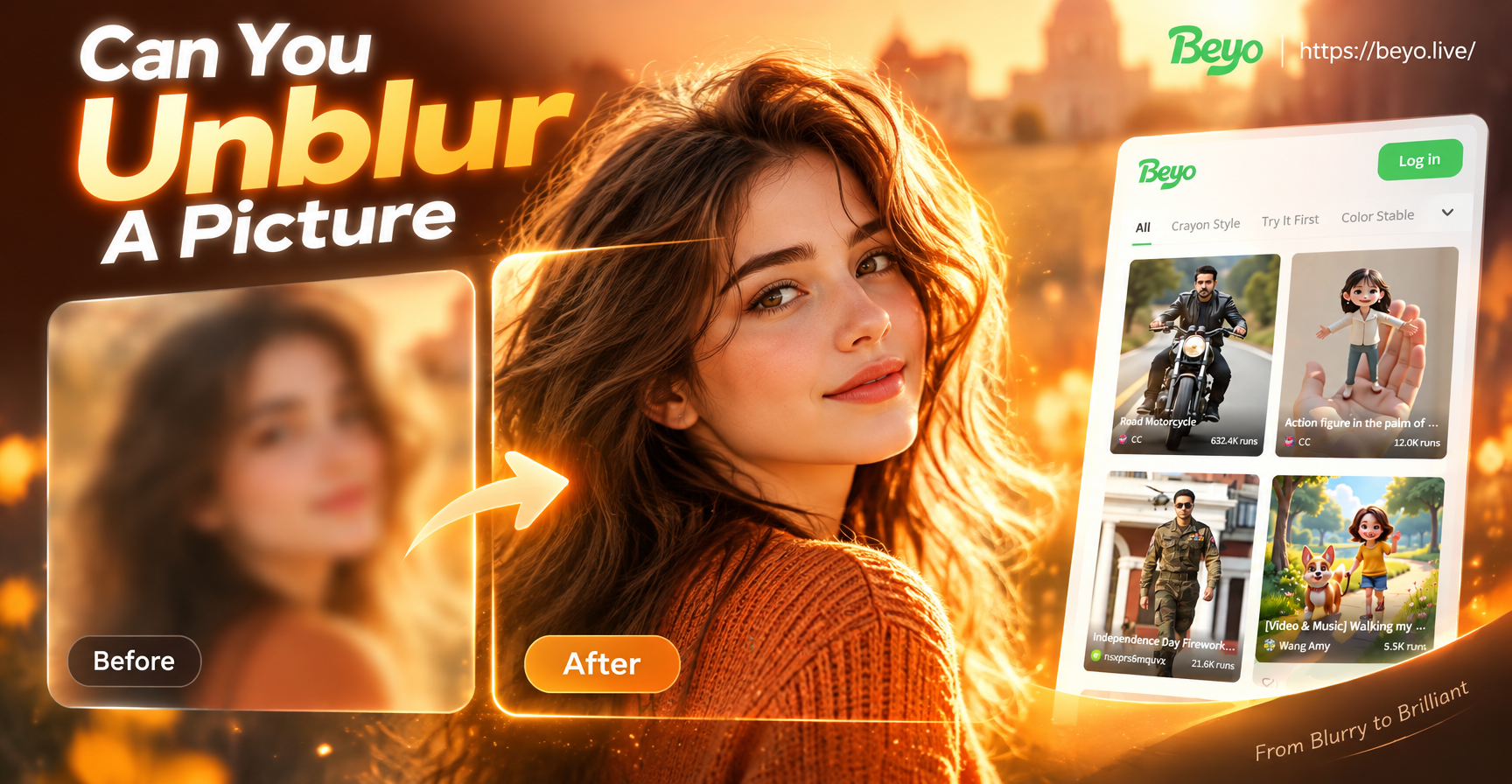
Can You Unblur A Picture? This App Says Yes

AI Commercial Video Generator: Create Pro Ads in Minutes
Image To Convert JPG: Transform Any Photo in Seconds
Create SVG From Image: Turn Photos into Vector Art
Can You Unblur A Picture? This App Says Yes
AI Commercial Video Generator: Create Pro Ads in Minutes
Turn Today into Yesterday
Download beyo and discover the magic of vintage photo effects. Transform your modern photos into timeless treasures with one simple tap.

Turn Today into Yesterday
Download beyo and discover the magic of vintage photo effects. Transform your modern photos into timeless treasures with one simple tap.