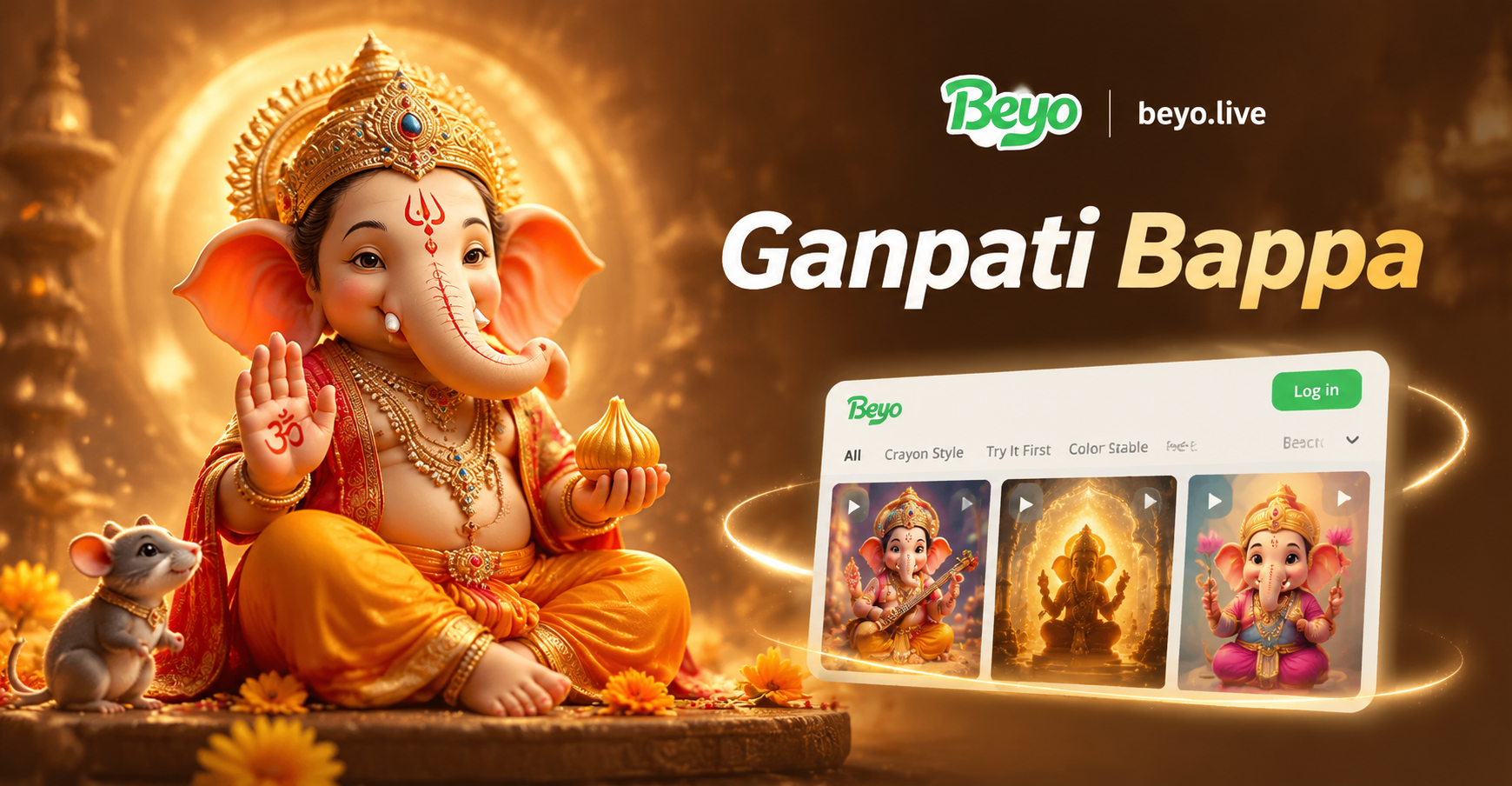
What Makes a Strong Ganpati Bappa AI Video Prompt
If you search for Ganpati Bappa AI video prompts, you likely want a direct way to produce a reverent, beautiful, or festive Lord Ganesha video without guessing how to describe the scene. Most AI video tools struggle with deity imagery because they need clear guidance about the face, trunk, arms, clothing, setting, and motion. A weak prompt such as "Ganesha video" can produce distorted faces, missing cultural details, or chaotic camera movement. A specific prompt gives the AI the information it needs to create a clean and respectful result.
The prompts in this guide are written for the beyo mobile app, where you can use text to video or image to video. You can copy any prompt directly, adjust the camera angle, and choose a style preset that matches your intent, from realistic temple footage to soft animation.
Core Elements of a Useful Ganpati Bappa AI Video Prompt
Each prompt below includes several elements that help the AI stay accurate. You do not need all of them in every generation, but adding them improves consistency.
Subject and deity details
Name the deity clearly, including features such as a single elephant head, intact trunk, four arms, and traditional clothing. This reduces extra limbs and facial errors.
Setting and festival context
Mention the environment, such as a home temple, a beach during visarjan, a forest, or a Ganesh Chaturthi pandal. Context shapes the mood and background.
Camera movement and format
Add a short phrase about the shot, such as slow zoom, panning left to right, orbiting camera, or handheld feel. If you need a reel, ask for vertical portrait format.
Style and light
Choose a visual style, such as photorealistic, 3D animation, anime, claymation, watercolor, or Ghibli inspired. Include light cues like warm oil lamp light, soft morning glow, or festive evening lanterns.
Choosing the Right Style for Ganpati Bappa AI Videos
The same prompt can produce very different results when you change the style preset. In beyo, pick the style after you paste the prompt. A realistic style works well for temple videos, aarti scenes, and documentary style clips. A 3D animated style suits greetings, children's content, and cheerful Ganesh Chaturthi posts. A soft anime or Ghibli style creates an emotional, dreamy look for devotional reels. Claymation gives a handmade, playful feel. Watercolor adds an artistic touch for festival cards and digital invitations.
20 Ready to Use Ganpati Bappa AI Video Prompts
Copy any prompt below and paste it into the beyo app. After generating, refine the prompt if the trunk, crown, or hands need correction.
Realistic Devotional Video Prompts
- A realistic Ganpati Bappa idol in a home temple, gentle oil lamp light, marigold garlands, soft smoke from incense, the camera slowly moves forward, shallow depth of field, 4k devotional video.
- Close up of Lord Ganesha's face with a calm smile, intricate gold crown, red and yellow flowers around, a small mouse near his feet, soft morning light, cinematic still camera with subtle zoom.
- Ganpati Bappa sitting on a lotus in a river at sunrise, water reflections, pink and orange sky, birds flying, slow panning shot, photorealistic spiritual atmosphere.
- A priest performing aarti to a Ganpati idol, brass lamp with flames, flower petals falling, temple background, realistic motion, warm candlelight, medium shot.
- A stone Ganpati statue under a banyan tree, monsoon rain, green leaves, wet stone texture, camera slowly tilts upward, realistic nature video.
3D and Animation Video Prompts
- 3D animated Ganpati Bappa dancing joyfully during Ganesh Chaturthi, colorful dhoti, modak in one hand, confetti and marigold petals, soft studio lighting, Pixar style, gentle camera orbit.
- Claymation Ganpati Bappa seated on a small throne, blinking eyes, a tiny mouse moving beside him, warm indoor scene, stop motion texture, playful and respectful.
- Anime style Lord Ganesha in a serene temple garden, glowing aura, lotus flowers, sakura petals drifting, soft pastel colors, slow cinematic movement.
- Ganpati Bappa as a friendly 3D character waving at the camera, festive background with lights and bunting, bright colors, smooth motion, mobile vertical format.
- Ghibli inspired Ganpati Bappa walking through a lush forest, magical fireflies, dappled sunlight, flowing red shawl, gentle wind, dreamy animated video.
Festive Procession and Ganesh Chaturthi Prompts
- Large Ganpati idol on a decorated truck during a Ganesh Chaturthi procession, crowd dancing, colorful powders and flower showers, energetic but respectful, handheld camera feel, bright daylight.
- Ganpati visarjan at the sea, waves touching the idol, evening sky, people waving, emotional farewell, slow motion, cinematic warm sunset light.
- A street decorated with marigold garlands and oil lamps, Ganpati Bappa idol at the end, camera glides through the festive street, night scene, glowing lanterns.
- Family performing Ganesh puja at home, placing modaks before a small Ganpati idol, children clapping, warm indoor lighting, realistic documentary style.
- Dhol players and dancers in front of a Ganpati pandal, vibrant red and orange decorations, dust particles in the air, energetic camera movement, festive short video.
Cinematic and Mythological Video Prompts
- Mythological scene of young Ganesha writing the Mahabharata, sage Vyasa speaking, ancient Indian ashram, oil lamps, cinematic wide shot, slow push in.
- Ganpati Bappa riding his mouse vehicle across a cosmic sky, stars and nebula, golden light, epic scale, slow majestic camera movement.
- Lord Ganesha meditation in a cave, rays of light through rock opening, peaceful expression, incense smoke curling, ultra realistic cinematic close up.
- Watercolor painting style Ganpati Bappa scene coming to life, soft brush strokes blending, pastel temple background, gentle animation, artistic video.
- An AI generated Ganpati Bappa face with a gentle smile, long trunk curling gracefully, flower crown, bokeh lights, portrait orientation, smooth subtle motion for a devotional reel.
How to Adapt These Ganpati Bappa AI Video Prompts
Change the setting, outfit, camera movement, or lighting to match your own idea. For example, replace "home temple" with "beach at sunset" or replace "warm oil lamp light" with "cool moonlight" to create a different mood. You can also add a specific emotion such as serene, joyful, grand, or devotional. If you have a Ganpati Bappa photo, upload it in the beyo image to video tool and use one of these prompts as the motion description. This keeps the face and idol design consistent while adding the camera movement and atmosphere from the prompt.
How to Fix Common Weak Results
When an AI video of Ganpati Bappa looks distorted, the issue is usually missing physical description. Add these corrections to your prompt and generate again.
- Add "single elephant head, long trunk, two tusks, four arms" if the face or limbs look wrong.
- Add "red or yellow dhoti, gold crown, sacred thread" if the clothing looks incomplete.
- Mention "devotional, respectful, no distortion" if the expression feels strange or cartoonish when you want realism.
- Use "vertical portrait format" for reels and shorts, or "wide cinematic format" for YouTube style videos.
- If the background is crowded, simplify with "plain temple wall, soft bokeh, single oil lamp."
A Simple Prompt Formula for Consistent Results
Use this order when writing your own Ganpati Bappa AI video prompt: subject and pose, setting and details, lighting and color, camera movement, style and format. Here is an example formula: "Ganpati Bappa seated on a decorated throne, marigold garlands and oil lamps around, warm golden light, slow zoom, photorealistic vertical devotional video." You can swap any element while keeping the rest stable. This prevents the AI from inventing unwanted elements and makes your results easier to compare.
Using Image to Video for Consistent Ganpati Bappa Results
If you already have a clear Ganpati Bappa image, use image to video in beyo. Upload the photo and type a motion prompt such as "camera slowly zooms in while marigold petals fall around the idol." This approach keeps the face and idol design fixed, which is especially helpful for personal puja photos or a specific pandal idol you want to animate.
Mistakes to Avoid When Writing Ganpati Bappa AI Video Prompts
- Do not write only "Ganesha video" because the AI may produce a generic figure without the correct trunk, crown, or traditional clothing.
- Do not ask for multiple deities in one frame unless you want a crowded mythological scene.
- Do not skip camera movement. A static phrase often gives a flat image instead of a video.
- Do not mix too many styles in one prompt. Choose one style such as realistic, anime, or 3D and keep it consistent.
- Do not ignore aspect ratio. Add vertical portrait format for social media so the video fills the screen correctly.
Start Creating Ganpati Bappa Videos in beyo
After you choose a prompt, open the beyo mobile app on Google Play and go to the AI video tool. Paste the prompt, select a style preset, and generate a short clip. You can use image to video when you already have a Ganpati Bappa photo and want to animate it with the same scene description. Save the best result and share it for Ganesh Chaturthi, a daily devotional reel, or a festival greeting.