Convert Image To Document with AI
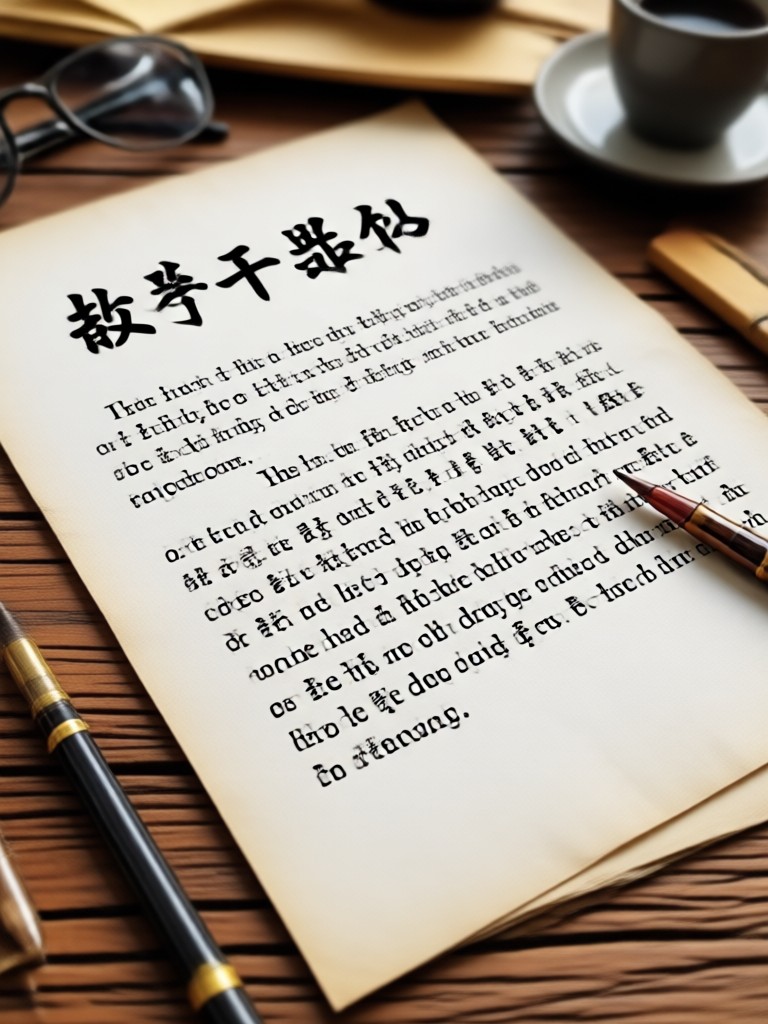
Choose the Document Enhancement Filter
Discover the AI filter that perfectly matches your document conversion needs, from text sharpening to background clean up.
Key Features of AI Image to Document Converter
beyo makes photo to document conversion effortless. Upload any image of text, and our AI instantly enhances clarity, straightens perspective, and produces a clean digital document ready to save or share.
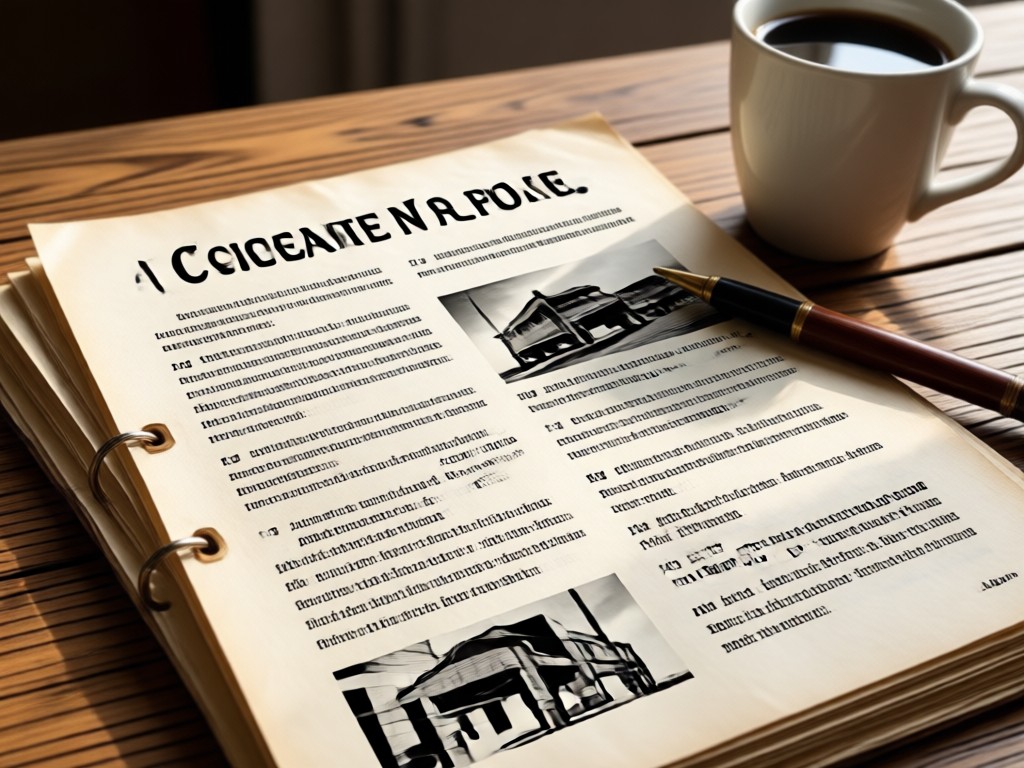
Smart Text Enhancement
Automatically sharpen blurry letters, boost contrast, and remove background noise so every word becomes easy to read. Ideal for photos of printed pages, handwritten notes, and whiteboard captures.
Smart Text Enhancement
Automatically sharpen blurry letters, boost contrast, and remove background noise so every word becomes easy to read. Ideal for photos of printed pages, handwritten notes, and whiteboard captures.
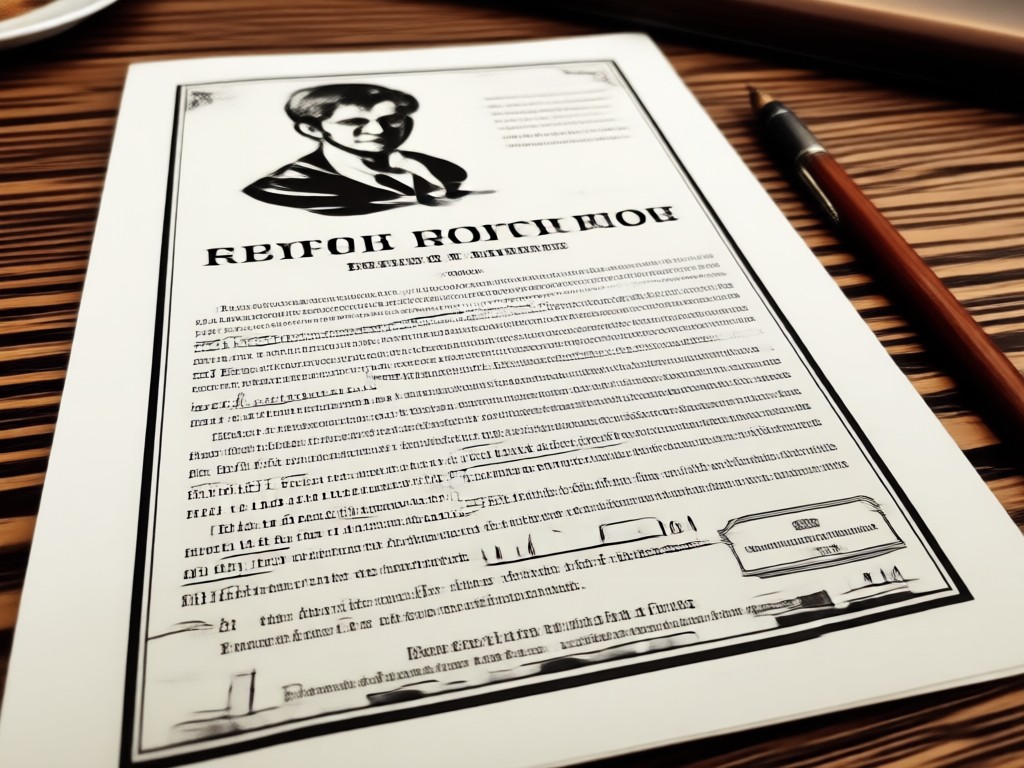
One Tap Perspective Correction
Shot a document from an angle? Our AI automatically flattens and straightens skewed photos, so the output looks like it came straight from a desktop scanner rather than a phone camera.
One Tap Perspective Correction
Shot a document from an angle? Our AI automatically flattens and straightens skewed photos, so the output looks like it came straight from a desktop scanner rather than a phone camera.
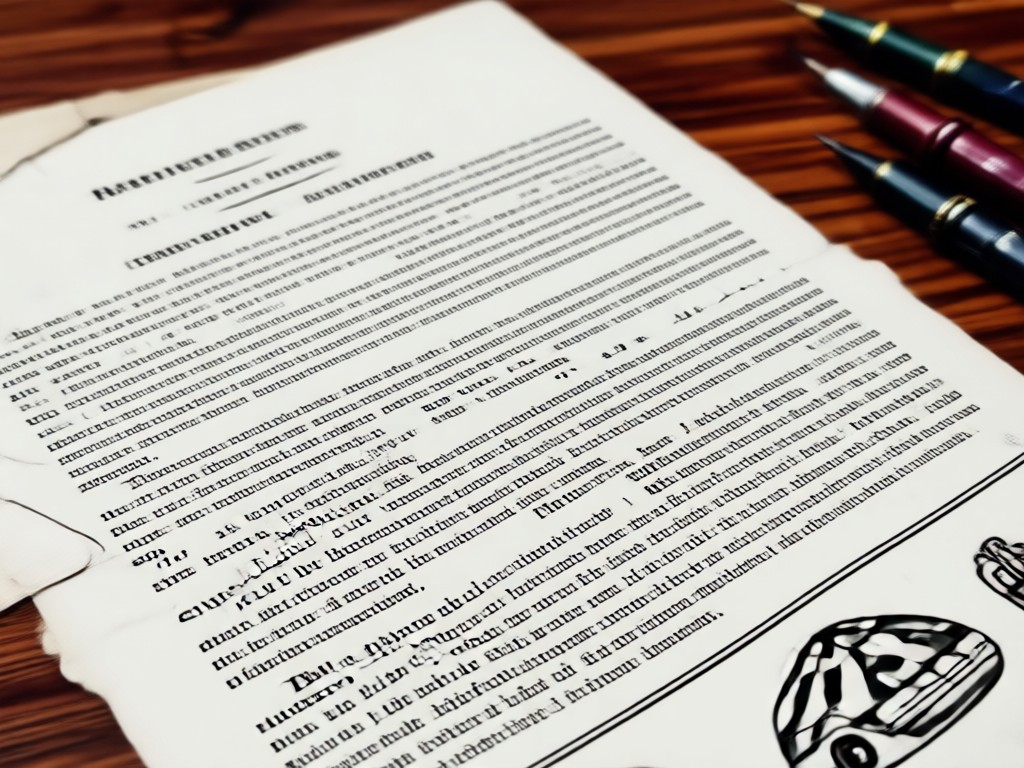
Clean Output, Ready to Save
Convert any photo into a polished digital document in seconds. Download the enhanced image, share it directly, or use it as a clean reference for further AI style transformations.
Clean Output, Ready to Save
Convert any photo into a polished digital document in seconds. Download the enhanced image, share it directly, or use it as a clean reference for further AI style transformations.
How to Convert Image to Document?
Turn a photo of any paper, note, or screen into a clean digital document with three simple steps in the beyo app.

Step 01.
Download the beyo app from Google Play and open it on your mobile device.

Step 02.
Upload the image you want to convert and select a document enhancement filter that sharpens text and cleans the background.

Step 03.
Generate your clean digital document, then save it to your gallery or share it directly with friends and colleagues.
Why Use AI for Image to Document Conversion?
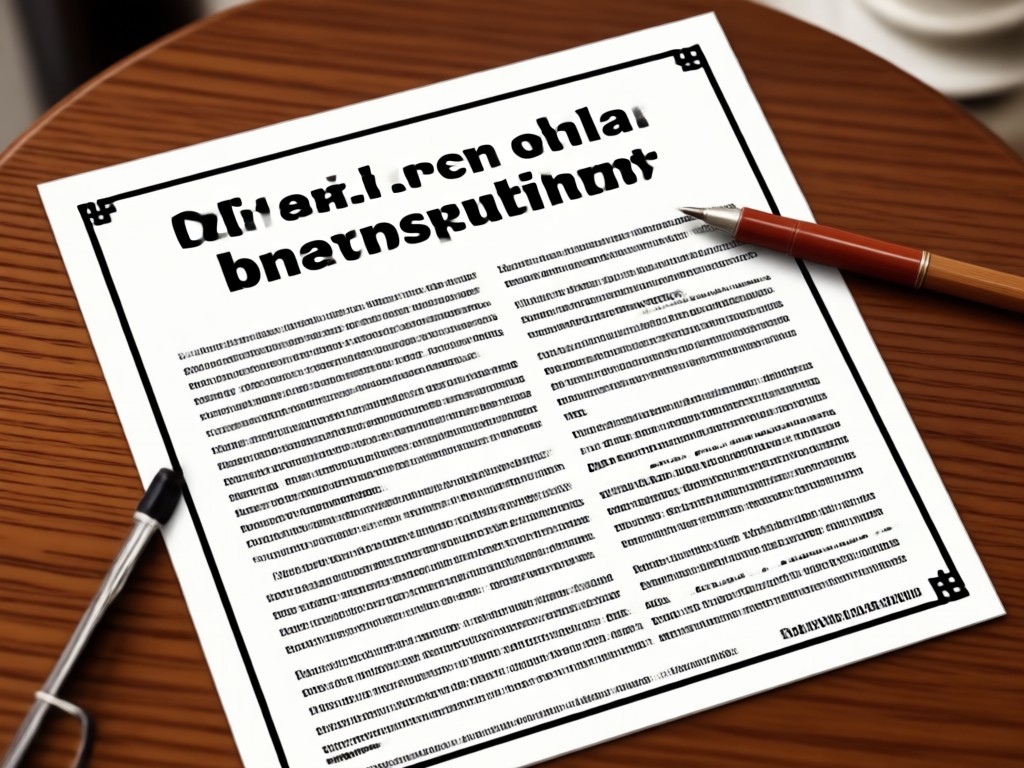
Traditional scanning requires hardware, lighting, and patience. beyo's AI document scanner removes all that friction. Upload a photo, and our intelligent filter does the heavy lifting. Blurry text becomes sharp, dark shadows disappear, and angled captures straighten automatically. Whether you are digitizing class notes, archiving receipts, or cleaning up a screenshot, beyo delivers consistent, professional results every time.
Why Use AI for Image to Document Conversion?
Traditional scanning requires hardware, lighting, and patience. beyo's AI document scanner removes all that friction. Upload a photo, and our intelligent filter does the heavy lifting. Blurry text becomes sharp, dark shadows disappear, and angled captures straighten automatically. Whether you are digitizing class notes, archiving receipts, or cleaning up a screenshot, beyo delivers consistent, professional results every time.
AI Document Conversion Gallery
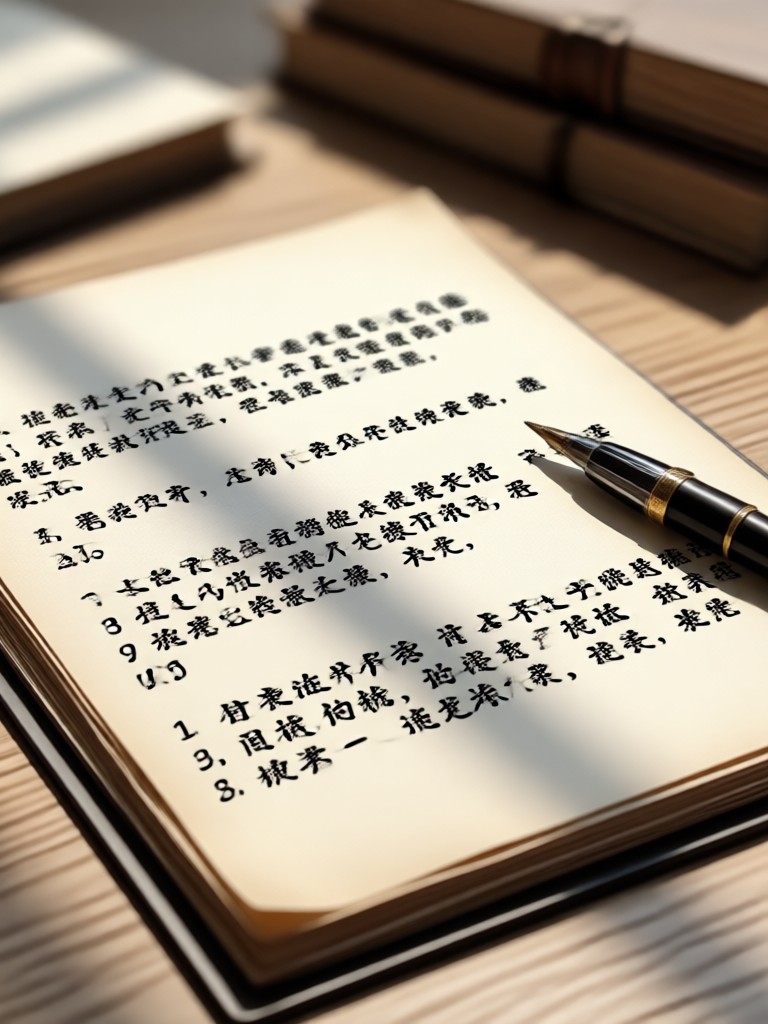
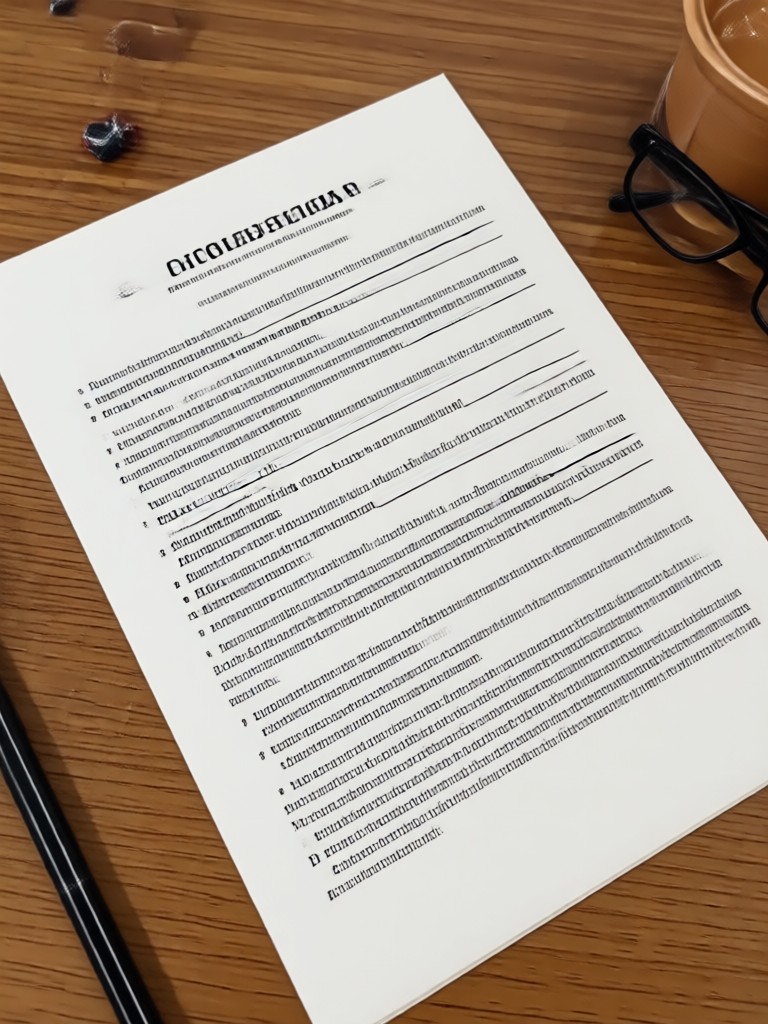
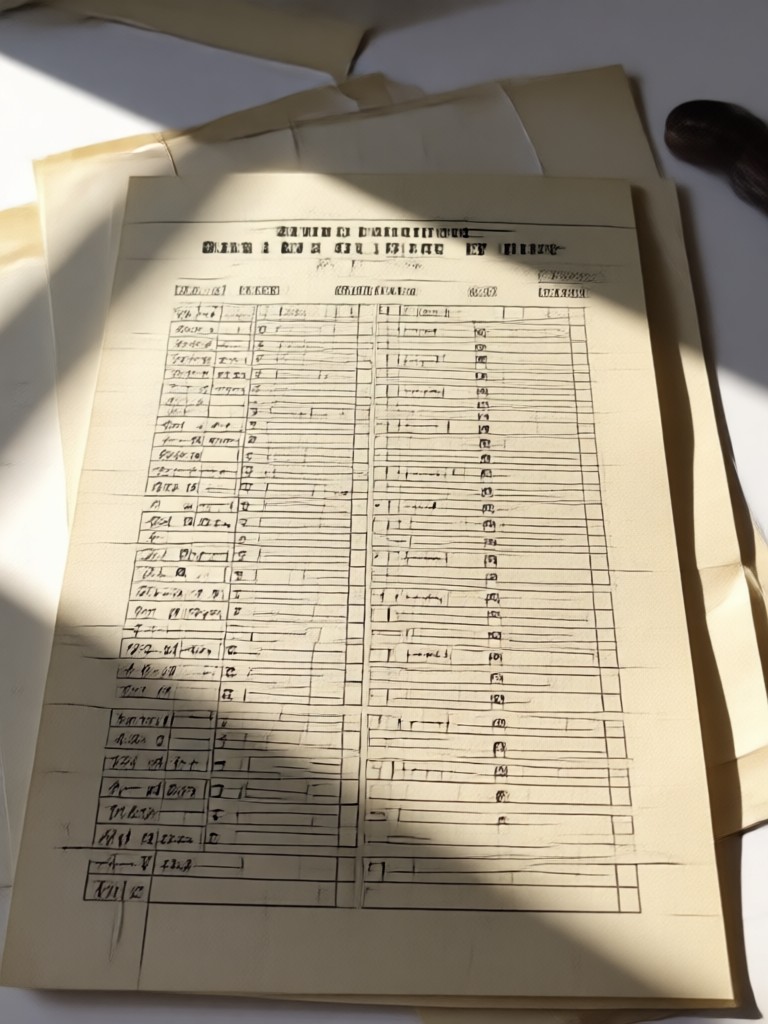
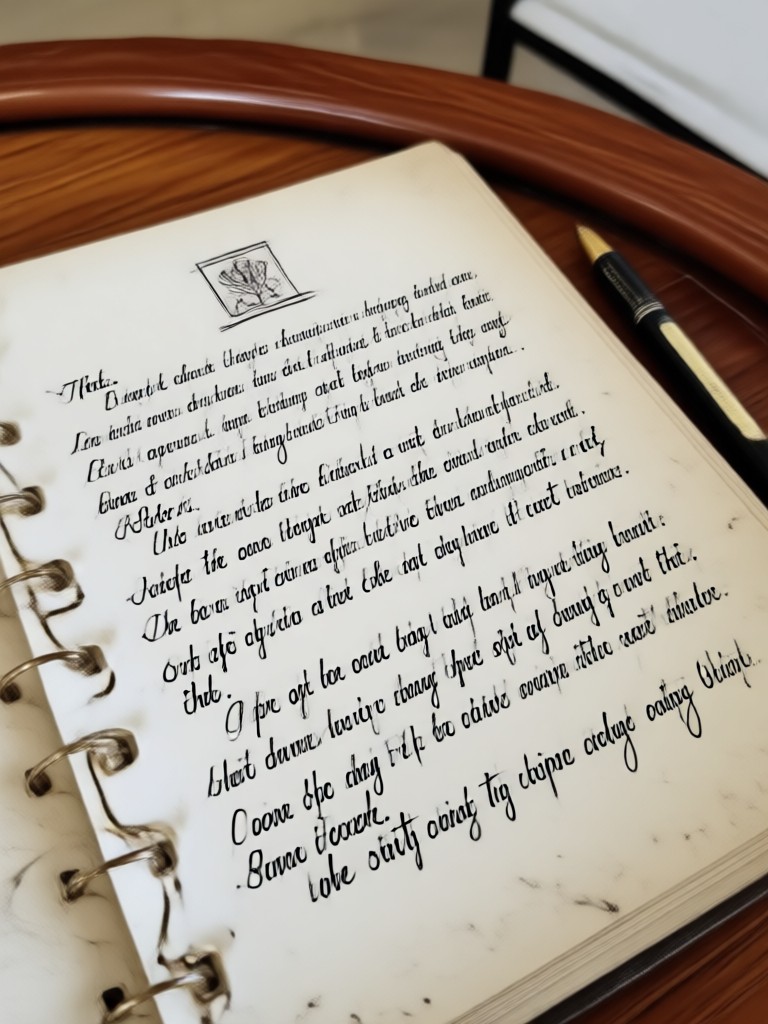
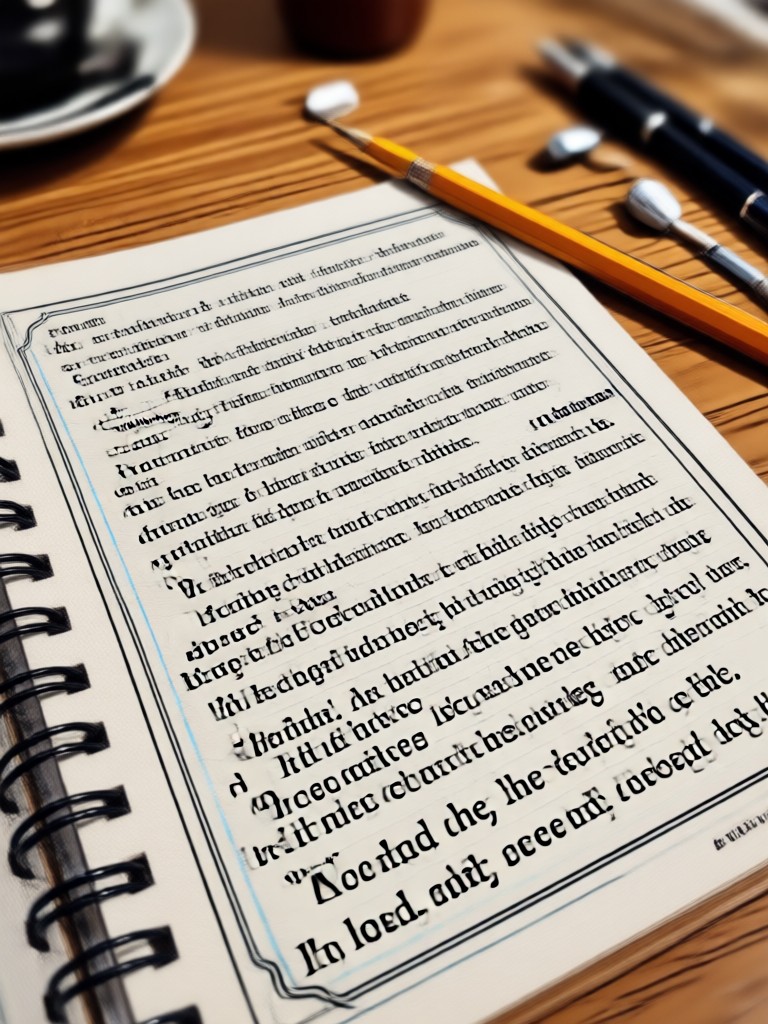
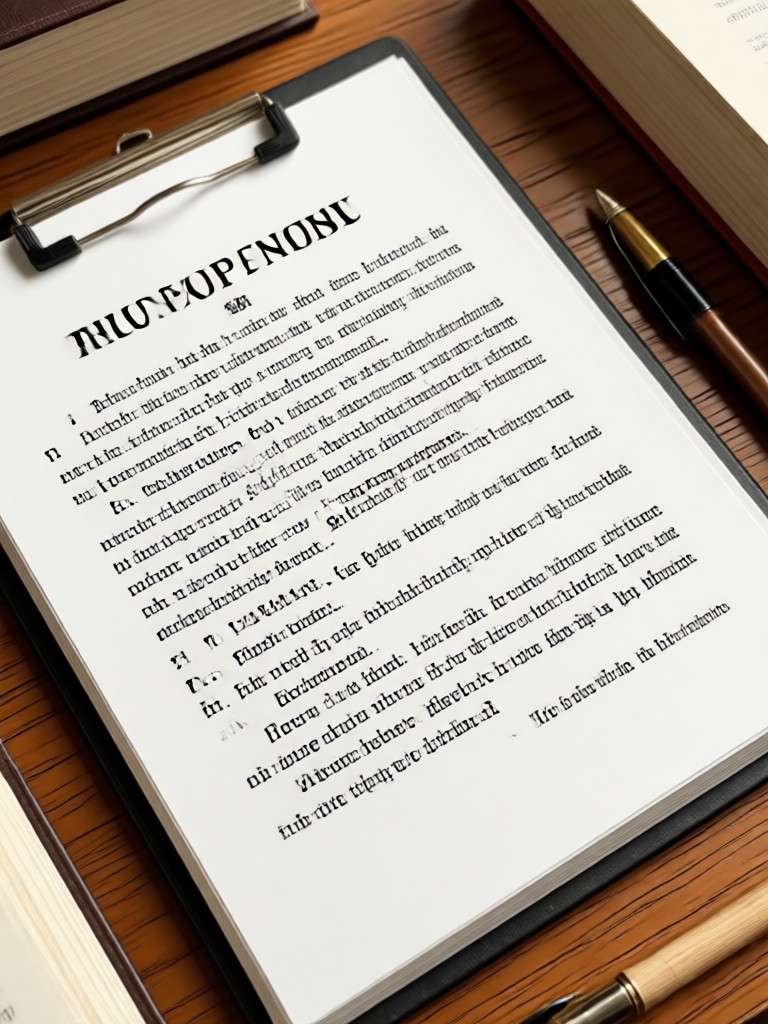
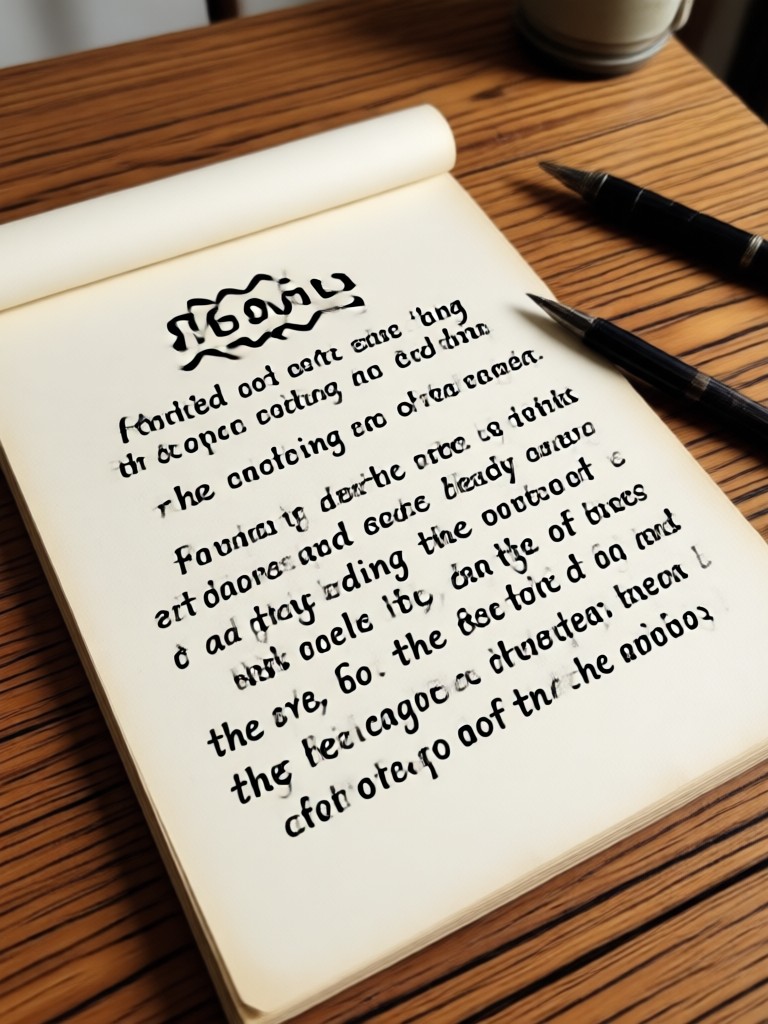
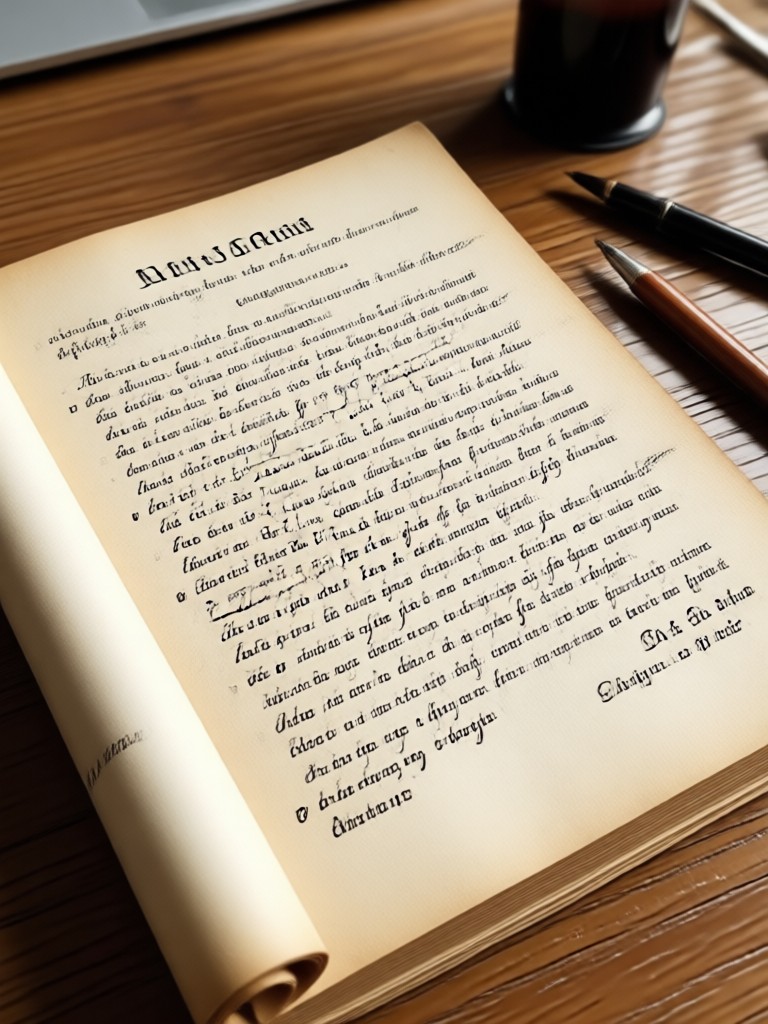
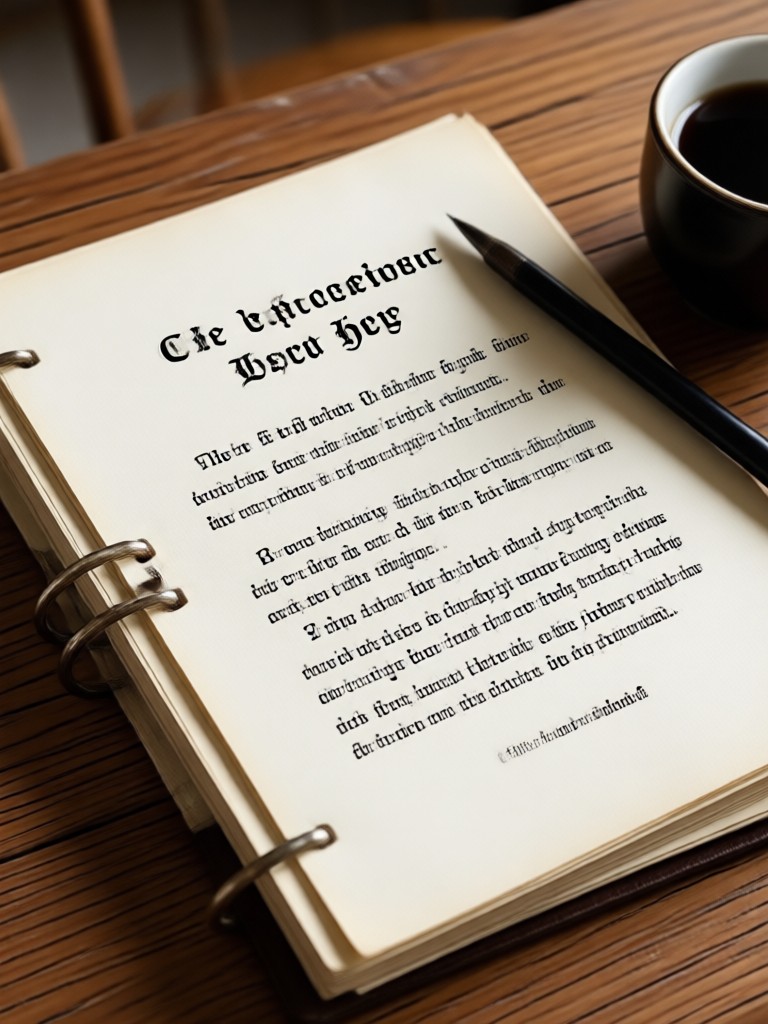
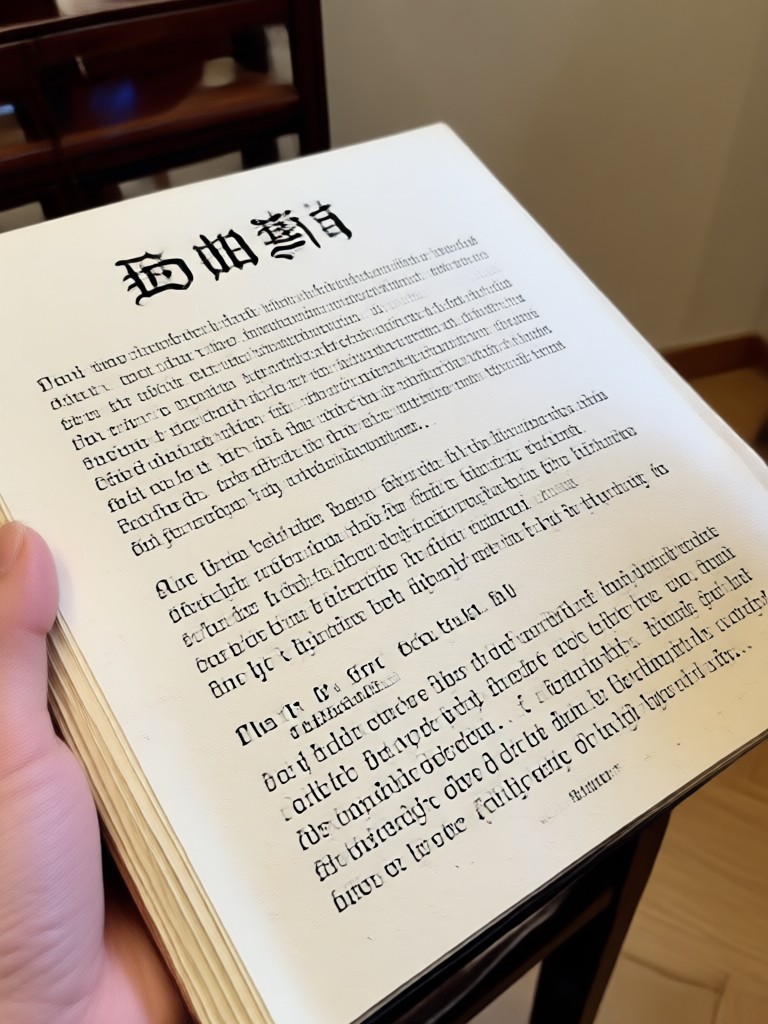
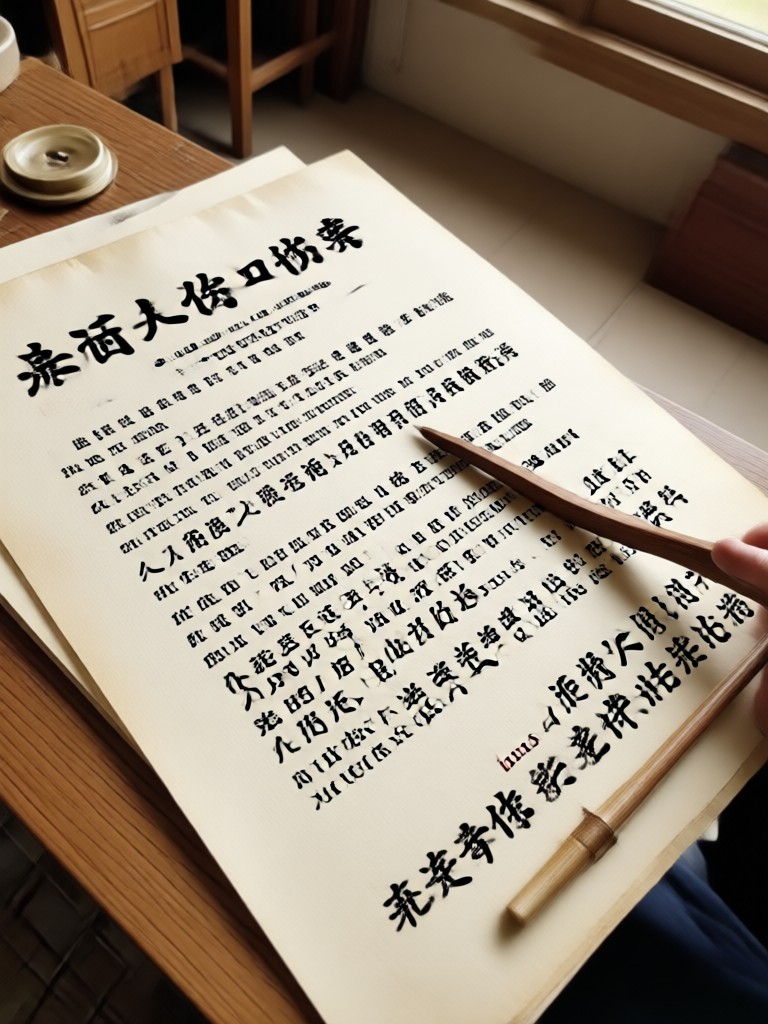
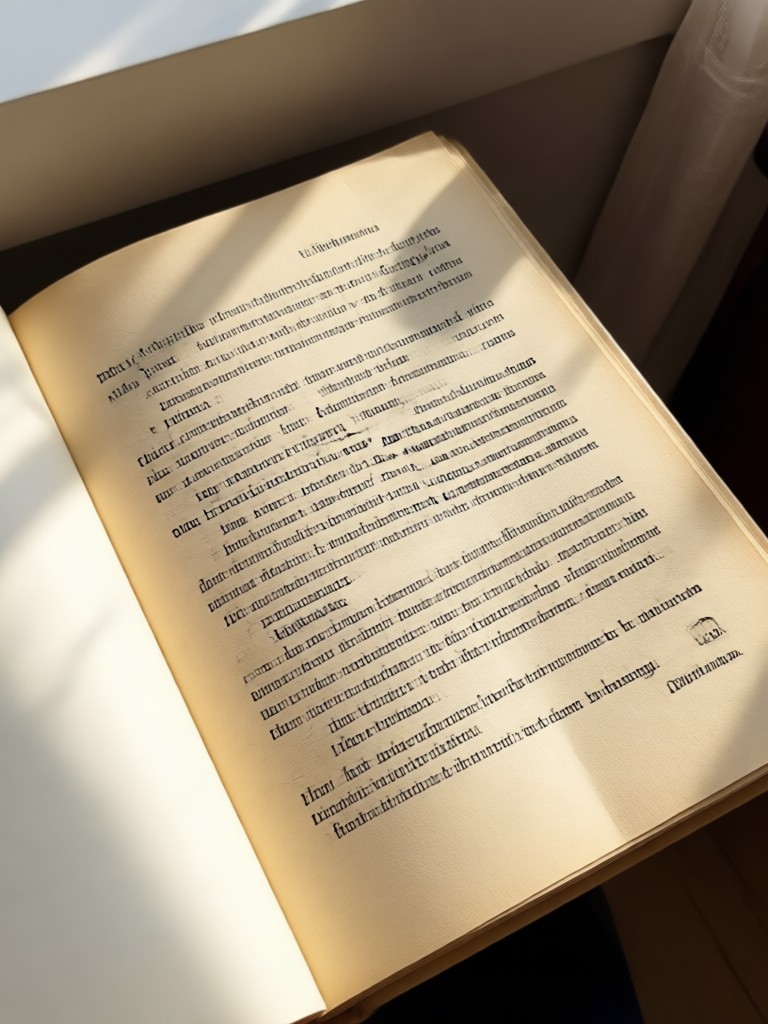
See how beyo transforms ordinary image captures into crisp, readable digital documents. Browse these enhanced examples and imagine what our AI can do for your own photos.
Who Uses AI Convert Image to Document

Louis Yule
I photographed all my lecture slides and used beyo to convert them into clean study notes. The text sharpening is incredible, no more squinting at blurry projector photos.
Mandy Sander
As a freelancer, I deal with receipts constantly. beyo turns my messy phone photos into tidy digital records in seconds. Saved me hours of manual typing.
Orville Garcia
I convert image to document on the go with beyo. Whiteboard sessions, sticky notes, printed contracts, everything comes out clean and easy to read. Highly recommend.

Sam Green
Archiving old family documents used to be a chore. With beyo, I just snap a photo and AI cleans it up beautifully. The results look professionally scanned.
Louis Yule
I photographed all my lecture slides and used beyo to convert them into clean study notes. The text sharpening is incredible, no more squinting at blurry projector photos.
Mandy Sander
As a freelancer, I deal with receipts constantly. beyo turns my messy phone photos into tidy digital records in seconds. Saved me hours of manual typing.
Orville Garcia
I convert image to document on the go with beyo. Whiteboard sessions, sticky notes, printed contracts, everything comes out clean and easy to read. Highly recommend.
Sam Green
Archiving old family documents used to be a chore. With beyo, I just snap a photo and AI cleans it up beautifully. The results look professionally scanned.
Louis Yule
I photographed all my lecture slides and used beyo to convert them into clean study notes. The text sharpening is incredible, no more squinting at blurry projector photos.
Mandy Sander
As a freelancer, I deal with receipts constantly. beyo turns my messy phone photos into tidy digital records in seconds. Saved me hours of manual typing.
Orville Garcia
I convert image to document on the go with beyo. Whiteboard sessions, sticky notes, printed contracts, everything comes out clean and easy to read. Highly recommend.
Sam Green
Archiving old family documents used to be a chore. With beyo, I just snap a photo and AI cleans it up beautifully. The results look professionally scanned.
Frequently Asked Questions About Image to Document Conversion
Find clear answers to common questions about converting images to documents with beyo AI and get the guidance you need to produce clean, professional results.
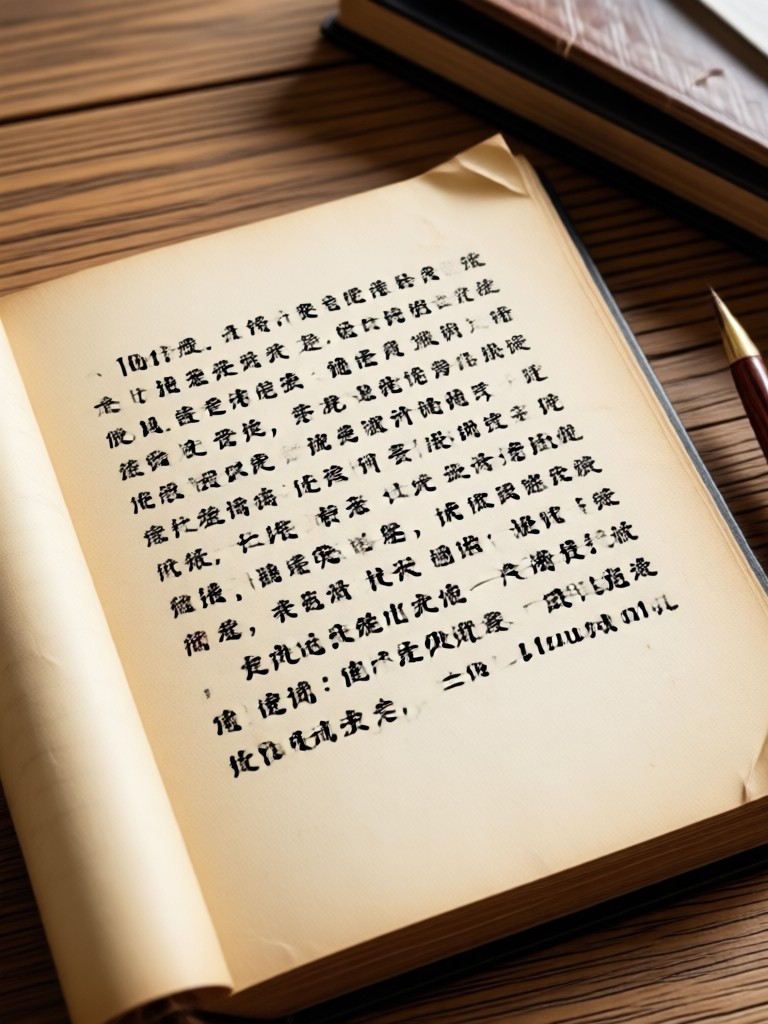
Convert Image to Document on the Go
Enhance text clarity, remove shadows, and digitize any photo into a clean document directly from your phone. Download beyo now.

More Topics You May Like
Explore more topics related to AI image enhancement and creative document transformation.
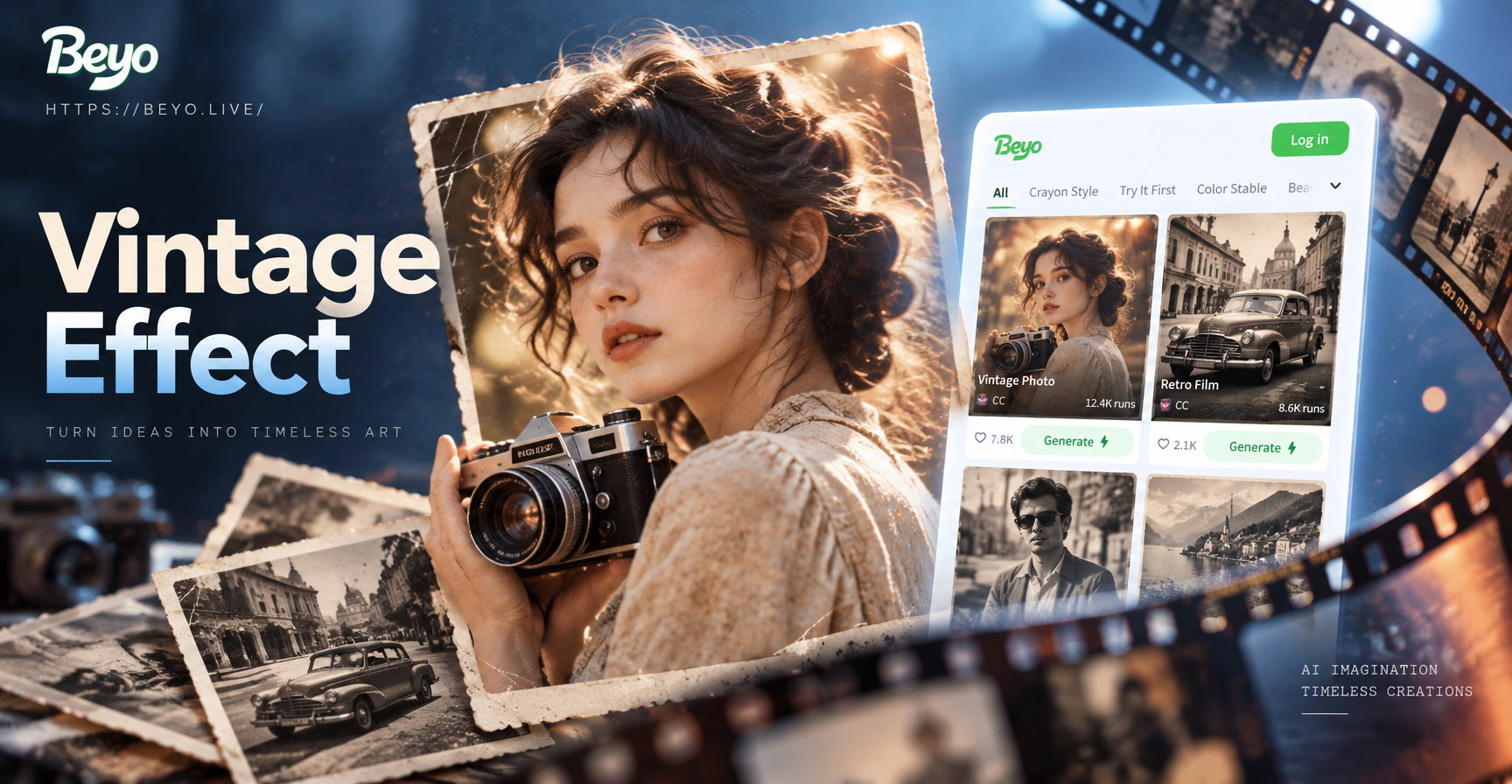
Vintage Photo Effect: AI Filters for Retro Looks

Image To Convert JPG: Transform Any Photo in Seconds
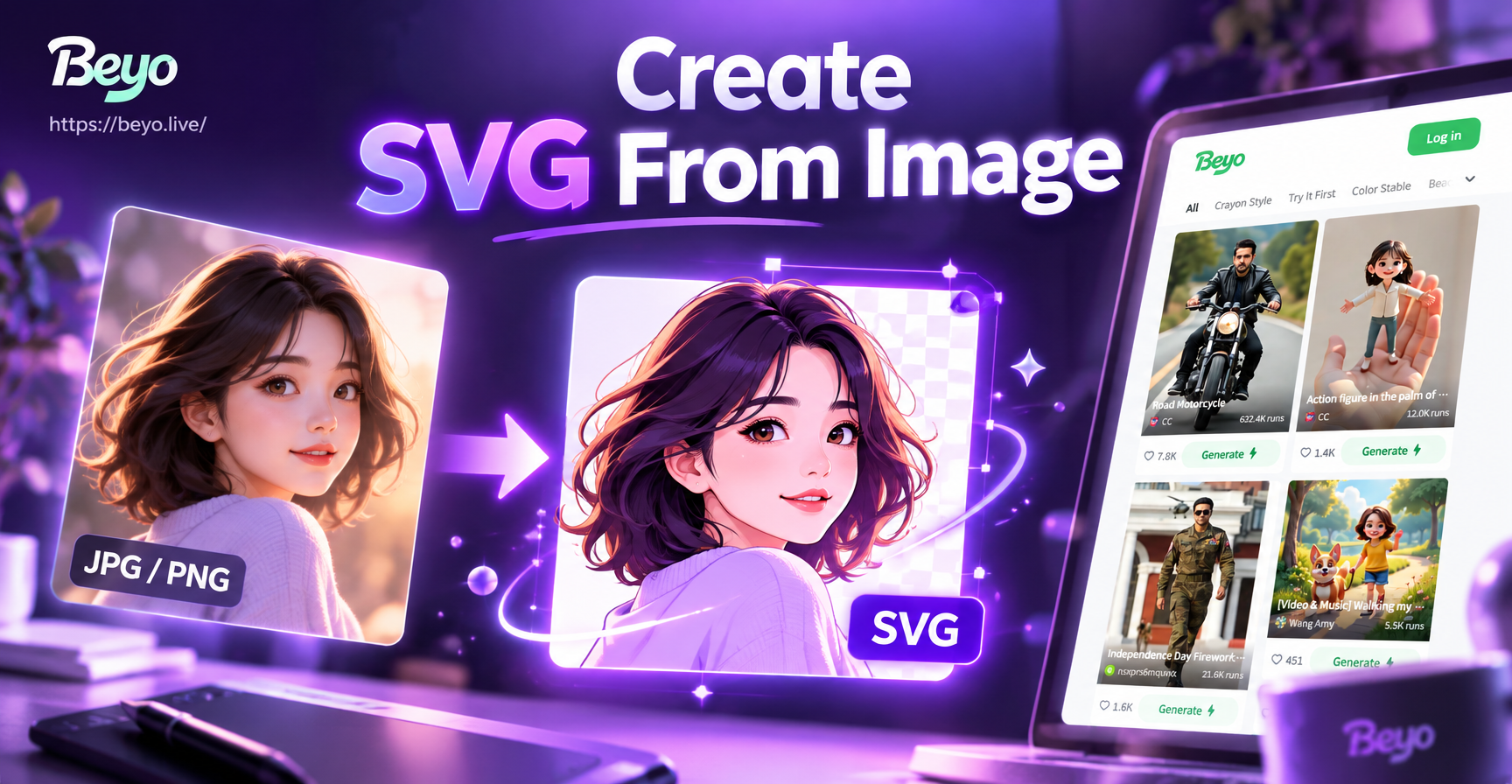
Create SVG From Image: Turn Photos into Vector Art
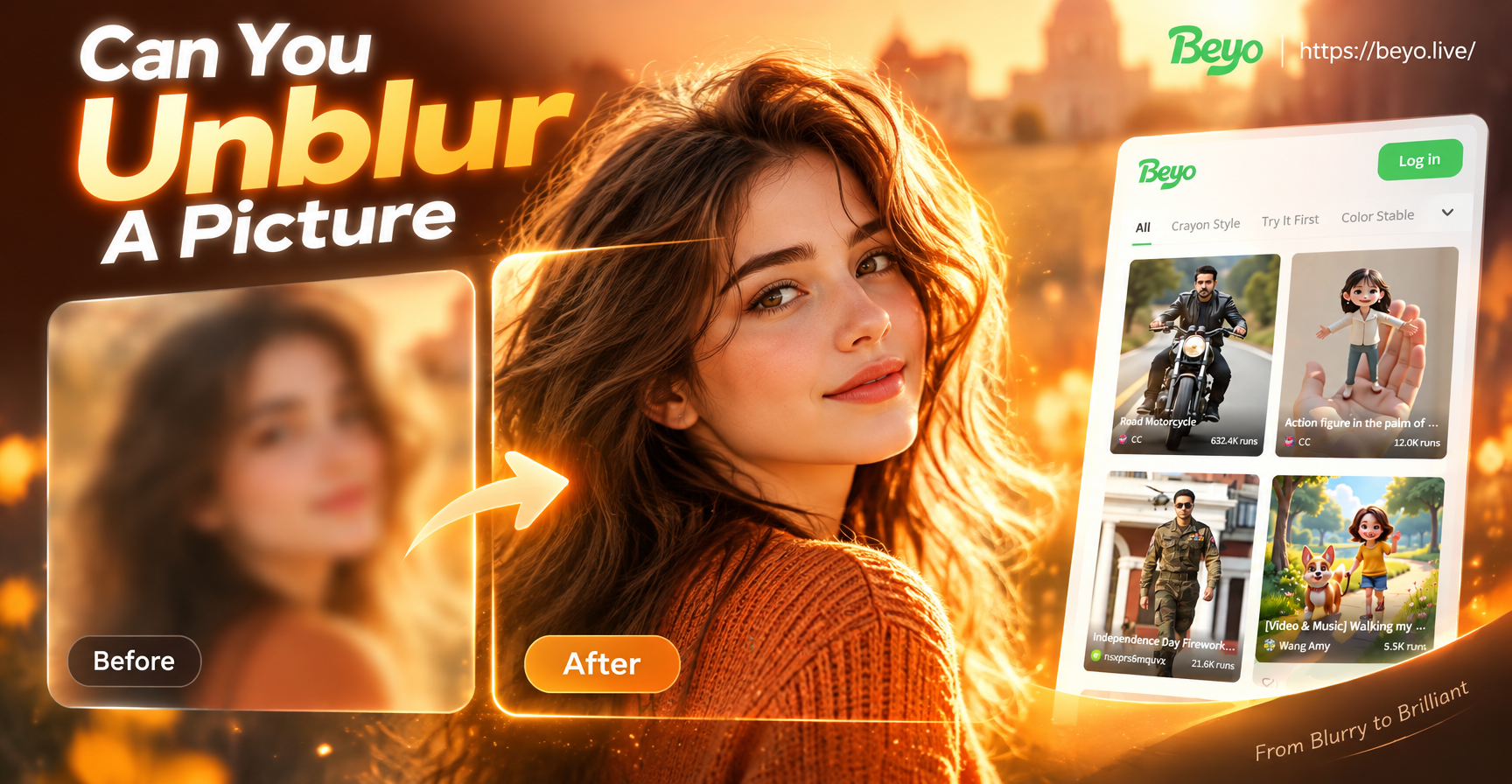
Can You Unblur A Picture? This App Says Yes
Vintage Photo Effect: AI Filters for Retro Looks
Image To Convert JPG: Transform Any Photo in Seconds
Create SVG From Image: Turn Photos into Vector Art
Can You Unblur A Picture? This App Says Yes
Ready to Convert Image to Document?
Download beyo and turn every blurry photo into a clean digital document with AI powered text enhancement and perspective correction.

Ready to Convert Image to Document?
Download beyo and turn every blurry photo into a clean digital document with AI powered text enhancement and perspective correction.