Remove Anything From Photo
Discover Related AI Editing Tools
Explore filters and tools that help you clean up photos, erase objects, and achieve picture-perfect results.
How to Remove Anything From Photo
Clean up your images in three simple steps using Beyo's powerful AI editing tools.

Step 01.
Download the Beyo app from Google Play and open it on your mobile device.

Step 02.
Upload the photo you want to edit and select the erase or cleanup tool.

Step 03.
Mark the unwanted object or person and let AI remove it. Save and share your clean image.
Powerful Object Eraser Features
Beyo gives you professional photo cleanup tools that are simple to use. Remove distractions and keep your photos looking natural.

Erase People and Objects
Remove photobombers, strangers, cars, or any unwanted object from your pictures. The AI fills the background seamlessly so the edit looks completely natural.
Erase People and Objects
Remove photobombers, strangers, cars, or any unwanted object from your pictures. The AI fills the background seamlessly so the edit looks completely natural.

Clean Up Text and Watermarks
Remove text, logos, watermarks, or date stamps from your images. Perfect for restoring old photos or preparing clean images for your projects.
Clean Up Text and Watermarks
Remove text, logos, watermarks, or date stamps from your images. Perfect for restoring old photos or preparing clean images for your projects.
Fix Blemishes and Spots
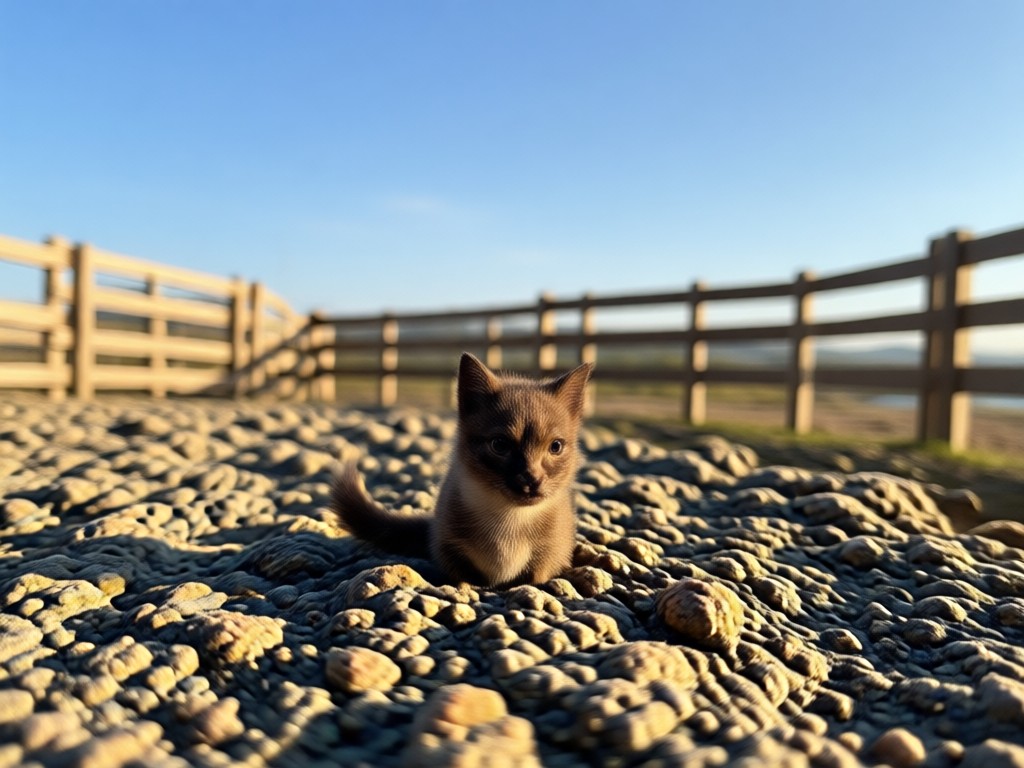
Smooth away skin blemishes, sensor dust, or small imperfections. Improve your portraits and landscape shots with one tap.
Fix Blemishes and Spots
Smooth away skin blemishes, sensor dust, or small imperfections. Improve your portraits and landscape shots with one tap.
Why Remove Anything From Photo With Beyo
Photo editing should be quick, easy, and produce professional results. Beyo removes the complexity of traditional editing tools.

Professional Results Without the Learning Curve
Traditional photo editing software takes hours to learn. Beyo puts AI-powered object removal right in your pocket. Simply open the app, upload your image, and mark what you want gone. The AI understands edges, shadows, and textures, so it fills the space with realistic content that matches the surrounding scene. Whether you are cleaning up a family photo, preparing a product image, or fixing a travel snapshot, Beyo gives you clean, natural-looking results in seconds. No cluttered toolbars, no complicated layers, and no export headaches. Just clear photos that look professionally retouched every time.
Professional Results Without the Learning Curve
Traditional photo editing software takes hours to learn. Beyo puts AI-powered object removal right in your pocket. Simply open the app, upload your image, and mark what you want gone. The AI understands edges, shadows, and textures, so it fills the space with realistic content that matches the surrounding scene. Whether you are cleaning up a family photo, preparing a product image, or fixing a travel snapshot, Beyo gives you clean, natural-looking results in seconds. No cluttered toolbars, no complicated layers, and no export headaches. Just clear photos that look professionally retouched every time.
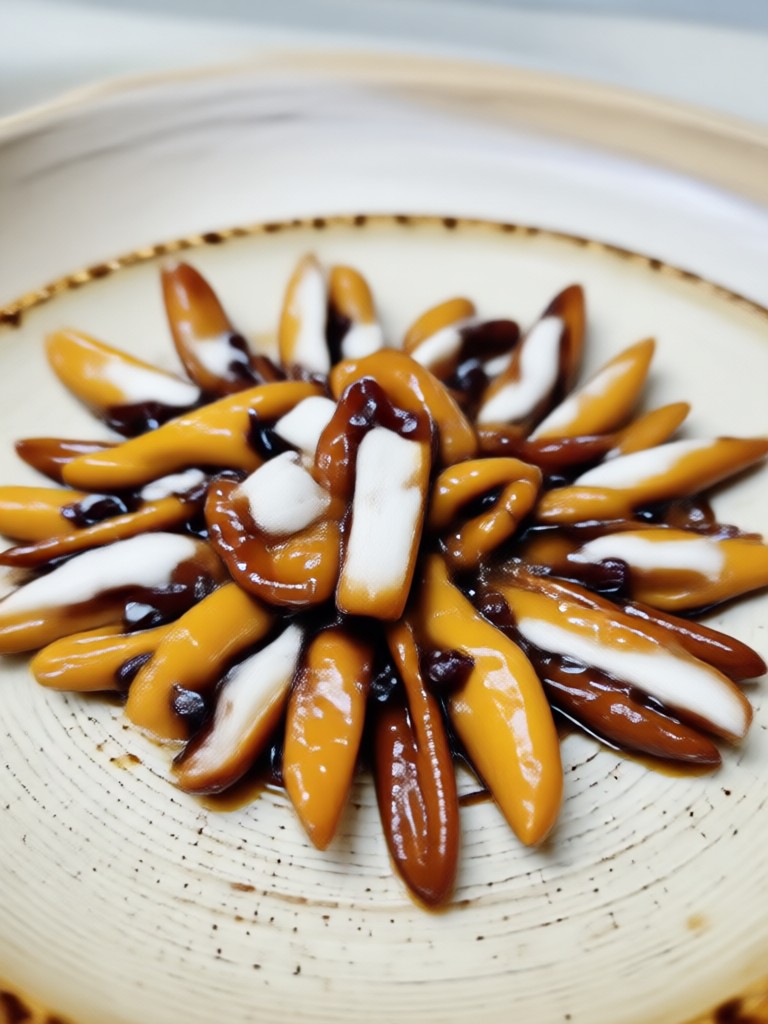
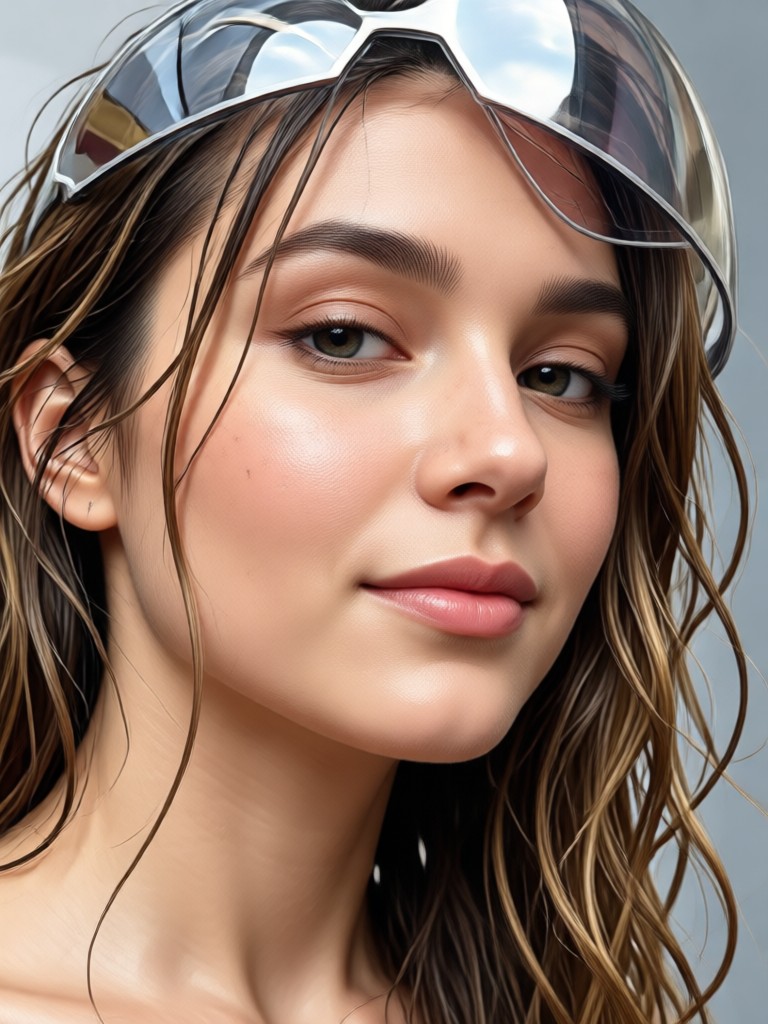
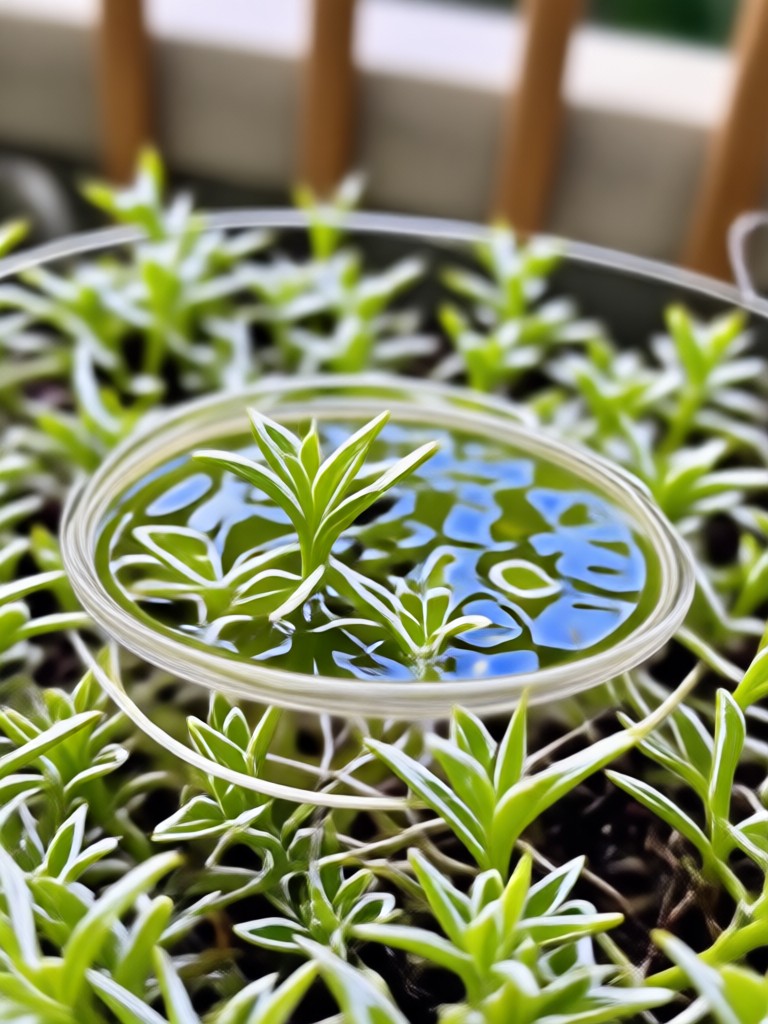
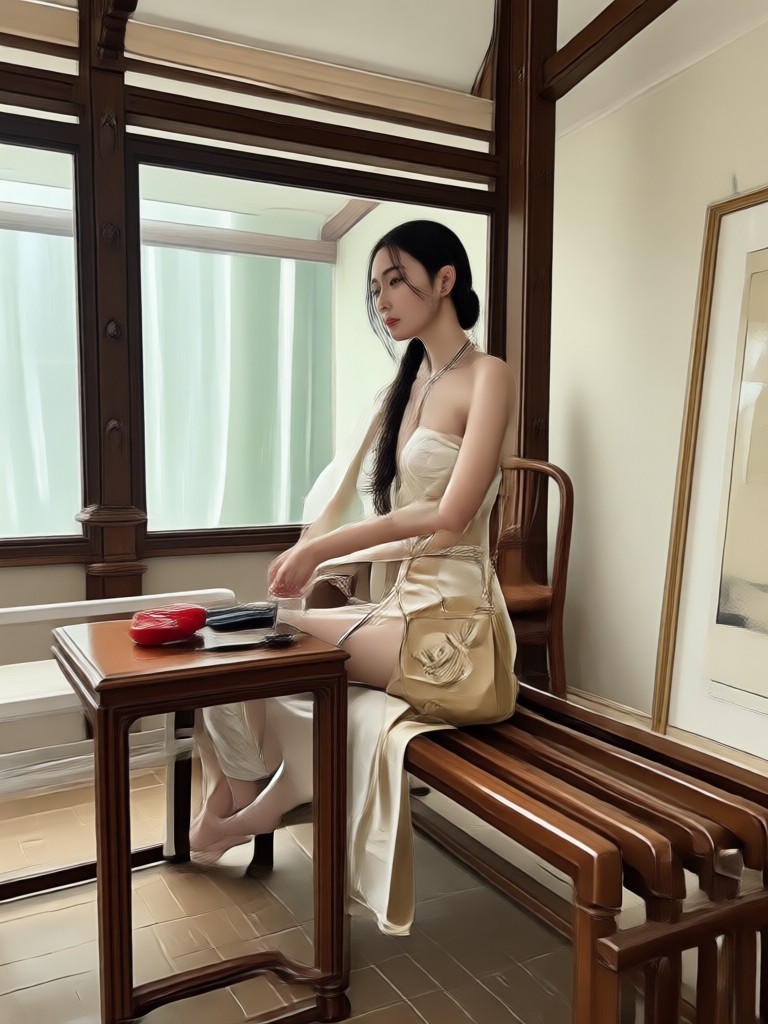
Before and After: Object Removal Results
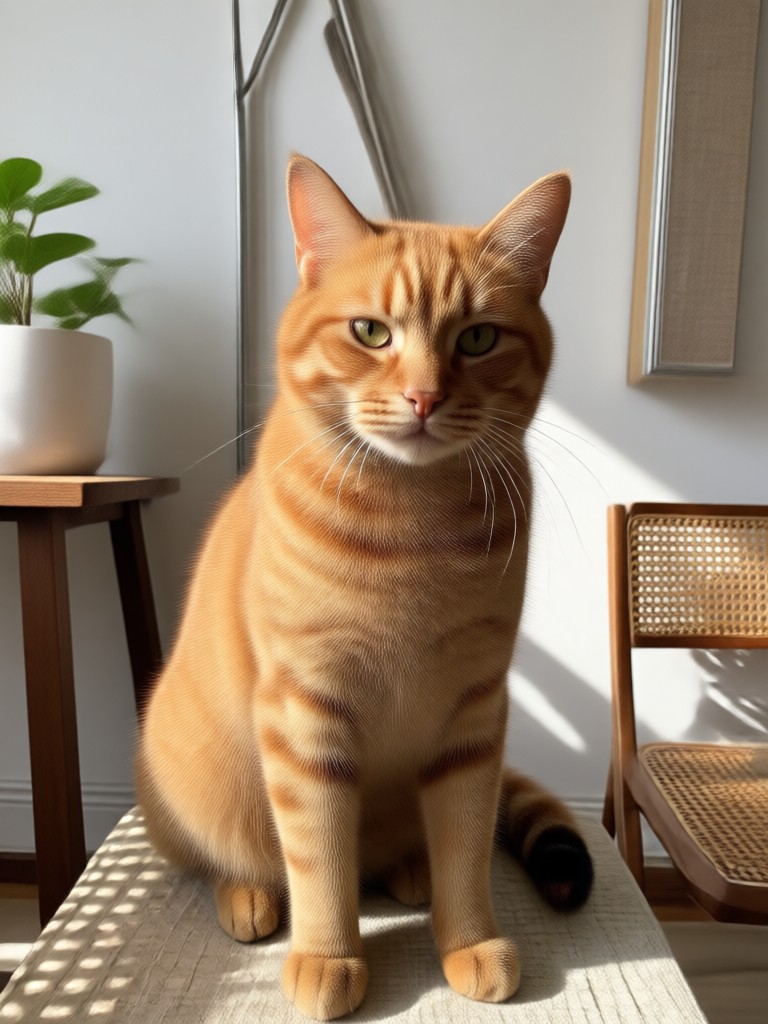
See how Beyo removes unwanted objects, people, and text from photos. Browse real examples of AI-powered photo cleanup.






More Photo Cleanup Scenes to Try
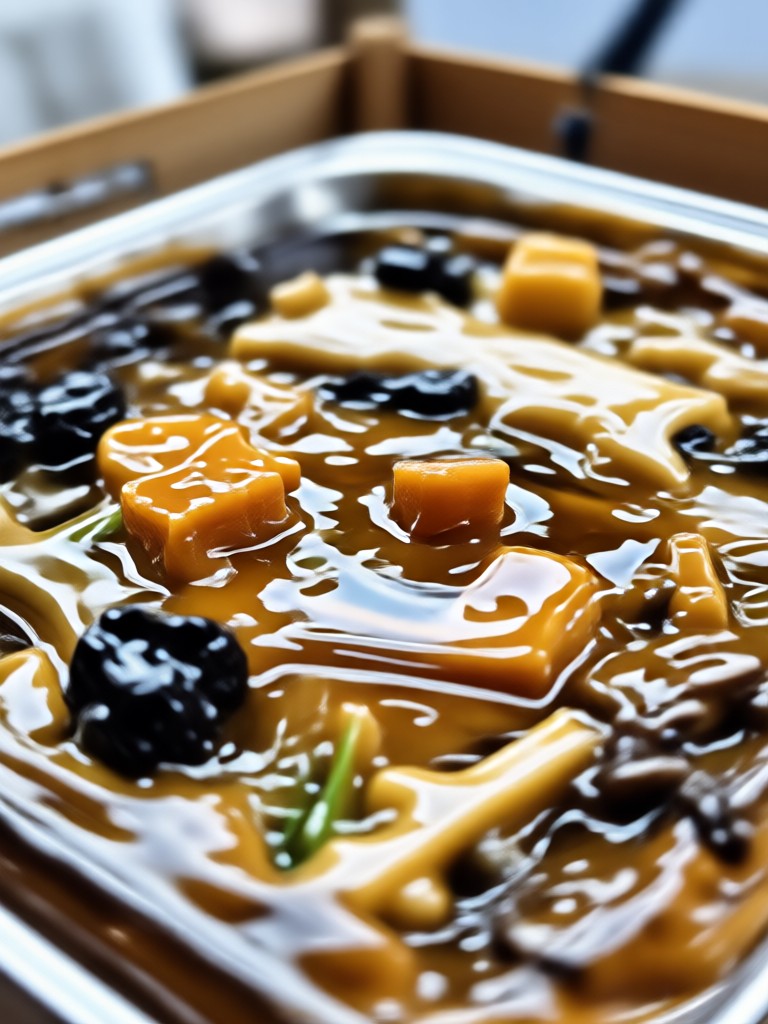
From crowded streets to messy rooms, Beyo handles all your photo cleanup needs. Upload any image and remove distractions in seconds.





Remove Anything From Photo on Your Phone
Beyo is available on Google Play. Download the app and start cleaning up your photos anywhere, anytime.

What Users Say About Beyo Object Removal
Finally removed my ex from my favorite photo
I had this perfect picture from a trip but my ex was in it. Beyo let me remove her completely and the background looks flawless. You would never know anyone was there.
Best tool for cleaning up product photos
I sell vintage items online and often need to remove distracting backgrounds or small objects from photos. Beyo is faster than my desktop software and the results are just as good.
Removed text from a screenshot perfectly
I needed to clean up a screenshot for a presentation but the old text was visible. Beyo removed the text completely and filled in the space with a clean background. Super easy.
Frequently Asked Questions About Removing Objects From Photos
Find clear answers to common questions about cleaning up your images with Beyo's AI tools.
More Photo Editing Topics You May Like
Explore more AI editing guides and discover fresh ways to enhance your photos.

Erase Unwanted Objects From Photos in Seconds

Convert Image To Document with AI: Enhance & Digitize

Vintage Photo Effect: AI Filters for Retro Looks

Image To Convert JPG: Transform Any Photo in Seconds
Erase Unwanted Objects From Photos in Seconds
Convert Image To Document with AI: Enhance & Digitize
Vintage Photo Effect: AI Filters for Retro Looks
Image To Convert JPG: Transform Any Photo in Seconds
Ready to Remove Anything From Photo?
Download Beyo and start cleaning up your images today. Erase unwanted objects, people, and text in seconds with AI precision.
Ready to Remove Anything From Photo?
Download Beyo and start cleaning up your images today. Erase unwanted objects, people, and text in seconds with AI precision.