Remove Item From Image
Explore Object Removal Filters
Choose from a variety of AI cleanup filters designed for different removal tasks, from photobomber erasing to background cleaning and text removal.
Key Features of AI Object Removal
Transform your photos with powerful AI that removes unwanted elements in seconds. Whether you need to erase a stranger from a family photo, clean up product shots, or delete text overlays, beyo makes it effortless.
One-Tap Object Removal
Upload any photo and use a simple brush to mark the item you want gone. The AI identifies the object and erases it with a single tap, leaving no trace behind.
One-Tap Object Removal
Upload any photo and use a simple brush to mark the item you want gone. The AI identifies the object and erases it with a single tap, leaving no trace behind.
Seamless Background Blending
The AI fills in the space where the object used to be with realistic textures and colors that match the surrounding area. Your photo looks natural, not edited.
Seamless Background Blending
The AI fills in the space where the object used to be with realistic textures and colors that match the surrounding area. Your photo looks natural, not edited.
Remove Anything in Seconds
From photobombers and power lines to text overlays and skin blemishes, the AI can handle any unwanted element. Just mark it and watch it disappear instantly.
Remove Anything in Seconds
From photobombers and power lines to text overlays and skin blemishes, the AI can handle any unwanted element. Just mark it and watch it disappear instantly.
How to Remove Items From Images
Cleaning up your photos takes just three simple steps. Download the app, mark the unwanted item, and let AI do the rest.

Step 01.
Download beyo from Google Play and open the AI object removal tool on your phone.

Step 02.
Upload your photo and use the brush tool to highlight the item you want to erase.

Step 03.
Tap Generate and watch the AI remove the object cleanly. Save your polished photo or share it directly to social media.
Why Choose beyo for Object Removal
Unlike traditional photo editors that require manual cloning and healing, beyo uses advanced AI to understand the context of your image. It removes unwanted items while preserving natural shadows, lighting, and texture. The result is a clean photo that looks completely original.
Why Choose beyo for Object Removal
Unlike traditional photo editors that require manual cloning and healing, beyo uses advanced AI to understand the context of your image. It removes unwanted items while preserving natural shadows, lighting, and texture. The result is a clean photo that looks completely original.
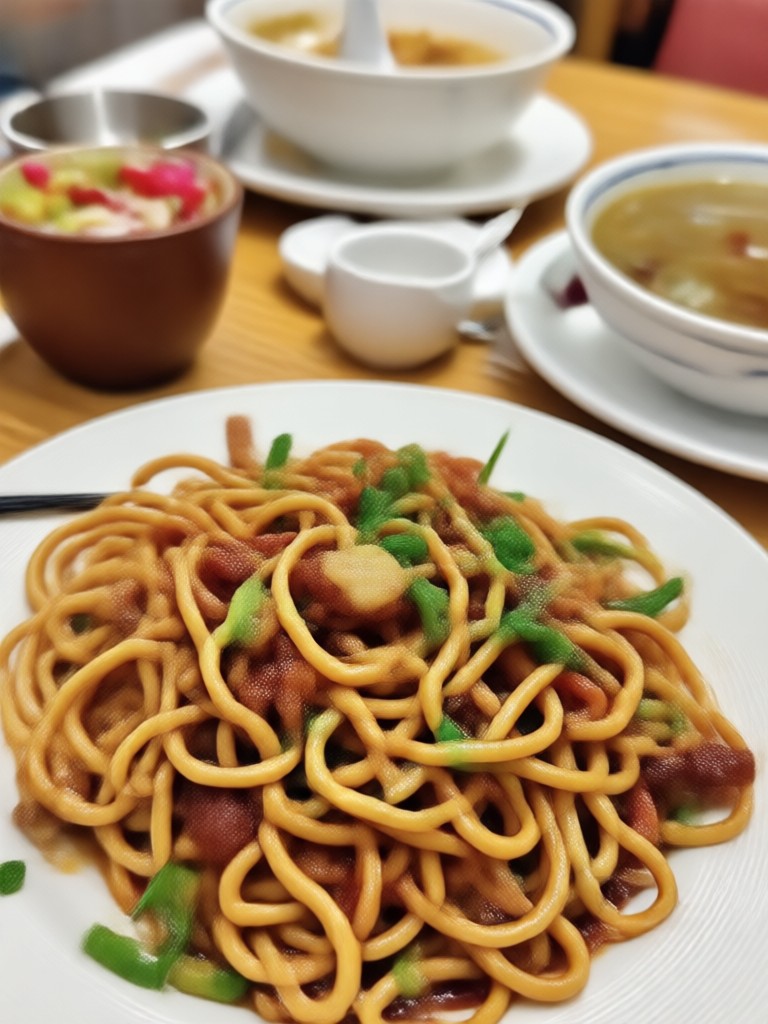
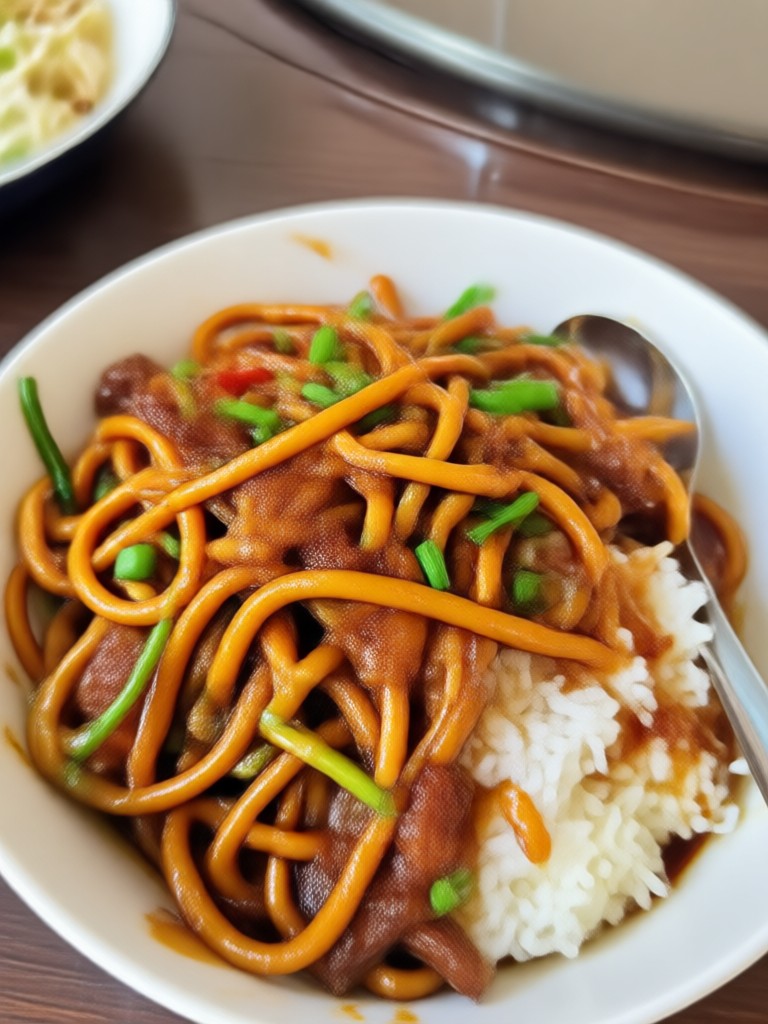
AI Object Removal Results Gallery
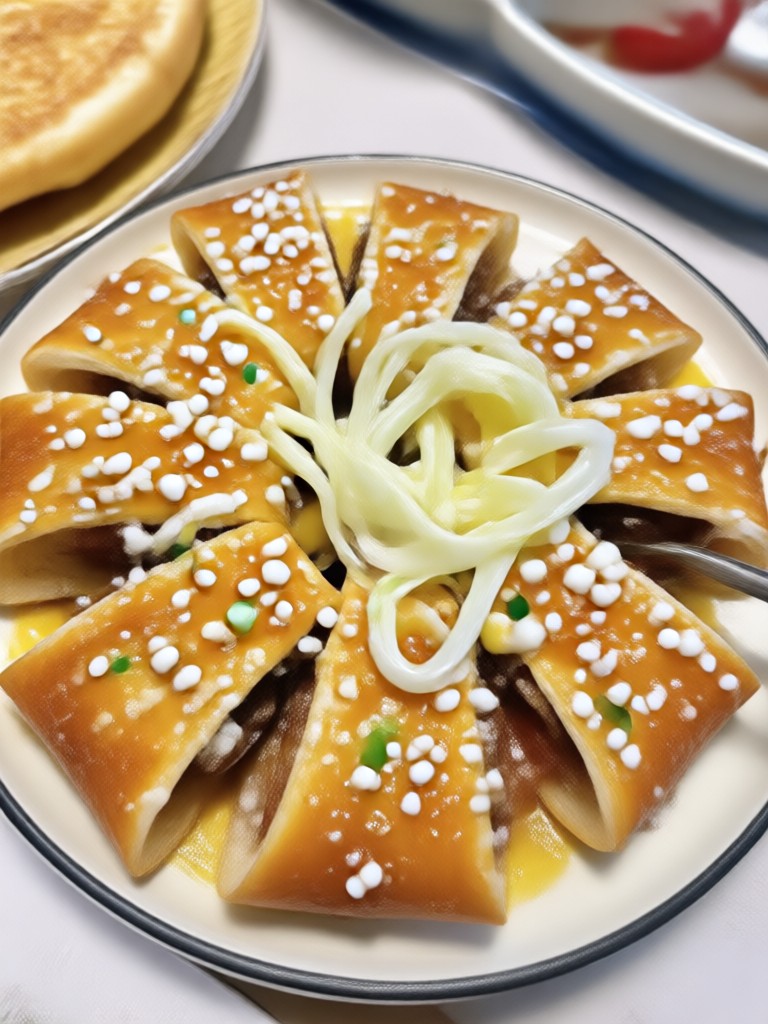
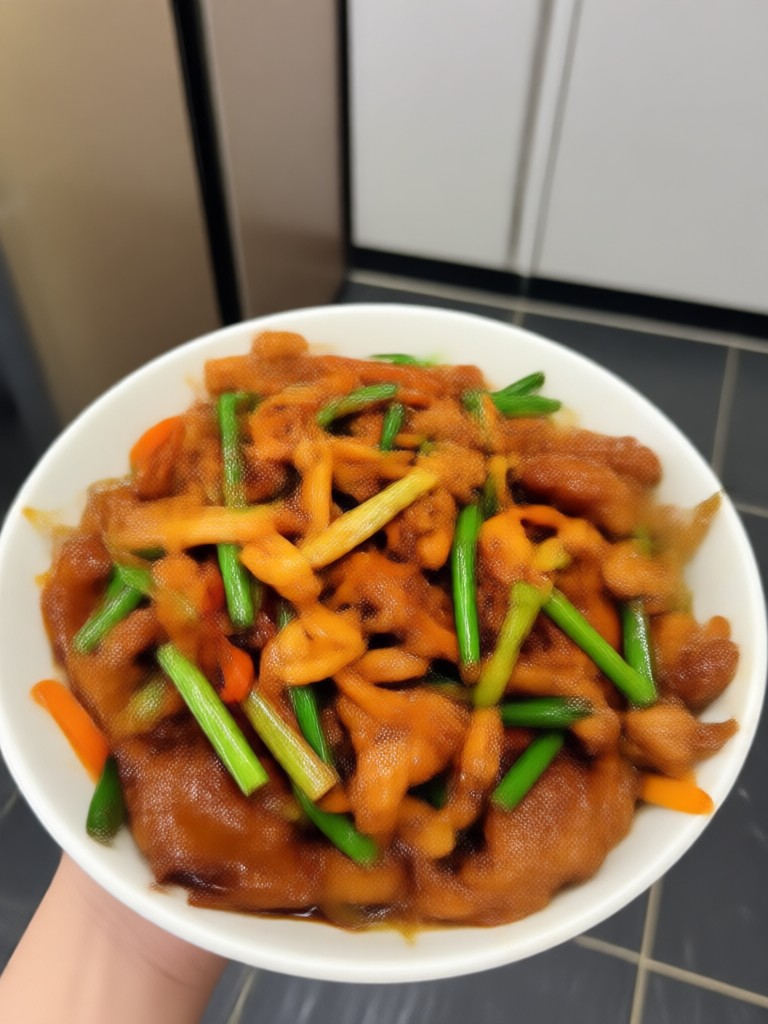
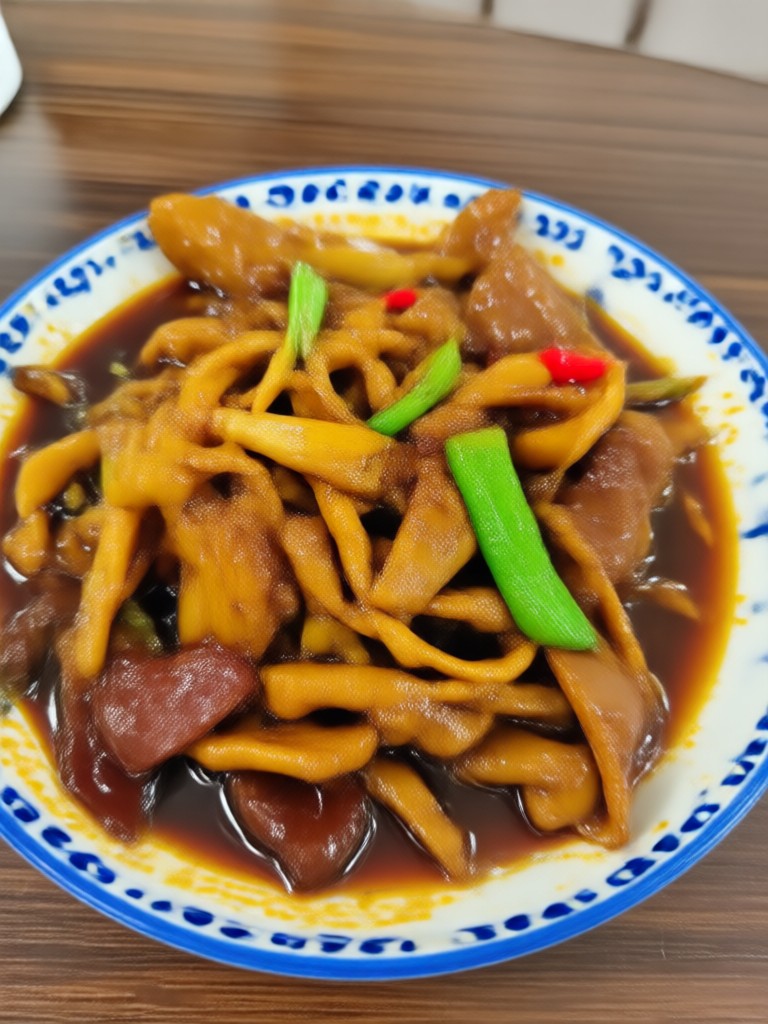
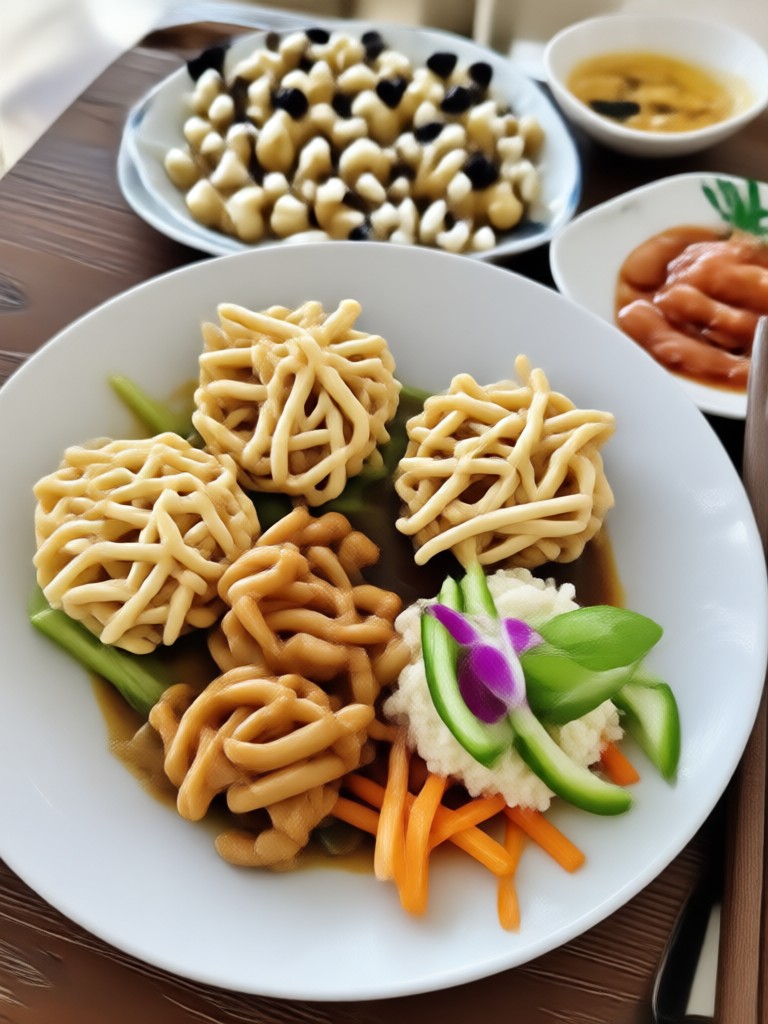
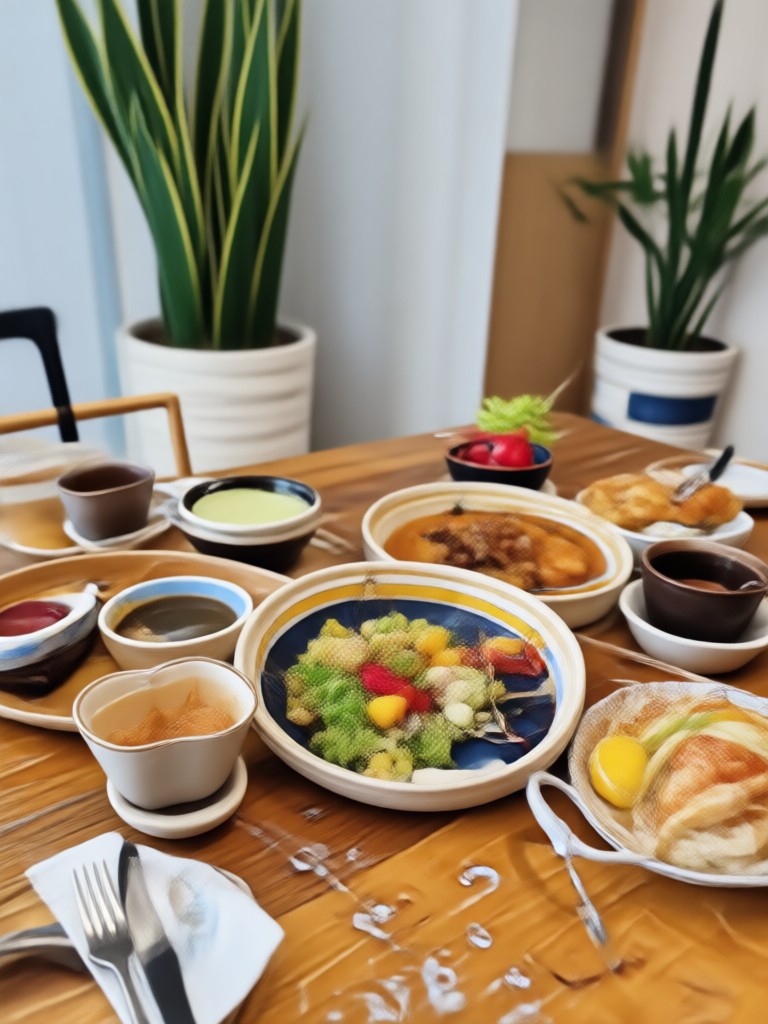
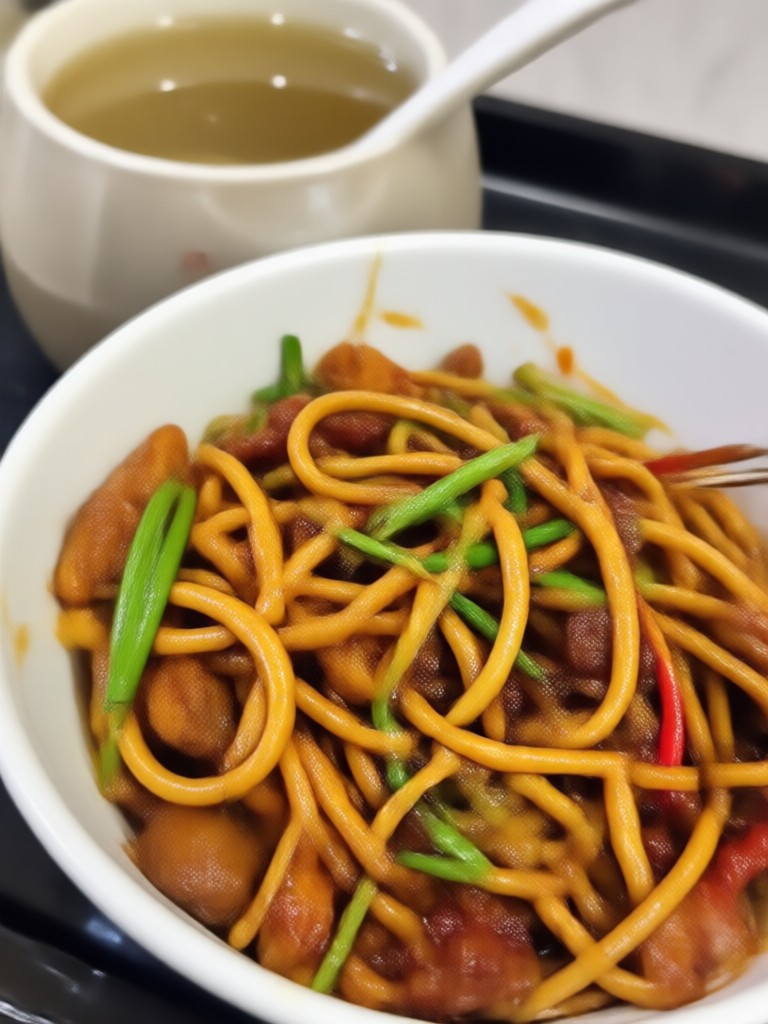
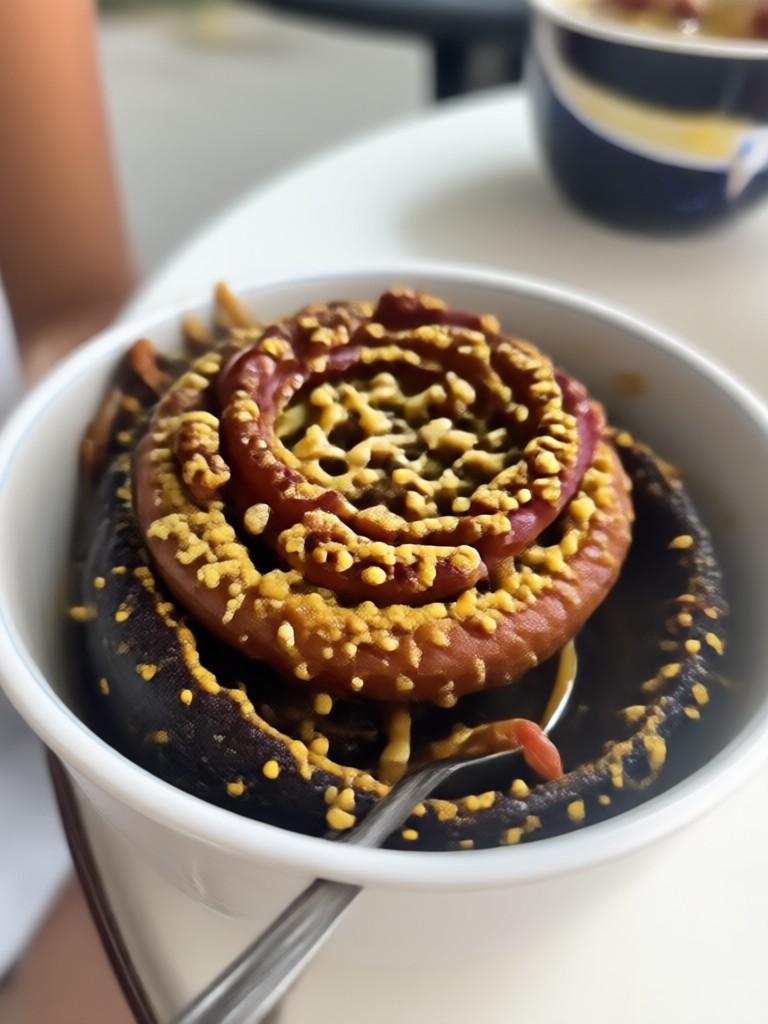
See how beyo's AI removes unwanted items while keeping your photos looking natural and untouched. From busy streets to cluttered rooms, the results speak for themselves.


Frequently Asked Questions
Find clear answers to common questions about removing items from images with AI. Learn how it works, what you can erase, and how to get started.
What Users Say About beyo's Object Removal
Finally removed my ex from my vacation photos
I had hundreds of photos from my trip and wanted to remove my ex from all of them. This app made it so easy. The background looked completely natural. I could not believe how fast it was.
Perfect for cleaning up product photos
I sell products online and always struggled with background clutter. Now I just brush over the unwanted items and get a clean photo that looks professionally shot. Saved me so much time and money.
The easiest photo cleanup tool I have used
I have tried Photoshop and other editors but they take forever to learn. beyo is different. You just mark the thing you want gone and it disappears. Even my mom can use this app.
More Topics You May Like
Explore more topics you may like and discover fresh ideas tailored to your interests.

Convert Image To Document with AI: Enhance & Digitize
Convert image to document with beyo AI. Upload a photo, enhance text clarity, and turn scans into clean digital documents. No design skills needed. Try free.
Vintage Photo Effect: AI Filters for Retro Looks
Transform modern photos into timeless memories. Use AI Vintage Photo Effect filters from beyo app. Get film grain, faded colors, and retro styles in seconds.

Image To Convert JPG: Transform Any Photo in Seconds
Image To Convert JPG lets you change formats, styles, and colors instantly. Upload a photo, pick a filter, and watch your image transform. From casual snapshots to professional portraits, get realistic results in seconds with beyo.
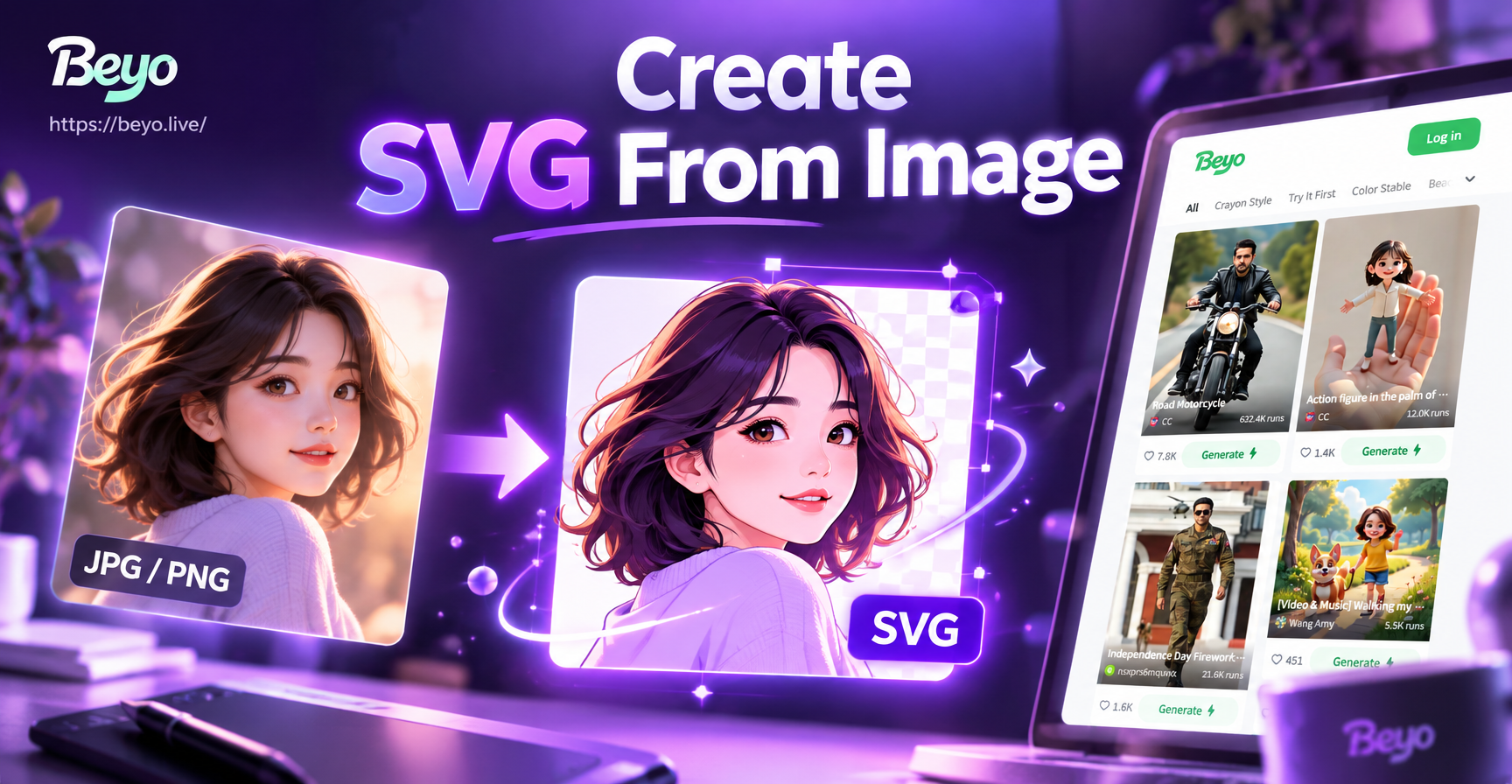
Create SVG From Image: Turn Photos into Vector Art
Turn any photo into clean vector style designs with beyo. Upload an image, pick a template, and let AI transform it into crisp, scalable artwork. No skills needed.
Ready to Clean Up Your Photos?
Download beyo from Google Play and start removing unwanted items from your images today. Get clean, professional looking photos in seconds.

Ready to Clean Up Your Photos?
Download beyo from Google Play and start removing unwanted items from your images today. Get clean, professional looking photos in seconds.