Normal To 4K Image Converter
Choose the AI Upscaling Filter That Matches Your Photo
Explore a variety of 4K enhancement filters designed for portraits, landscapes, old photos, and low light shots. Find the perfect style to bring out hidden detail and boost clarity.
Key Features of the Normal to 4K Image Converter
beyo combines advanced AI upscaling with intuitive controls, so you can transform any photo into a high resolution masterpiece without leaving your phone.
One Tap 4K Upscaling
Convert standard resolution images to 4K with a single tap. The AI fills in missing pixels naturally and avoids jagged edges.
Detail Recovery and Noise Reduction
Enhance facial features, textures, and background elements while reducing grain and compression artifacts for a clean look.
Portrait and Landscape Boost
Apply the 4K converter to selfies, group photos, nature scenes, or product shots and get sharp, vibrant results every time.
Normal to 4K Transformation Gallery
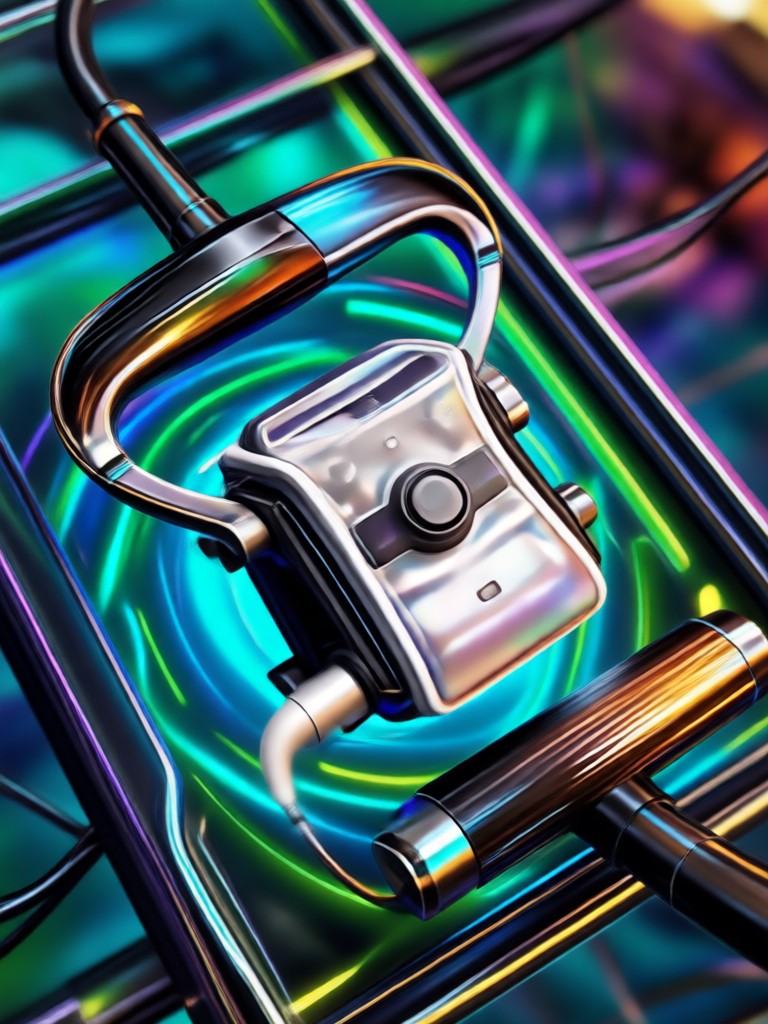
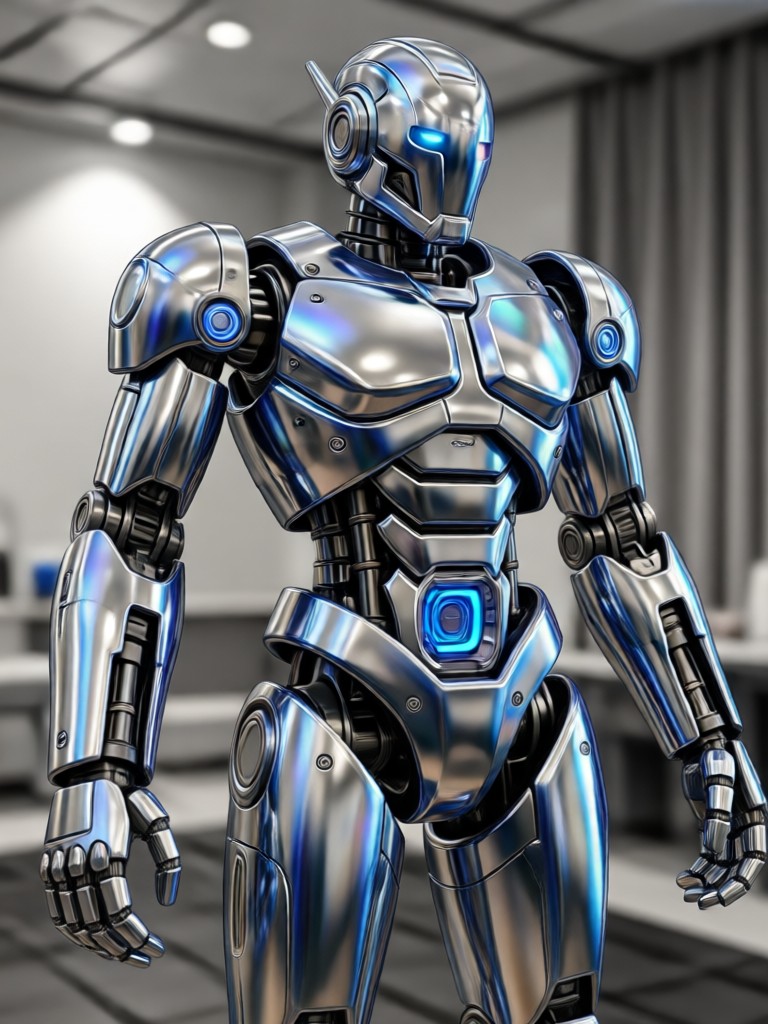
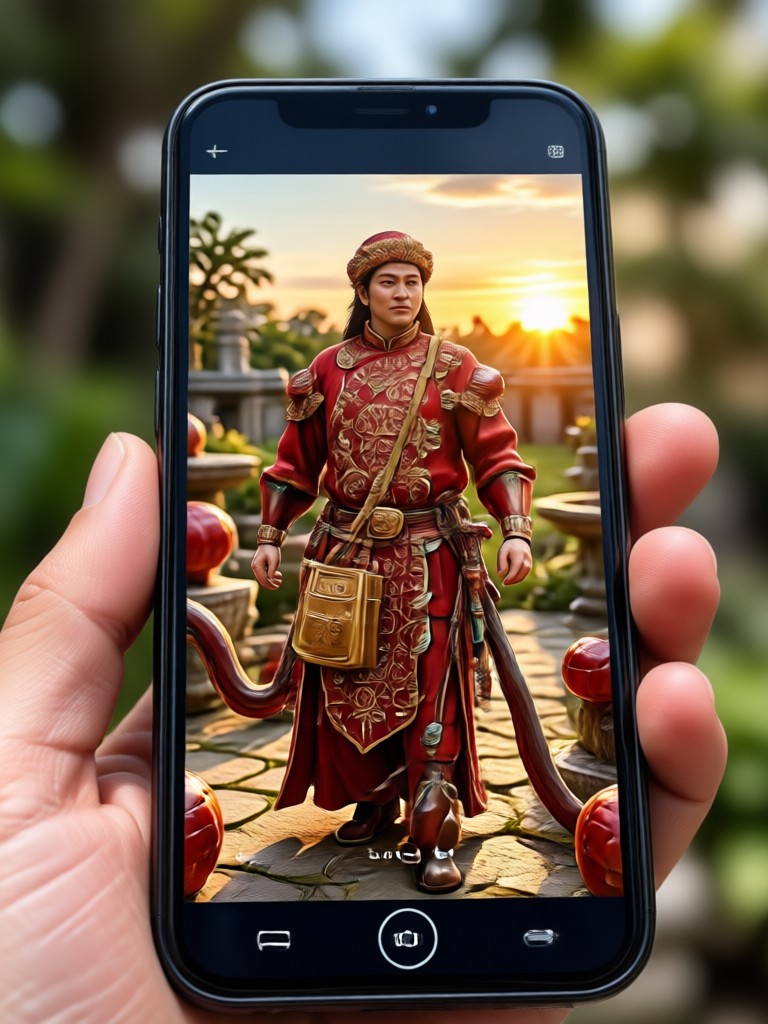
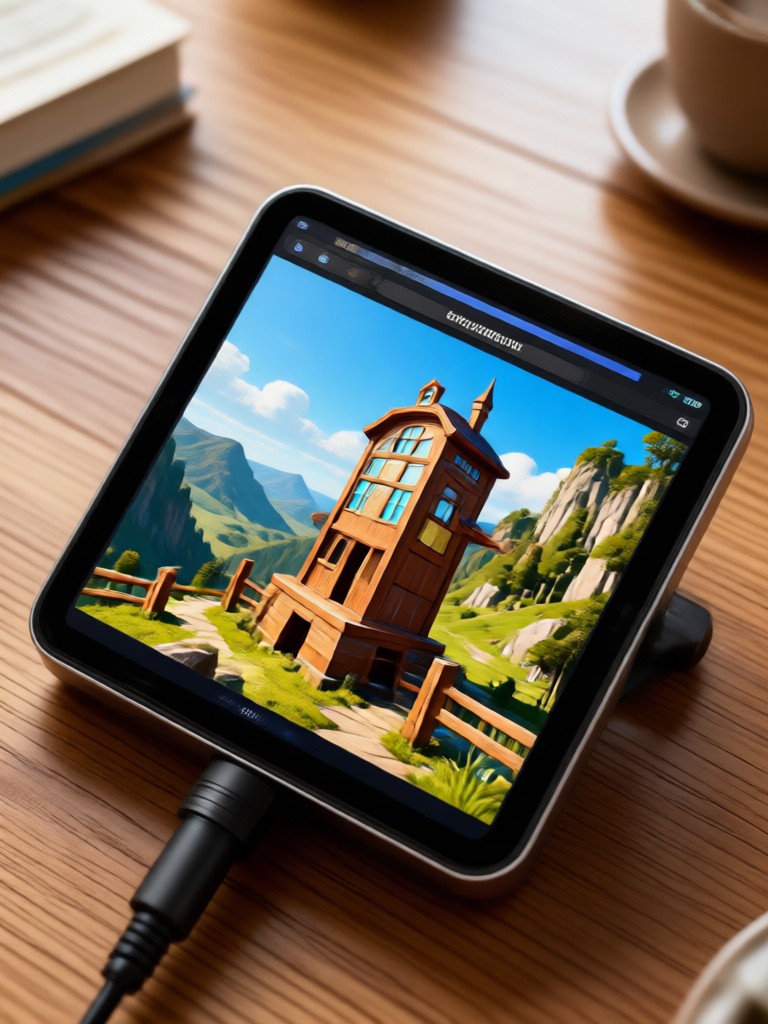
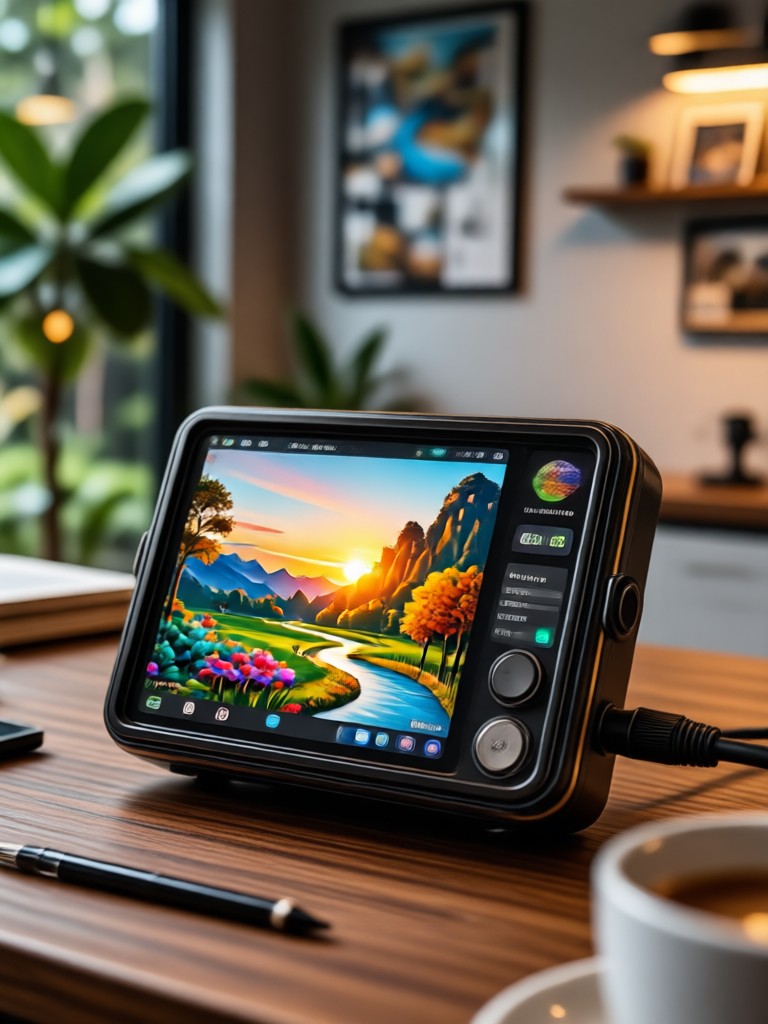
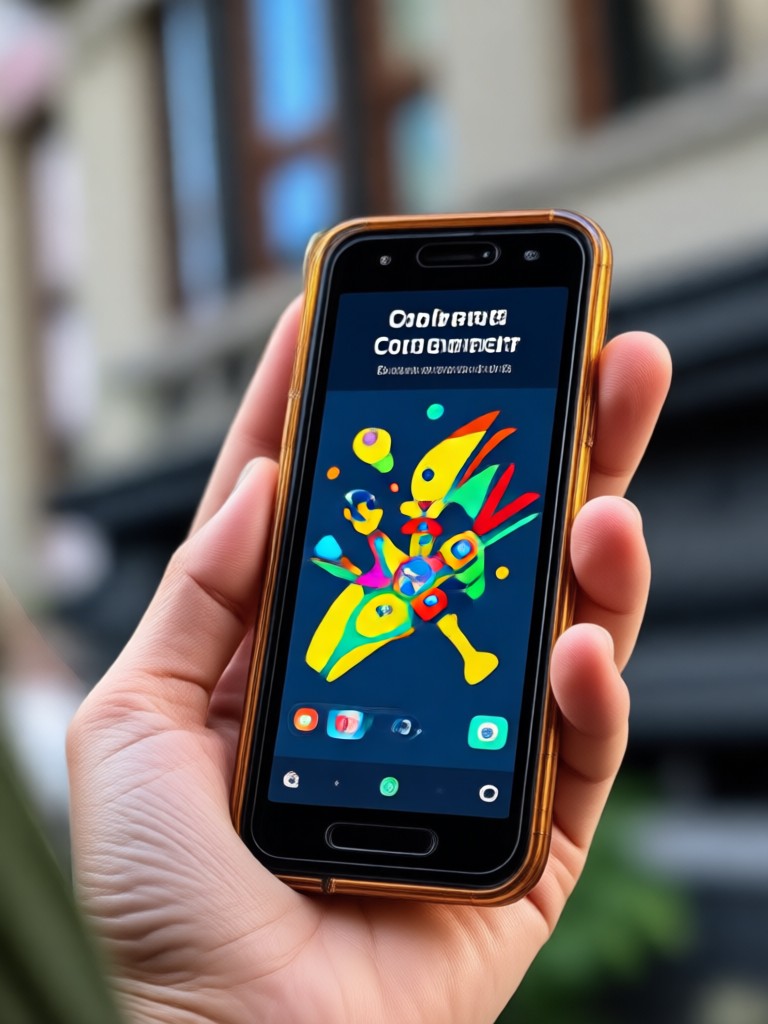
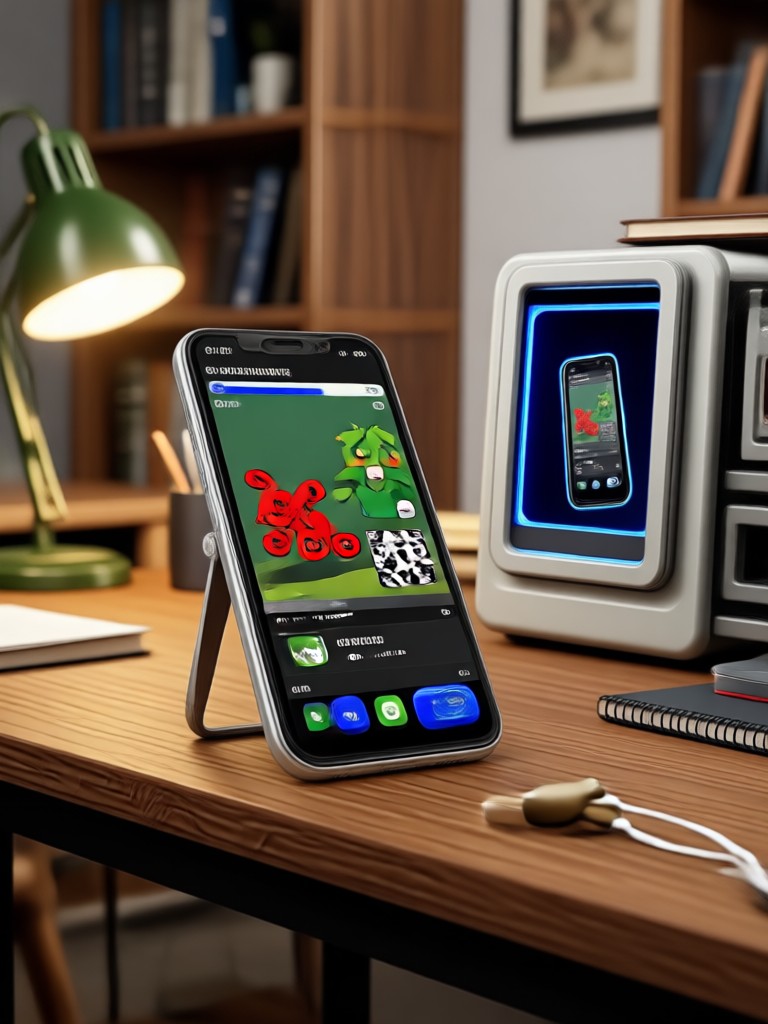
See real examples of low resolution photos transformed into crisp 4K images with beyo. Browse the gallery and imagine what your own photos could look like.
How to Convert a Normal Image to 4K
Follow three simple steps to turn any normal photo into a high definition 4K image using beyo on your Android device.

Step 01.
Download the beyo app from Google Play and open it on your Android phone or tablet.
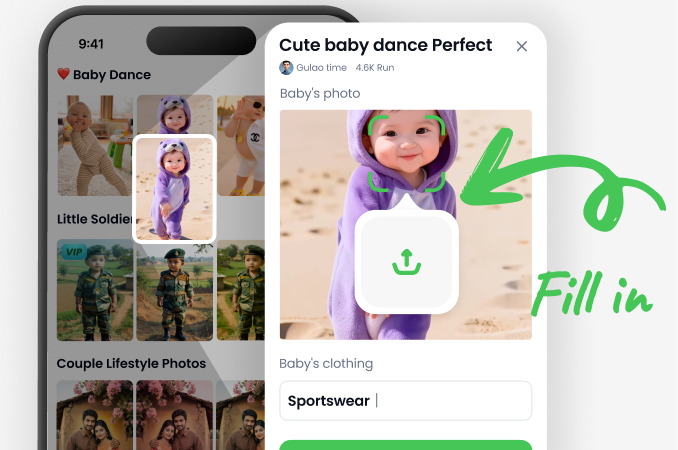
Step 02.
Upload your normal or low resolution photo, then choose the 4K upscaling filter or style that fits your image.
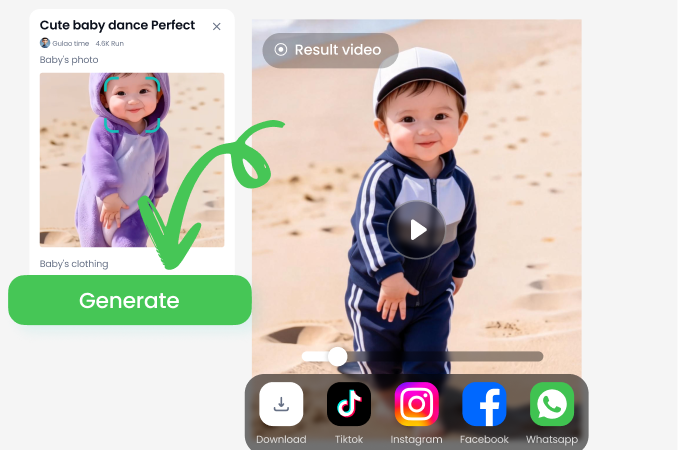
Step 03.
Tap generate and watch beyo turn your image into a sharp 4K result. Save it to your gallery or share it directly to social media.
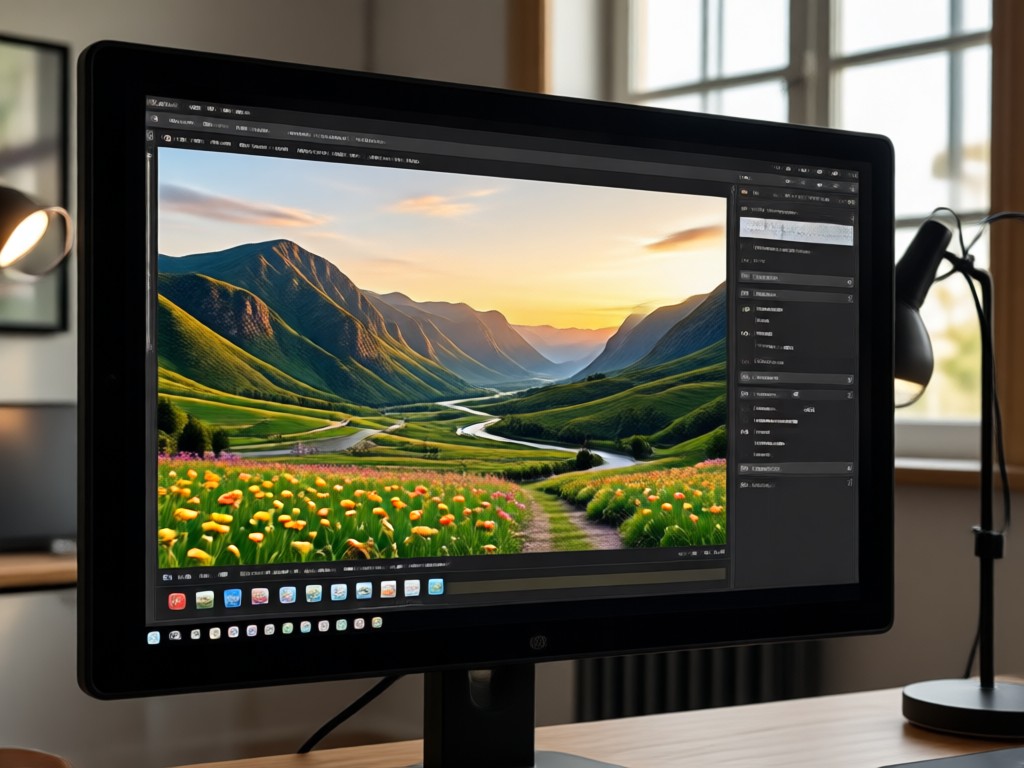
Why Use beyo for 4K Image Conversion?
beyo removes the steep learning curve of professional photo editing. It turns complex AI upscaling into a one tap mobile experience, so anyone can get print quality images, social media ready photos, and sharper memories in moments.
Why Use beyo for 4K Image Conversion?
beyo removes the steep learning curve of professional photo editing. It turns complex AI upscaling into a one tap mobile experience, so anyone can get print quality images, social media ready photos, and sharper memories in moments.
Normal To 4K Image Converter for Android
Download beyo from Google Play and start enhancing your photos to 4K quality today. The app is lightweight, fast, and built for mobile creativity.

Who Uses the 4K Image Upscaler
Mina K.
I restored my parents' old wedding photo from the 90s. The 4K converter brought back so much detail that we had it printed in a large frame.
David R.
My low light phone shots always looked grainy. After running them through beyo, they are sharp enough to post as wallpaper quality images.
Sofia L.
I sell handmade jewelry online. The normal to 4K converter makes my product photos look professional without needing a DSLR or studio setup.
Kenji T.
I upscaled my older travel photos for a digital photo book. The AI kept the colors natural while removing noise and blur.
Mina K.
I restored my parents' old wedding photo from the 90s. The 4K converter brought back so much detail that we had it printed in a large frame.
David R.
My low light phone shots always looked grainy. After running them through beyo, they are sharp enough to post as wallpaper quality images.
Sofia L.
I sell handmade jewelry online. The normal to 4K converter makes my product photos look professional without needing a DSLR or studio setup.
Kenji T.
I upscaled my older travel photos for a digital photo book. The AI kept the colors natural while removing noise and blur.
Frequently Asked Questions
Find clear answers to common questions about converting normal images to 4K with beyo.
More Topics You May Like
Explore more topics you may like and discover fresh ideas tailored to your interests.
Remove Anything From Photo: Clean Up Images in Seconds
Remove anything from photo with AI precision. Erase unwanted objects, people, and text from images instantly. Upload a picture and get flawless results in seconds.
Erase Unwanted Objects From Photos in Seconds
Remove any object, person, or distraction from your images with AI. Upload a photo, brush over the unwanted item, and get a clean result in seconds.
Convert Image To Document with AI: Enhance & Digitize
Convert image to document with beyo AI. Upload a photo, enhance text clarity, and turn scans into clean digital documents. No design skills needed. Try free.
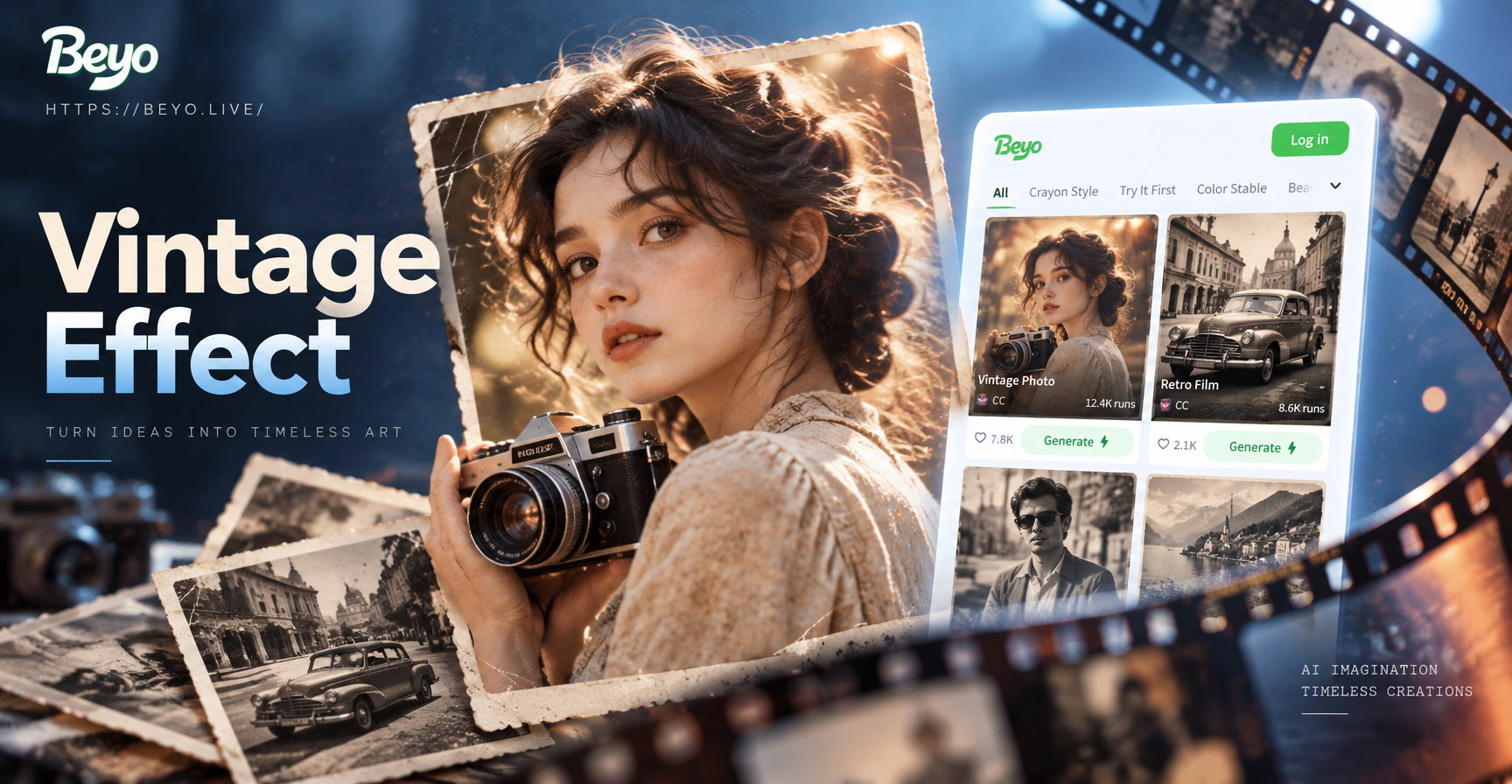
Vintage Photo Effect: AI Filters for Retro Looks
Transform modern photos into timeless memories. Use AI Vintage Photo Effect filters from beyo app. Get film grain, faded colors, and retro styles in seconds.
Convert Your Photos to 4K Today
Download beyo and turn any normal image into a sharp, high definition 4K photo in seconds. Join thousands of creators using AI to upgrade their memories and content.
Convert Your Photos to 4K Today
Download beyo and turn any normal image into a sharp, high definition 4K photo in seconds. Join thousands of creators using AI to upgrade their memories and content.